
Elephant vs Mech Cinematic Action
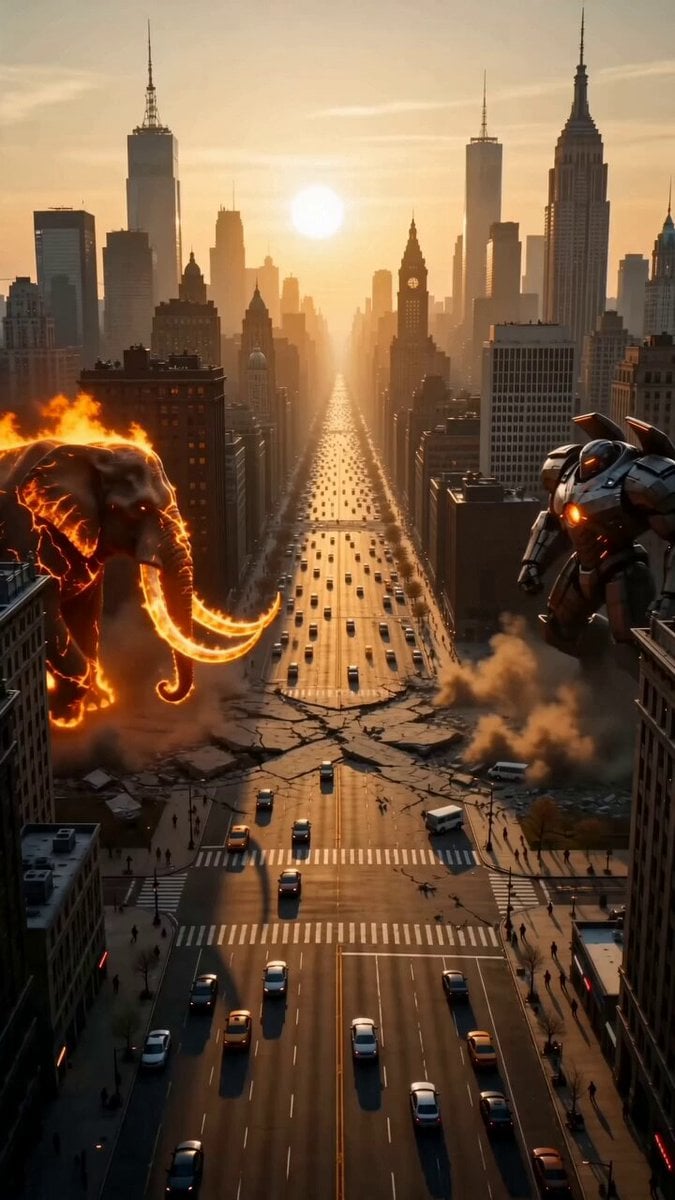
A cinematic, hyper-realistic battle sequence featuring a giant flaming elephant and a heavily armored mech warrior colliding in a sunlit metropolis.
- Prompt included
- Model and format preset
- Premium template
The prompt behind this video
Copy the exact prompt behind Elephant vs Mech Cinematic Action, or open it in the studio and make it yours.
A cinematic, hyper-realistic action sequence set in a sprawling, sunlit metropolis. A colossal, giant elephant with glowing molten-crack skin and massive tusks engulfed in flowing fire stands on one side of a wide city avenue. Its enormous body radiates intense heat, with flames swirling around its trunk and legs like a living inferno. On the opposite side stands a massive, heavily armored metallic mech warrior with a glowing orange core reactor embedded in its chest. The camera captures a dramatic wide shot as the two colossal titans charge toward each other, causing the ground to crack and tremble beneath their weight. They collide violently in the center of the avenue, shattering concrete, crushing vehicles, and sending debris flying through the air. The mech launches a devastating heavy punch, but the giant fire-elephant counters aggressively, slamming the mech backward with its burning tusks and powerful trunk before charging forward and smashing the mech into a towering skyscraper. Explosions, smoke, sparks, and collapsing debris fill the atmosphere as the city descends into chaos. The sequence ends with the giant flaming elephant standing victorious amidst the burning ruins, raising its trunk and unleashing a thunderous roar while smoke and embers swirl dramatically around it. Photorealistic textures, cinematic destruction, dramatic golden-hour lighting, volumetric smoke, intense motion blur, ultra-detailed environmental damage, studio-quality rendering, epic scale, 8K resolution.
How to use Elephant vs Mech Cinematic Action in 3 steps
- 1
Open
The prompt is already in the box next to the preview, with the template's model and format selected.
- 2…a portrait of your subject in softgolden-hour light, 85mm…
Personalize
Edit the subject and creative details for your destination.
- 3Generate
Generate
Press Generate — your video is created in PicX Studio, so you can compare it with the original and refine one variable at a time.
More like this
Templates with the same subject, style or setup. Open one to see its prompt.
Mecha Transformation vs Kaiju — 4-Scene Epic

RX-7 to Mech Transformation Cyberpunk

Walking Factory with Rebel on Hoverbike - Wasteland
Epic Sci-Fi Action Sequence: Bionic Heroine vs. Giant Mecha
Thornmaw Monarch — Crimson Glass Desert Beast
Warhorse Sprint on Cliff Aqueduct
Parametric Fight Scenes Seedance

Nano Banana Seedance Time Control Streets
Colossal Sea Creature — Stormy Shore Charge (Seedance)
Skybridge Rescue — Supertall Tower Collapse (Seedance)
Highway Biker — Aggressive Lane Split (PixVerse C1)
Bullet Time Selfie — Modular Parameter Template (Seedance)
Make it yours
Elephant vs Mech Cinematic Action works as-is. These are the safest ways to change it without losing the look.
Change one field
Copy a single group, rewrite it, and generate again so you can see what that field is doing.
Keep the frame, change the subject
Hold the composition and light of Elephant vs Mech Cinematic Action, then swap wardrobe, props or the person for a new take.
| If the result… | Why | Fix |
|---|---|---|
| The result drifts from the preview | Too many fields changed at once. | Reuse Elephant vs Mech Cinematic Action as-is first, then change one group — subject, light, or setting. |
| The model over-stylizes the scene | The prose prompt leaves finish and camera underspecified. | Add one camera or lighting sentence and stay on Seedance 2.0. |
More Seedance 2.0 templates
Other prompts made for Seedance 2.0.

Comical Martial Arts Punch Scene

Maglev Train Action Sequence

Martial Arts Fight Sequence

Wuxia Protection and Trust Script

Vintage Korean Arcade MiniDV Vlog

Mercedes 190 SL Luxury Ad

Rainy Night Supernatural Reverse Comedy Video Script

Amazon Civilization Discovery

Futuristic South Asian City Transformation

Cozy Luxury Cafe Commercial
More video prompts
Fresh picks from across the catalog.
Impossible Camera Move through a Southeast Asian Night Market
Jogging Trail Horror Scare
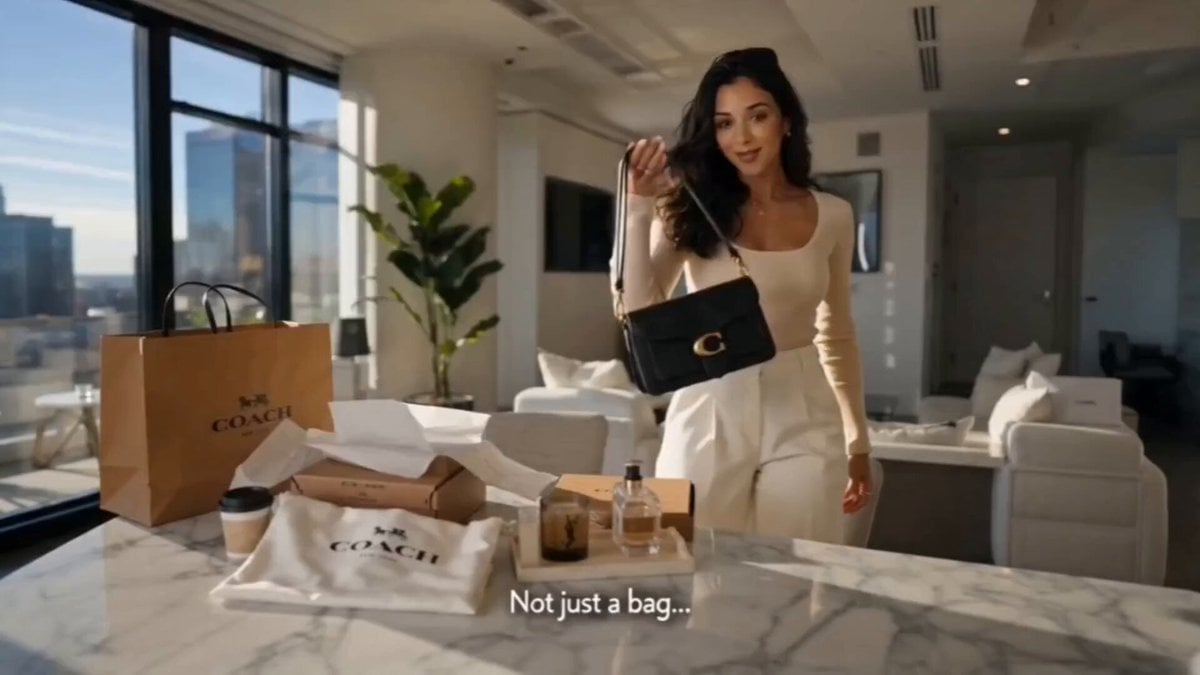
Luxury Fashion Bag Unboxing Ad
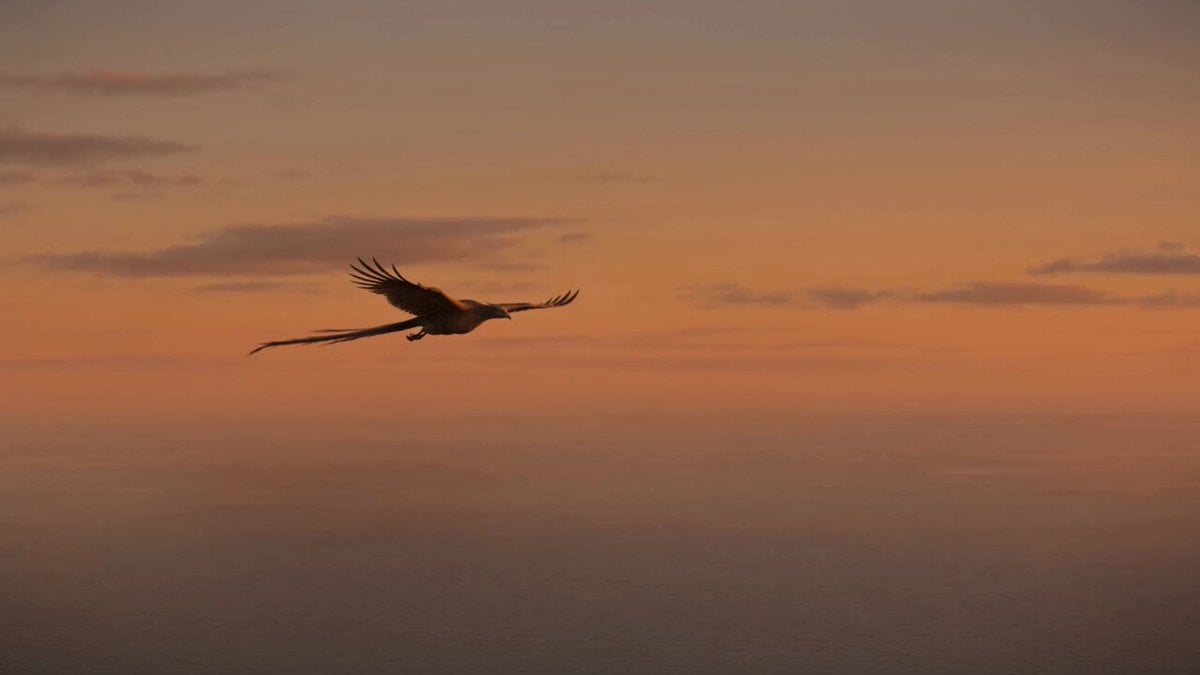
Golden Hour Fire Bird Transformation
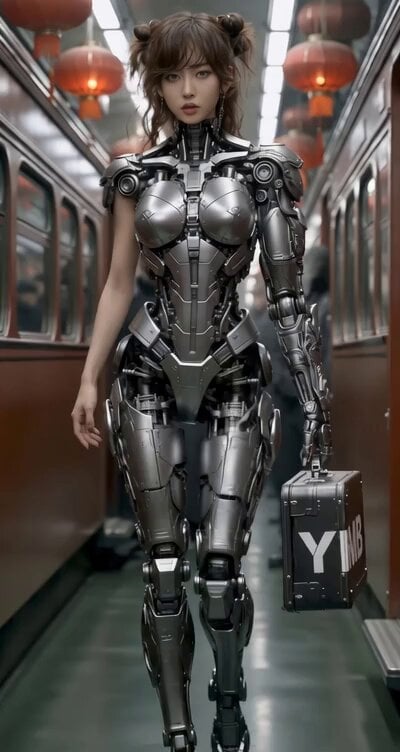
East-Asian Cyborg on Bullet Train
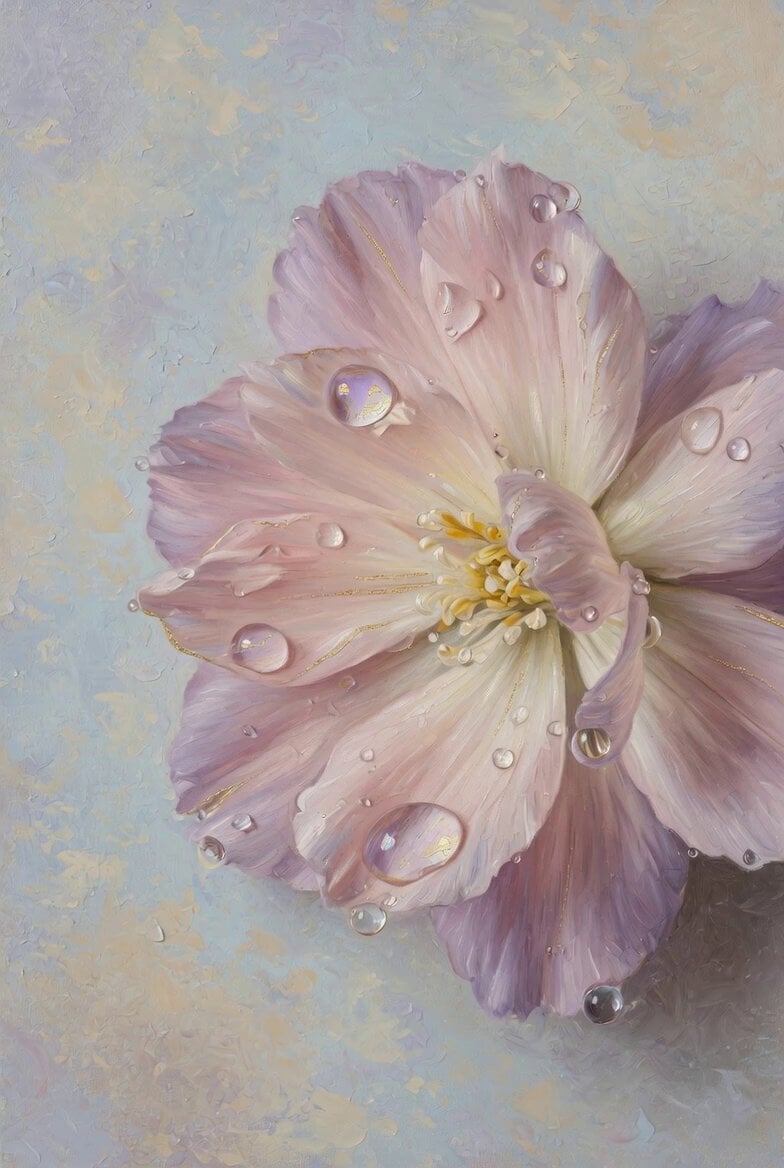
Pastel Flower Oil Painting
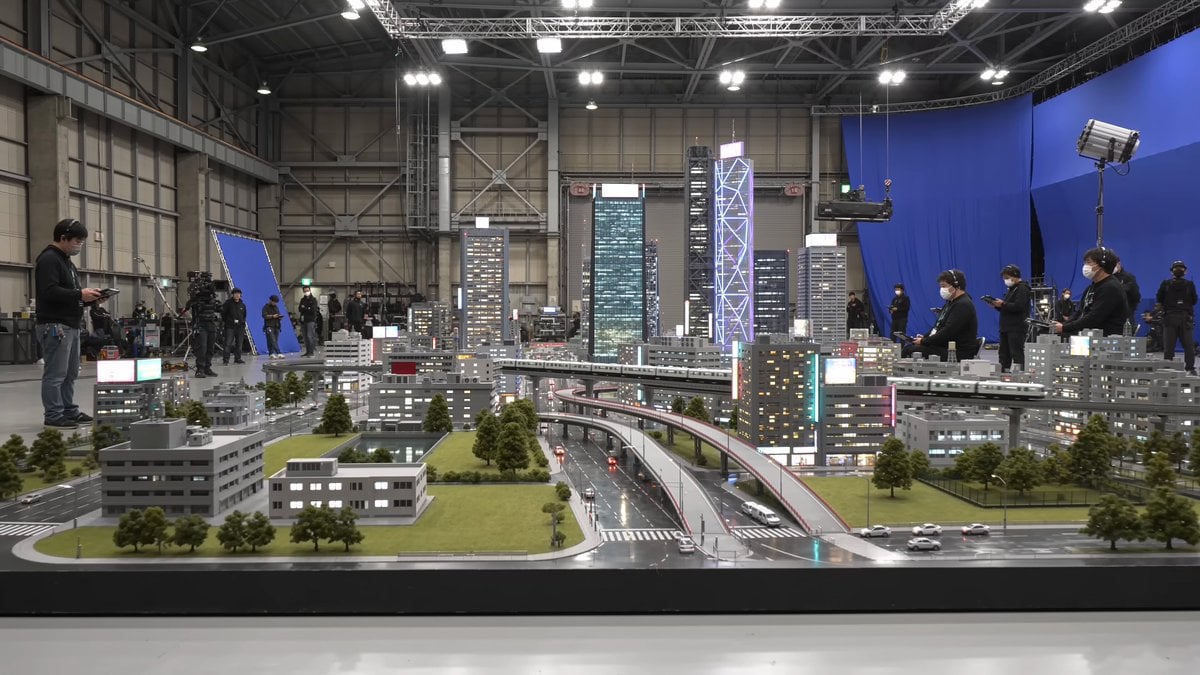
Tokyo Miniature VFX Production Scene
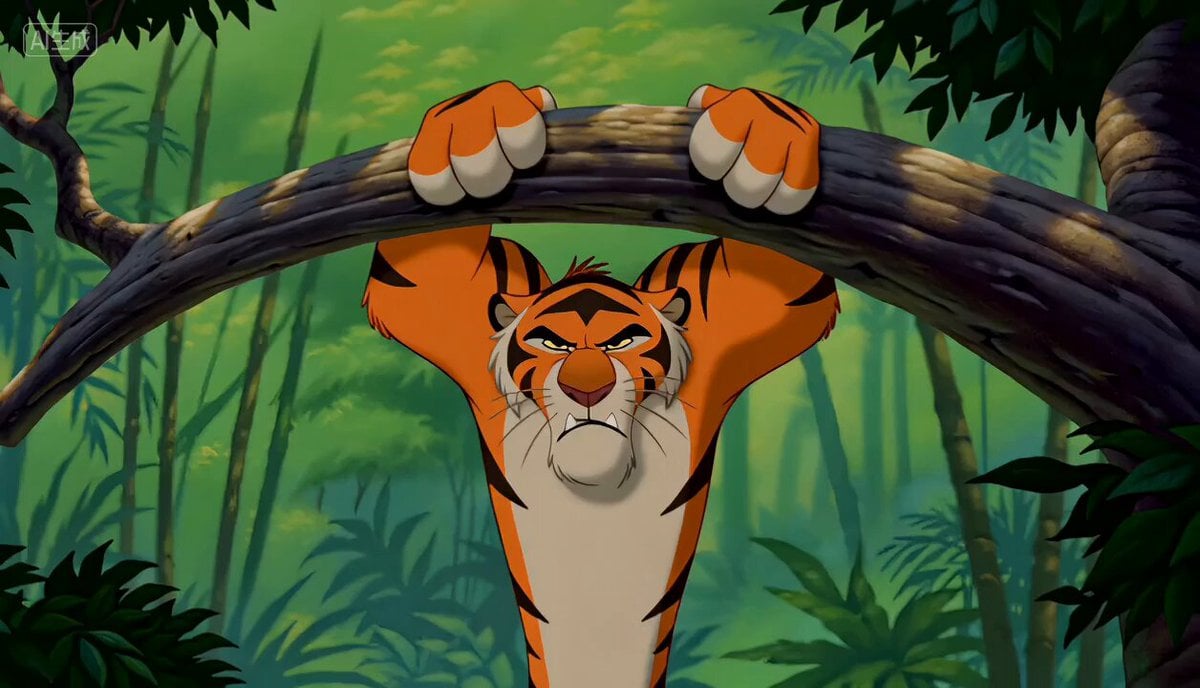
90s Disney Style Animated Storyboard
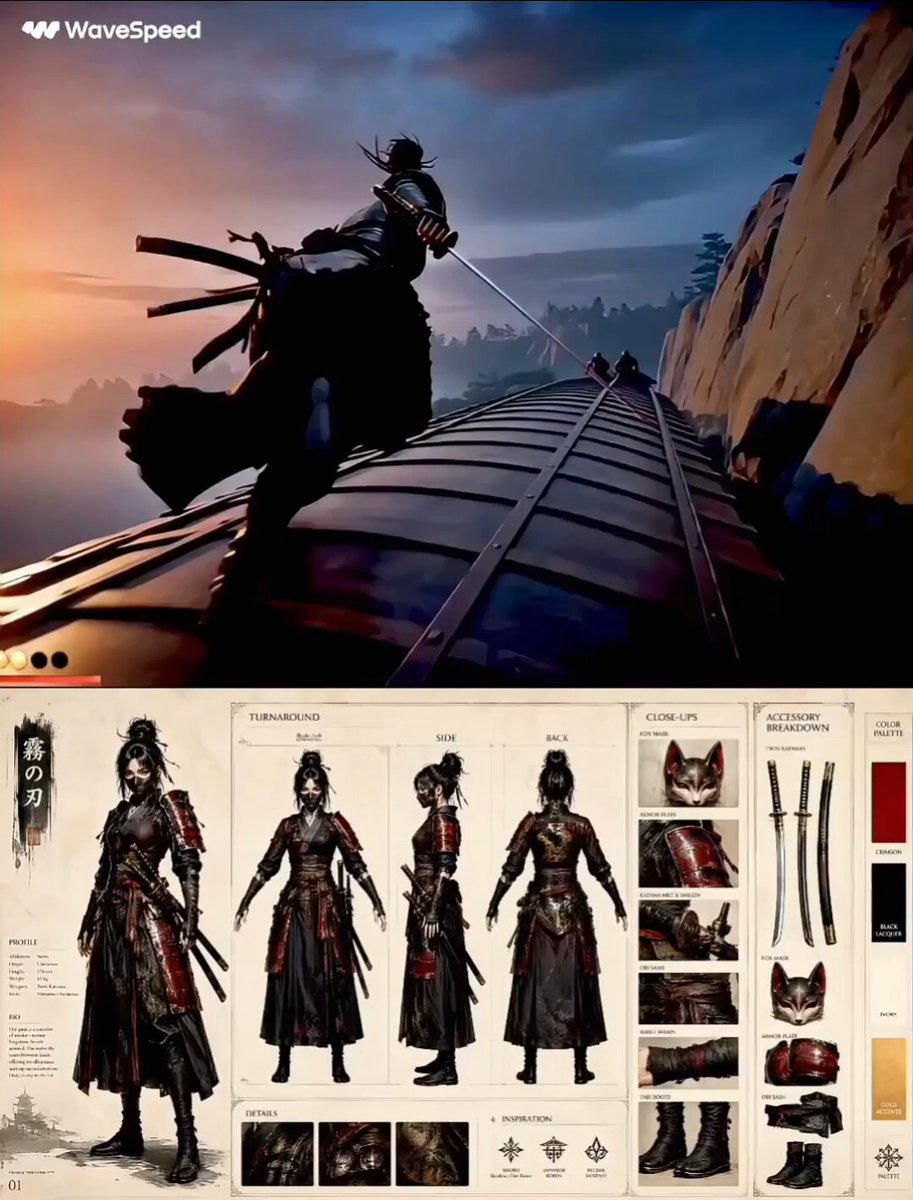
Feudal Japan Samurai War Train
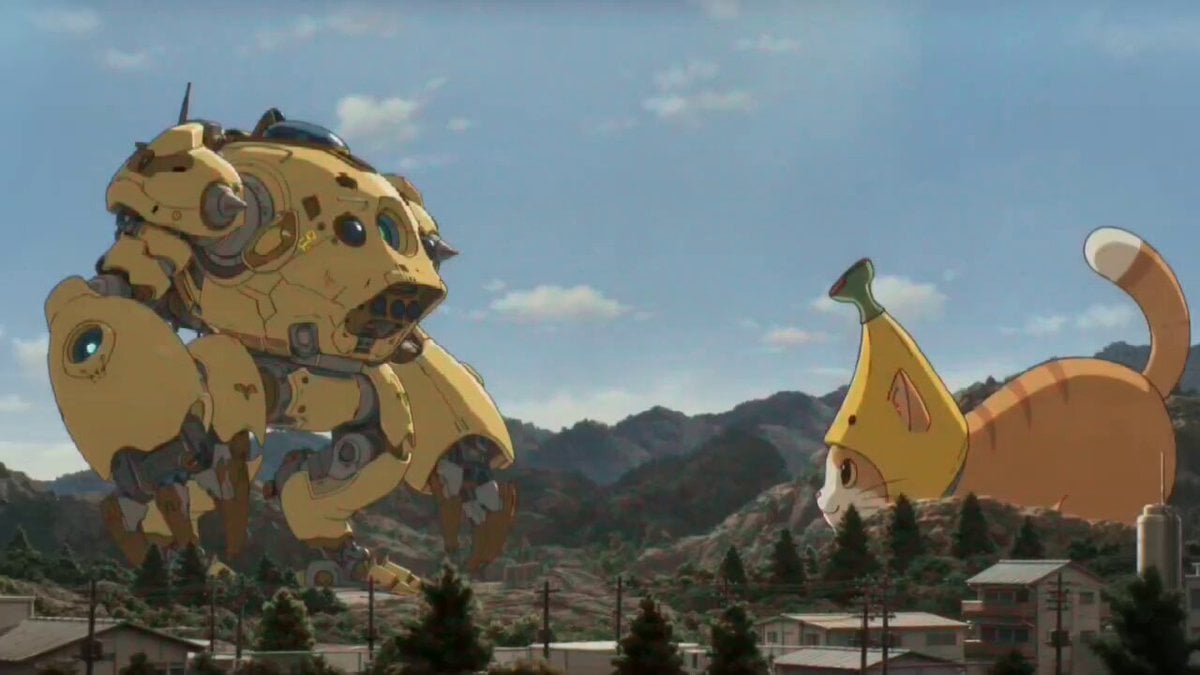
Kaiju Battle Video Generation Prompt for Seedance 2
Browse template categories
Elephant vs Mech Cinematic Action questions
How do I use the Elephant vs Mech Cinematic Action template?
Add your photo if the template asks for one, edit the prompt if you like — the template's model and format are already selected — and press Generate. Your version opens in PicX Studio.
Can I customize the Elephant vs Mech Cinematic Action template?
Yes. You can change the subject, setting, lighting, mood, format, and available model controls before creating your video.
Is the Elephant vs Mech Cinematic Action template free?
Opening and editing this template is free. Generating uses credits, shown on the Generate button when you are signed in.
Which AI model should I use?
Start with Seedance 2.0, which is the model associated with this template. You can compare another compatible model for a different finish.
Looking for something else? Browse all templates.

Your photo, any look
Thousands of ready templates for every top image and video model, from one credit balance.