
Gen-Z Girl Joker Transformation
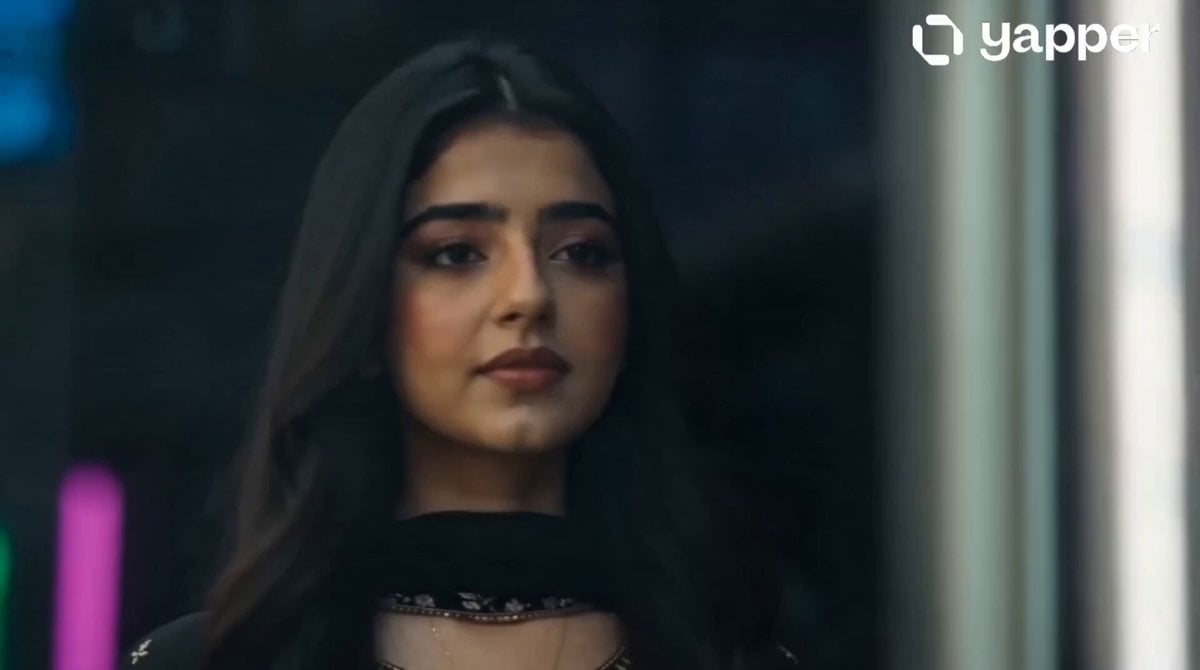
An extensive fashion-forward transformation sequence prompt showing a girl's aesthetic shift from street-style to a Joker-inspired neon noir look.
- Prompt included
- Model and format preset
- Free template
The prompt behind this video
Copy the exact prompt behind Gen-Z Girl Joker Transformation, or open it in the studio and make it yours.
Style: Gen-Z viral cinematic, neon noir, glitch transitions, fashion transformation, dramatic lighting, ultra-realistic, slow motion + handheld energy mix Character: young Gen-Z girl, stylish, confident, natural beauty transforming into chaotic Joker-inspired aesthetic (fashion-forward, not horror) A cinematic 15-shot sequence of a Gen-Z girl transforming from an elegant street-style fashion look into a chaotic Joker-inspired aesthetic persona. The environment shifts from bright modern city daylight to dark neon-lit urban alleys. Ultra-realistic skin detail, cinematic lighting, shallow depth of field, dynamic camera movement, glitch transitions, fashion editorial quality. Shot 1: Wide shot, stylish girl walking confidently in bright city street, soft golden sunlight, fashion editorial vibe. Shot 2: Close-up face, subtle smirk forms, ambient sound distortion begins. Shot 3: Reflection in glass shows alternate darker expression. Shot 4: Extreme close-up eyes, neon green and purple reflections appear. Shot 5: Outfit subtly flickers between clean aesthetic and edgy chaotic fashion elements. Shot 6: She steps into darker alley, lighting shifts to neon cyberpunk tones. Shot 7: Slow zoom on smile widening, dramatic fashion expression. Shot 8: Makeup transition montage, bold Joker-inspired eyeliner and lipstick smudge effect. Shot 9: Wind effect, hair becomes messy and dynamic. Shot 10: Full-body reveal under neon signage, fully transformed aesthetic. Shot 11: Slow viral dance movement, glitch frame transitions. Shot 12: Mirror crack visual reflecting multiple personalities. Shot 13: Walking forward through blurred crowd, confident chaotic energy. Shot 14: Half-shadow face close-up, intense eye contact with camera. Shot 15: Freeze frame ending with glitch text: “SHE DIDN’T CHANGE… SHE UNLOCKED IT.” cinematic lighting, neon glow, cyberpunk mood, fashion editorial, ultra-realistic, 4K, shallow depth of field, glitch effects, slow motion, handheld camera, dramatic color grading, viral TikTok aesthetic
How to use Gen-Z Girl Joker Transformation in 3 steps
- 1
Open
The prompt is already in the box next to the preview, with the template's model and format selected.
- 2…a portrait of your subject in softgolden-hour light, 85mm…
Personalize
Edit the subject and creative details for your destination.
- 3Generate
Generate
Press Generate — your video is created in PicX Studio, so you can compare it with the original and refine one variable at a time.
More like this
Templates with the same subject, style or setup. Open one to see its prompt.

Magical Room Transformation - Seedance 2.5

Dark Tokusatsu Transformation - Seedance 2.5

RX-7 to Mech Transformation Cyberpunk
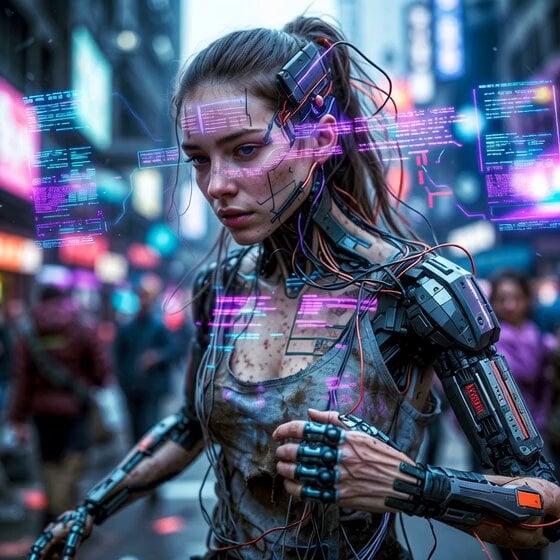
Cyberpunk Guerrilla Girl Video Generation
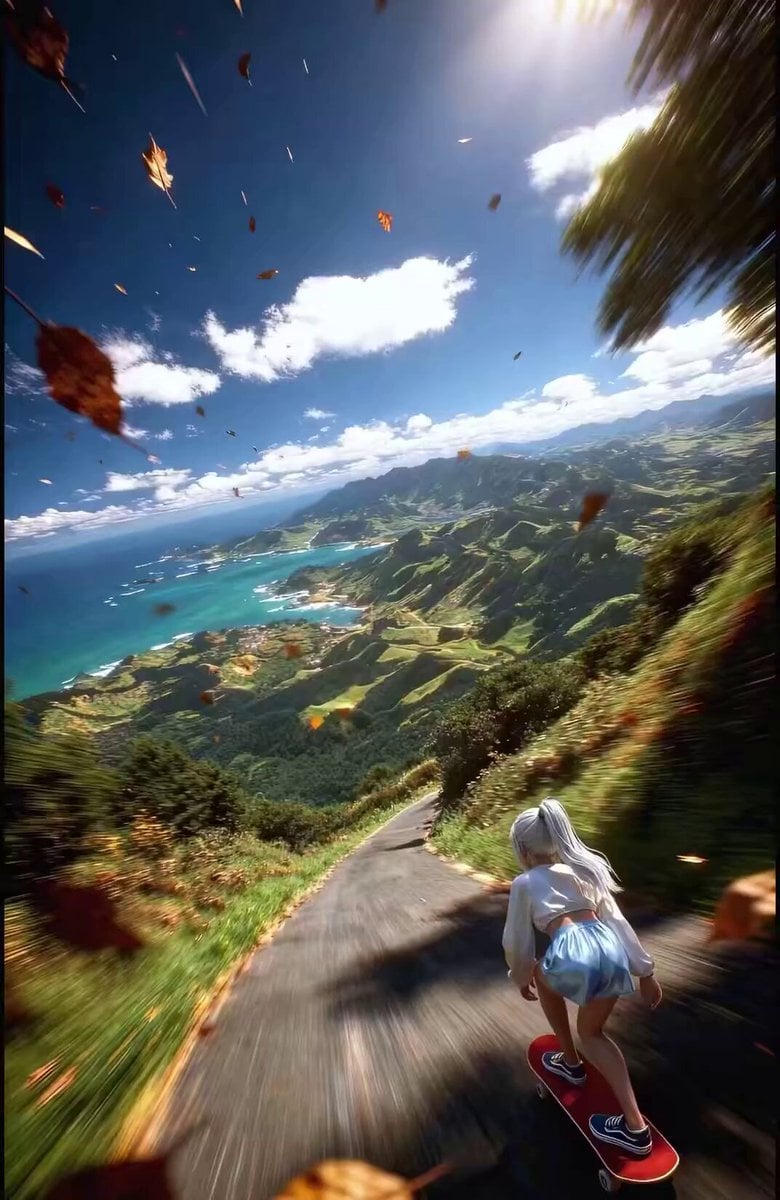
Anime Girl Skateboarding Transformation Prompt
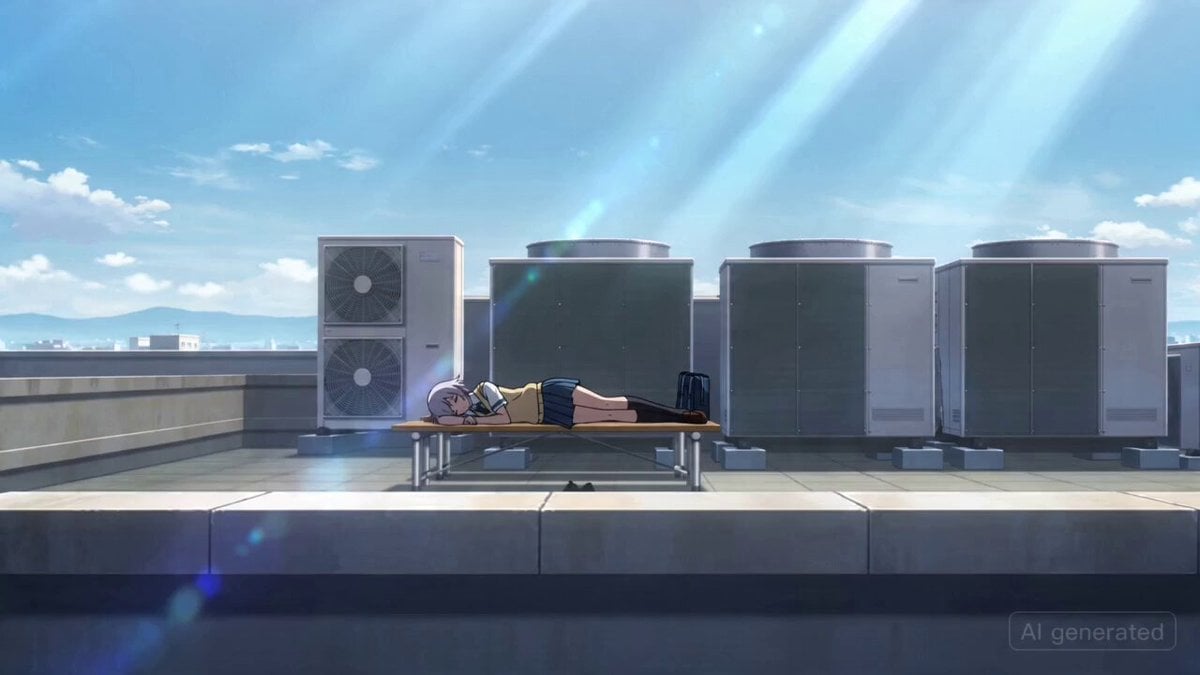
Japanese High School Girl Mecha Transformation
Cartoon Bullfight Arena — Girl vs Bull (Seedance)
Civilization Timelapse — Centuries in One Shot
Mecha Transformation vs Kaiju — 4-Scene Epic
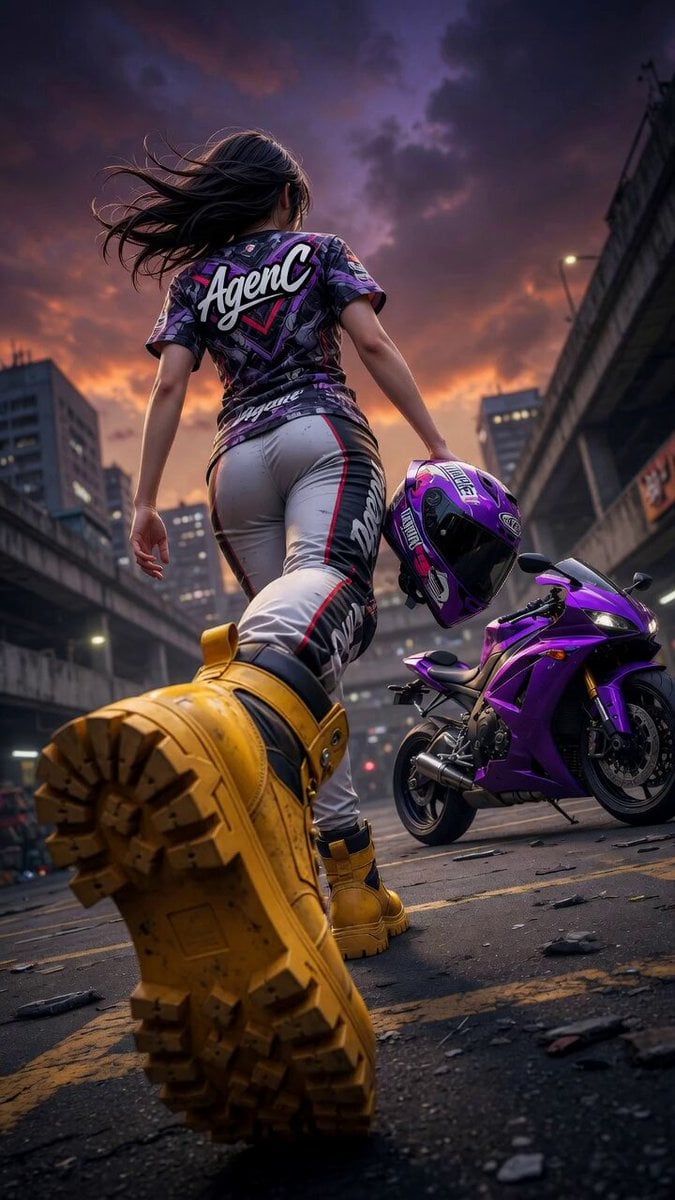
Cinematic Anime Racing Girl in Urban Parking Lot
Pterodactyl Transformation Journey

Floating Girl with Star Light
Make it yours
Gen-Z Girl Joker Transformation works as-is. These are the safest ways to change it without losing the look.
Change one field
Copy a single group, rewrite it, and generate again so you can see what that field is doing.
Keep the frame, change the subject
Hold the composition and light of Gen-Z Girl Joker Transformation, then swap wardrobe, props or the person for a new take.
| If the result… | Why | Fix |
|---|---|---|
| The result drifts from the preview | Too many fields changed at once. | Reuse Gen-Z Girl Joker Transformation as-is first, then change one group — subject, light, or setting. |
| The model over-stylizes the scene | The prose prompt leaves finish and camera underspecified. | Add one camera or lighting sentence and stay on Seedance 2.0. |
More Seedance 2.0 templates
Other prompts made for Seedance 2.0.

Comical Martial Arts Punch Scene

Maglev Train Action Sequence

Martial Arts Fight Sequence

Wuxia Protection and Trust Script

Vintage Korean Arcade MiniDV Vlog

Mercedes 190 SL Luxury Ad

Rainy Night Supernatural Reverse Comedy Video Script

Amazon Civilization Discovery

Futuristic South Asian City Transformation

Cozy Luxury Cafe Commercial
More video prompts
Fresh picks from across the catalog.
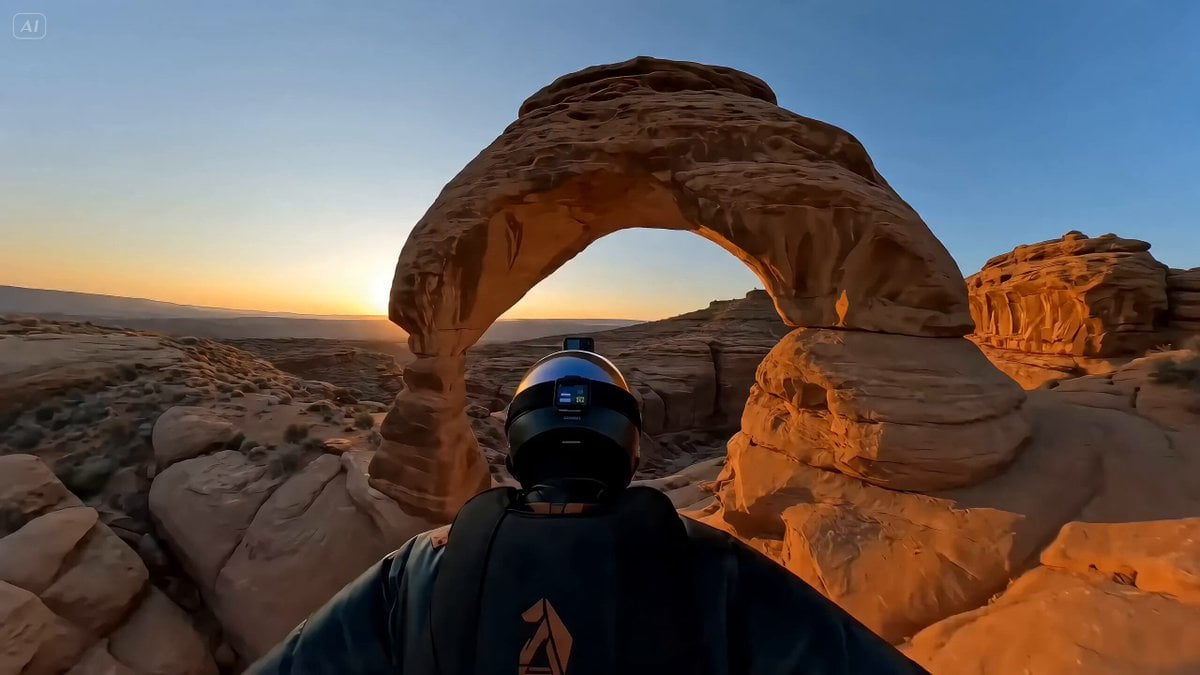
Canyon Wingsuit Thread Prompt

Moroccan Souk Football Chain Reaction
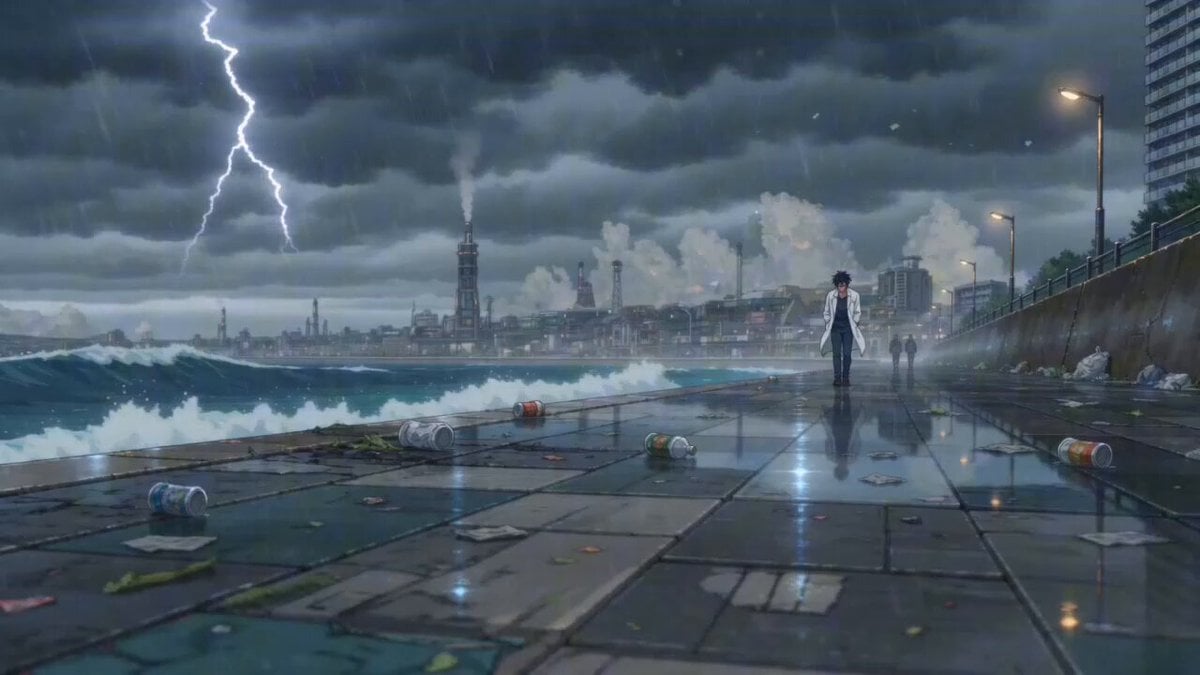
Cinematic Anime Scene: Stormy Seaside Promenade

Dreamlike Surreal Desert figure
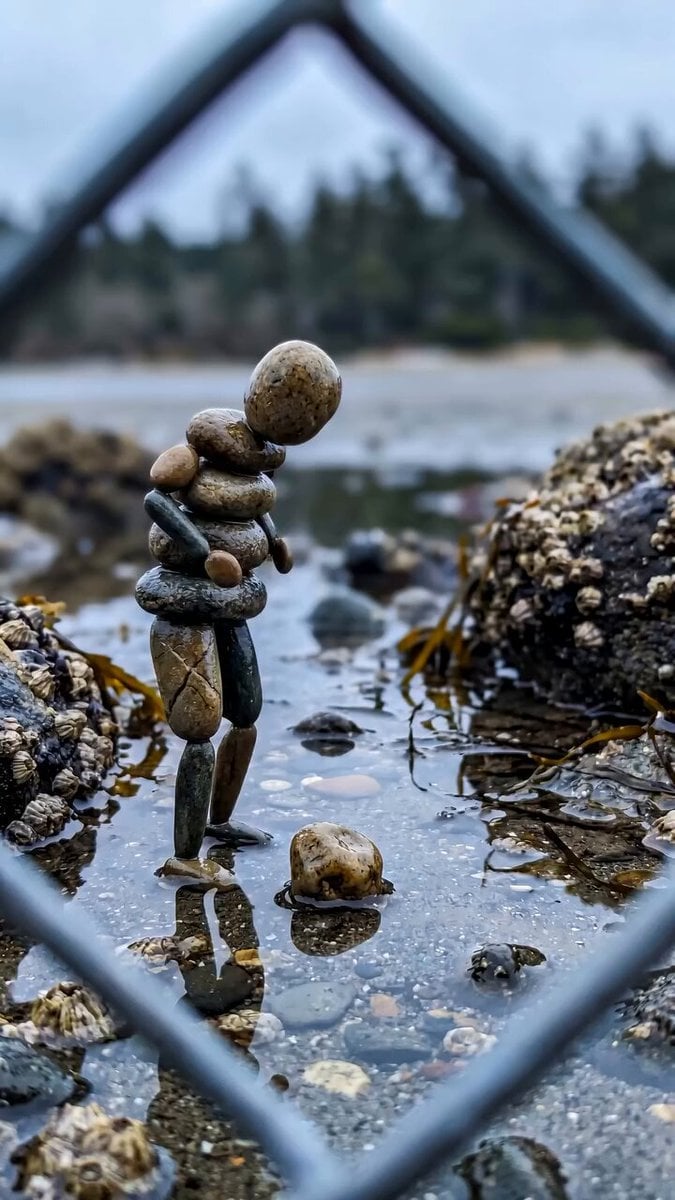
Stone Humanoid Stop Motion Animation
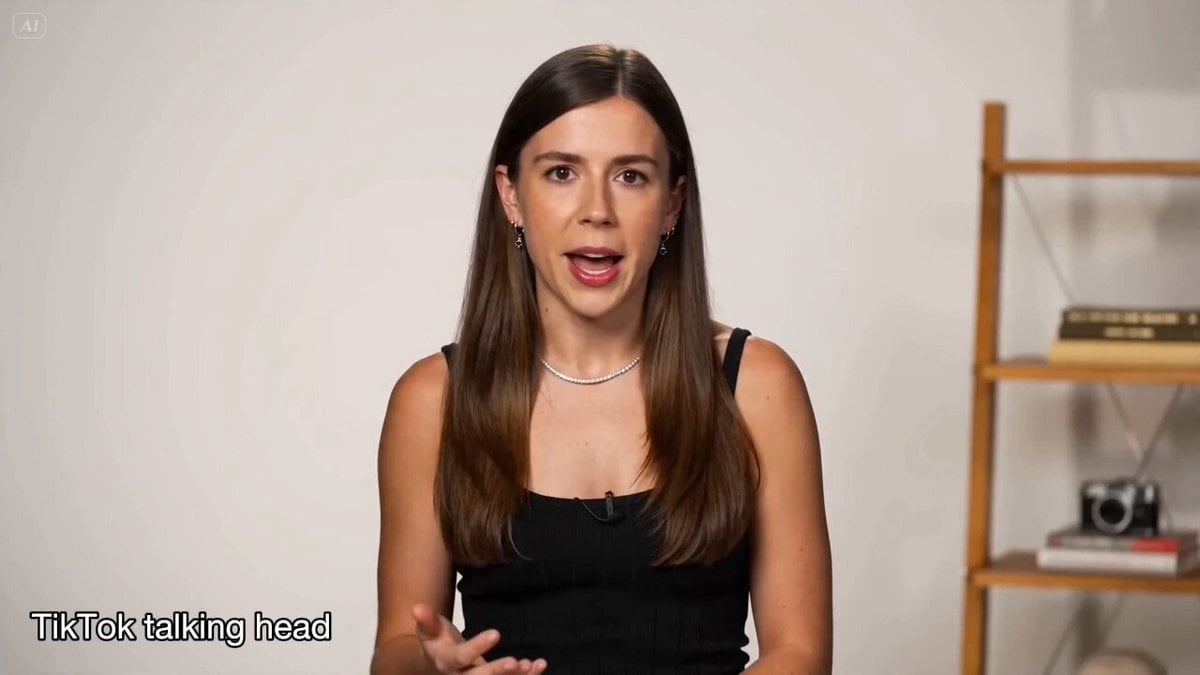
Social Media & UGC Content Prompts
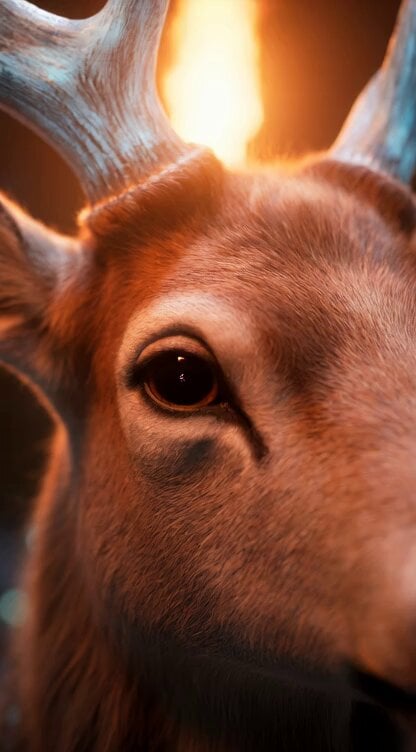
Grok Imagine Video Prompt: Dynamic Fantasy Scene with Deer, Fairy, and Girl
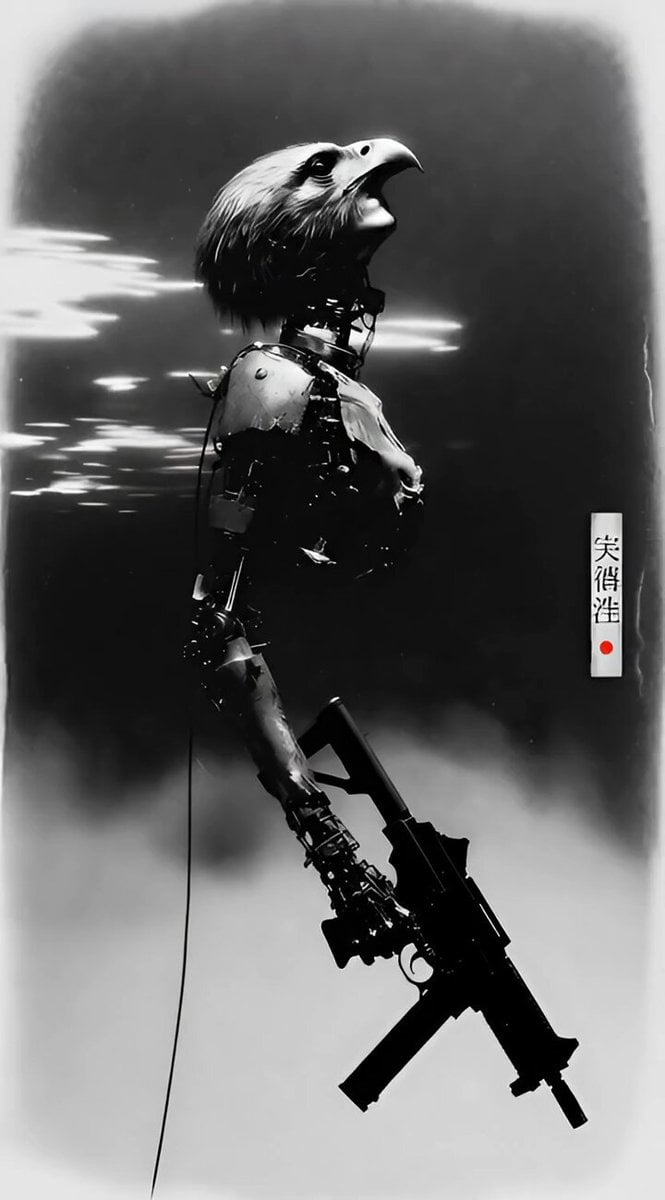
Battle Android Photograph
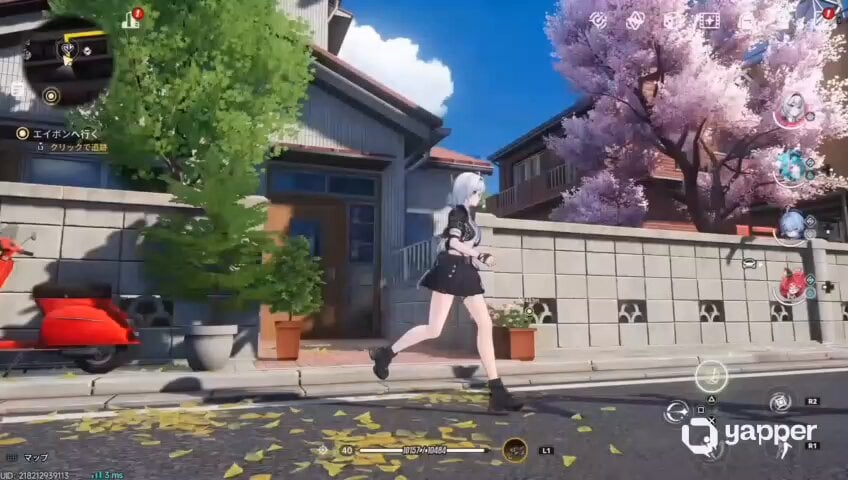
Futuristic Anime Parkour Gameplay Cinematic
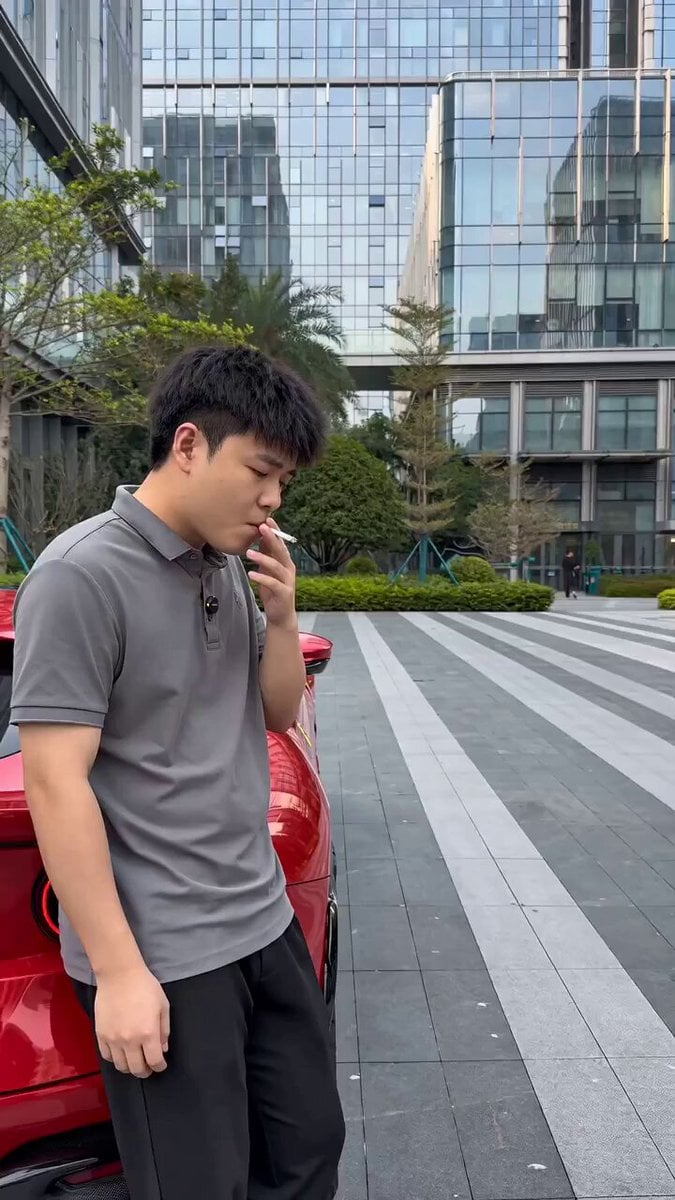
Viral Sketch Comedy Video Prompt: The Car Wash Twist
Browse template categories
Gen-Z Girl Joker Transformation questions
How do I use the Gen-Z Girl Joker Transformation template?
Add your photo if the template asks for one, edit the prompt if you like — the template's model and format are already selected — and press Generate. Your version opens in PicX Studio.
Can I customize the Gen-Z Girl Joker Transformation template?
Yes. You can change the subject, setting, lighting, mood, format, and available model controls before creating your video.
Is the Gen-Z Girl Joker Transformation template free?
Opening and editing this template is free. Generating uses credits, shown on the Generate button when you are signed in.
Which AI model should I use?
Start with Seedance 2.0, which is the model associated with this template. You can compare another compatible model for a different finish.
Looking for something else? Browse all templates.

Your photo, any look
Thousands of ready templates for every top image and video model, from one credit balance.