
Hyper-Dynamic Urban Streetwear Video Prompt
A structured technical prompt for creating a fast-paced, 15-second cinematic urban sequence with tracking shots and motion blur focusing on a specific subject.
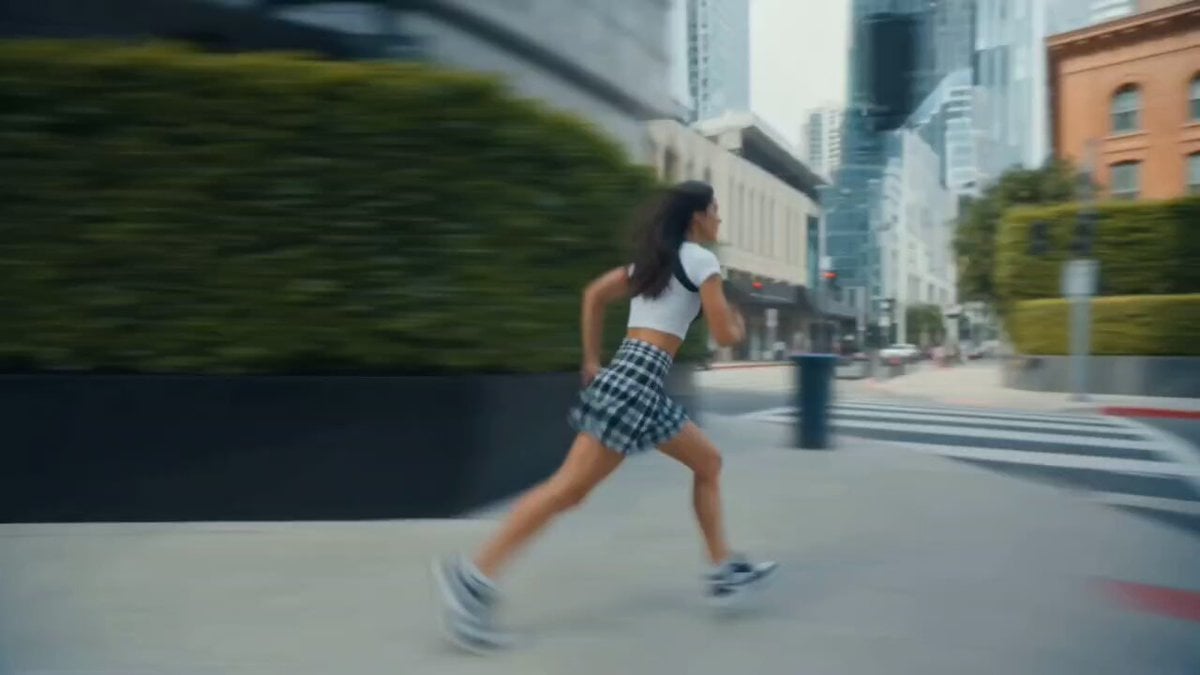
- Prompt included
- Model and format preset
- Premium template
The prompt behind this video
Copy the exact prompt behind Hyper-Dynamic Urban Streetwear Video Prompt, or open it in the studio and make it yours.
FORMAT: 15s / 150 BPM / 15 SHOTS SUBJECT: @[image1] WARDROBE: Streetwear ENVIRONMENT: Street / urban MOOD: Fast → dominant STYLE: Hyper-dynamic cinematic CORE IDEA: She moves faster than the camera can track SHOT FLOW: Camera tries to follow She exits frame instantly Whip pan She appears elsewhere Repeats faster Motion blur builds Camera struggles Quick cuts She pauses suddenly Perfect centered frame Calm look Walks slowly Camera stable now Control established End
How to use Hyper-Dynamic Urban Streetwear Video Prompt in 3 steps
- 1Upload ImagePNG, JPG or paste
Add your photo
Upload the photo the template builds on. The prompt, model and format are already set.
- 2…a portrait of your subject in softgolden-hour light, 85mm…
Personalize
Edit the subject and creative details for your destination.
- 3Generate
Generate
Press Generate — your video is created in PicX Studio, so you can compare it with the original and refine one variable at a time.
More like this
Templates with the same subject, style or setup. Open one to see its prompt.
Nano Banana Seedance Environment Render Walk
Out of Control — Seedance 2.0
Whale in the Sky — City Shadows (Kling AI)
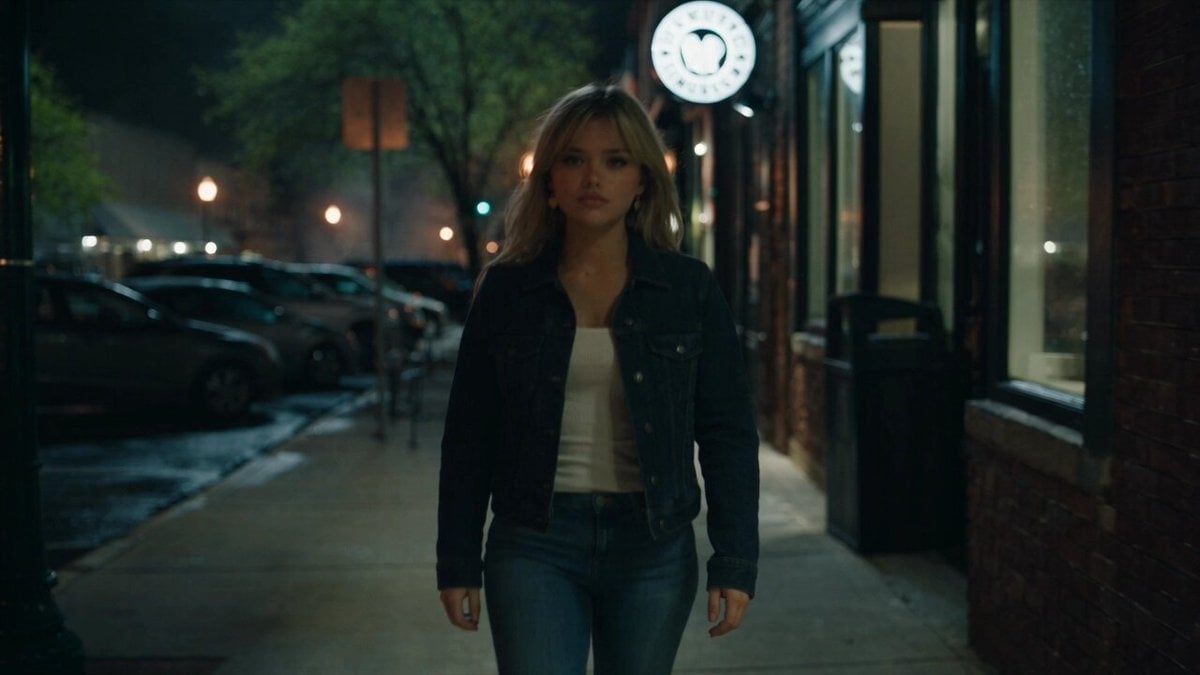
Urban Night Rain Tracking Shot
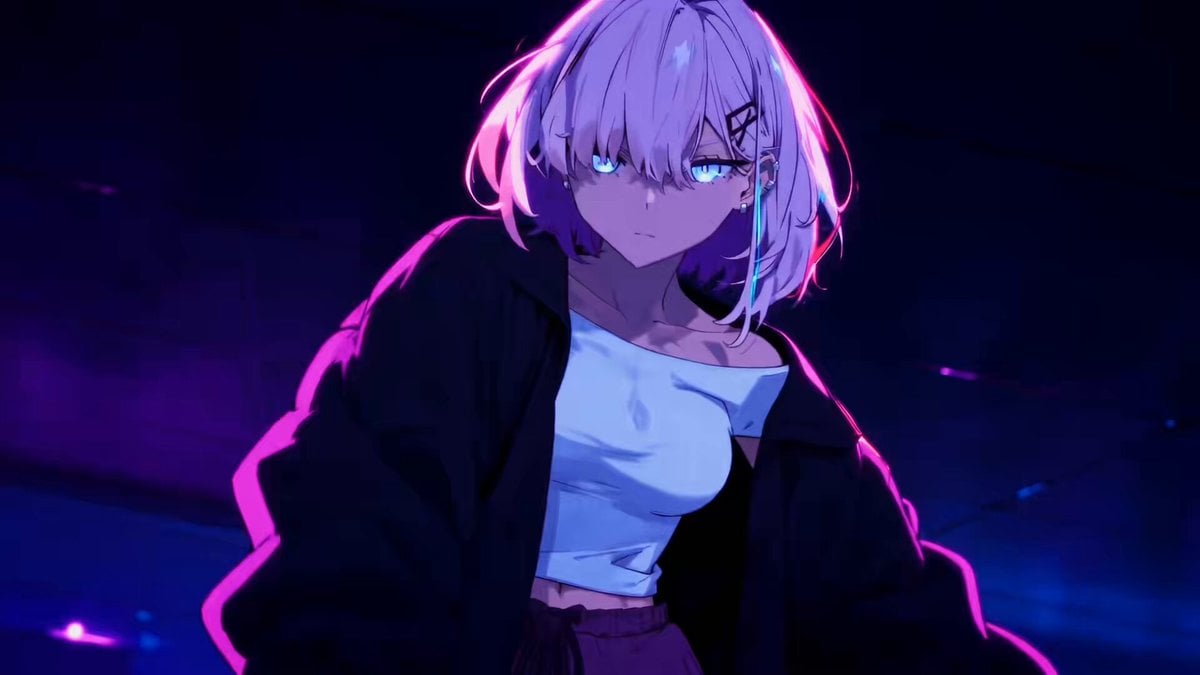
Energetic EDM Dance with Dynamic Camera
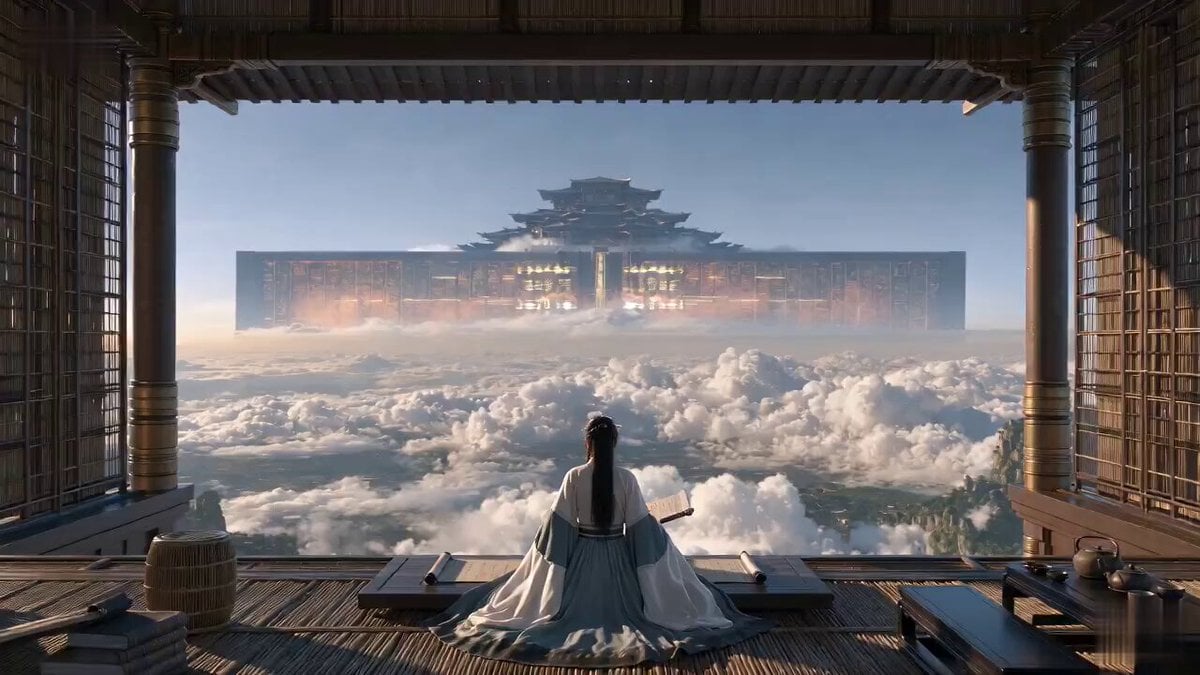
Cinematic Xianxia Power Dynamics Short Film
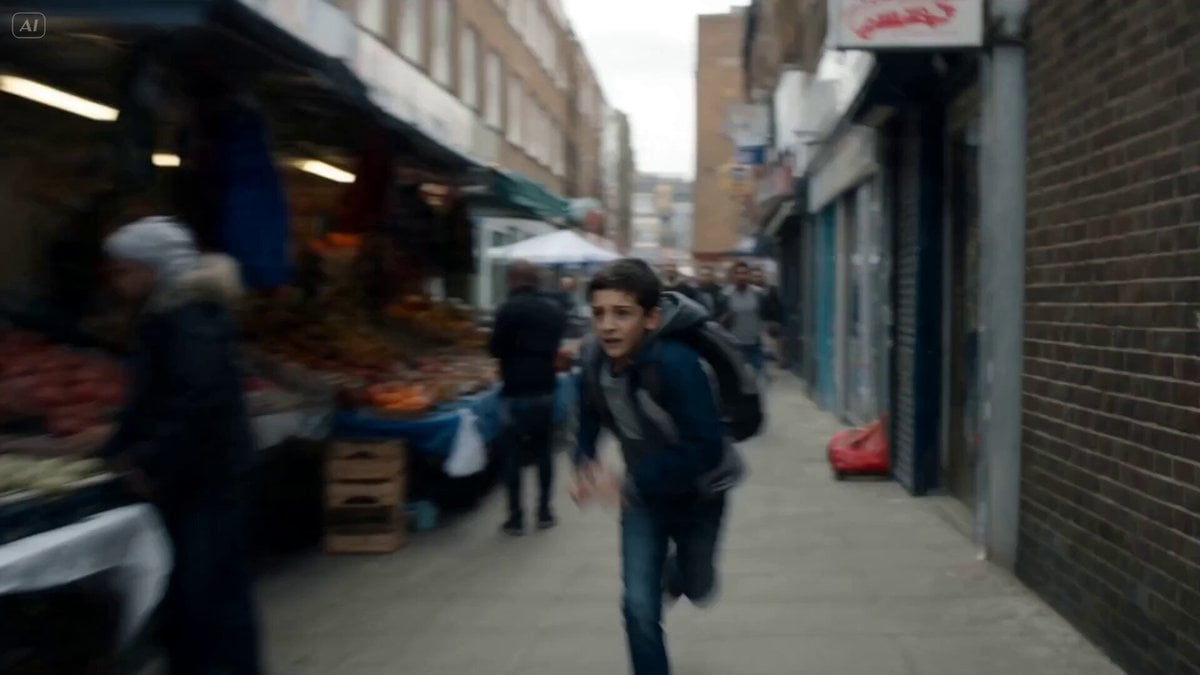
Cinematic Urban Foot Chase Escape
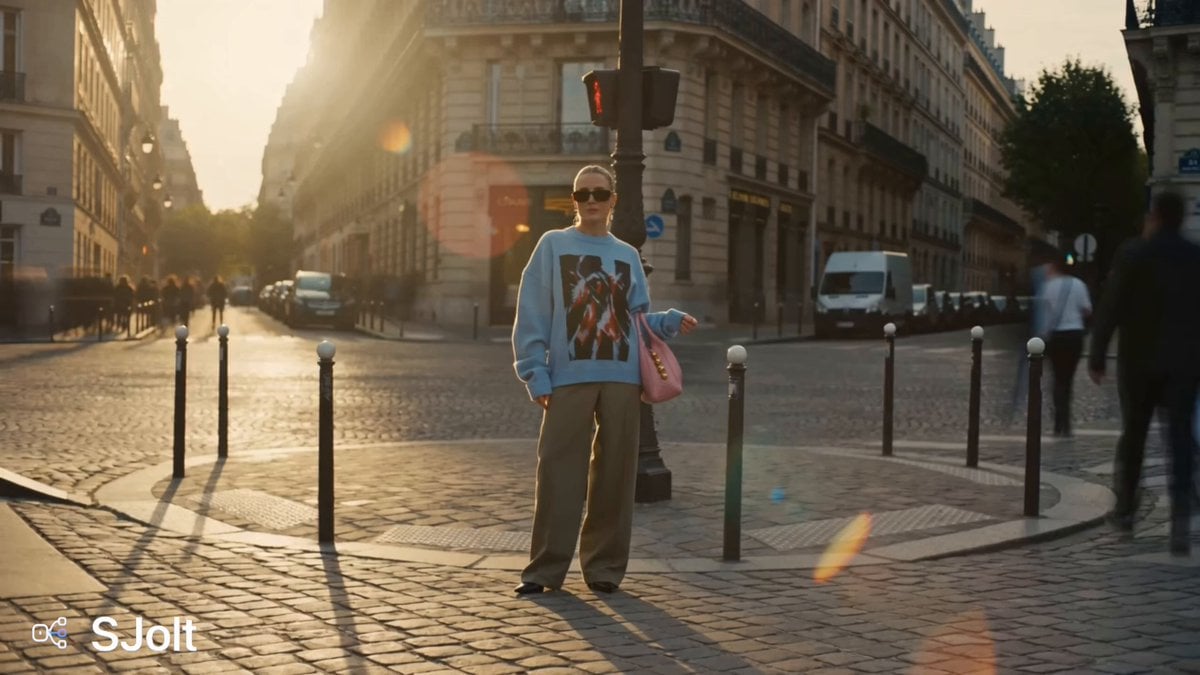
Parisian Fashion Campaign Streetwear Editorial
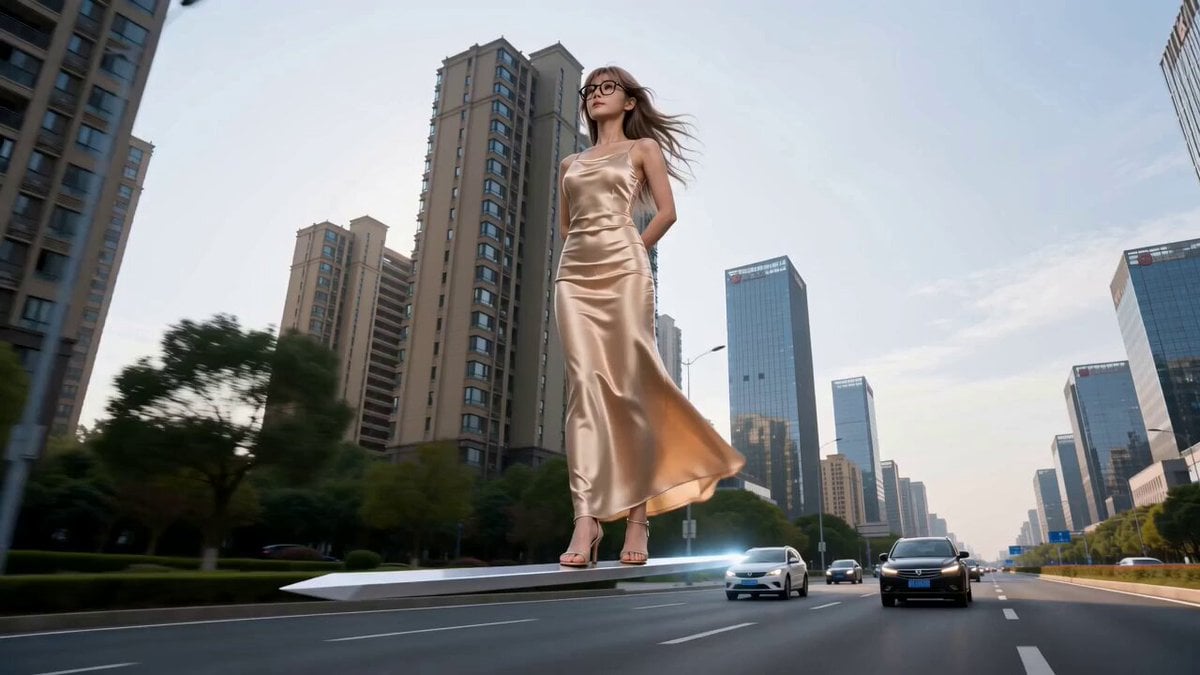
Modern Urban Fantasy Comedy Storyboard
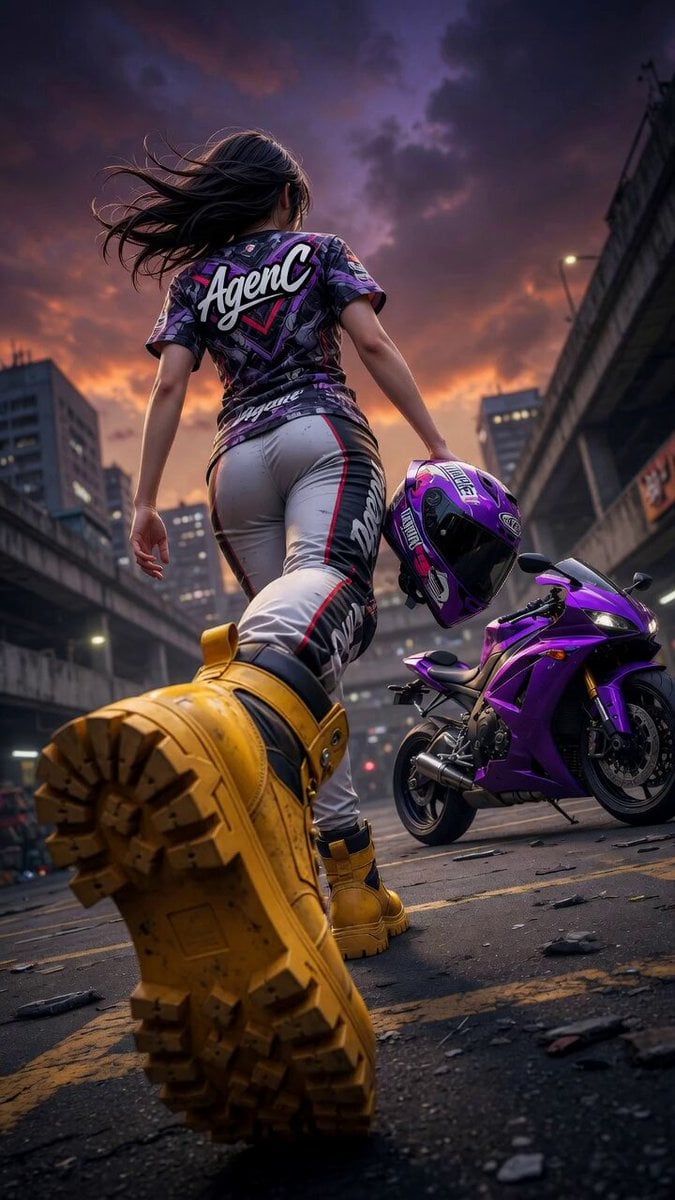
Cinematic Anime Racing Girl in Urban Parking Lot
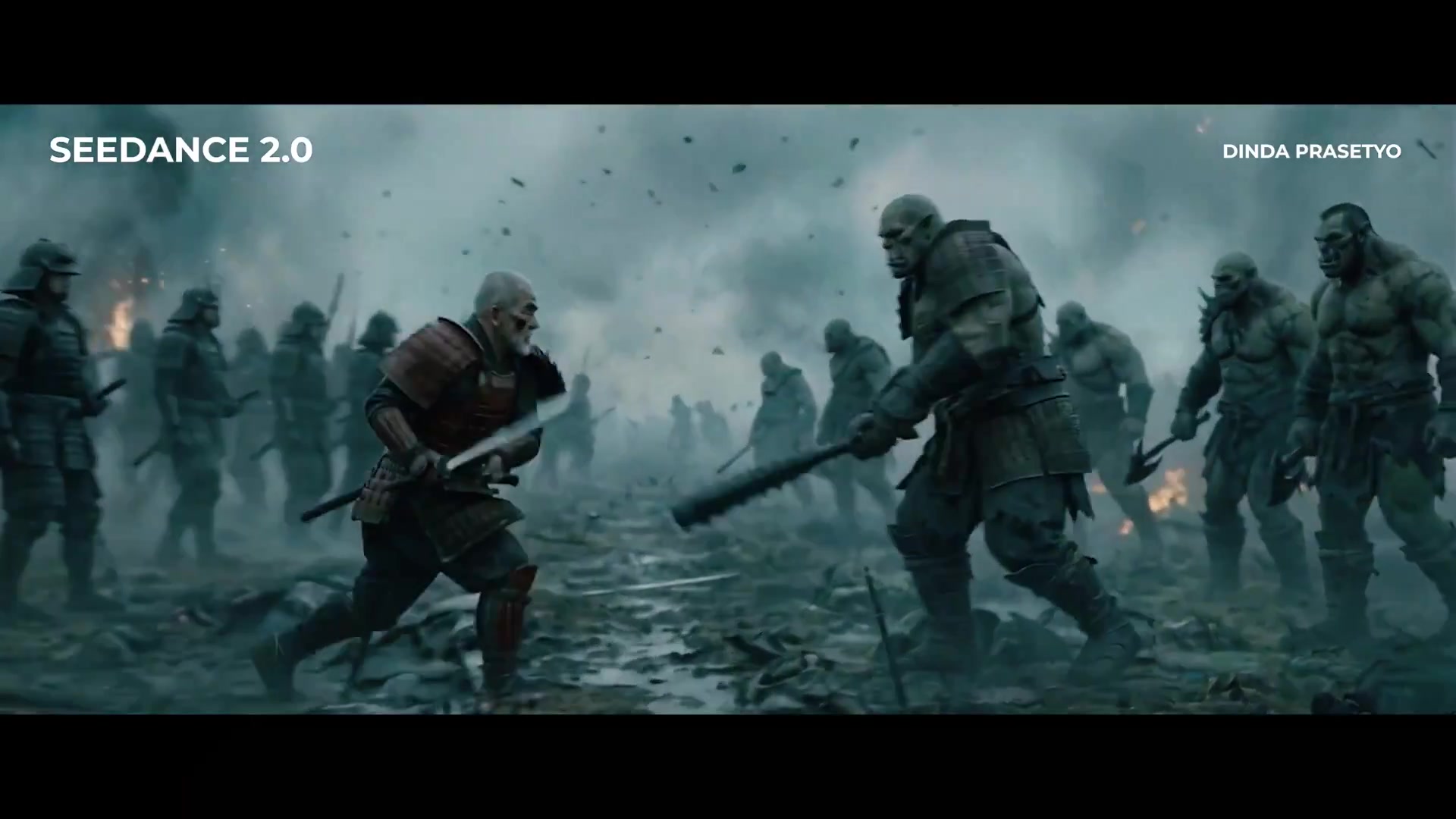
Seedance 2.0 First Test — Dynamic Motion Showcase
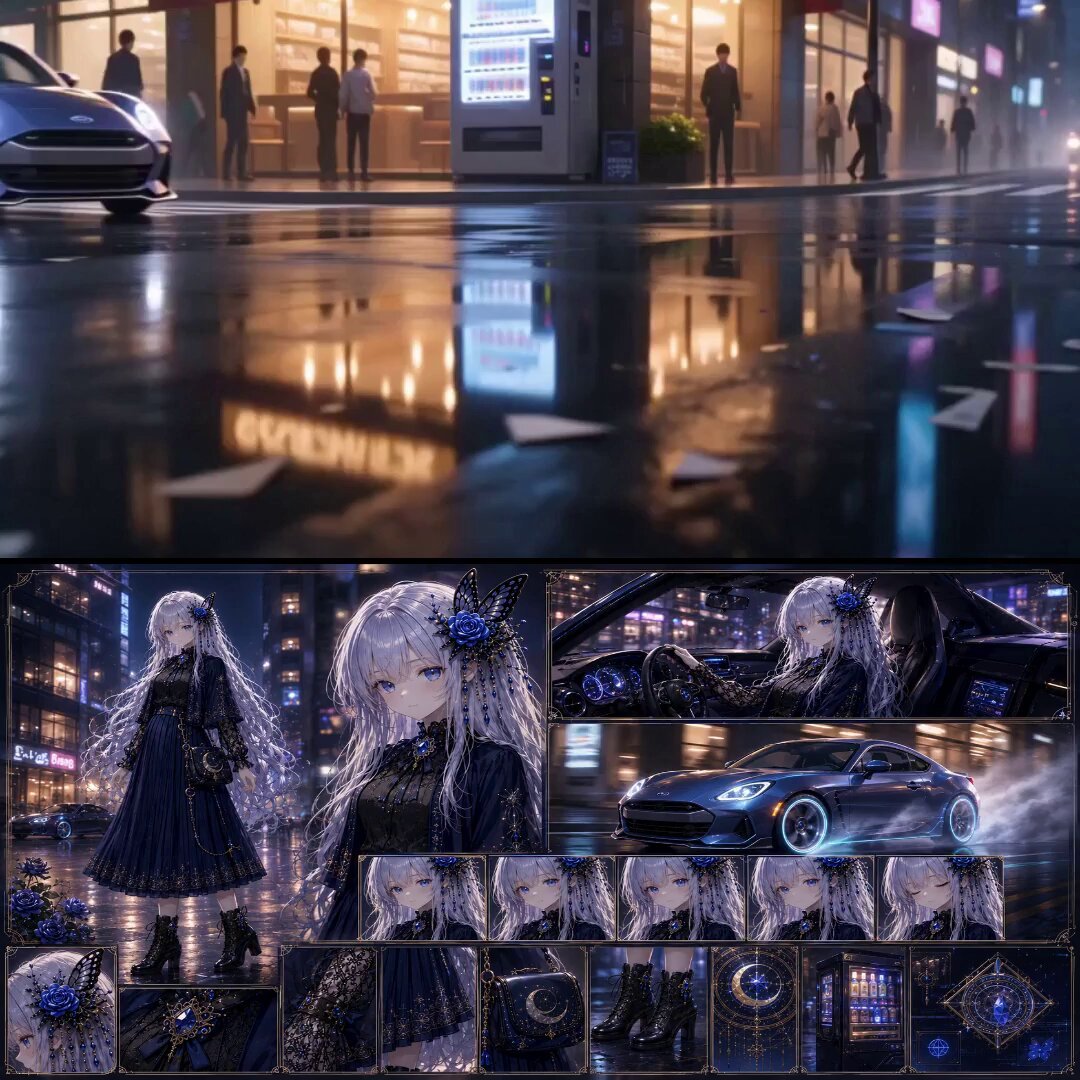
Urban Fantasy RPG Car Chase
Make it yours
Hyper-Dynamic Urban Streetwear Video Prompt works as-is. These are the safest ways to change it without losing the look.
Change one field
Copy a single group, rewrite it, and generate again so you can see what that field is doing.
Keep the frame, change the subject
Hold the composition and light of Hyper-Dynamic Urban Streetwear Video Prompt, then swap wardrobe, props or the person for a new take.
| If the result… | Why | Fix |
|---|---|---|
| The result drifts from the preview | Too many fields changed at once. | Reuse Hyper-Dynamic Urban Streetwear Video Prompt as-is first, then change one group — subject, light, or setting. |
| The model over-stylizes the scene | The prose prompt leaves finish and camera underspecified. | Add one camera or lighting sentence and stay on Seedance 2.0. |
More Seedance 2.0 templates
Other prompts made for Seedance 2.0.

Comical Martial Arts Punch Scene

Maglev Train Action Sequence

Martial Arts Fight Sequence

Wuxia Protection and Trust Script

Vintage Korean Arcade MiniDV Vlog

Mercedes 190 SL Luxury Ad

Rainy Night Supernatural Reverse Comedy Video Script

Amazon Civilization Discovery

Futuristic South Asian City Transformation

Cozy Luxury Cafe Commercial
More video prompts
Fresh picks from across the catalog.
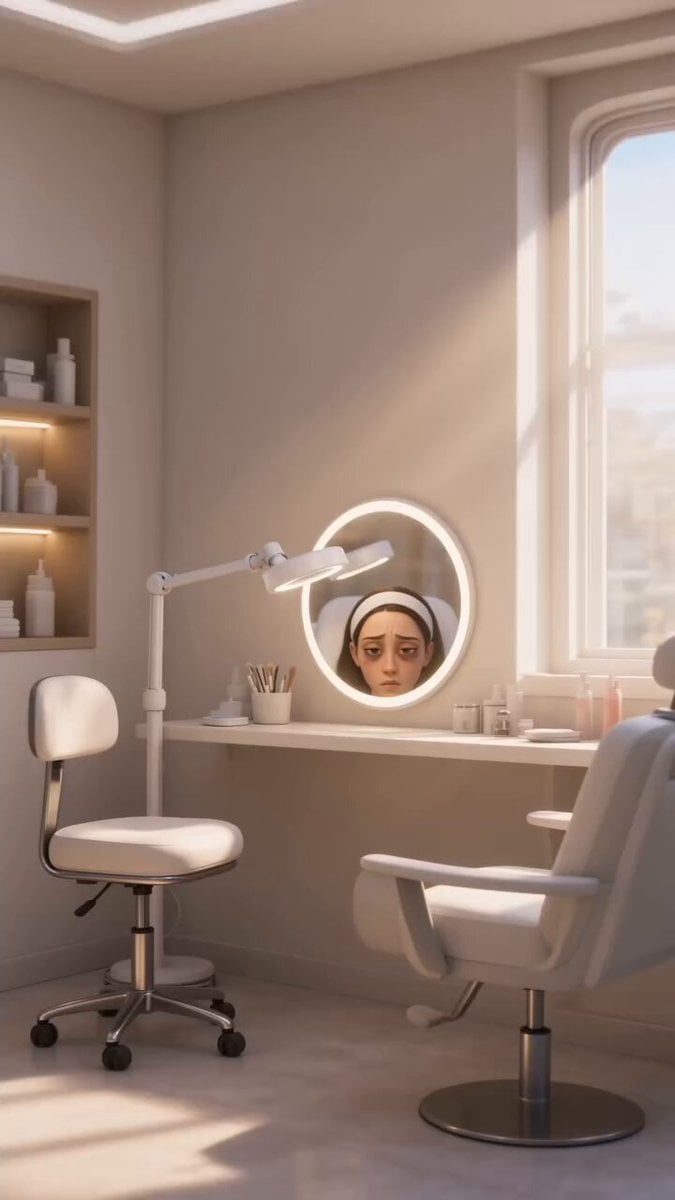
Disney Pixar Skincare Animation
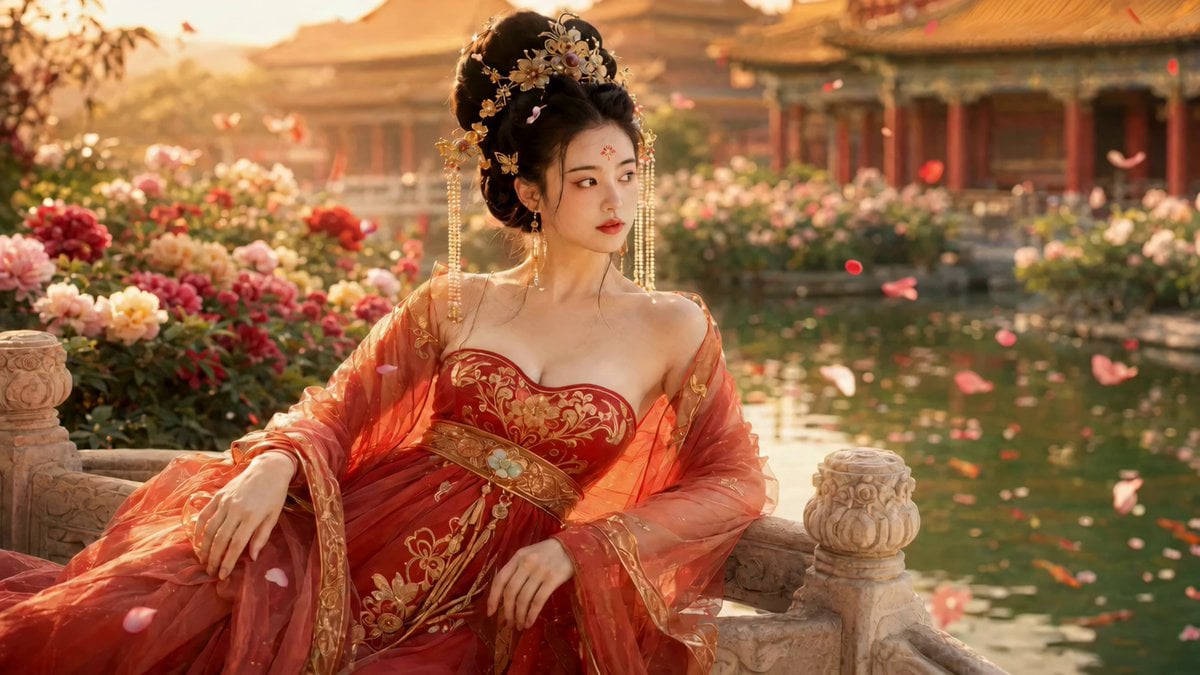
Elegant Ancient Chinese Beauty Motion
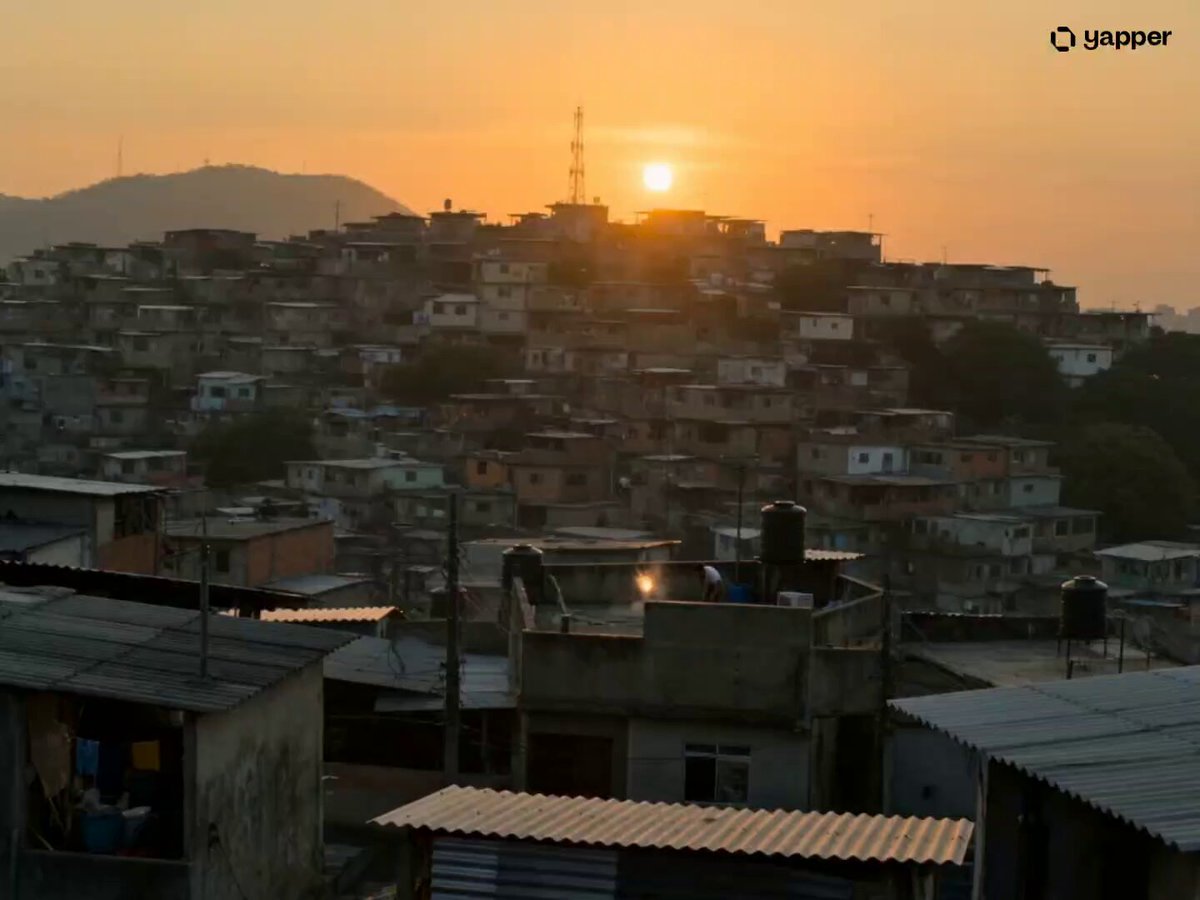
São Paulo Parkour Action Sequence
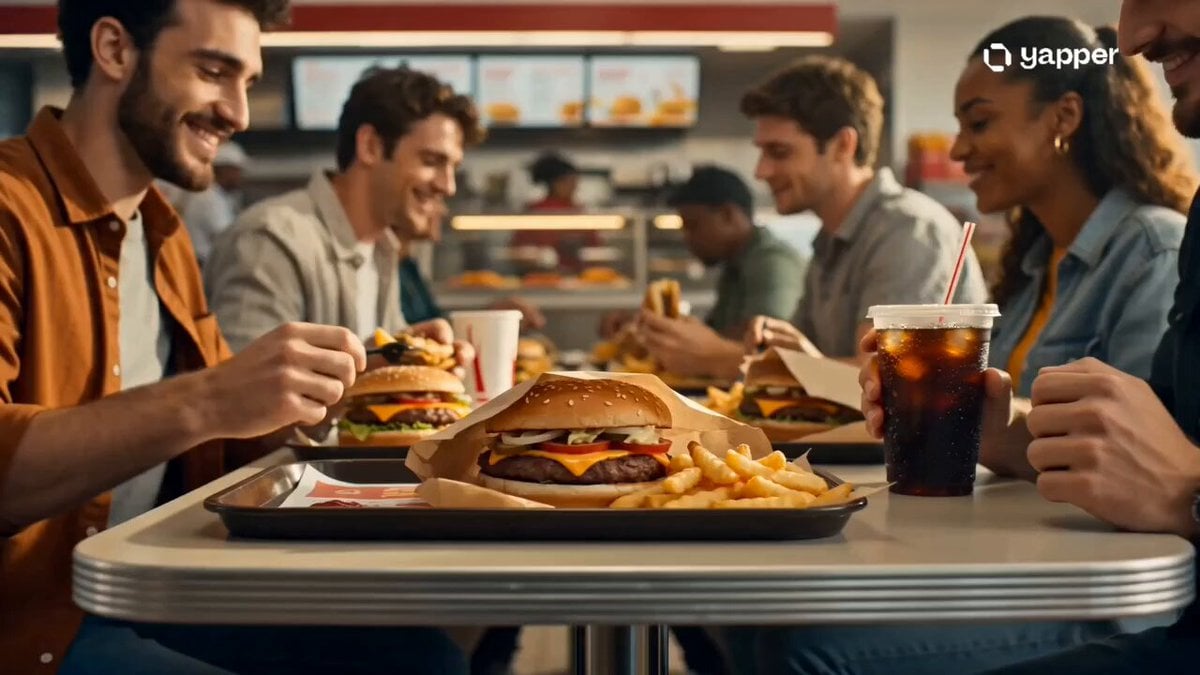
Modern Fast Food Restaurant Video

Japanese Travel Vlogger in Thailand

Three Short Drama Prompts (Modern Romance/Conflict)

Tulip Empress & Snail Guardian Video Prompt
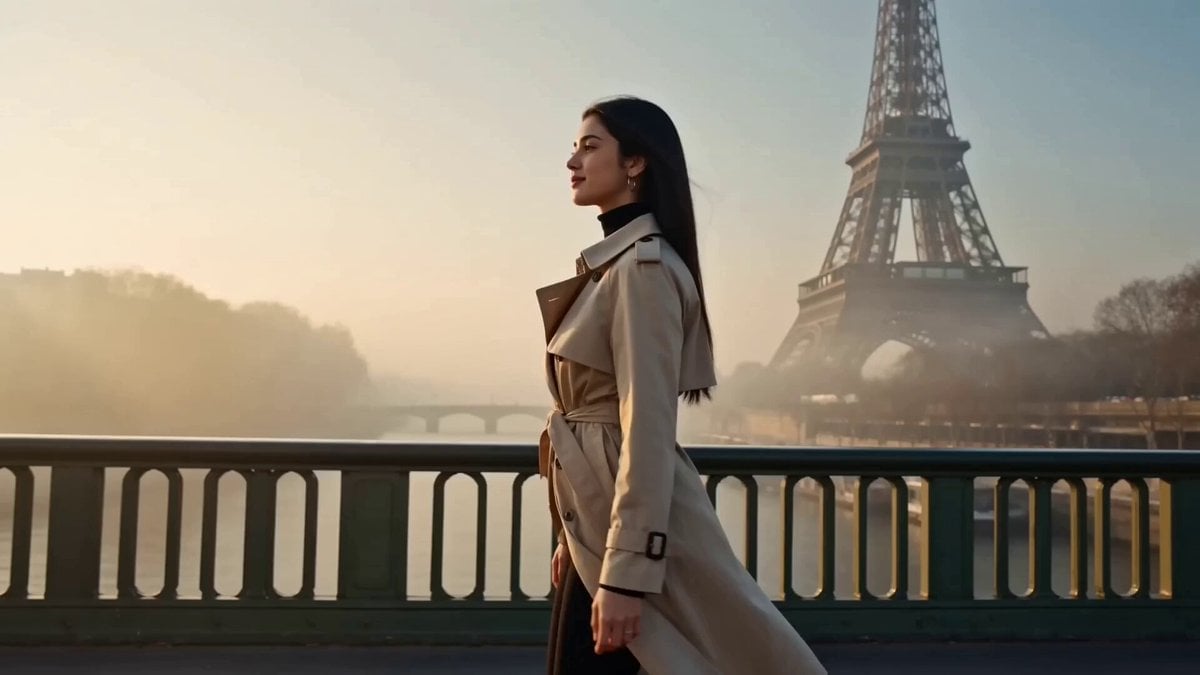
Luxury Travel Fashion Video
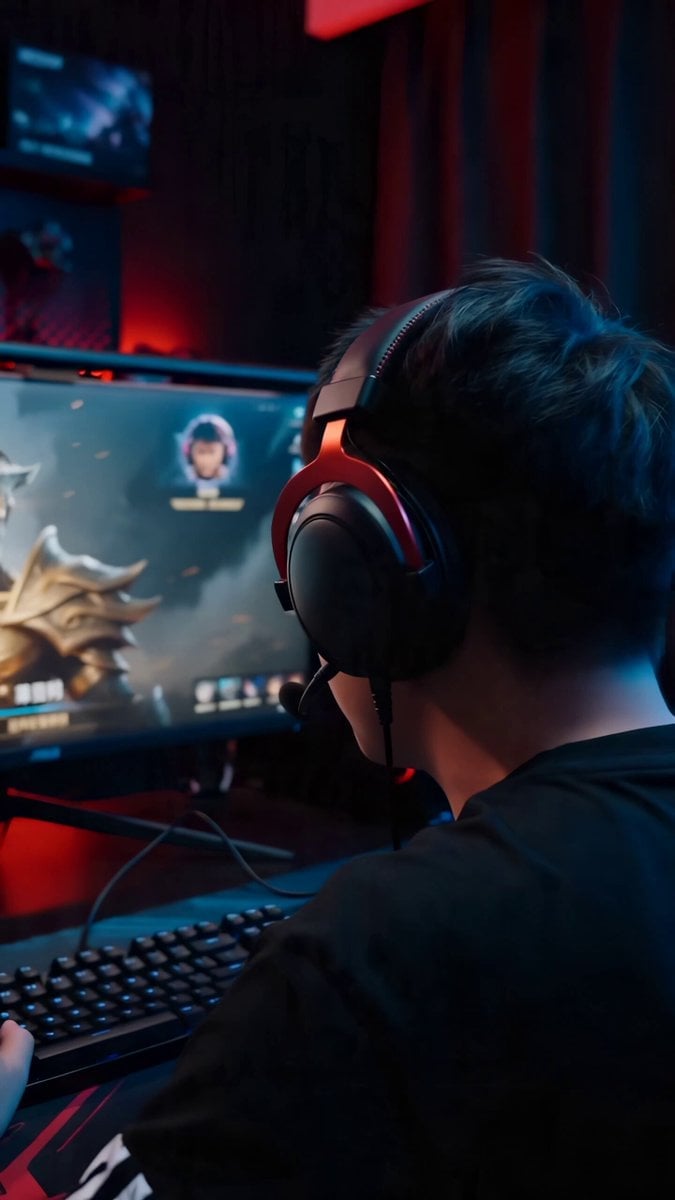
Cinematic Gaming Short with Seamless Transitions
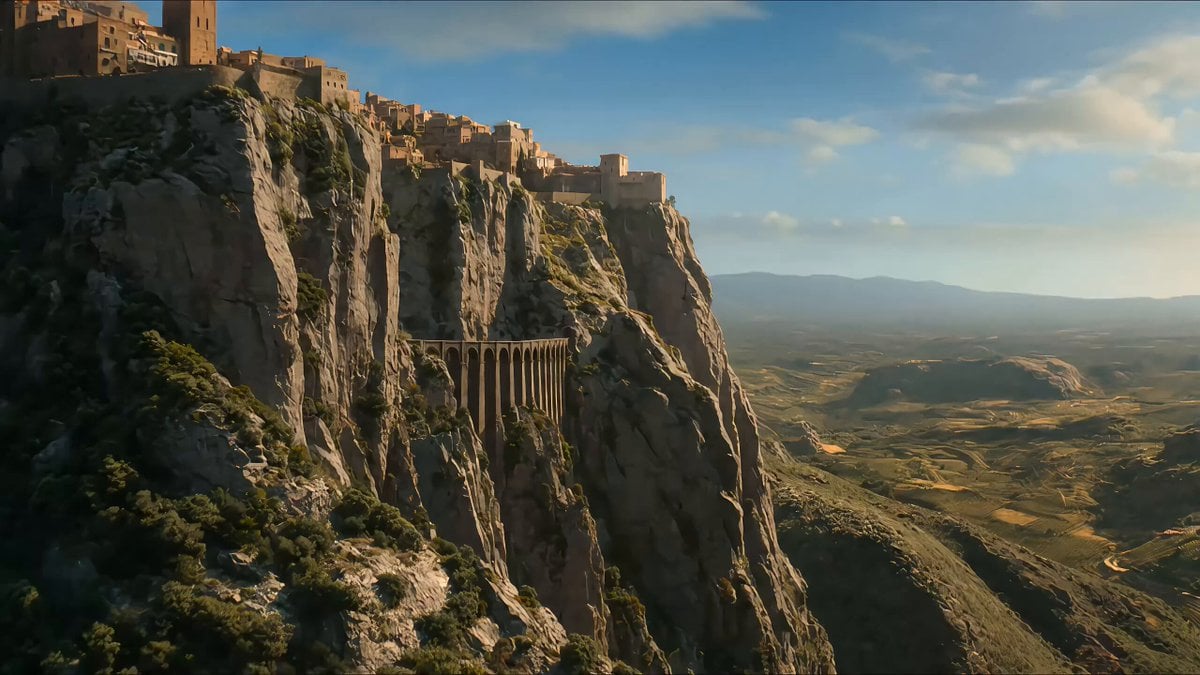
Fantasy Warhorse Aqueduct Action Shot
Browse template categories
Hyper-Dynamic Urban Streetwear Video Prompt questions
How do I use the Hyper-Dynamic Urban Streetwear Video Prompt template?
Add your photo if the template asks for one, edit the prompt if you like — the template's model and format are already selected — and press Generate. Your version opens in PicX Studio.
Can I customize the Hyper-Dynamic Urban Streetwear Video Prompt template?
Yes. You can change the subject, setting, lighting, mood, format, and available model controls before creating your video.
Is the Hyper-Dynamic Urban Streetwear Video Prompt template free?
Opening and editing this template is free. Generating uses credits, shown on the Generate button when you are signed in.
Which AI model should I use?
Start with Seedance 2.0, which is the model associated with this template. You can compare another compatible model for a different finish.
Looking for something else? Browse all templates.

Your photo, any look
Thousands of ready templates for every top image and video model, from one credit balance.