How do I use the Dreamy 90s Film Noir Portrait template?
Edit the prompt in the box under the preview — the template's model and format are already selected — and press Generate. Your version appears right on this page.
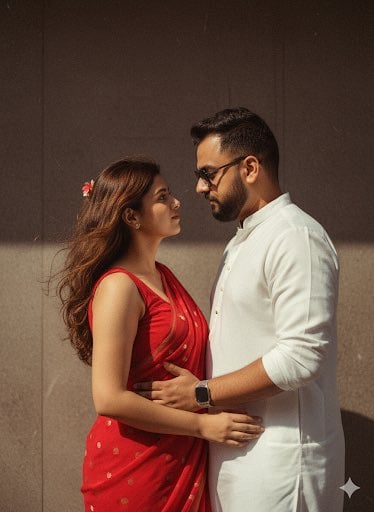
A nostalgic, cinematic prompt for a portrait featuring traditional Indian attire and romantic shadow play.

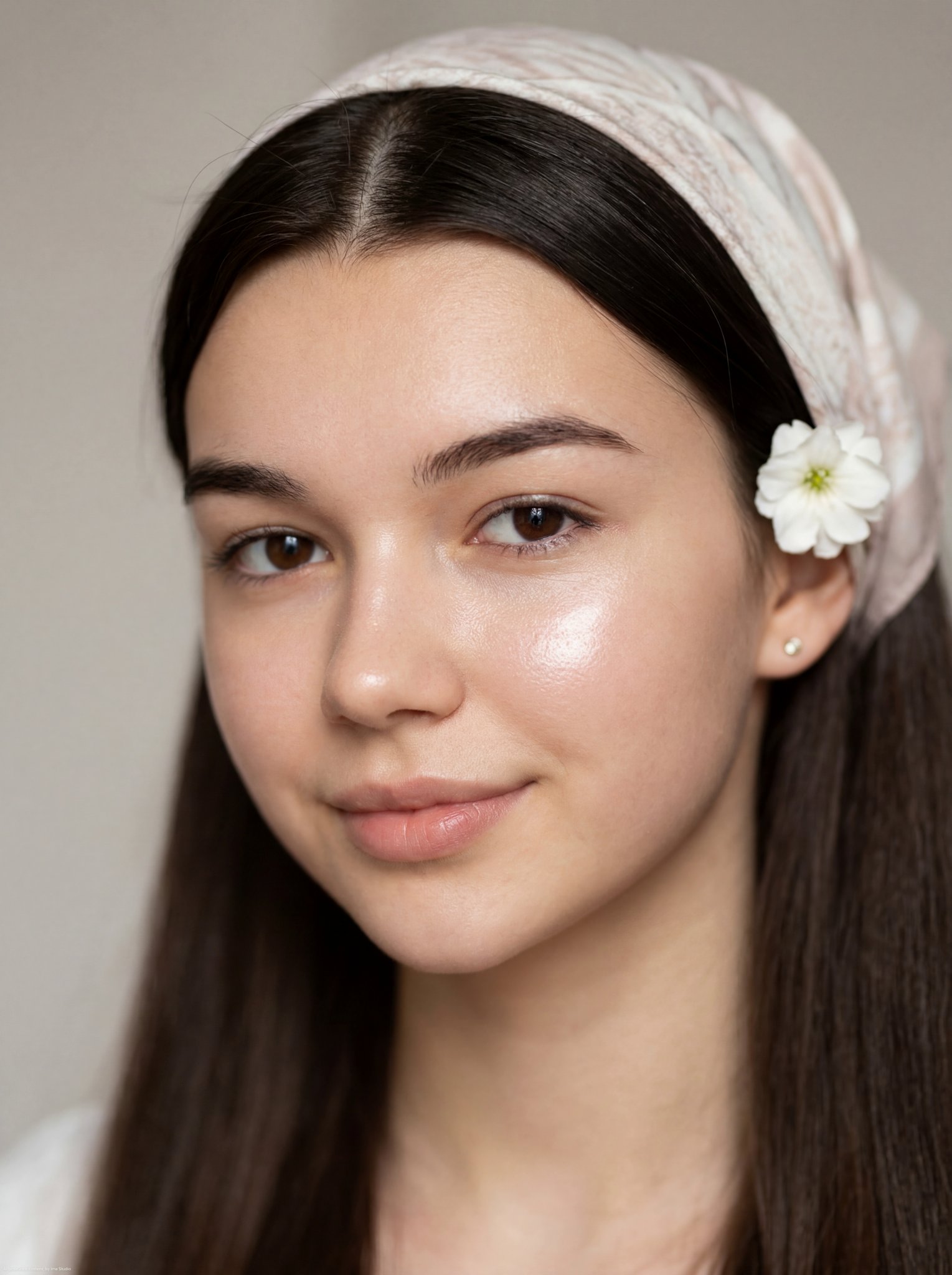
Cinematic black-and-red portrait of the girl from the first uploaded photo, 100% same face. {argument name="hair style" default="Long wavy dark hair"}. {argument name="outfit" default="White stone-work saree, black blouse"}, silver oxidized jewelry. High-contrast lighting, soft glow, dreamy {argument name="aesthetic" default="90s film-noir"}, subtle film grain. A man's shadow gently holding her hand; she looks at him with a calm, emotional expression. Do not change my face.
Cinematic black-and-red portrait of the girl from the first uploaded photo, 100% same face. {argument name="hair style" default="Long wavy dark hair"}. {argument name="outfit" default="White stone-work saree, black blouse"}, silver oxidized jewelry. High-contrast lighting, soft glow, dreamy {argument name="aesthetic" default="90s film-noir"}, subtle film grain. A man's shadow gently holding her hand; she looks at him with a calm, emotional expression. Do not change my face.
Edit the prompt in the box under the preview — the template's model and format are already selected — and press Generate. Your version appears right on this page.
Yes. You can change the subject, setting, lighting, mood, format, and available model controls before creating your image.
Opening and editing this template is free. Generating uses credits, shown on the Generate button when you are signed in.
Start with Nano Banana 2, which is the model associated with this template. You can compare another compatible model for a different finish.
Follow a topic to a crawlable collection of related PicX Studio templates.