
3D Miniature Action Figure Transformation
Transforms a reference photo into a hyper-realistic 3D miniature action figure held in a hand, featuring macro photography details and cinematic lighting.
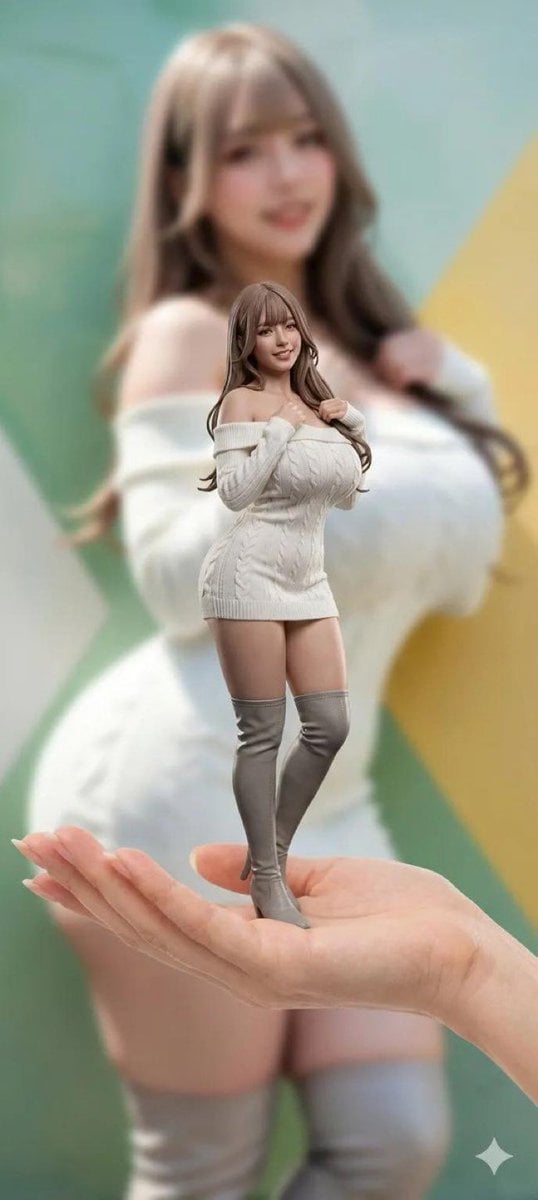
- Prompt included
- Model and format preset
- Free template
The prompt behind this image
Copy the exact prompt behind 3D Miniature Action Figure Transformation, or open it in the studio and make it yours.
アップロードされた参照人物を、{argument name="フィギュアのタイプ" default="ハイパーリアリスティックなコレクティブルアクションフィギュア / 3Dミニチュアフィギュア"}に変身させる(写真から正確な顔の特徴、髪型、服装、ポーズを保持し、アイデンティティに変更なし)。小さなフィギュアは、{argument name="ポーズ" default="優雅な女性の手のひらの上でダイナミックに立っている"}。マクロクローズアップ写真、前景はミニチュアの詳細にシャープ(光沢のある塗装、関節ラインは控えめ、現実的な布地の質感を縮小スケール)、女性の柔らかい肌と爪にフォーカス。背景は極端にぼかされたクリーミーなボケで、参照の実際のフルサイズの人物を示し、劇的なスケール感を演出。スタジオ製品ショットのライティングで、リムライトとフィギュアのスペキュラーハイライト、フォトリアリスティック、高詳細、シネマティック、9:20縦長フォーマット。
How to use 3D Miniature Action Figure Transformation in 3 steps
- 1
Open
The prompt is already in the box next to the preview, with the template's model and format selected.
- 2…a portrait of your subject in softgolden-hour light, 85mm…
Personalize
Edit the subject and creative details for your destination.
- 3Generate
Generate
Press Generate — your image is created in PicX Studio, so you can compare it with the original and refine one variable at a time.
More like this
Templates with the same subject, style or setup. Open one to see its prompt.
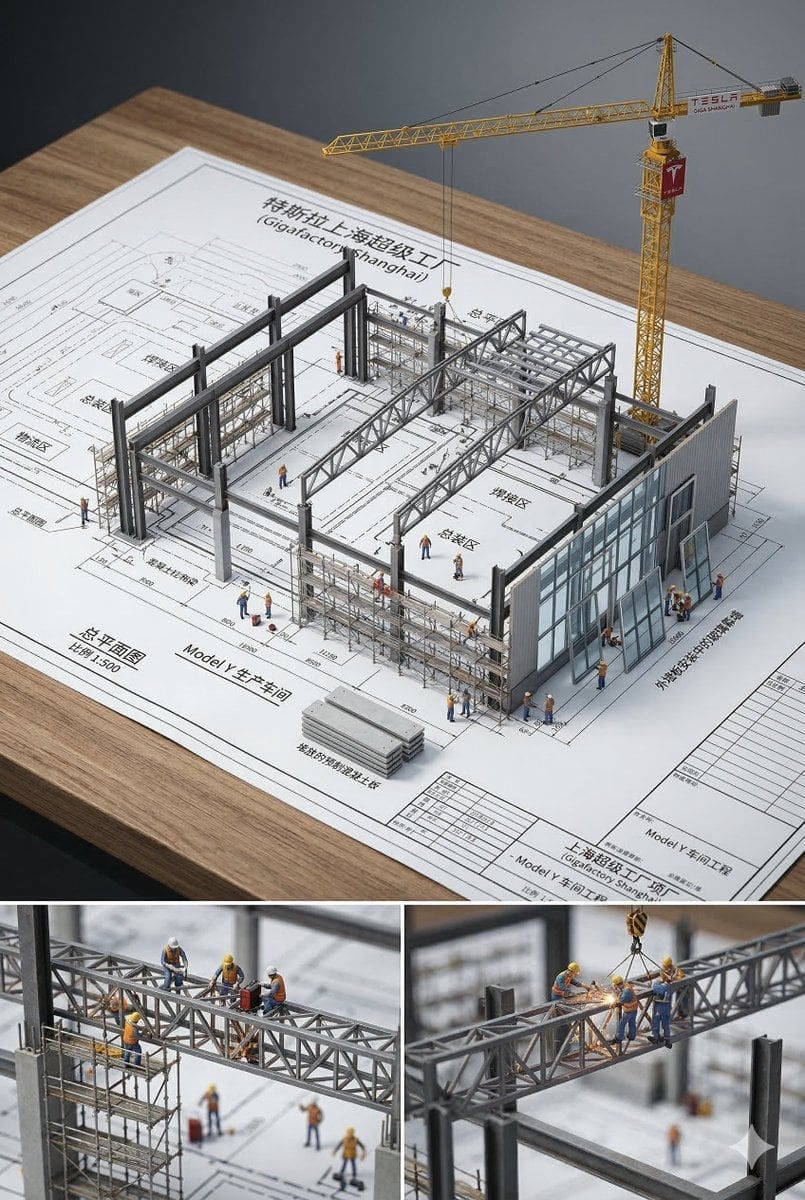
Paper Tunnel Book Architecture
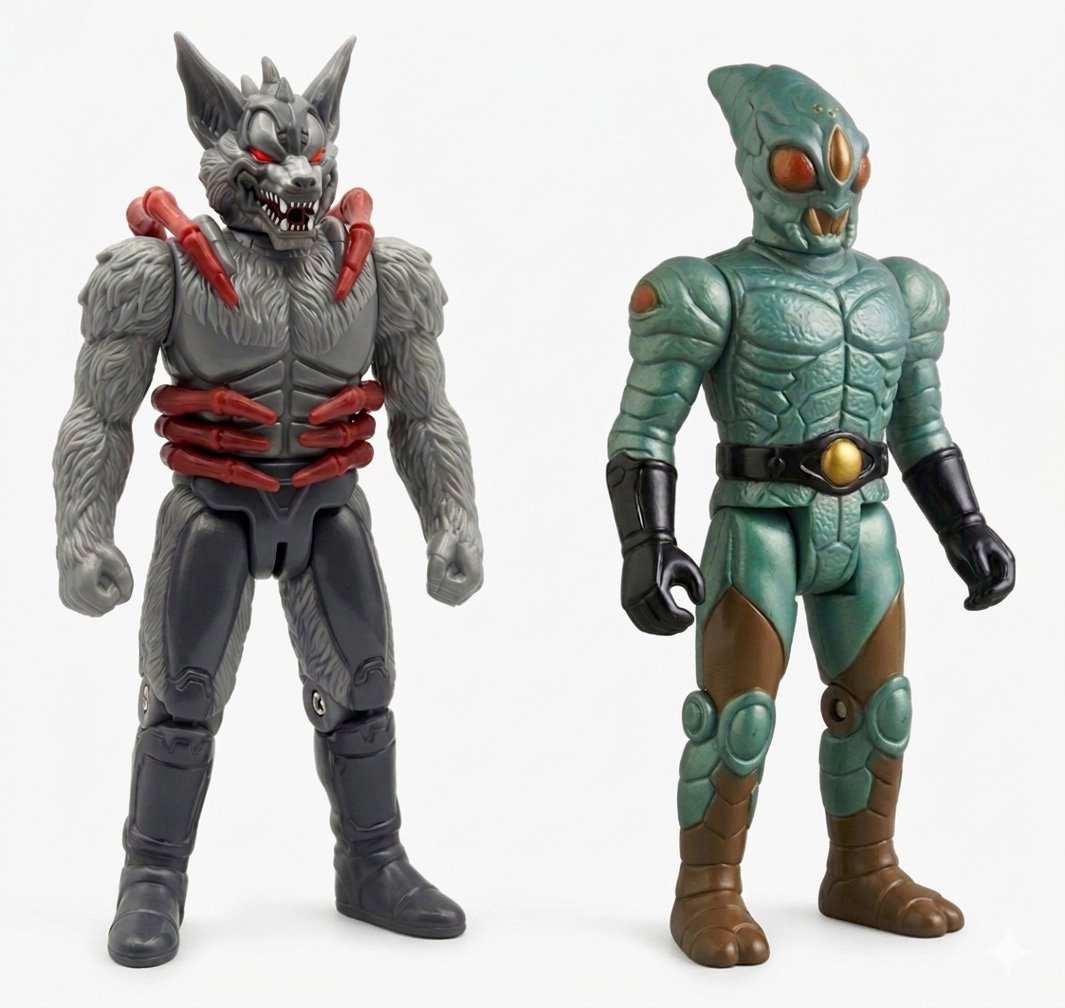
Retro 80s Action Figure Aesthetic

Venom SpongeBob Hyperreal Cinematic Mix
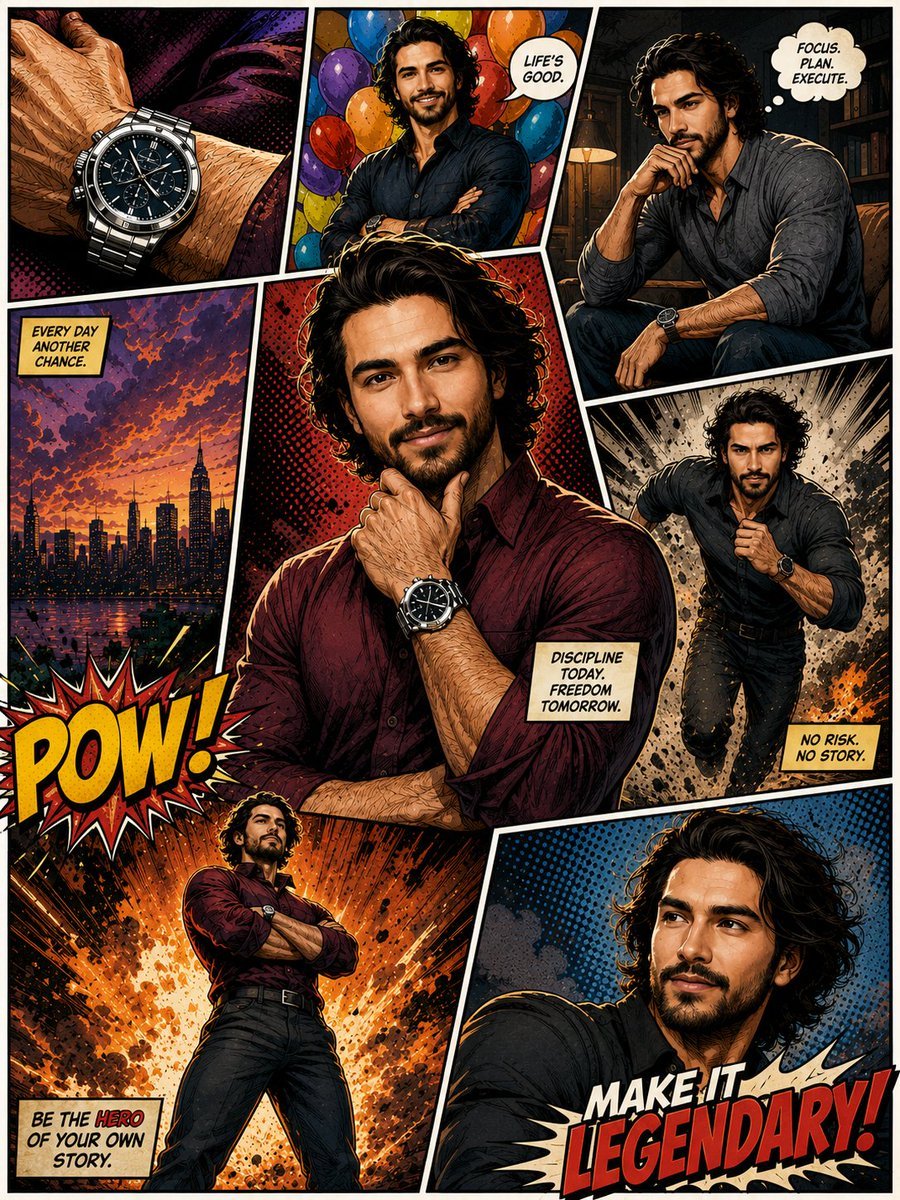
Hero Portrait Comic Multi-Panel Poster
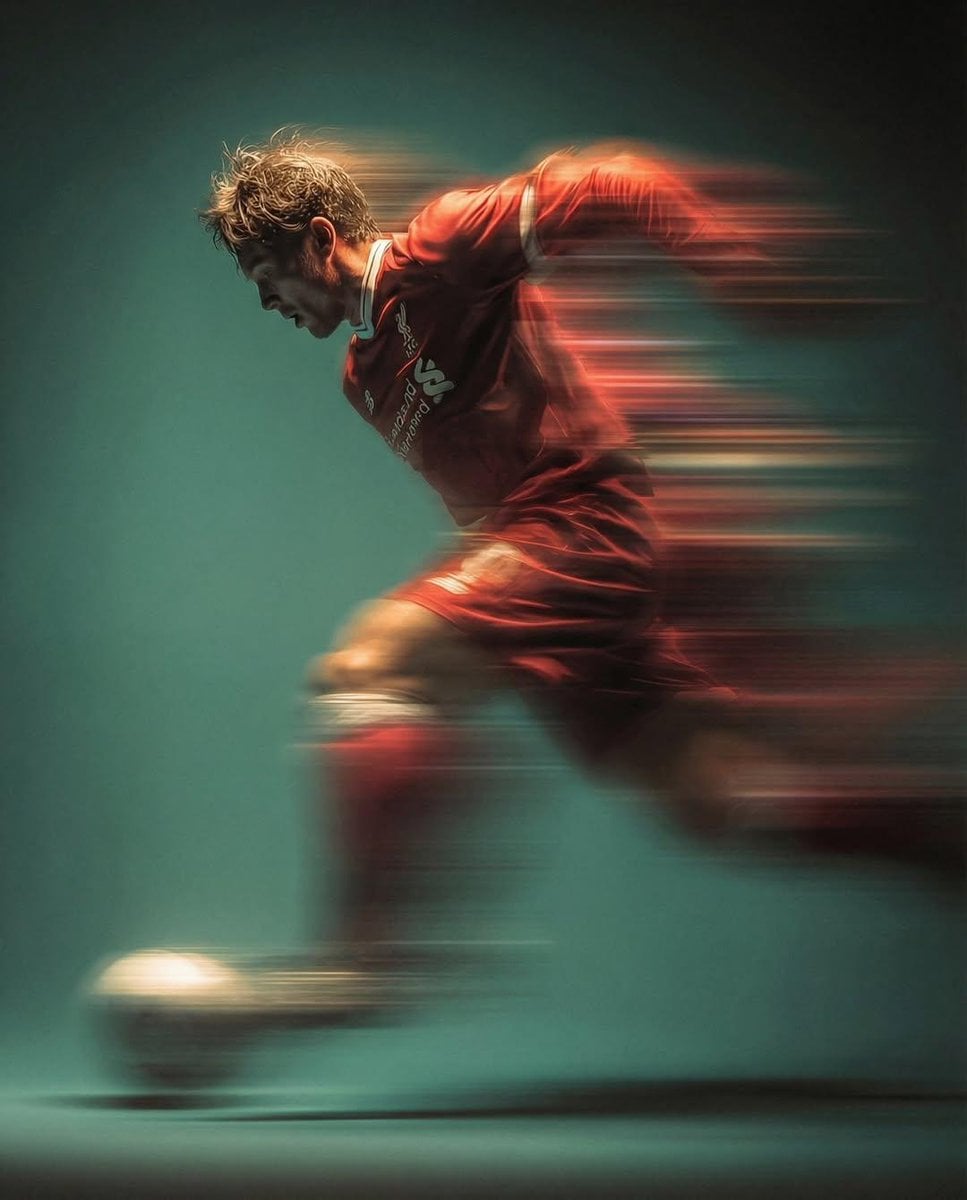
Panning Motion Soccer Kick Poster
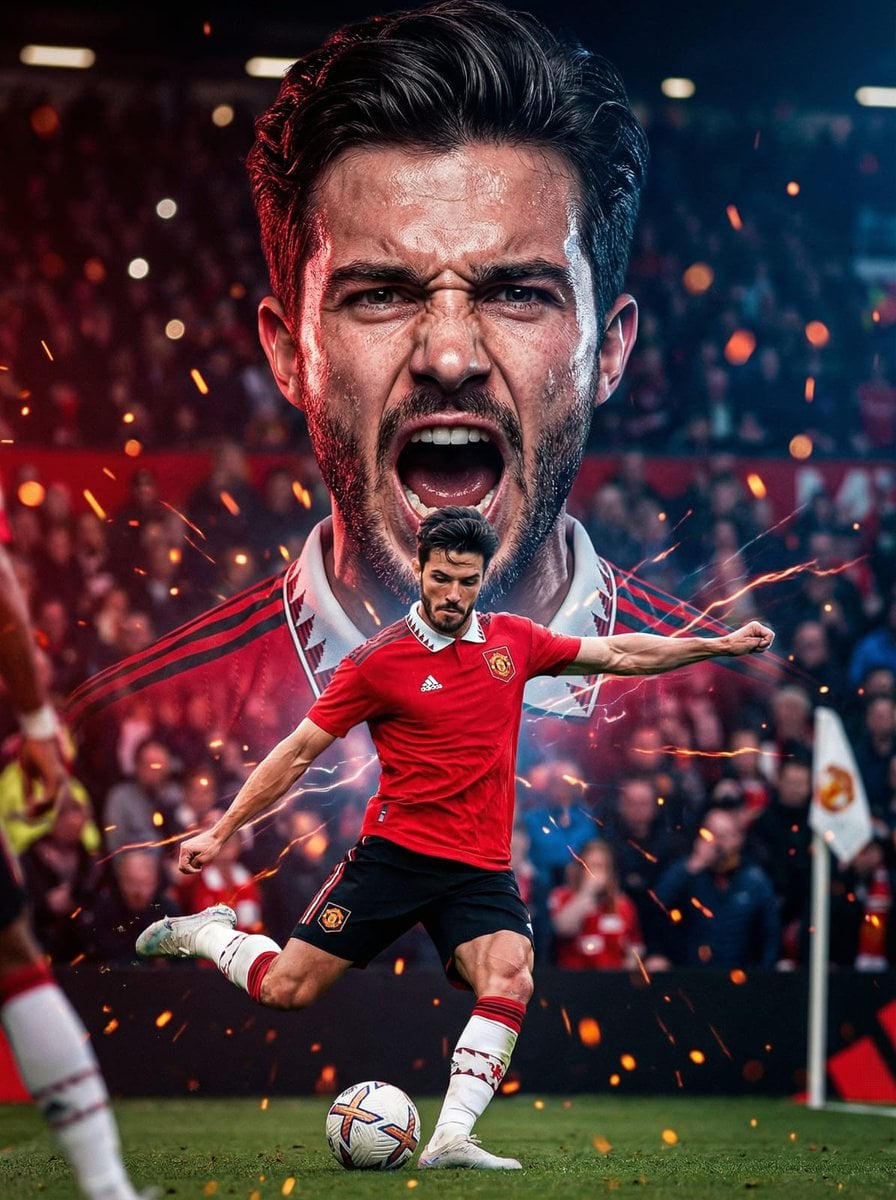
Dual Composition Hero Action Football Poster
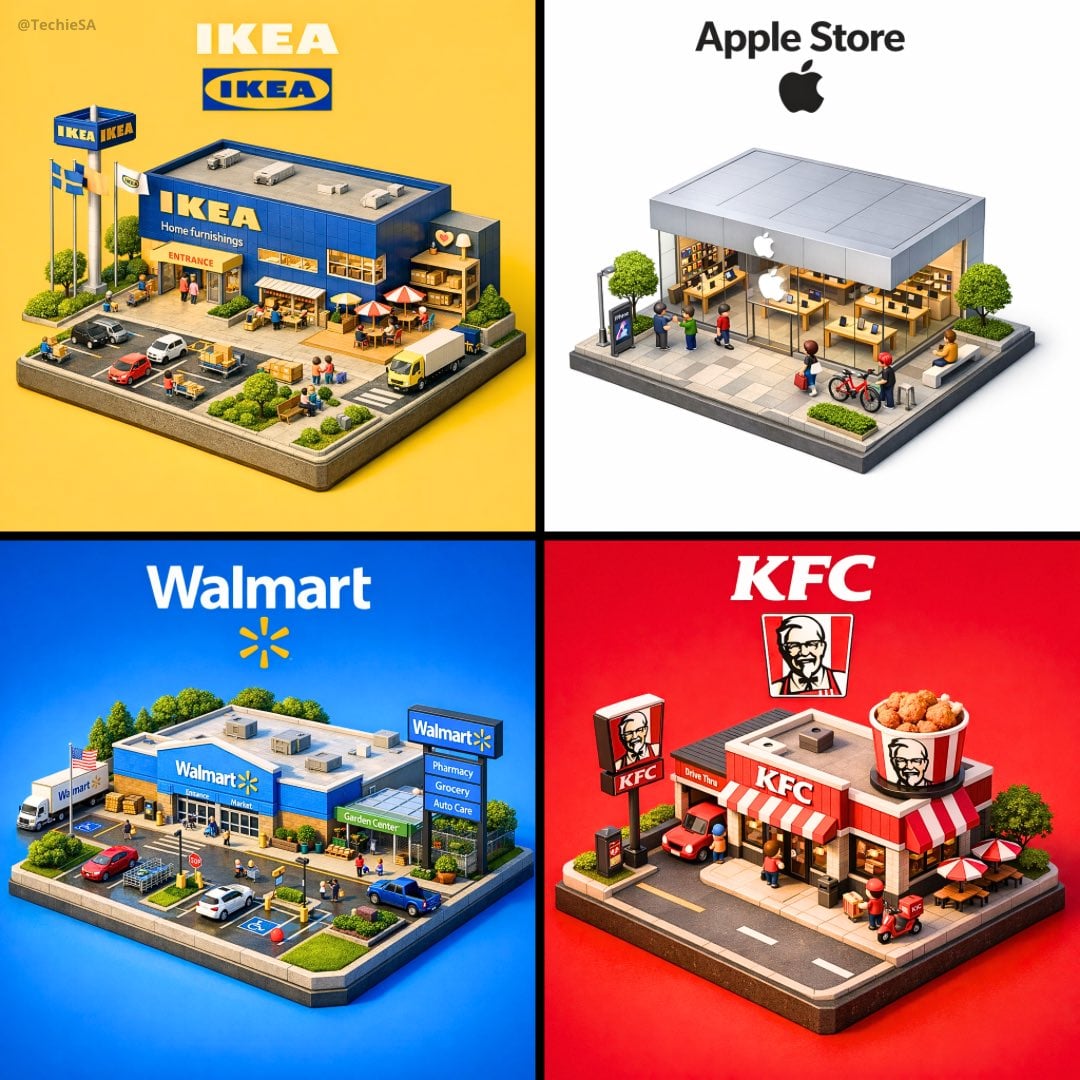
Isometric Brand Store Diorama
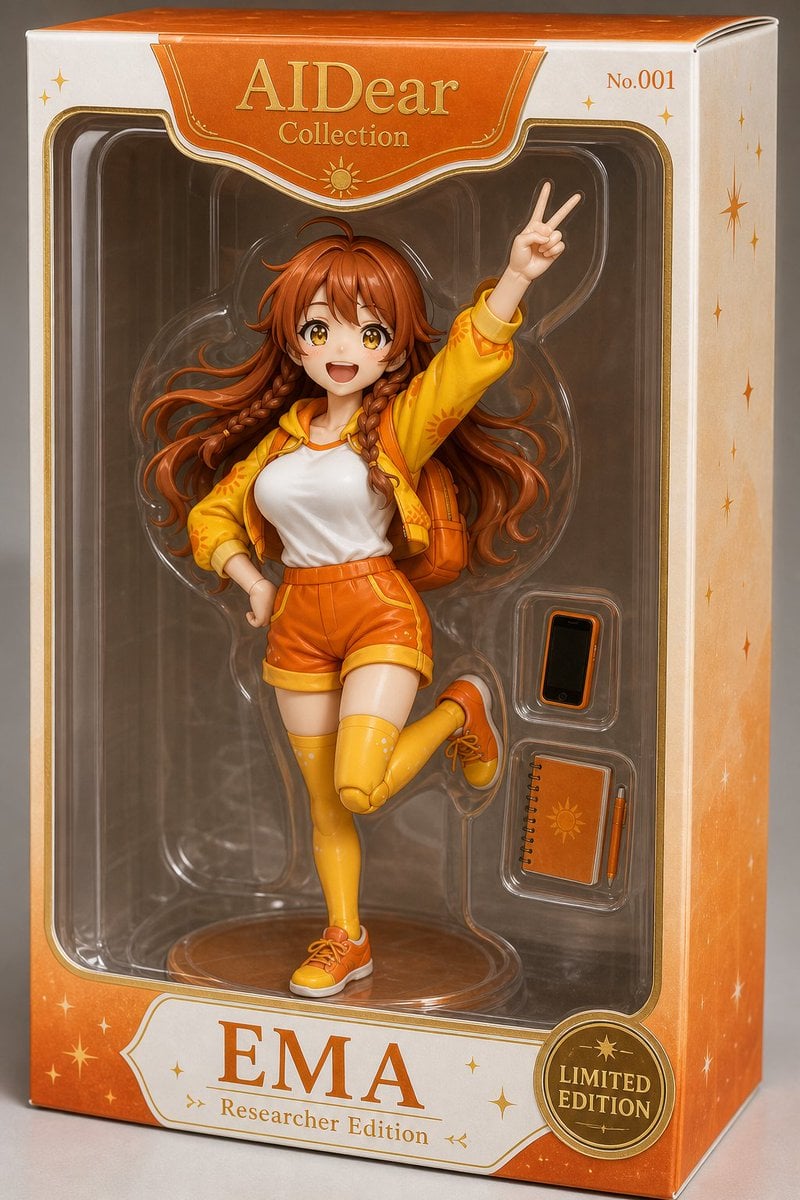
EMA Collectible Action Figure Box
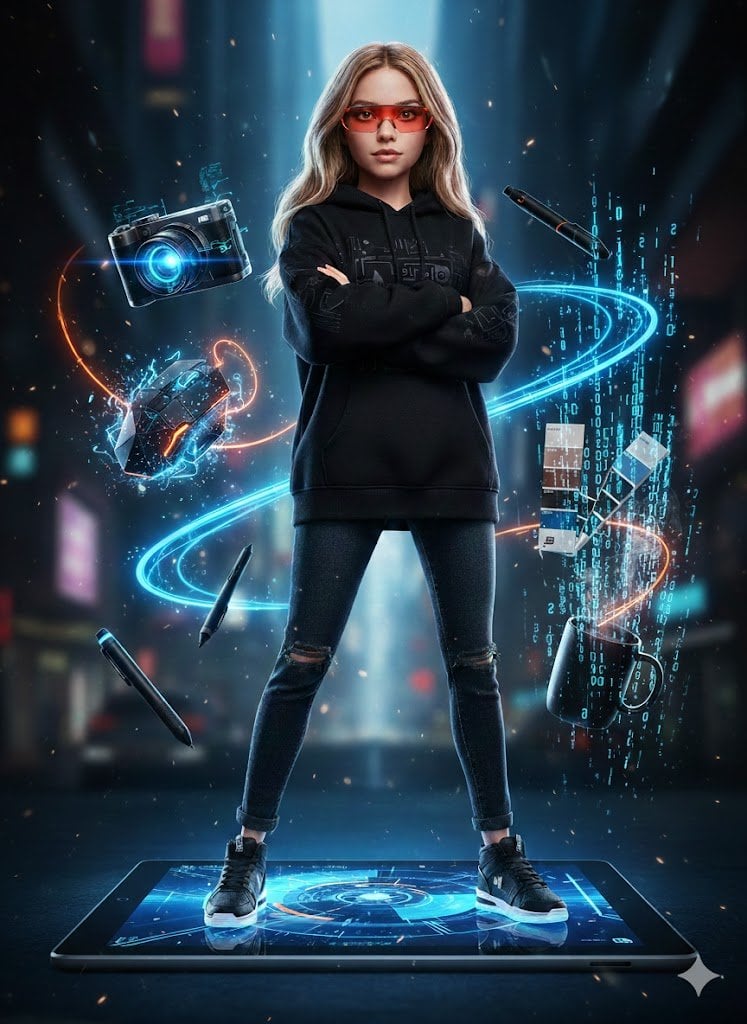
Action Figure Stylization Prompt
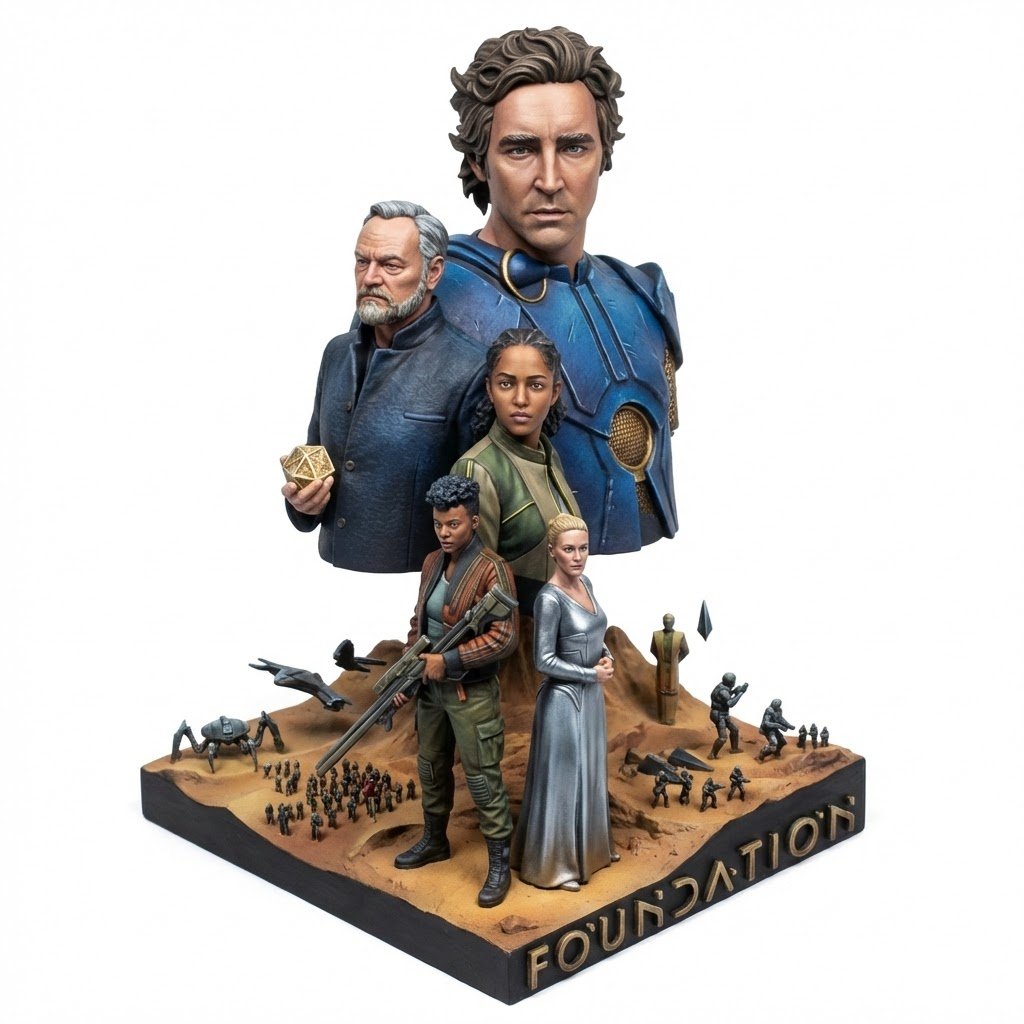
Realistic Miniature Sports Figurine Transformation
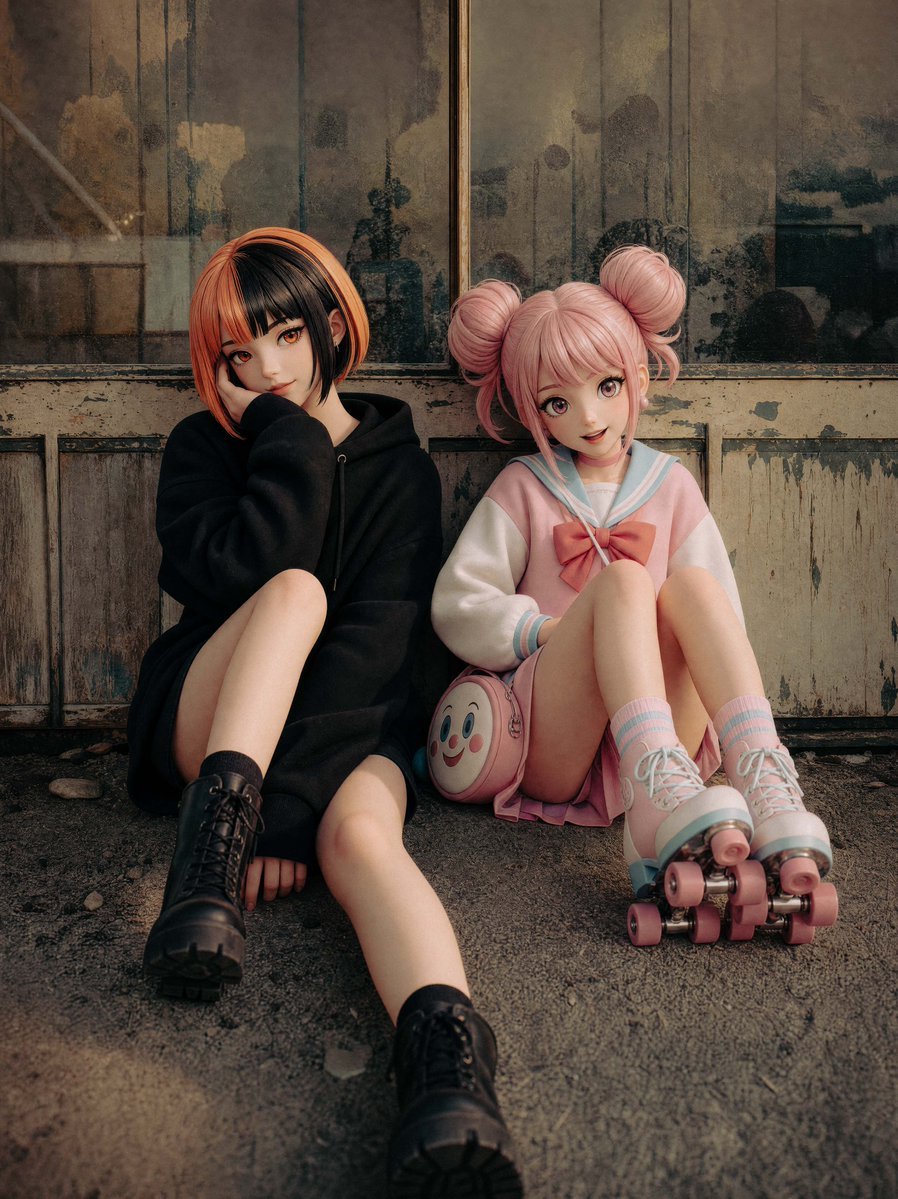
Life-Size Figure Transformation
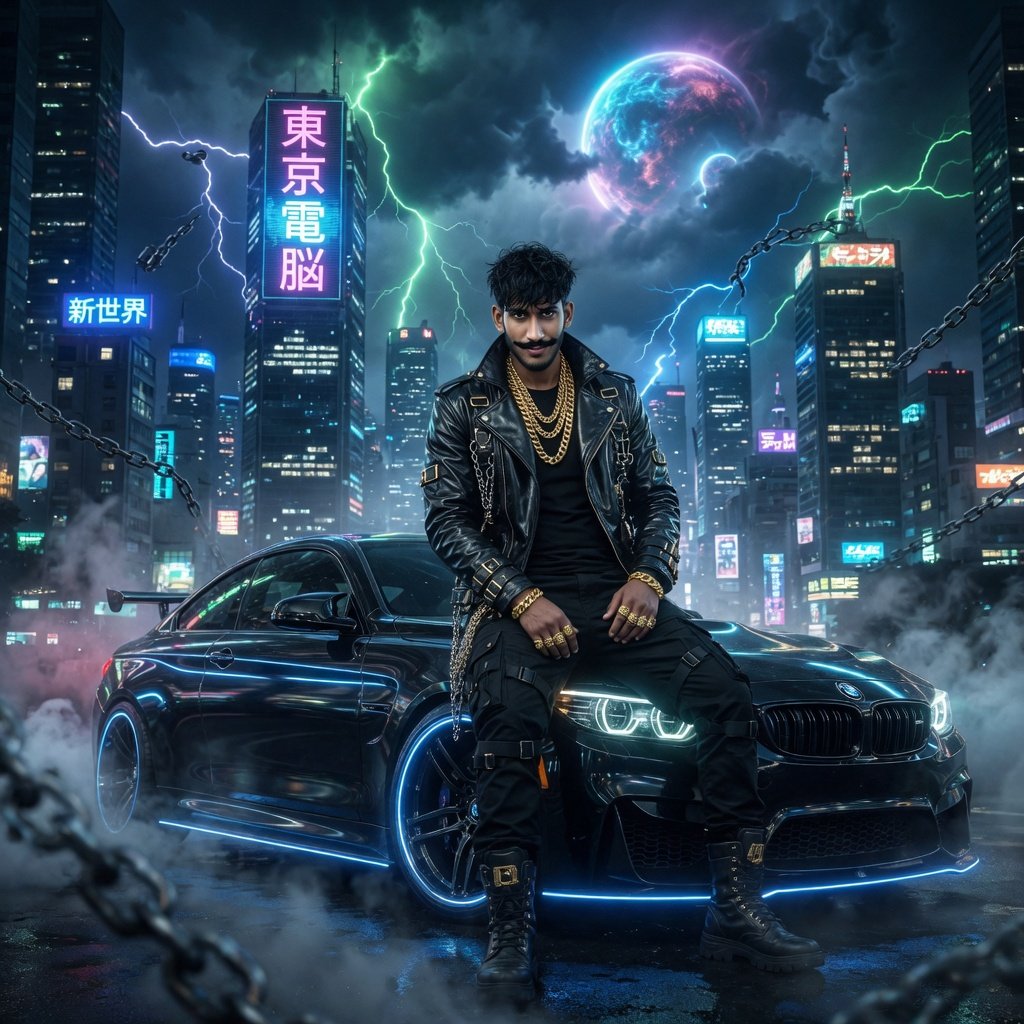
Cyberpunk Action Hero Transformation
Make it yours
3D Miniature Action Figure Transformation works as-is. These are the safest ways to change it without losing the look.
Change one field
Copy a single group, rewrite it, and generate again so you can see what that field is doing.
Keep the frame, change the subject
Hold the composition and light of 3D Miniature Action Figure Transformation, then swap wardrobe, props or the person for a new take.
| If the result… | Why | Fix |
|---|---|---|
| The result drifts from the preview | Too many fields changed at once. | Reuse 3D Miniature Action Figure Transformation as-is first, then change one group — subject, light, or setting. |
| The model over-stylizes the scene | The prose prompt leaves finish and camera underspecified. | Add one camera or lighting sentence and stay on Nano Banana 2. |
More Nano Banana 2 templates
Other prompts made for Nano Banana 2.

Photorealistic Leaf Shaped Like a Dragon

K-Pop Idol Portrait Grid for Rapid Selection

Poetic Rain Forest Portrait During Golden Hour

Urban Street Portrait with Cartoon Inner Self Duo

Candid Nighttime Photo with Cat Prompt

High-Concept 3D Diorama Generation Prompt

Cinematic Futuristic Studio Portrait Template

Skincare Editorial Photography Collage Prompt

Hyper-Realistic Commercial Product Photography (Splash Effect)

Hyper-Realistic Nightclub Portrait Prompt
More image prompts
Fresh picks from across the catalog.
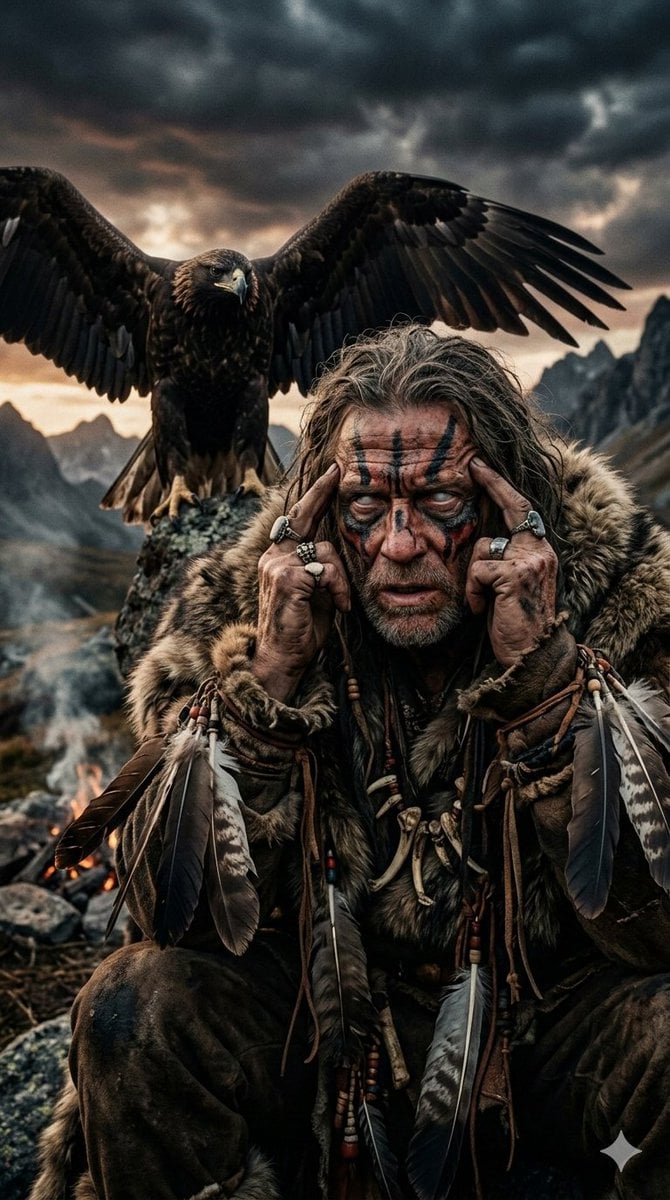
Prehistoric Shaman Bonded with Eagle Spirit
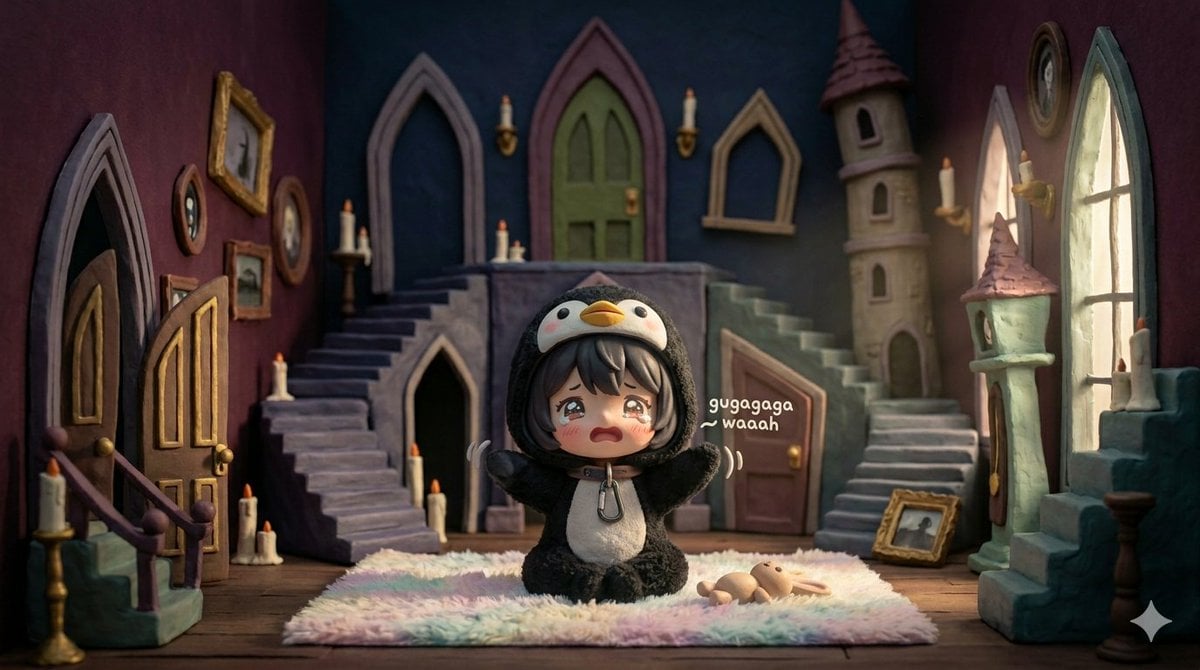
3D Tiny Anime Girl 'Gugu' Sequence
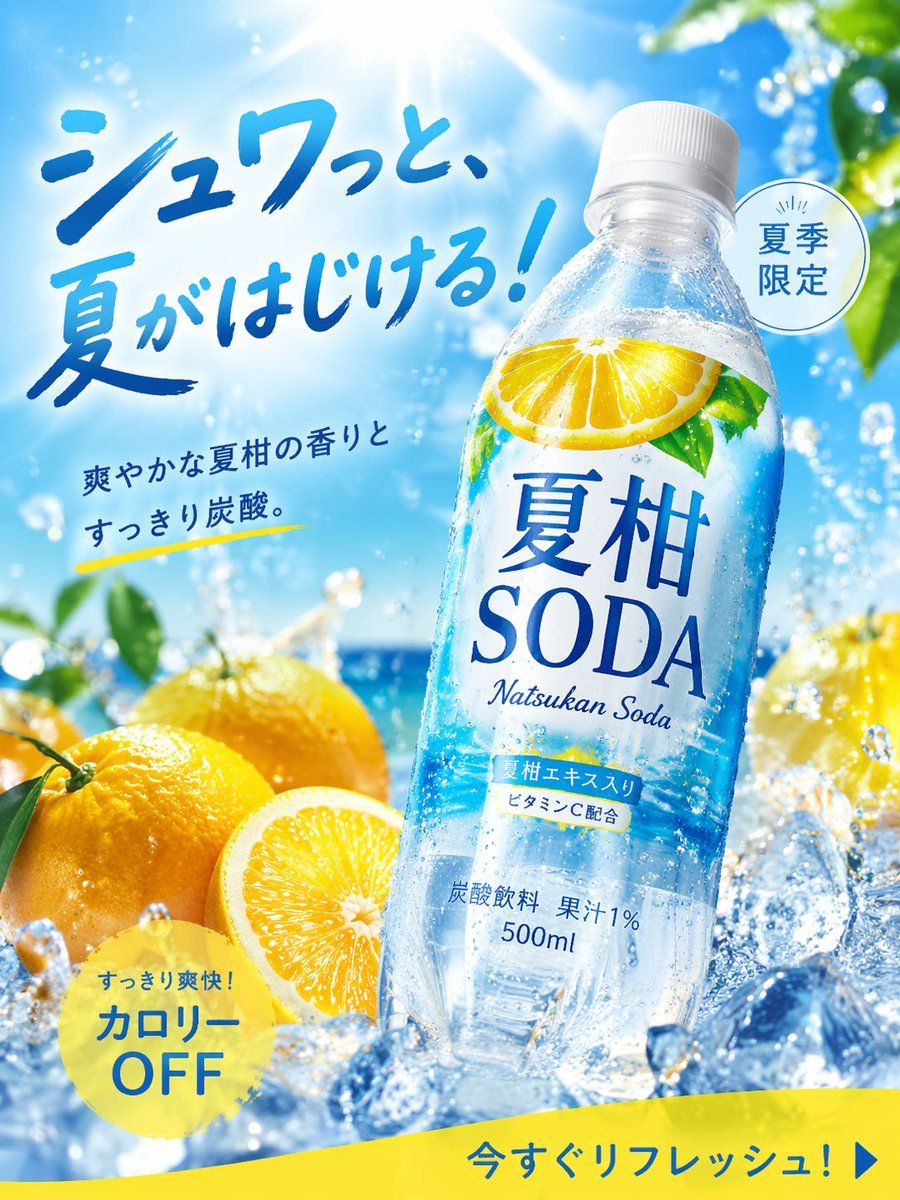
Summer Citrus Soda Advertisement
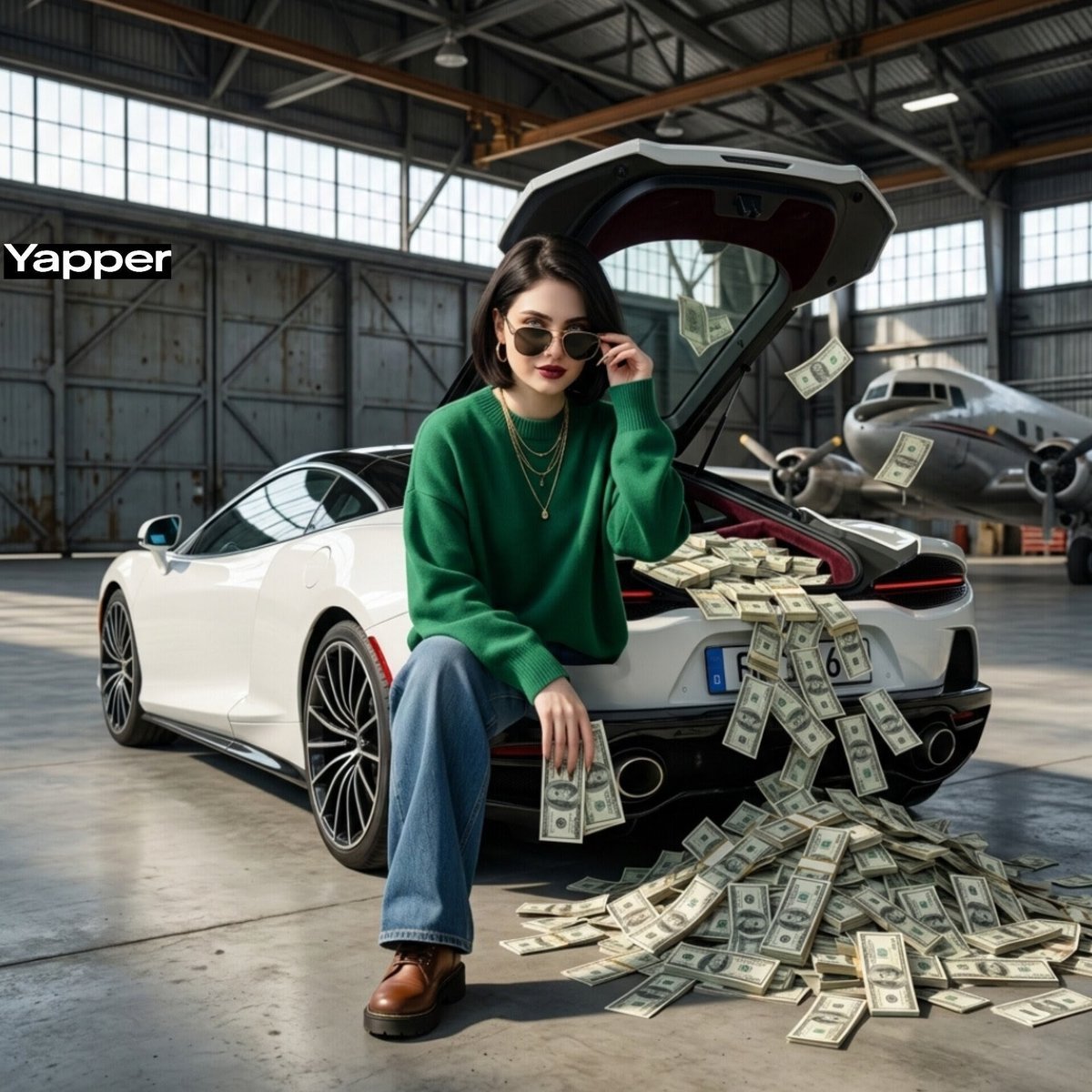
Cinematic Hangar Photo Prompt
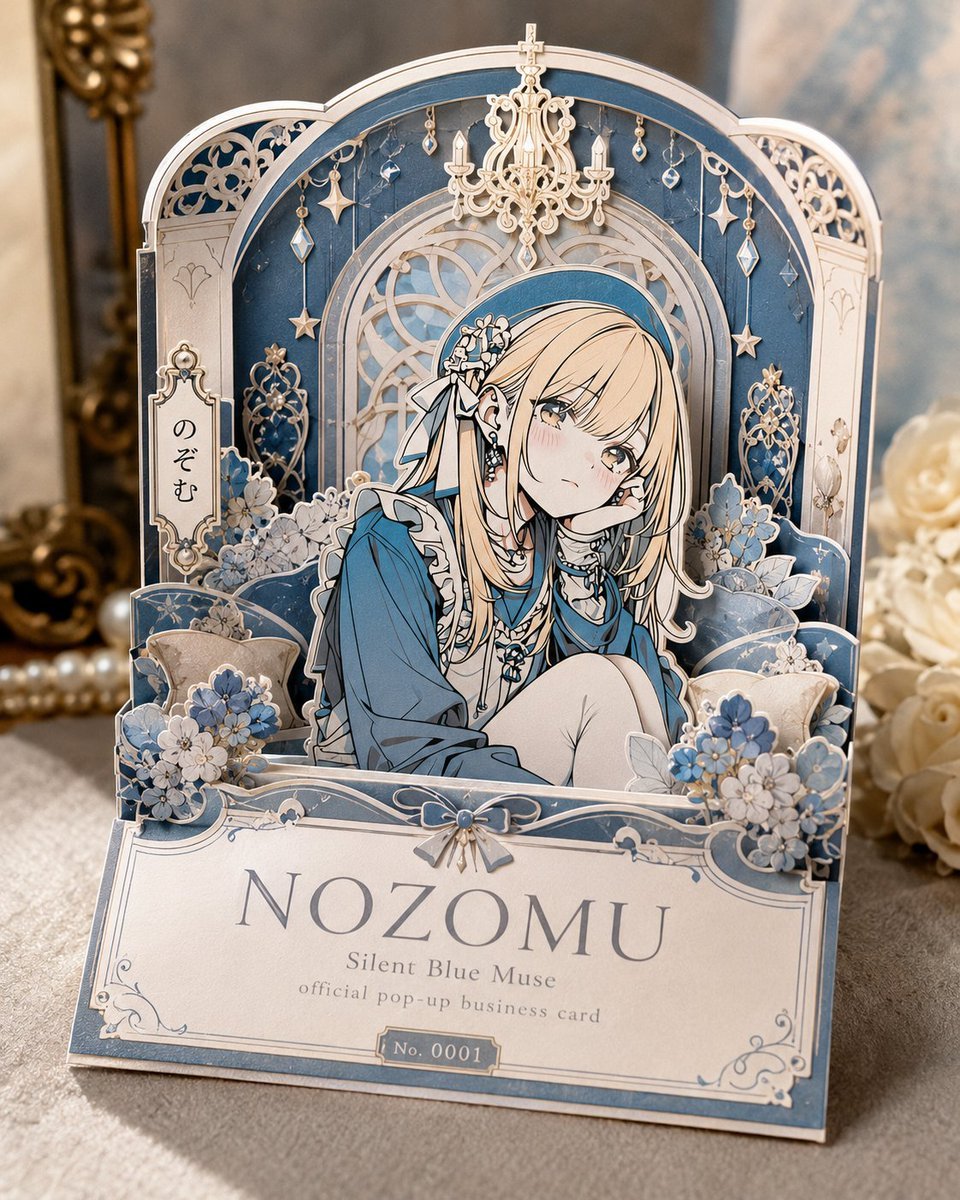
Anime Pop-Up Business Card
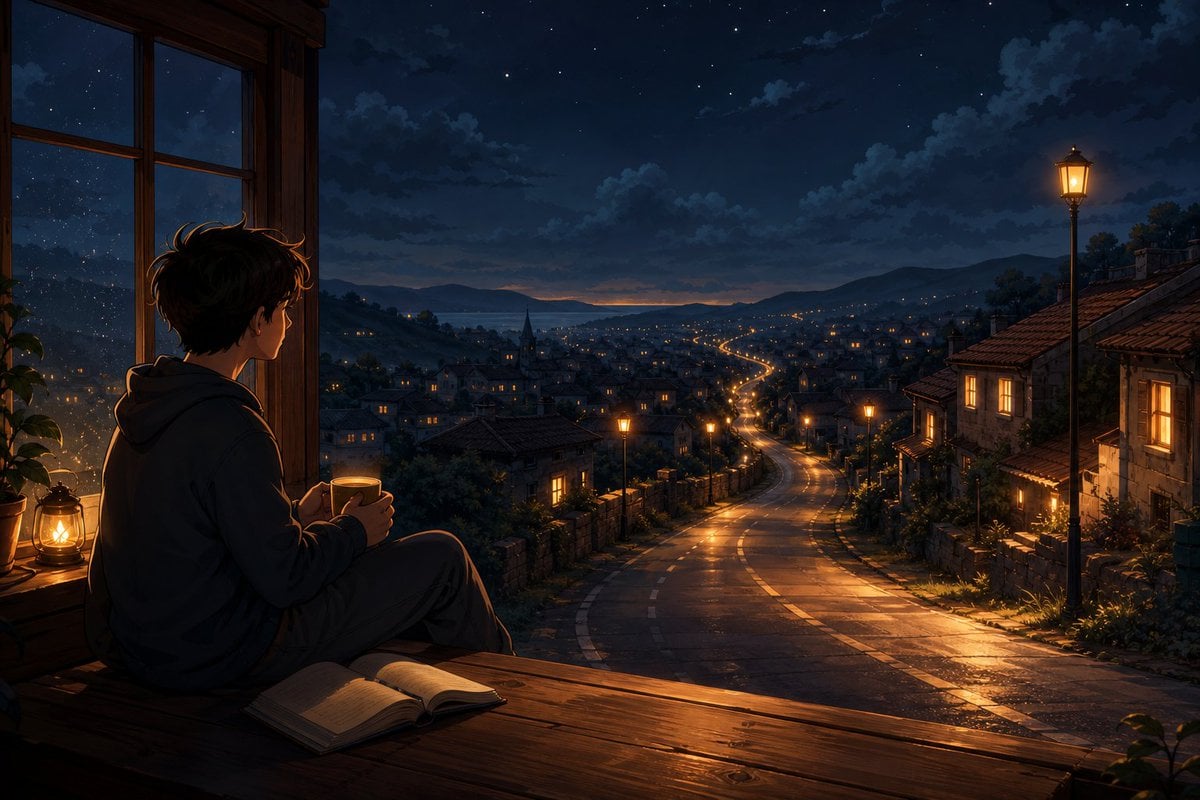
Anime Boy at Night Window
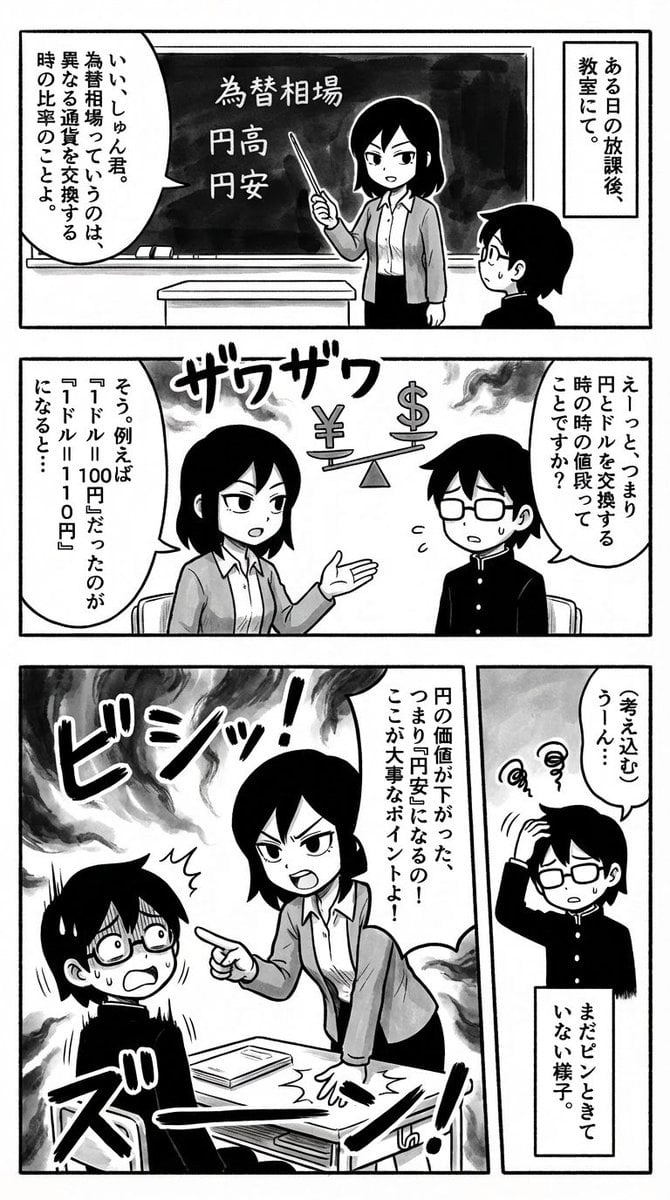
Simple Comic Generation Prompt
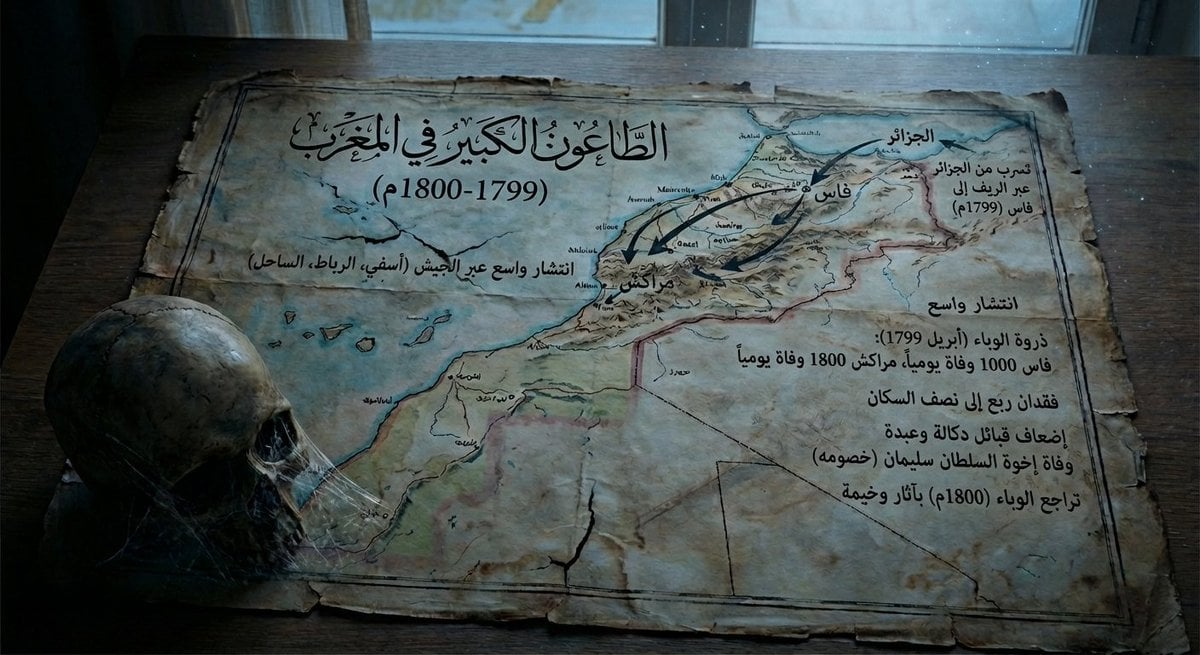
Map of Morocco during the 1799–1800 plague
Old Photo Restoration and Upscaling
Matisse's Dance Style Image Generation
Browse template categories
3D Miniature Action Figure Transformation questions
How do I use the 3D Miniature Action Figure Transformation template?
Add your photo if the template asks for one, edit the prompt if you like — the template's model and format are already selected — and press Generate. Your version opens in PicX Studio.
Can I customize the 3D Miniature Action Figure Transformation template?
Yes. You can change the subject, setting, lighting, mood, format, and available model controls before creating your image.
Is the 3D Miniature Action Figure Transformation template free?
Opening and editing this template is free. Generating uses credits, shown on the Generate button when you are signed in.
Which AI model should I use?
Start with Nano Banana 2, which is the model associated with this template. You can compare another compatible model for a different finish.
Looking for something else? Browse all templates.

Your photo, any look
Thousands of ready templates for every top image and video model, from one credit balance.