How do I use the Moody Editorial Beauty Portrait template?
Edit the prompt in the box under the preview — the template's model and format are already selected — and press Generate. Your version appears right on this page.
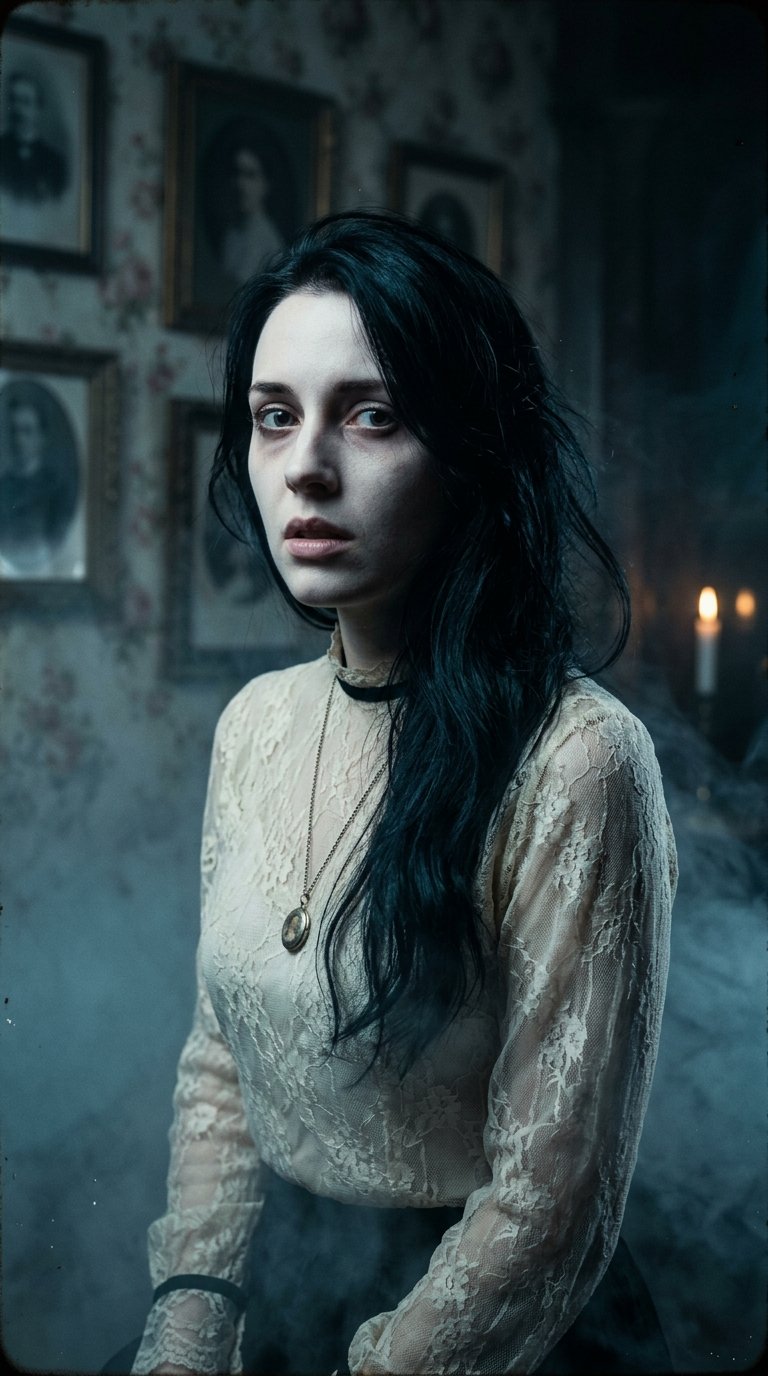
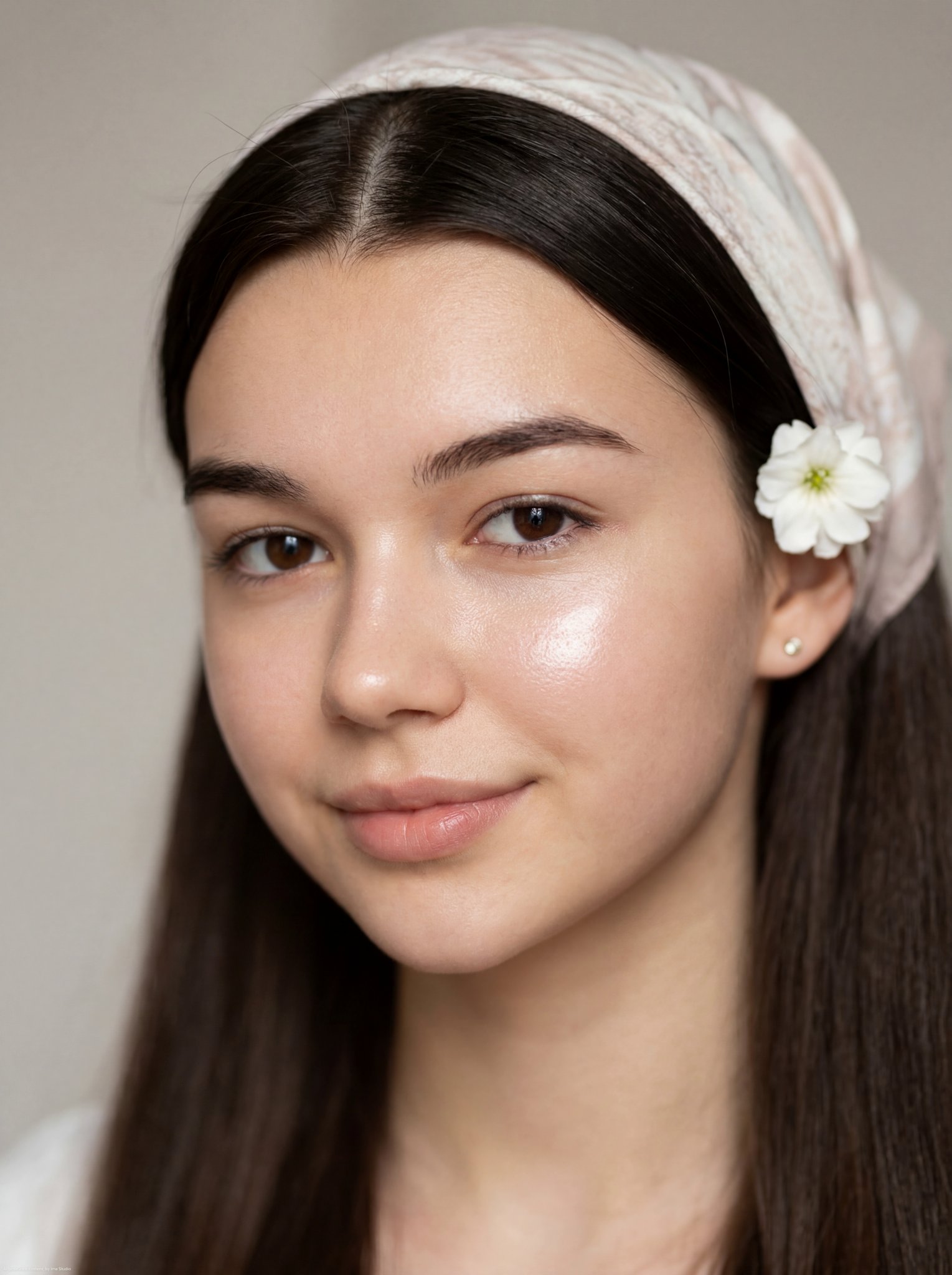
A cinematic, low-key close-up portrait of a woman with dramatic lighting and high contrast editorial style.

ultra-realistic close-up portrait of a {argument name="subject" default="beautiful young woman"} with {argument name="hair style" default="long straight dark hair"}, messy strands falling across her face, soft pale skin, full natural lips, deep dark eyes, subtle eyeliner, moody intimate expression, head slightly tilted, one arm raised beside her face, cinematic low-key studio lighting, dramatic shadows across the face, {argument name="background color" default="black background"}, glossy hair texture, minimal makeup, emotional editorial beauty photography, soft skin details, sharp focus on eyes and lips, high contrast, dark aesthetic, luxury fashion magazine portrait, 85mm lens, shallow depth of field, photorealistic, ultra detailed, masterpiece.
ultra-realistic close-up portrait of a {argument name="subject" default="beautiful young woman"} with {argument name="hair style" default="long straight dark hair"}, messy strands falling across her face, soft pale skin, full natural lips, deep dark eyes, subtle eyeliner, moody intimate expression, head slightly tilted, one arm raised beside her face, cinematic low-key studio lighting, dramatic shadows across the face, {argument name="background color" default="black background"}, glossy hair texture, minimal makeup, emotional editorial beauty photography, soft skin details, sharp focus on eyes and lips, high contrast, dark aesthetic, luxury fashion magazine portrait, 85mm lens, shallow depth of field, photorealistic, ultra detailed, masterpiece.
Edit the prompt in the box under the preview — the template's model and format are already selected — and press Generate. Your version appears right on this page.
Yes. You can change the subject, setting, lighting, mood, format, and available model controls before creating your image.
Opening and editing this template is free. Generating uses credits, shown on the Generate button when you are signed in.
Start with Nano Banana 2, which is the model associated with this template. You can compare another compatible model for a different finish.
Follow a topic to a crawlable collection of related PicX Studio templates.