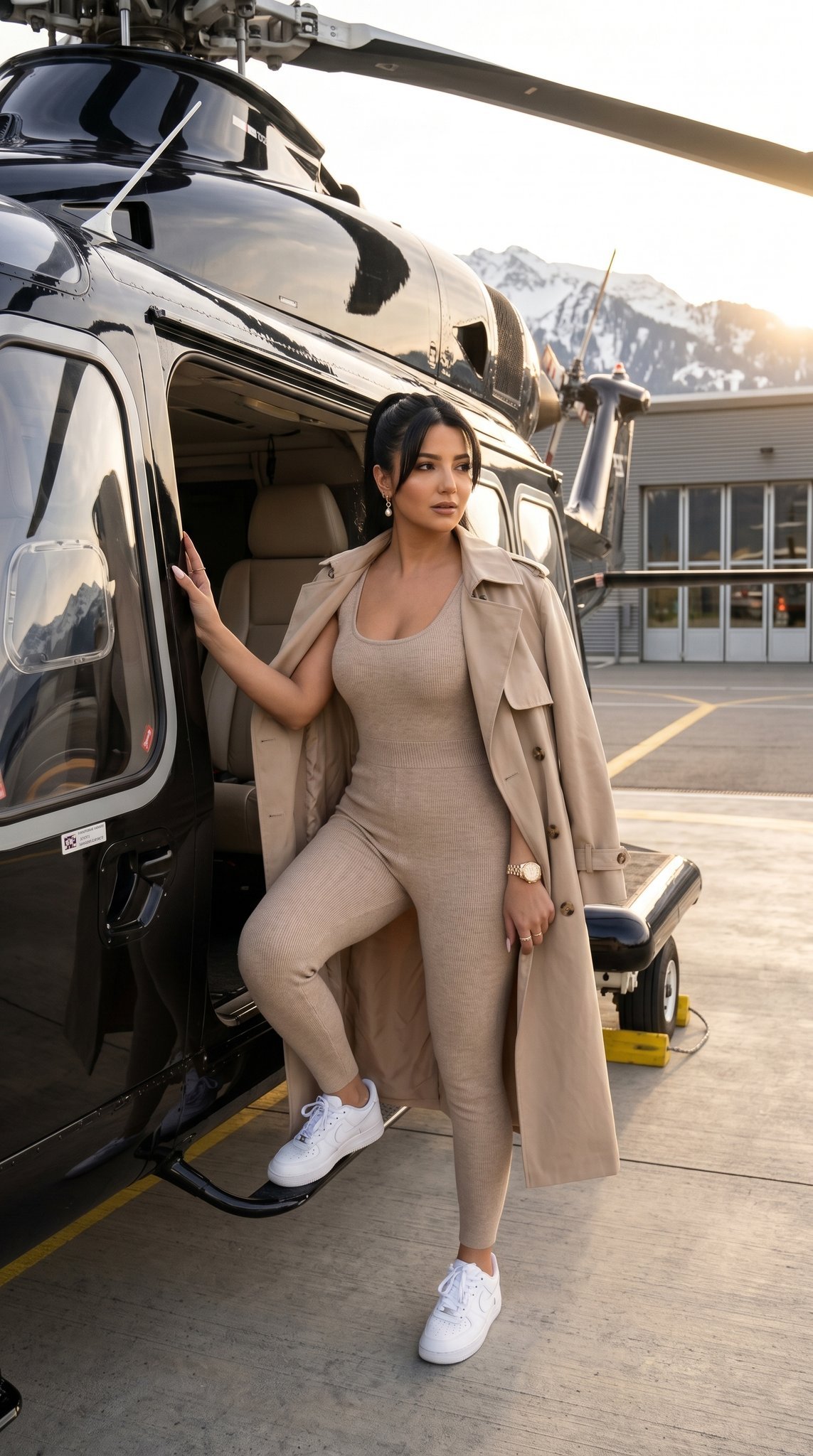
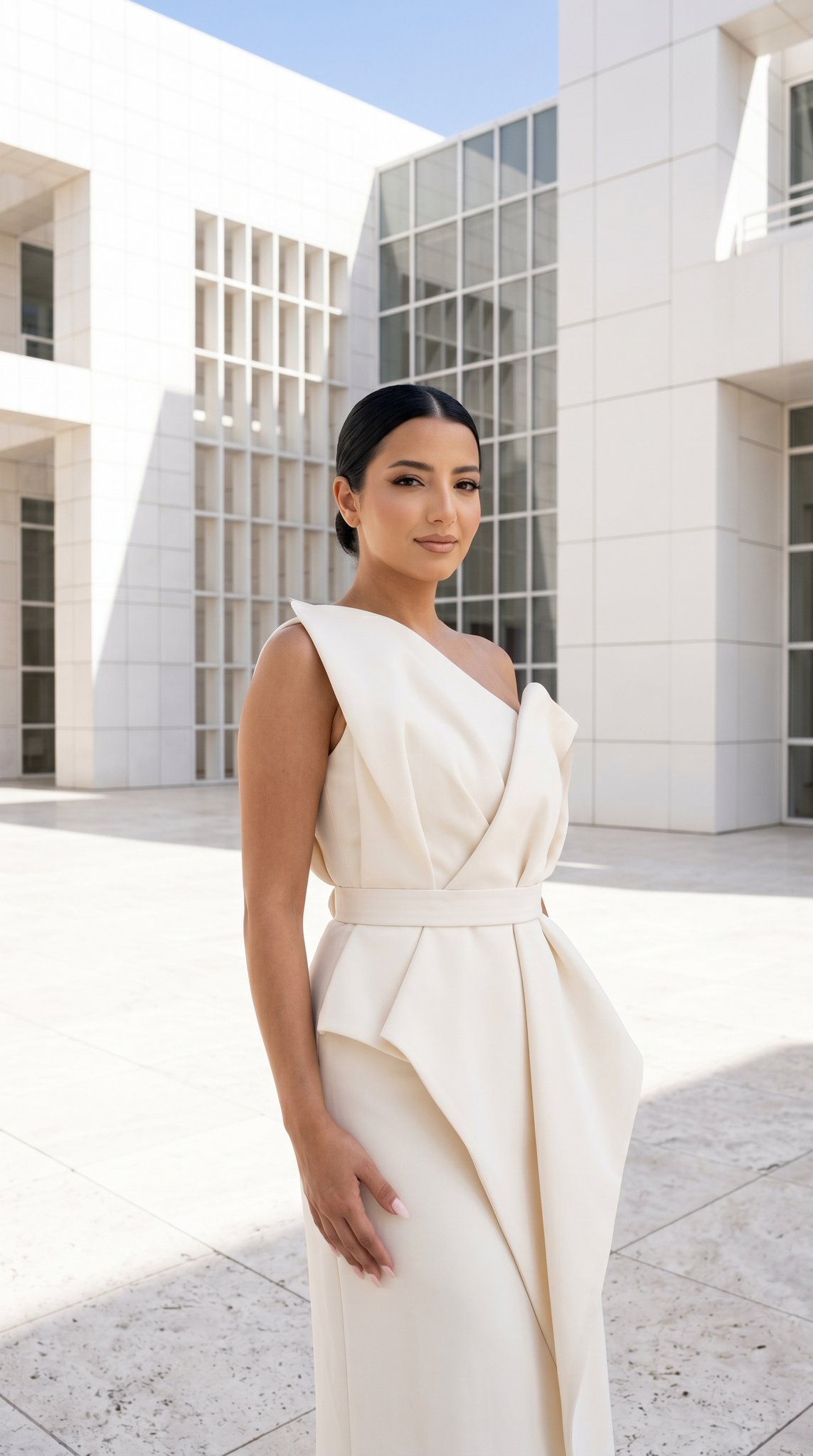
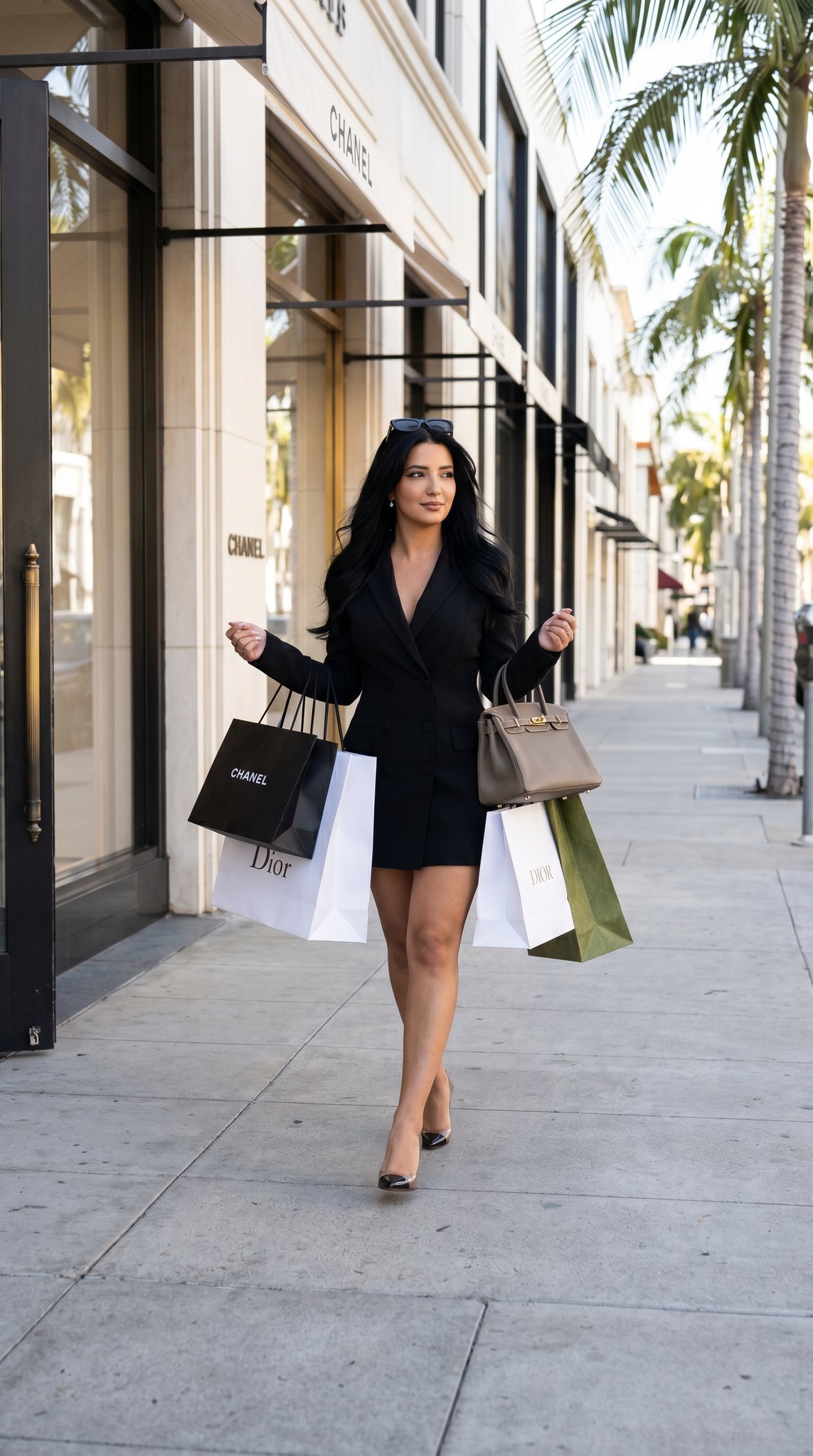
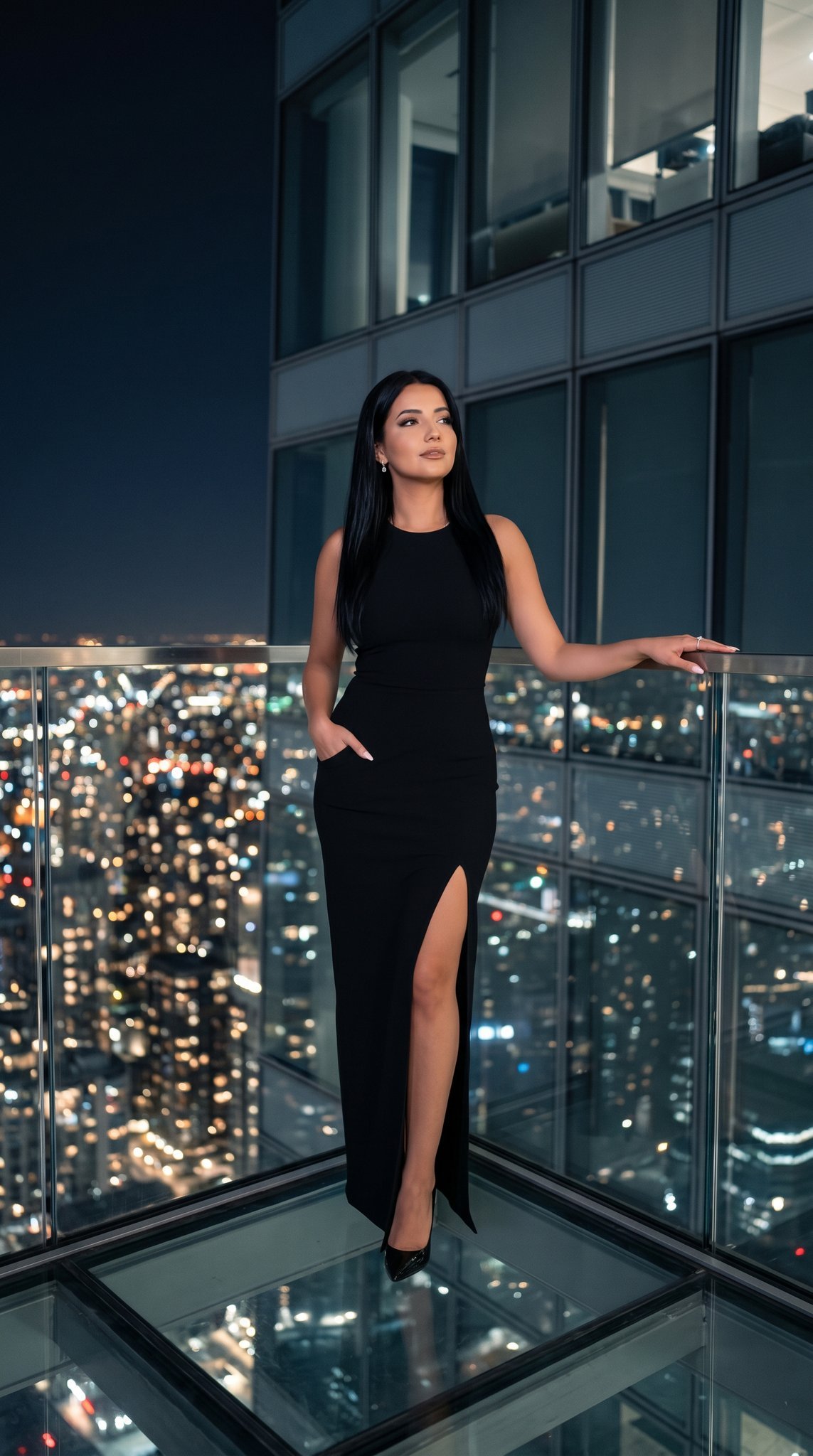
How do I use the Luxury Fashion Editorial Portrait template?
Edit the prompt in the box under the preview — the template's model and format are already selected — and press Generate. Your version appears right on this page.
A minimalist luxury fashion portrait prompt for a Mediterranean man in a black studio setting, inspired by high-end campaigns.

Create an ultra-realistic luxury fashion editorial portrait of a {argument name="subject" default="fair Mediterranean man in his mid-20s with a slim athletic build"}, photographed in a minimal black seamless studio. He stands upright in a relaxed pose, facing the camera with his chin slightly raised, projecting a calm, confident, mysterious, and timeless presence. His eyes are hidden behind matte black rectangular designer sunglasses with dark smoke polarized lenses, giving the portrait a refined, modern luxury aesthetic. He has an oval face with a sharp angular jawline, fair neutral skin with a natural matte finish, realistic skin texture with fine pores preserved, thick naturally defined eyebrows, a straight narrow nose, full matte lips, and very light designer stubble. His hair is deep espresso black, styled in messy textured curtains with soft natural waves, controlled volume, and a healthy matte finish. He wears a {argument name="outfit" default="premium heavyweight black crew-neck T-shirt made from luxury cotton jersey"} with a tailored relaxed fit, without any accessories, emphasizing understated elegance and quiet luxury. The background is a smooth matte charcoal backdrop fading seamlessly into pure black. Illuminate the subject using a single cinematic softbox positioned 45 degrees to camera-left with subtle overhead fill, creating soft directional light, deep cinematic shadows that preserve facial structure, high contrast, and a very subtle rim light for gentle edge separation. Frame the image as a centered chest-up portrait at eye level in a perfectly symmetrical composition with minimal negative space and a 4:5 portrait aspect ratio. Capture the image as if shot on a {argument name="camera" default="Canon EOS R5 Mark II with an RF 85mm f/1.2L lens"} at f/2.0, 1/200s, ISO 100. Use a color palette dominated by matte black, charcoal, fair skin tones, and soft ivory highlights. Apply neutral-cool luxury fashion color grading with deep rich blacks, controlled white highlights, muted natural colors, and high contrast. Finish with premium editorial retouching that enhances the skin while preserving natural texture and pores, maintaining wide dynamic range, high clarity, and selective facial sharpening. The final image should feel like a high-end campaign for Saint Laurent, Tom Ford, CELINE Homme, Prada, or Vogue Hommes, delivering a minimalist, cinematic, commercial-ready portrait in ultra-realistic 8K quality.
Create an ultra-realistic luxury fashion editorial portrait of a {argument name="subject" default="fair Mediterranean man in his mid-20s with a slim athletic build"}, photographed in a minimal black seamless studio. He stands upright in a relaxed pose, facing the camera with his chin slightly raised, projecting a calm, confident, mysterious, and timeless presence. His eyes are hidden behind matte black rectangular designer sunglasses with dark smoke polarized lenses, giving the portrait a refined, modern luxury aesthetic. He has an oval face with a sharp angular jawline, fair neutral skin with a natural matte finish, realistic skin texture with fine pores preserved, thick naturally defined eyebrows, a straight narrow nose, full matte lips, and very light designer stubble. His hair is deep espresso black, styled in messy textured curtains with soft natural waves, controlled volume, and a healthy matte finish. He wears a {argument name="outfit" default="premium heavyweight black crew-neck T-shirt made from luxury cotton jersey"} with a tailored relaxed fit, without any accessories, emphasizing understated elegance and quiet luxury. The background is a smooth matte charcoal backdrop fading seamlessly into pure black. Illuminate the subject using a single cinematic softbox positioned 45 degrees to camera-left with subtle overhead fill, creating soft directional light, deep cinematic shadows that preserve facial structure, high contrast, and a very subtle rim light for gentle edge separation. Frame the image as a centered chest-up portrait at eye level in a perfectly symmetrical composition with minimal negative space and a 4:5 portrait aspect ratio. Capture the image as if shot on a {argument name="camera" default="Canon EOS R5 Mark II with an RF 85mm f/1.2L lens"} at f/2.0, 1/200s, ISO 100. Use a color palette dominated by matte black, charcoal, fair skin tones, and soft ivory highlights. Apply neutral-cool luxury fashion color grading with deep rich blacks, controlled white highlights, muted natural colors, and high contrast. Finish with premium editorial retouching that enhances the skin while preserving natural texture and pores, maintaining wide dynamic range, high clarity, and selective facial sharpening. The final image should feel like a high-end campaign for Saint Laurent, Tom Ford, CELINE Homme, Prada, or Vogue Hommes, delivering a minimalist, cinematic, commercial-ready portrait in ultra-realistic 8K quality.
Edit the prompt in the box under the preview — the template's model and format are already selected — and press Generate. Your version appears right on this page.
Yes. You can change the subject, setting, lighting, mood, format, and available model controls before creating your image.
Opening and editing this template is free. Generating uses credits, shown on the Generate button when you are signed in.
Start with Nano Banana 2, which is the model associated with this template. You can compare another compatible model for a different finish.
Follow a topic to a crawlable collection of related PicX Studio templates.