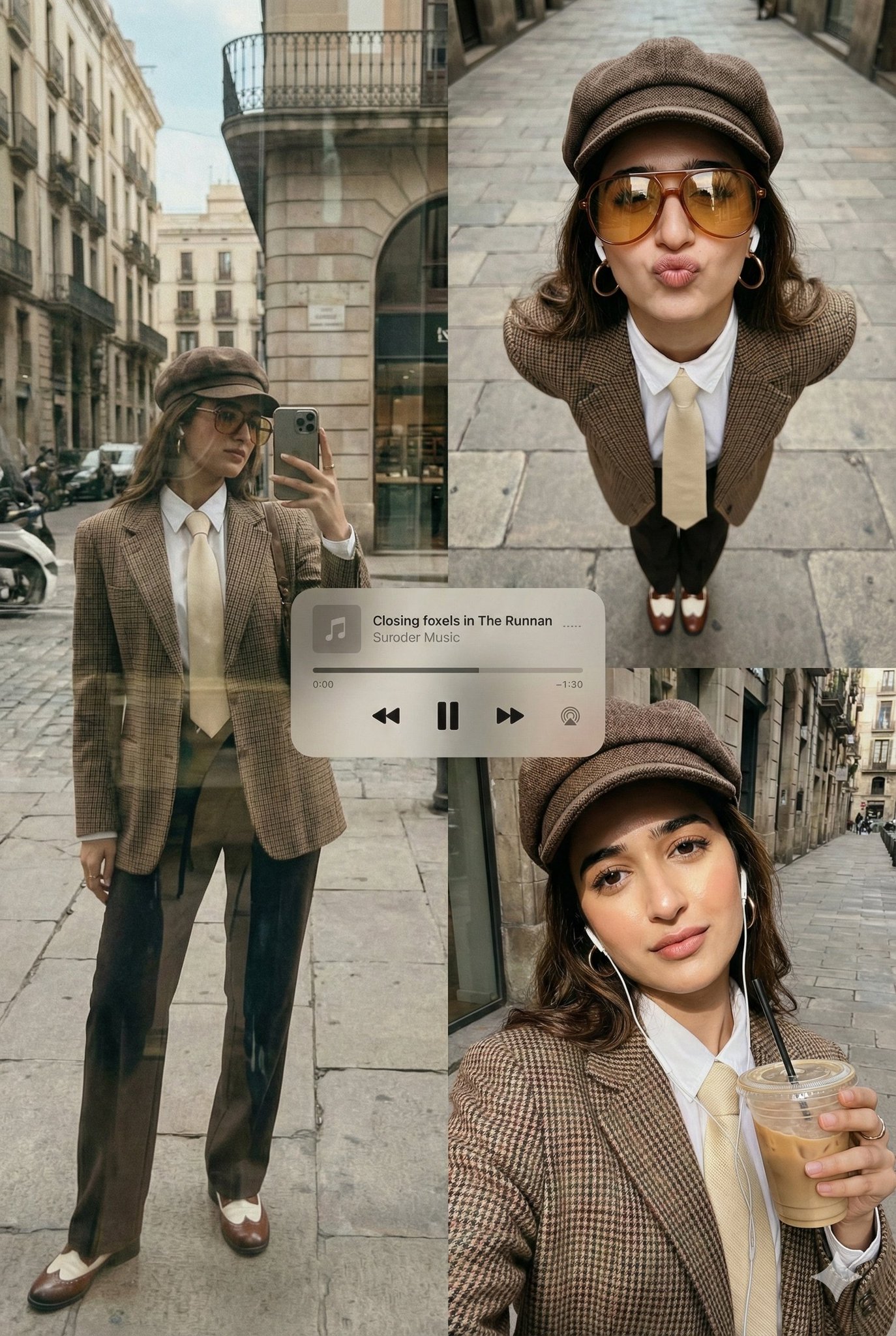
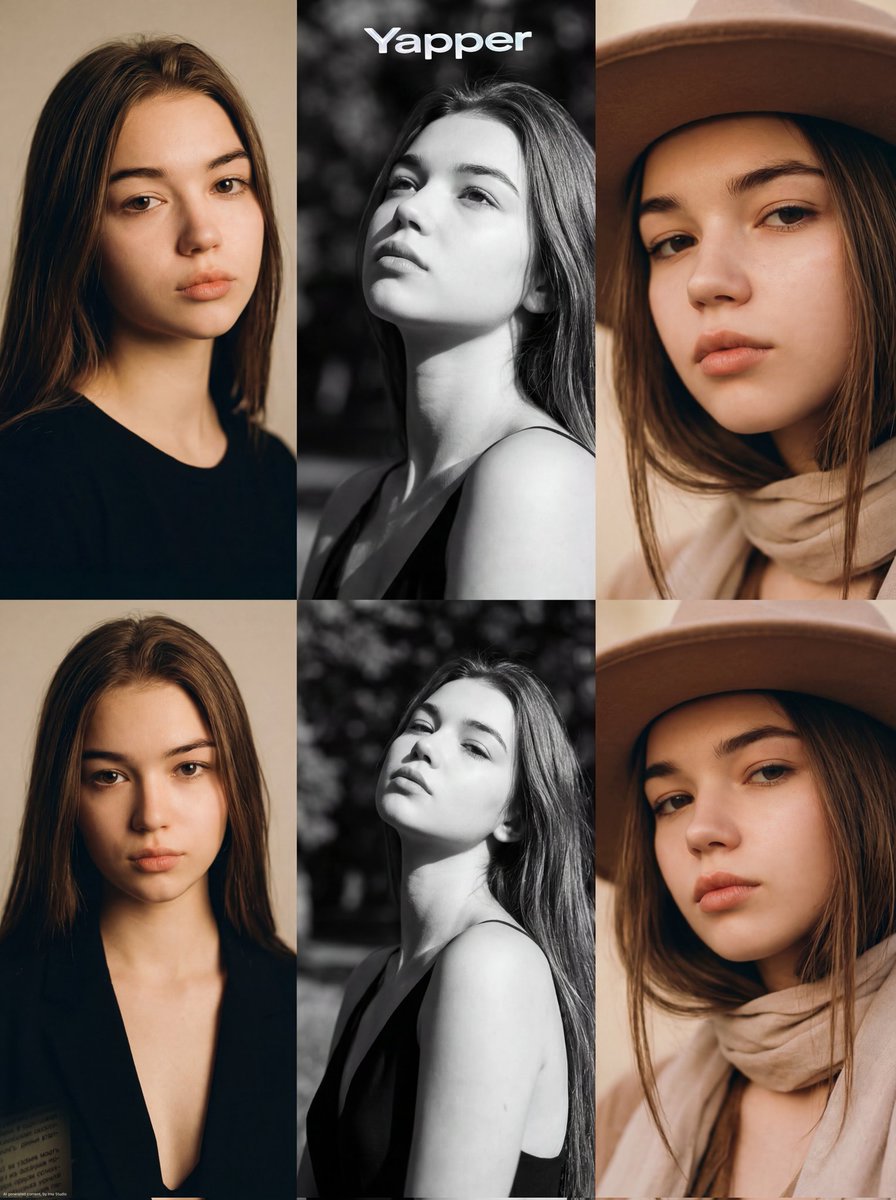
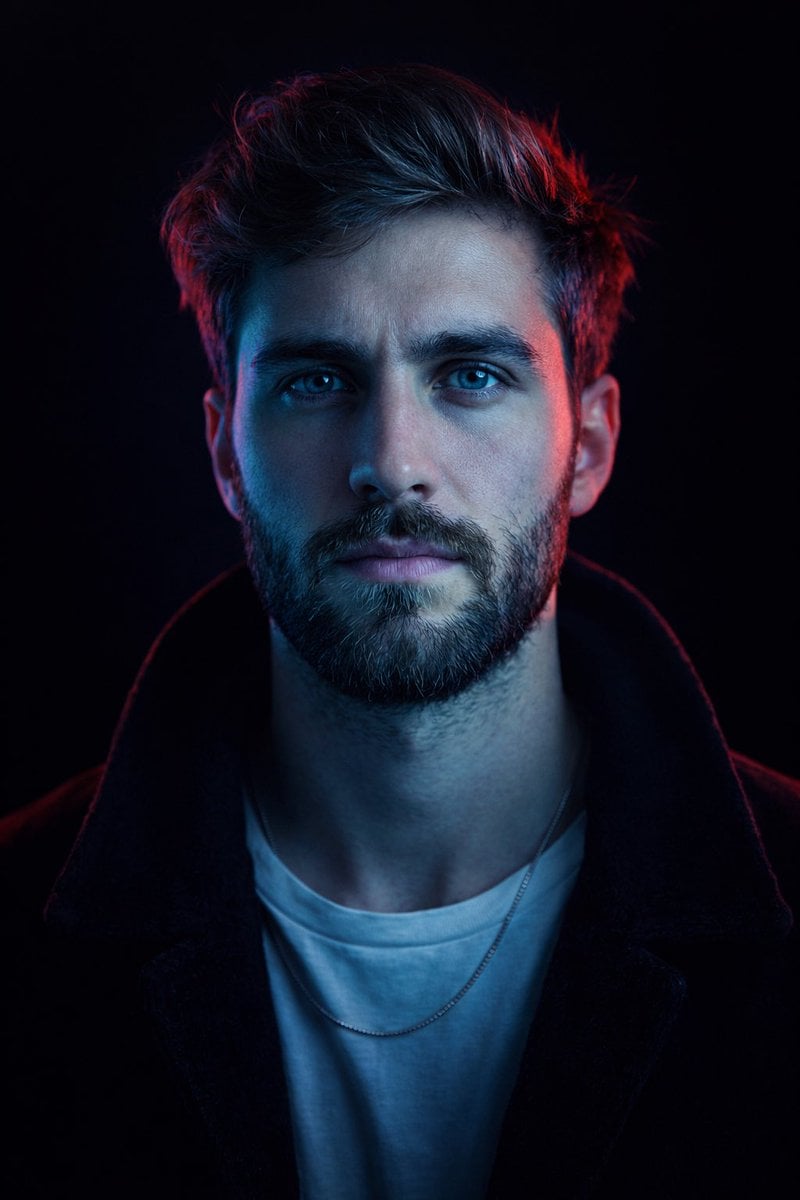
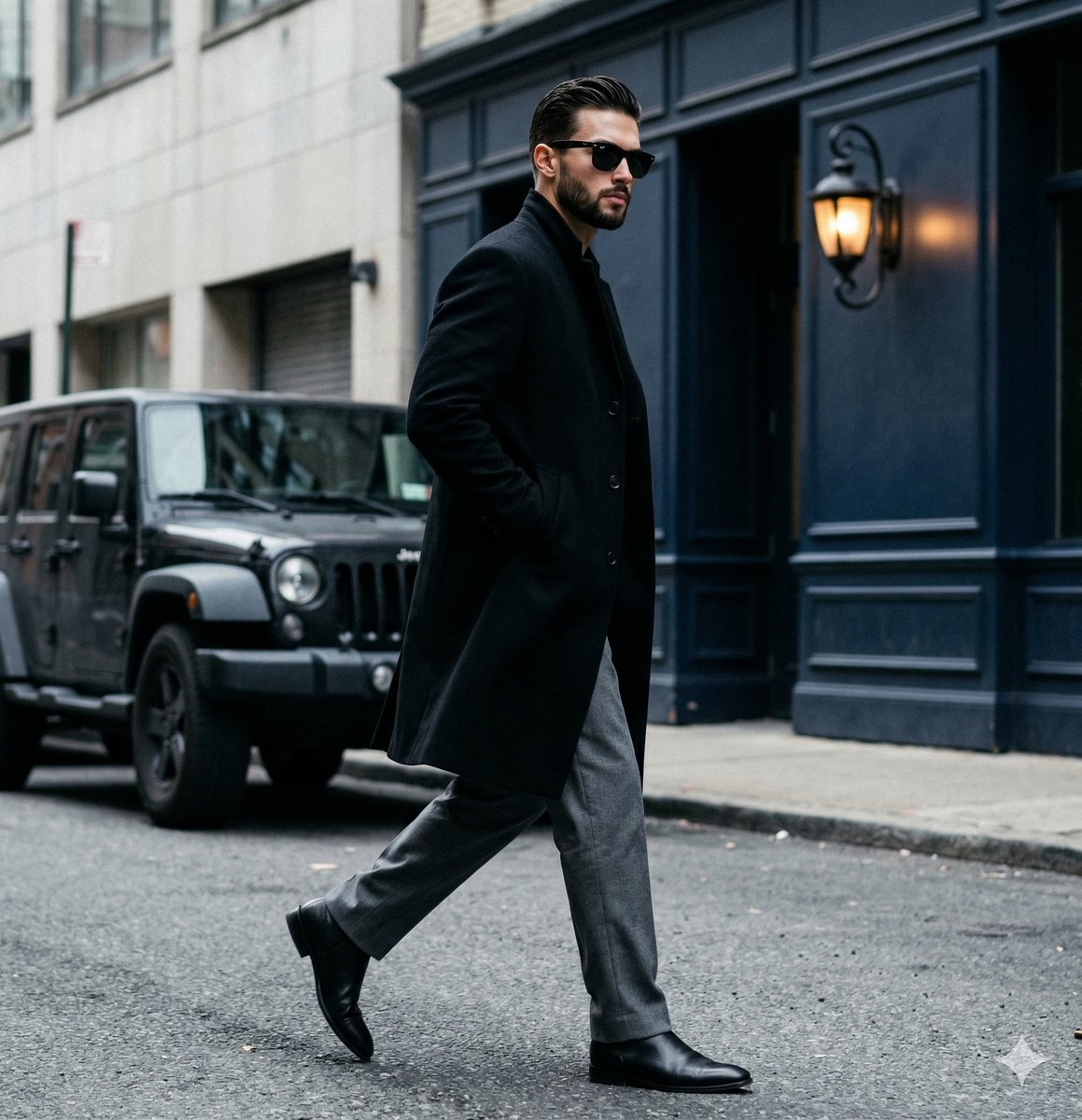
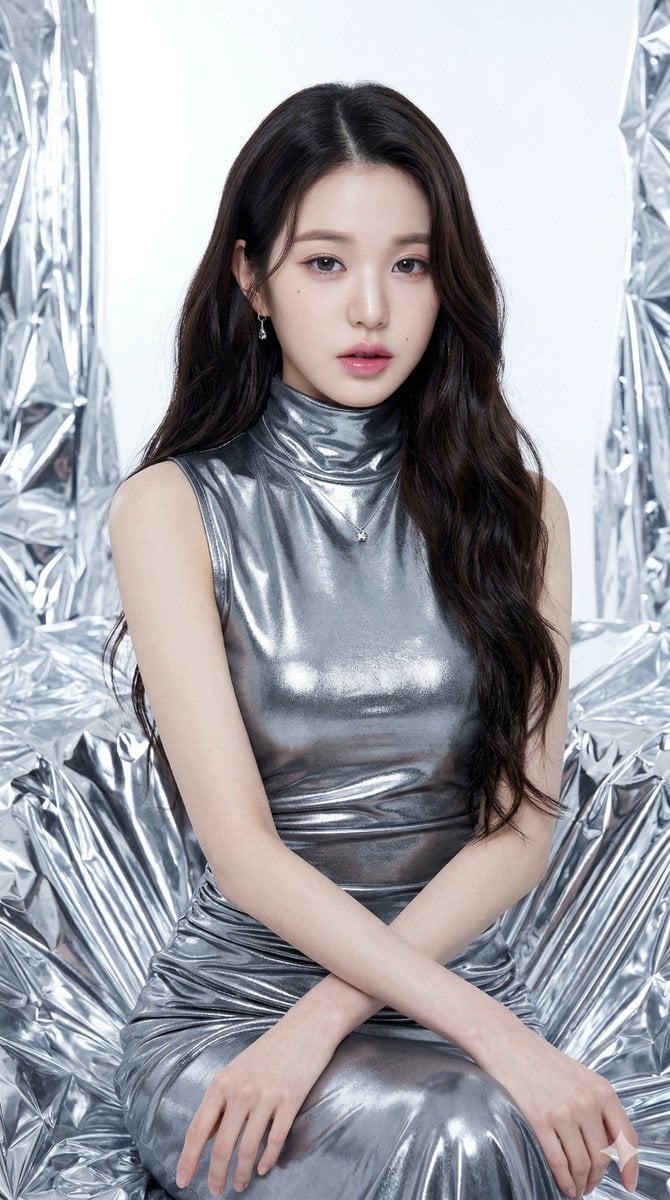
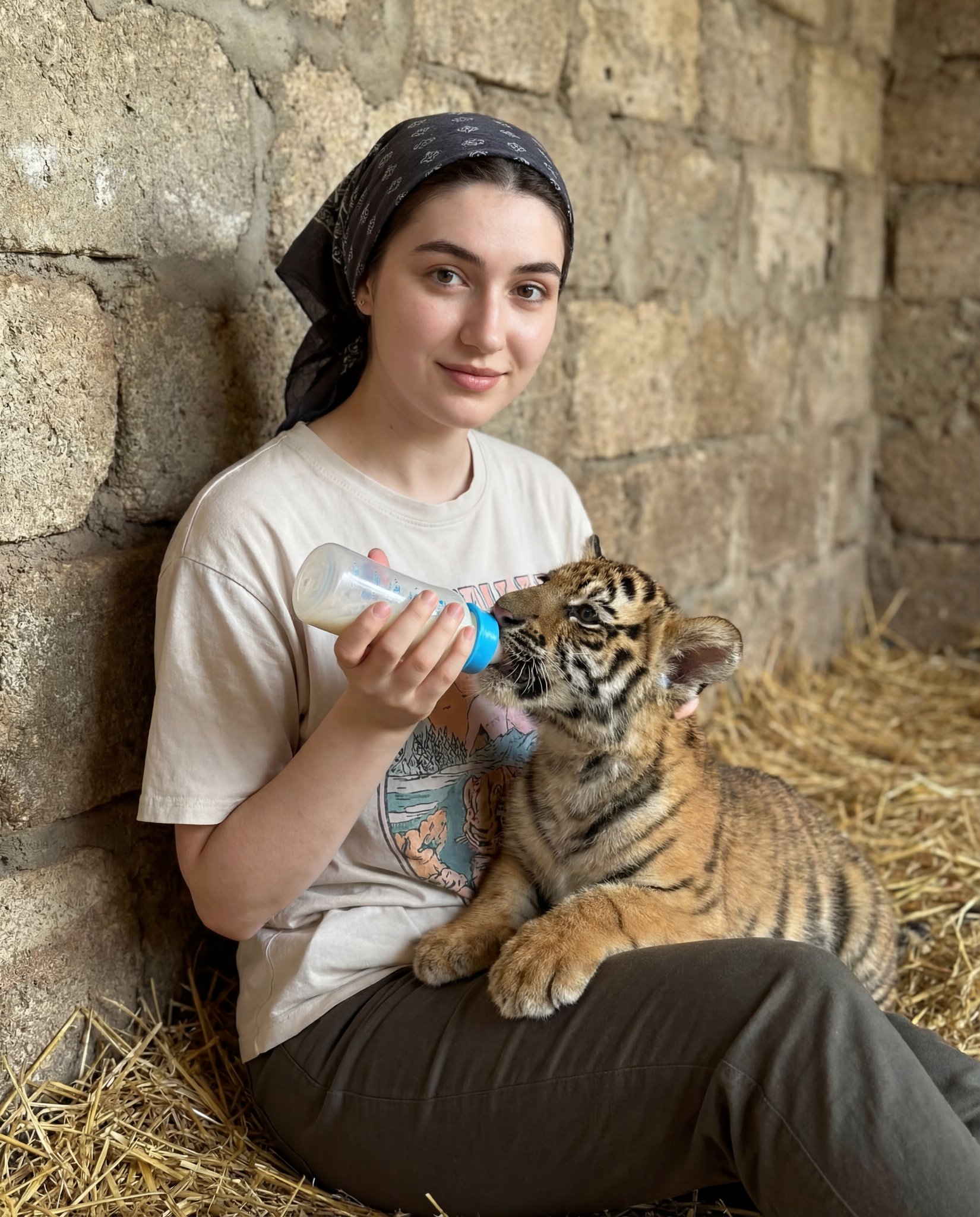
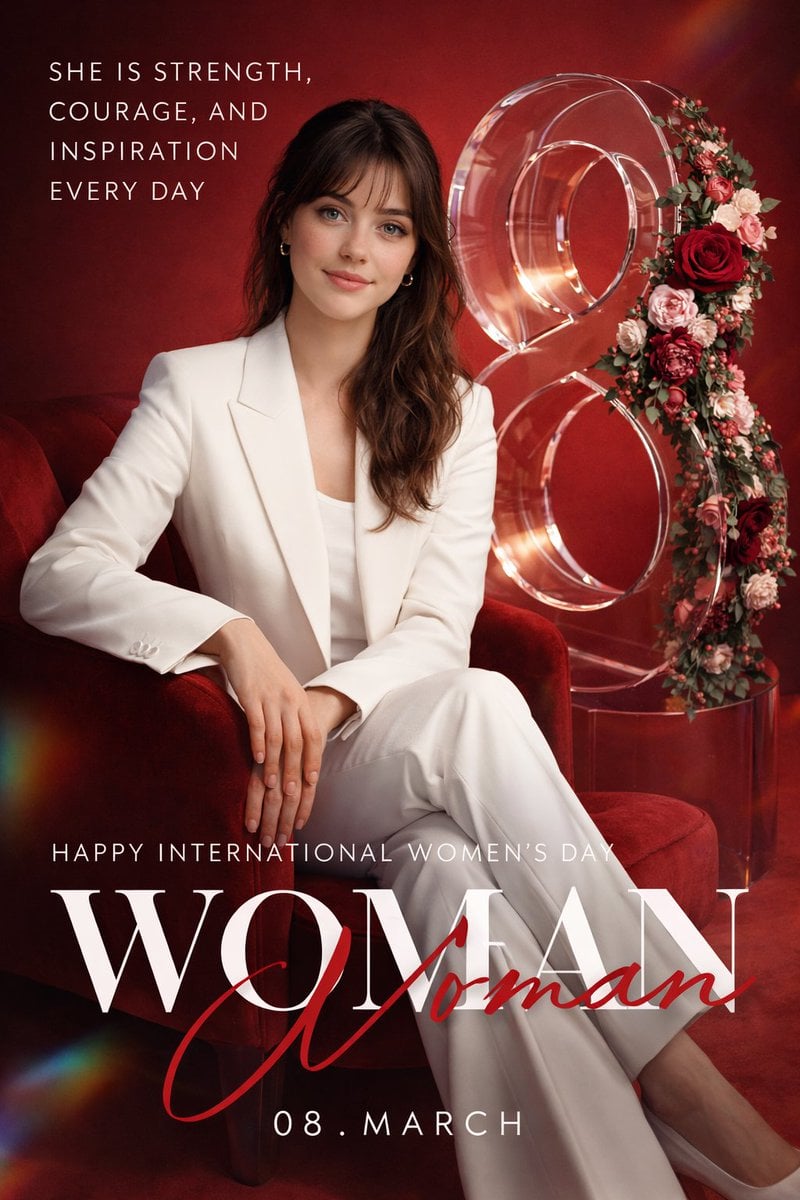
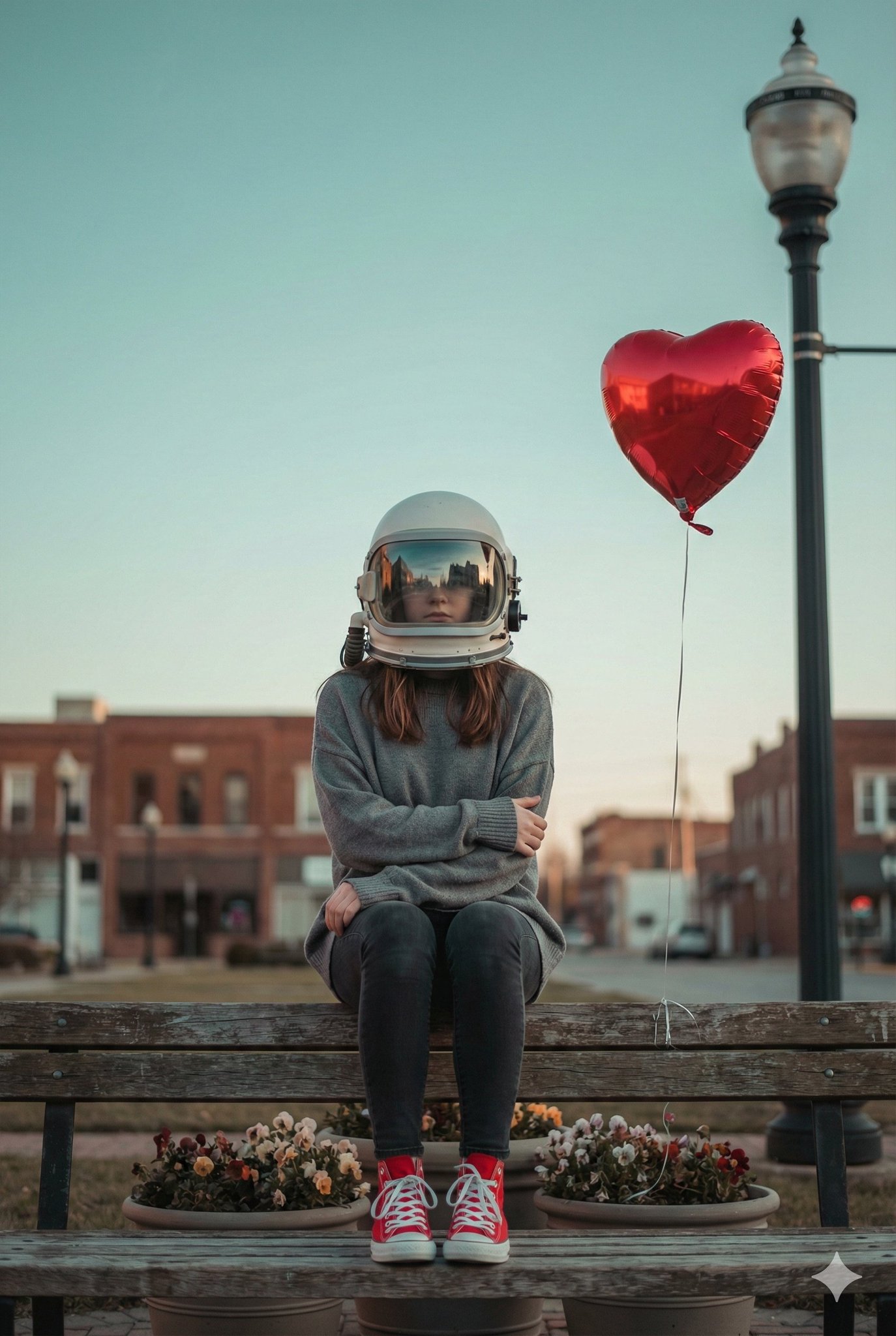
How do I use the Paparazzi Style Fashion Photography template?
Edit the prompt in the box under the preview — the template's model and format are already selected — and press Generate. Your version appears right on this page.
A prompt designed to recreate the grainy, high-energy aesthetic of 2000s tabloid paparazzi photography at a busy fashion event.

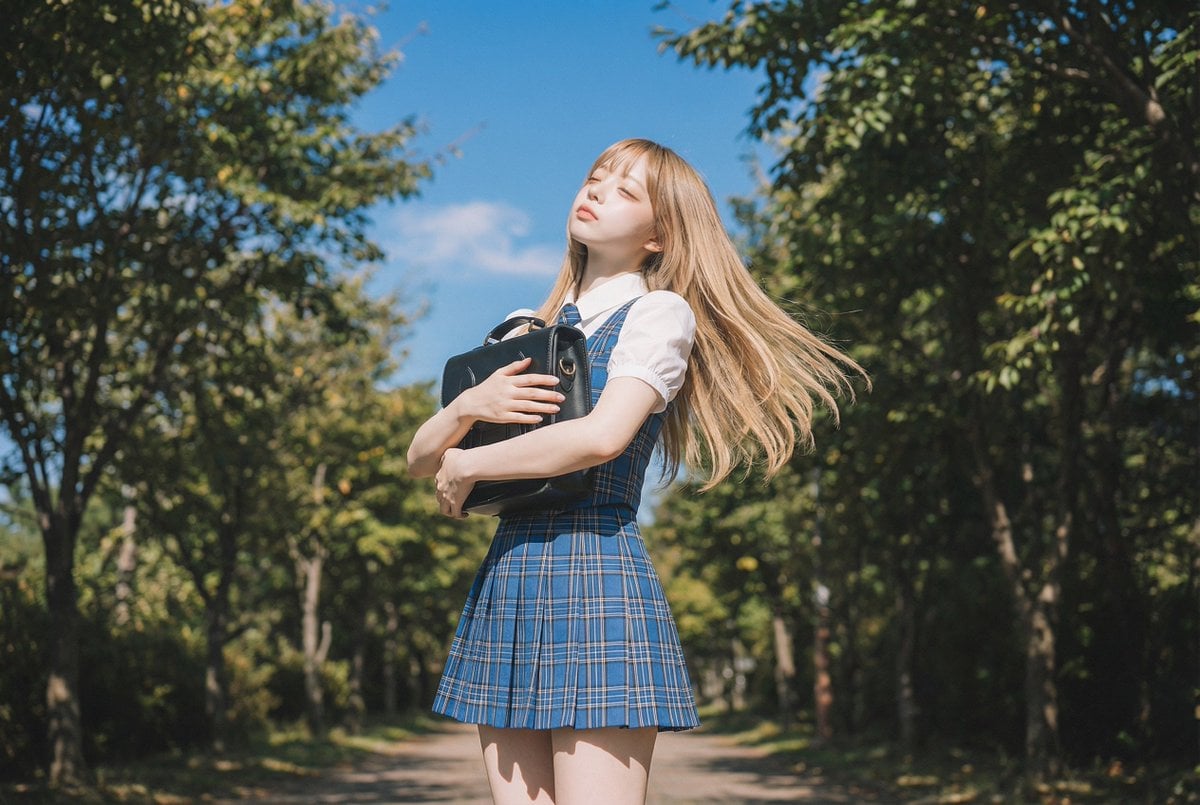
Paparazzi-style extreme close-up photo of a {argument name="subject" default="woman with striking facial features"}, caught off-guard while turning toward the camera. Face and shoulders only, shot from a low angle. Strong harsh on-camera flash, grainy high-ISO, raw candid street-photography feel. Background shows a {argument name="location" default="crowded scene with motion blur (Paris Fashion Week atmosphere)"}. Intense, spontaneous energy, imperfect and real. She is wearing a {argument name="clothing" default="school uniform"}. Ultra-realistic, cinematic realism, high detail skin texture, slight lens distortion. Camera style: “35mm paparazzi lens, f/2.8, flash blown highlights” Look: “2000s tabloid photo aesthetic” Quality: “sharp focus on face, background heavily blurred and streaked”
Paparazzi-style extreme close-up photo of a {argument name="subject" default="woman with striking facial features"}, caught off-guard while turning toward the camera. Face and shoulders only, shot from a low angle. Strong harsh on-camera flash, grainy high-ISO, raw candid street-photography feel. Background shows a {argument name="location" default="crowded scene with motion blur (Paris Fashion Week atmosphere)"}. Intense, spontaneous energy, imperfect and real. She is wearing a {argument name="clothing" default="school uniform"}. Ultra-realistic, cinematic realism, high detail skin texture, slight lens distortion. Camera style: “35mm paparazzi lens, f/2.8, flash blown highlights” Look: “2000s tabloid photo aesthetic” Quality: “sharp focus on face, background heavily blurred and streaked”
Edit the prompt in the box under the preview — the template's model and format are already selected — and press Generate. Your version appears right on this page.
Yes. You can change the subject, setting, lighting, mood, format, and available model controls before creating your image.
Opening and editing this template is free. Generating uses credits, shown on the Generate button when you are signed in.
Start with Nano Banana 2, which is the model associated with this template. You can compare another compatible model for a different finish.
Follow a topic to a crawlable collection of related PicX Studio templates.