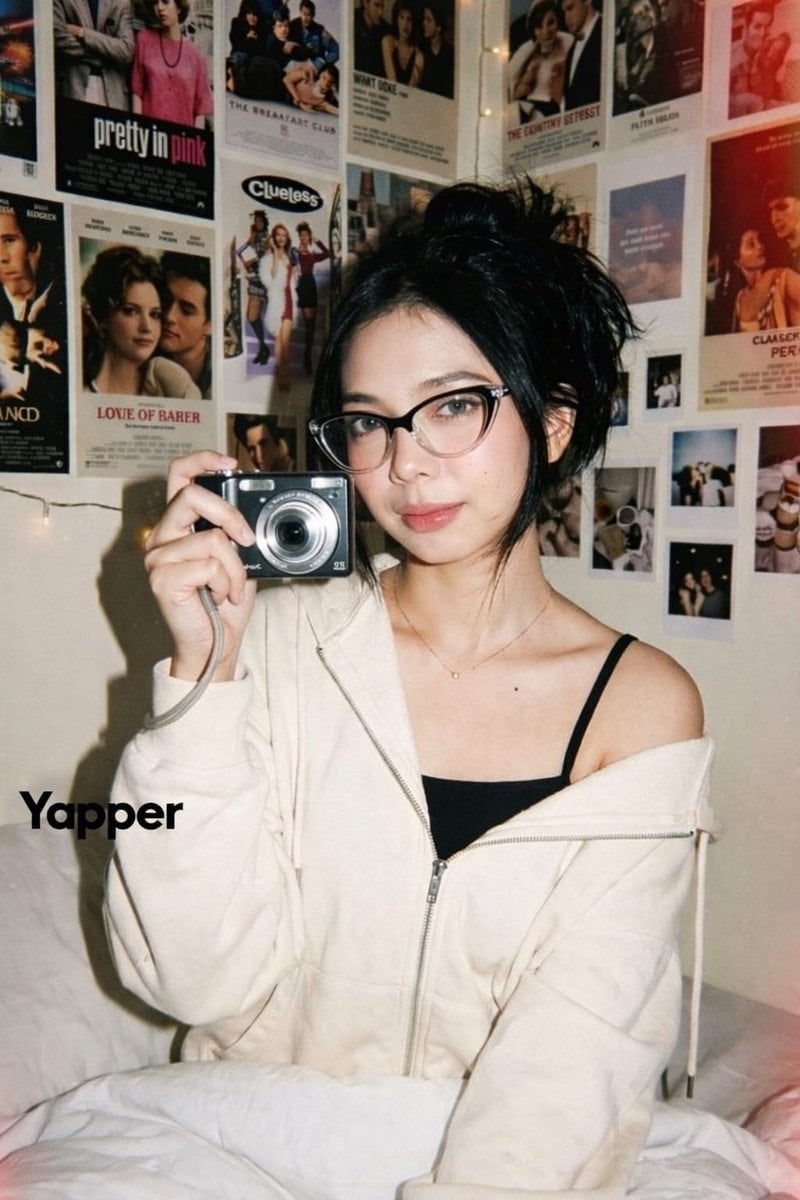
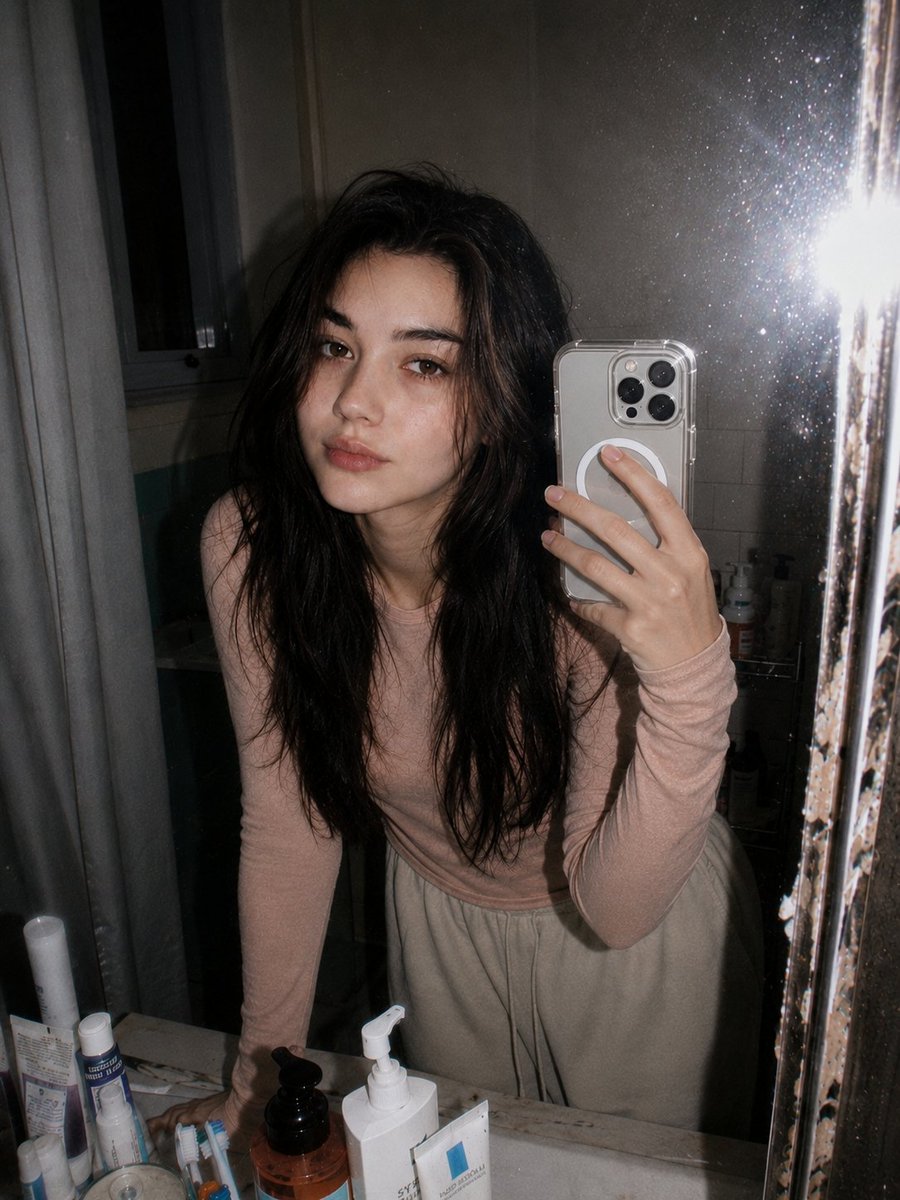
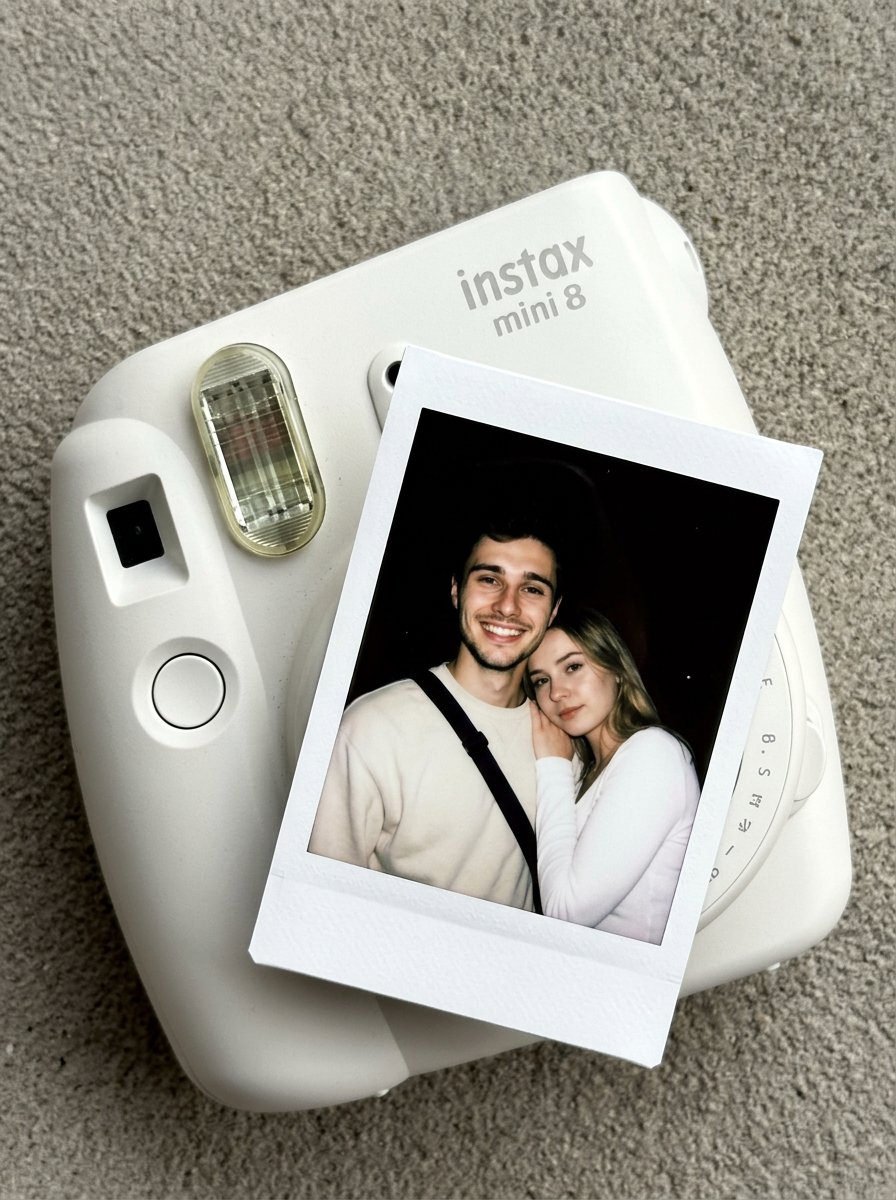
How do I use the 2004 Digital Camera Flash Aesthetic template?
Edit the prompt in the box under the preview — the template's model and format are already selected — and press Generate. Your version appears right on this page.
A unique prompt simulating a low-quality 2004 pocket digital camera photo with harsh flash, featuring an exhausted hospital worker.

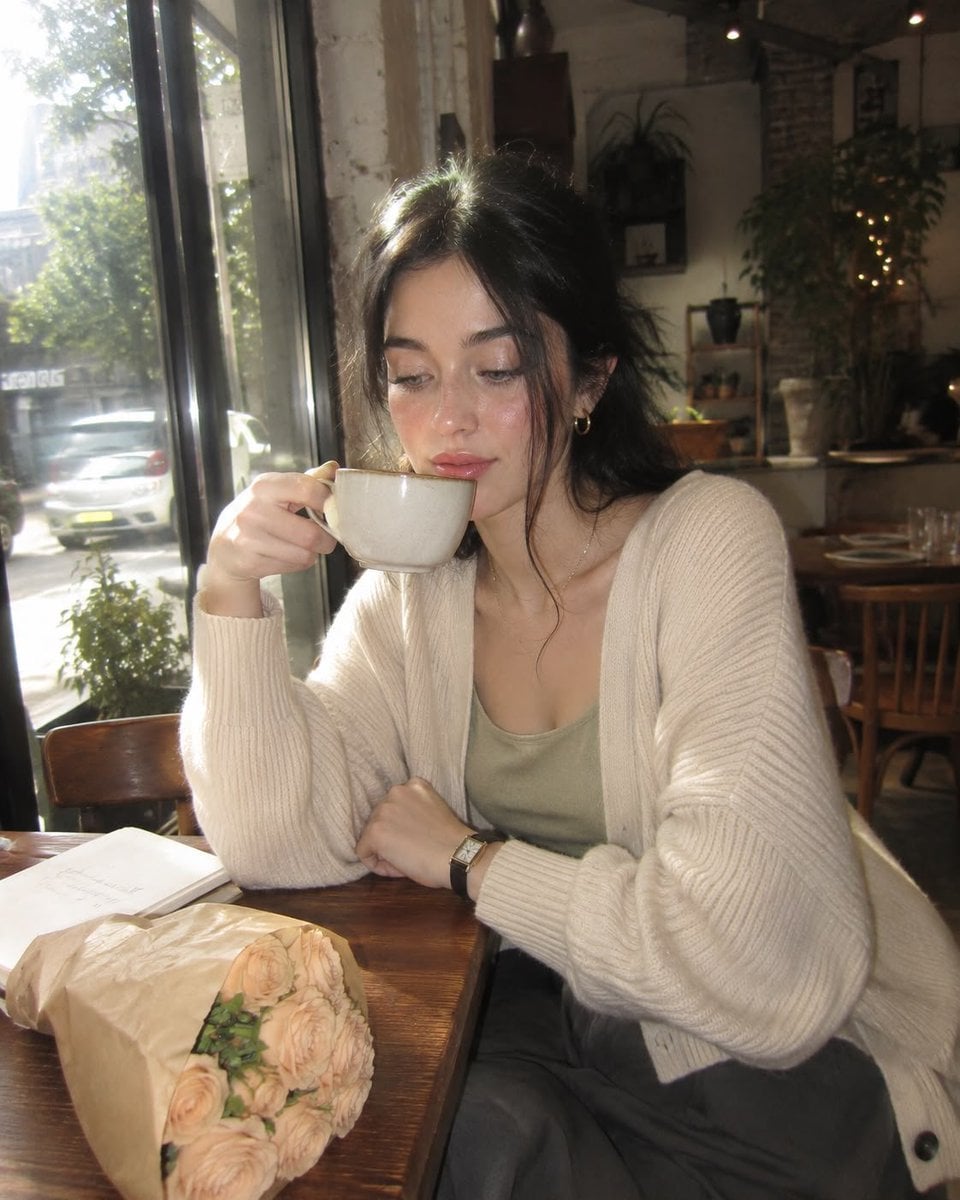
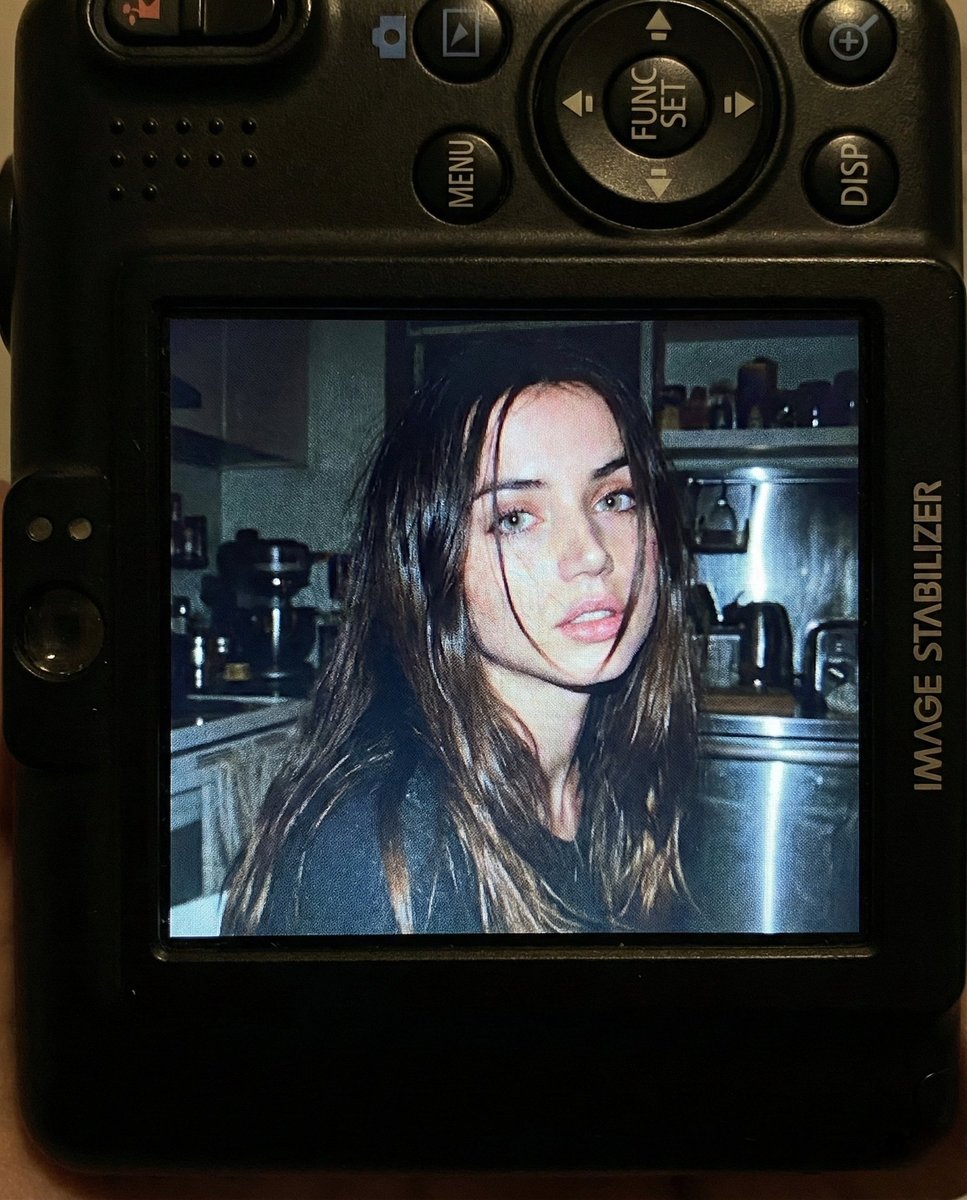
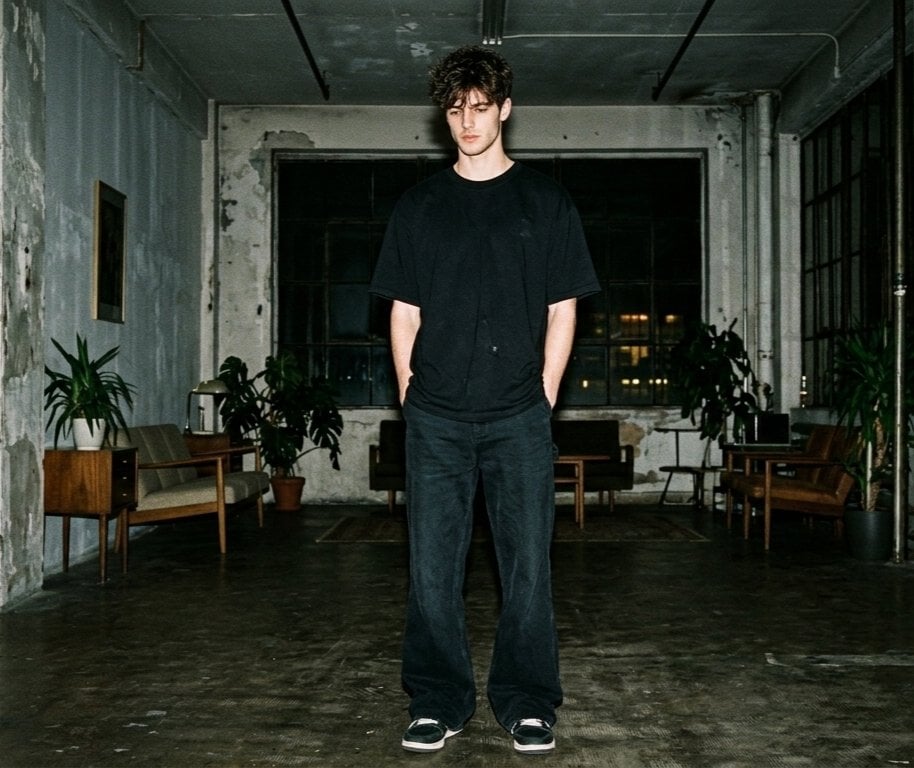
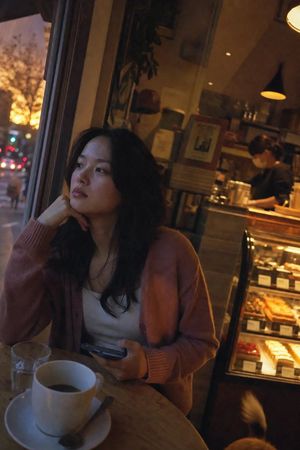
A completely ordinary everyday photo taken by accident with a {argument name="camera type" default="cheap 2004 pocket digital camera"}, forced flash on. A young {argument name="subject" default="Indonesian woman"} in light blue surgical scrubs sits slumped on a worn plastic chair in a dimly lit hospital break room. She holds a steaming paper cup of cheap coffee in one hand, her other hand rubbing her tired eyes. Her surgical mask is pulled down under her chin. Her expression is one of {argument name="emotion" default="pure, exhausted relief"}—a faint, weary smile. Realistic skin: visible pores on her nose, slight dark circles under her eyes, a faint red mark on her cheek from the mask, no beauty filter. The background is a soft blur of a vending machine, a microwave covered in sticky notes, and a wilting potted plant. Harsh fluorescent overhead light casts deep, ugly shadows. Heavy grain, slight chromatic aberration, sickly greenish-yellow tint. A stray cat tail curls around the leg of the chair at the bottom left corner. dutch angle, stray cat tail --ar 9:16
A completely ordinary everyday photo taken by accident with a {argument name="camera type" default="cheap 2004 pocket digital camera"}, forced flash on. A young {argument name="subject" default="Indonesian woman"} in light blue surgical scrubs sits slumped on a worn plastic chair in a dimly lit hospital break room. She holds a steaming paper cup of cheap coffee in one hand, her other hand rubbing her tired eyes. Her surgical mask is pulled down under her chin. Her expression is one of {argument name="emotion" default="pure, exhausted relief"}—a faint, weary smile. Realistic skin: visible pores on her nose, slight dark circles under her eyes, a faint red mark on her cheek from the mask, no beauty filter. The background is a soft blur of a vending machine, a microwave covered in sticky notes, and a wilting potted plant. Harsh fluorescent overhead light casts deep, ugly shadows. Heavy grain, slight chromatic aberration, sickly greenish-yellow tint. A stray cat tail curls around the leg of the chair at the bottom left corner. dutch angle, stray cat tail --ar 9:16
Edit the prompt in the box under the preview — the template's model and format are already selected — and press Generate. Your version appears right on this page.
Yes. You can change the subject, setting, lighting, mood, format, and available model controls before creating your image.
Opening and editing this template is free. Generating uses credits, shown on the Generate button when you are signed in.
Start with Nano Banana 2, which is the model associated with this template. You can compare another compatible model for a different finish.
Follow a topic to a crawlable collection of related PicX Studio templates.