
High-Contrast Monochrome Portrait Sketch
A sophisticated graphite pencil sketch prompt that blends academic portraiture with raw fashion illustration, featuring subtle skin tints and visible construction lines.
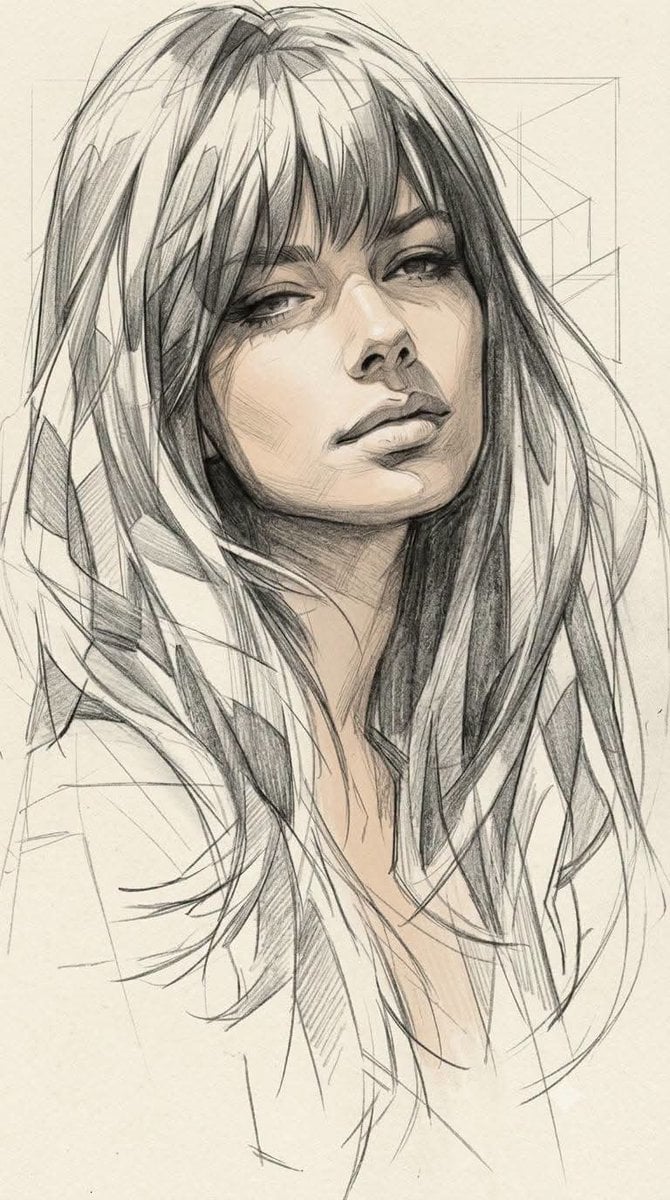
- Prompt included
- Model and format preset
- Premium template
The prompt behind this image
Copy the exact prompt behind High-Contrast Monochrome Portrait Sketch, or open it in the studio and make it yours.
Medium & Style: High-contrast monochrome grayscale {argument name="medium" default="graphite sketch"} combined with a subtle realistic skin tint. Blends refined academic portraiture with dynamic fashion illustration. Linework & Structure: Clean yet energetic hand-drawn pencil strokes with visible construction lines, loose geometric guidelines, overlapping angular sketch marks, and intentionally unfinished, raw edges. Strong line-weight variation and crisp facial features. Shading & Texture: Soft graphite blending, delicate cross-hatching, feathered shading, and layered tonal rendering on a warm off-white drawing paper with a natural paper grain and visible graphite texture. Color Accent: The realistic skin receives a gentle, natural {argument name="skin tint" default="peach-beige"} tint, echoing the warm, sun-kissed lighting of object. while the rest of the artwork remains strictly grayscale graphite. Hair & Background: Hair is rendered with sculptural, faceted pencil shapes, sharp planes, and flowing sketch lines. The background is minimal, featuring faint perspective guides and an abstract geometric framework. Lighting: High-contrast directional lighting with deep graphite shadows and bright paper highlights, replicating the dramatic shadow cutting across the face from object. Aesthetic: Premium traditional sketchbook aesthetic, elegant, raw, artistic, highly detailed, museum-quality concept art. A 9:16.
How to use High-Contrast Monochrome Portrait Sketch in 3 steps
- 1
Open
The prompt is already in the box next to the preview, with the template's model and format selected.
- 2…a portrait of your subject in softgolden-hour light, 85mm…
Personalize
Edit the subject and creative details for your destination.
- 3Generate
Generate
Press Generate — your image is created in PicX Studio, so you can compare it with the original and refine one variable at a time.
More like this
Templates with the same subject, style or setup. Open one to see its prompt.
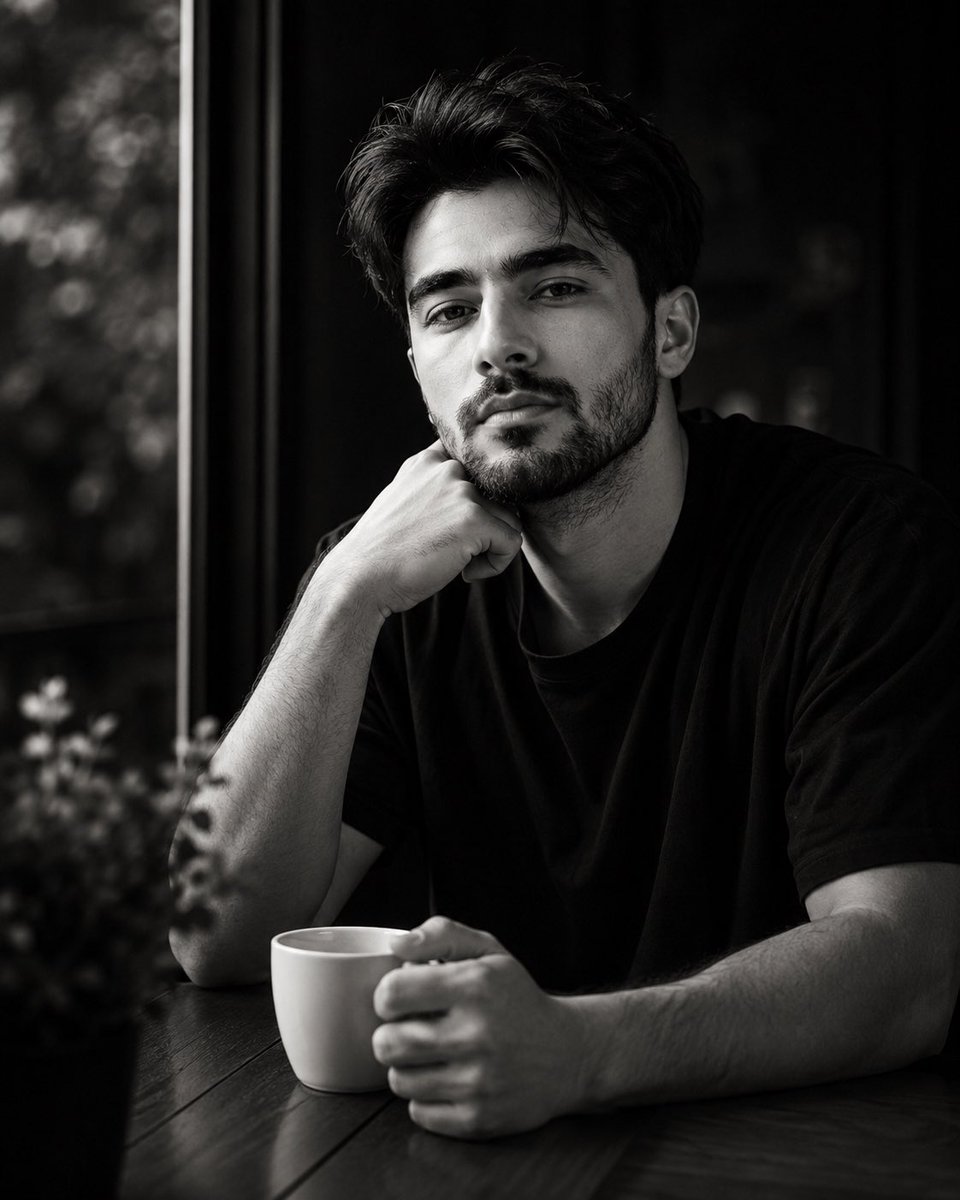
High-Contrast Monochrome Identity Portrait
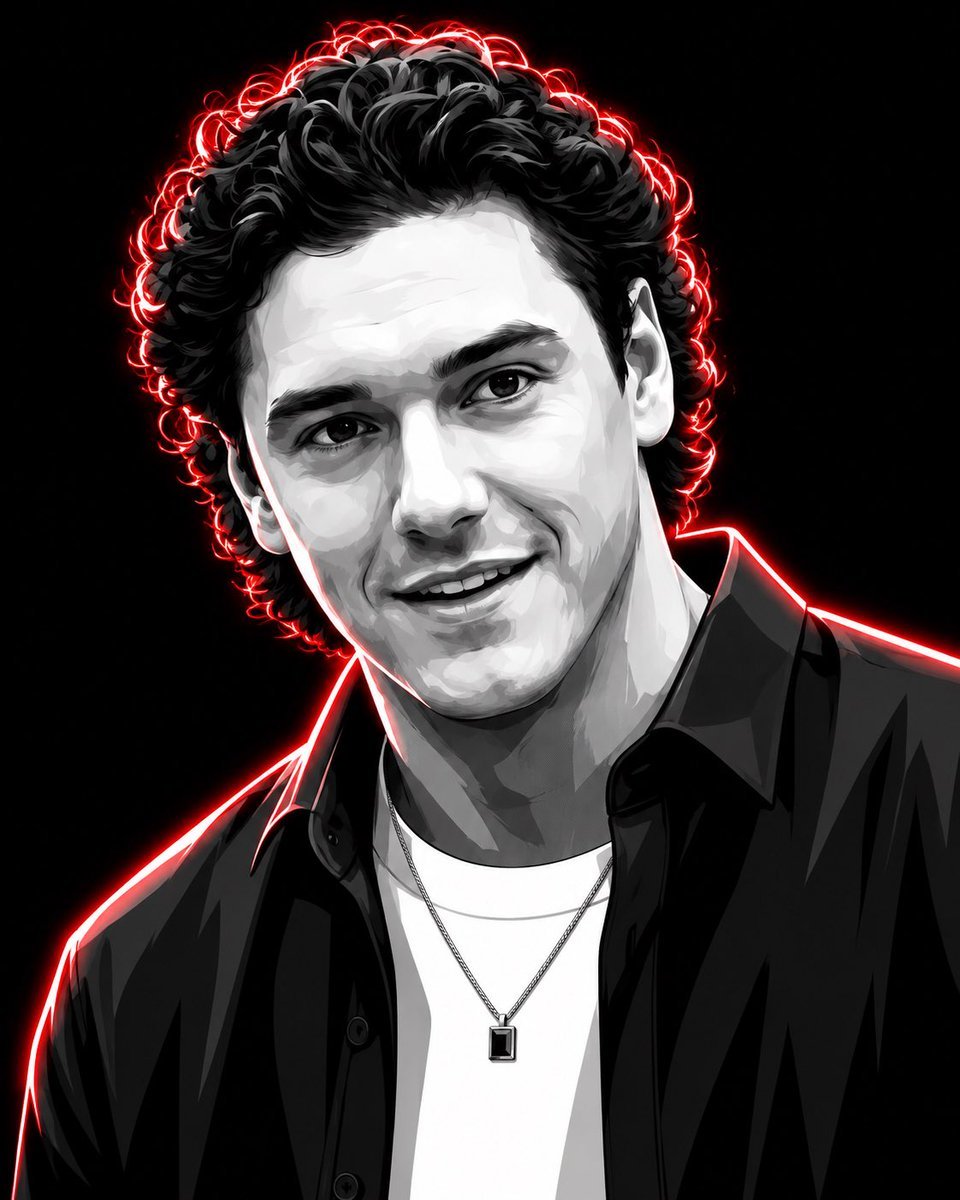
High-Contrast Monochrome Vector Portrait
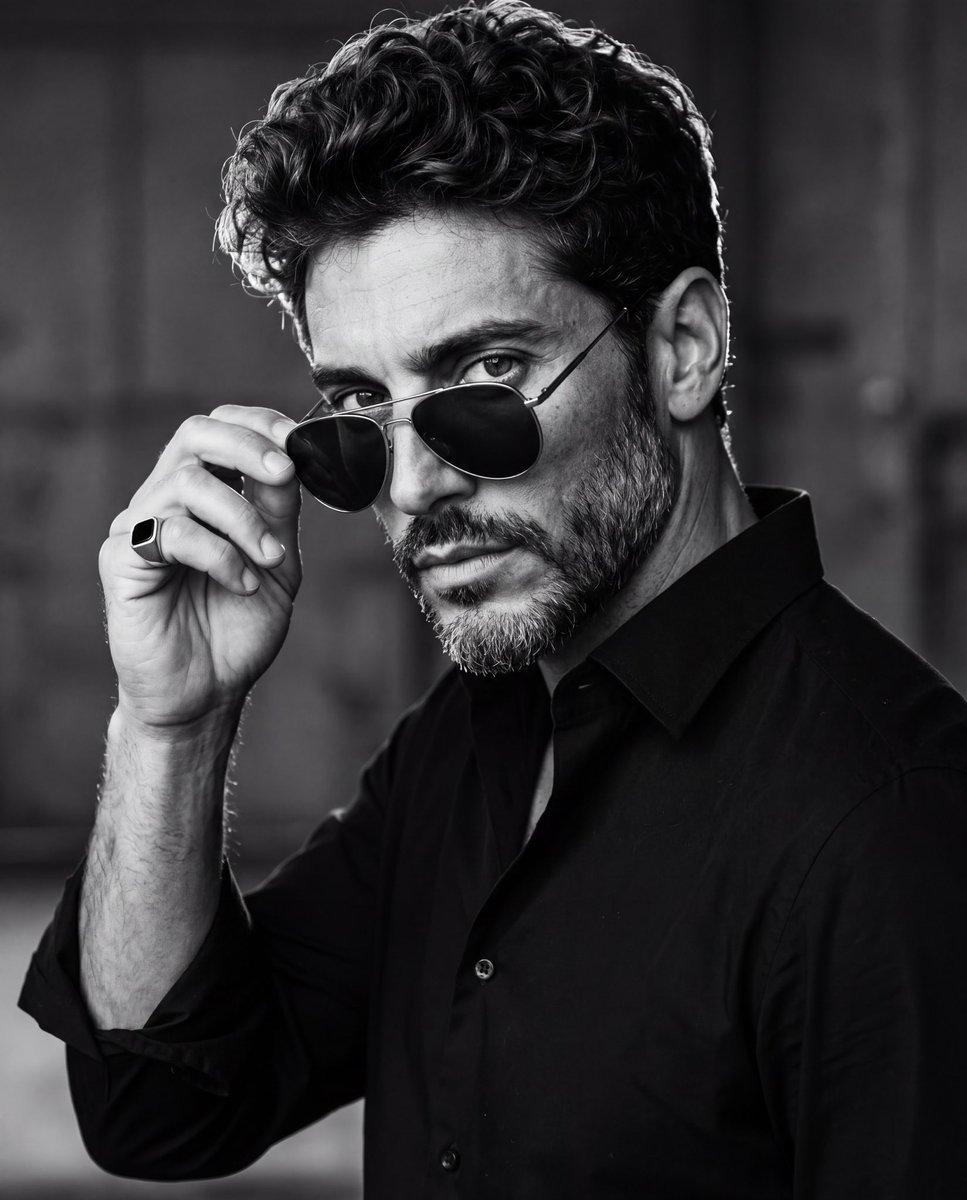
High Contrast Monochrome Male Portrait
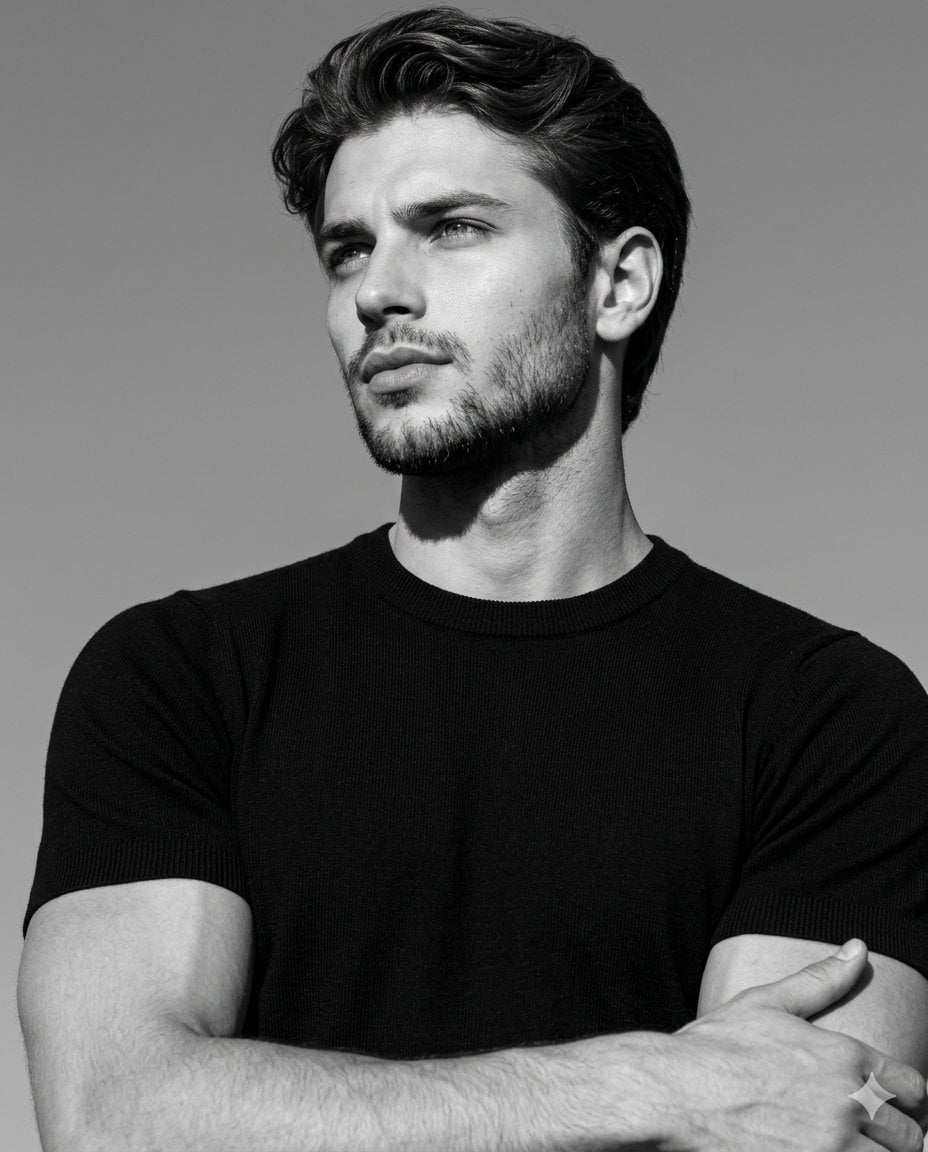
High-Contrast Monochrome Editorial Portrait
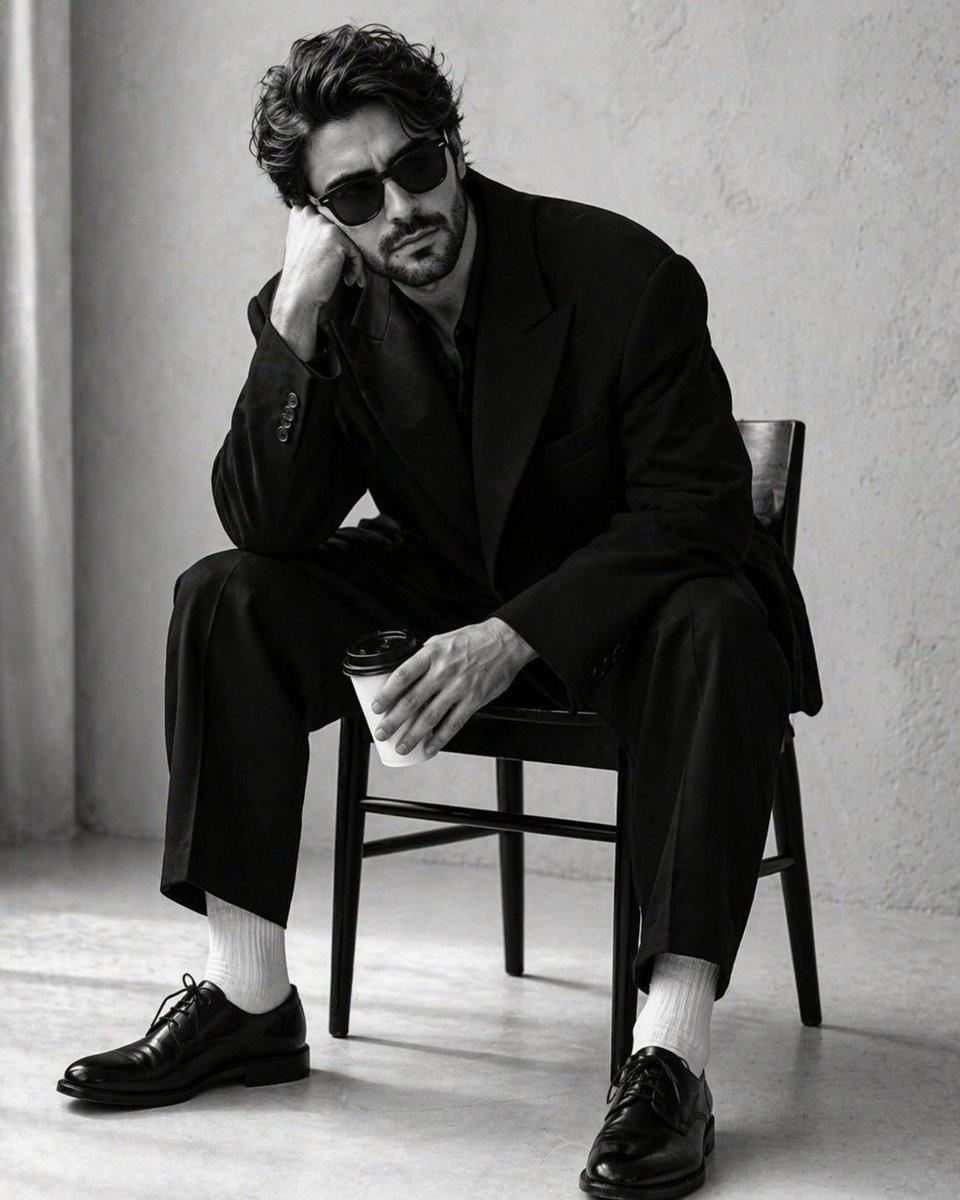
High-Contrast Monochrome Studio Portrait

Found Photograph: Us, 1970

80s Couple Studio Portrait

80s Bollywood Star

80s Golden Hour Cinema

Me in 1985

1985 Studio Portrait

Hyper-Realistic Minecraft POV Portrait
Make it yours
High-Contrast Monochrome Portrait Sketch works as-is. These are the safest ways to change it without losing the look.
Change one field
Copy a single group, rewrite it, and generate again so you can see what that field is doing.
Keep the frame, change the subject
Hold the composition and light of High-Contrast Monochrome Portrait Sketch, then swap wardrobe, props or the person for a new take.
| If the result… | Why | Fix |
|---|---|---|
| The result drifts from the preview | Too many fields changed at once. | Reuse High-Contrast Monochrome Portrait Sketch as-is first, then change one group — subject, light, or setting. |
| The model over-stylizes the scene | The prose prompt leaves finish and camera underspecified. | Add one camera or lighting sentence and stay on Nano Banana 2. |
More Nano Banana 2 templates
Other prompts made for Nano Banana 2.

Photorealistic Leaf Shaped Like a Dragon

K-Pop Idol Portrait Grid for Rapid Selection

Poetic Rain Forest Portrait During Golden Hour

Urban Street Portrait with Cartoon Inner Self Duo

Candid Nighttime Photo with Cat Prompt

High-Concept 3D Diorama Generation Prompt

Cinematic Futuristic Studio Portrait Template

Skincare Editorial Photography Collage Prompt

Hyper-Realistic Commercial Product Photography (Splash Effect)

Hyper-Realistic Nightclub Portrait Prompt
More image prompts
Fresh picks from across the catalog.
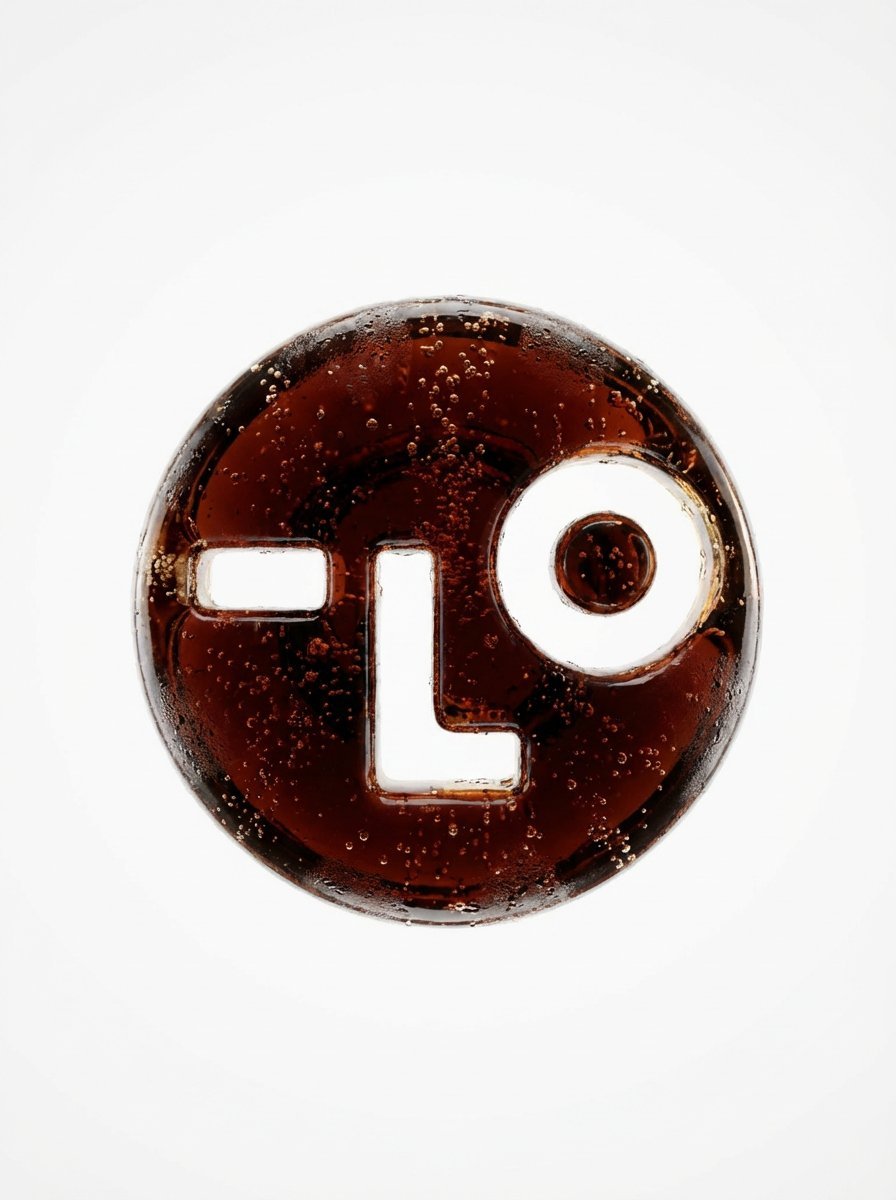
Minimalist Cola Amulet 3D Render
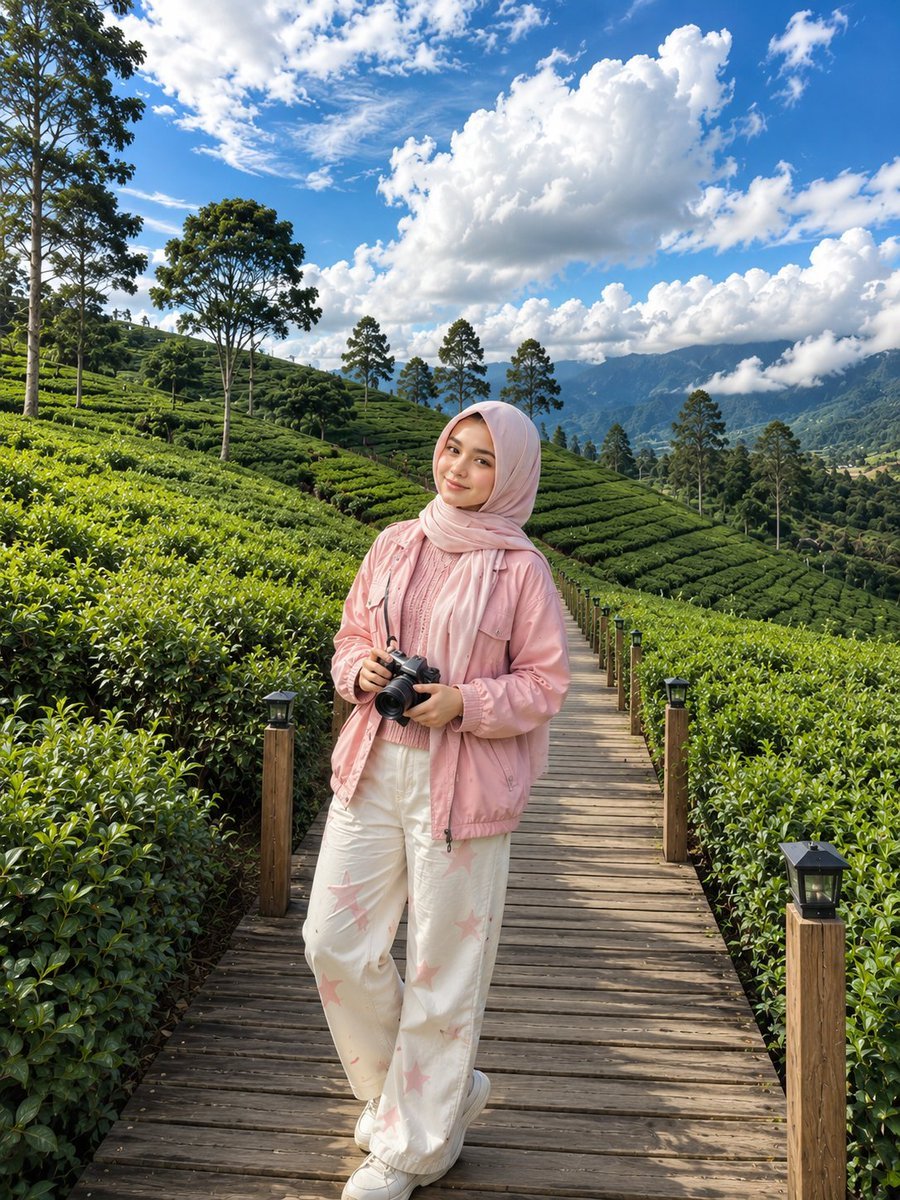
Korean Tea Plantation Portrait
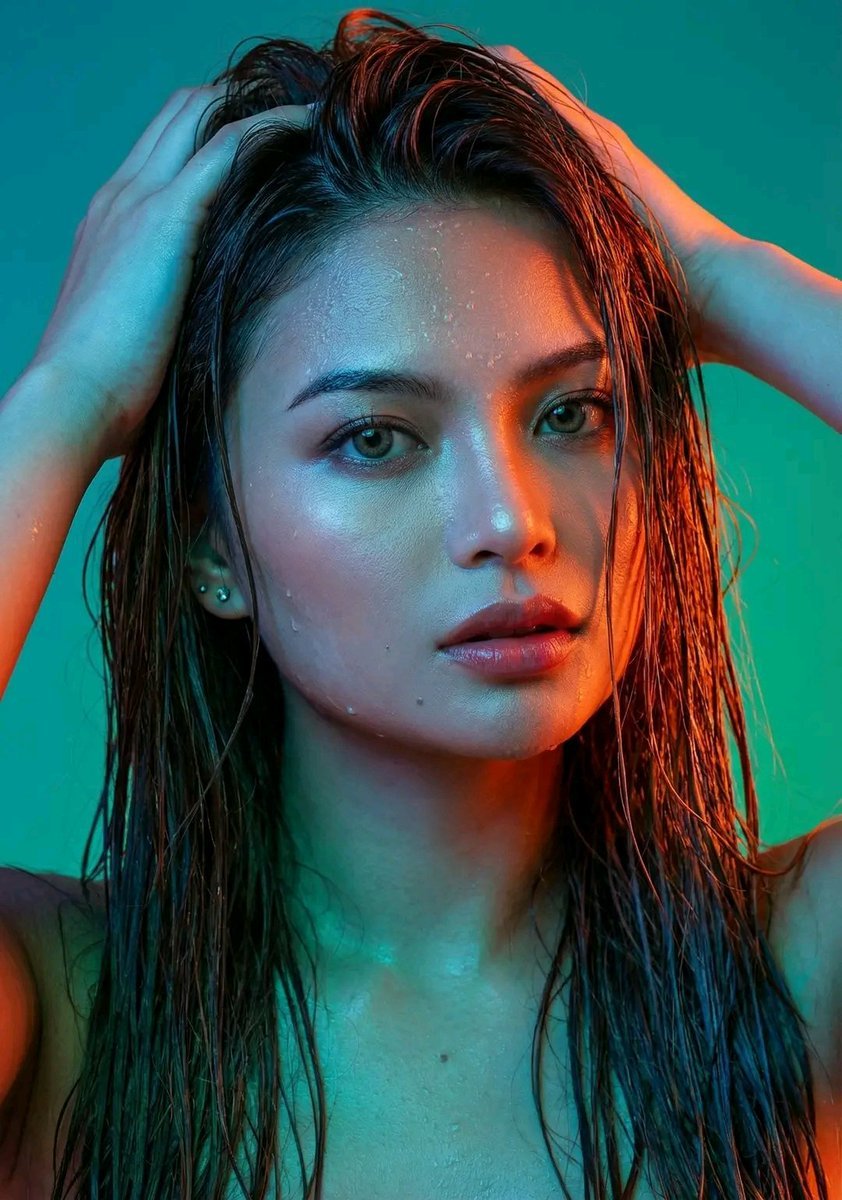
Dramatic Neon Portrait with Wet Hair and Color Contrast
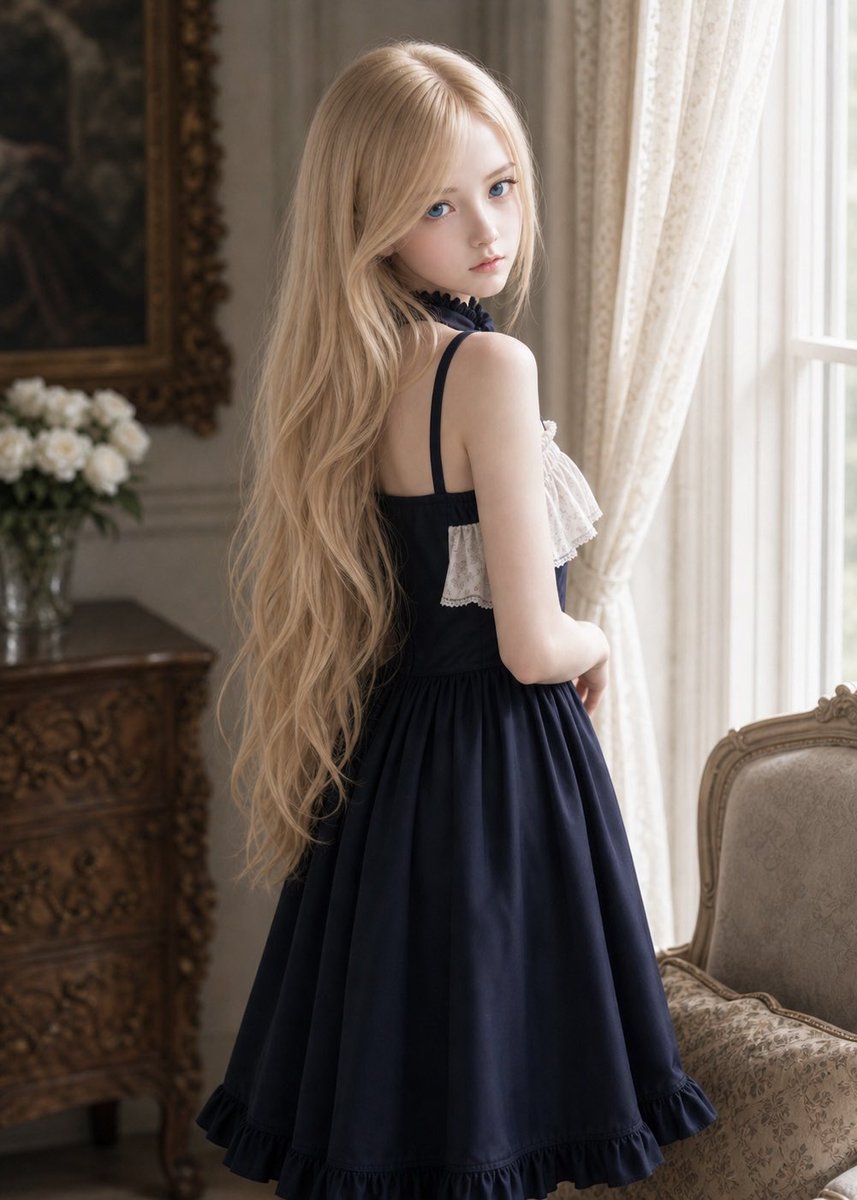
Vintage Lolita Portrait With Face Glitch
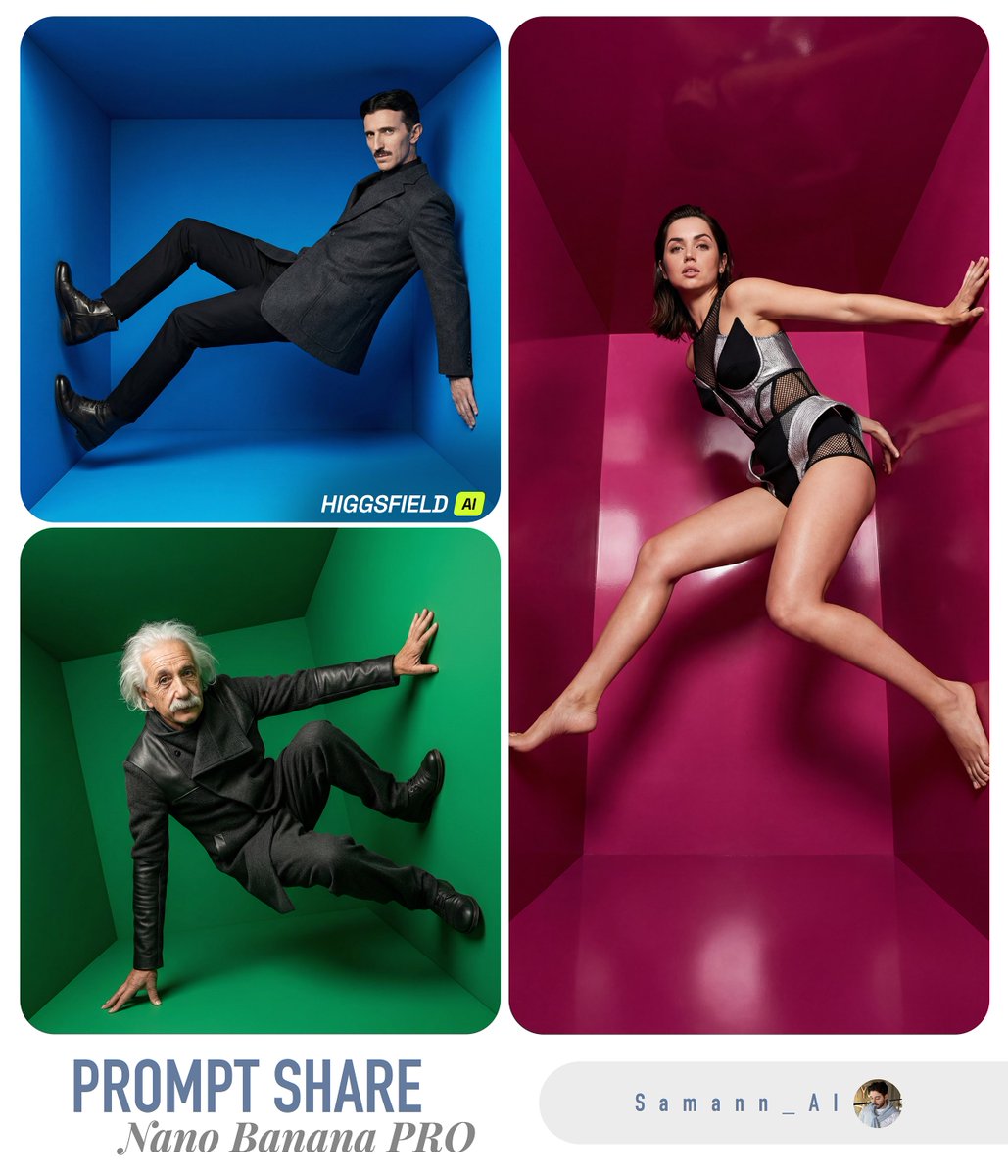
High-Fashion Editorial in Anti-Gravity Color Box
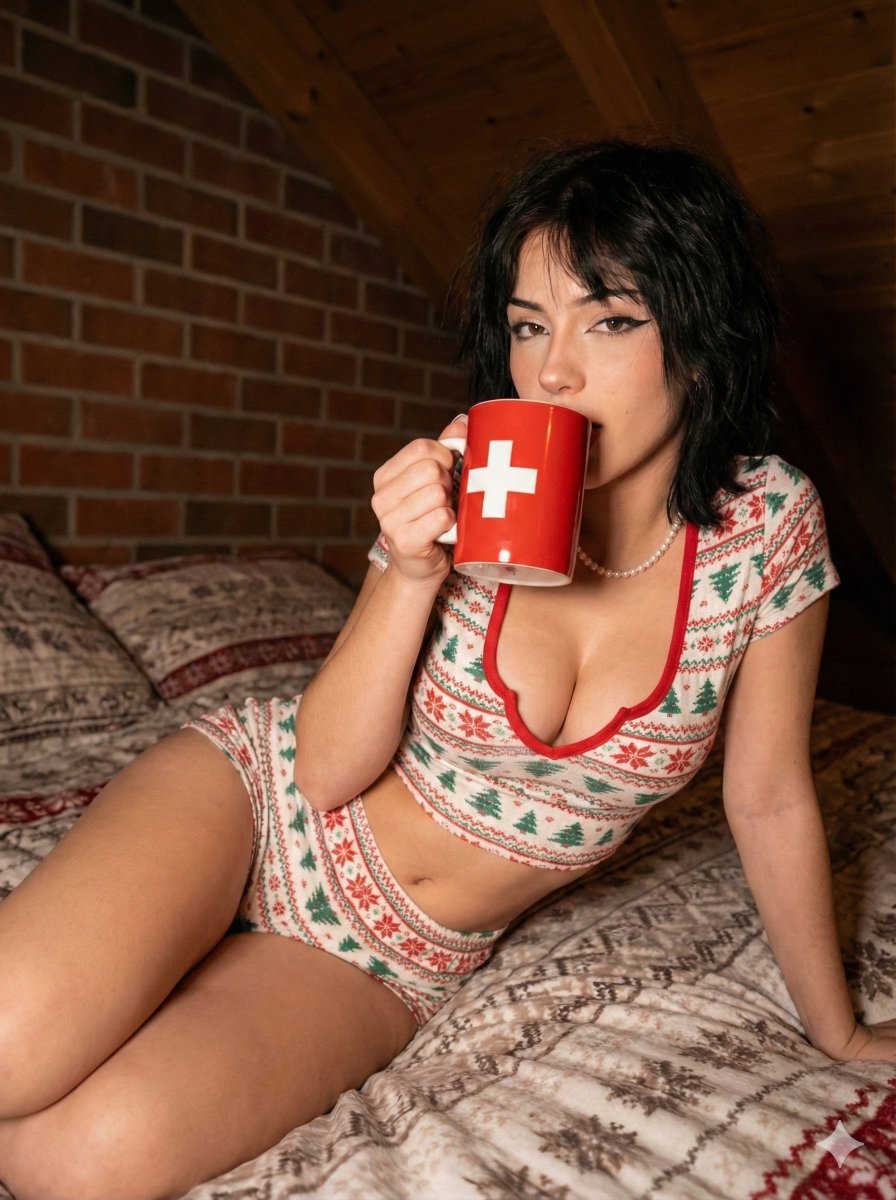
Hyper-detailed photorealistic image generation prompt for a young woman in Christmas pajamas
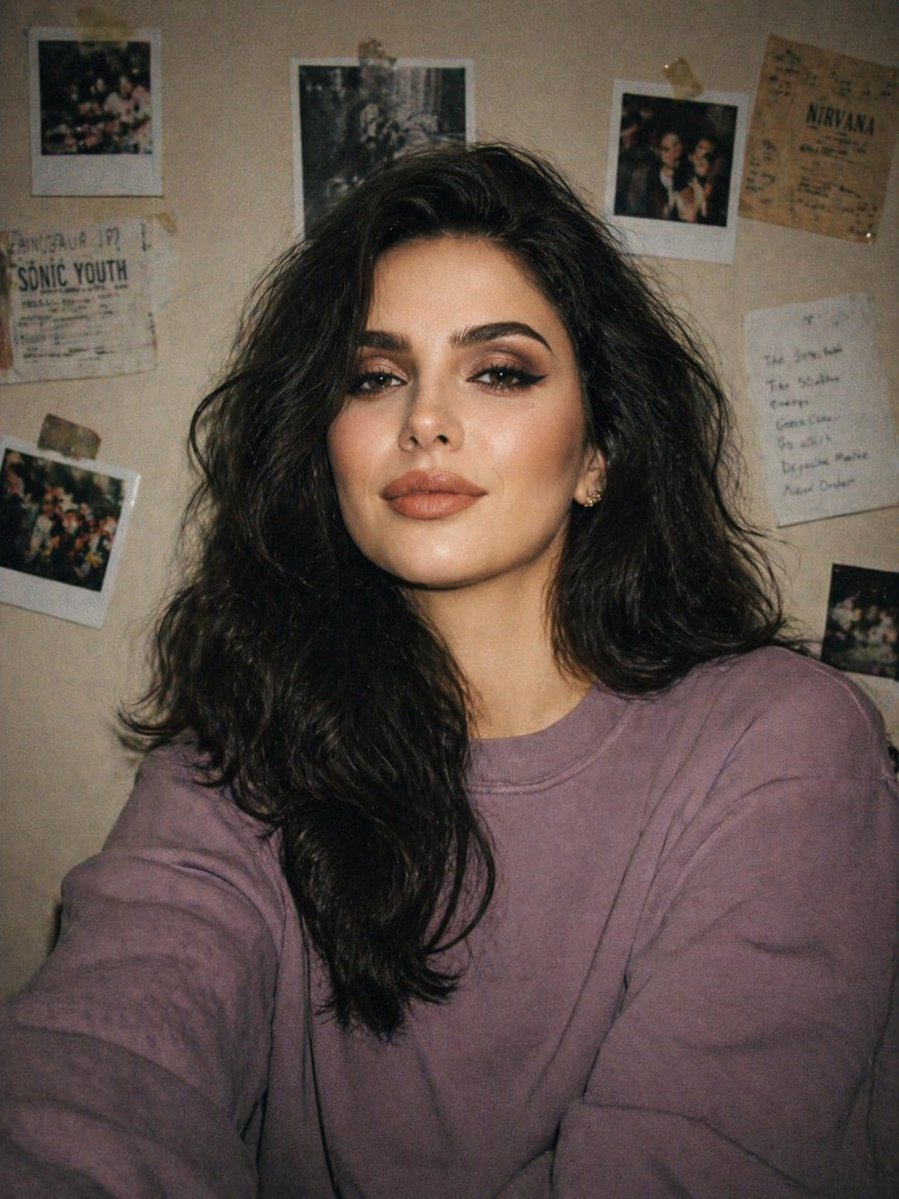
Disposable Camera Bedroom Portrait
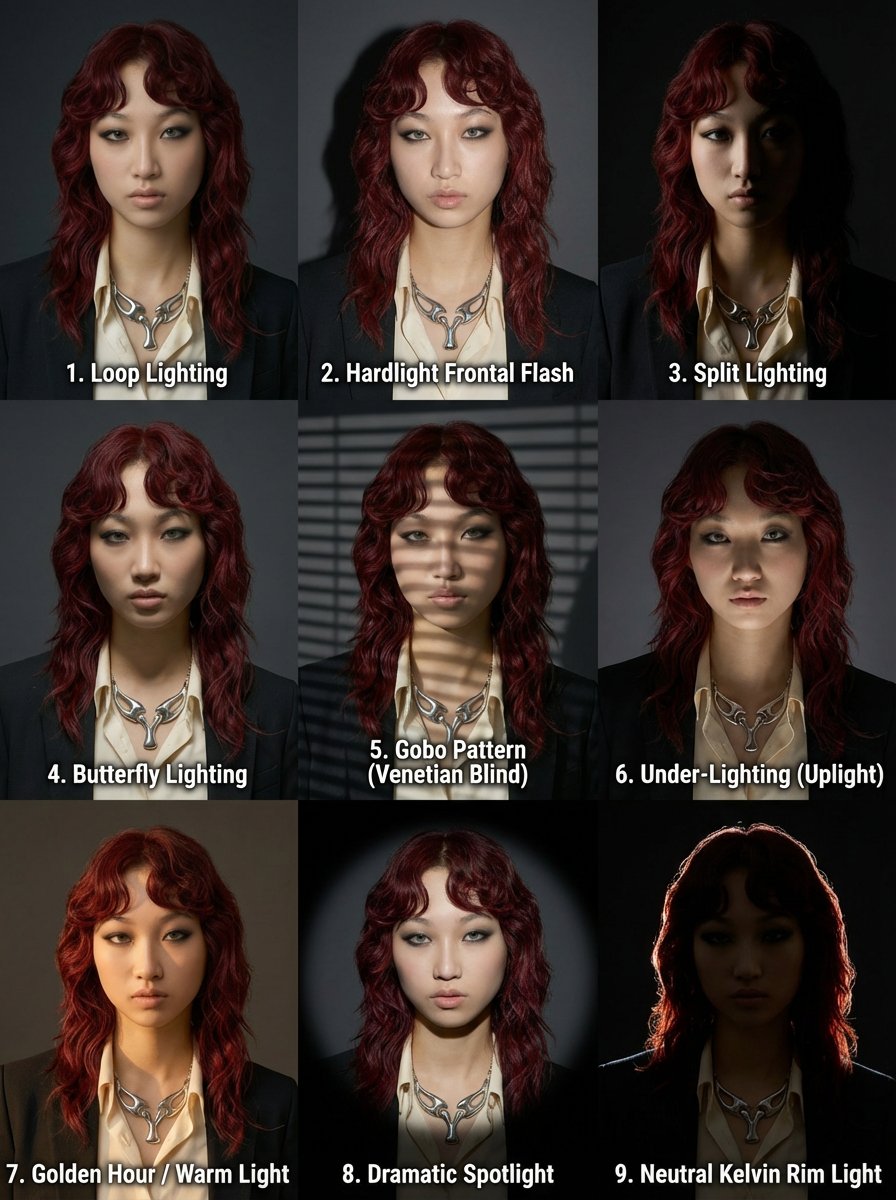
3x3 Grid Prompt for Lighting Cheatsheet
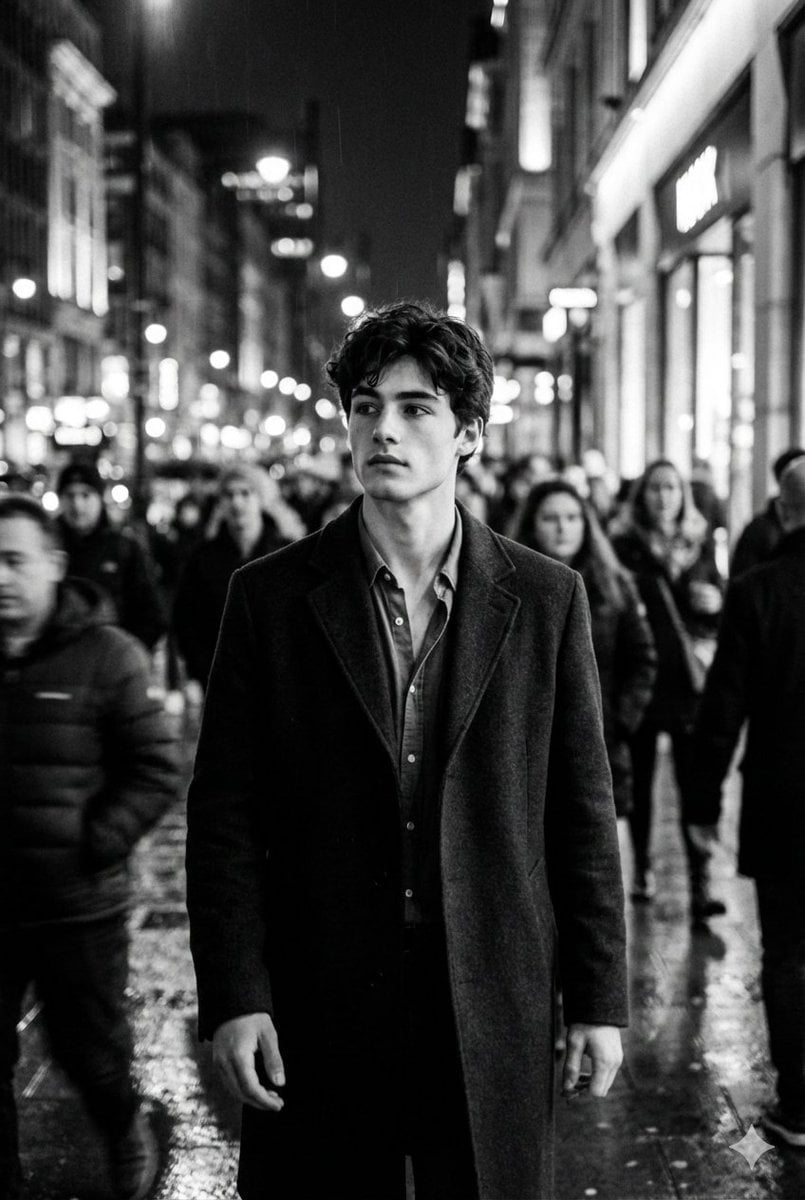
Black and White Cinematic Motion Portrait
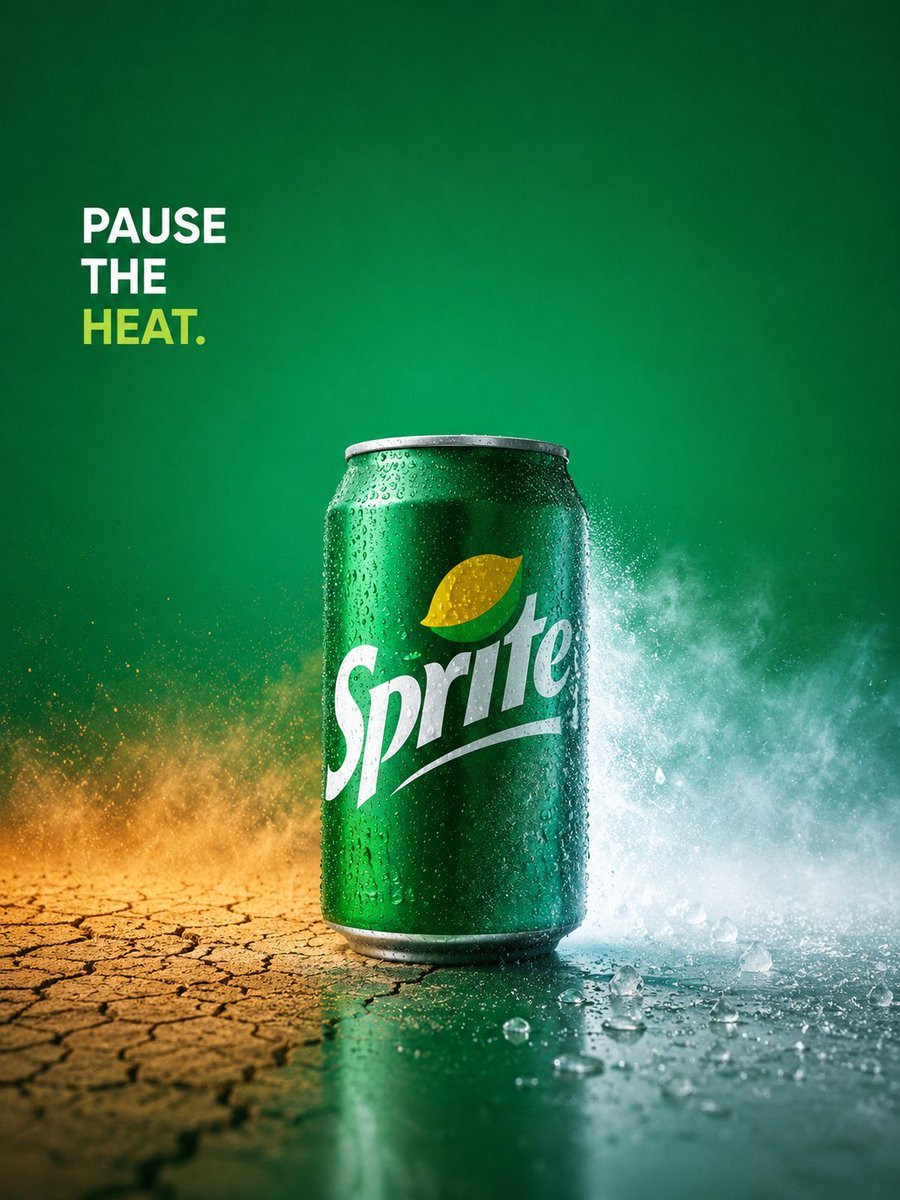
Sprite Heat Pause Beverage Ad
Browse template categories
High-Contrast Monochrome Portrait Sketch questions
How do I use the High-Contrast Monochrome Portrait Sketch template?
Add your photo if the template asks for one, edit the prompt if you like — the template's model and format are already selected — and press Generate. Your version opens in PicX Studio.
Can I customize the High-Contrast Monochrome Portrait Sketch template?
Yes. You can change the subject, setting, lighting, mood, format, and available model controls before creating your image.
Is the High-Contrast Monochrome Portrait Sketch template free?
Opening and editing this template is free. Generating uses credits, shown on the Generate button when you are signed in.
Which AI model should I use?
Start with Nano Banana 2, which is the model associated with this template. You can compare another compatible model for a different finish.
Looking for something else? Browse all templates.

Your photo, any look
Thousands of ready templates for every top image and video model, from one credit balance.