How do I use the Red Hair Woman Portrait Collage template?
Edit the prompt in the box under the preview — the template's model and format are already selected — and press Generate. Your version appears right on this page.
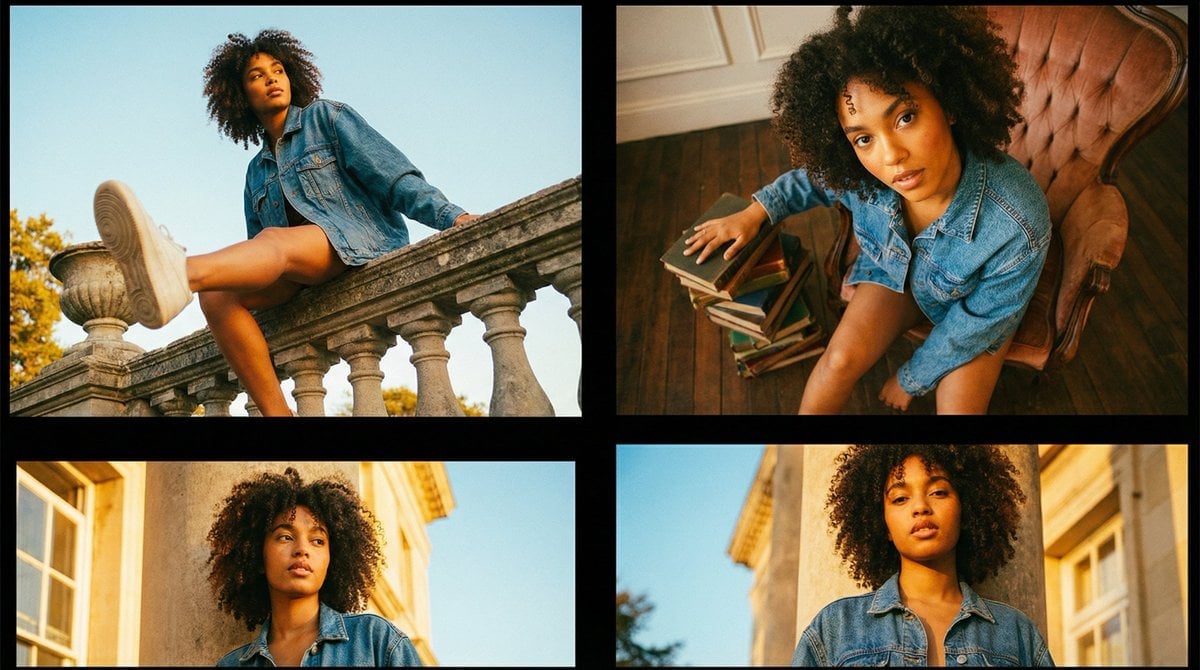
A vibrant and emotive photo collage featuring a young woman with long red hair across various moods and settings.

A vibrant photo collage features a young woman with striking, long, straight {argument name="hair color" default="red"} hair and soft bangs, showcased in {argument name="number of portraits" default="eight"} distinct, emotive portraits. Each panel in the referenced file highlights a different setting and mood, ranging from cozy indoor spaces like bedrooms and kitchens to bright, naturally lit environments. The subject displays an array of charming expressions—including joyful laughter, playful winking, thoughtful pondering with a finger to her chin, a surprised "o" mouth, and a silly tongue-out pose—while wearing a colorful variety of sweaters and casual tops. The overall aesthetic is warm, inviting, and youthful, emphasizing a playful and relatable character study through diverse daily interactions and candid-style photography.
A vibrant photo collage features a young woman with striking, long, straight {argument name="hair color" default="red"} hair and soft bangs, showcased in {argument name="number of portraits" default="eight"} distinct, emotive portraits. Each panel in the referenced file highlights a different setting and mood, ranging from cozy indoor spaces like bedrooms and kitchens to bright, naturally lit environments. The subject displays an array of charming expressions—including joyful laughter, playful winking, thoughtful pondering with a finger to her chin, a surprised "o" mouth, and a silly tongue-out pose—while wearing a colorful variety of sweaters and casual tops. The overall aesthetic is warm, inviting, and youthful, emphasizing a playful and relatable character study through diverse daily interactions and candid-style photography.
Edit the prompt in the box under the preview — the template's model and format are already selected — and press Generate. Your version appears right on this page.
Yes. You can change the subject, setting, lighting, mood, format, and available model controls before creating your image.
Opening and editing this template is free. Generating uses credits, shown on the Generate button when you are signed in.
Start with Nano Banana 2, which is the model associated with this template. You can compare another compatible model for a different finish.
Follow a topic to a crawlable collection of related PicX Studio templates.