How do I use the Chiaroscuro Muslim Woman Portrait template?
Choose the primary action to open PicX Studio with the available template settings. Review the model and format, personalize the creative direction, and generate when ready.
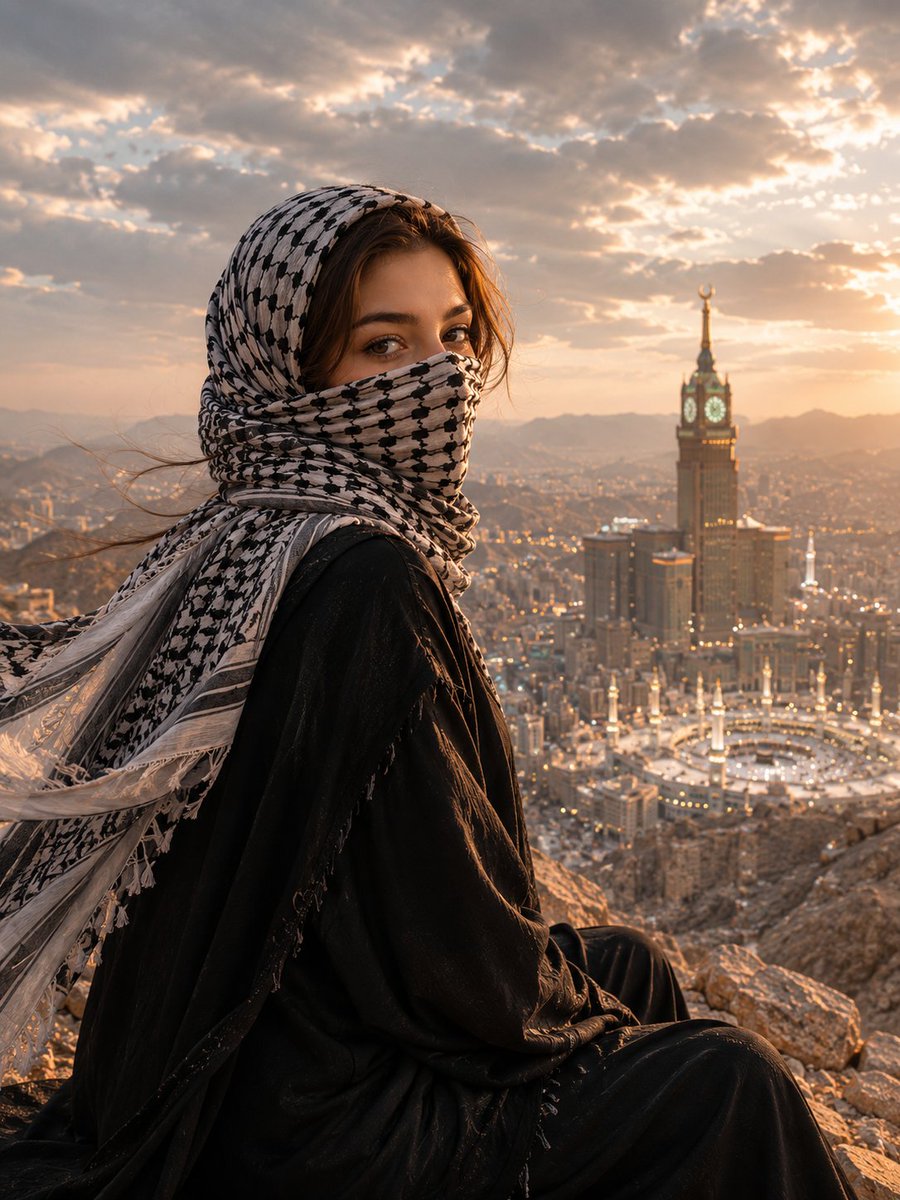
An elegant portrait featuring a Muslim woman in a black abaya with dramatic chiaroscuro lighting and a background of golden Arabic calligraphy.
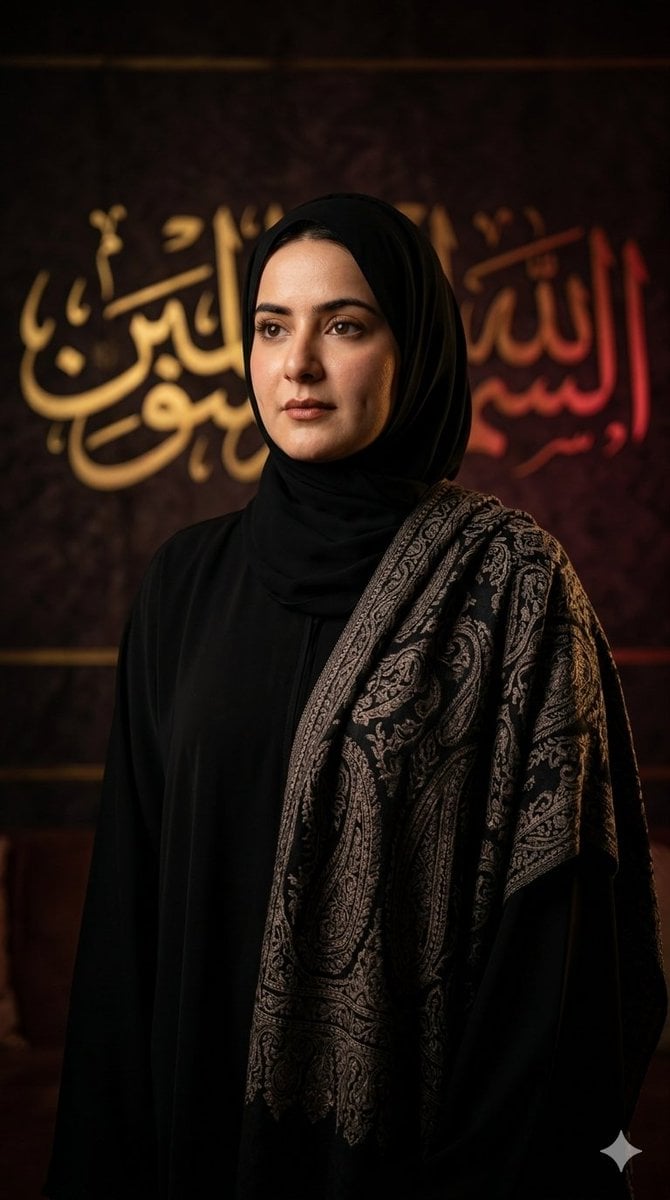
Create an ultra-realistic cinematic portrait featuring a beautiful {argument name="subject" default="Muslim woman wearing a flowing black abaya and matching black hijab"}, with an {argument name="attire detail" default="elegant dark paisley-patterned shawl"} draped gracefully over her shoulders. She stands calmly, gazing slightly away from the camera with a wise, serene expression. The scene is illuminated with dramatic chiaroscuro lighting, where a soft warm key light highlights her face while the background remains in deep cinematic shadows. Behind her is a {argument name="background" default="luxurious dark textured wall decorated with softly blurred Arabic calligraphy glowing in rich gold and crimson tones"}. Capture photorealistic skin texture, realistic fabric folds, intricate paisley embroidery, soft depth of field, warm cinematic color grading, premium editorial fashion photography, ultra-detailed 8K resolution, HDR, masterpiece composition, museum-quality portrait, elegant Islamic aesthetic, vertical 9:16 full-screen mobile wallpaper.
Choose the primary action to open PicX Studio with the available template settings. Review the model and format, personalize the creative direction, and generate when ready.
Yes. You can change the subject, setting, lighting, mood, format, and available model controls before creating your image.
This template is free to open and customize. Generation usage is shown in PicX Studio before you create.
Start with Nano Banana 2, which is the model associated with this template. You can compare another compatible model for a different finish.
Follow a topic to a crawlable collection of related PicX Studio templates.