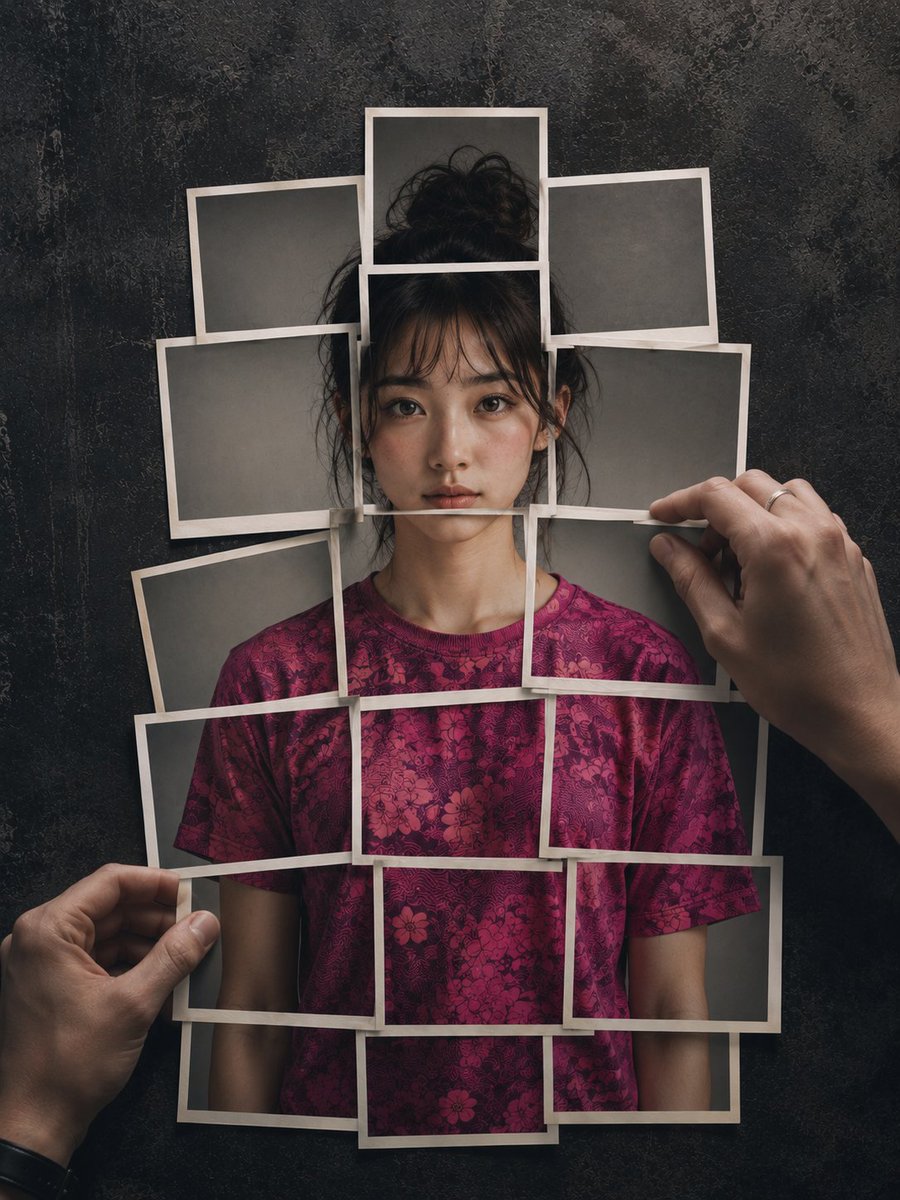
How do I use the Layered Instant Print Human Figure Art template?
Choose the primary action to open PicX Studio with the available template settings. Review the model and format, personalize the creative direction, and generate when ready.
An artistic prompt for creating a human figure composed of layered photographic prints, set against a dark distressed slate background. Change the subject, setting, or lighting one variable at a time.
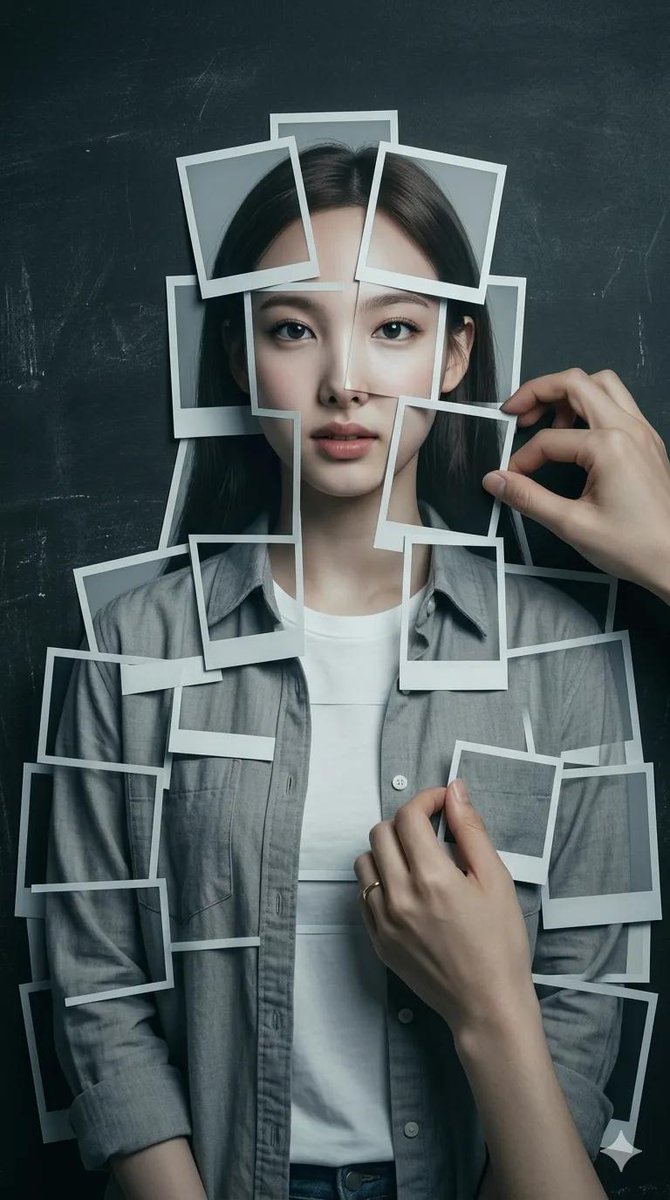
Hyperrealistic 8K photograph of a {argument name="subject" default="human figure"} composed of instant photographic prints layered on a {argument name="background" default="dark, distressed, slate-textured, modern minimalist background"}. The figure, displaying the reference face, is meticulously assembled from approximately 20 separate photographs showing a {argument name="clothing" default="fucsia patterned T-shirt"}. Two hands reach out to adjust the photos; one hand pinches the corner of a print, revealing a subtle ring. Cinematic studio lighting, soft shadows, and 3D depth. Cool and warm color palette, muted and desaturated. Medium shot, eye level, natural proportions.
Choose the primary action to open PicX Studio with the available template settings. Review the model and format, personalize the creative direction, and generate when ready.
Yes. You can change the subject, setting, lighting, mood, format, and available model controls before creating your image.
This template is free to open and customize. Generation usage is shown in PicX Studio before you create.
Start with Nano Banana 2, which is the model associated with this template. You can compare another compatible model for a different finish.
© 2026 PicX Studio. All rights reserved.

Follow a topic to a crawlable collection of related PicX Studio templates.
43,474 public templates available. Verified via the PicX Studio public templates API; refreshed hourly.
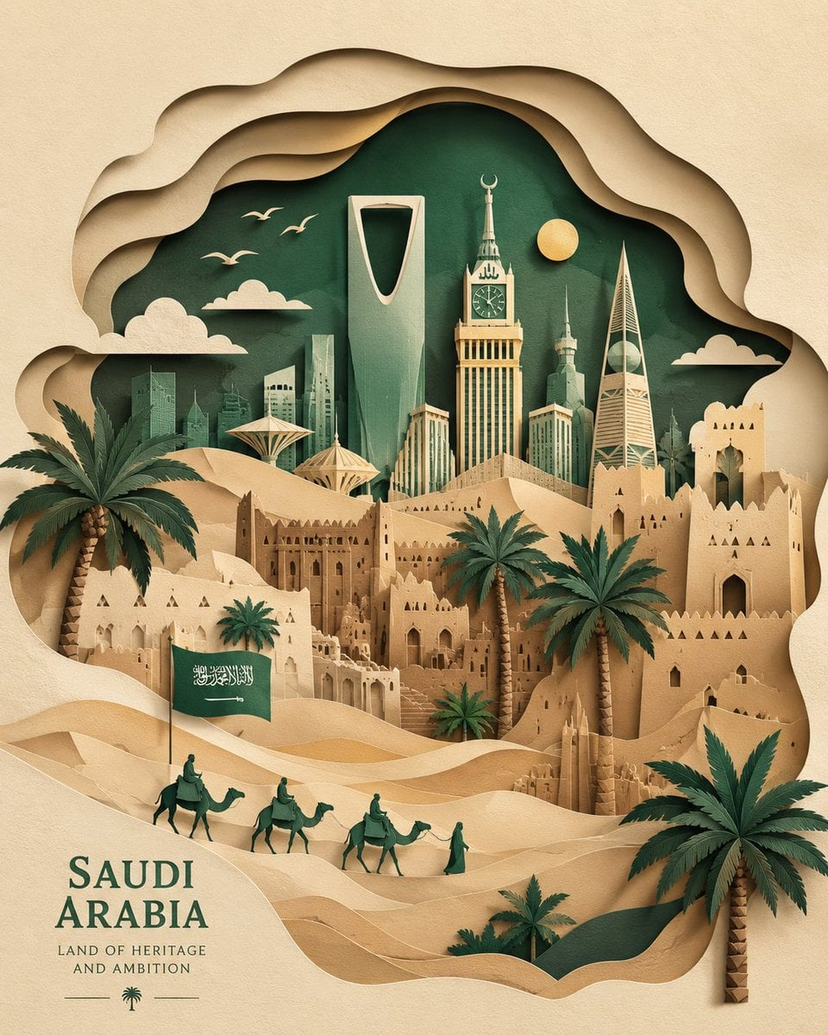
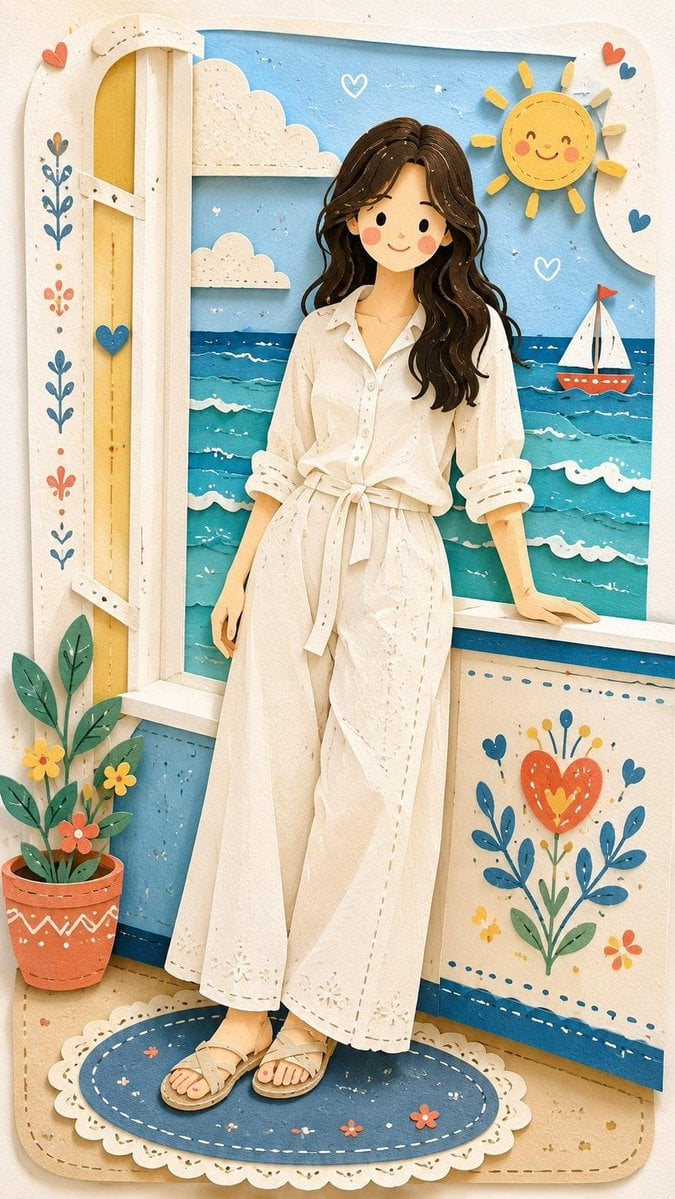
![Paper Cut Craft Illustration — A paper-cut craft illustration of a [Subject], layered colorful paper textures, soft drop depth effect, handmade craft appearance](/_next/image?url=https%3A%2F%2Fcdn.picxstudio.com%2Fuploads%2F06_2f292f8d-0a7c-4f41-a701-1a16260a9214.jpg&w=828&q=100)



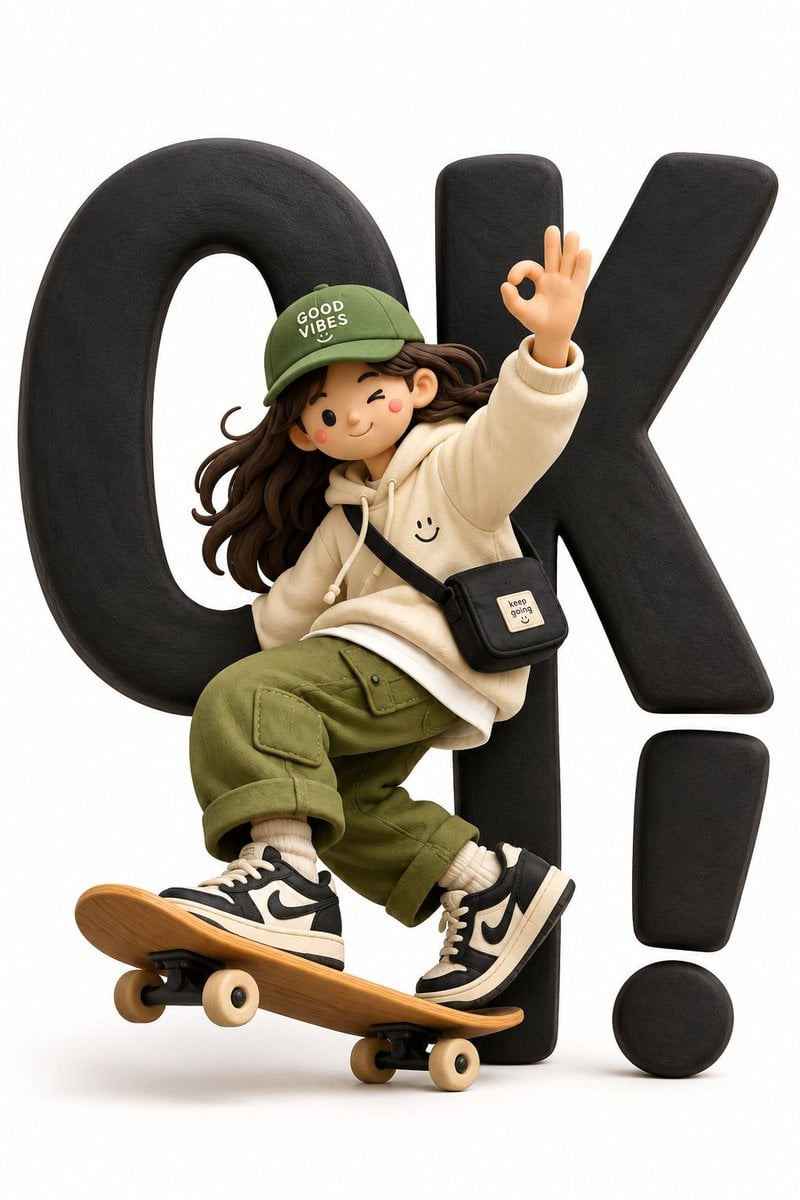
![Graphic Screen-Print Human-Animal Illustration — Bold graphic screen-print illustration of {argument name="subject" default="[HUMAN] face in profile"}, tightly](https://cms-assets.youmind.com/media/1783415068472_lvgedg_HMijrL-aQAAet5k-300x375.jpg)
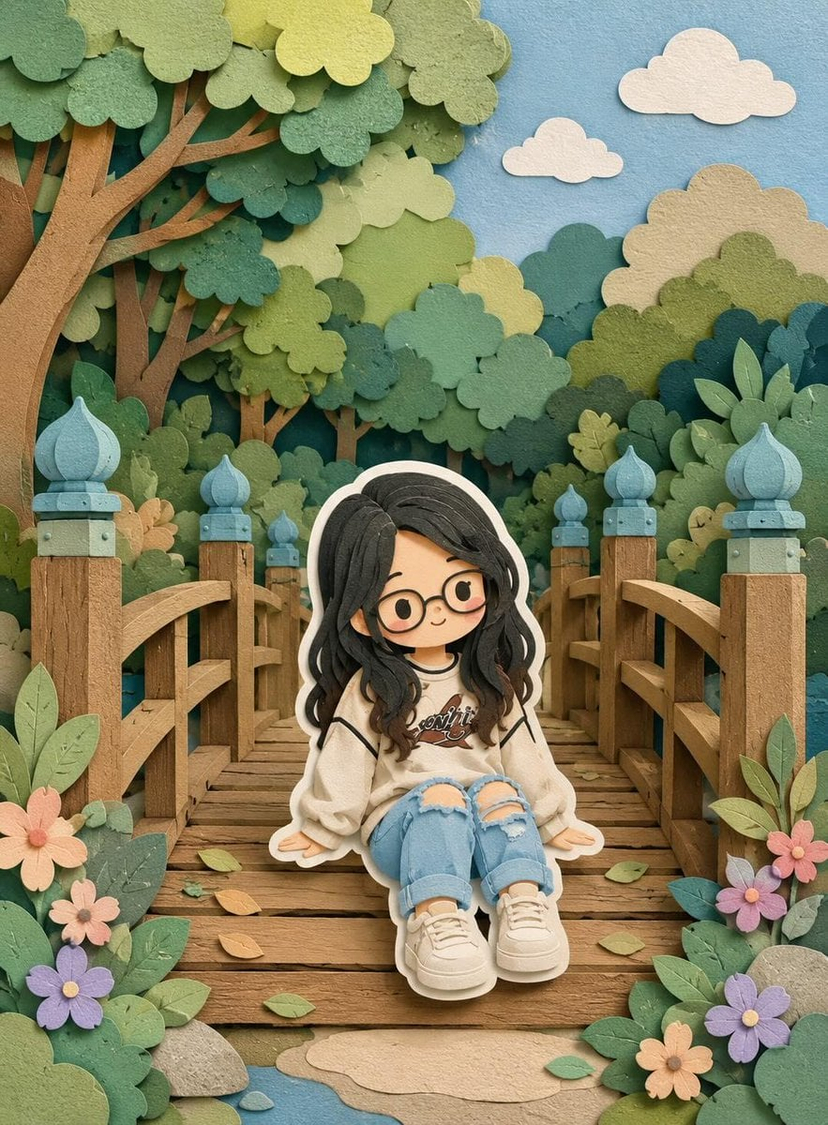
![Layered Paper Cut Illustration Template — Layered paper-cut illustration of [Subject], built with overlapping shapes in soft [Color One] and [Color Two], handcr](/_next/image?url=https%3A%2F%2Fcdn.picxstudio.com%2Fuploads%2F05_602c0848-52b7-4625-9ba2-2bd029e859d5.jpg&w=828&q=100)







![Naive doodle-style subject illustration — A doodle-style {argument name="subject" default="[subject]"}, naive lines, humorous shape exaggeration](https://pbs.twimg.com/media/G6Wl2YxbsAARB2b.jpg)