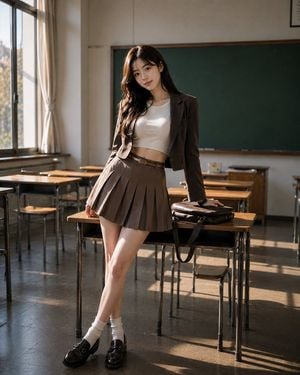
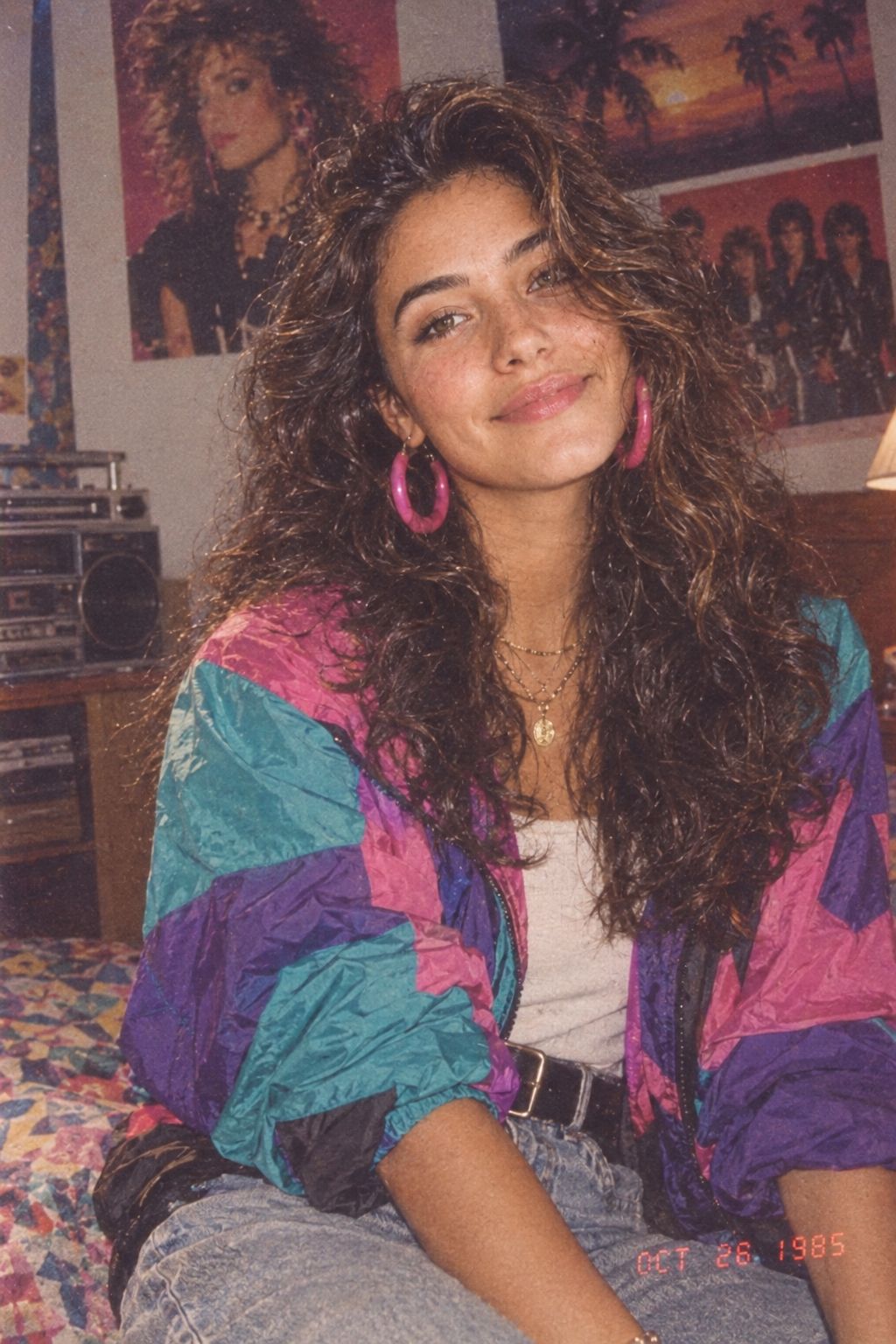
How do I use the Retro Korean Girl Room Portrait template?
Edit the prompt in the box under the preview — the template's model and format are already selected — and press Generate. Your version appears right on this page.
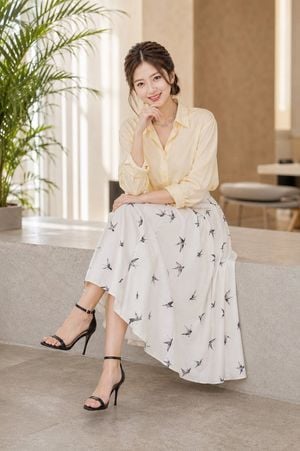
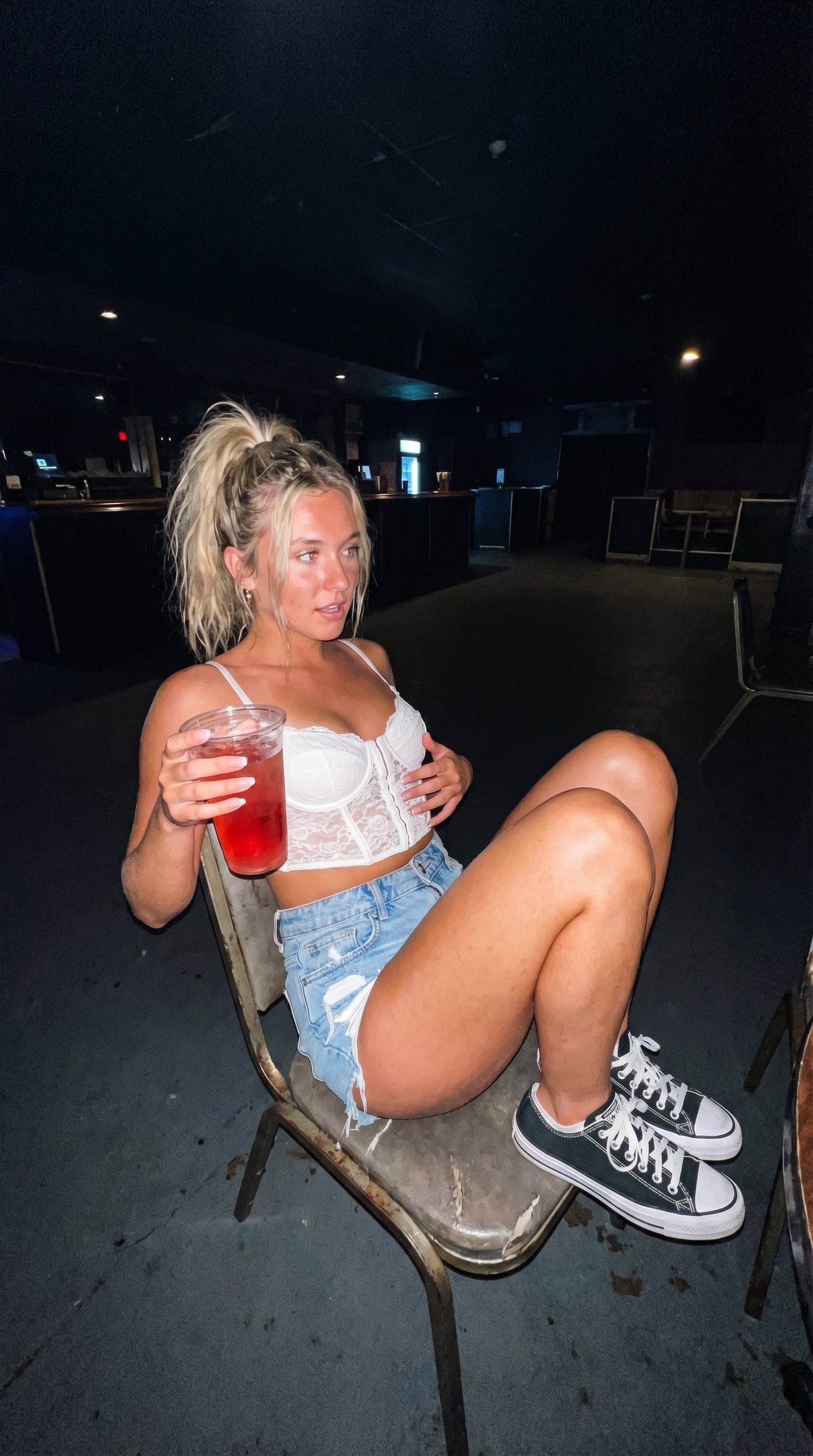
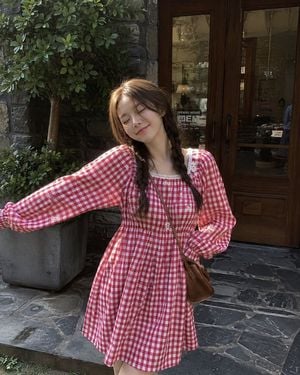
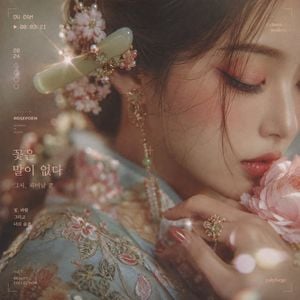
A photorealistic portrait prompt featuring a beautiful Korean girl in a retro-styled room, focusing on detailed desk props and natural daylight.

Photorealistic portrait, extremely beautiful {argument name="subject" default="young Korean girl"}, flawless face, sweet smile, messy high ponytail. Looking back over shoulder making eye contact. Wearing {argument name="outfit" default="tight white short-sleeve crop top, tight red retro running shorts with white trim"}. Pose: leaning forward, resting arms on a wooden desk. Detailed desk setup: wooden shelf filled with colorful books and various colored skincare/cosmetic bottles, small white standing fan, closed silver laptop on a black desk mat, notebooks. Background: white wall with small photos taped to it, bright window on the right. Grey office chair with a white t-shirt reading "TRACK & FIELD 77" draped over it. Black PC tower and white drawer under desk. Bright natural daylight, 8k, highly detailed, masterpiece. --ar 2:3
Photorealistic portrait, extremely beautiful {argument name="subject" default="young Korean girl"}, flawless face, sweet smile, messy high ponytail. Looking back over shoulder making eye contact. Wearing {argument name="outfit" default="tight white short-sleeve crop top, tight red retro running shorts with white trim"}. Pose: leaning forward, resting arms on a wooden desk. Detailed desk setup: wooden shelf filled with colorful books and various colored skincare/cosmetic bottles, small white standing fan, closed silver laptop on a black desk mat, notebooks. Background: white wall with small photos taped to it, bright window on the right. Grey office chair with a white t-shirt reading "TRACK & FIELD 77" draped over it. Black PC tower and white drawer under desk. Bright natural daylight, 8k, highly detailed, masterpiece. --ar 2:3
Edit the prompt in the box under the preview — the template's model and format are already selected — and press Generate. Your version appears right on this page.
Yes. You can change the subject, setting, lighting, mood, format, and available model controls before creating your image.
Opening and editing this template is free. Generating uses credits, shown on the Generate button when you are signed in.
Start with Nano Banana 2, which is the model associated with this template. You can compare another compatible model for a different finish.
Follow a topic to a crawlable collection of related PicX Studio templates.