
Ornate Diorama of Undead Dungeon
A highly structured, variable-based prompt template for generating a detailed miniature diorama of a fantasy RPG underground undead dungeon, housed within an ornate cupboard.
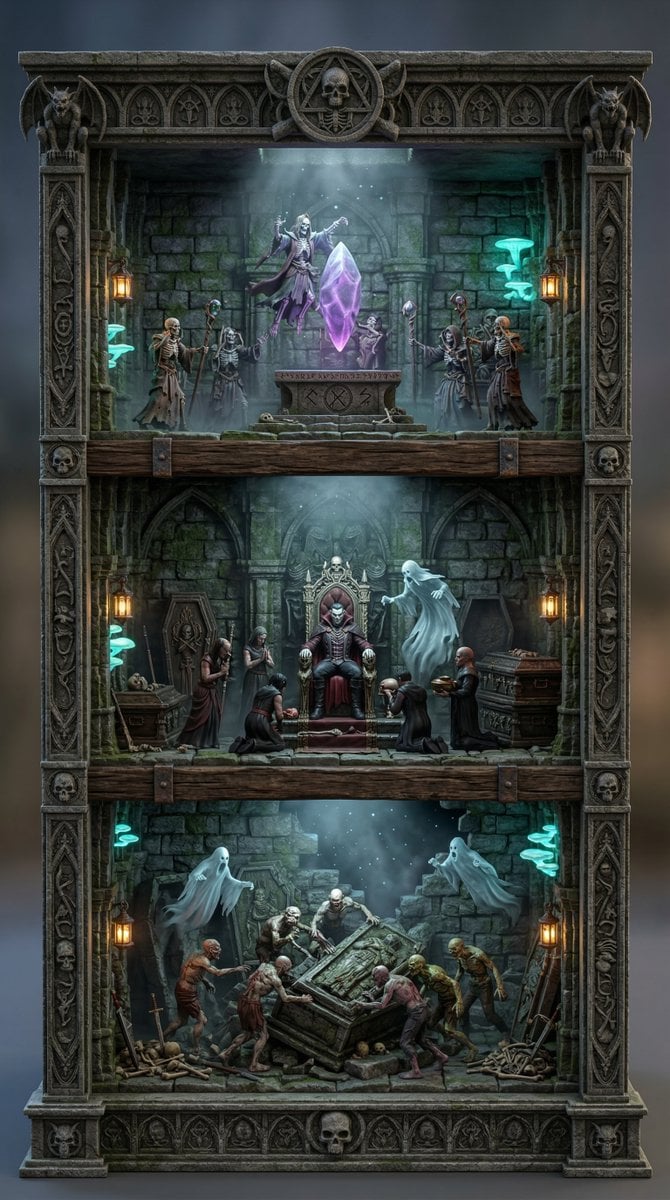
- Prompt included
- Model and format preset
- Free template
The prompt behind this image
Copy the exact prompt behind Ornate Diorama of Undead Dungeon, or open it in the studio and make it yours.
Variable Guide 1. OVERALL_DIORAMA_THEME = 2. CUPBOARD_BASE_MATERIAL = 3. CUPBOARD_LINING_MATERIAL = 4. RACK_MATERIAL = 5. ORNAMENTATION_STYLE = [e.g., Gothic carved wood, Art Deco brass, Elven interlaced vines] 6. ART_STYLE = 7. TOP_SHELF_SCENE = [Describe specific actions of miniature figures defining the scene] 8. MIDDLE_SHELF_SCENE = [Describe specific actions of miniature figures defining the scene] 9. BOTTOM_SHELF_SCENE = [Describe specific actions of miniature figures defining the scene] 10. LIGHTING = 11. CAMERA_ANGLE = A straight-on, front-facing view, captured from a moderately high angle looking distinctly downward. 12. ASPECT_RATIO = 3:4 Generation Directives (Note: If any variable is left blank, intelligently infer the most appropriate detail based on the OVERALL_DIORAMA_THEME) Directive 1: Framing & Composition (Highest Priority) A direct, front-facing photograph captured from CAMERA_ANGLE. The composition must perfectly center the open display structure, looking down at a distinct angle into the shelves to clearly reveal the floor plates and top-down depth of the miniature objects within the dioramas, while ensuring the exterior side panels remain completely hidden. The entire free-standing structure must be completely visible with negative space around it against a simple background. The aspect ratio is 3:4. Directive 2: The Main Structure (Strict Constraints) Render the image in the style of ART_STYLE. The central object is a highly detailed, permanently open-front curio display structure. It must not possess doors, hinges, or door frames of any kind. The exterior is constructed from CUPBOARD_BASE_MATERIAL and detailed with ORNAMENTATION_STYLE. The interior back wall is lined with CUPBOARD_LINING_MATERIAL, and the individual shelves are made of RACK_MATERIAL. Directive 3: The Miniature Dioramas & Figures The structure houses a cohesive detailed miniature world divided across three shelves, adhering to the OVERALL_DIORAMA_THEME. Crucially, each shelf must contain miniature figures engaged in a specific narrative action. Let there be a high density of structures, props, characters. Let the detail of environment, architecture and props be high. Generate appropriate cinematic lighting and atmospheric conditions: TIME_OF_DAY (Choose from sunrise glow, golden hour, bright midday, sunset haze, blue hour twilight, night illumination) LIGHT_SOURCE_STYLE (Choose from sunlight beams, lantern glow, neon signage, reactor light, forge fire, bioluminescent flora, electrical arcs) WEATHER_STATE (Choose from clear skies, drifting mist, light rain, snowfall, desert dust, ocean spray, storm clouds) ATMOSPHERIC_EFFECTS (Choose
How to use Ornate Diorama of Undead Dungeon in 3 steps
- 1
Open
The prompt is already in the box next to the preview, with the template's model and format selected.
- 2…a portrait of your subject in softgolden-hour light, 85mm…
Personalize
Edit the subject and creative details for your destination.
- 3Generate
Generate
Press Generate — your image is created in PicX Studio, so you can compare it with the original and refine one variable at a time.
More like this
Templates with the same subject, style or setup. Open one to see its prompt.

Layered Paper Cut Forest Diorama

Soft Handcrafted Paper-Cut Layered Illustration

Isometric Process Educational Diorama

Isometric Brand Store Diorama

FIFA World Cup — Brazil National Pass Diorama

敦煌纸雕飞天 — 3D Layered Paper Cutout
Ornate Diorama of a Spring Shrine Prompt
Ornate Box Diorama of a Royal Treasury Counting Room
Ornate Box Diorama Master Prompt (Mughal Hall Interior)
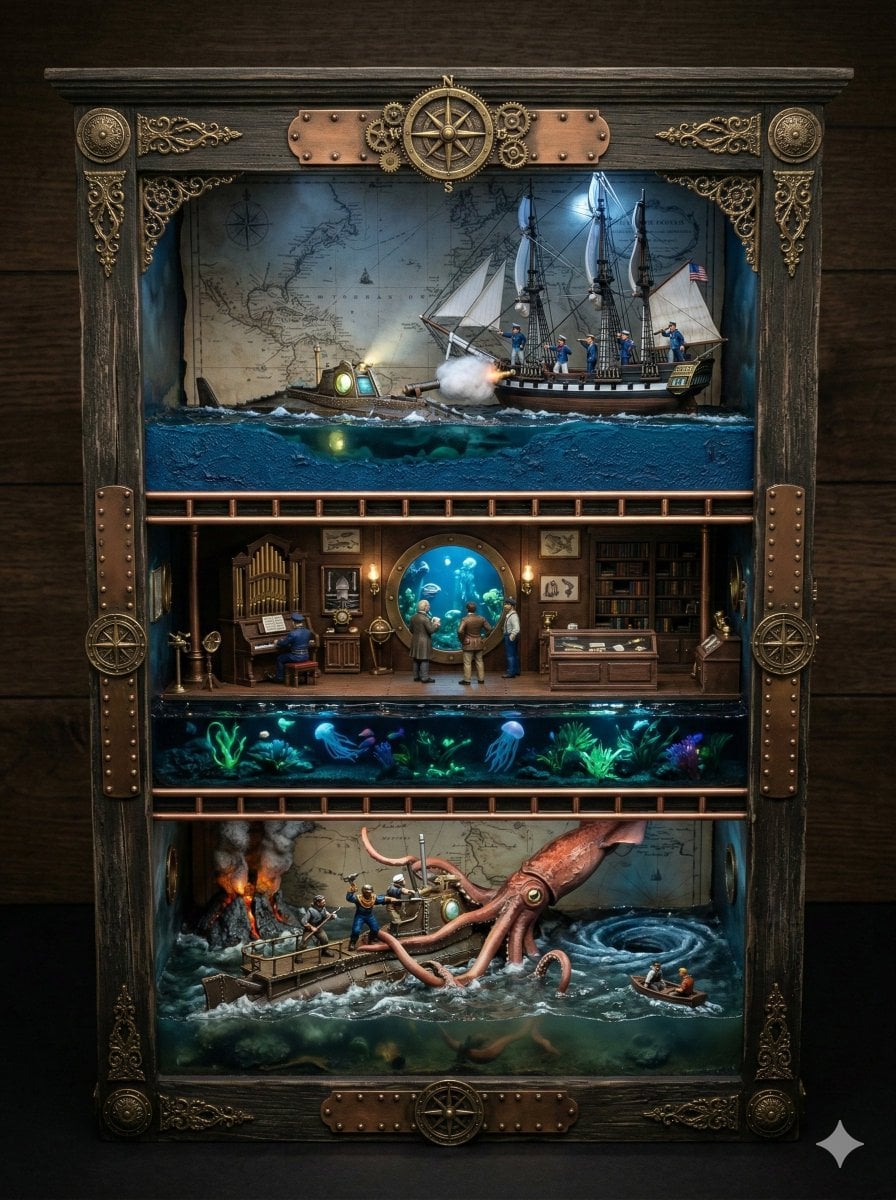
Ornate Box Diorama Prompt for Twenty Thousand Leagues Under the Sea
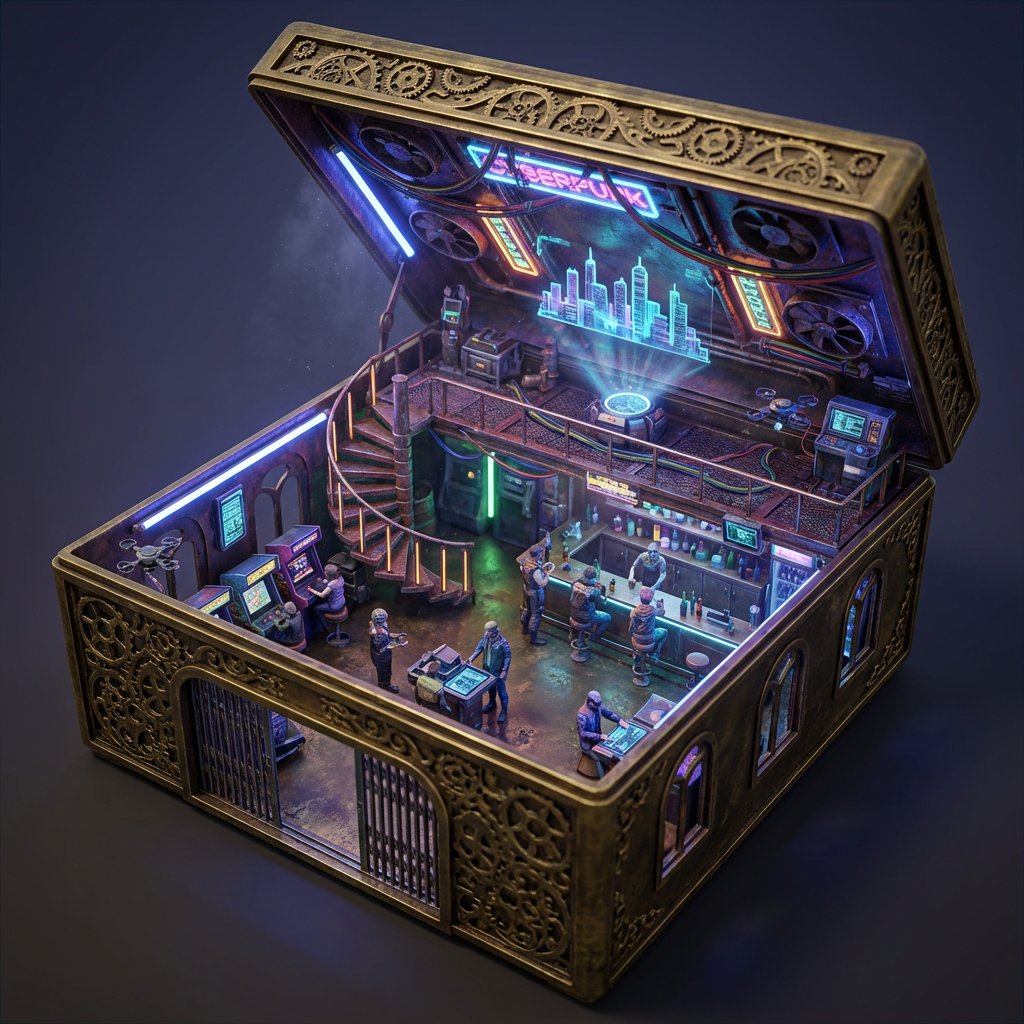
Ornate Box Diorama Prompt (Cyberpunk Pub)
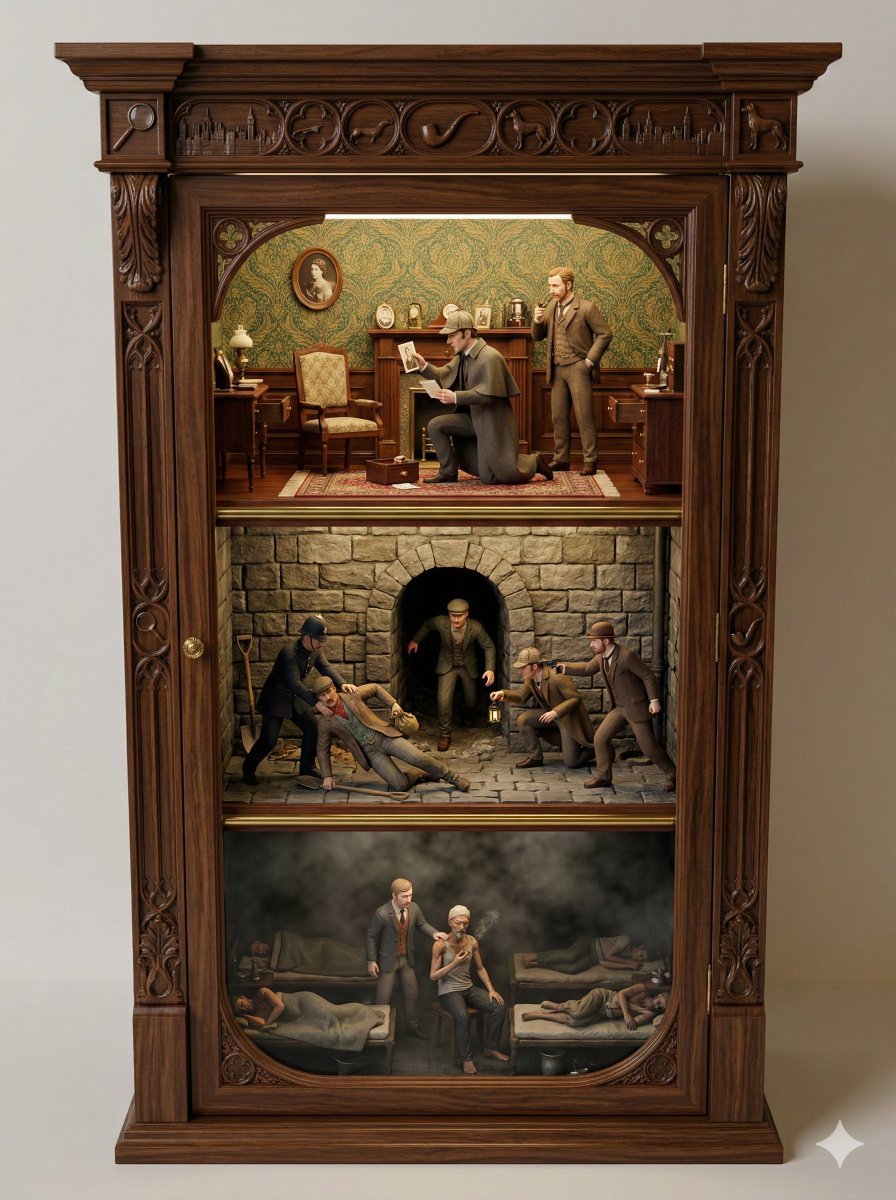
Sherlock Holmes Ornate Cupboard Diorama Prompt
Make it yours
Ornate Diorama of Undead Dungeon works as-is. These are the safest ways to change it without losing the look.
Change one field
Copy a single group, rewrite it, and generate again so you can see what that field is doing.
Keep the frame, change the subject
Hold the composition and light of Ornate Diorama of Undead Dungeon, then swap wardrobe, props or the person for a new take.
| If the result… | Why | Fix |
|---|---|---|
| The result drifts from the preview | Too many fields changed at once. | Reuse Ornate Diorama of Undead Dungeon as-is first, then change one group — subject, light, or setting. |
| The model over-stylizes the scene | The prose prompt leaves finish and camera underspecified. | Add one camera or lighting sentence and stay on Nano Banana 2. |
More Nano Banana 2 templates
Other prompts made for Nano Banana 2.

Photorealistic Leaf Shaped Like a Dragon

K-Pop Idol Portrait Grid for Rapid Selection

Poetic Rain Forest Portrait During Golden Hour

Urban Street Portrait with Cartoon Inner Self Duo

Candid Nighttime Photo with Cat Prompt

High-Concept 3D Diorama Generation Prompt

Cinematic Futuristic Studio Portrait Template

Skincare Editorial Photography Collage Prompt

Hyper-Realistic Commercial Product Photography (Splash Effect)

Hyper-Realistic Nightclub Portrait Prompt
More image prompts
Fresh picks from across the catalog.
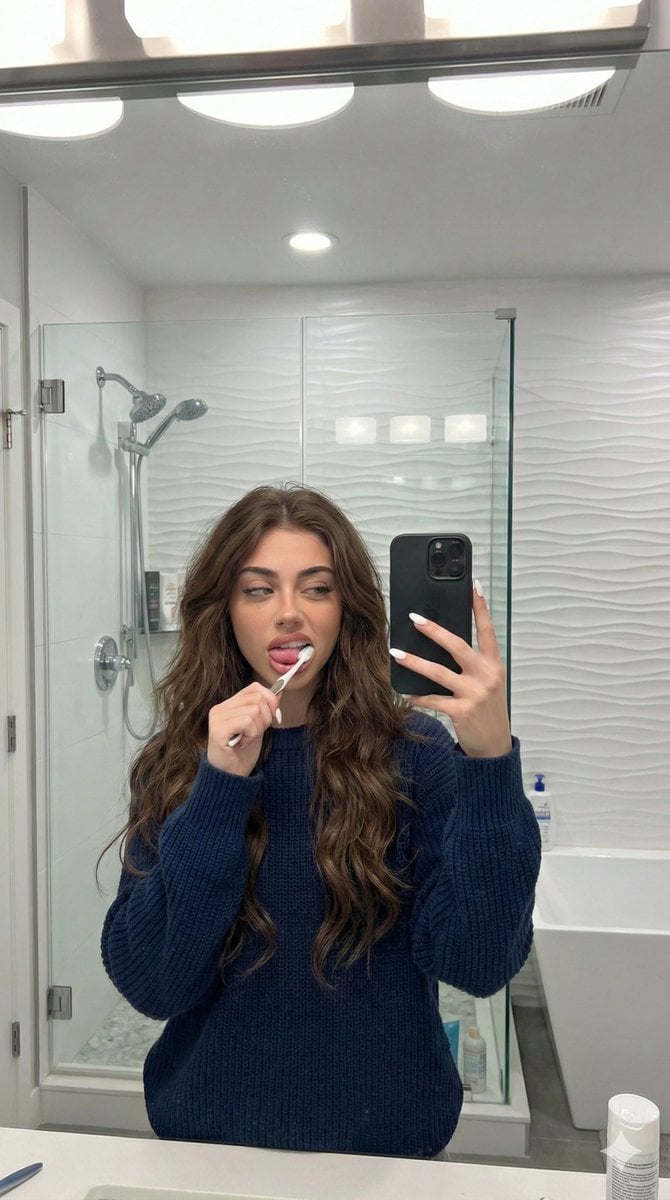
Candid Mirror Selfie Prompt for Image Generation
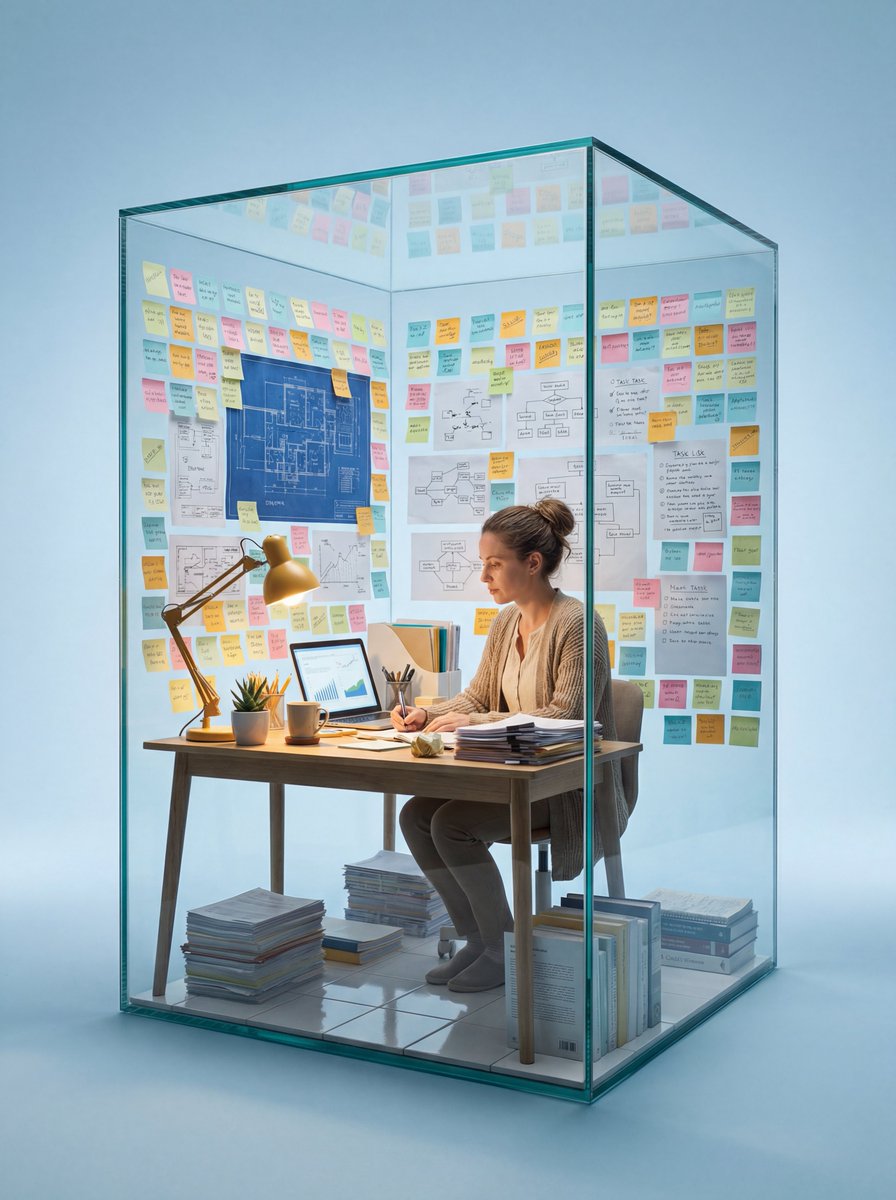
Macro Photography of Subject in Glass Workspace
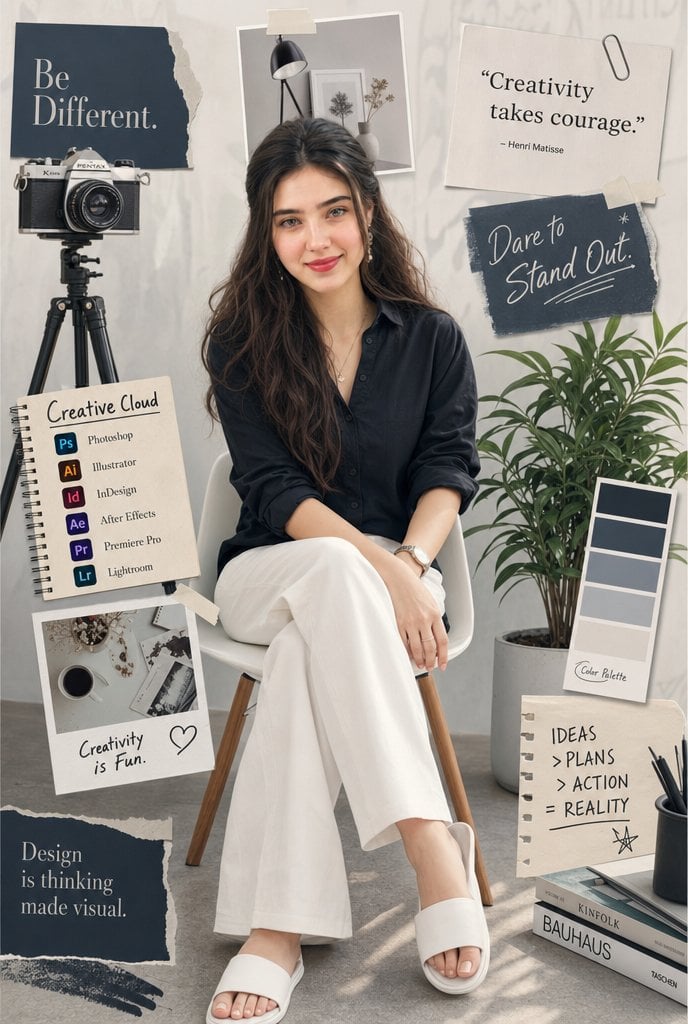
Creative Studio Portrait Mood Board
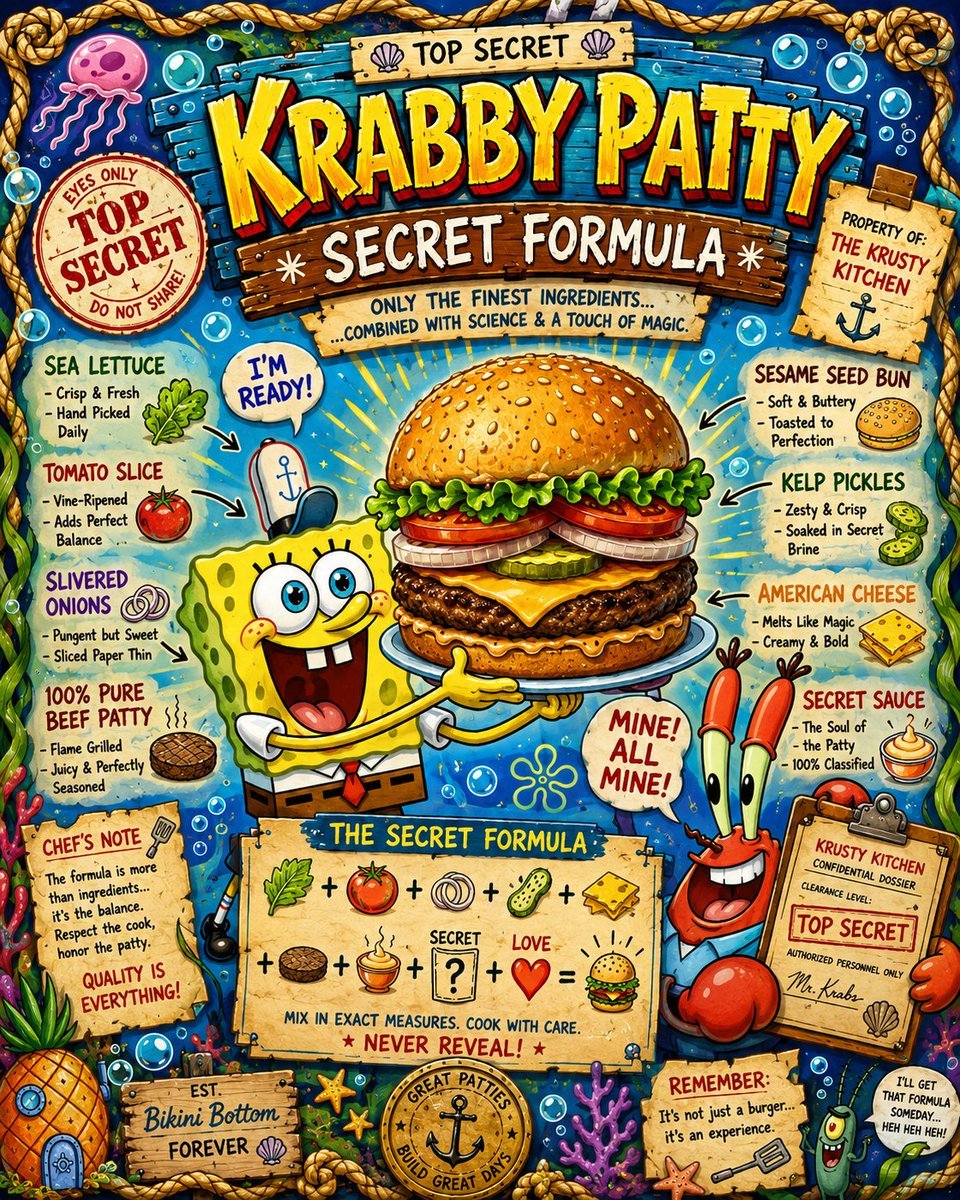
Krabby Patty Secret Formula Graphic
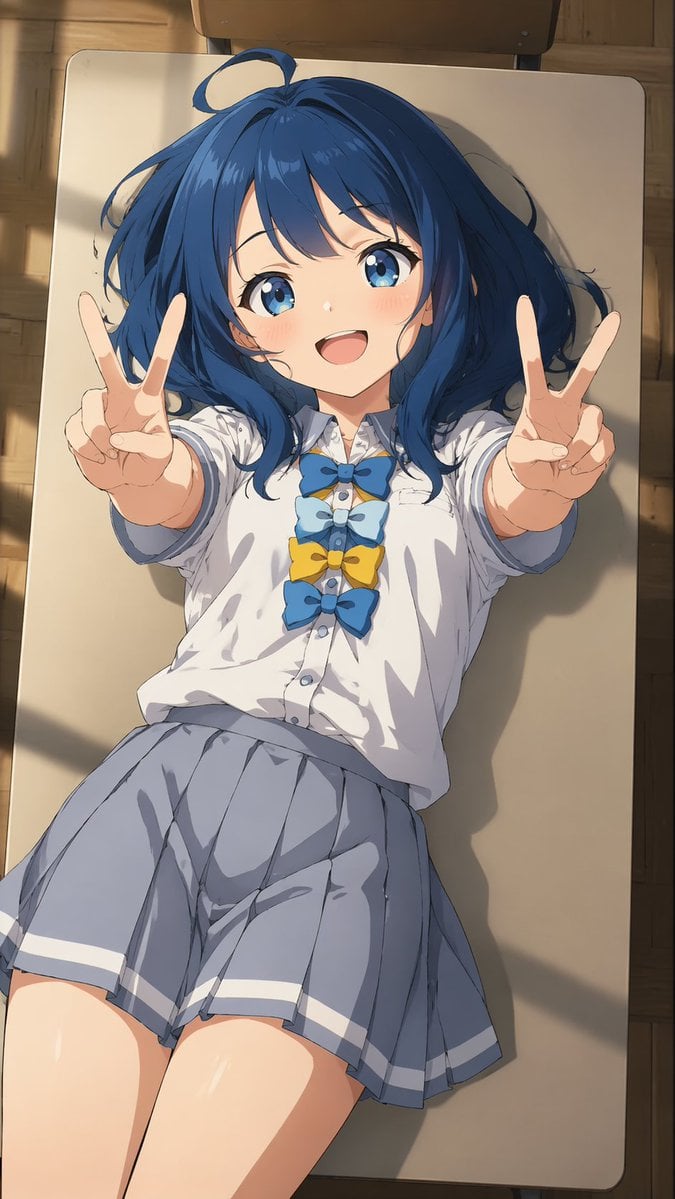
Overhead Anime Girl Peace Sign Portrait
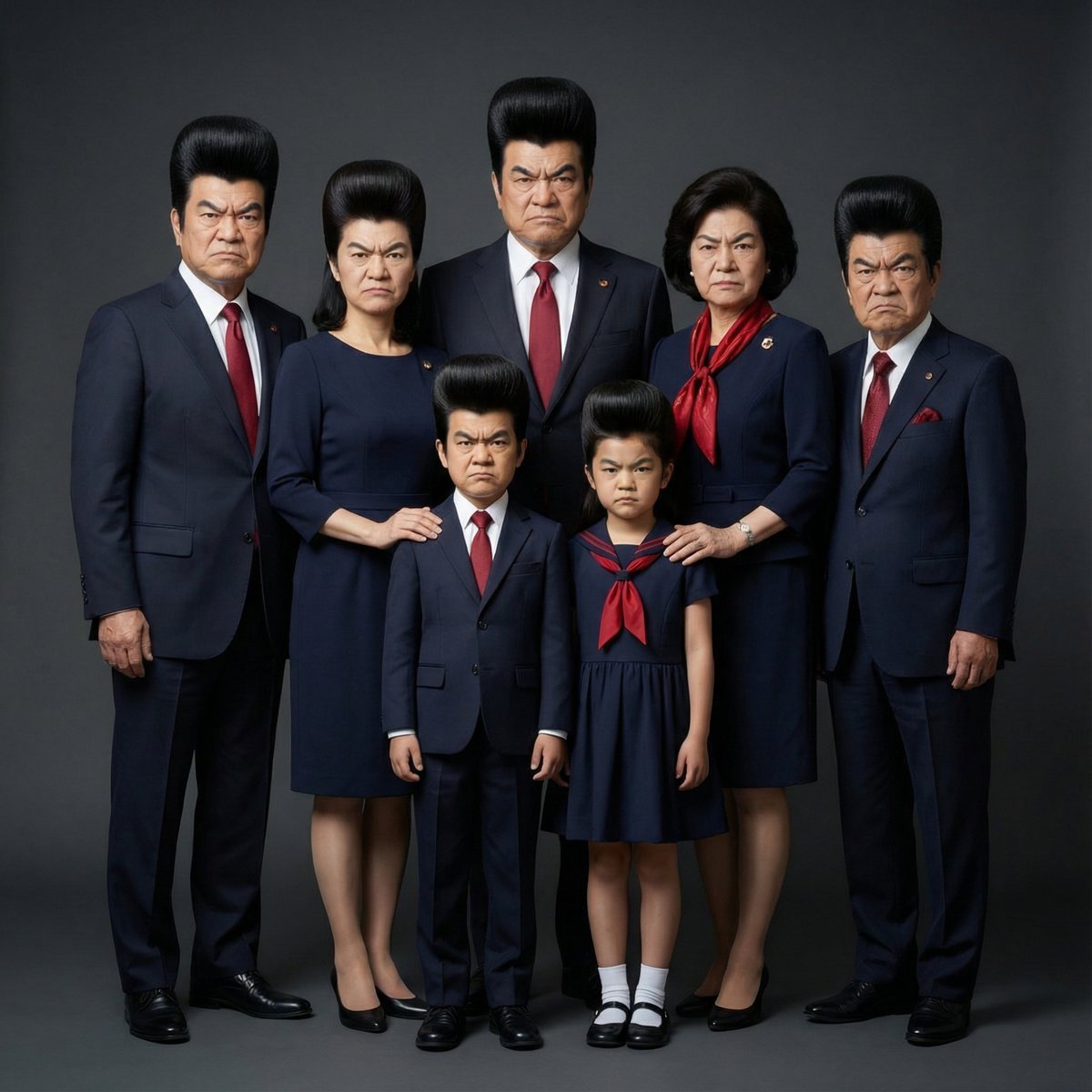
Hyper-Realistic Family Portrait with Identical Faces

Hyper-Realistic Alpine Selfie Prompt
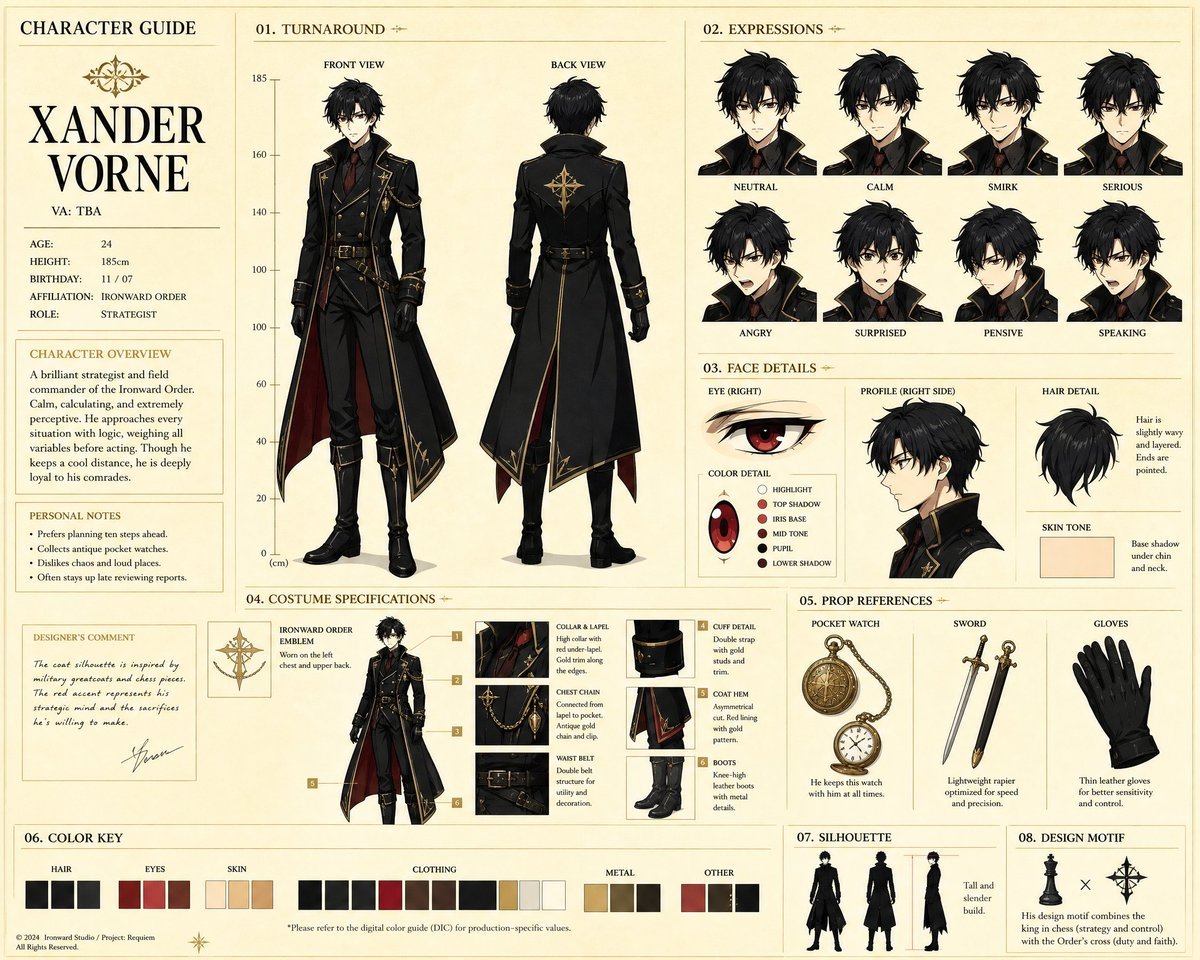
Anime Character Production Guide Sheet
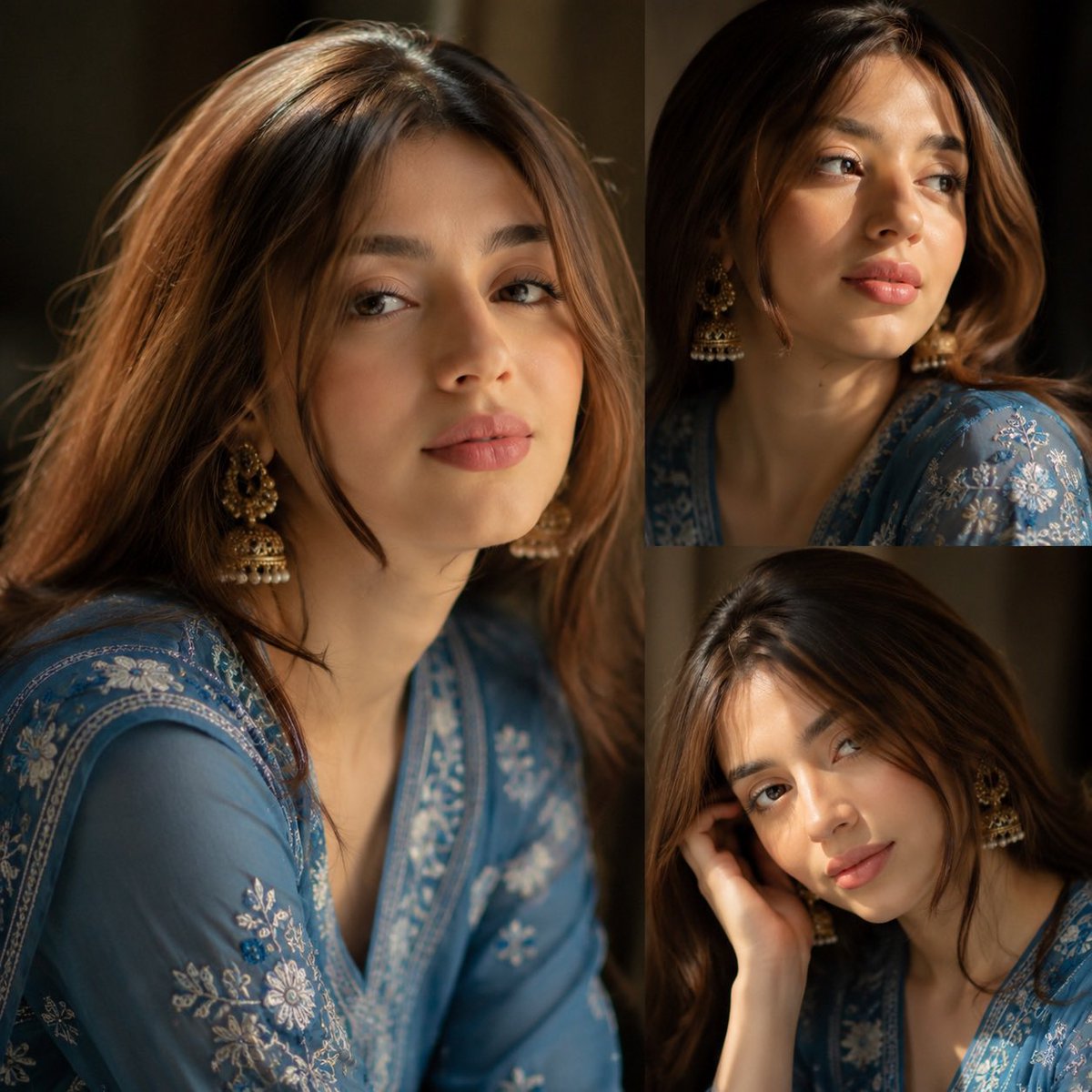
Traditional Kurta Portrait Collage
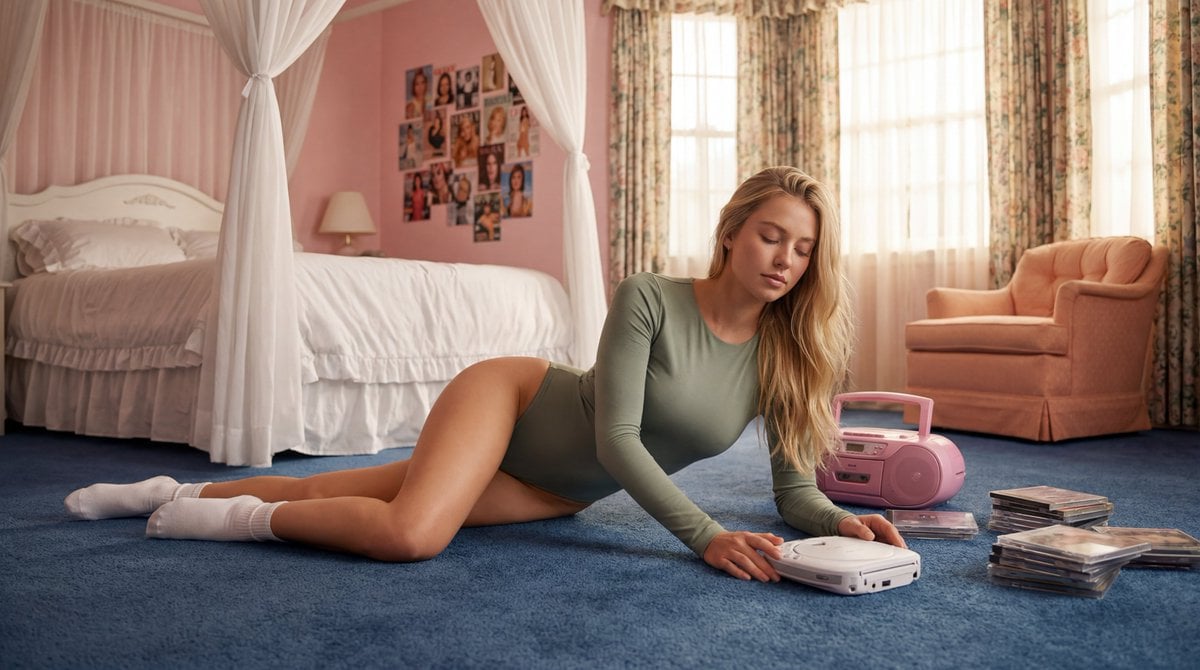
Strictly Controlled Editorial Pose and Anatomy Prompt
Browse template categories
Ornate Diorama of Undead Dungeon questions
How do I use the Ornate Diorama of Undead Dungeon template?
Add your photo if the template asks for one, edit the prompt if you like — the template's model and format are already selected — and press Generate. Your version opens in PicX Studio.
Can I customize the Ornate Diorama of Undead Dungeon template?
Yes. You can change the subject, setting, lighting, mood, format, and available model controls before creating your image.
Is the Ornate Diorama of Undead Dungeon template free?
Opening and editing this template is free. Generating uses credits, shown on the Generate button when you are signed in.
Which AI model should I use?
Start with Nano Banana 2, which is the model associated with this template. You can compare another compatible model for a different finish.
Looking for something else? Browse all templates.

Your photo, any look
Thousands of ready templates for every top image and video model, from one credit balance.