How do I use the Professional ID Photo Generator template?
Choose the primary action to open PicX Studio with the available template settings. Review the model and format, personalize the creative direction, and generate when ready.
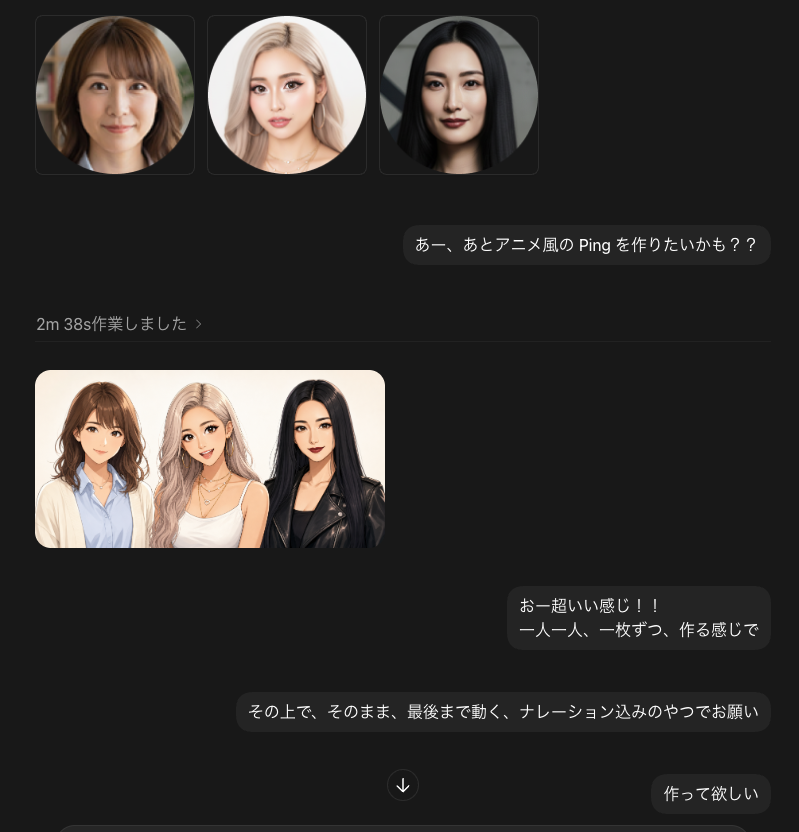
A prompt for generating high-quality, professional identification photos with clean backgrounds and natural lighting, suitable for business or official use.

生成一张具有{argument name="背景" default="干净白色背景"}、专业拍摄、高分辨率的身份证照片。人物居中且光线充足;展示清晰自然的肤质,配合柔和均匀分布的化妆轻微突显人物线条而不破坏自然外观;穿着{argument name="服装" default="整洁商务装"},头发打理得当,面部表情{argument name="表情" default="平静自信"}。图像光线均匀无硬阴影;确保脸部清晰自然呈现。
Choose the primary action to open PicX Studio with the available template settings. Review the model and format, personalize the creative direction, and generate when ready.
Yes. You can change the subject, setting, lighting, mood, format, and available model controls before creating your image.
This template is free to open and customize. Generation usage is shown in PicX Studio before you create.
Start with Nano Banana 2, which is the model associated with this template. You can compare another compatible model for a different finish.
Follow a topic to a crawlable collection of related PicX Studio templates.