
Cinematic Cafe Contemplation
A refined prompt for creating a cinematic portrait of a woman in a cafe, emphasizing soft lighting, bokeh, and tactile realism.
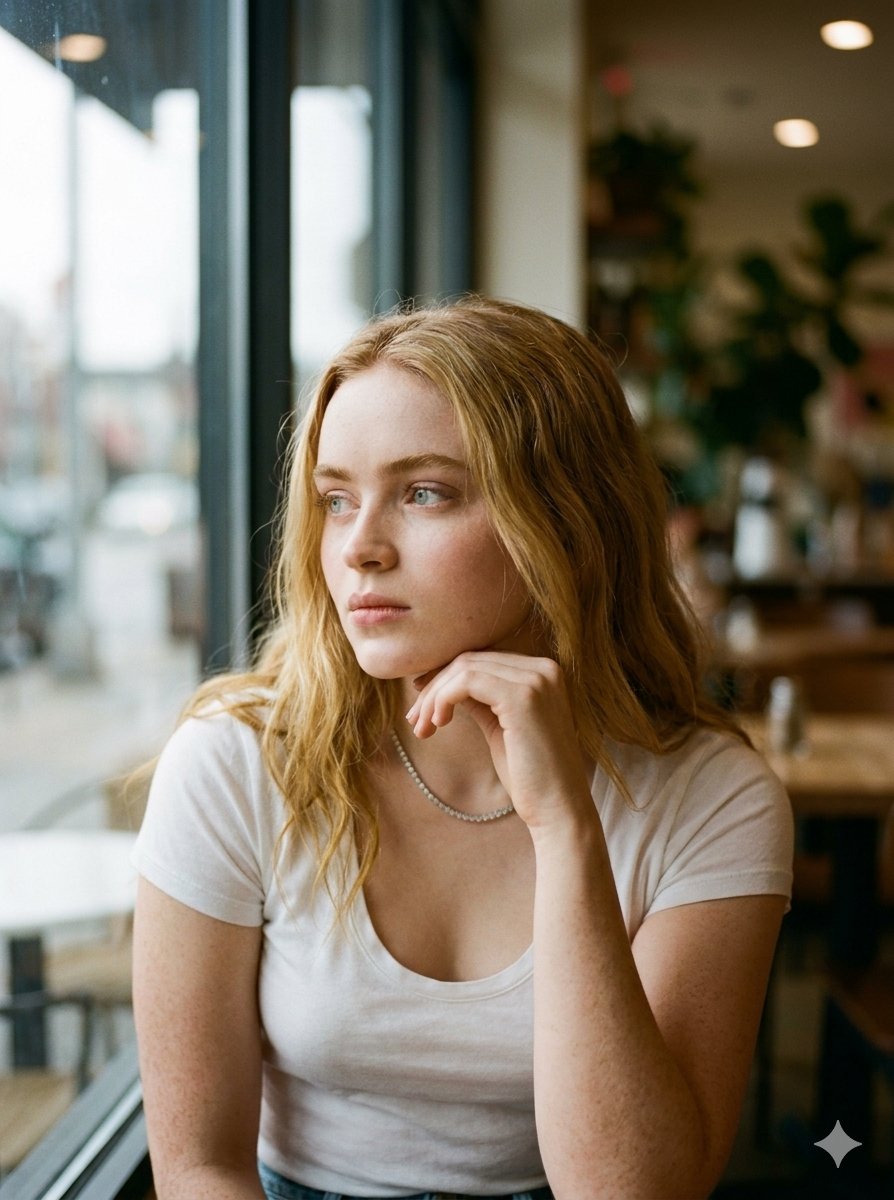
- Prompt included
- Model and format preset
- Free template
The prompt behind this image
Copy the exact prompt behind Cinematic Cafe Contemplation, or open it in the studio and make it yours.
Bathed in the soft, diffused luminance of an overcast afternoon, this cinematic portrait captures a moment of serene contemplation. The subject, adorned with flowing golden blonde waves, gazes thoughtfully out of an expansive glass window, her delicate features gently illuminated by the cool, natural light filtering through the glass. She is dressed in a minimalist, classic white scoop-neck tee that subtly catches the ambient moisture of the atmosphere, adding a layer of tactile realism to the composition. The interplay of light and shadow across her skin creates a sublime, velvety texture, reminiscent of high-end editorial photography. The background gracefully falls away into a beautiful, creamy bokeh, hinting at a cozy cafe interior while maintaining absolute focus on her expressive eyes and relaxed posture. Every detail, from the gentle resting of her hand against her chin to the subtle glints of light in her eyes, contributes to an evocative narrative of quiet solitude. It is a visual symphony of understated elegance and atmospheric depth, perfectly blending everyday realism with a refined, artistic sensibility that commands the viewer's attention. ```json { "meta": { "quality": "Zenith of digital artistry radiating with photorealistic fidelity and palpable atmospheric depth that transcends traditional storytelling.", "style": "Synthesis of editorial portraiture and cinematic mood curation, evoking introspection through meticulous light sculpting.", "aspect_ratio": "Classical framing harmonizing the intimate emotional weight with the architectural geometry of the environment." }, "subject_aura": { "capture_type": "An observed candid moment of quietude, freezing a second of daydreaming elegance against a softly blurred world.", "outfit_vibe": "Minimalist white canvas for ambient light, featuring subtle textural nuances and a delicate interplay of fabric.", "pose_flow": "Relaxed bodily architecture with a chin-rest gesture guiding the eye along sweeping curves of golden hair." }, "scene_aesthetics": { "location_feel": "A sanctuary beside a windowpane, offering a haven of quiet reflection amidst an overcast urban afternoon.", "lighting_mood": "Diffused daylight rolling softly across the subject, creating an ethereal gradient of velvet-like shadows.", "color_palette": "Refined symphony of warm ivory, luminous golden blondes, pristine whites, and muted earthy neutral undertones." }, "technical_illusion": { "camera_style": "Emulation of medium format aesthetics delivering profound optical volume and gradual focus falloff.", "lens_feel": "Smooth optical rendering characterized by a dreamlike bokeh dissolving background elements into atmospheric abstraction." } }
How to use Cinematic Cafe Contemplation in 3 steps
- 1
Open
The prompt is already in the box next to the preview, with the template's model and format selected.
- 2…a portrait of your subject in softgolden-hour light, 85mm…
Personalize
Edit the subject and creative details for your destination.
- 3Generate
Generate
Press Generate — your image is created in PicX Studio, so you can compare it with the original and refine one variable at a time.
More like this
Templates with the same subject, style or setup. Open one to see its prompt.

Cat Photobomb Selfie — 0.5x Wide Angle Café Chaos

Trendy Cafe Drink Promo Poster
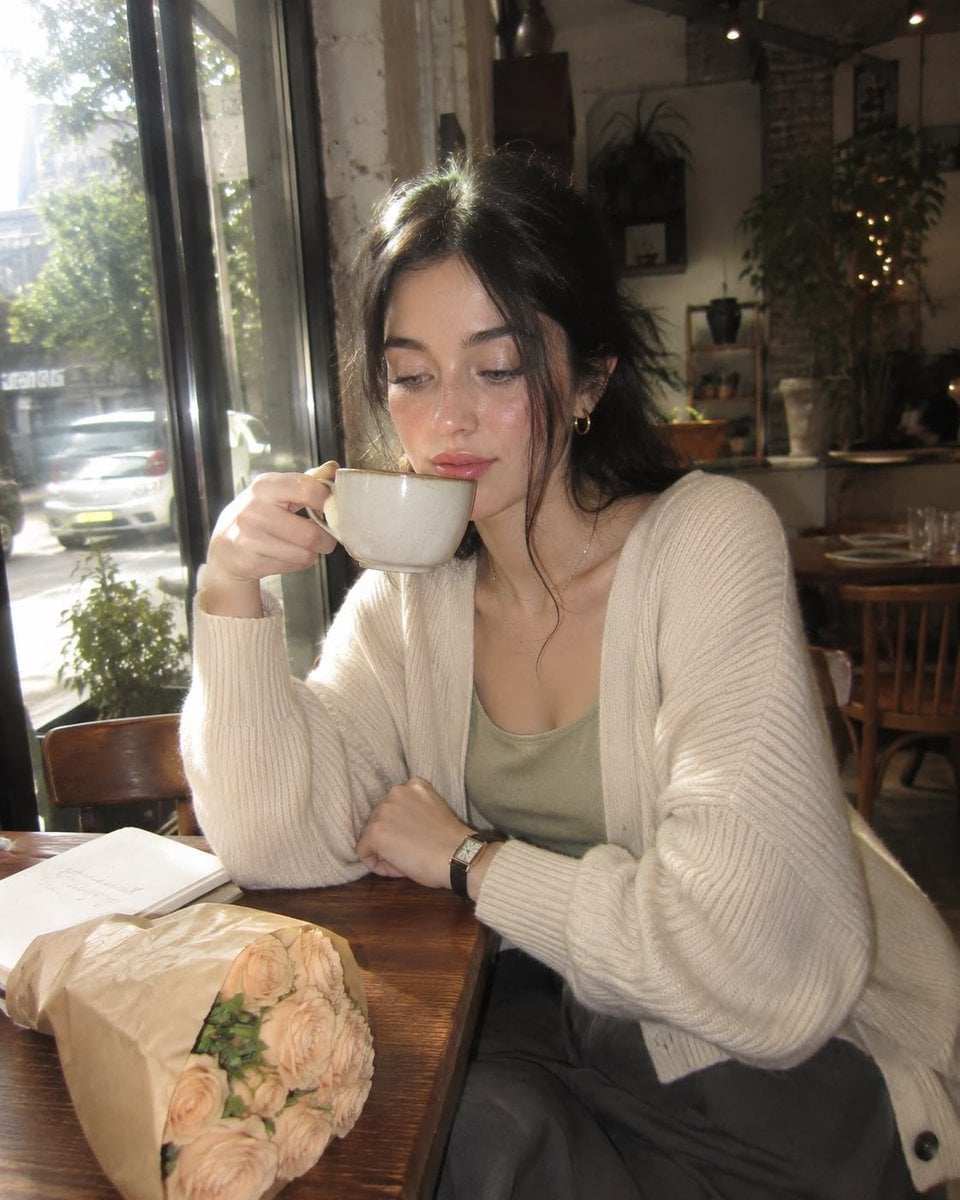
Nostalgic Digicam Café Afternoon Portrait
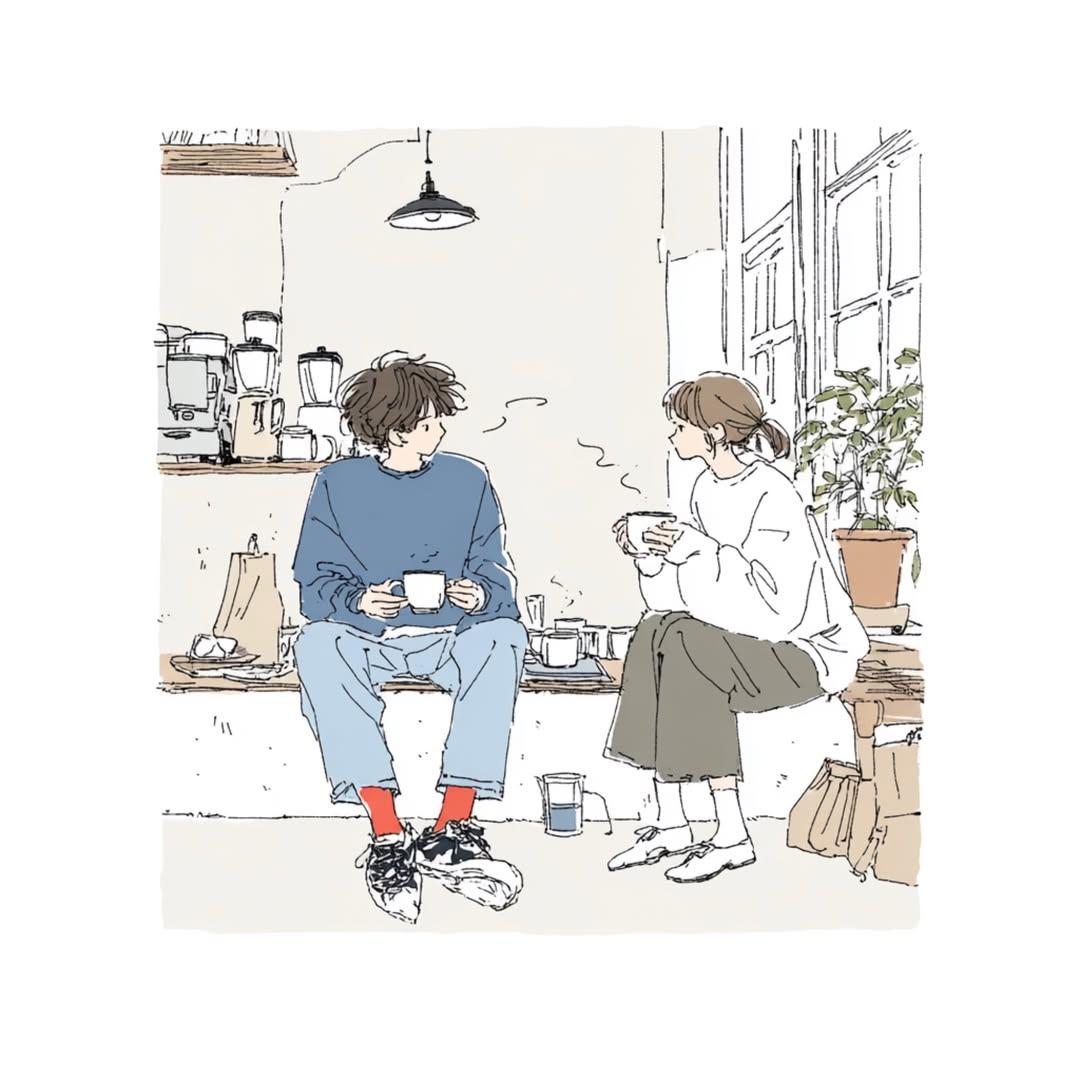
Delicate Japanese Café Lifestyle Illustration
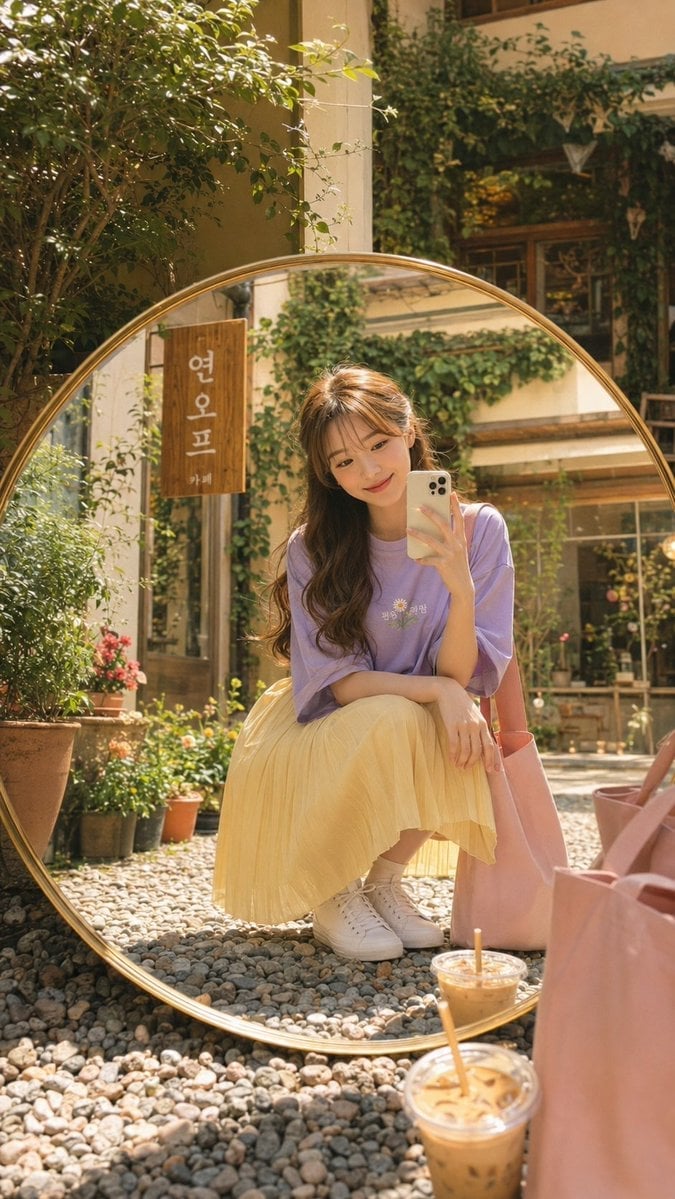
Korean Cafe Courtyard Gold Frame Mirror Selfie

Outdoor Cafe Portrait — White Ruched Top Nano Banana

Nano Banana - Cozy Cafe Night

Nano Banana - Paris Cafe Editorial

Urban Street Style Cafe Portrait

Cinematic Cafe Portrait with Food
European Cafe Lifestyle Photography

Star Cafe on a Crashed Airplane
Make it yours
Cinematic Cafe Contemplation works as-is. These are the safest ways to change it without losing the look.
Change one field
Copy a single group, rewrite it, and generate again so you can see what that field is doing.
Keep the frame, change the subject
Hold the composition and light of Cinematic Cafe Contemplation, then swap wardrobe, props or the person for a new take.
| If the result… | Why | Fix |
|---|---|---|
| The result drifts from the preview | Too many fields changed at once. | Reuse Cinematic Cafe Contemplation as-is first, then change one group — subject, light, or setting. |
| The model over-stylizes the scene | The prose prompt leaves finish and camera underspecified. | Add one camera or lighting sentence and stay on Nano Banana 2. |
More Nano Banana 2 templates
Other prompts made for Nano Banana 2.

Photorealistic Leaf Shaped Like a Dragon

K-Pop Idol Portrait Grid for Rapid Selection

Poetic Rain Forest Portrait During Golden Hour

Urban Street Portrait with Cartoon Inner Self Duo

Candid Nighttime Photo with Cat Prompt

High-Concept 3D Diorama Generation Prompt

Cinematic Futuristic Studio Portrait Template

Skincare Editorial Photography Collage Prompt

Hyper-Realistic Commercial Product Photography (Splash Effect)

Hyper-Realistic Nightclub Portrait Prompt
More image prompts
Fresh picks from across the catalog.

Text Replacement Prompt for Image Editing

Product-Inspired Aristocratic Fashion
High-Aesthetic 2026 Vision Board Collage

Hand-drawn Pop Art Style Character Scene Generation

Epic Fantasy Mecha Light Novel Cover

AI Tech Tutorial Thumbnail

Sun Wukong Epic Fantasy Poster
App UI Design - Music & Fitness

Cinematic Post-Apocalyptic Scene Generation Prompt

SRK Alpha Pose Walk Away from Explosion Prompt
Browse template categories
Cinematic Cafe Contemplation questions
How do I use the Cinematic Cafe Contemplation template?
Add your photo if the template asks for one, edit the prompt if you like — the template's model and format are already selected — and press Generate. Your version opens in PicX Studio.
Can I customize the Cinematic Cafe Contemplation template?
Yes. You can change the subject, setting, lighting, mood, format, and available model controls before creating your image.
Is the Cinematic Cafe Contemplation template free?
Opening and editing this template is free. Generating uses credits, shown on the Generate button when you are signed in.
Which AI model should I use?
Start with Nano Banana 2, which is the model associated with this template. You can compare another compatible model for a different finish.
Looking for something else? Browse all templates.

Your photo, any look
Thousands of ready templates for every top image and video model, from one credit balance.