How do I use the Candid iPhone Japan Travel Photo template?
Choose the primary action to open PicX Studio with the available template settings. Review the model and format, personalize the creative direction, and generate when ready.
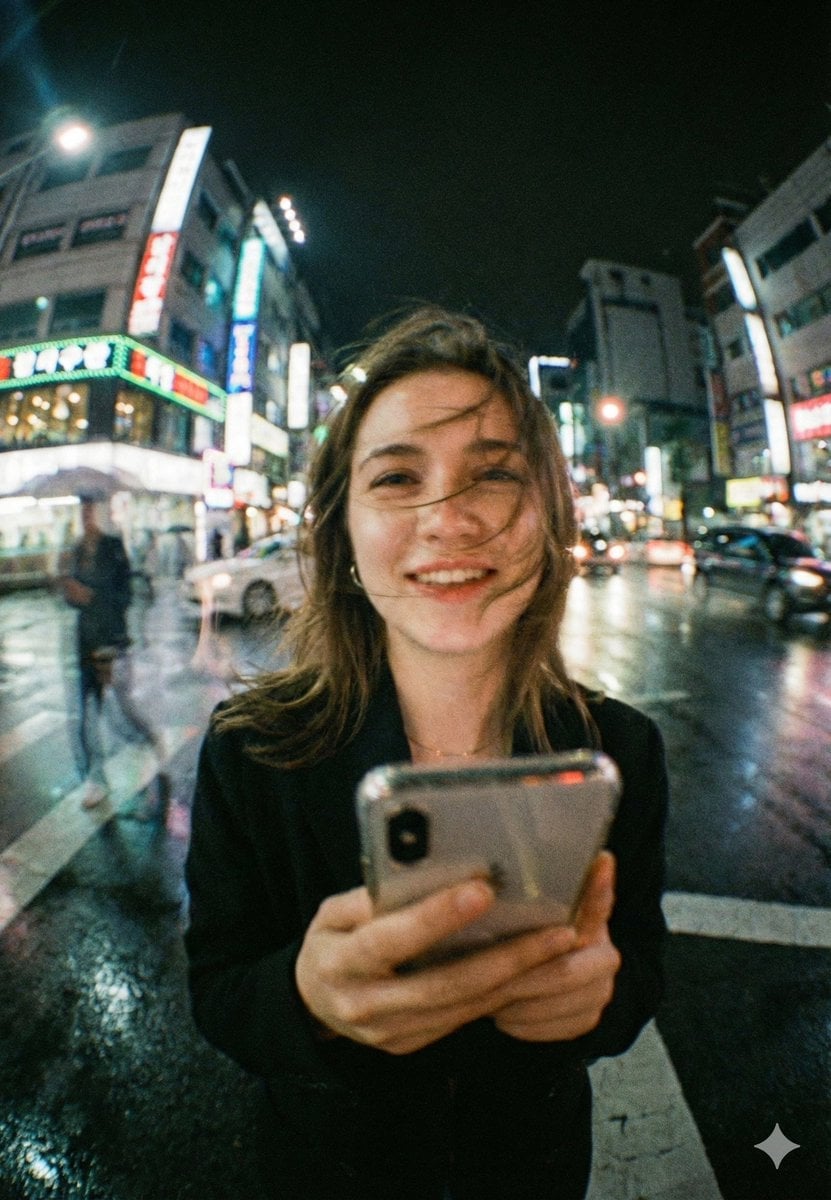
A prompt for generating an ultra-realistic, spontaneous-feeling travel photo in Japan, mimicking iPhone camera aesthetics and low-light evening conditions.
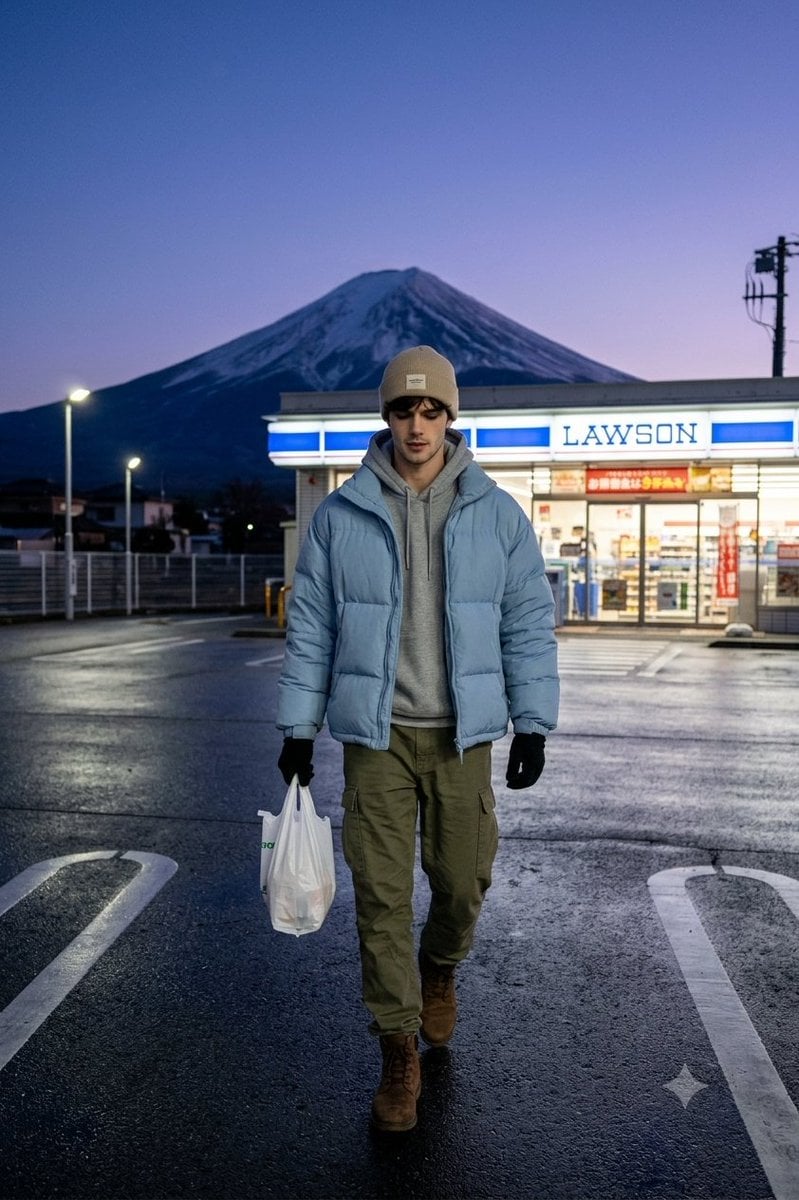
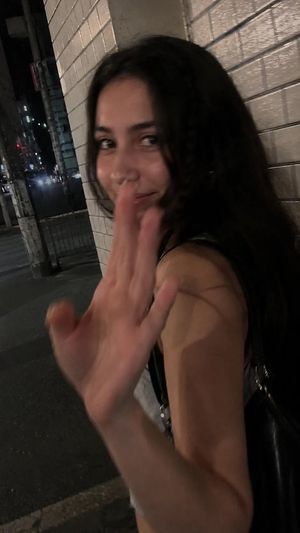
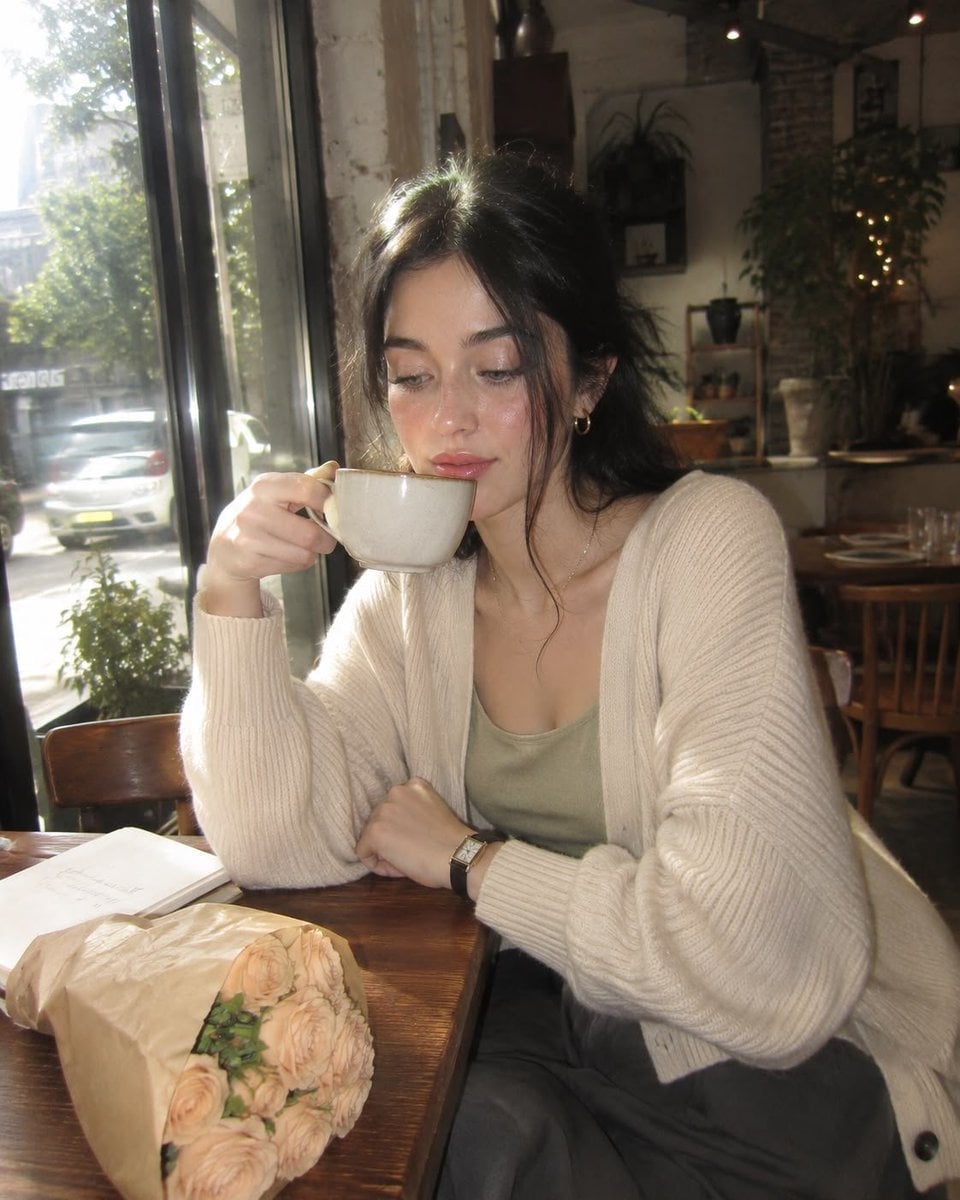
Use the attached face reference strictly for identity only. Preserve the exact same facial structure, eye shape, nose shape, lips, jawline, skin texture, skin tone, hairstyle and natural hair color. Do not beautify, stylize or change identity. ultra-realistic candid {argument name="device" default="iPhone"} travel photo in {argument name="location" default="Japan during blue hour evening"}, authentic convenience store parking lot atmosphere with Mount Fuji clearly visible in the background behind a glowing Lawson store, soft cold dusk sky with realistic purple-blue evening tones. man casually walking toward camera across an empty parking lot while holding a small white convenience store plastic bag in one hand, head slightly lowered with relaxed natural expression, realistic walking motion captured mid-step like a random candid moment. Wearing {argument name="clothing" default="oversized light blue puffer jacket over gray hoodie, olive cargo pants, brown winter boots, black gloves and beige beanie under hood"}. photo should feel like a spontaneous travel memory taken quickly by a friend on iPhone, slightly imperfect handheld framing, realistic smartphone perspective, natural low-light iPhone exposure, authentic evening street lighting and soft environmental shadows. Subject positioned slightly off-center with large visible environment around him. realistic wet asphalt texture with parking lot lane markings visible in foreground, glowing Lawson storefront lights creating subtle reflections, authentic Japanese suburban atmosphere, natural Mount Fuji scale and perspective in background, realistic cold-weather travel aesthetic. Ultra-realistic moments captured like genuine iPhone travel photos: natural light, authentic environments, candid human posture, true-to-life composition and scale, documentary-style vacation snapshot feeling, no cinematic grading, no studio lighting, no AI perfection, no CGI look, no glossy skin, no influencer aesthetic, no fashion campaign energy. Random real-life evening travel photo feeling.
Choose the primary action to open PicX Studio with the available template settings. Review the model and format, personalize the creative direction, and generate when ready.
Yes. You can change the subject, setting, lighting, mood, format, and available model controls before creating your image.
This template is free to open and customize. Generation usage is shown in PicX Studio before you create.
Start with Nano Banana 2, which is the model associated with this template. You can compare another compatible model for a different finish.
Follow a topic to a crawlable collection of related PicX Studio templates.