How do I use the Cyberpunk Fashion Portrait Collage template?
Choose the primary action to open PicX Studio with the available template settings. Review the model and format, personalize the creative direction, and generate when ready.
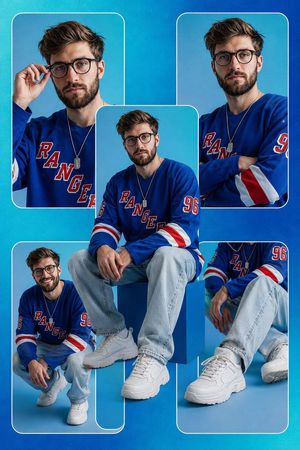
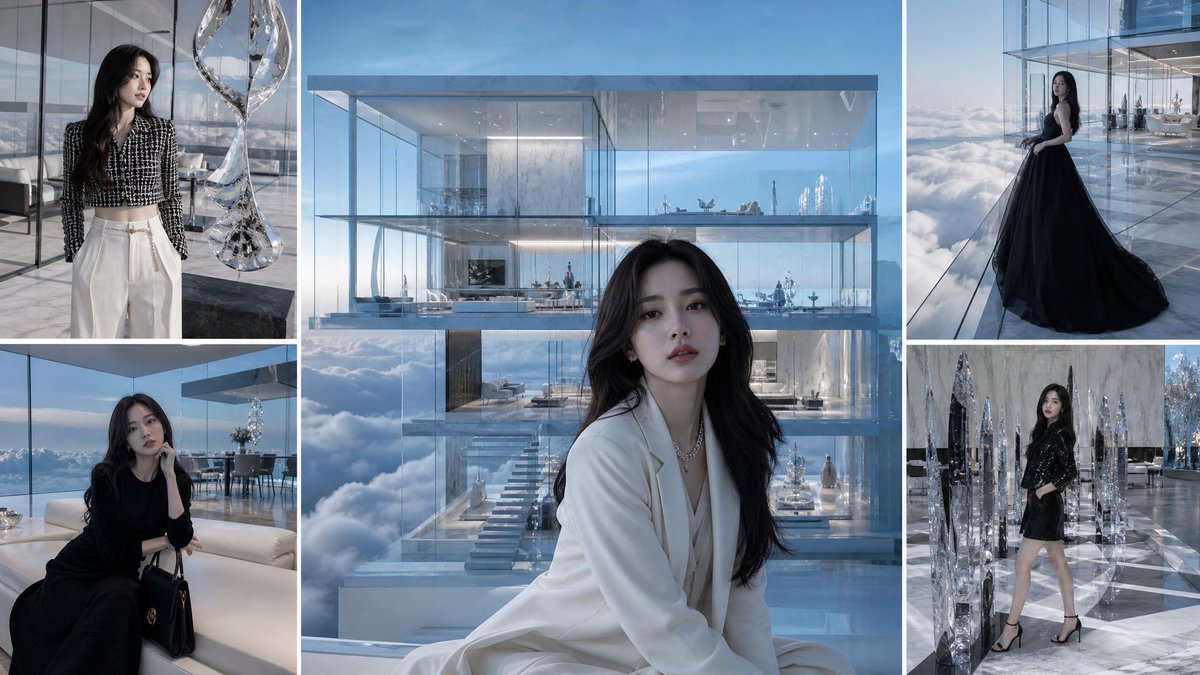
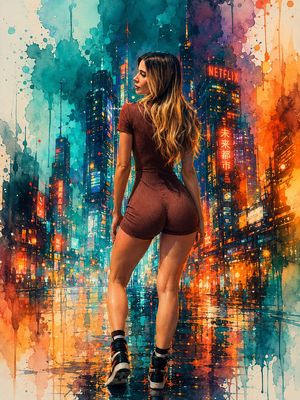
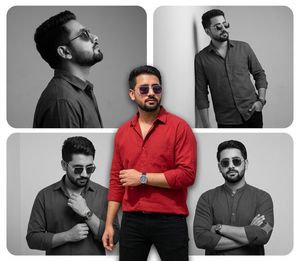
A complex collage prompt creating six different cyberpunk fashion looks while strictly maintaining facial identity from a reference image.
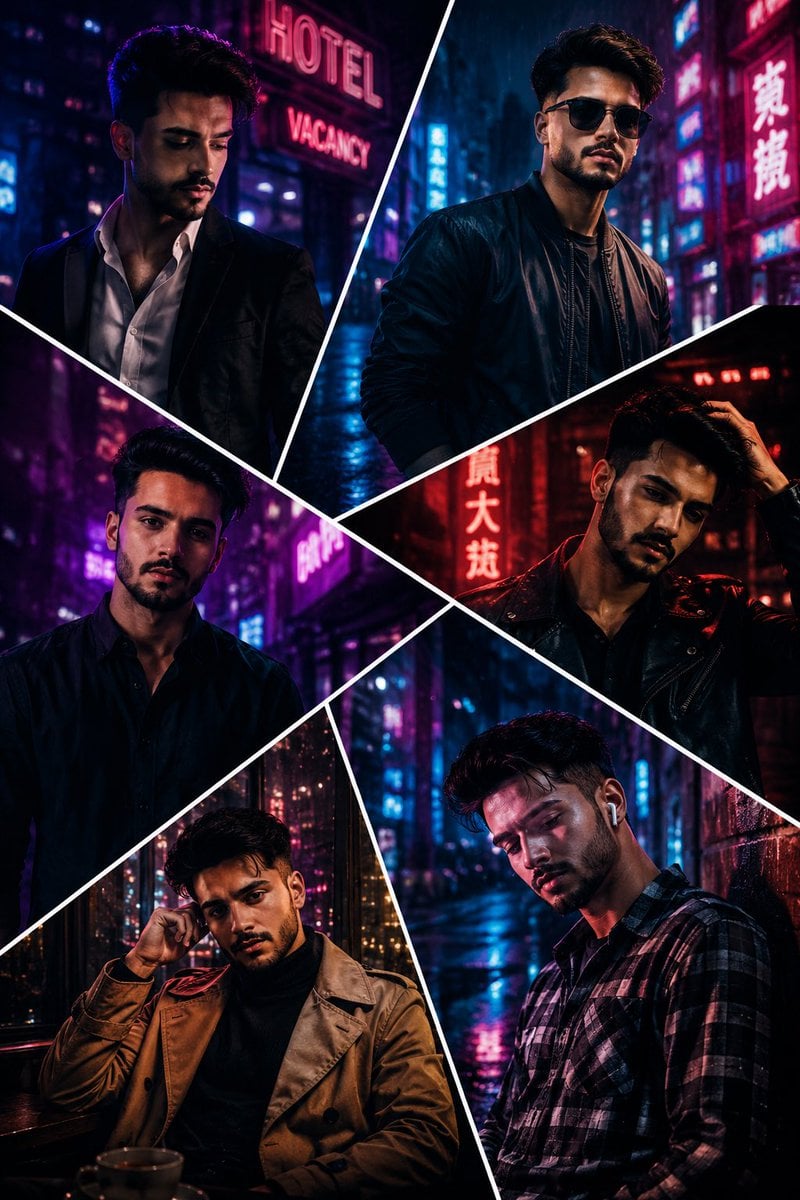
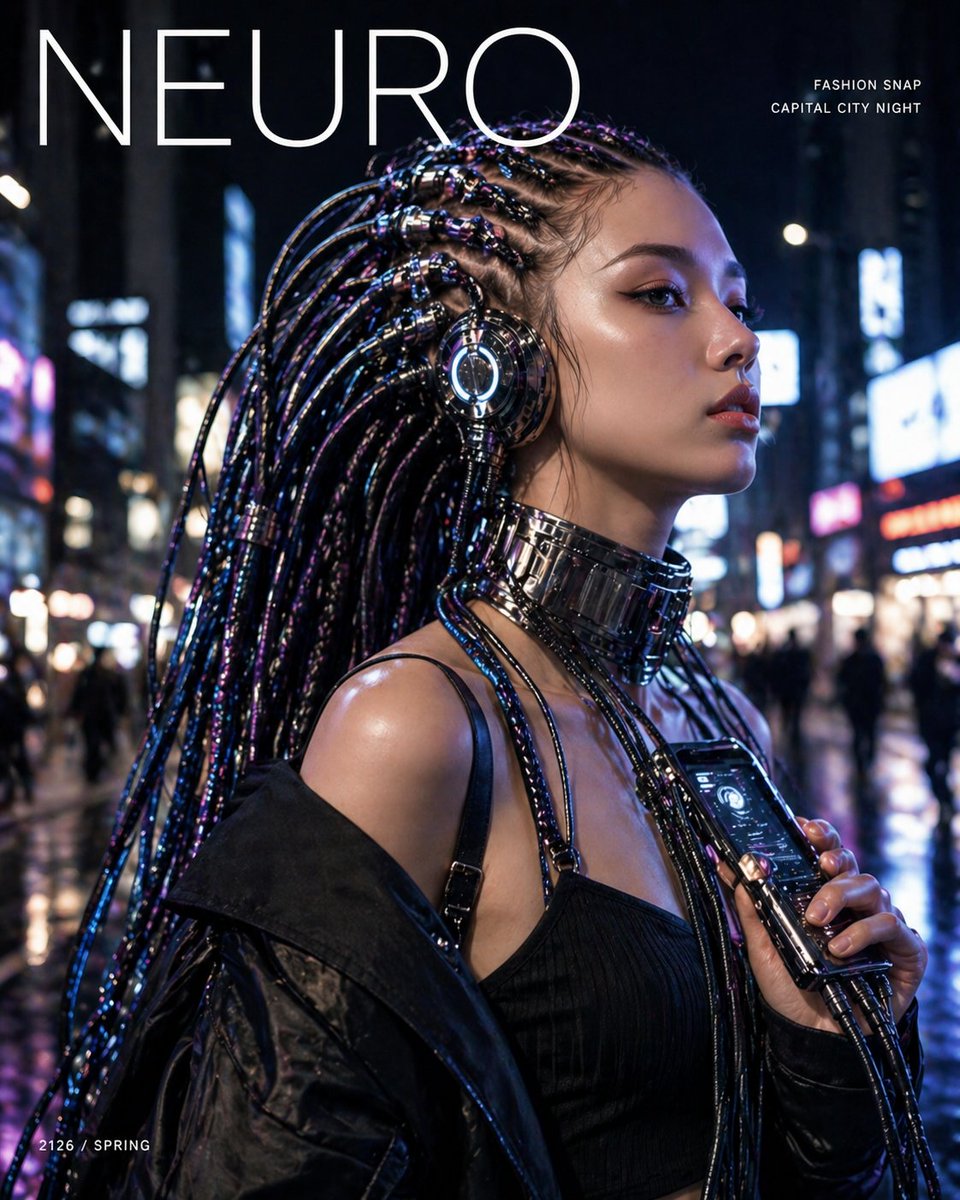
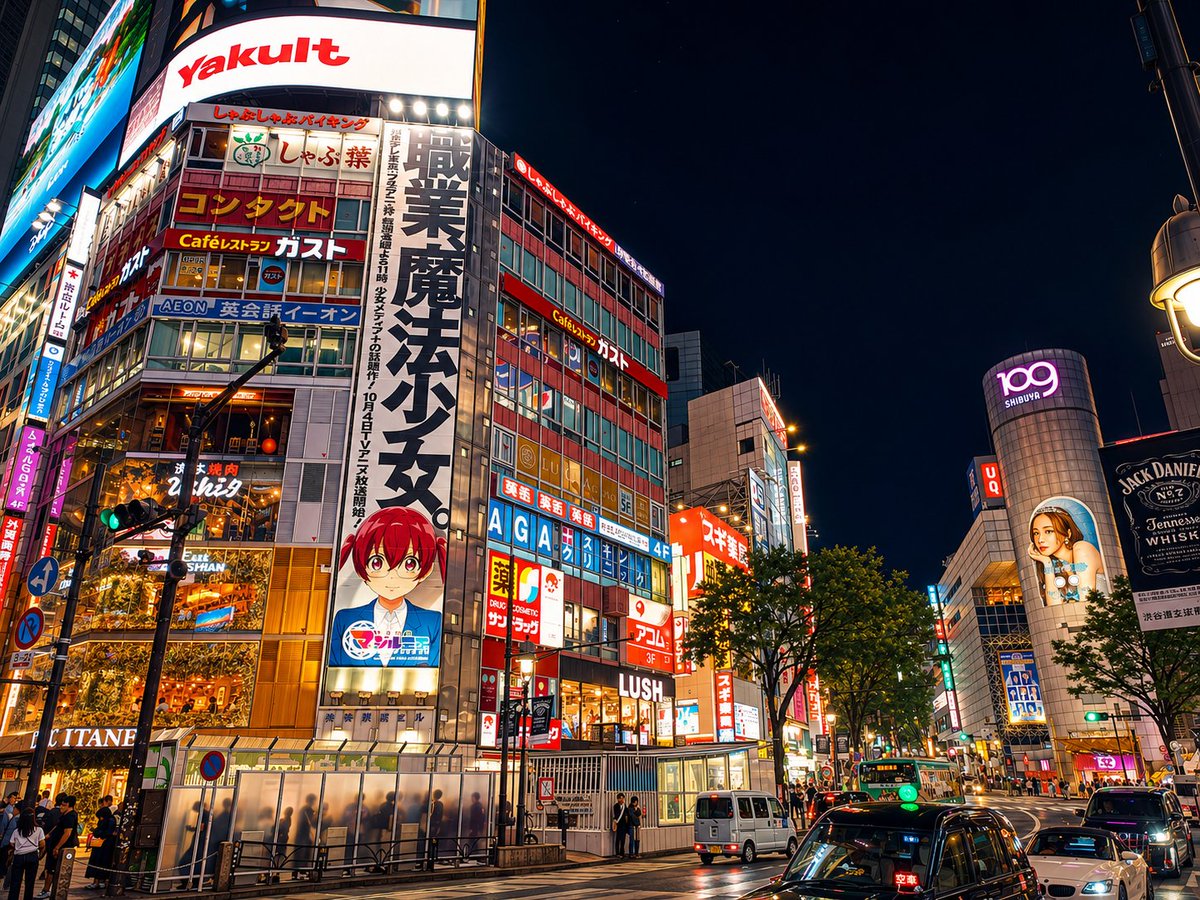
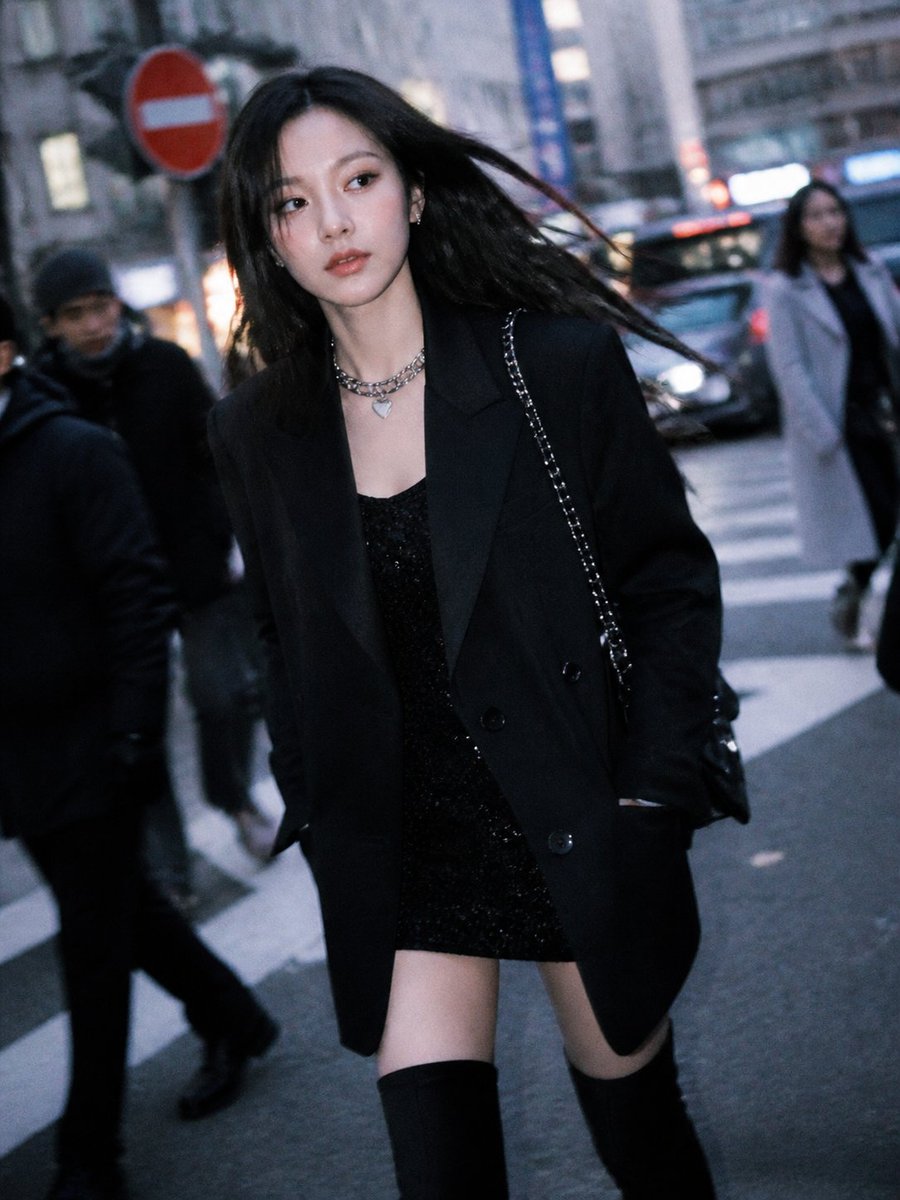
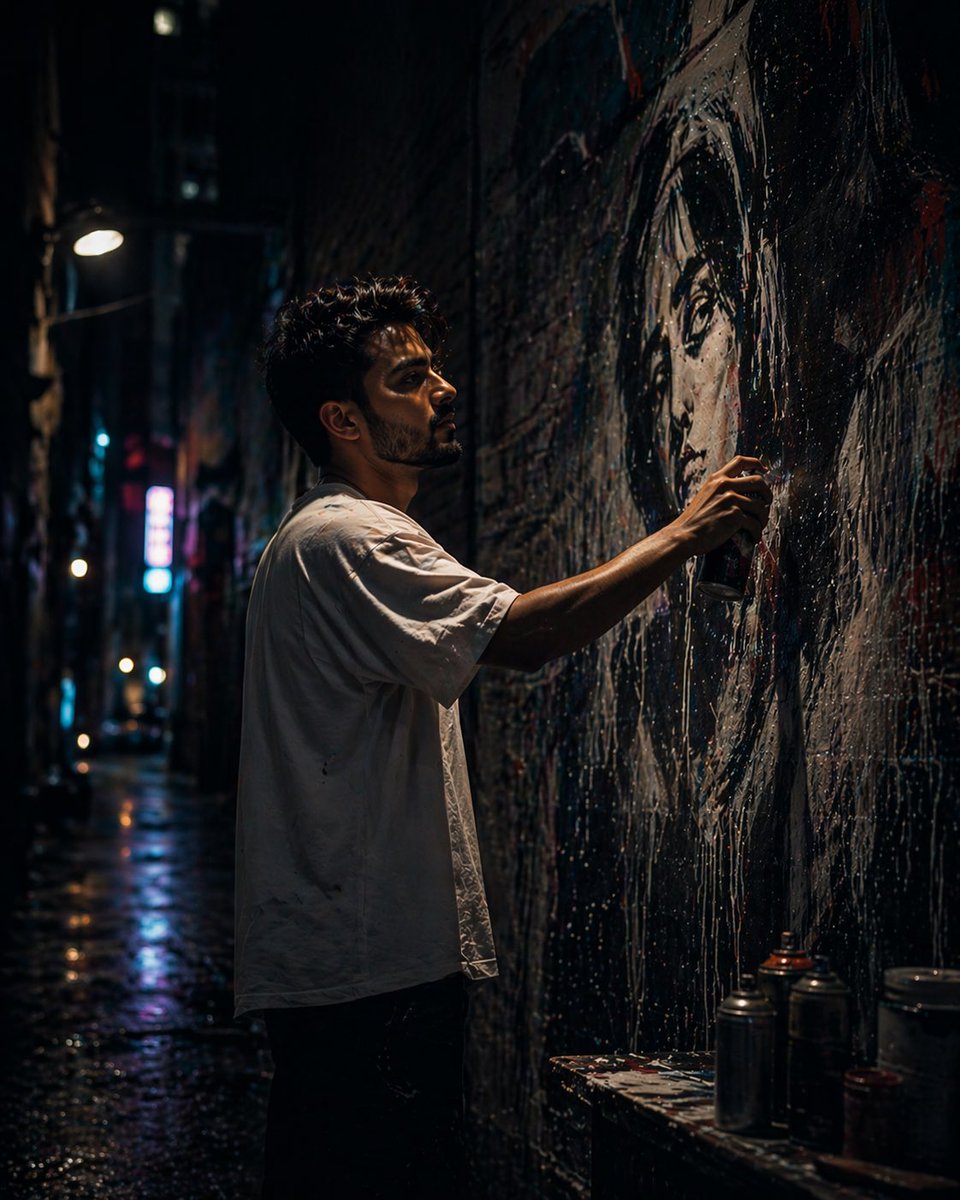
Use the uploaded reference image as the primary facial identity reference. Preserve the exact facial structure, jawline, hairstyle, beard details, skin texture, eye shape, eyebrows, nose structure, lips, and overall recognizable appearance with extremely high identity fidelity. Maintain realistic masculine South Asian features and natural skin tones. Create an ultra-realistic cinematic cyberpunk portrait collage featuring the same man in six different poses and fashion styles inside a dark futuristic neon-lit city atmosphere. The collage should use an artistic geometric split-panel composition with bold diagonal white borders separating each frame. Every frame should feel like a scene from a high-budget sci-fi thriller or luxury cyberpunk fashion campaign. Environment & Mood: •Dark rainy cyberpunk city aesthetic •Neon lights glowing in the background •{argument name="colors" default="Electric blue, purple, magenta, red, and cyan"} lighting accents •Wet reflective streets and moody shadows •Futuristic urban nightlife atmosphere •Cinematic haze, smoke, and soft fog •High contrast lighting with deep blacks •Luxury fashion editorial mood •Blade Runner inspired visual style •Dramatic rim lighting around face and hair •Soft neon reflections on skin and clothing Frame styling: 1. A luxury suit with partially unbuttoned white shirt, standing near neon signs, looking downward thoughtfully. 2. Dark bomber jacket with black round sunglasses under glowing blue and pink neon lights, confident pose. 3. Minimal black kurta with intense eye contact, illuminated by soft purple and red ambient light. 4. A leather biker jacket with one hand through hair, cinematic red neon reflections across face. 5. Beige trench coat over black turtleneck sitting in a futuristic café with moody neon ambiance. 6. Casual flannel shirt with wireless earbuds, leaning against a rainy neon-lit alley wall with cinematic shadows. Appearance details: •Thick textured black hair with stylish volume fade •Short groomed beard with slight brown undertones •Sharp jawline and soft masculine features •Brown eyes with cinematic catchlight reflections •Stylish modern South Asian male aesthetic •Slim-athletic build Photography & Cinematic details: •Ultra-realistic DSLR photography •85mm lens portrait look •f/1.4 shallow depth of field •Professional fashion photography •Hyper detailed skin pores and hair strands •HDR cinematic contrast •Soft glow effects from neon lights •Rain particles and atmospheric depth •High-end Netflix sci-fi cinematography •Unreal Engine 5 visual realism •8K ultra detailed quality •Vogue x Cyberpunk editorial style Important: •Keep the same exact face in every frame •No facial distortion or AI artifacts •Maintain realism and natural anatomy •Consistent hairstyle and beard across all panels •Preserve identity from uploaded reference image •Make the lighting dramatic, cinematic, and immersive •Vertical Instagram luxury aesthetic composition
Choose the primary action to open PicX Studio with the available template settings. Review the model and format, personalize the creative direction, and generate when ready.
Yes. You can change the subject, setting, lighting, mood, format, and available model controls before creating your image.
This template is free to open and customize. Generation usage is shown in PicX Studio before you create.
Start with Nano Banana 2, which is the model associated with this template. You can compare another compatible model for a different finish.
Follow a topic to a crawlable collection of related PicX Studio templates.