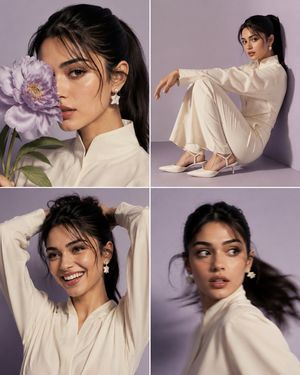
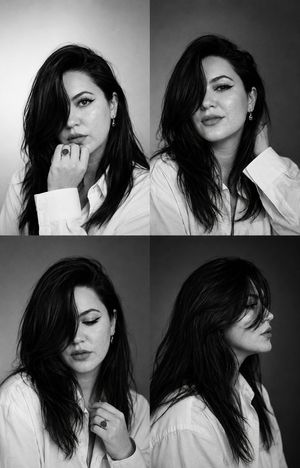
How do I use the Candid Beauty Photo Grid Contact Sheet template?
Choose the primary action to open PicX Studio with the available template settings. Review the model and format, personalize the creative direction, and generate when ready.
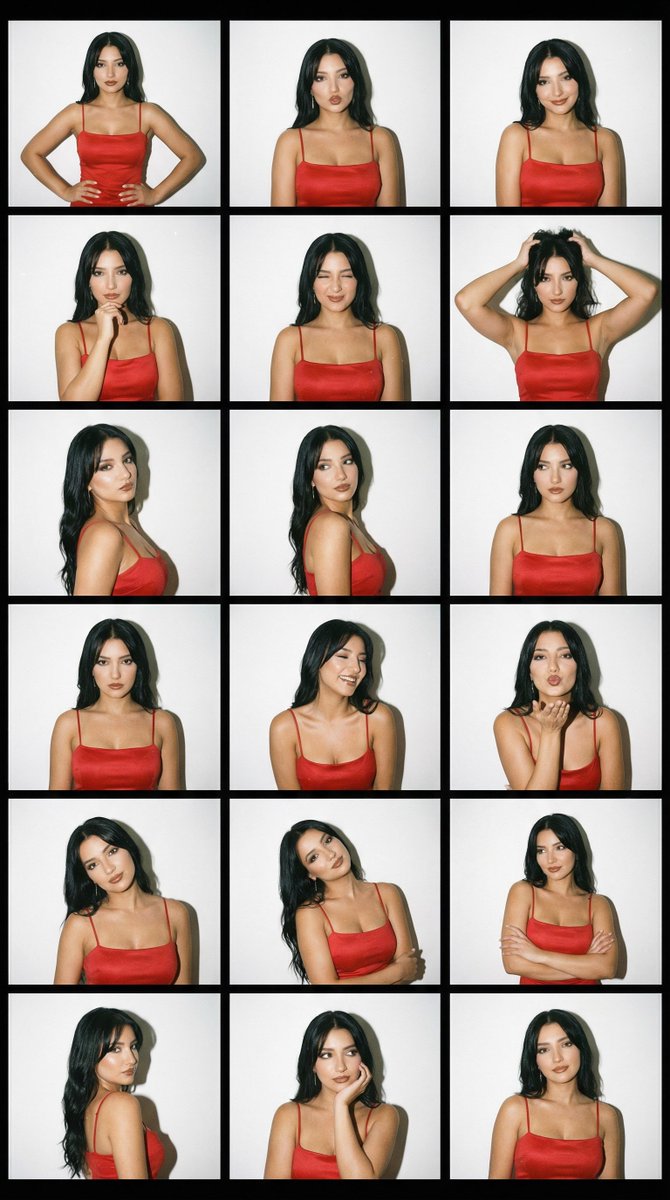
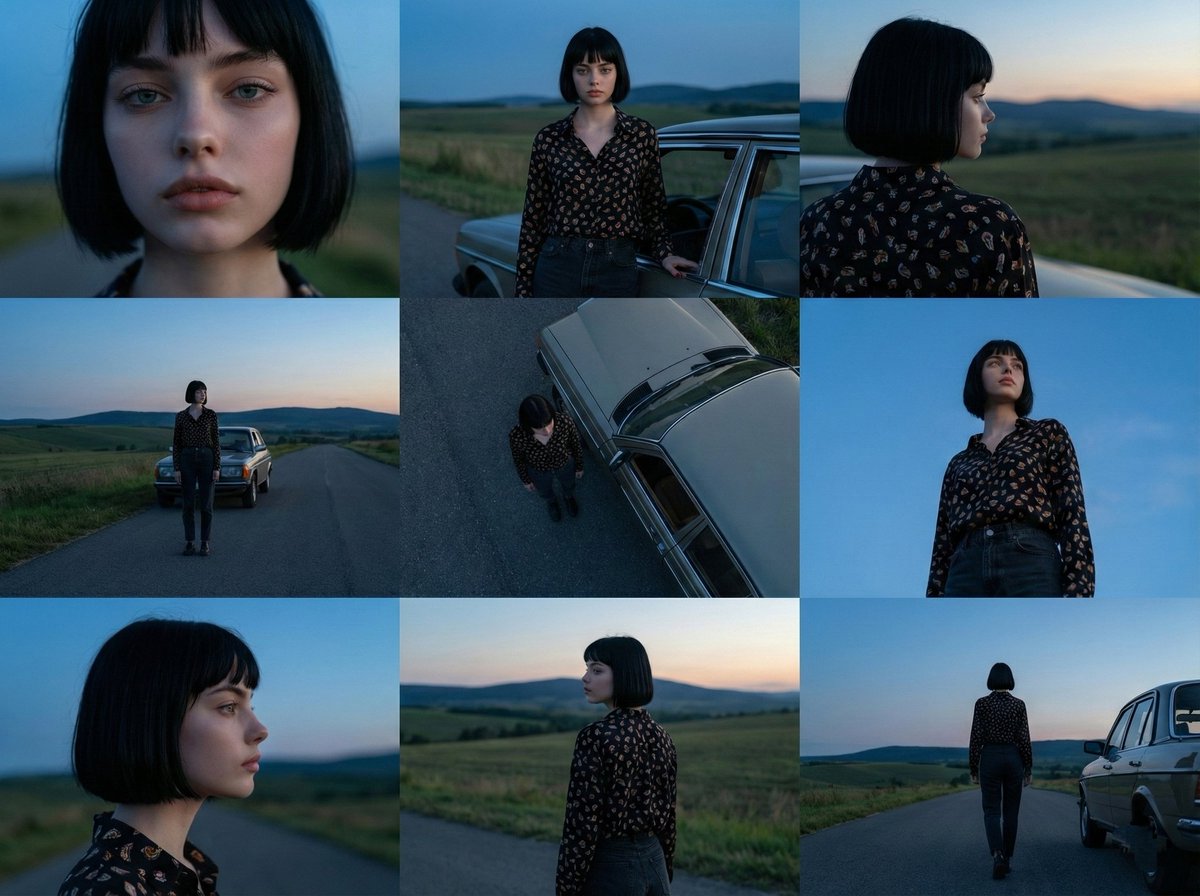
A prompt for a 3x3 photo grid showing various expressions and intimate snapshot vibes for beauty editorial content.
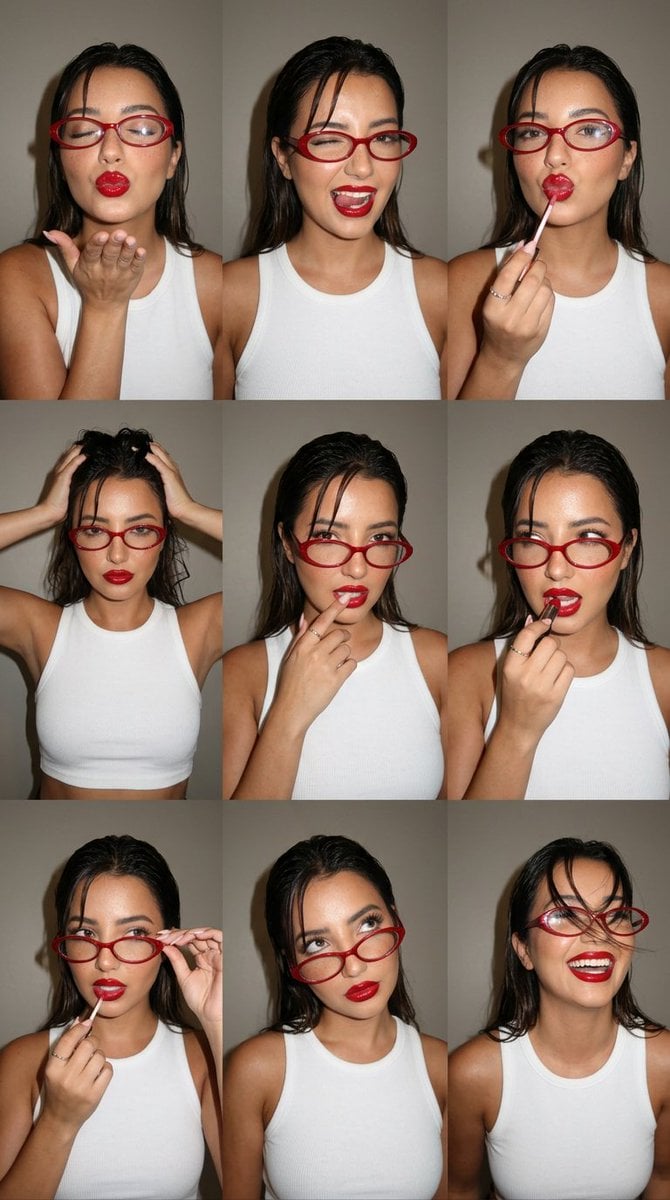
Ultra-photorealistic 3x3 photo grid (nine frames) of a young woman against a plain warm grey studio wall, shot like a candid beauty contact sheet. Soft direct on-camera flash, slightly glossy "wet-look" skin, intimate snapshot feel. Dark brown hair styled in a damp slicked-back wet look with a few loose strands falling forward. Glowing skin with realistic texture and freckles, fresh dewy makeup, fluttery lashes, and a {argument name="lipstick color" default="bold glossy red lipstick"}. She wears {argument name="accessories" default="retro oval red-framed glasses"} and a fitted {argument name="top" default="white ribbed crop top"}. Nine distinct playful expressions across the grid: (1) eyes shut, blowing a kiss with one hand; (2) winking with tongue playfully out; (3) applying red lip gloss with a wand, lips puckered; (4) both hands pushing back through the hair, head tilted; (5) fingertips near the lips, soft pout; (6) biting a lipstick bullet, mischievous look; (7) glossing lips, glasses lowered slightly; (8) glasses askew, looking up over the frames; (9) hair swept across the face mid-motion, laughing. Lighting: soft frontal flash, warm neutral grey backdrop, gentle shadows, candid editorial beauty mood. Shot on a phone camera, fine grain, natural skin texture, slightly imperfect snapshot framing. Negative: plastic skin, over-smoothed AI face, doll face, cartoon, 3D render, distorted hands, extra fingers, bad anatomy, warped glasses, watermark, text.
Choose the primary action to open PicX Studio with the available template settings. Review the model and format, personalize the creative direction, and generate when ready.
Yes. You can change the subject, setting, lighting, mood, format, and available model controls before creating your image.
This template is free to open and customize. Generation usage is shown in PicX Studio before you create.
Start with Nano Banana 2, which is the model associated with this template. You can compare another compatible model for a different finish.
Follow a topic to a crawlable collection of related PicX Studio templates.