How do I use the Confident Studio Suit Portrait template?
Choose the primary action to open PicX Studio with the available template settings. Review the model and format, personalize the creative direction, and generate when ready.
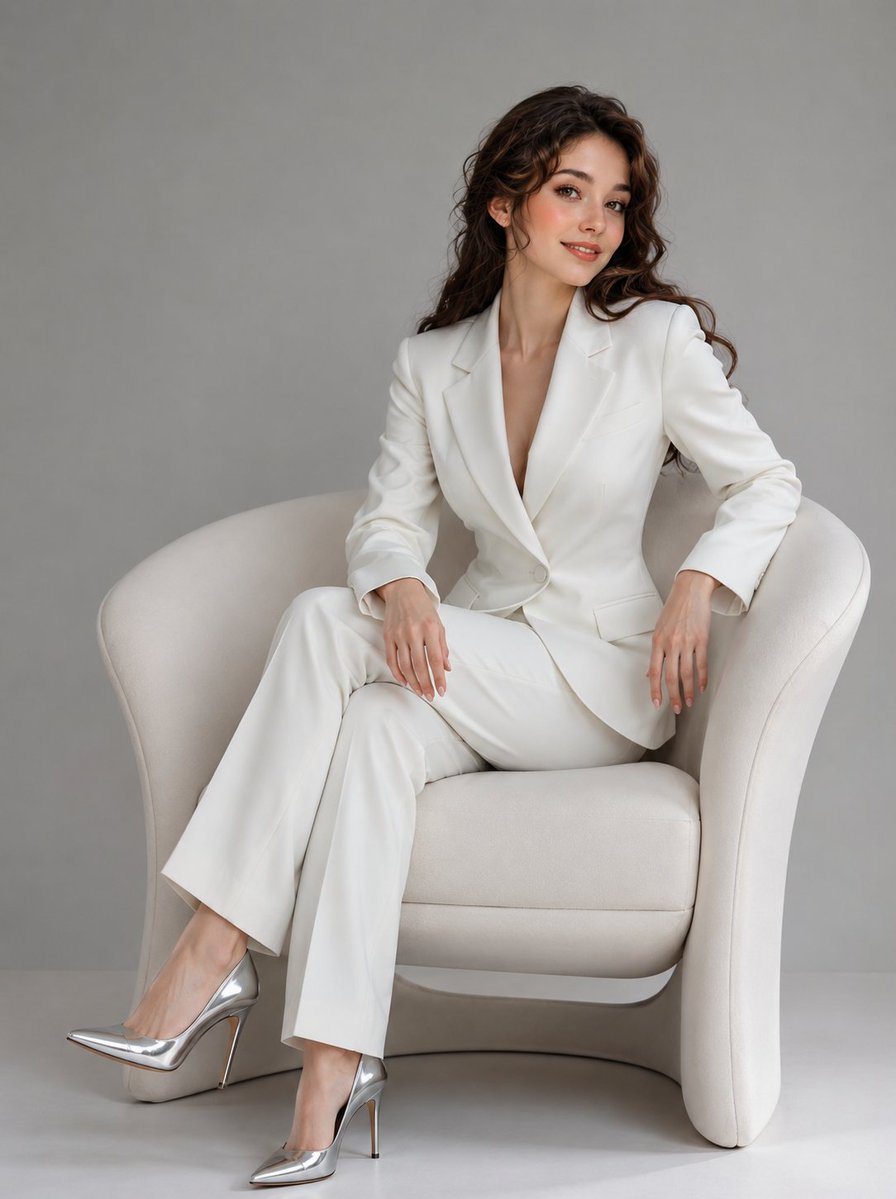
A hyper-realistic studio portrait prompt for a subject in a luxury suit, featuring dramatic spotlight and smoke effects.

Hands in Pockets - relaxed authority. A hyper-realistic cinematic editorial portrait of the {argument name="subject" default="uploaded person"} (preserve face 100%). He stands tall in a {argument name="setting" default="dark moody studio"}, facing the camera, surrounded by soft drifting smoke under a dramatic spotlight. Outfit: {argument name="outfit" default="slate-blue luxury suit, paired with a slightly unbuttoned white silk shirt"}. Both hands tucked casually in pockets, shoulders relaxed, confident expression, head tilted slightly upward."
Choose the primary action to open PicX Studio with the available template settings. Review the model and format, personalize the creative direction, and generate when ready.
Yes. You can change the subject, setting, lighting, mood, format, and available model controls before creating your image.
This template is free to open and customize. Generation usage is shown in PicX Studio before you create.
Start with Nano Banana 2, which is the model associated with this template. You can compare another compatible model for a different finish.
Follow a topic to a crawlable collection of related PicX Studio templates.