How do I use the Cinematic Studio Portrait Reference template?
Choose the primary action to open PicX Studio with the available template settings. Review the model and format, personalize the creative direction, and generate when ready.
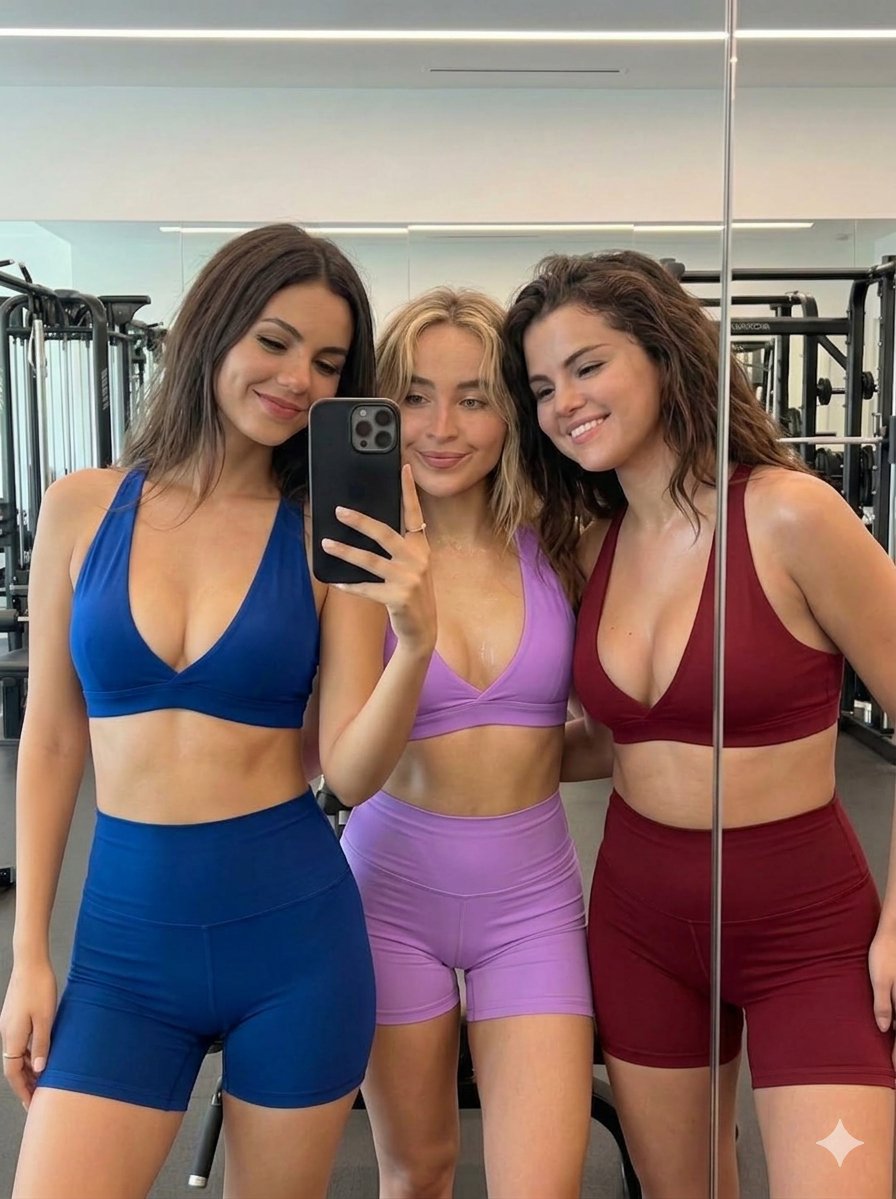
This prompt is designed to replace a subject in a cinematic studio portrait while preserving facial identity and anatomical proportions based on uploaded photos
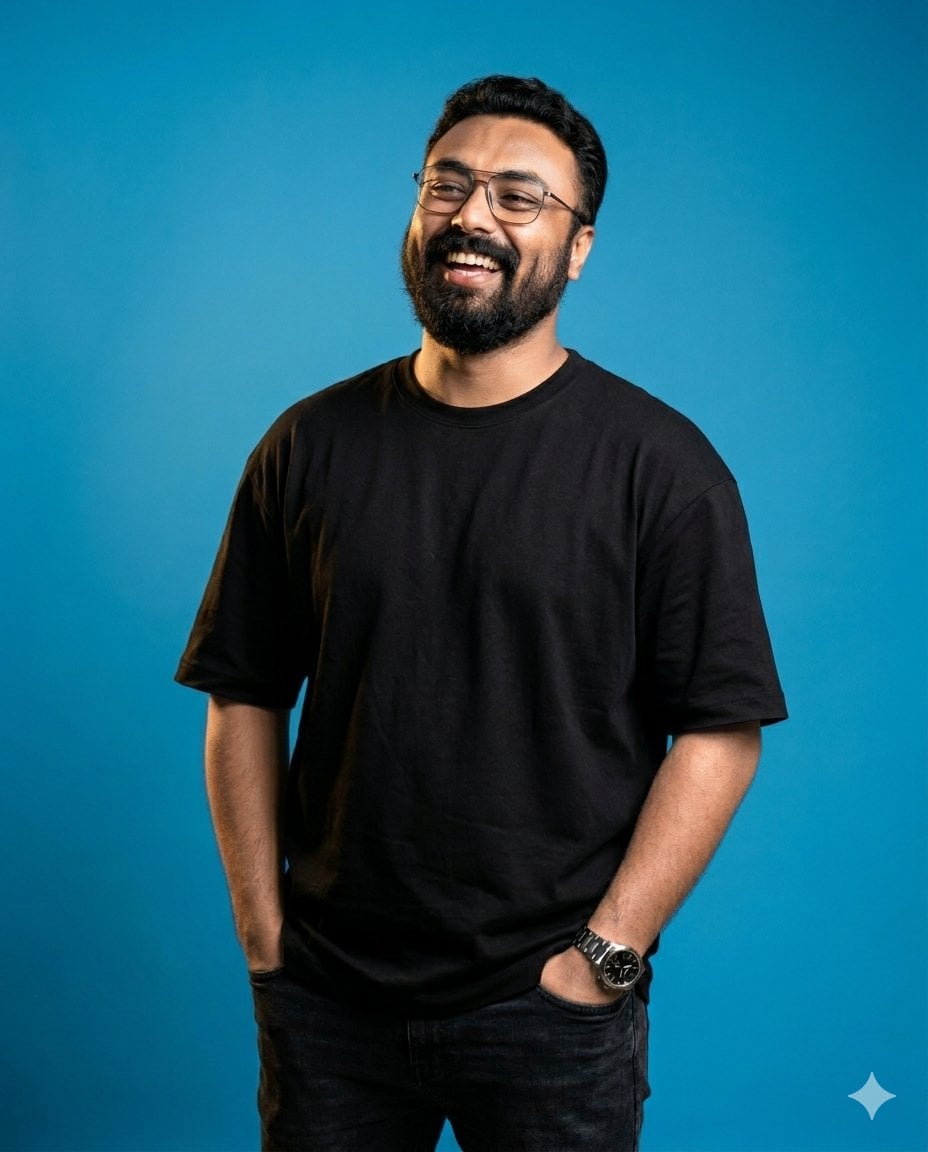
Create a 4:5 ultra realistic cinematic studio portrait using uploaded reference photos, replace original subject while preserving exact facial identity, proportions, hairstyle, beard density, skin tone, smile structure, natural imperfections, maximum accuracy. Vertical portrait composition, medium-full body framing, subject standing casually with relaxed posture. Both hands naturally inside pockets, body slightly turned, head tilted upward while laughing genuinely. Candid confident expression, natural energetic vibe, preserve exact pose, body angle, framing, perspective, composition. Shot on 85mm prime lens, shallow depth, cinematic studio photography, ultra sharp face focus, soft background separation, realistic depth, DSLR quality. Dramatic cinematic lighting, deep shadow contrast, strong warm key light from upper left, subtle rim light around face and shoulders, smooth shadow falloff, vibrant blue seamless studio background, moody editorial grading, realistic skin reflections, shadow depth. {argument name="clothing" default="Oversized matte black t-shirt"}, modern minimal streetwear aesthetic, {argument name="accessory" default="natural eyeglasses"} realistically integrated, premium casual creator look, subtle watch visible if fitting. Do not modify or stylize face, preserve exact identity from references, maintain real facial proportions, skin texture, smile shape, laugh expression. No beautification, exaggerated jawline, hairstyle change, beard pattern changes, artificial smoothing. Preserve natural asymmetry, realistic human details. Hyper realistic, cinematic portrait photography, realistic anatomy, ultra detailed skin texture, soft realistic shadows, premium Instagram creator aesthetic, editorial fashion feel, HDR lighting, 8k render, natural realistic color science.
Choose the primary action to open PicX Studio with the available template settings. Review the model and format, personalize the creative direction, and generate when ready.
Yes. You can change the subject, setting, lighting, mood, format, and available model controls before creating your image.
This template is free to open and customize. Generation usage is shown in PicX Studio before you create.
Start with Nano Banana 2, which is the model associated with this template. You can compare another compatible model for a different finish.
Follow a topic to a crawlable collection of related PicX Studio templates.