
Luxury Tropical Resort Vacation Portrait
A highly detailed vacation portrait prompt featuring a subject leaning on a lounge chair at a tropical resort, focusing on soft lighting and natural skin textures.
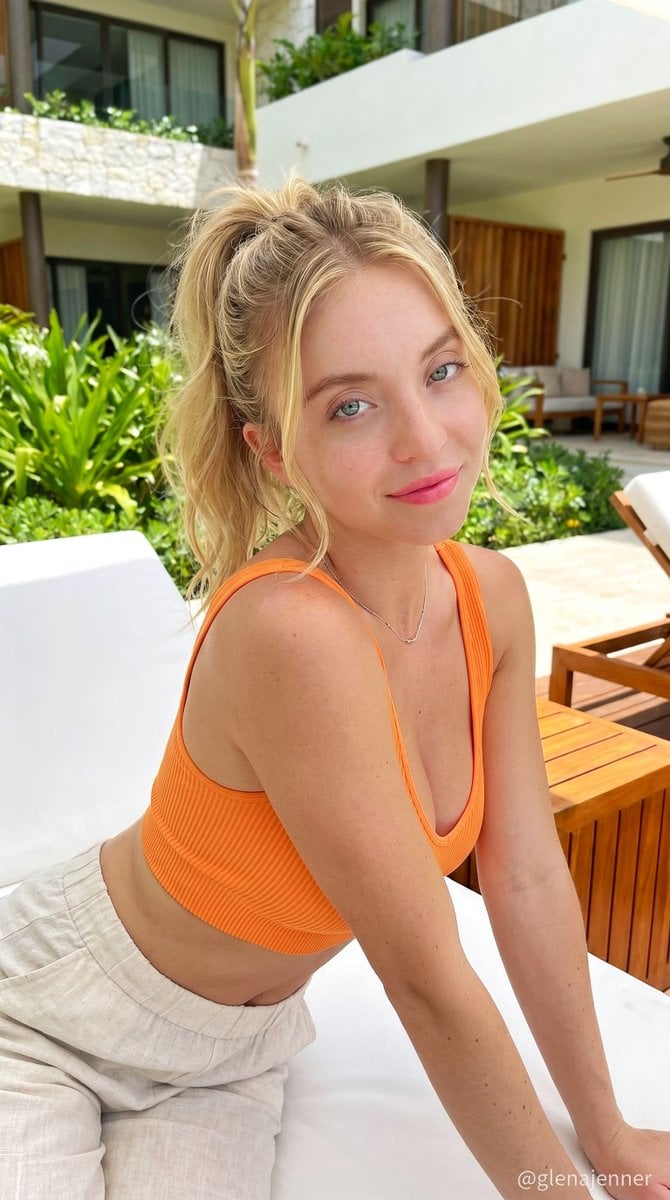
- Prompt included
- Model and format preset
- Premium template
The prompt behind this image
Copy the exact prompt behind Luxury Tropical Resort Vacation Portrait, or open it in the studio and make it yours.
{ "type": "image_prompt", "version": "1.0", "description": { "subject": { "identity": "Use uploaded reference image, keep identity exact", "appearance": { "face": "Soft feminine facial features with delicate jawline, glossy natural pink lips, subtle peach blush, lightly sun-kissed skin, realistic pores and smooth skin texture, soft brown eye makeup, feathered brows, detailed eye reflections, natural healthy glow with realistic facial depth", "hair": "Hair tied in relaxed high ponytail with soft loose strands framing face, silky texture, natural flyaways, realistic shine and soft movement", "expression": "Gentle playful smile with dreamy eyes, relaxed confident feminine energy, warm candid vacation mood" }, "body": { "type": "Slim feminine figure with natural elegant proportions" } }, "clothing": { "outfit": { "details": [ "{argument name="top" default="Bright orange ribbed sleeveless crop top"}", "Soft fitted fabric texture", "{argument name="bottom" default="High-waisted loose cream linen pants"}", "Natural fabric folds and realistic stitching", "Minimal luxury summer styling" ] }, "accessories": { "details": [ "Thin silver necklace", "Minimal elegant jewelry", "Natural glossy manicure" ] } }, "pose": { "details": ["Leaning forward on a lounge chair with both arms stretched toward the camera, shoulders slightly inward, upper body close to lens for natural wide-angle perspective, head tilted softly to the side with chin slightly lowered, direct eye contact, relaxed closed-mouth smile, back gently curved forward, one knee bent inward, casual feminine posture with soft playful energy, candid vacation-style pose, shot from slightly above eye level with close smartphone framing." ] }, "environment": { "location": "{argument name="location" default="Luxury tropical resort outdoor lounge area"}", "background": [ "White lounge chair with soft towel texture", "Green tropical plants and trees", "Modern resort architecture", "Warm wooden furniture accents", "Bright sunny outdoor atmosphere" ] }, "lighting": { "type": "Ultra realistic natural sunlight", "style": "Luxury lifestyle vacation photography", "effects": [ "Soft midday sunlight", "Natural skin highlights", "Realistic facial shadows", "Warm outdoor glow", "Balanced exposure with cinematic depth", "Subtle reflections on skin and fabric" ] }, "camera": { "angle": "Close-up eye-level portrait shot", "framing": "Medium candid vertical composition", "focus": "Sharp focus on face with softly blurred tropical background", "style": "Ultra realistic luxury resort photography" } } }
How to use Luxury Tropical Resort Vacation Portrait in 3 steps
- 1Upload ImagePNG, JPG or paste
Add your photo
Upload the photo the template builds on. The prompt, model and format are already set.
- 2…a portrait of your subject in softgolden-hour light, 85mm…
Personalize
Edit the subject and creative details for your destination.
- 3Generate
Generate
Press Generate — your image is created in PicX Studio, so you can compare it with the original and refine one variable at a time.
More like this
Templates with the same subject, style or setup. Open one to see its prompt.

Tropical Vacation Selfie — Nano Banana (Chryzleen)
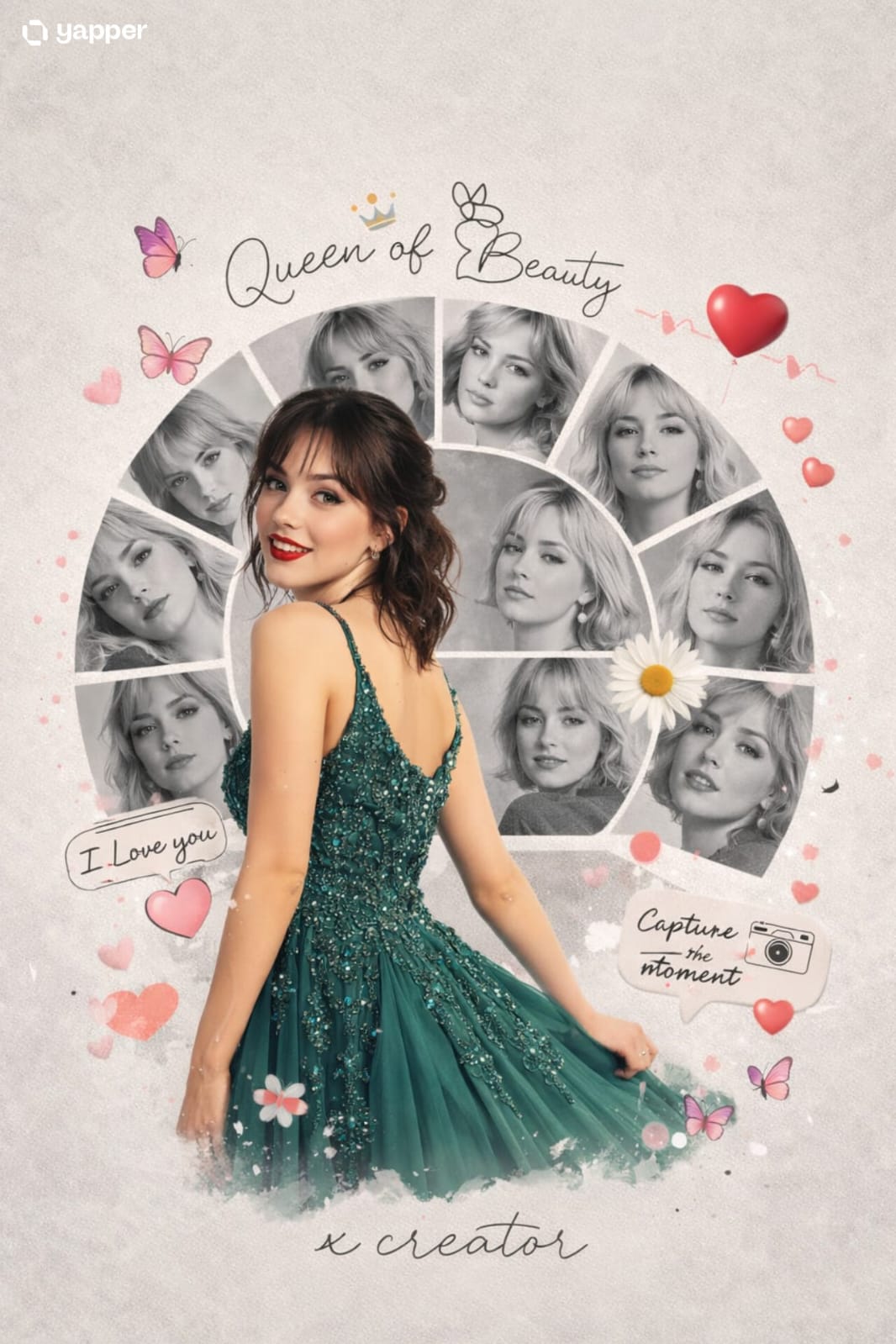
Vacation Style Portrait By the Marina
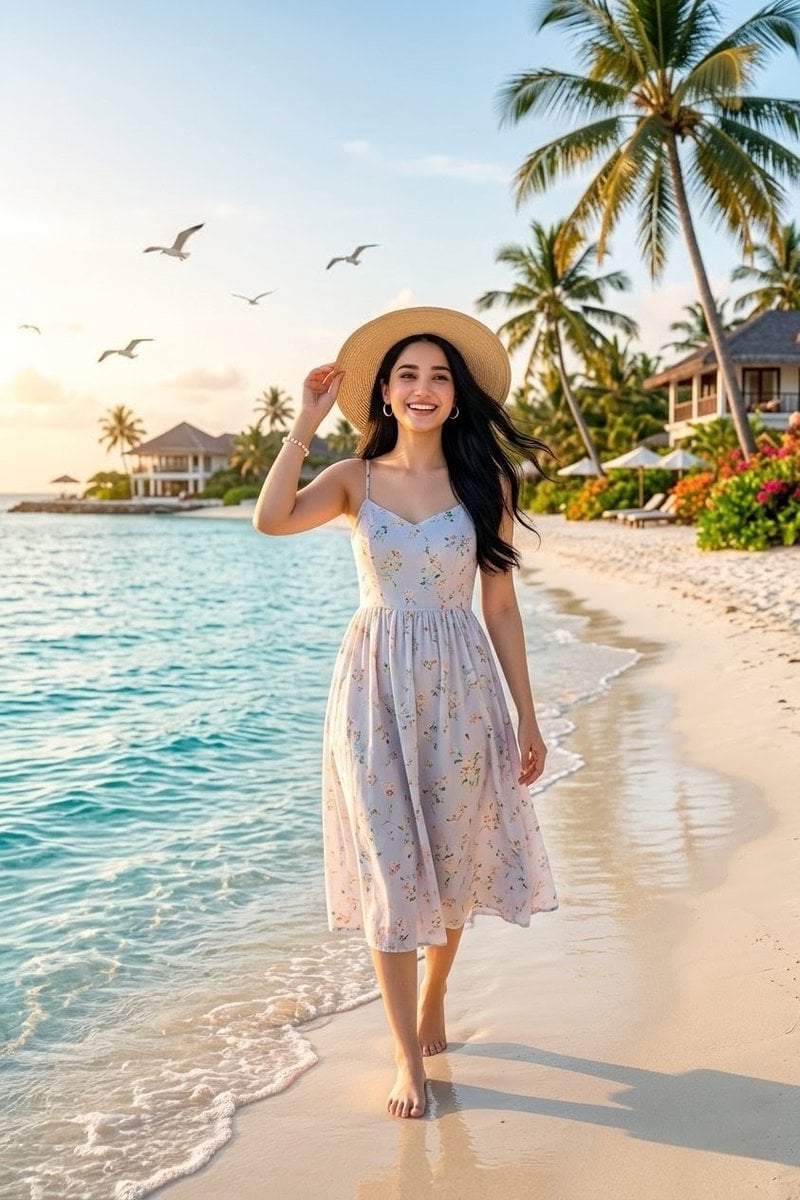
Tropical Beach Vacation Portrait
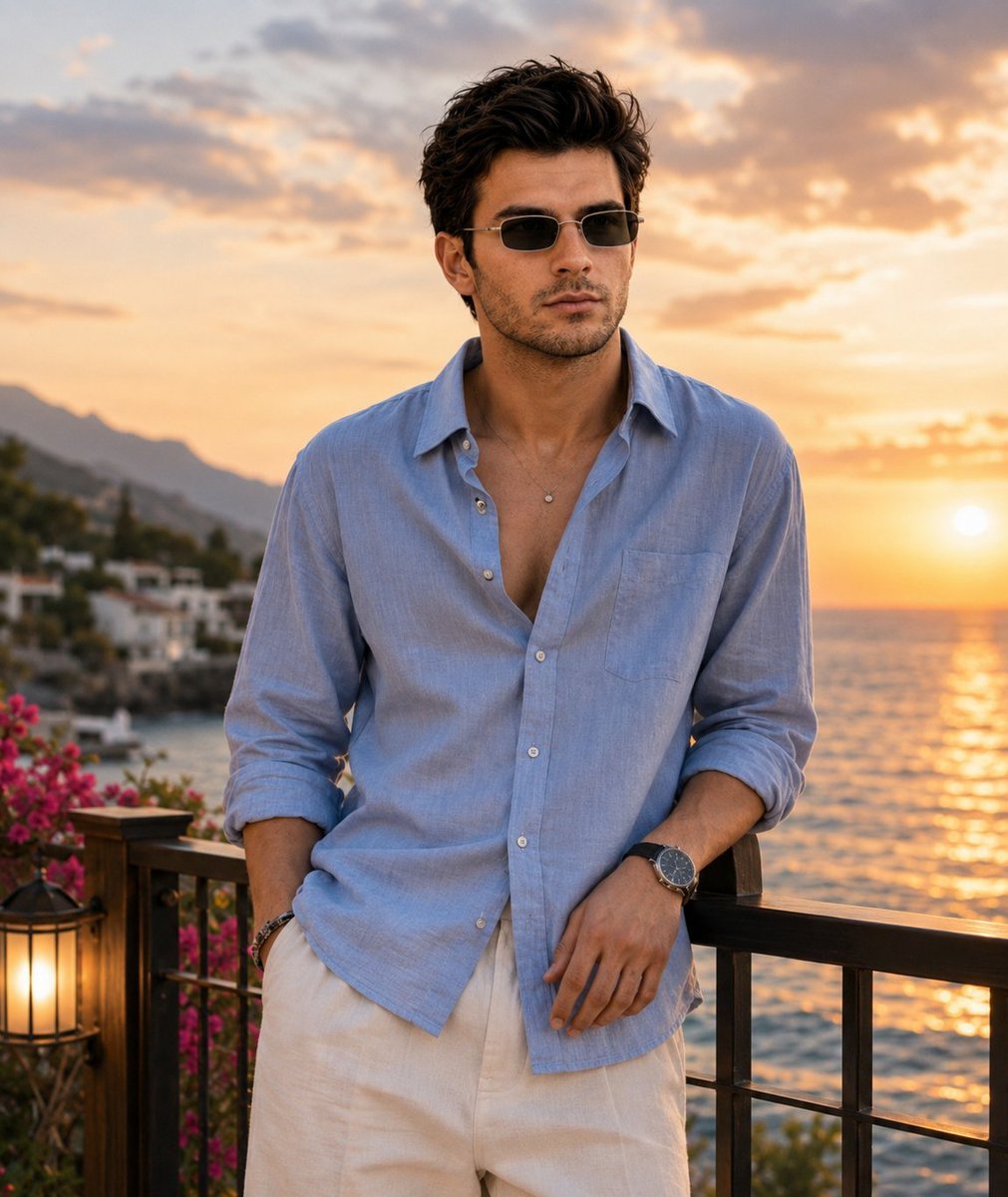
Luxury Mediterranean Resort Portrait
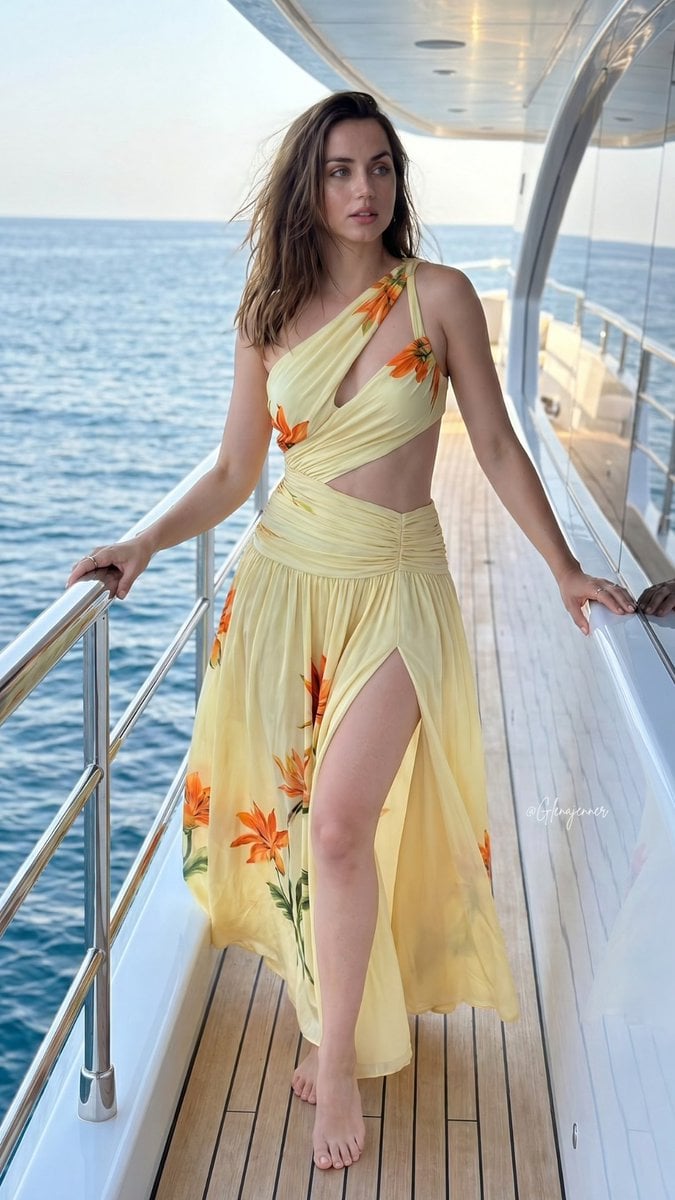
Tropical Luxury Yacht Portrait
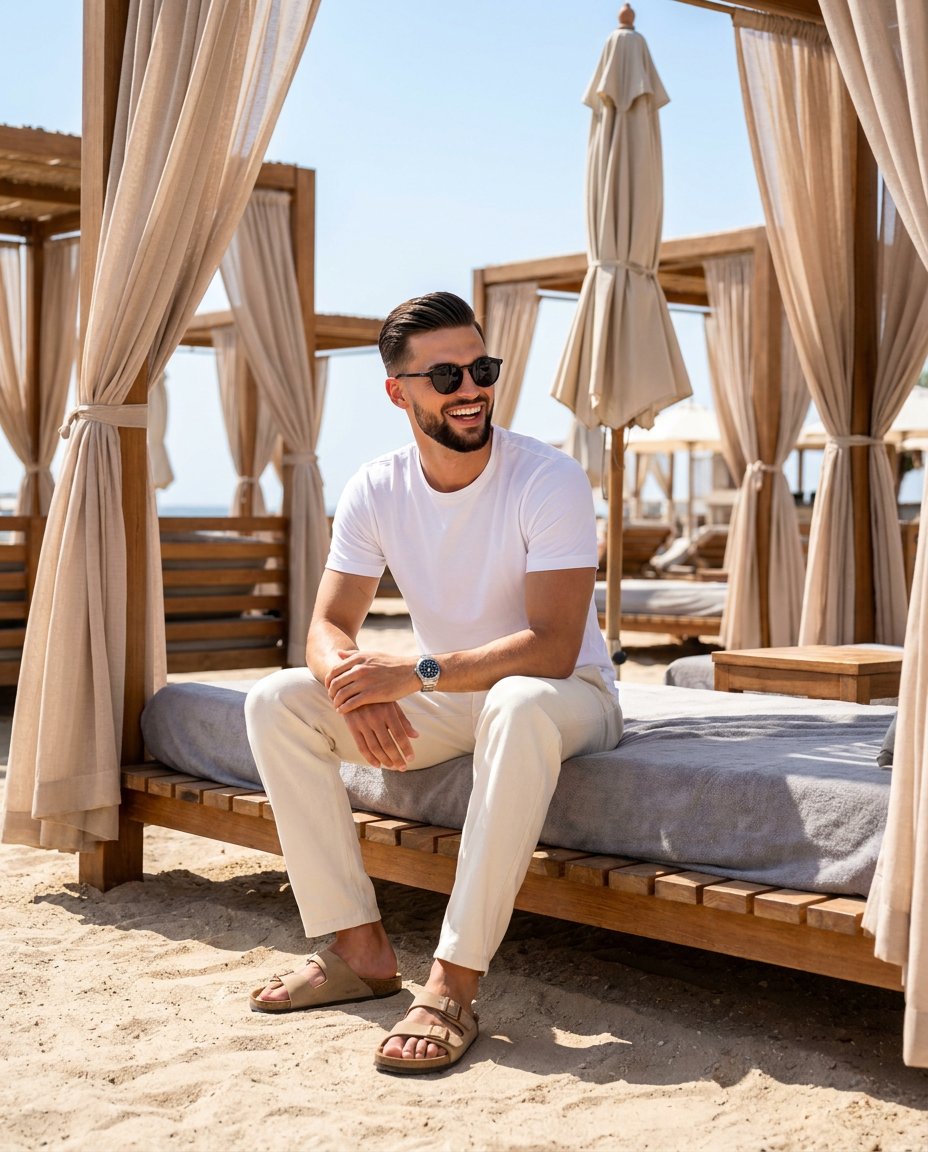
Luxury Beach Club Vacation Portrait
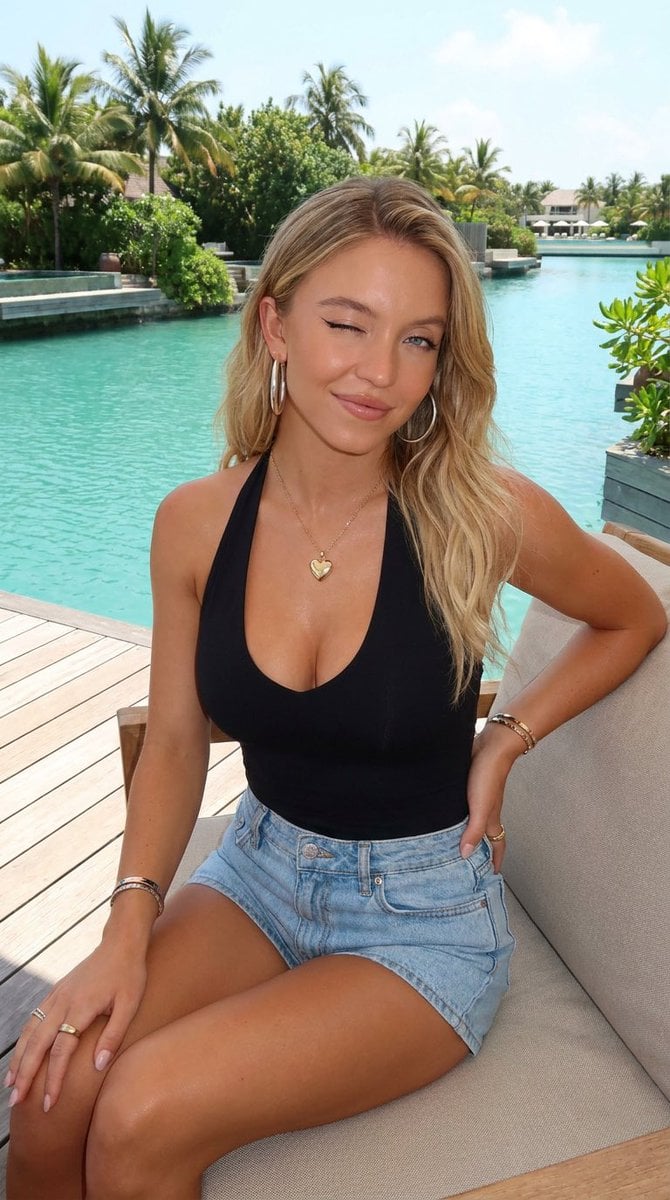
Tropical Resort Lifestyle Portrait
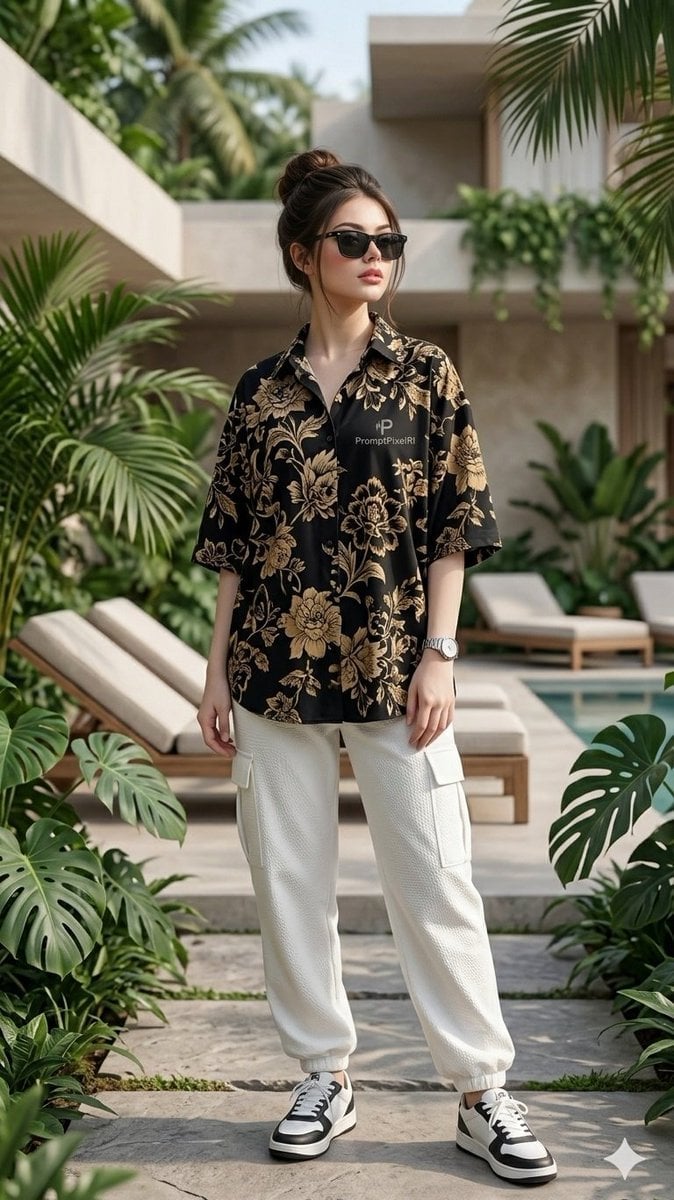
Luxury Resort Fashion Portrait
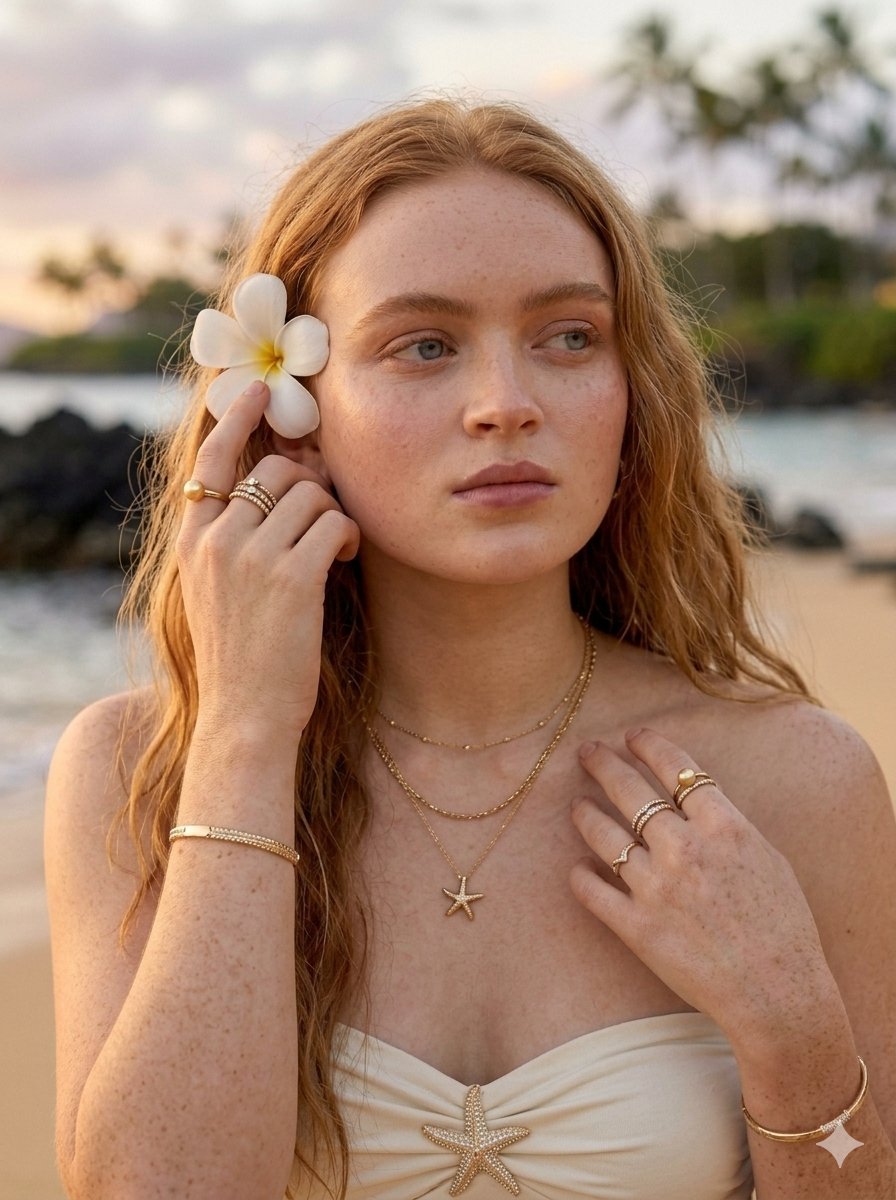
Tropical Luxury Beach Portrait
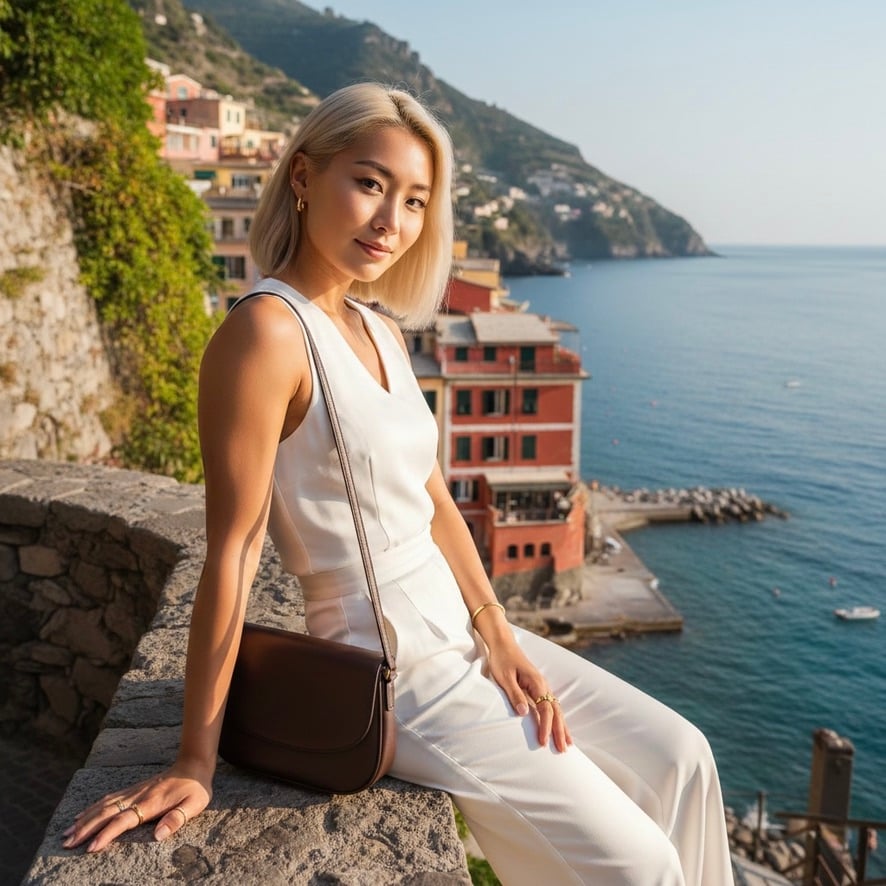
Quiet Luxury Mediterranean Vacation Portrait

Found Photograph: Us, 1970

80s Couple Studio Portrait
Make it yours
Luxury Tropical Resort Vacation Portrait works as-is. These are the safest ways to change it without losing the look.
Change one field
Copy a single group, rewrite it, and generate again so you can see what that field is doing.
Keep the frame, change the subject
Hold the composition and light of Luxury Tropical Resort Vacation Portrait, then swap wardrobe, props or the person for a new take.
| If the result… | Why | Fix |
|---|---|---|
| The result drifts from the preview | Too many fields changed at once. | Reuse Luxury Tropical Resort Vacation Portrait as-is first, then change one group — subject, light, or setting. |
| The model over-stylizes the scene | The prose prompt leaves finish and camera underspecified. | Add one camera or lighting sentence and stay on Nano Banana 2. |
More Nano Banana 2 templates
Other prompts made for Nano Banana 2.

Photorealistic Leaf Shaped Like a Dragon

K-Pop Idol Portrait Grid for Rapid Selection

Poetic Rain Forest Portrait During Golden Hour

Urban Street Portrait with Cartoon Inner Self Duo

Candid Nighttime Photo with Cat Prompt

High-Concept 3D Diorama Generation Prompt

Cinematic Futuristic Studio Portrait Template

Skincare Editorial Photography Collage Prompt

Hyper-Realistic Commercial Product Photography (Splash Effect)

Hyper-Realistic Nightclub Portrait Prompt
More image prompts
Fresh picks from across the catalog.
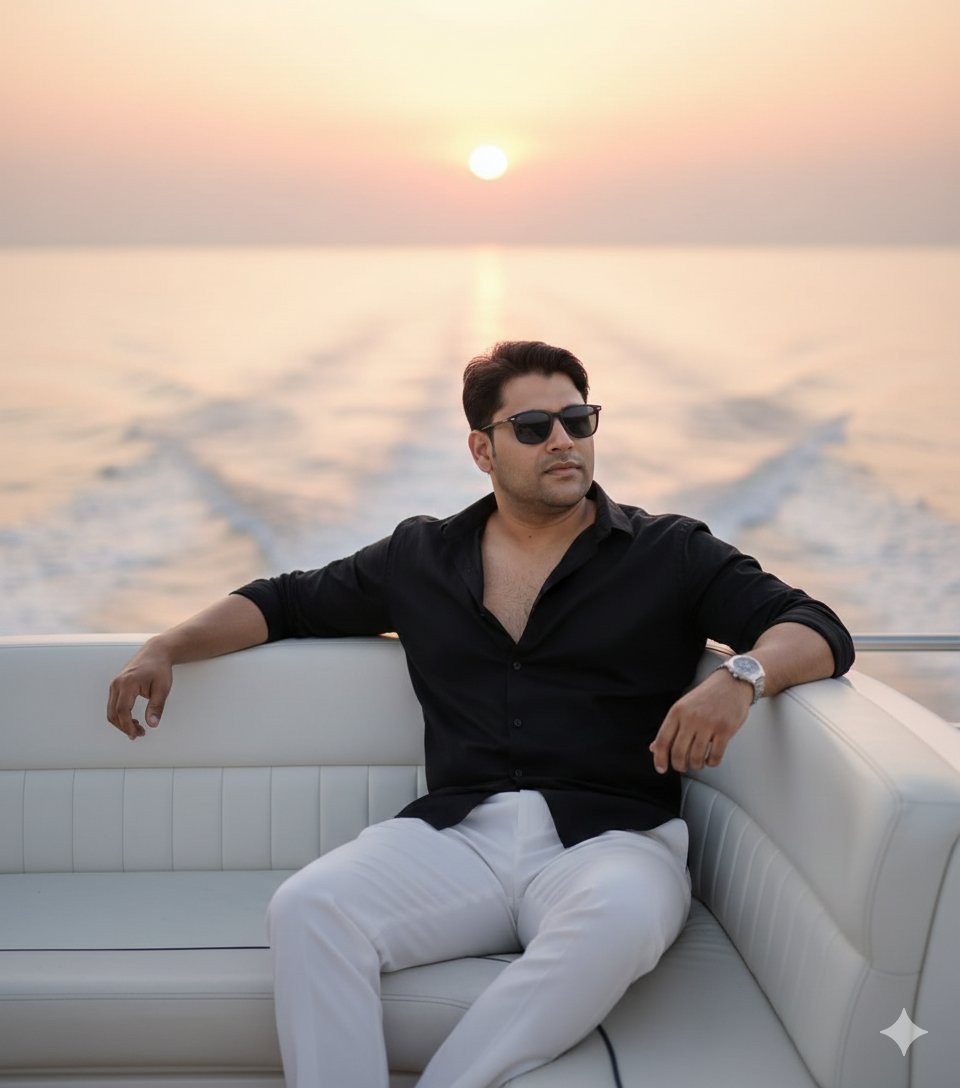
Ultra-realistic cinematic portrait on a luxury yacht at sunset
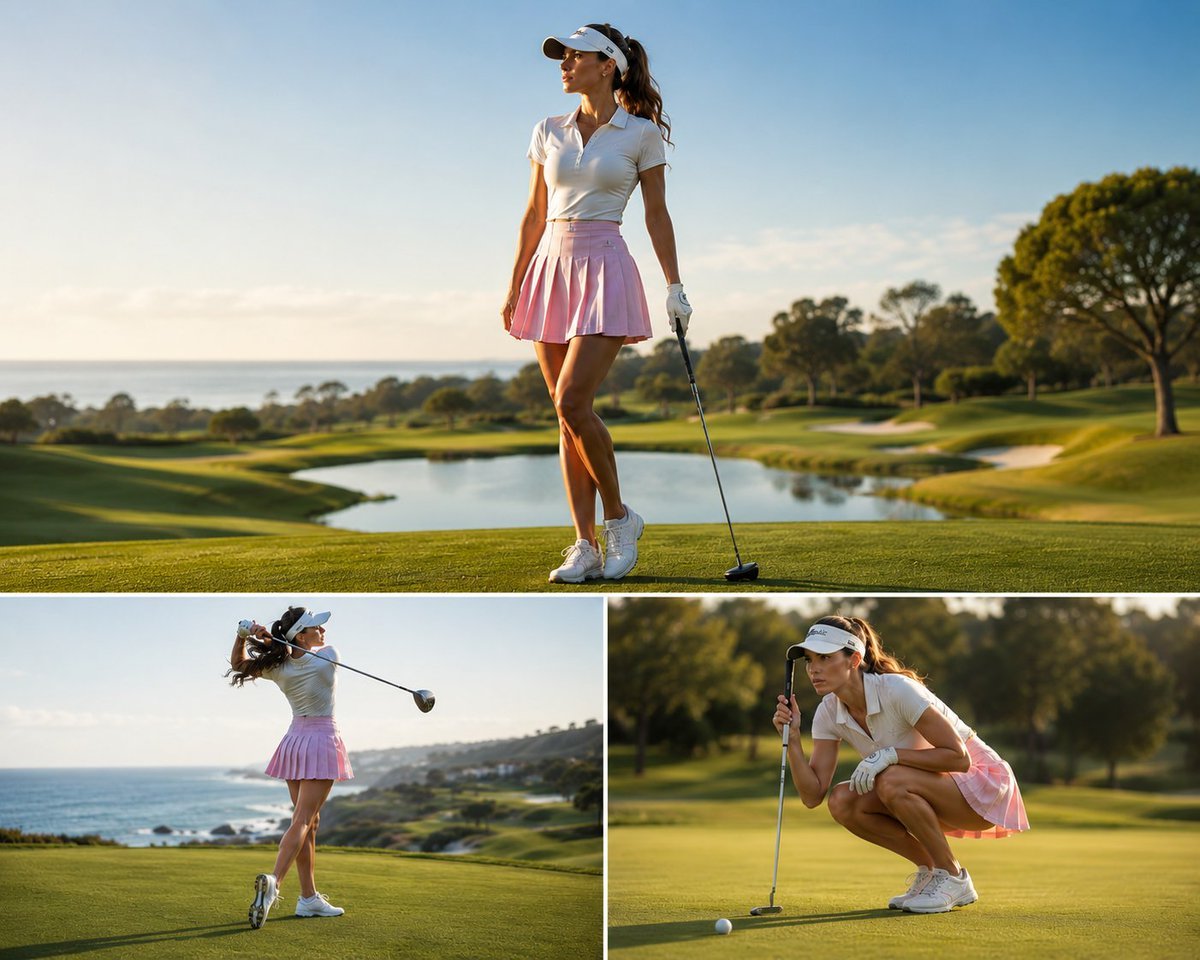
Luxury Golf Sports Editorial Collage
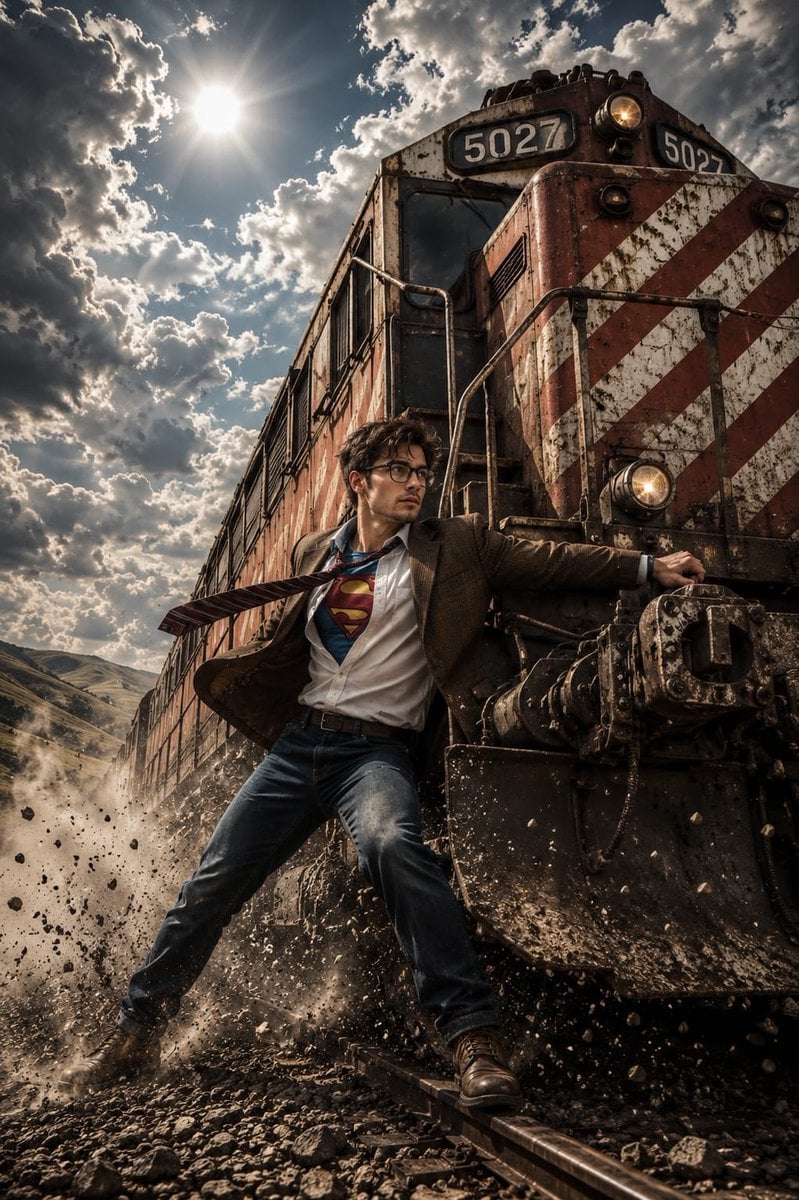
Heroic Action Train Stopping Portrait

Cinematic rainy night bus stop prompt
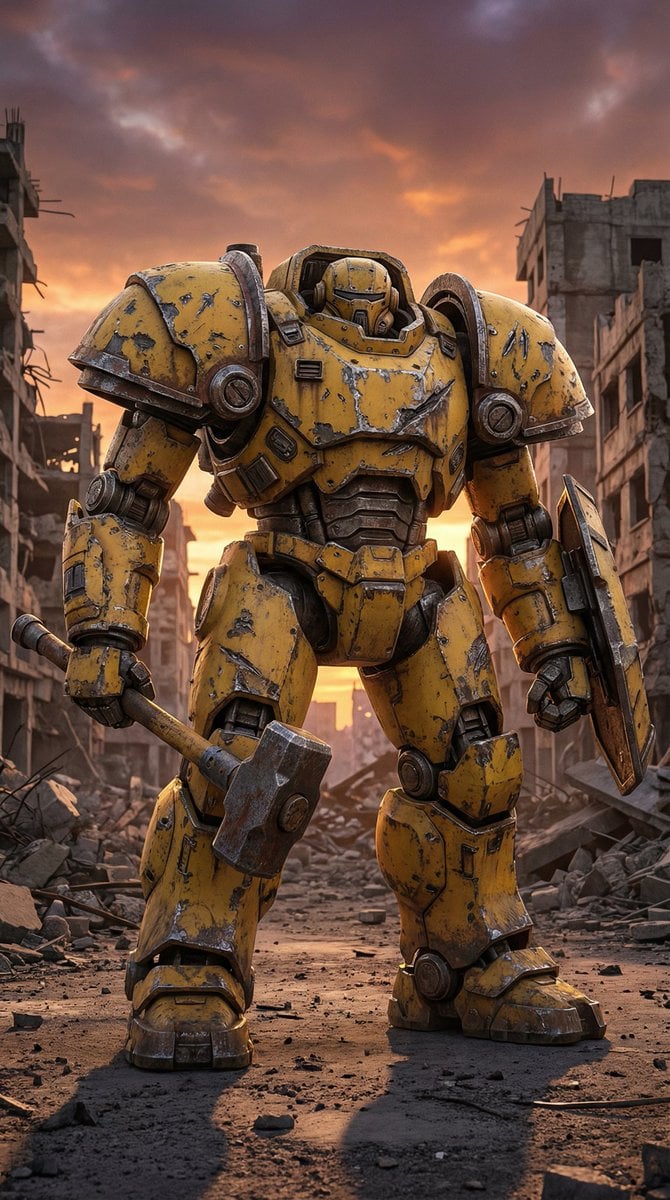
Photorealistic Battle-Damaged Mech Prompt
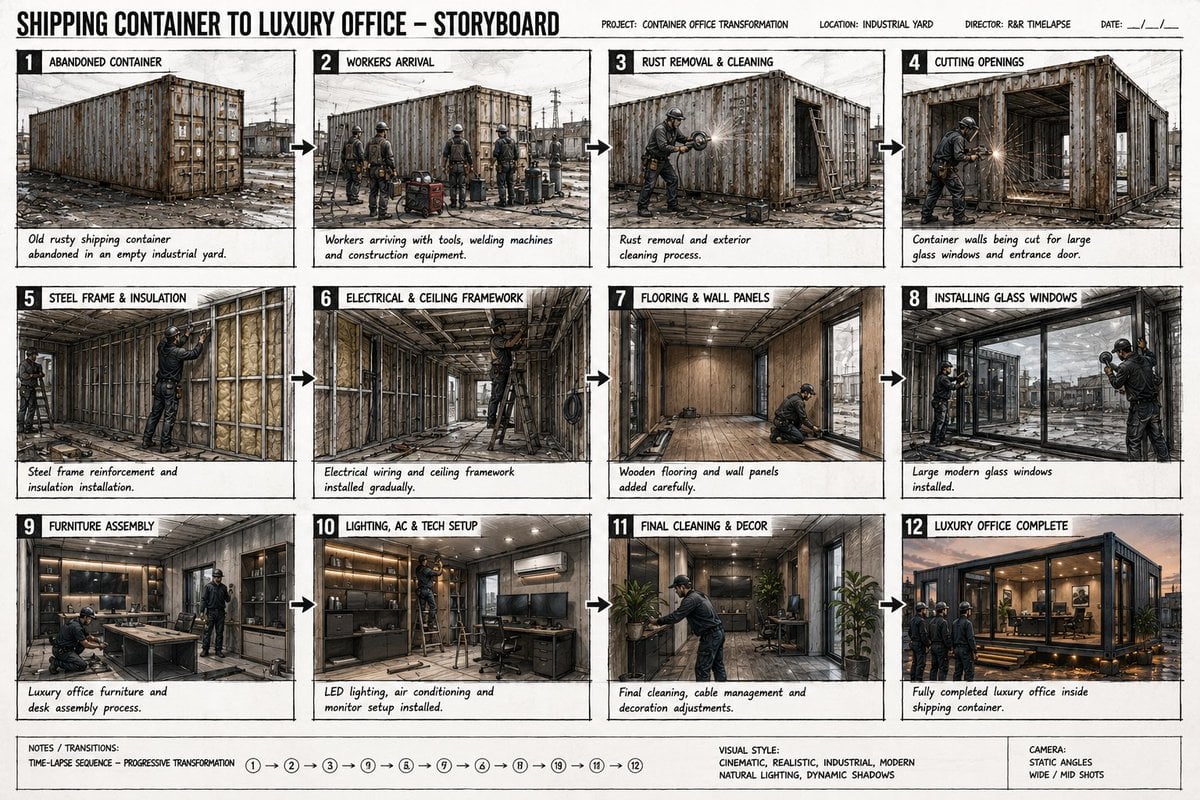
Shipping Container Transformation Storyboard
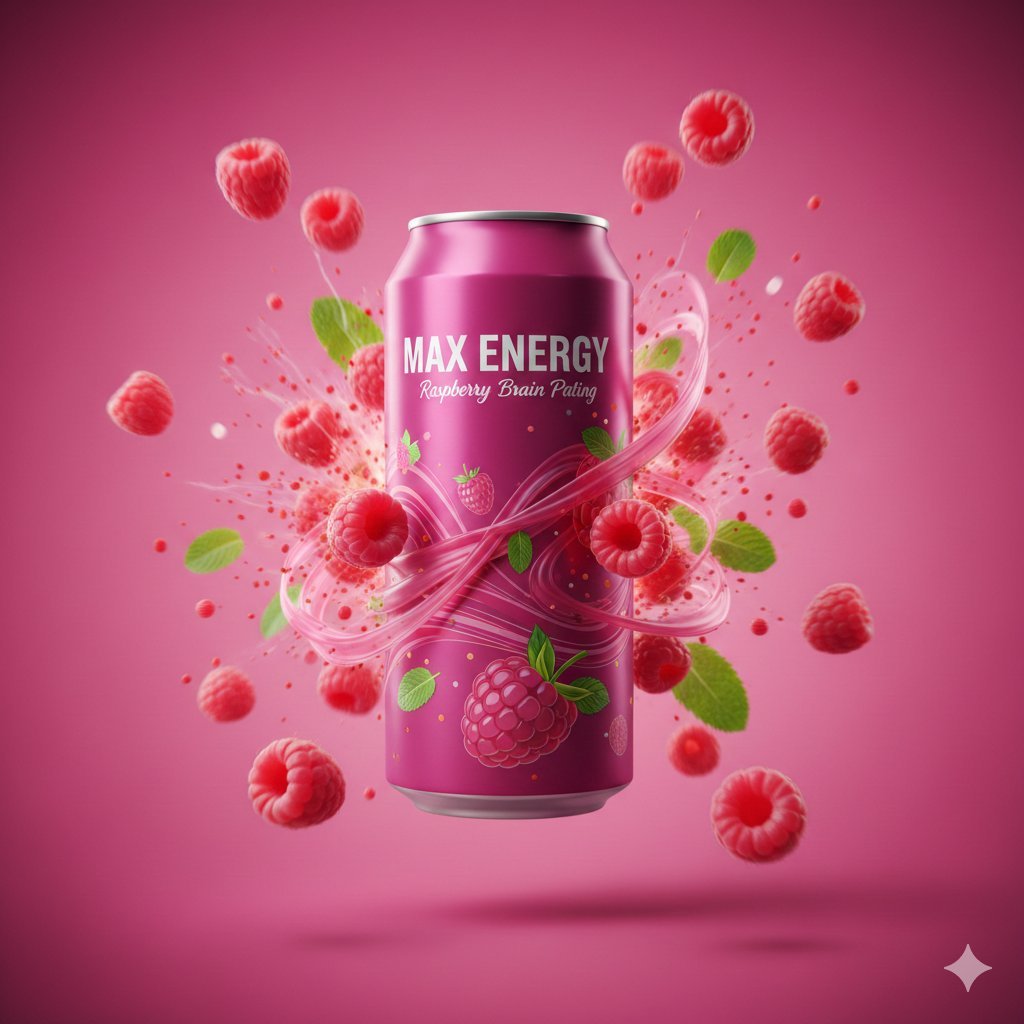
Cinematic Raspberry Energy Drink Ad Shot Prompt
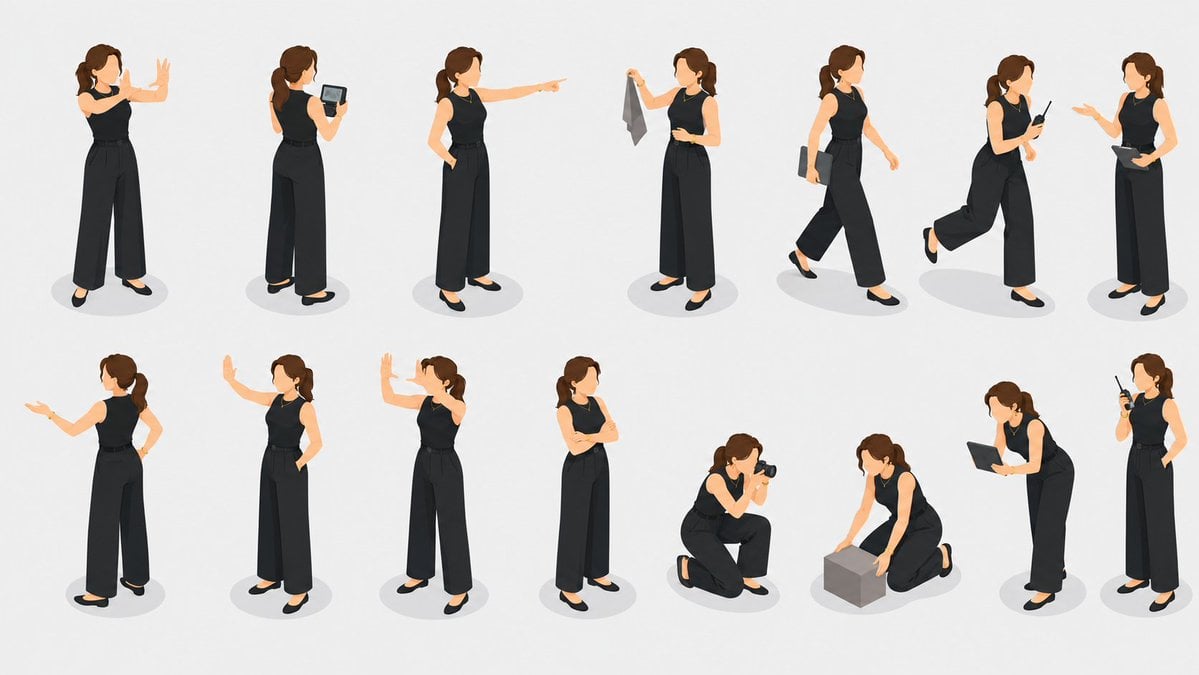
Isometric Businesswoman Pose Sheet
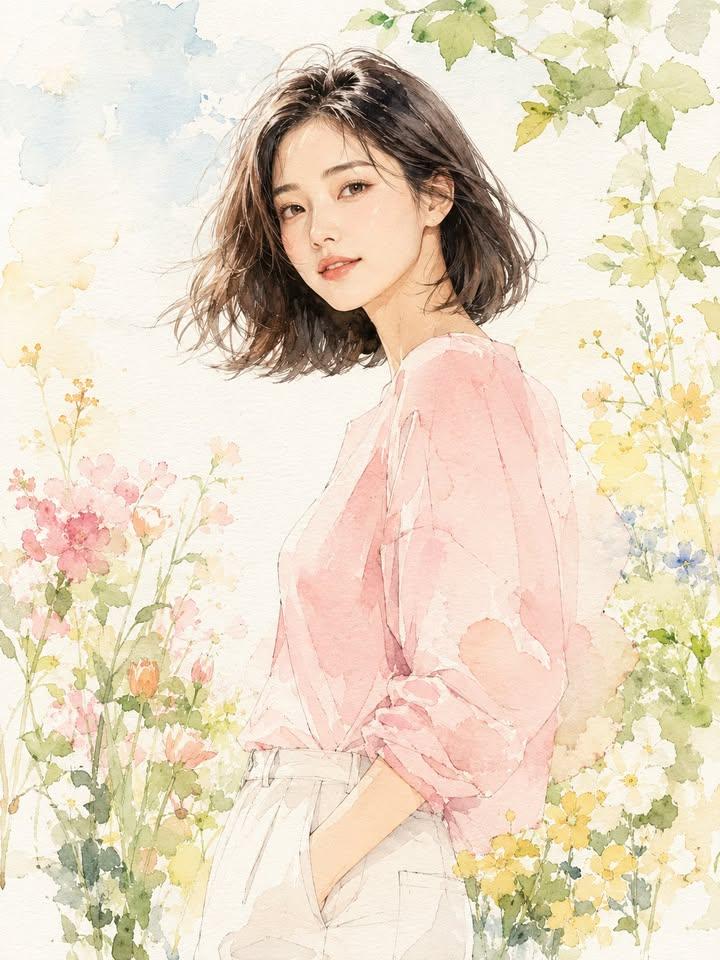
Fashion Editorial Watercolor Portrait
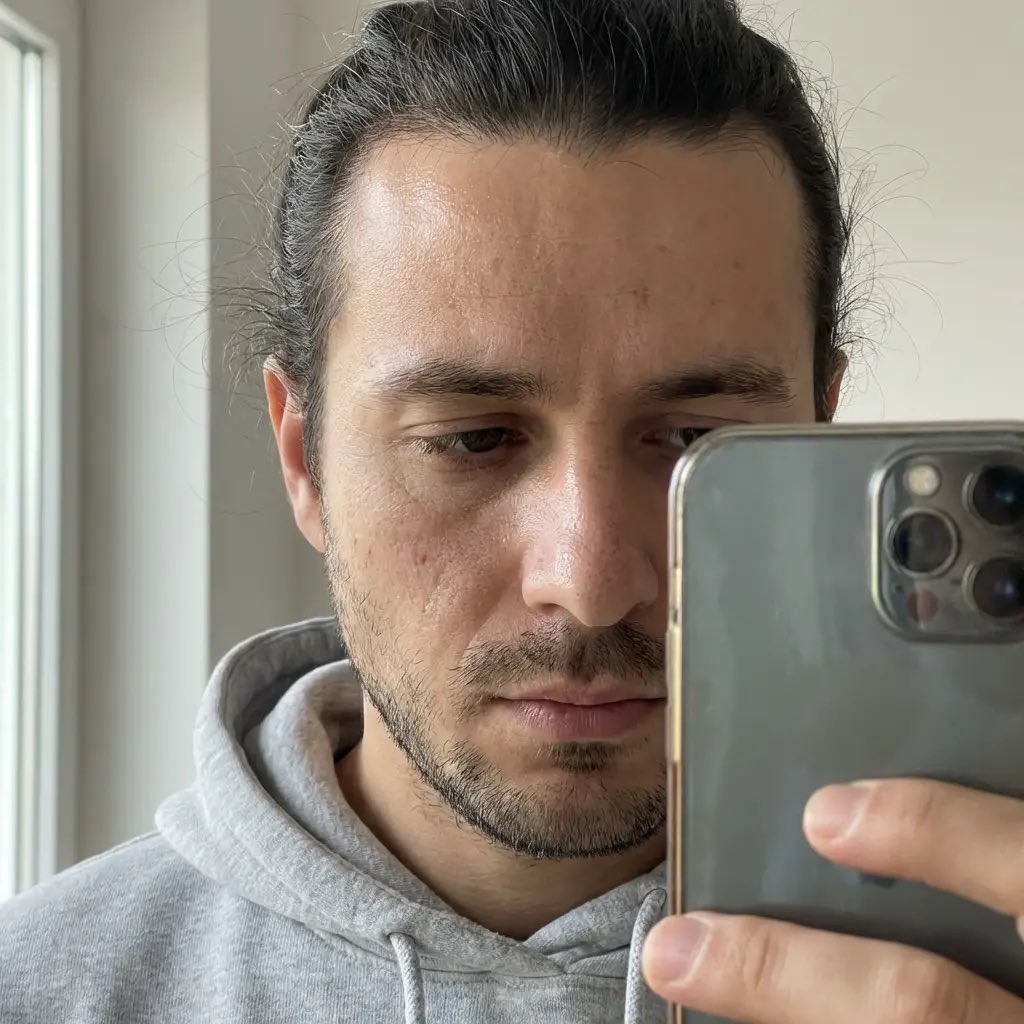
Hyper-Realistic Portrait of a Woman in a Studio (from ALT text)
Browse template categories
Luxury Tropical Resort Vacation Portrait questions
How do I use the Luxury Tropical Resort Vacation Portrait template?
Add your photo if the template asks for one, edit the prompt if you like — the template's model and format are already selected — and press Generate. Your version opens in PicX Studio.
Can I customize the Luxury Tropical Resort Vacation Portrait template?
Yes. You can change the subject, setting, lighting, mood, format, and available model controls before creating your image.
Is the Luxury Tropical Resort Vacation Portrait template free?
Opening and editing this template is free. Generating uses credits, shown on the Generate button when you are signed in.
Which AI model should I use?
Start with Nano Banana 2, which is the model associated with this template. You can compare another compatible model for a different finish.
Looking for something else? Browse all templates.

Your photo, any look
Thousands of ready templates for every top image and video model, from one credit balance.