How do I use the Nordic Cinematic Mountain Portrait template?
Choose the primary action to open PicX Studio with the available template settings. Review the model and format, personalize the creative direction, and generate when ready.
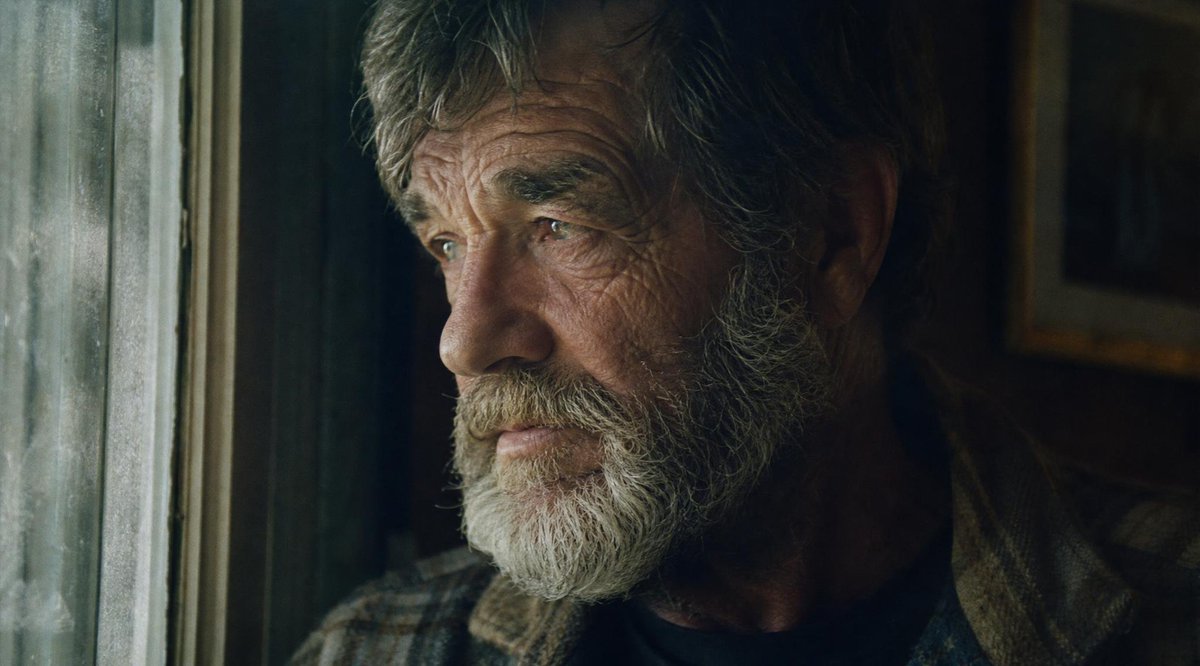
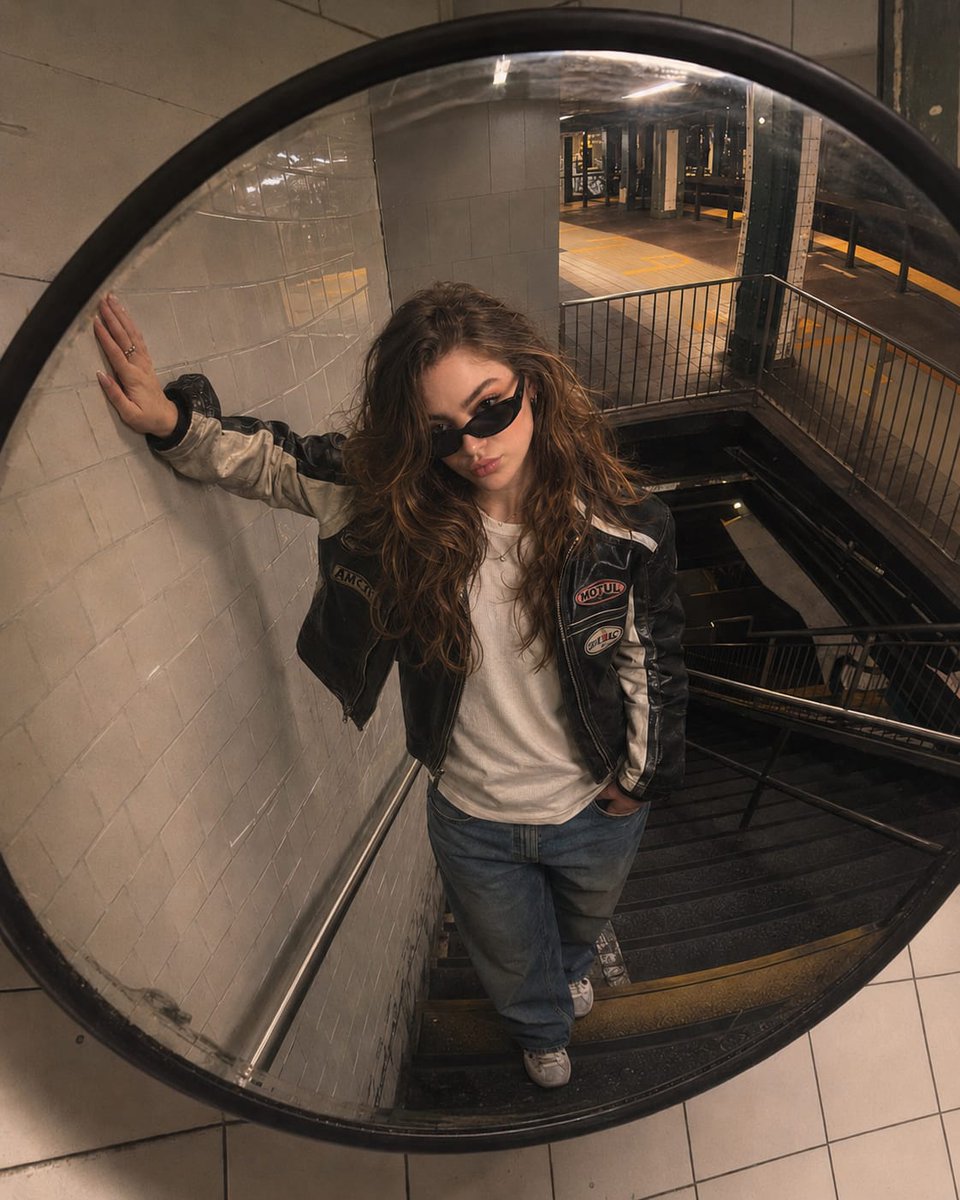
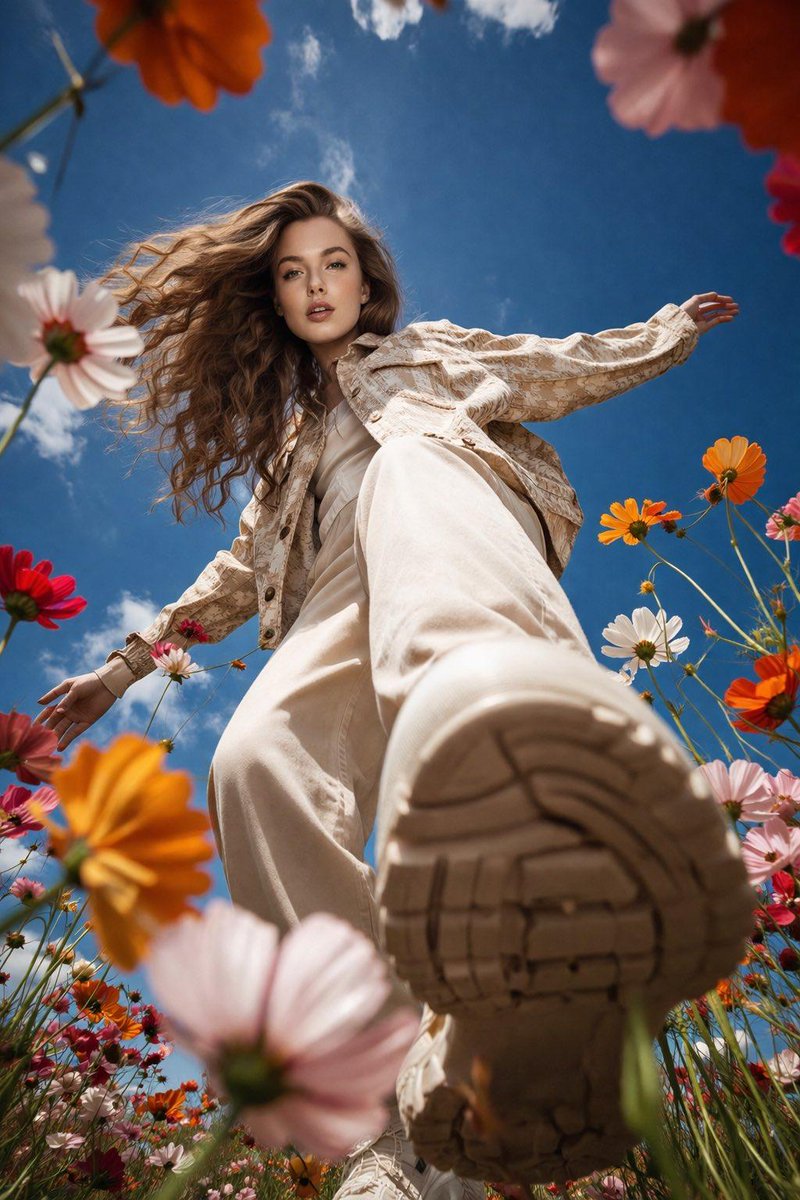
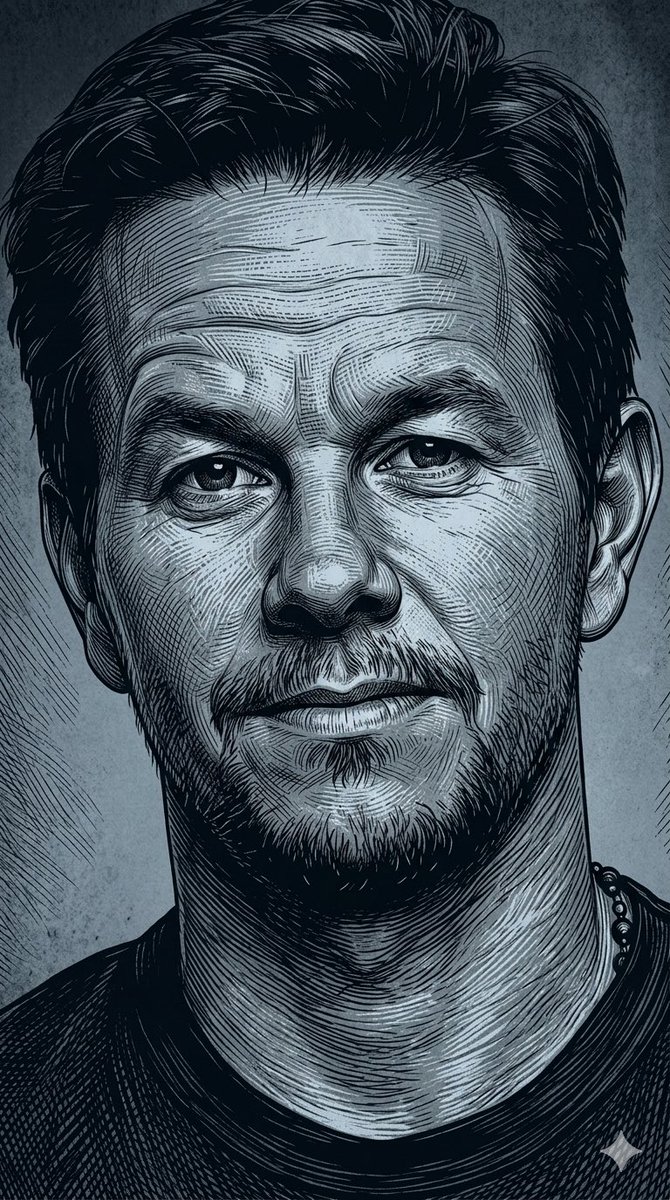
An emotional, moody portrait prompt of a subject on a foggy mountain, styled with a Kodak Portra 400 film look.
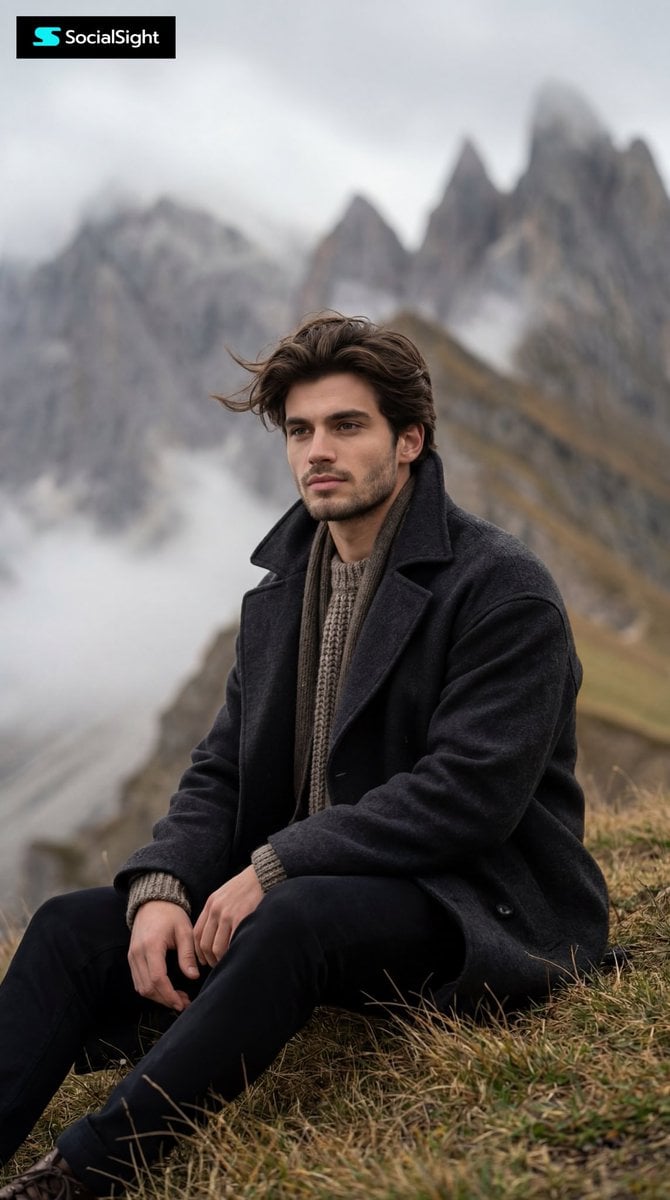
Ultra realistic cinematic portrait of {argument name="subject" default="me"} sitting alone on a {argument name="setting" default="grassy hill in the mountains"}, thoughtful and calm expression, wind softly moving my hair, wearing a {argument name="clothing" default="dark oversized wool coat"} with layered winter fashion, moody cold atmosphere, foggy mountain background, shallow depth of field, captured with 85mm lens, f/1.8, diffused cloudy daylight, Kodak Portra 400 film look, muted earthy tones, analog matte texture, natural skin details, soft cinematic shadows, medium portrait framing, emotional storytelling aesthetic, ultra detailed, photorealistic, realistic hair movement, luxury editorial photography, 8k UHD, masterpiece composition, inspired by Nordic cinematic visuals, subtle melancholy vibe, realistic color grading, background blur, raw photography style –ar 2:3 –v 7 –style raw –stylize 200 For best results, upload your own face as image reference and add: “use attached face as exact facial reference, keep facial structure and identity accurate”
Choose the primary action to open PicX Studio with the available template settings. Review the model and format, personalize the creative direction, and generate when ready.
Yes. You can change the subject, setting, lighting, mood, format, and available model controls before creating your image.
This template is free to open and customize. Generation usage is shown in PicX Studio before you create.
Start with Nano Banana 2, which is the model associated with this template. You can compare another compatible model for a different finish.
Follow a topic to a crawlable collection of related PicX Studio templates.