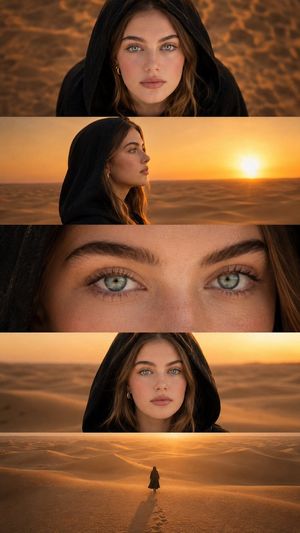
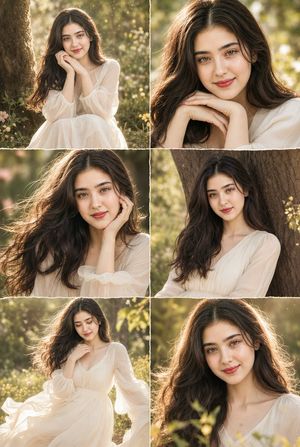
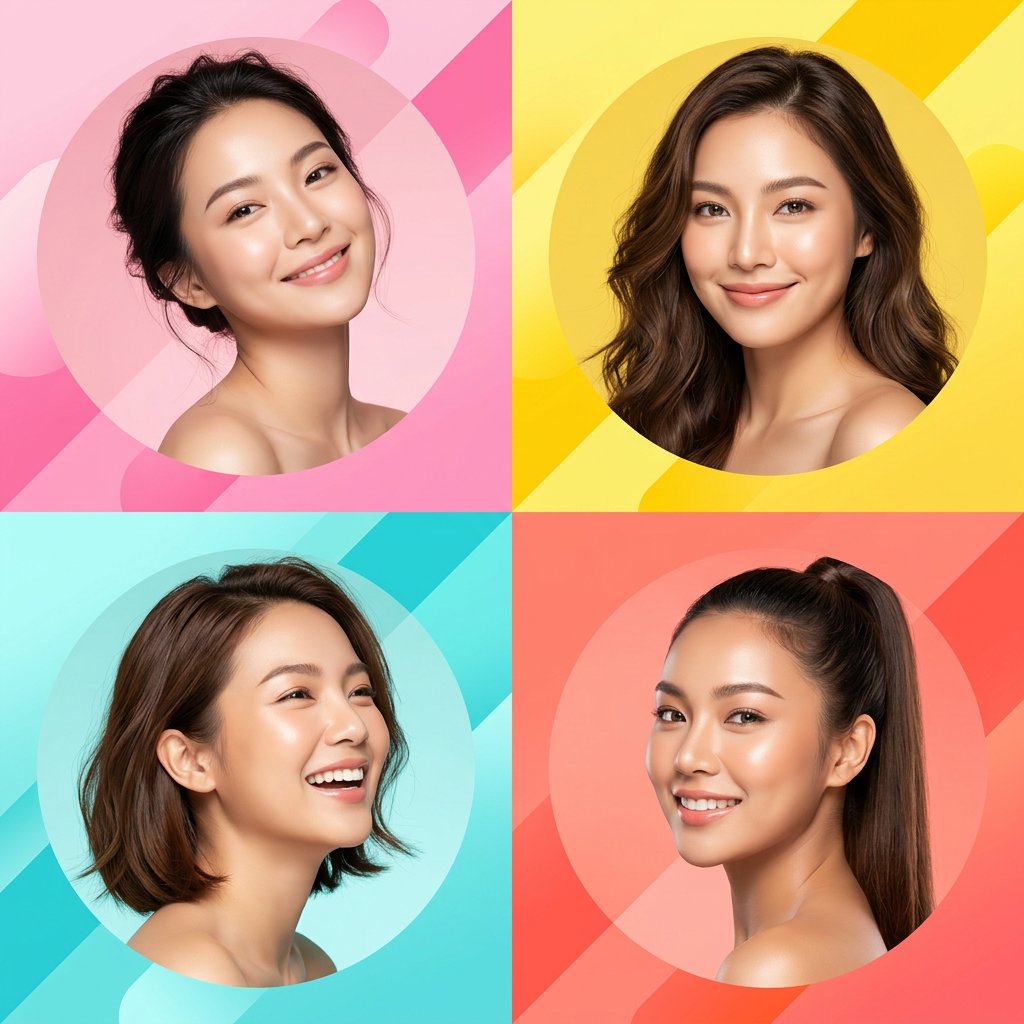
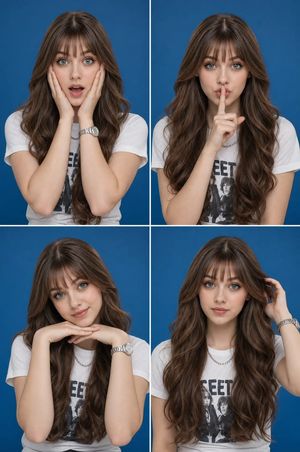
How do I use the Four-Panel Lifestyle Collage Portrait template?
Choose the primary action to open PicX Studio with the available template settings. Review the model and format, personalize the creative direction, and generate when ready.
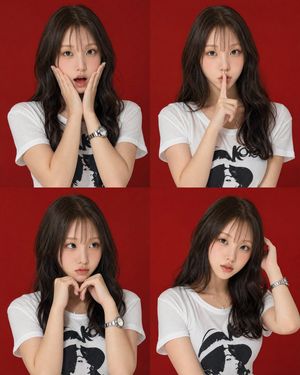
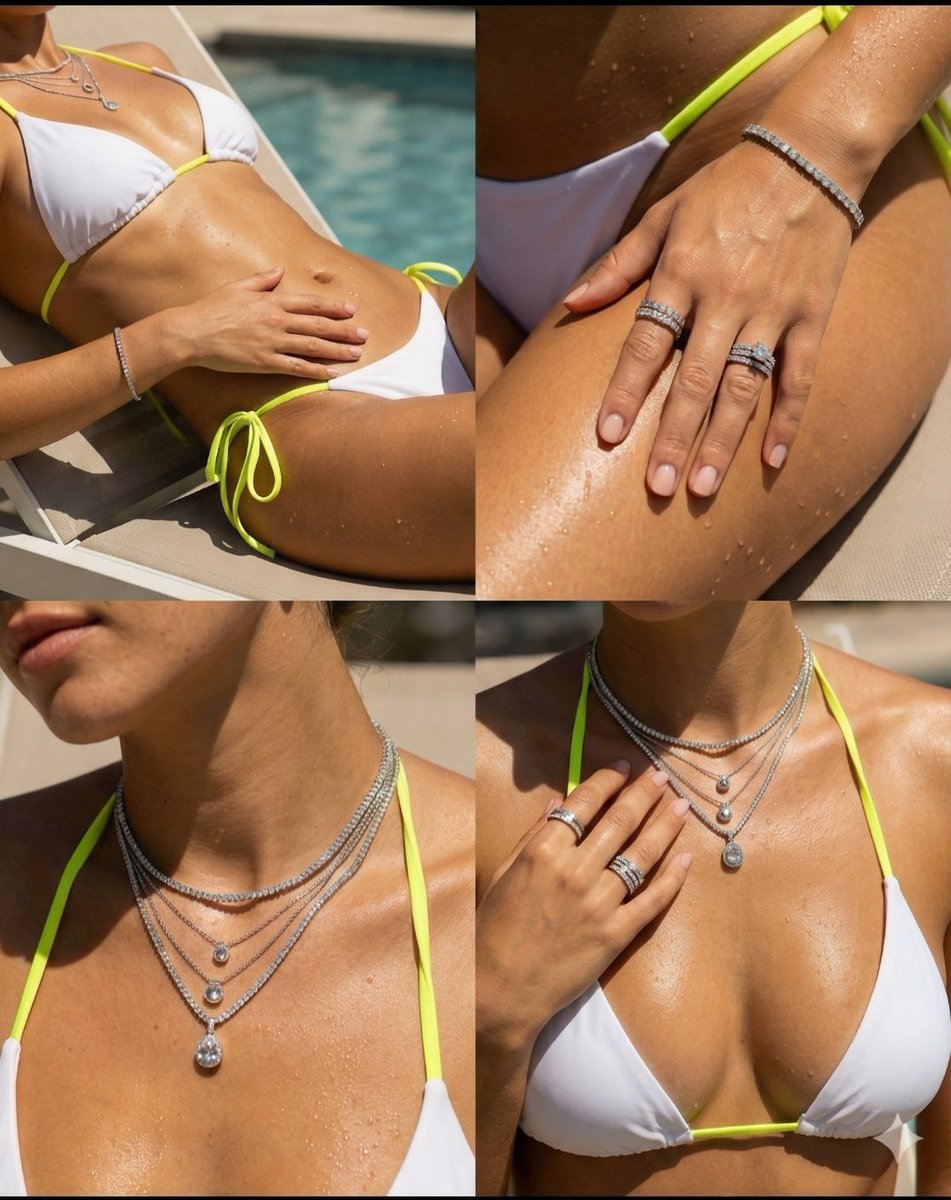
A lifestyle-focused prompt creating a four-panel collage of a woman in a casual outdoor cafe setting with warm, sun-drenched lighting.
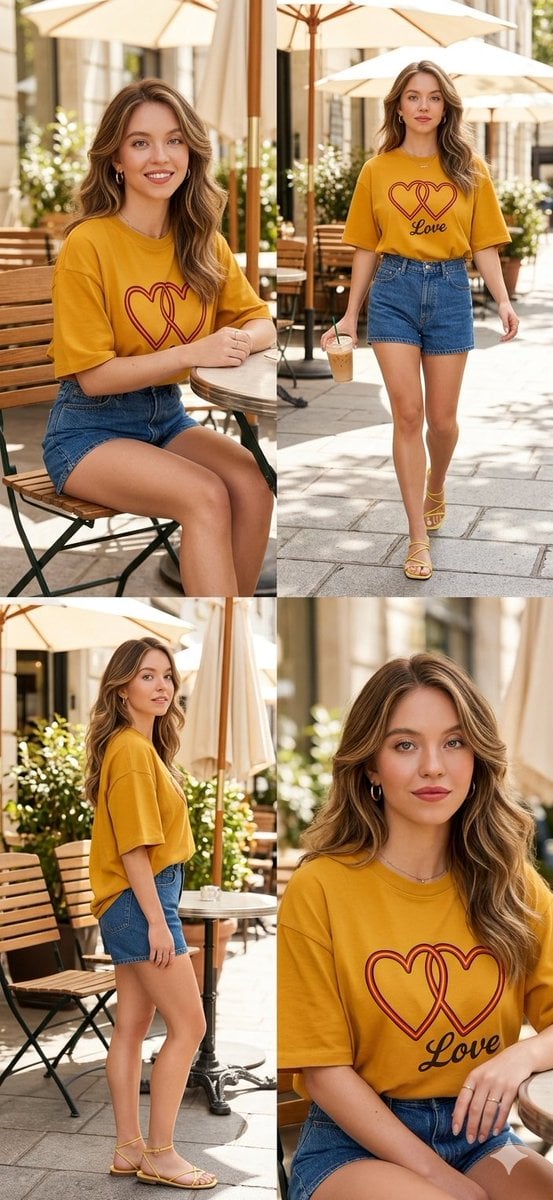
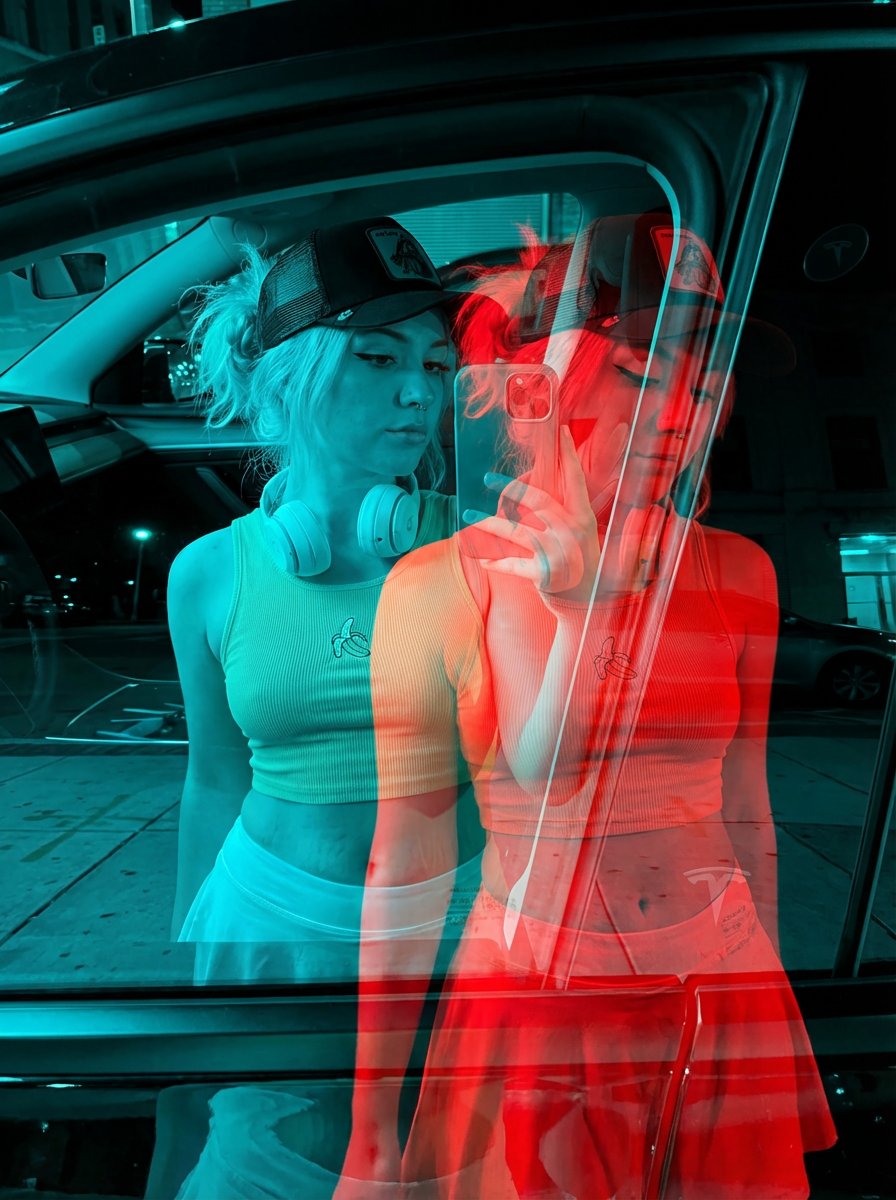
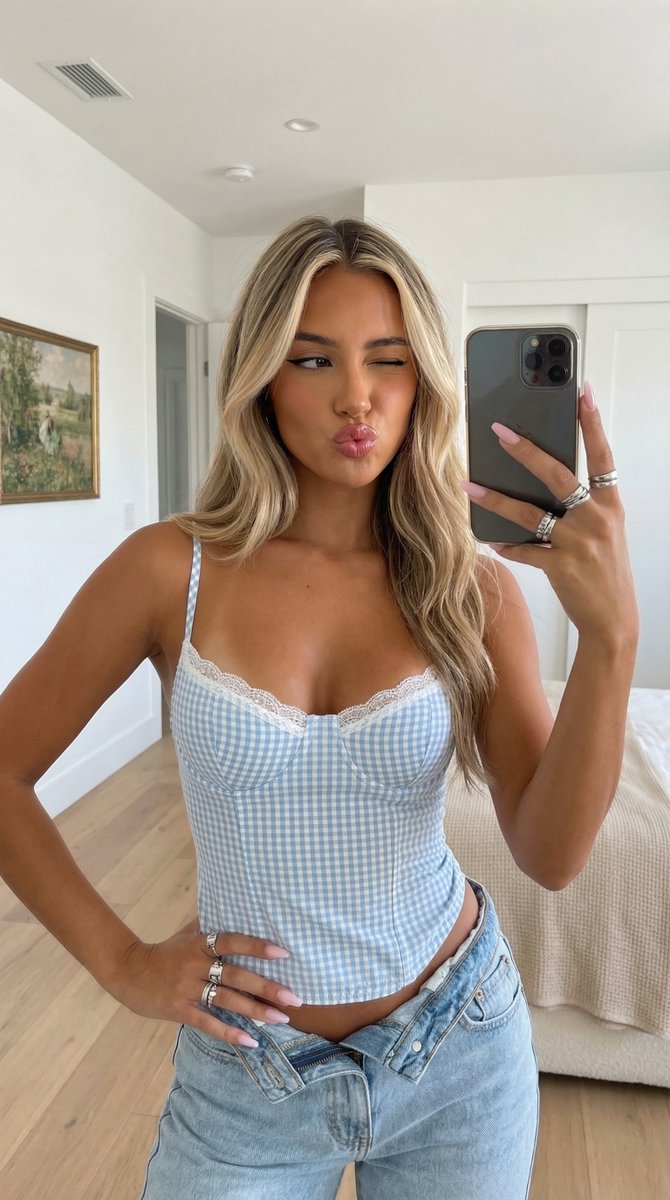
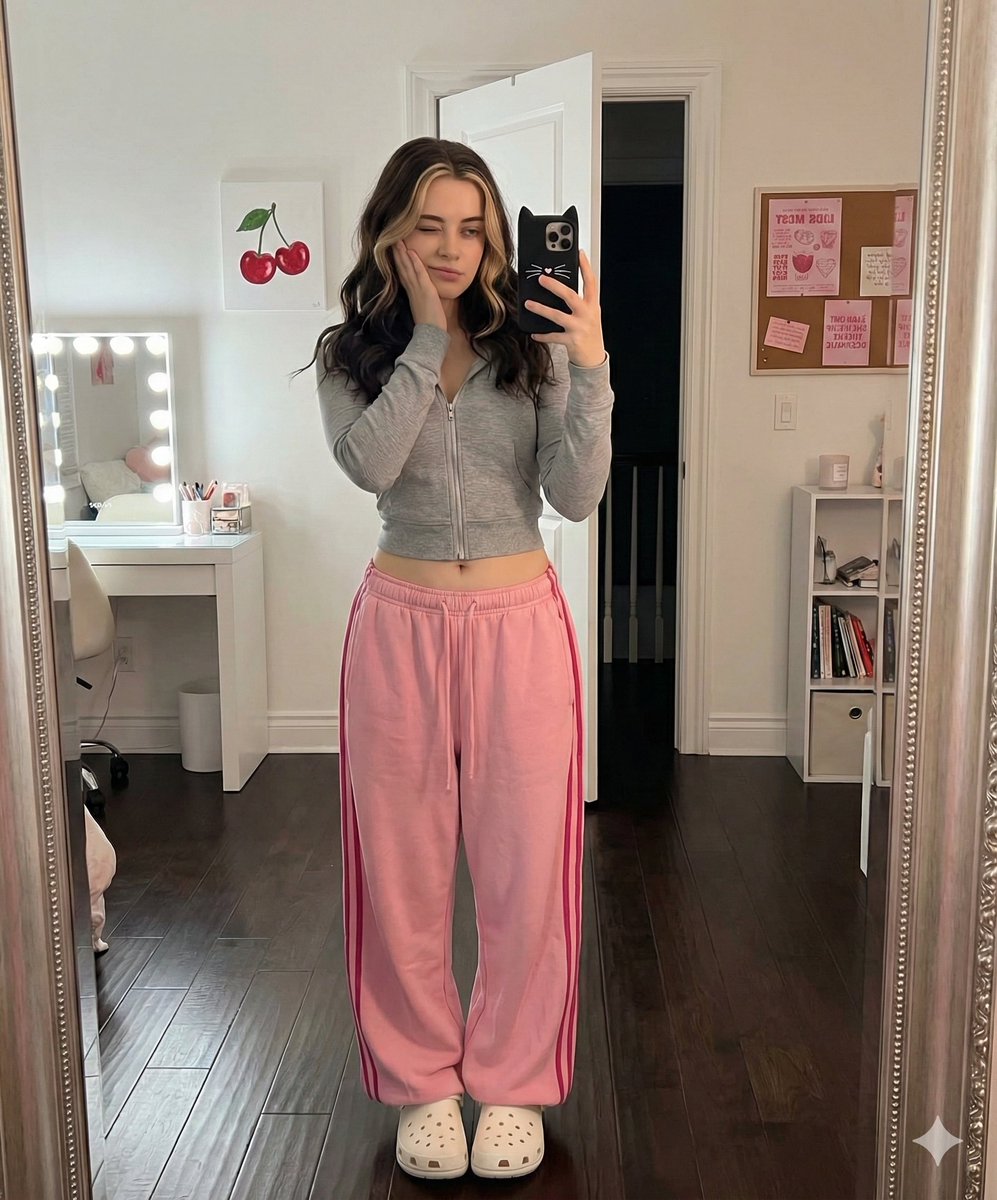
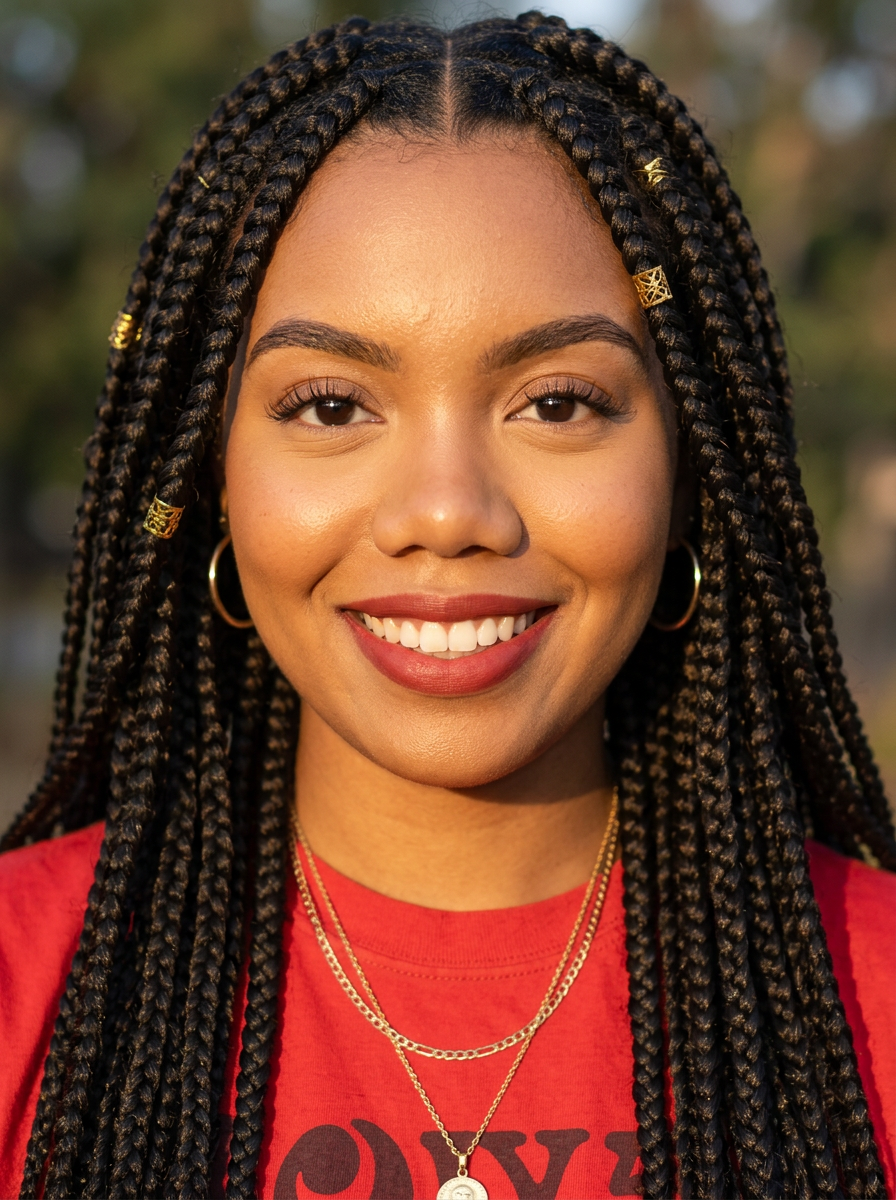
Create an image. This image is a four-panel collage featuring a {argument name="subject" default="woman"} in a chic, casual outdoor setting, likely a sidewalk cafe. The overall aesthetic is bright and airy, with a warm, sun-drenched "lifestyle" feel. The woman has long, wavy brunette with blonde highlights hair styled with a soft, voluminous blowout. Her makeup is natural and dewy, featuring a warm lip color and a friendly, relaxed expression. She is wearing a coordinated casual outfit: * Top: {argument name="top" default="An oversized, boxy T-shirt in a dark yellow. The front features a prominent graphic of two interlocking hearts outlined in red with the word 'Love' printed underneath."} * Bottoms: {argument name="bottoms" default="Classic high-waisted denim shorts in a medium blue wash."} * Accessories: Simple gold hoop earrings and necklace and a few delicate rings. * Footwear: Minimalist yellow strappy flat sandals. The collage shows the subject from various angles: * Top Left: A seated medium shot, looking directly at the camera. * Top Right: A full-length walking shot holding an iced latte in a clear plastic cup. * Bottom Left: A full-length side profile shot, highlighting the oversized fit of the shirt. * Bottom Right: A close-up seated shot focusing on her face and the shirt's graphic detail. The background consists of a Parisian-style street cafe with wooden slatted chairs, small round tables, and large cream-colored patio umbrellas. Soft dappled sunlight filters through the scene, creating a clean, high-end editorial look.
Choose the primary action to open PicX Studio with the available template settings. Review the model and format, personalize the creative direction, and generate when ready.
Yes. You can change the subject, setting, lighting, mood, format, and available model controls before creating your image.
This template is free to open and customize. Generation usage is shown in PicX Studio before you create.
Start with Nano Banana 2, which is the model associated with this template. You can compare another compatible model for a different finish.
Follow a topic to a crawlable collection of related PicX Studio templates.