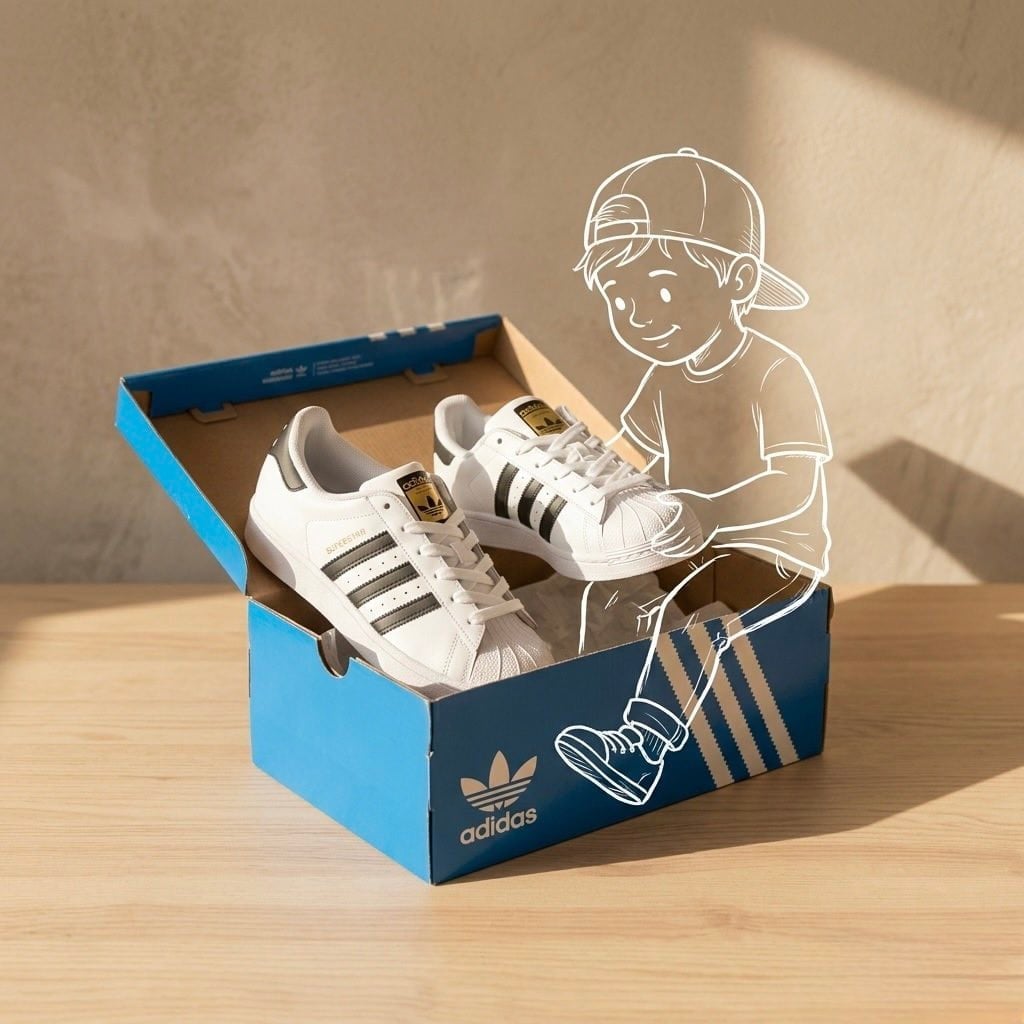
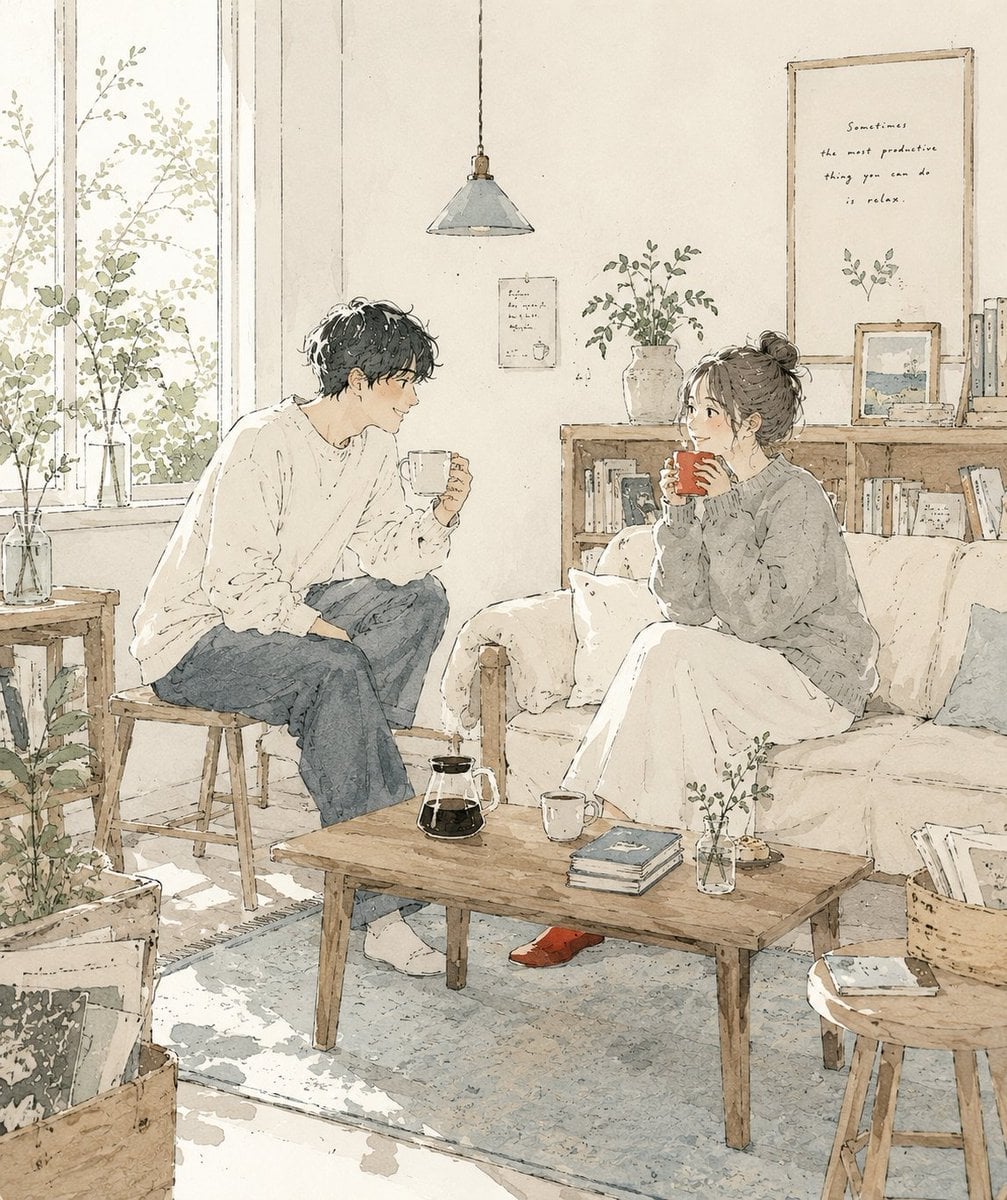
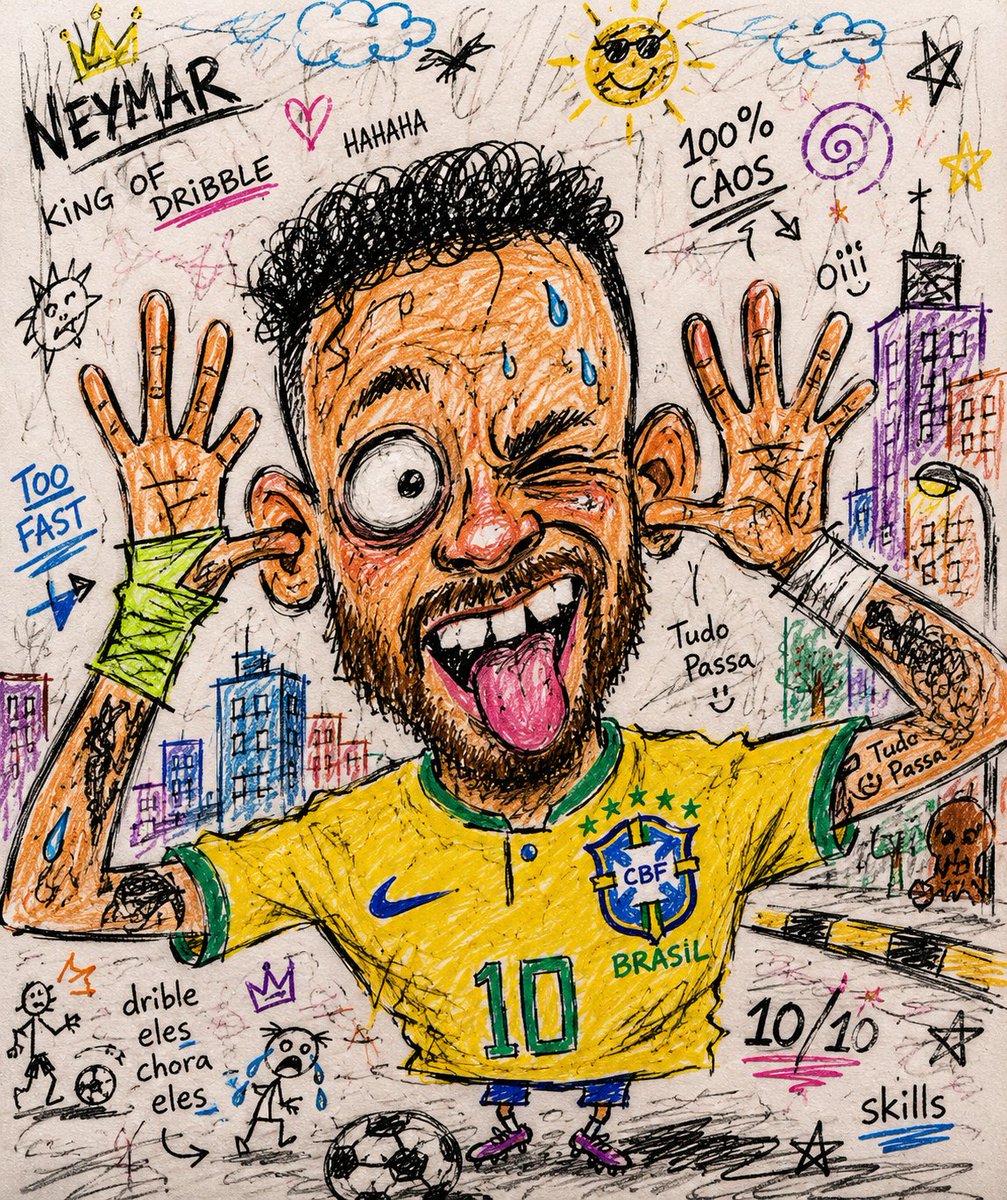
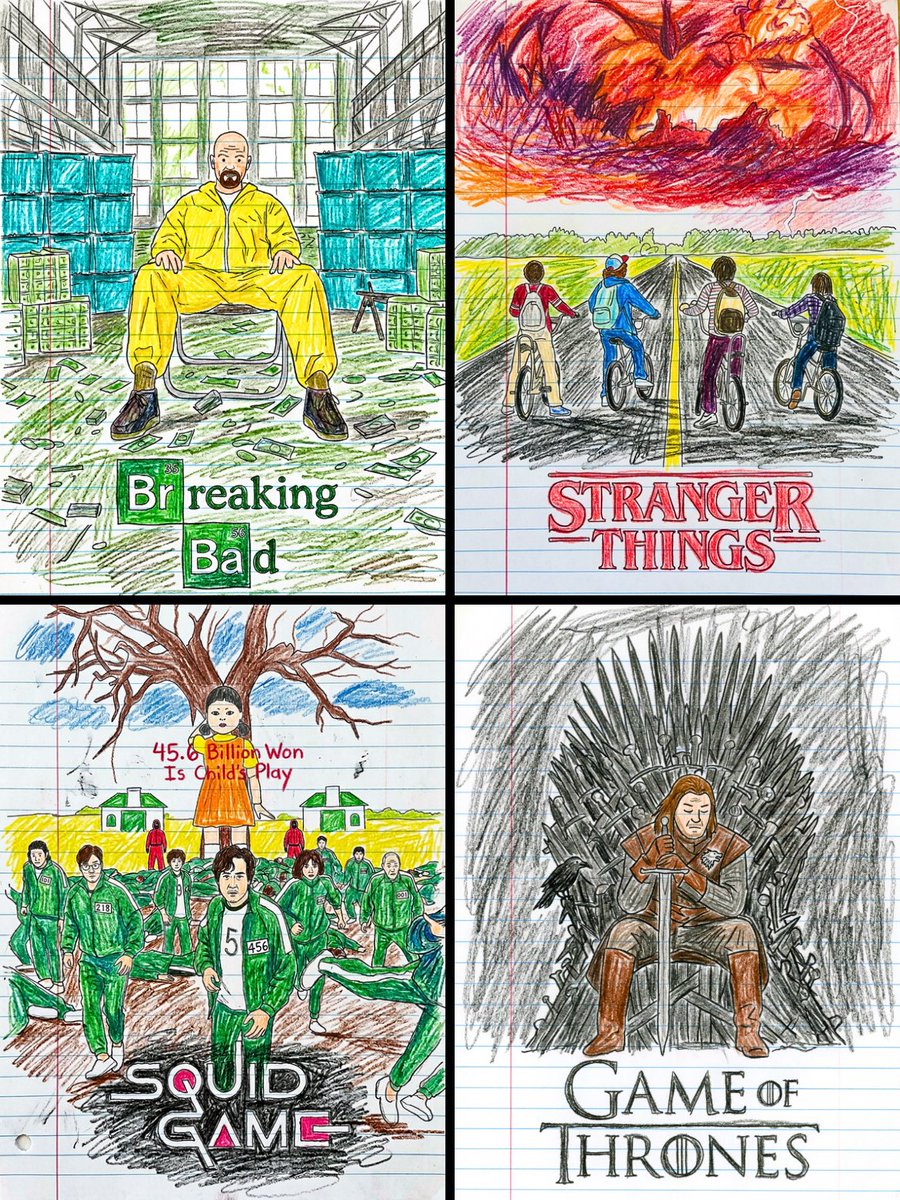
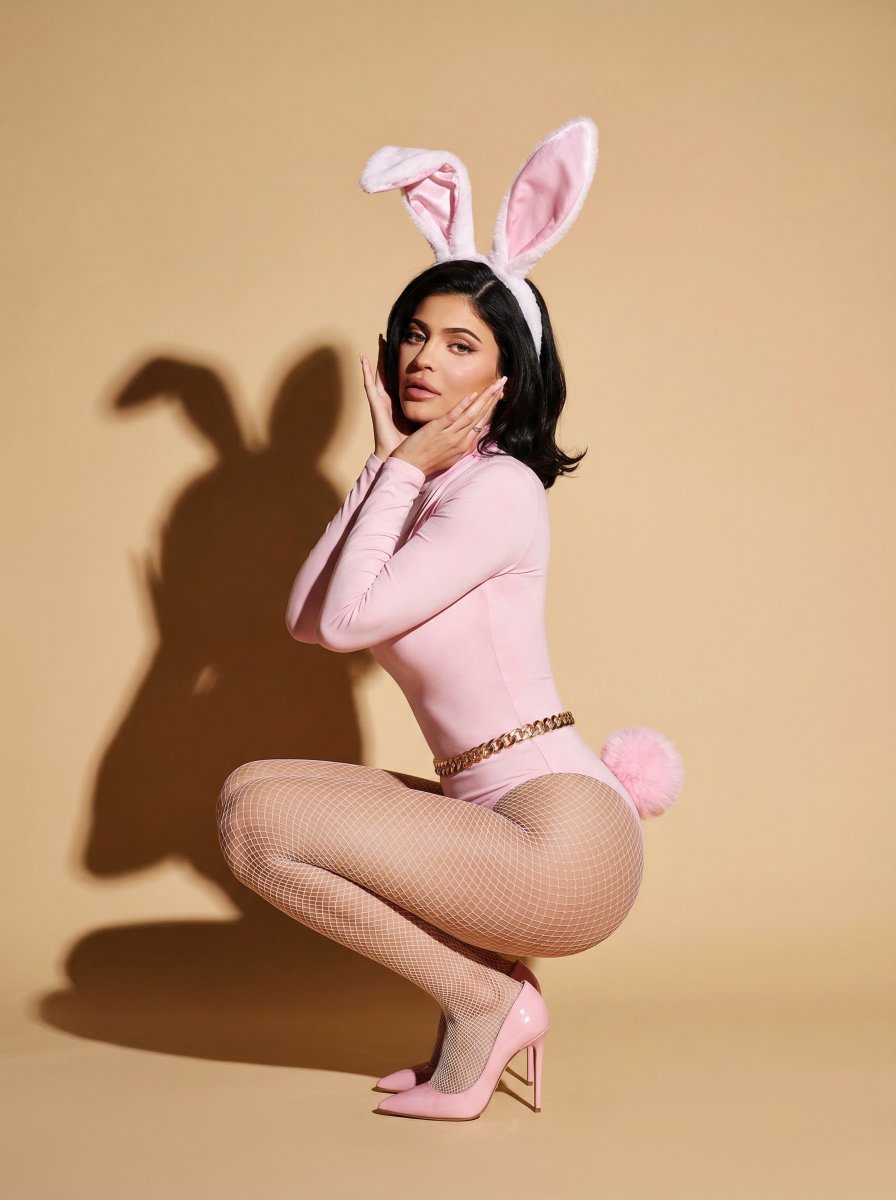
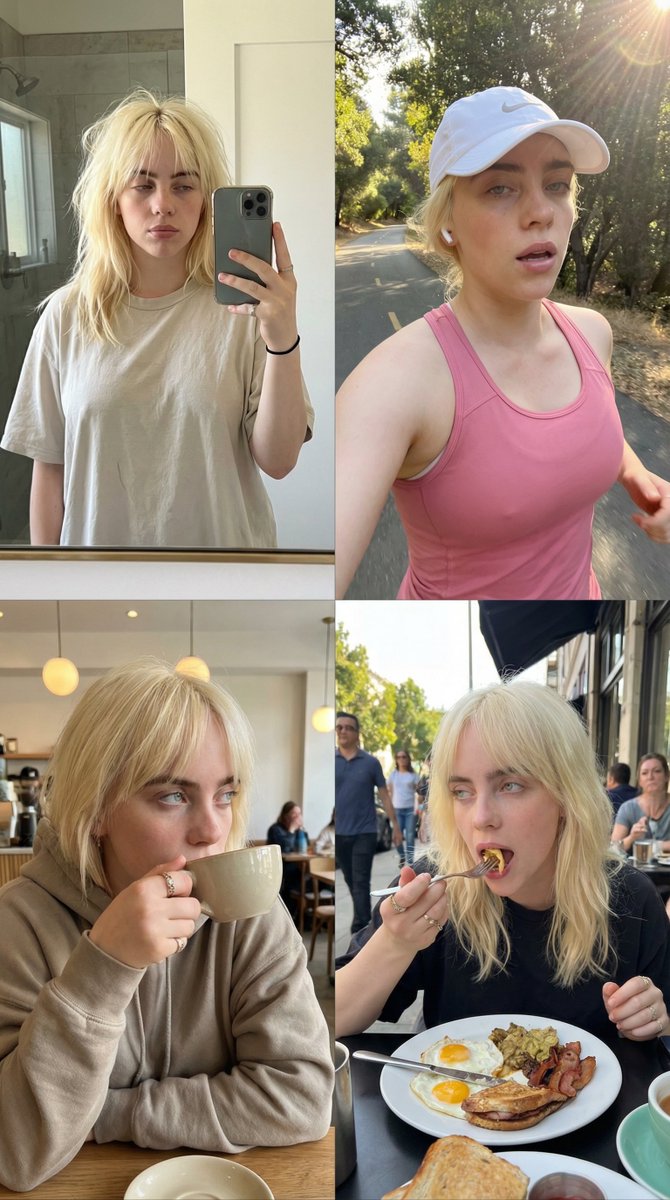
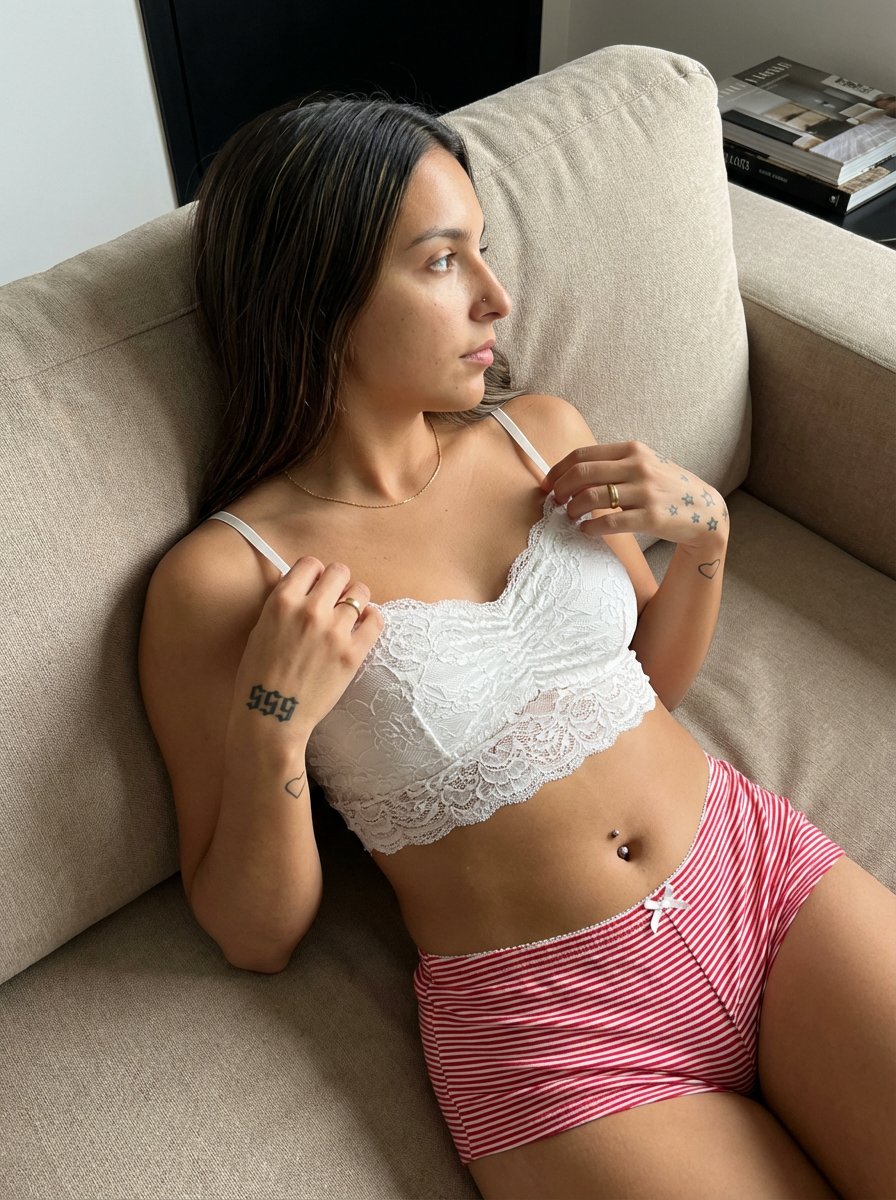
How do I use the Chaotic Crayon Sketch Style template?
Choose the primary action to open PicX Studio with the available template settings. Review the model and format, personalize the creative direction, and generate when ready.
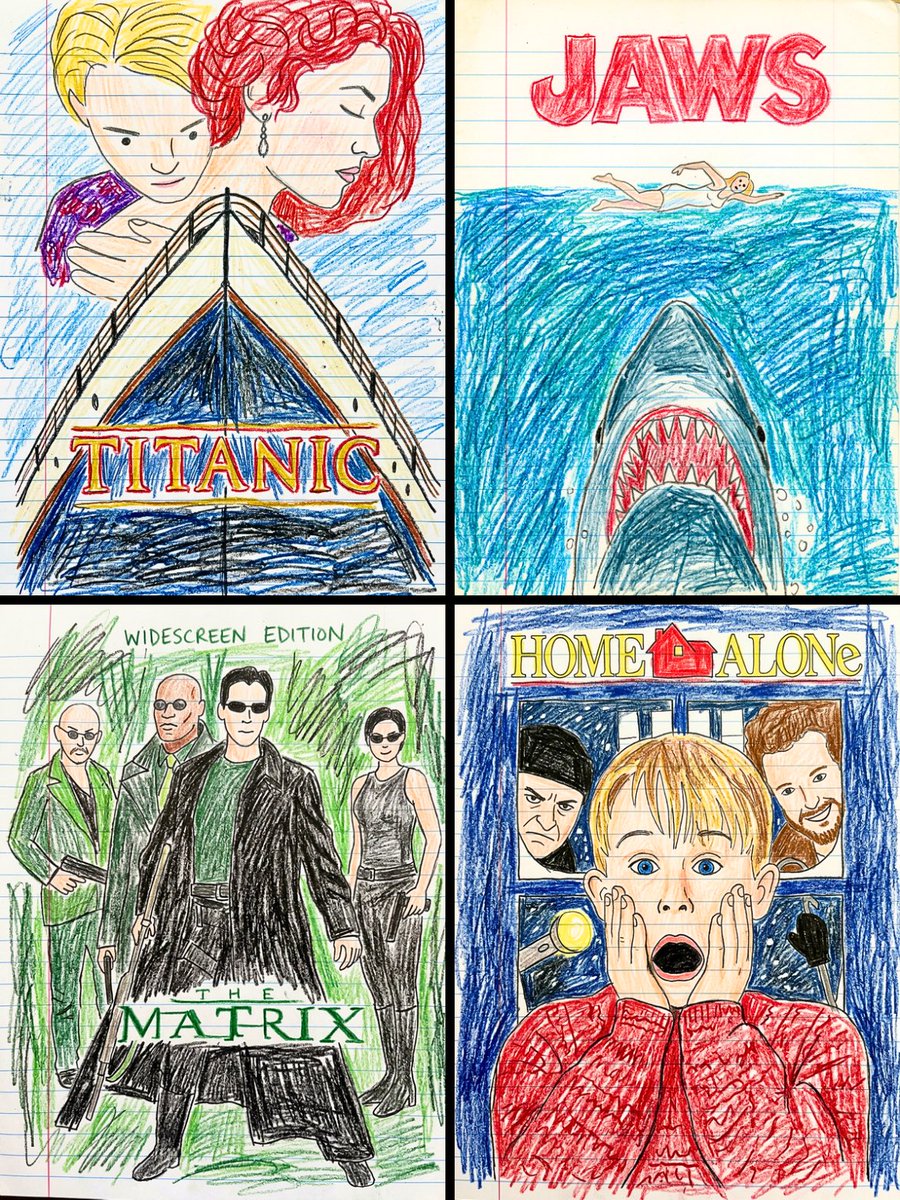
A prompt for a humorous and expressive chaotic hand-drawn crayon sketch style with inconsistent anatomy and notebook-style decorations.
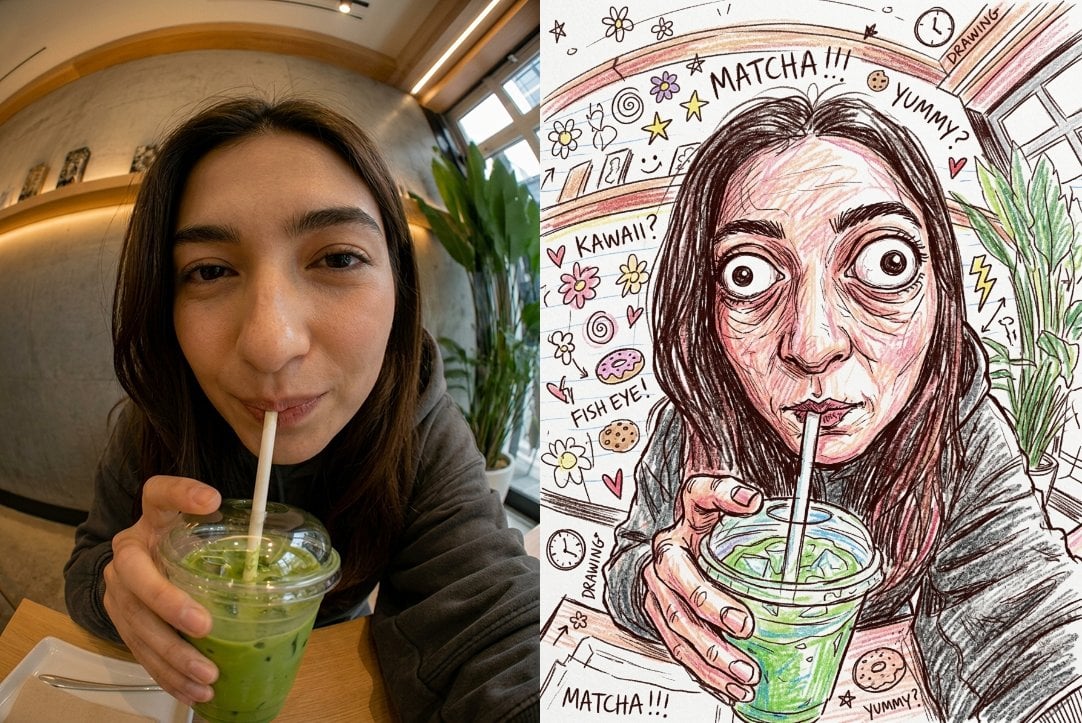
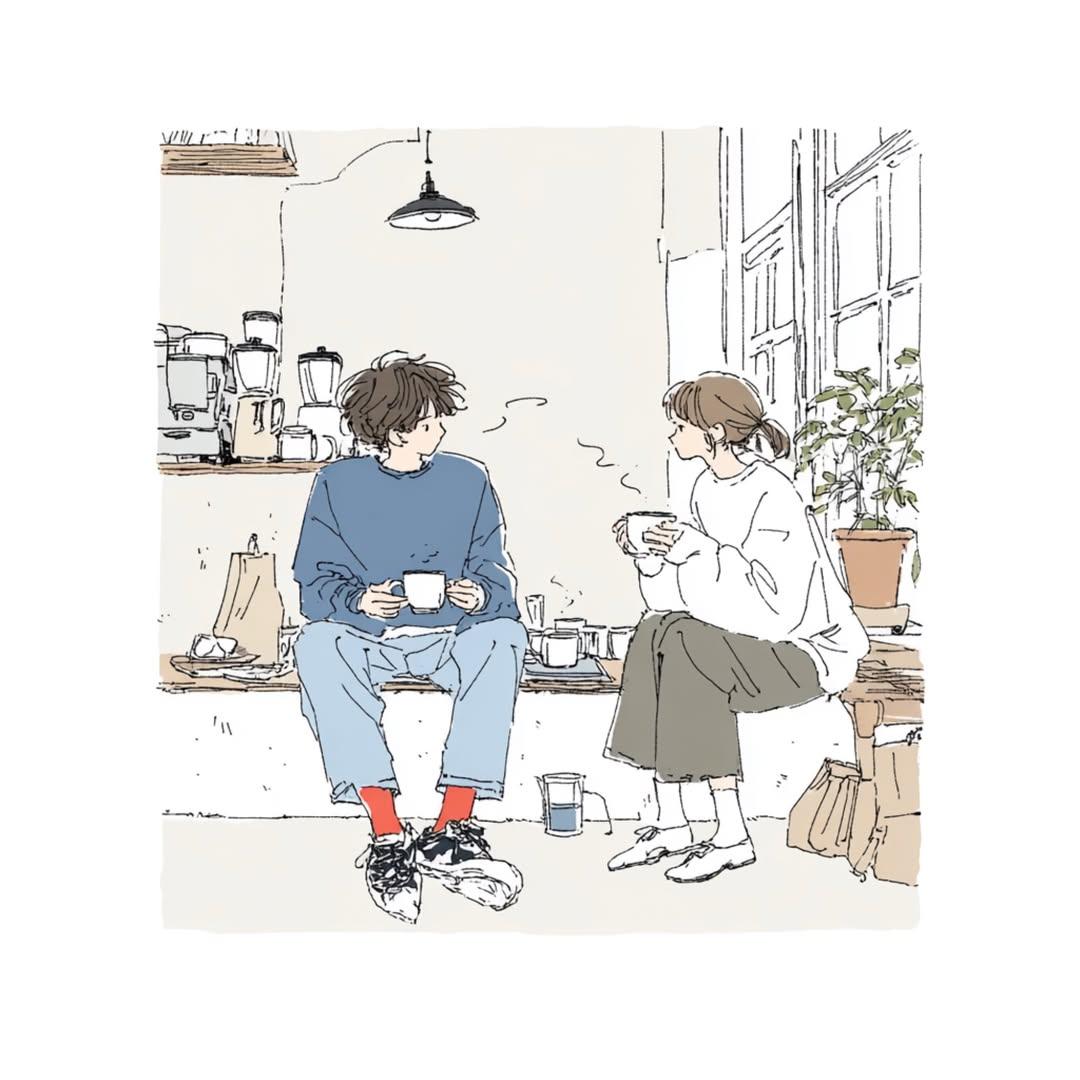
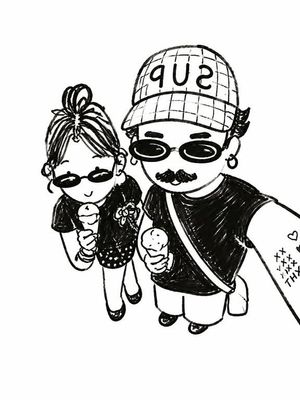
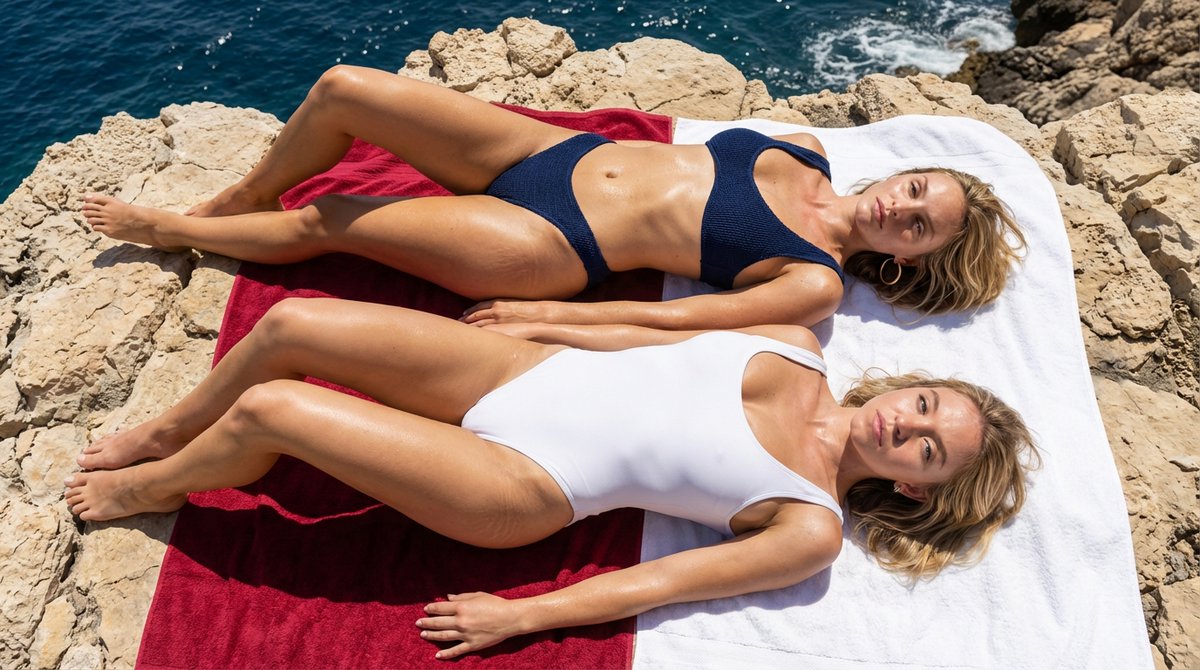
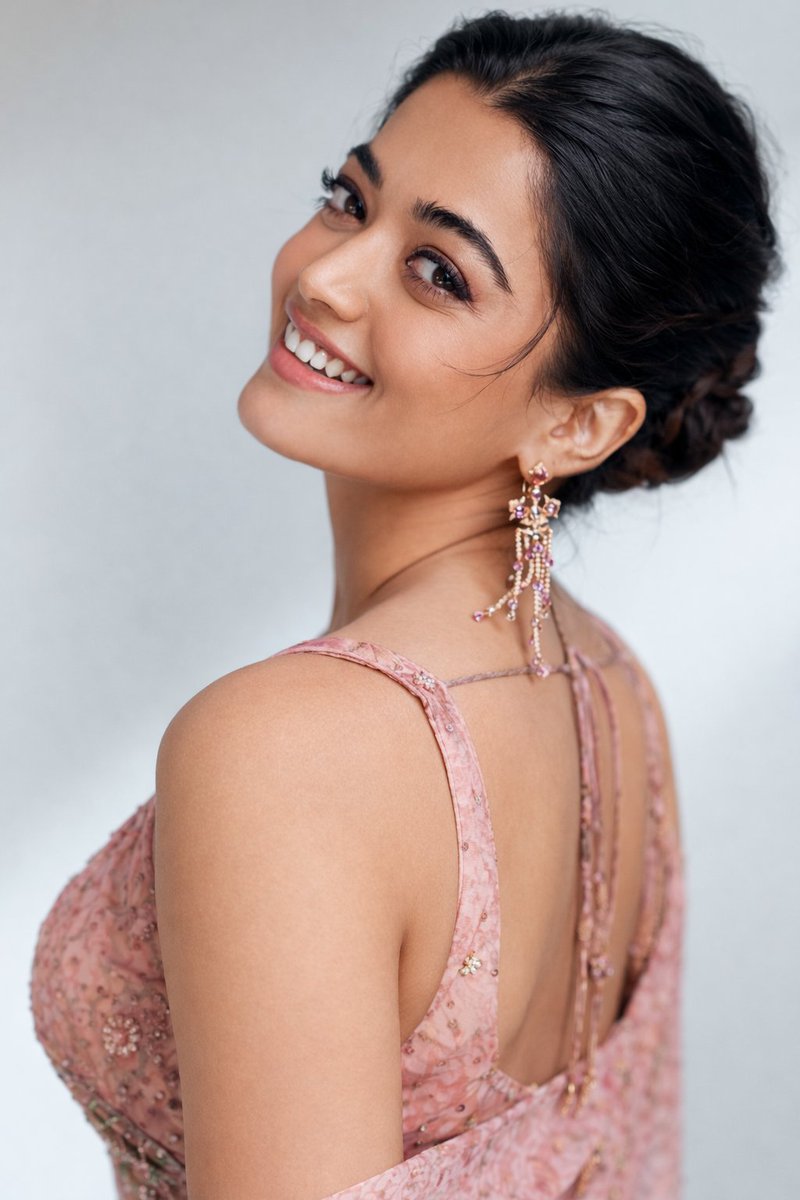
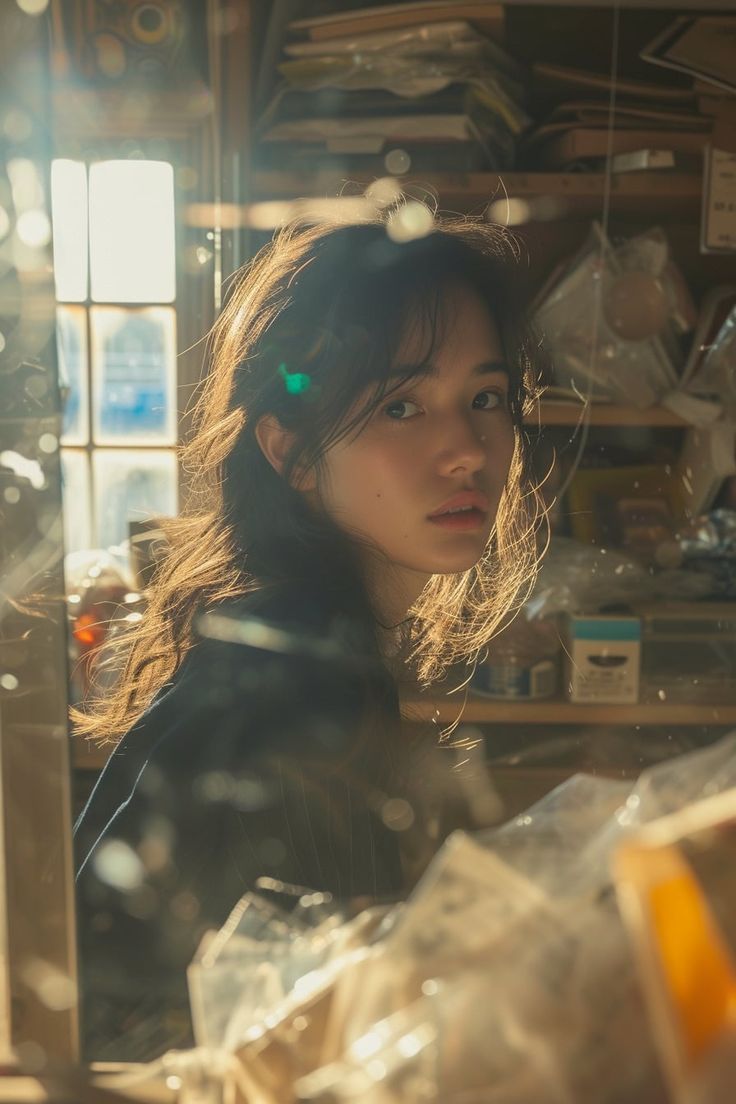
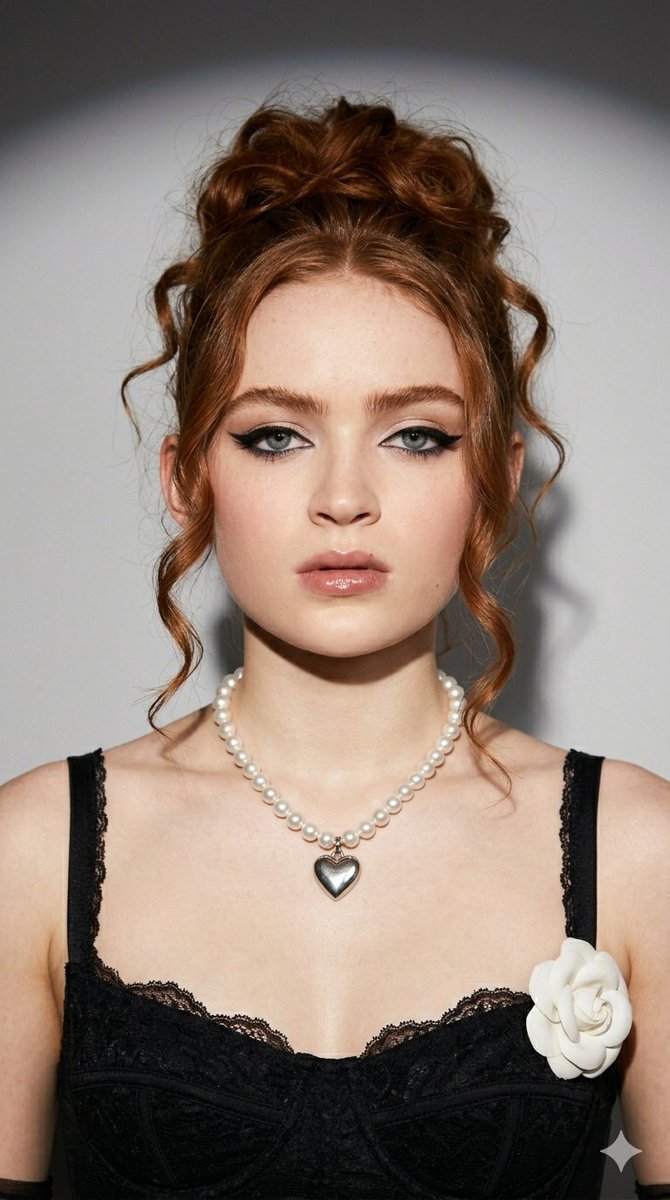
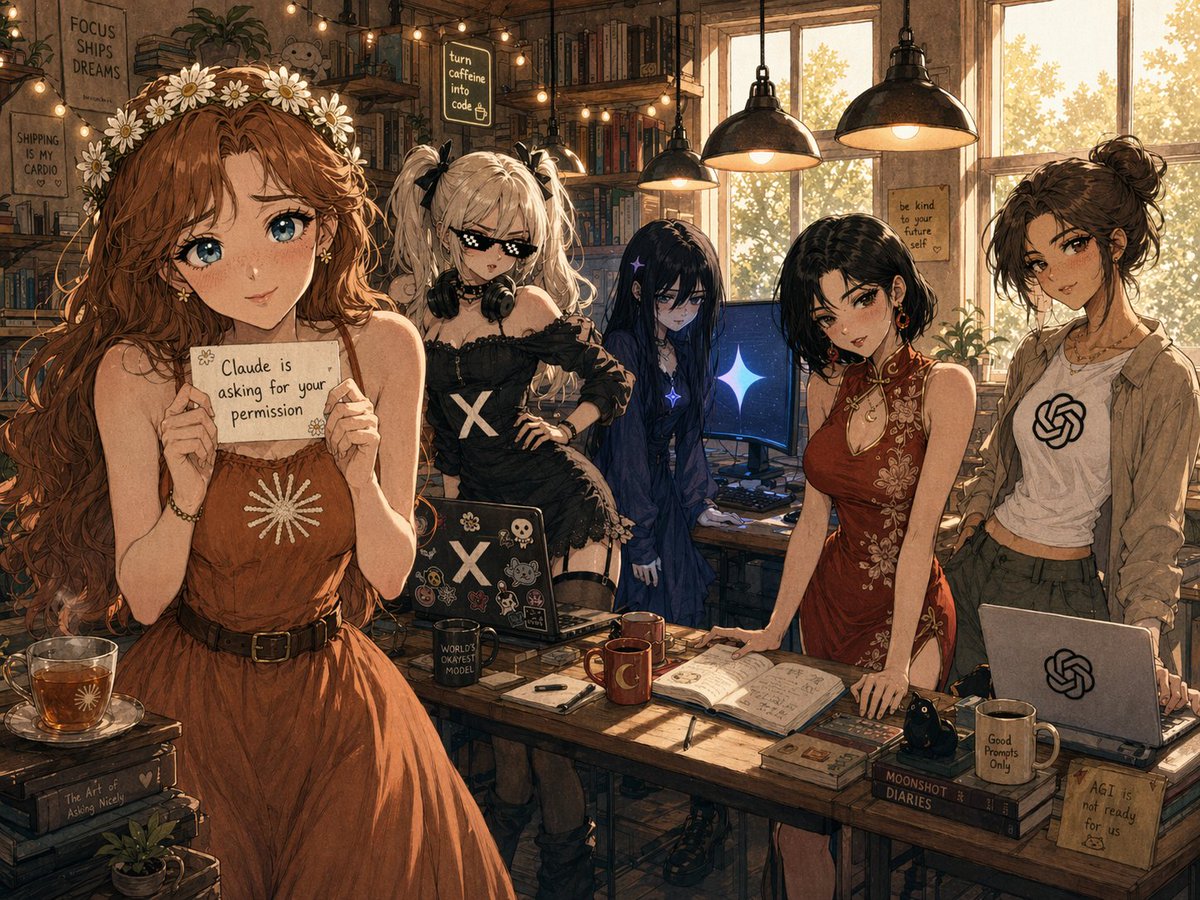
turn this photo into a chaotic hand-drawn crayon sketch with a {argument name="signature style" default="VERY consistent signature art style"}, {argument name="background" default="white paper background"}, thick dark-brown scratchy outlines drawn with cheap colored pencils, large circular bug-like eyes with tiny pupils and heavy uneven outlines, elongated distorted face shape caused by exaggerated fisheye perspective, tiny compressed mouth, detailed wrinkled under-eyes and chaotic facial shading made from layered crayon strokes, skin colored using rough overlapping pink, peach and red scribbles instead of smooth coloring, messy visible wax crayon texture everywhere, rough uneven coloring outside the lines, aggressive crosshatching and random sketch marks, hands drawn slightly too large with awkward finger anatomy, background filled with childish doodles,random flowers, handwritten words, arrows and chaotic notebook-style decorations, intentionally overcrowded composition, every object outlined with the same dark scratchy pencil style, hyperactive kindergarten sketchbook energy, weirdly expressive and funny, visually consistent recognizable drawing style
Choose the primary action to open PicX Studio with the available template settings. Review the model and format, personalize the creative direction, and generate when ready.
Yes. You can change the subject, setting, lighting, mood, format, and available model controls before creating your image.
This template is free to open and customize. Generation usage is shown in PicX Studio before you create.
Start with Nano Banana 2, which is the model associated with this template. You can compare another compatible model for a different finish.
Follow a topic to a crawlable collection of related PicX Studio templates.