How do I use the Product Design Innovation Board template?
Choose the primary action to open PicX Studio with the available template settings. Review the model and format, personalize the creative direction, and generate when ready.
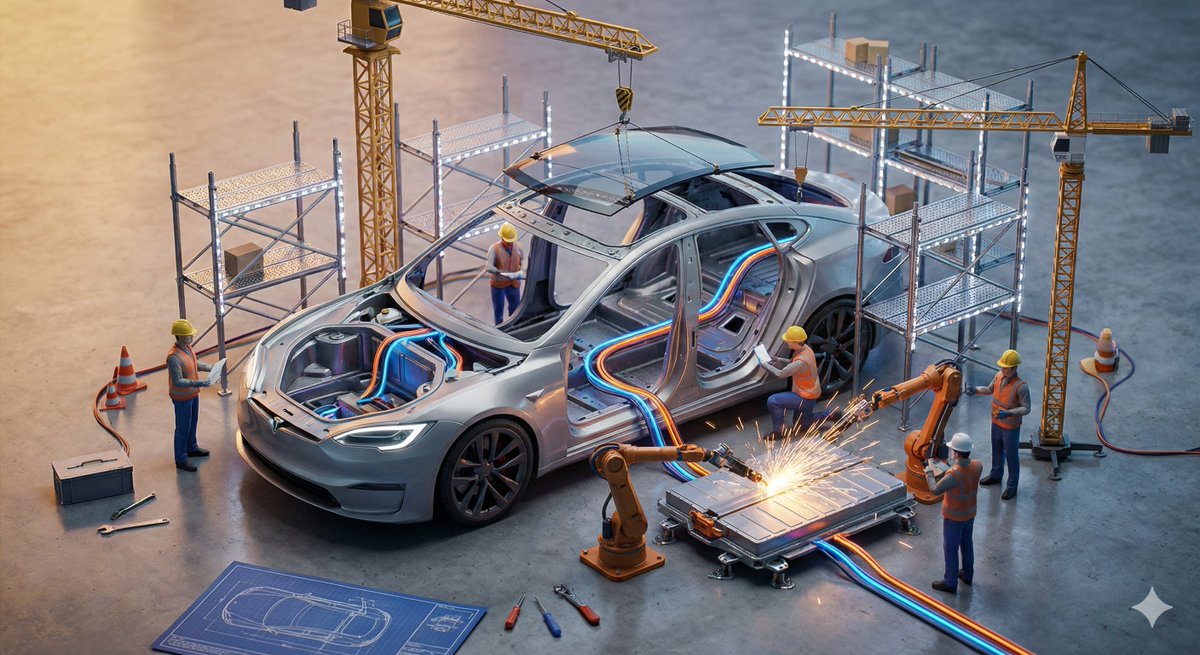
A sophisticated design prompt for generating a two-panel board that showcases both R&D sketches and a polished final product render.

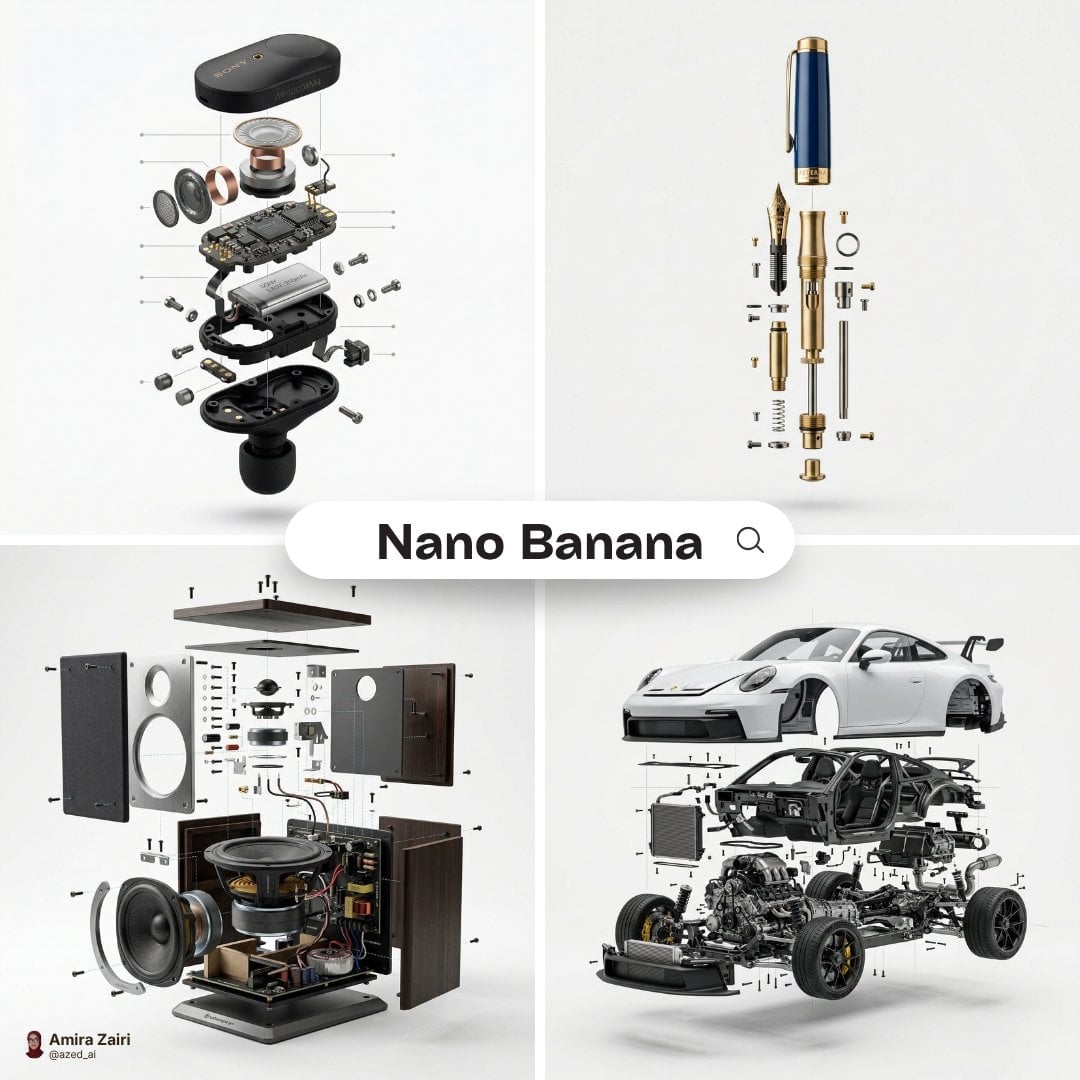
Do this for {argument name="product" default="B2 plane"}: inputs ::= product ::= [any product / device / tool / appliance / machine] functions ::= [ai infer 3 to 7 core functional systems of product] subsystem_count ::= [ai infer] material_logic ::= [ai infer likely materials and mechanical parts] era_bias ::= [{argument name="style" default="industrial / retro-futurist / modern / luxury engineering"}] sketch_style ::= [{argument name="sketch type" default="patent sketch / engineering notebook / blueprint engraving / industrial concept sheet"}] hero_style ::= [studio product photo / cinematic workshop render / luxury catalog shot] layout ::= +----------------------------------------------------------------------------------+ | top panel :: invention / research board | | | | [orthographic sketch] [section cutaway] [component studies] [functional diagram]| | [gauge / chart / equation / small notes] [exploded parts] [form variants] | | | | goal: show how product might have been invented, refined, tested, and iterated. | | | |----------------------------------------------------------------------------------| | bottom panel :: polished final product | | | | [hero shot of fully realized product] | | [beautiful materials] [precise machining] [studio/warm workshop lighting] | | | +----------------------------------------------------------------------------------+ instruction ::= generate a two-panel invention inspiration board for product. the top half must look like a dense r&d archive showing ai-inferred mechanisms, studies, performance ideas, component experiments, and form exploration. the bottom half must show the final refined product as a premium finished object. make the whole image feel like "from concept science to product realization." no hard-coded product details unless provided by the user.
Choose the primary action to open PicX Studio with the available template settings. Review the model and format, personalize the creative direction, and generate when ready.
Yes. You can change the subject, setting, lighting, mood, format, and available model controls before creating your image.
This template is free to open and customize. Generation usage is shown in PicX Studio before you create.
Start with Nano Banana 2, which is the model associated with this template. You can compare another compatible model for a different finish.
Follow a topic to a crawlable collection of related PicX Studio templates.