How do I use the Golden Rain Character Transformation template?
Edit the prompt in the box under the preview — the template's model and format are already selected — and press Generate. Your version appears right on this page.
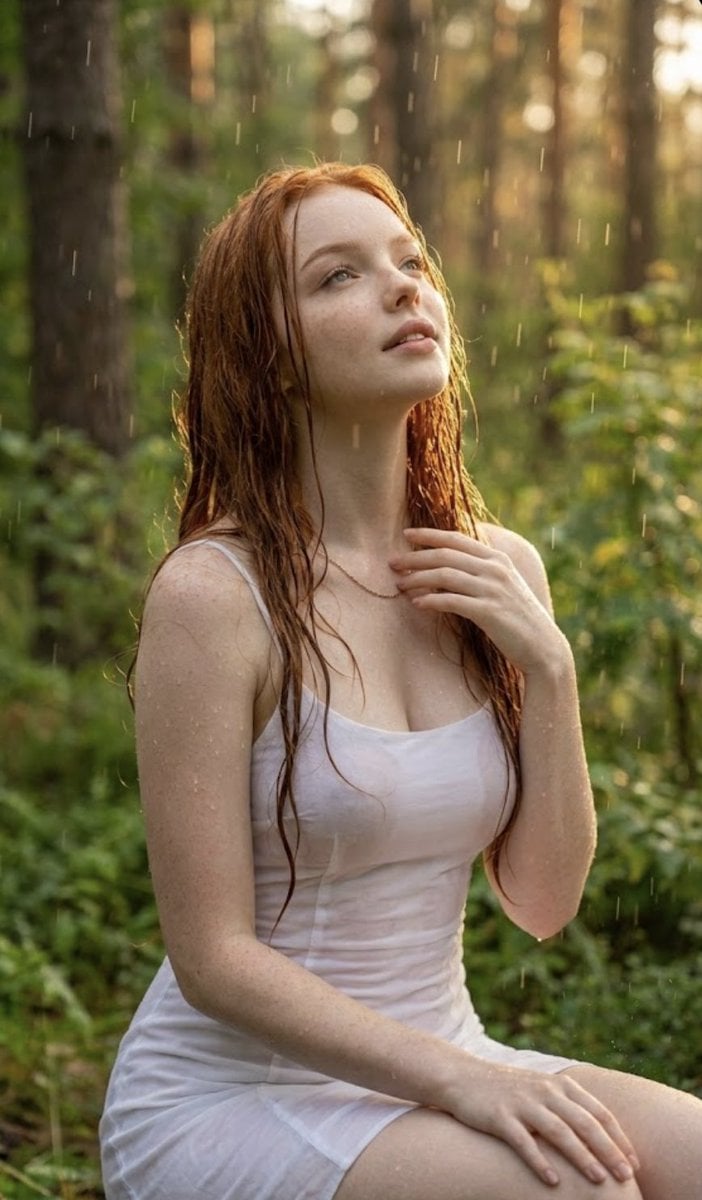
A prompt that transforms a character into a blonde-haired version within a dream-like atmosphere of falling golden petals.

{argument name="主题" default="Golden Rain"} {argument name="落下物" default="金の花びら"}が空から降る、 まるで光に包まれる夢のような瞬間。 SFW illustration. No nudity or suggestive intent.
{argument name="主题" default="Golden Rain"} {argument name="落下物" default="金の花びら"}が空から降る、 まるで光に包まれる夢のような瞬間。 SFW illustration. No nudity or suggestive intent.
Edit the prompt in the box under the preview — the template's model and format are already selected — and press Generate. Your version appears right on this page.
Yes. You can change the subject, setting, lighting, mood, format, and available model controls before creating your image.
Opening and editing this template is free. Generating uses credits, shown on the Generate button when you are signed in.
Start with Nano Banana 2, which is the model associated with this template. You can compare another compatible model for a different finish.
Follow a topic to a crawlable collection of related PicX Studio templates.