
Philippine Jeepney Driver Snapshot
A hyper-photorealistic prompt for creating a candid smartphone-style photo of a jeepney driver in the Philippines.
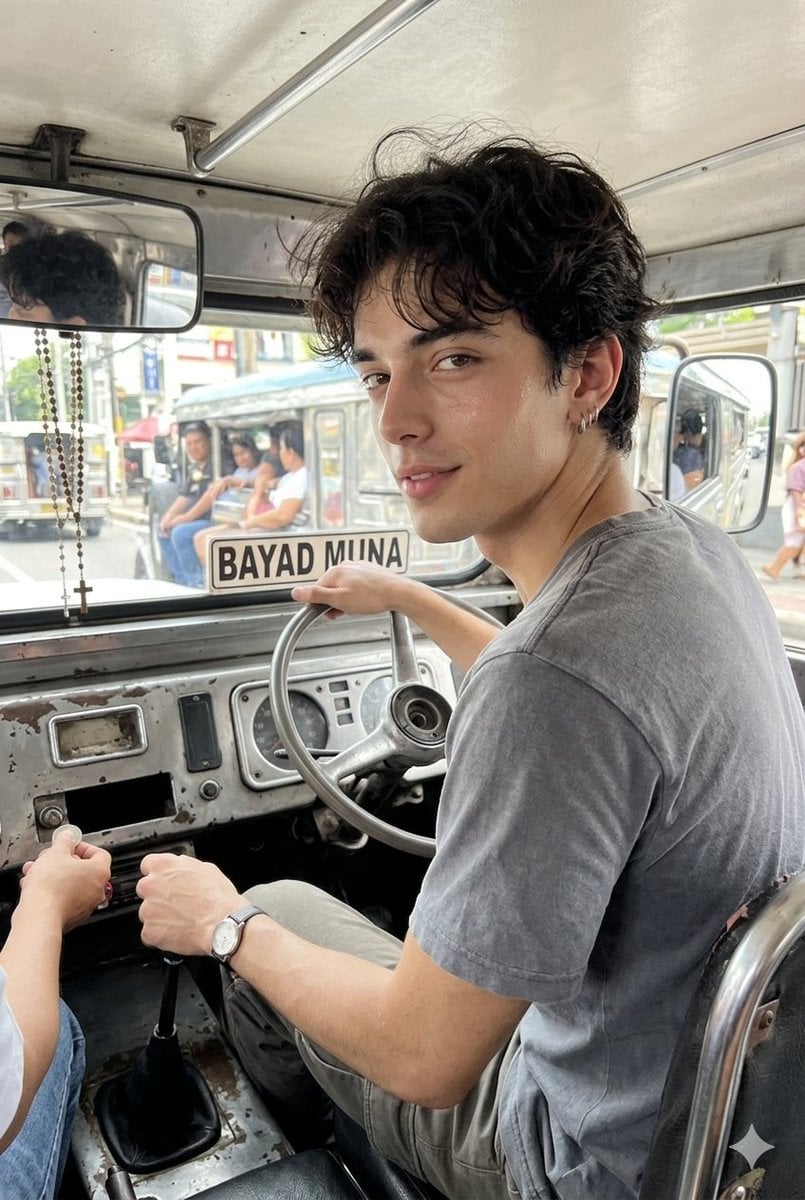
- Prompt included
- Model and format preset
- Free template
The prompt behind this image
Copy the exact prompt behind Philippine Jeepney Driver Snapshot, or open it in the studio and make it yours.
A hyper-photorealistic shot of the same male subject in the attached image, preserved face and identity, realistic Asian male everyday look, natural skin texture, visible pores, slight facial oiliness, clean unfiltered realism. Dewy flawless facial skin. Expression / Pose: driving a {argument name="vehicle type" default="jeepney"}, looking at his back to the passengers, one hand on the steering wheel, the other hand near the gear stick is giving a coin changes to the pasenger, candid and not posing. But slightly flirting gaze Camera: shot from a high-end smartphone, sharp realistic detail, natural white balance, no color grading, no filter, clean daylight exposure, true-to-life colors, realistic shadows, crisp face details, modern phone-photo clarity. Makeup: none, natural bare face, realistic skin texture, no beauty retouch. Hair: short black hair, casually styled, slight natural movement from open jeepney window air. Outfit: simple daily driver outfit, {argument name="shirt style" default="plain faded t-shirt"}, comfortable shorts or casual pants, simple watch, practical everyday look. Background: inside a real Philippine jeepney, metal dashboard, steering wheel, fare sign, hanging rosary or small charm, side mirror, open windows, passengers or street scene faintly visible outside, bright late-morning daylight entering naturally. Composition: tight driver-seat candid shot from passenger-side- back of the drivers angle, slightly low perspective, subject placed off-center, steering wheel and dashboard creating leading lines, realistic cramped jeepney interior framing. Negative prompt: AI-looking face, plastic skin, over-smoothed skin, cinematic color grading, filters, exaggerated pose, luxury car interior, studio lighting, cartoonish, distorted hands, distorted steering wheel, fake jeepney details, blurry face, center-facing ID-photo style.
How to use Philippine Jeepney Driver Snapshot in 3 steps
- 1Upload ImagePNG, JPG or paste
Add your photo
Upload the photo the template builds on. The prompt, model and format are already set.
- 2…a portrait of your subject in softgolden-hour light, 85mm…
Personalize
Edit the subject and creative details for your destination.
- 3Generate
Generate
Press Generate — your image is created in PicX Studio, so you can compare it with the original and refine one variable at a time.
More like this
Templates with the same subject, style or setup. Open one to see its prompt.

Nostalgic Digicam Café Afternoon Portrait

Vintage Philippines Travel Poster
Based on their identity e g, Racing Orange for a driver, Neon Cyan
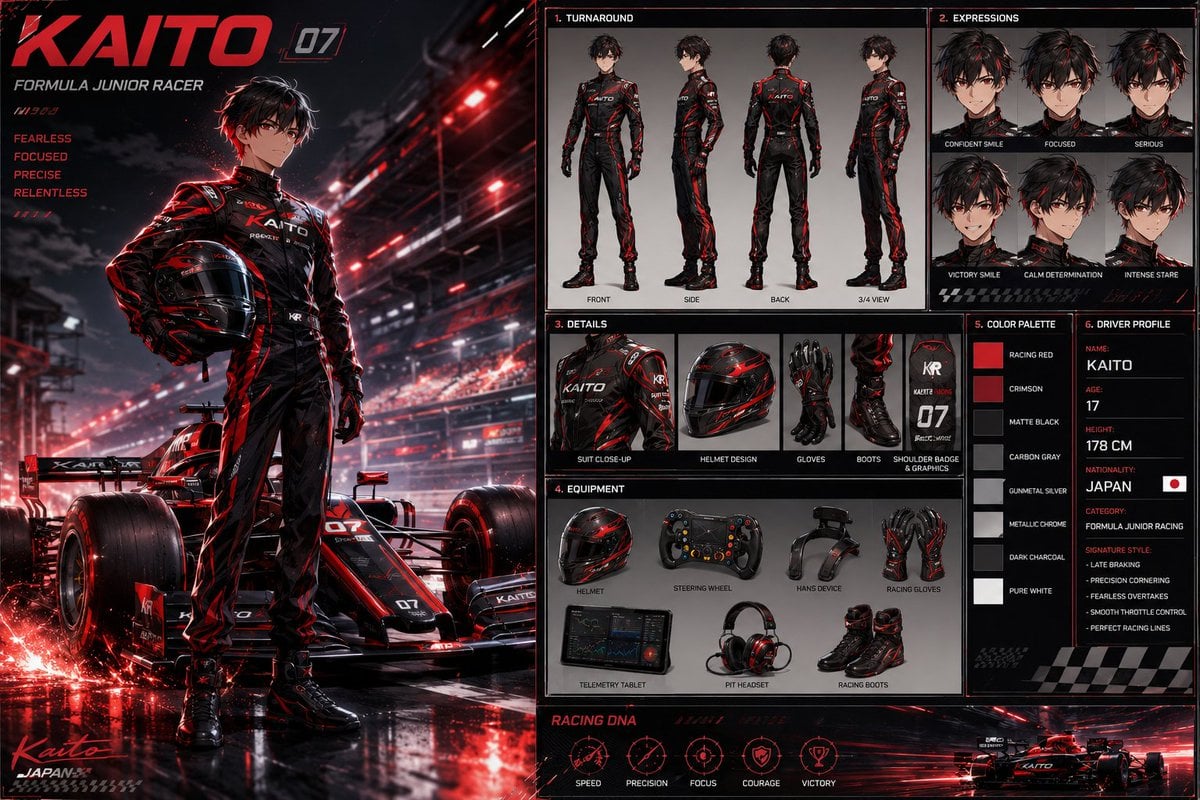
Anime Racing Driver Character Design Sheet
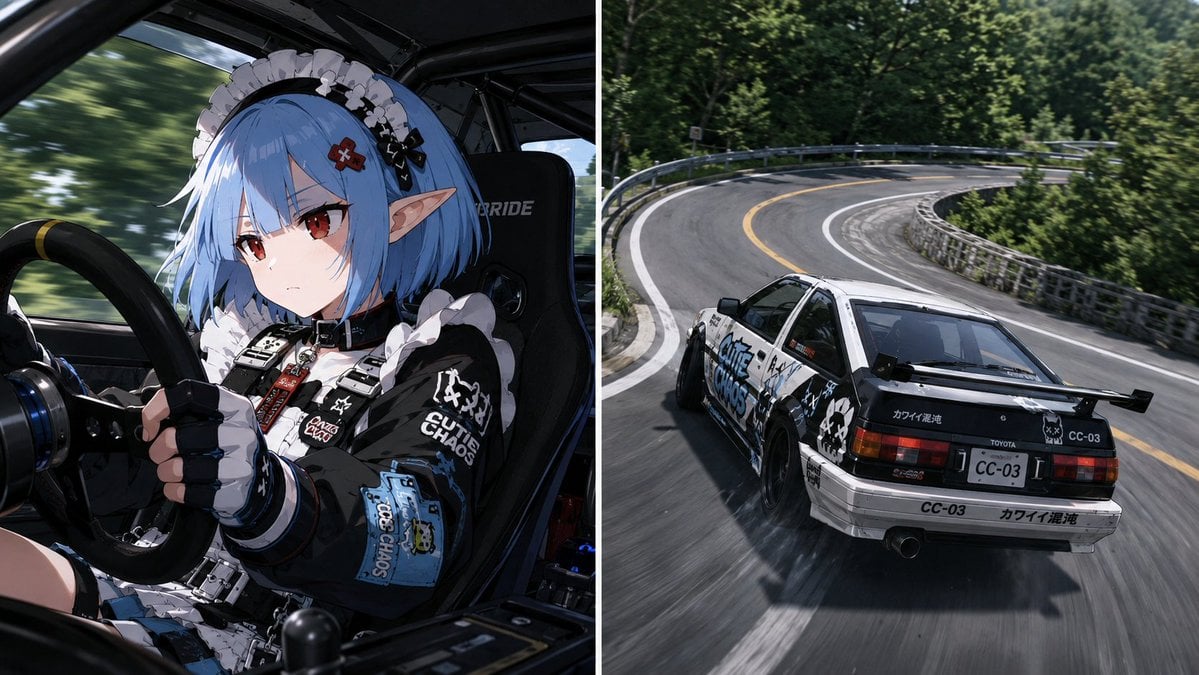
Split Screen Racing Game Driver View
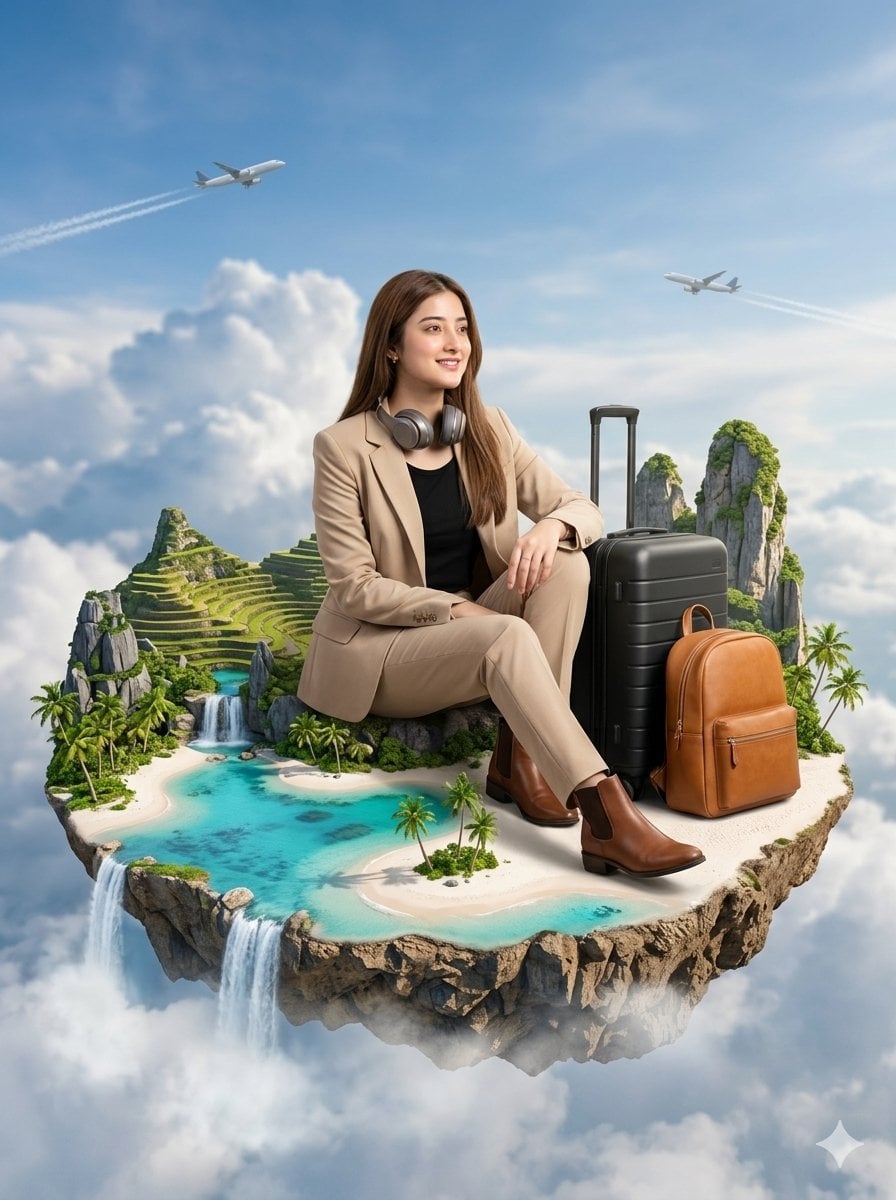
Floating Philippines Island Travel Portrait

Golden Hour Car Driver Portrait
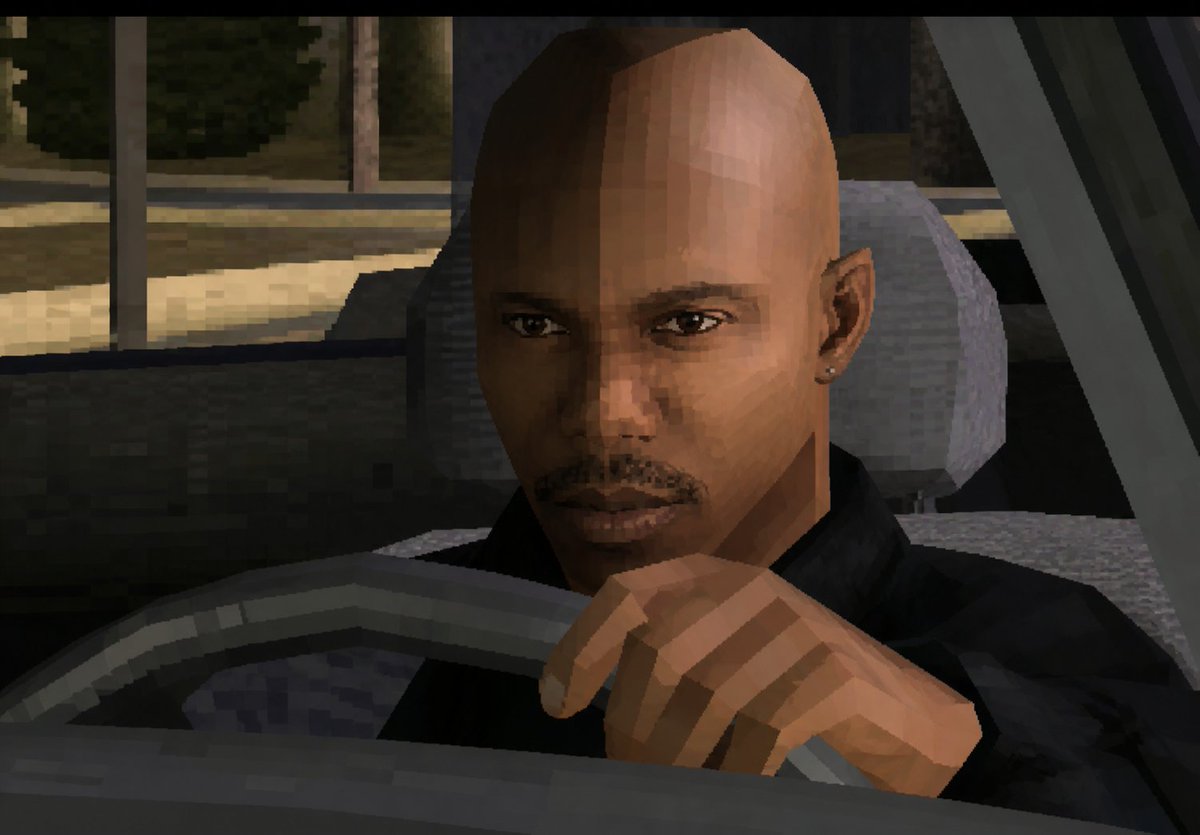
Low-Poly Censored Driver Screenshot
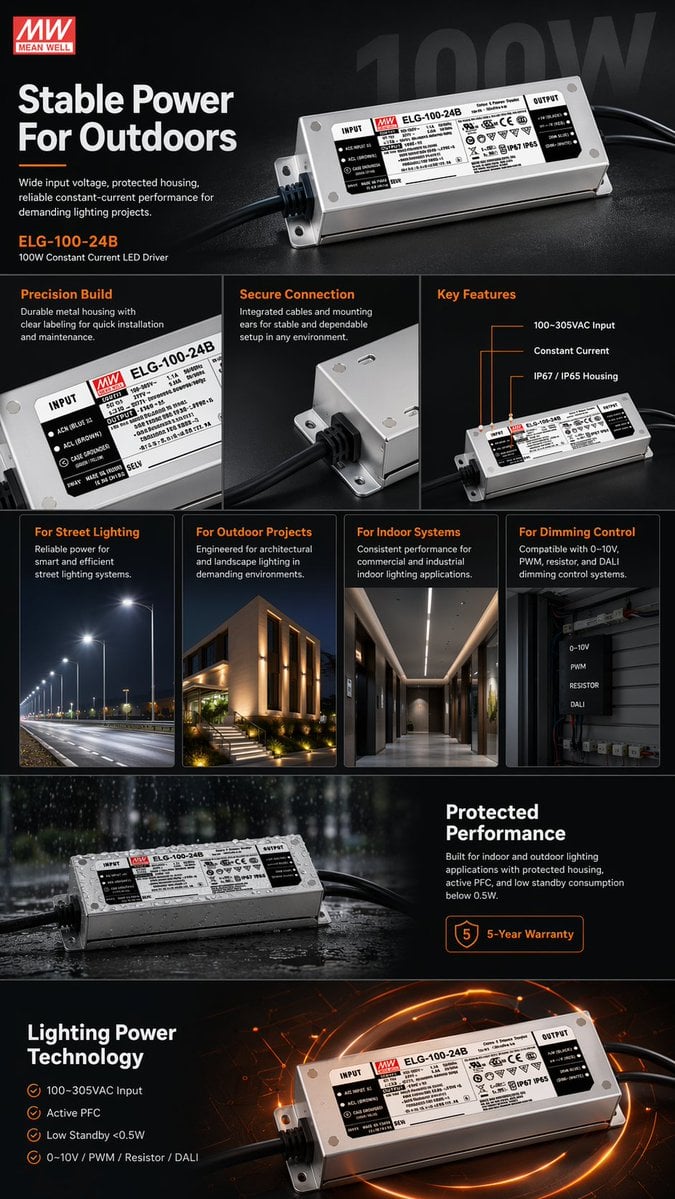
E-commerce LED Driver Infographic
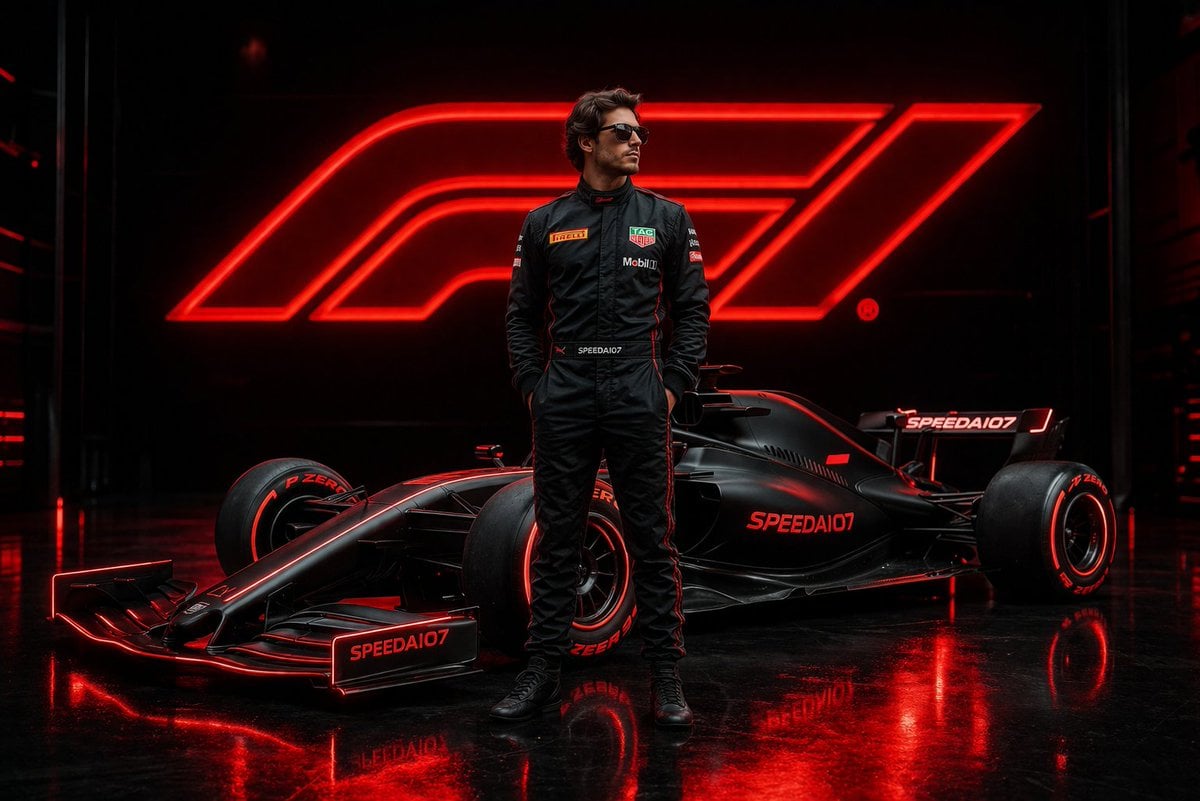
Cinematic Formula 1 Driver Poster
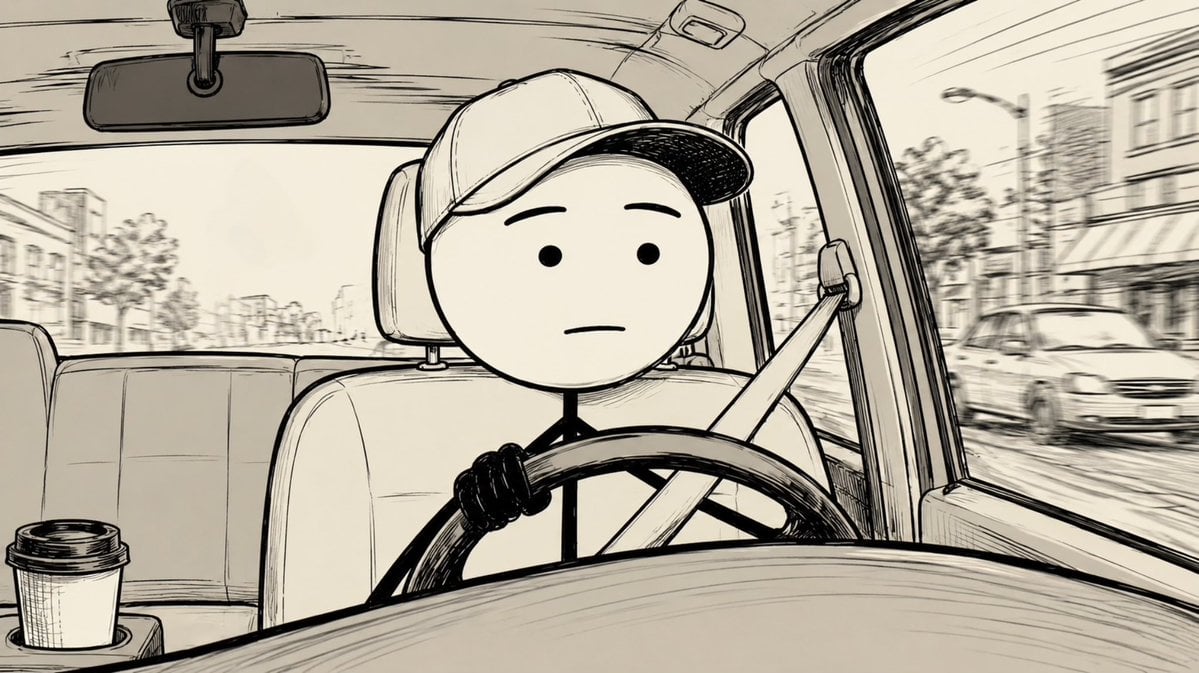
Stick Figure Driver Sketch
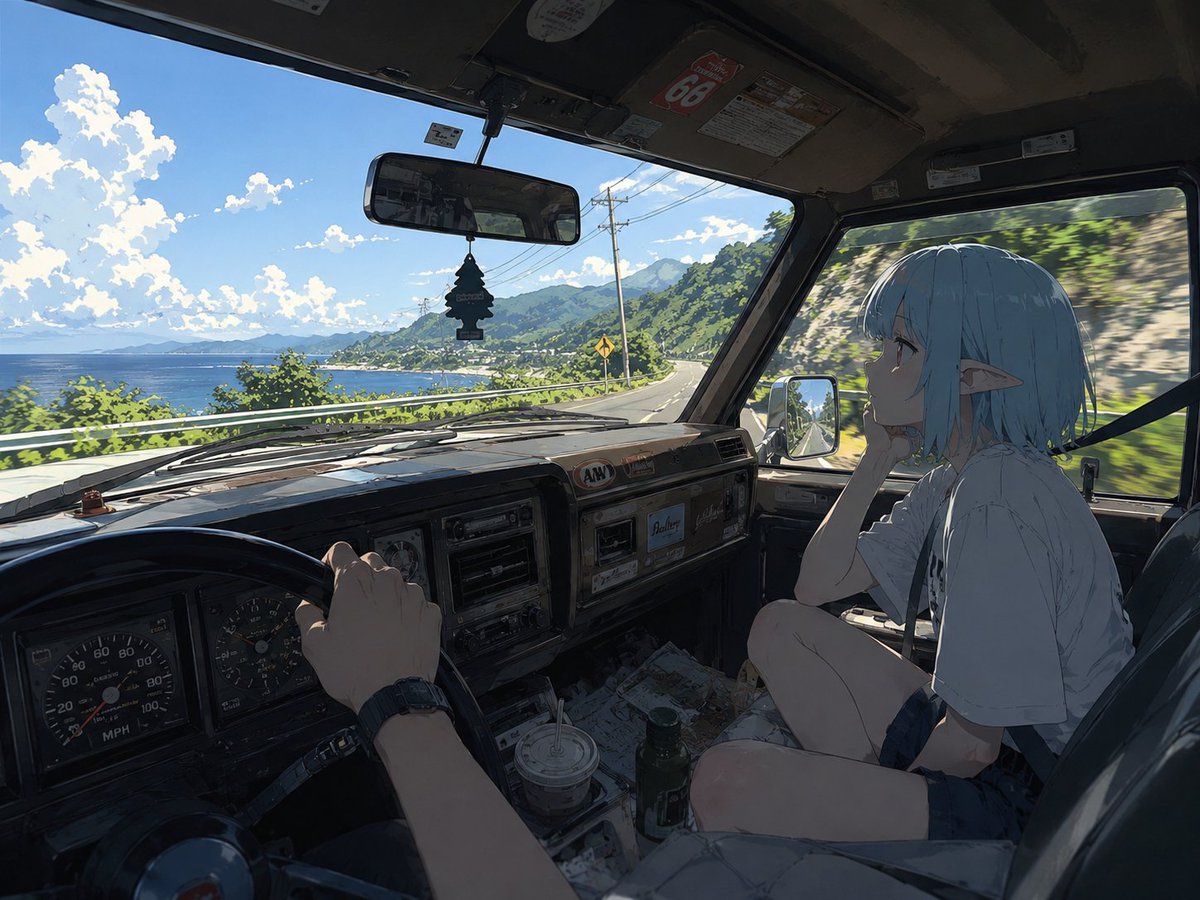
Elf Girl Coastal Driver POV
Make it yours
Philippine Jeepney Driver Snapshot works as-is. These are the safest ways to change it without losing the look.
Change one field
Copy a single group, rewrite it, and generate again so you can see what that field is doing.
Keep the frame, change the subject
Hold the composition and light of Philippine Jeepney Driver Snapshot, then swap wardrobe, props or the person for a new take.
| If the result… | Why | Fix |
|---|---|---|
| The result drifts from the preview | Too many fields changed at once. | Reuse Philippine Jeepney Driver Snapshot as-is first, then change one group — subject, light, or setting. |
| The model over-stylizes the scene | The prose prompt leaves finish and camera underspecified. | Add one camera or lighting sentence and stay on Nano Banana 2. |
More Nano Banana 2 templates
Other prompts made for Nano Banana 2.

Photorealistic Leaf Shaped Like a Dragon

K-Pop Idol Portrait Grid for Rapid Selection

Poetic Rain Forest Portrait During Golden Hour

Urban Street Portrait with Cartoon Inner Self Duo

Candid Nighttime Photo with Cat Prompt

High-Concept 3D Diorama Generation Prompt

Cinematic Futuristic Studio Portrait Template

Skincare Editorial Photography Collage Prompt

Hyper-Realistic Commercial Product Photography (Splash Effect)

Hyper-Realistic Nightclub Portrait Prompt
More image prompts
Fresh picks from across the catalog.
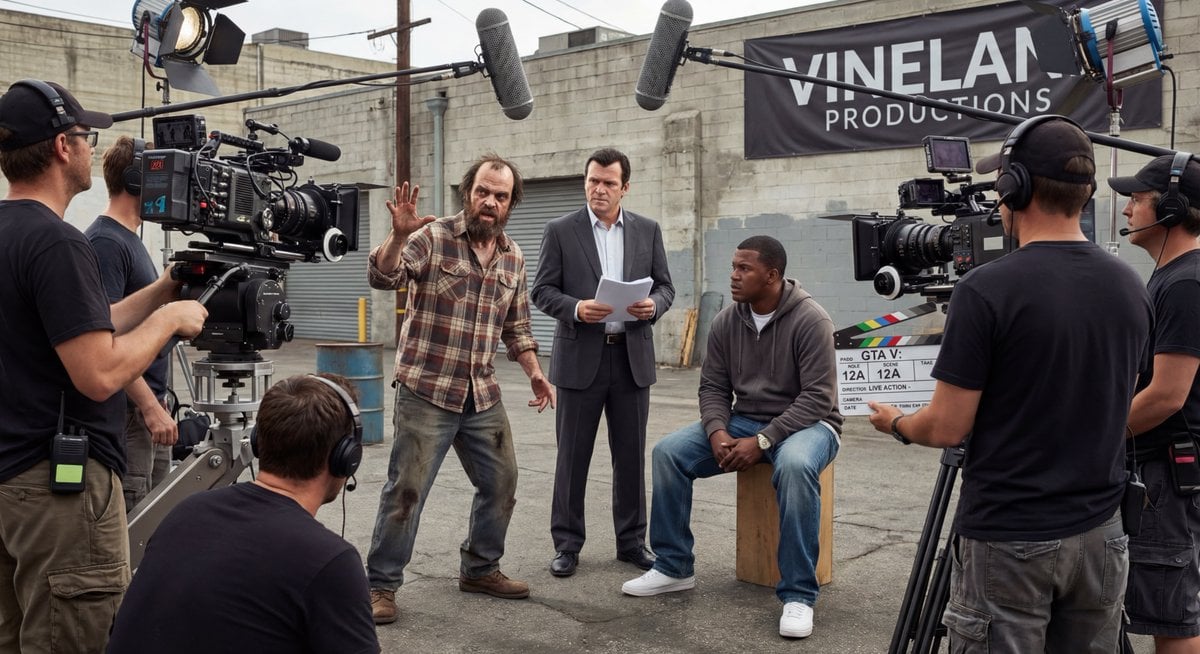
Live-action video game BTS scene
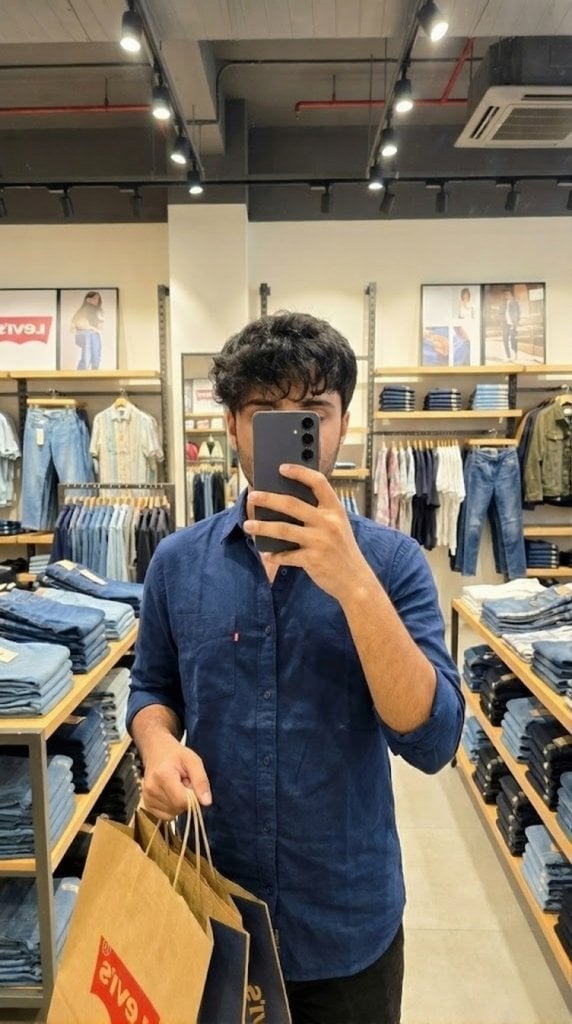
Levi’s shopping mirror selfie edit
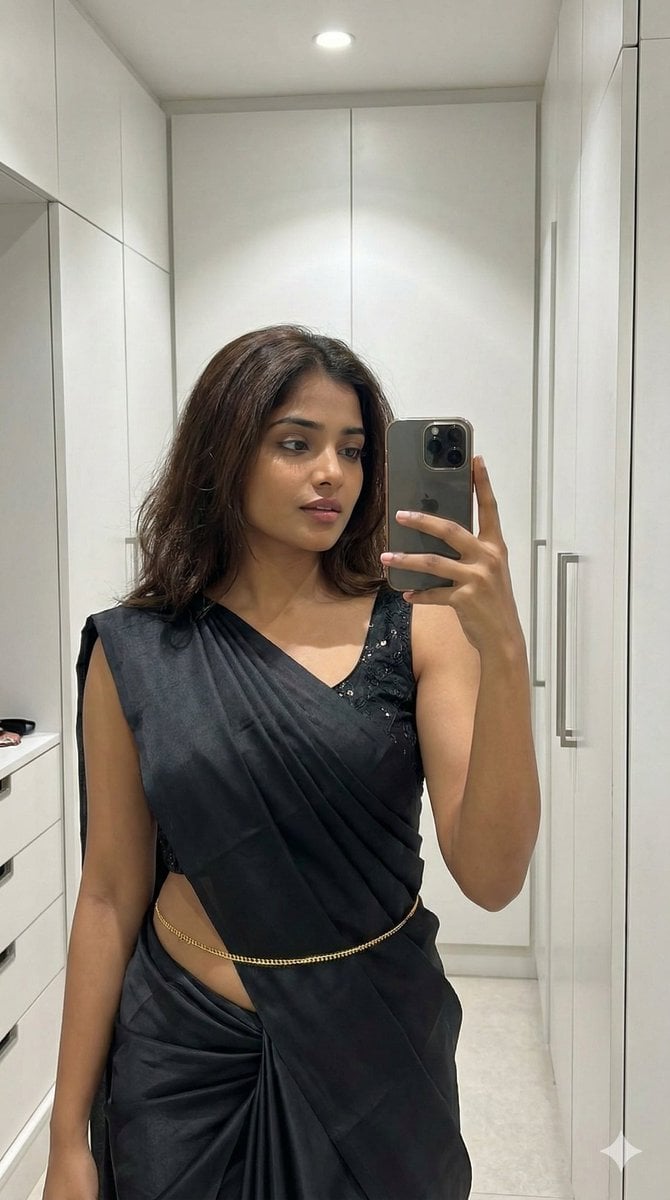
Ultra-Photorealistic Saree Mirror Selfie
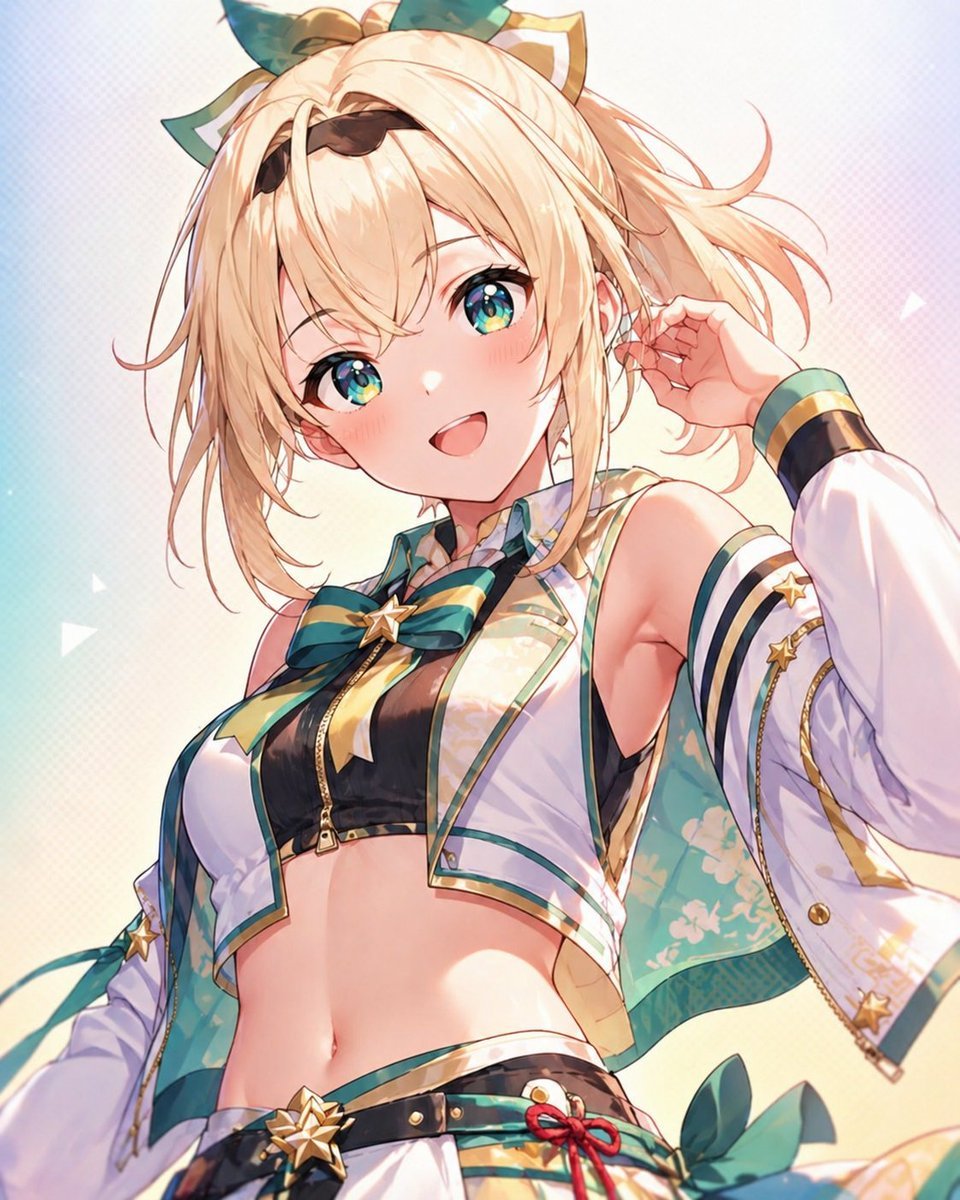
Censored Anime Idol Portrait
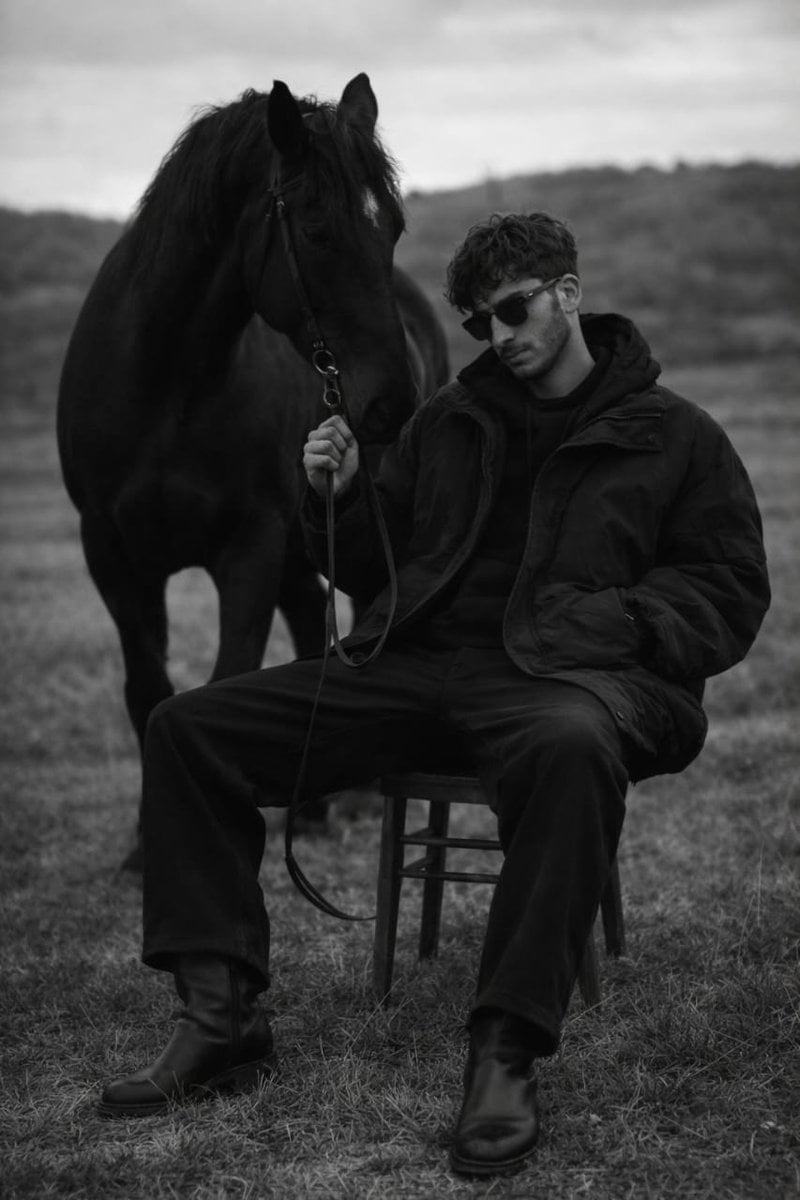
Monochrome Editorial Portrait: Man and Horse
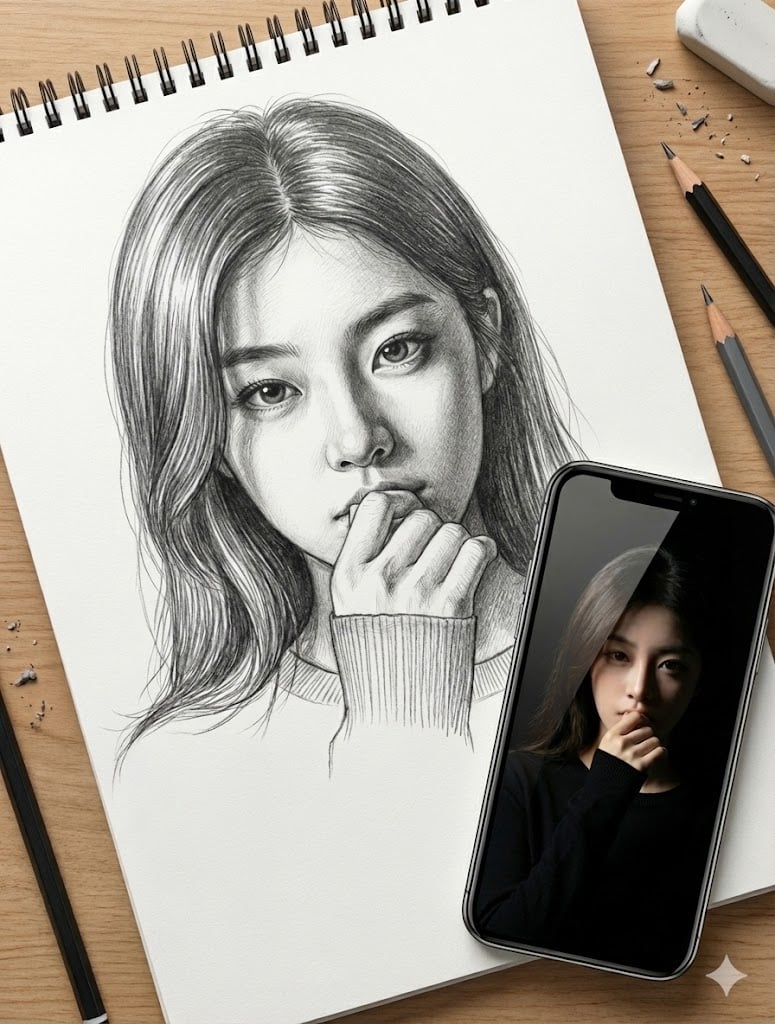
Masterful Realistic Oil Painting of a Live Model
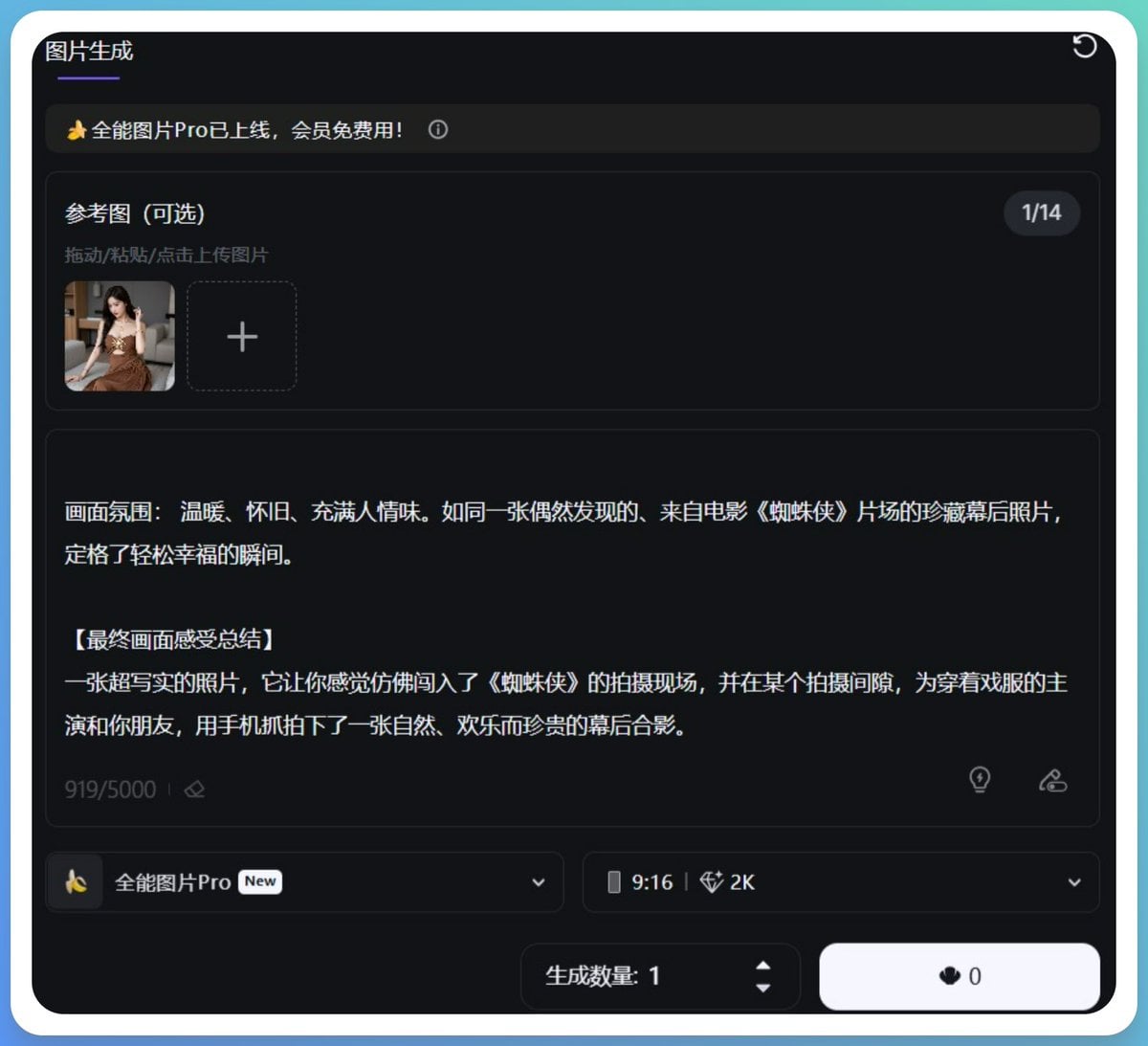
Generating Hollywood Detective Scene Images with Character Reference
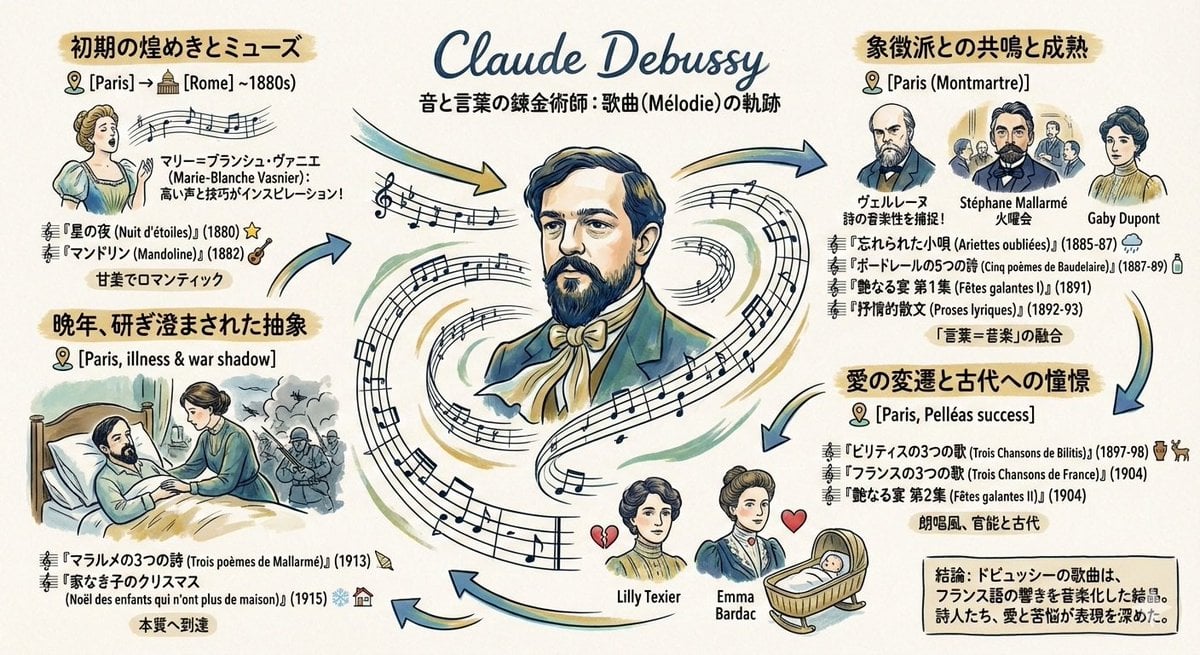
Generating a Graphic Record of Debussy's Songs
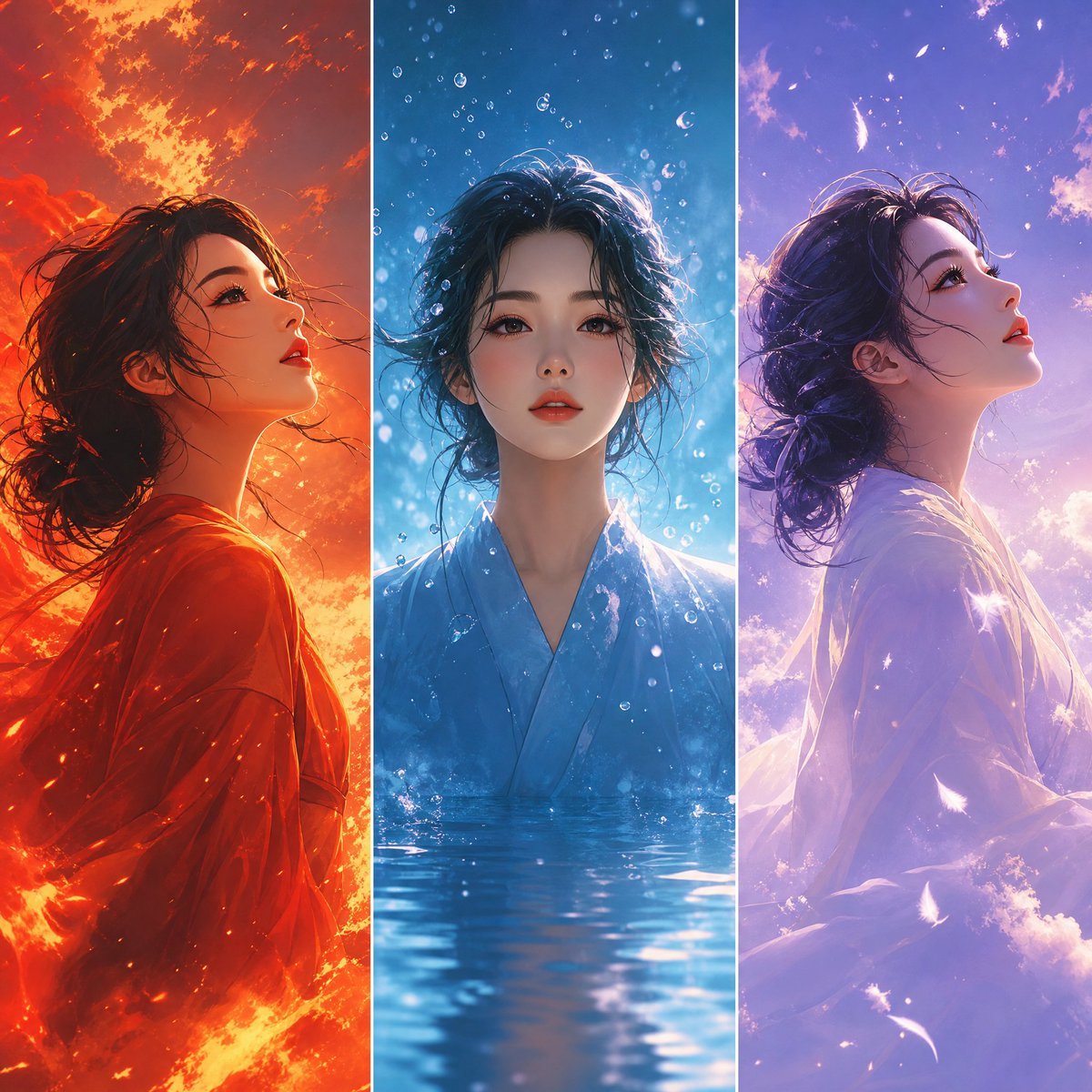
Elemental Worlds Triptych Artwork
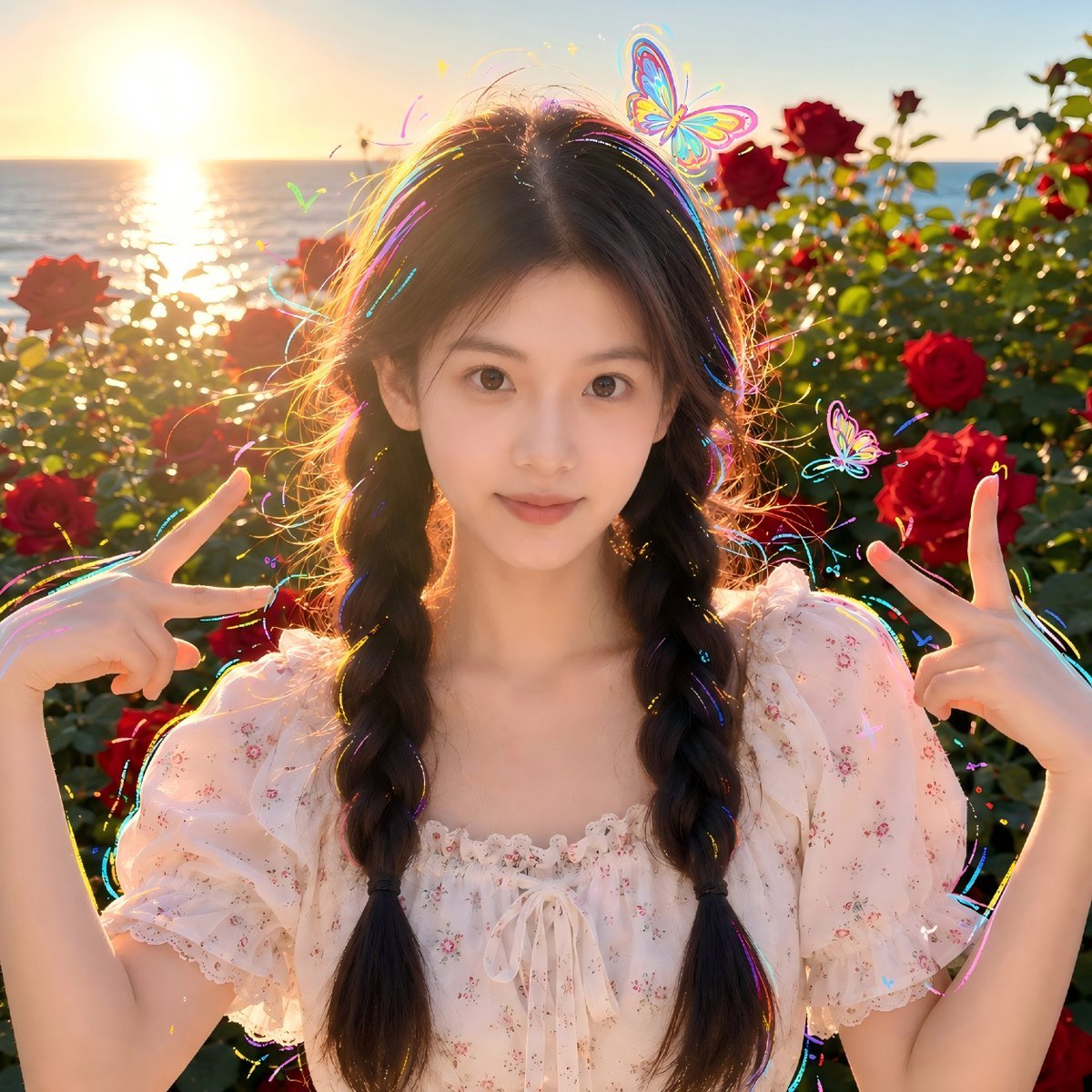
Sunset Seaside Rose Portrait
Browse template categories
Philippine Jeepney Driver Snapshot questions
How do I use the Philippine Jeepney Driver Snapshot template?
Add your photo if the template asks for one, edit the prompt if you like — the template's model and format are already selected — and press Generate. Your version opens in PicX Studio.
Can I customize the Philippine Jeepney Driver Snapshot template?
Yes. You can change the subject, setting, lighting, mood, format, and available model controls before creating your image.
Is the Philippine Jeepney Driver Snapshot template free?
Opening and editing this template is free. Generating uses credits, shown on the Generate button when you are signed in.
Which AI model should I use?
Start with Nano Banana 2, which is the model associated with this template. You can compare another compatible model for a different finish.
Looking for something else? Browse all templates.

Your photo, any look
Thousands of ready templates for every top image and video model, from one credit balance.