How do I use the High-End Fashion and Automotive Photography template?
Choose the primary action to open PicX Studio with the available template settings. Review the model and format, personalize the creative direction, and generate when ready.
A detailed studio photography prompt for generating a sophisticated image of a man posing with a Porsche 911 GT3 in a minimalist setting.

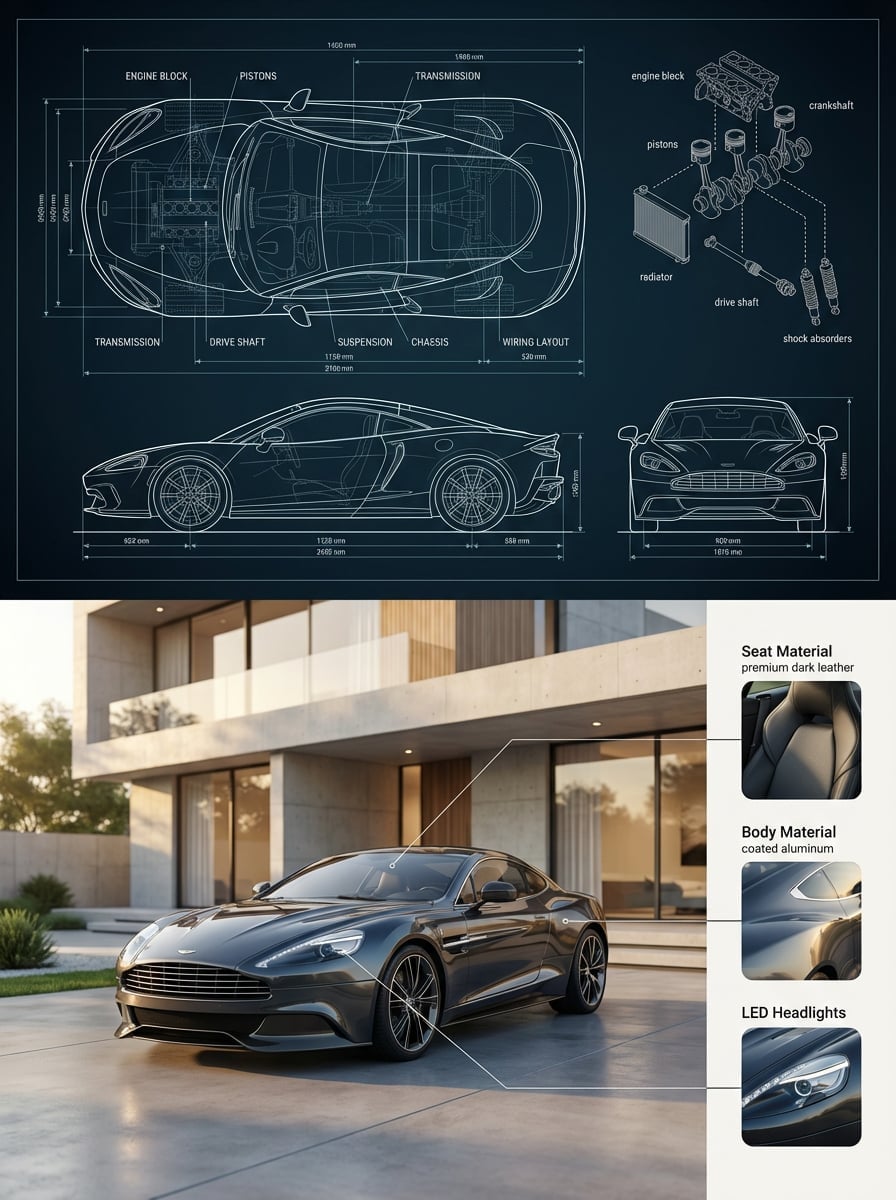
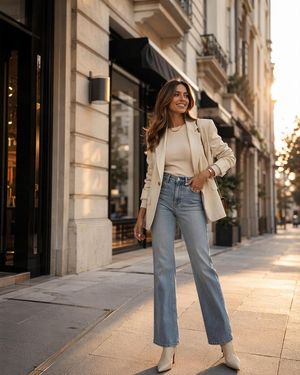
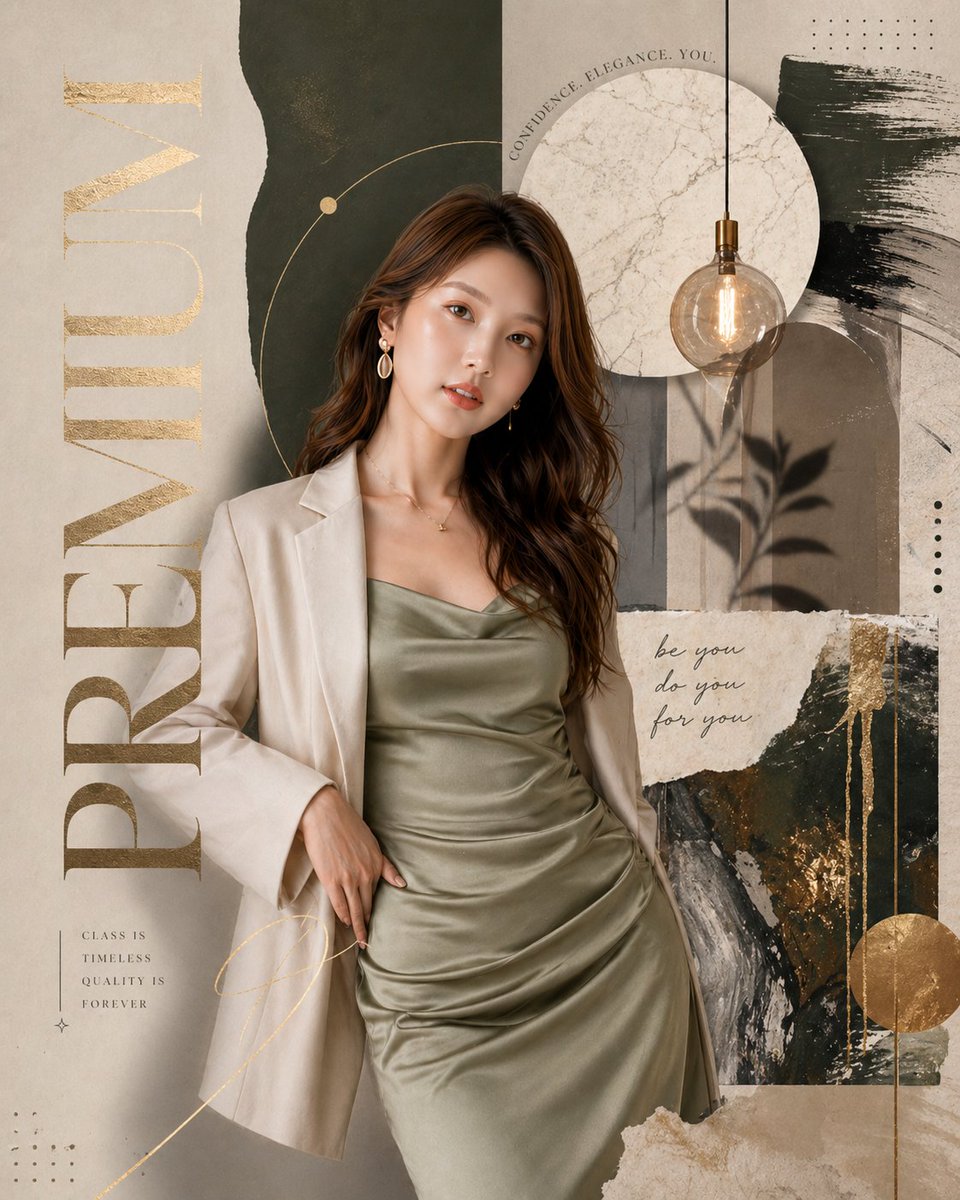
A sophisticated, high-end studio photograph. Subject: {argument name="subject description" default="A handsome young man in his 20s with short, styled dark hair, leaning confidently against a sports car"}. Attire: {argument name="clothing" default="He is wearing a luxurious, dark emerald green velvet tuxedo jacket with satin black peak lapels, a white dress shirt, a black bow tie, and black trousers"}. His pose is relaxed, with one hand near his jacket pocket. The Car: {argument name="car model" default="A stunning, polished silver Porsche 911 GT3 (991.2 generation)"}. The man is leaning on the driver's side front fender and hood. The car is angled slightly toward the viewer. Environment & Composition: The scene is a minimalist, elegant studio with an off-white/cream background. The most striking element is the dynamic red, white, and blue stripe pattern. The stripes run vertically up the wall behind the car and man, and horizontally across the floor toward the viewer in a vanishing perspective, creating a striking line of leading stripes. Lighting & Style: The image has polished, commercial fashion and automotive photography lighting, with soft shadows. The depth of field is shallow, rendering the background in sharp detail. A subtle, four-pointed star graphic is visible in the bottom right corner of the foreground stripes. 9:13 image format
Choose the primary action to open PicX Studio with the available template settings. Review the model and format, personalize the creative direction, and generate when ready.
Yes. You can change the subject, setting, lighting, mood, format, and available model controls before creating your image.
This template is free to open and customize. Generation usage is shown in PicX Studio before you create.
Start with Nano Banana 2, which is the model associated with this template. You can compare another compatible model for a different finish.
Follow a topic to a crawlable collection of related PicX Studio templates.