How do I use the Automotive Fashion Portrait template?
Choose the primary action to open PicX Studio with the available template settings. Review the model and format, personalize the creative direction, and generate when ready.
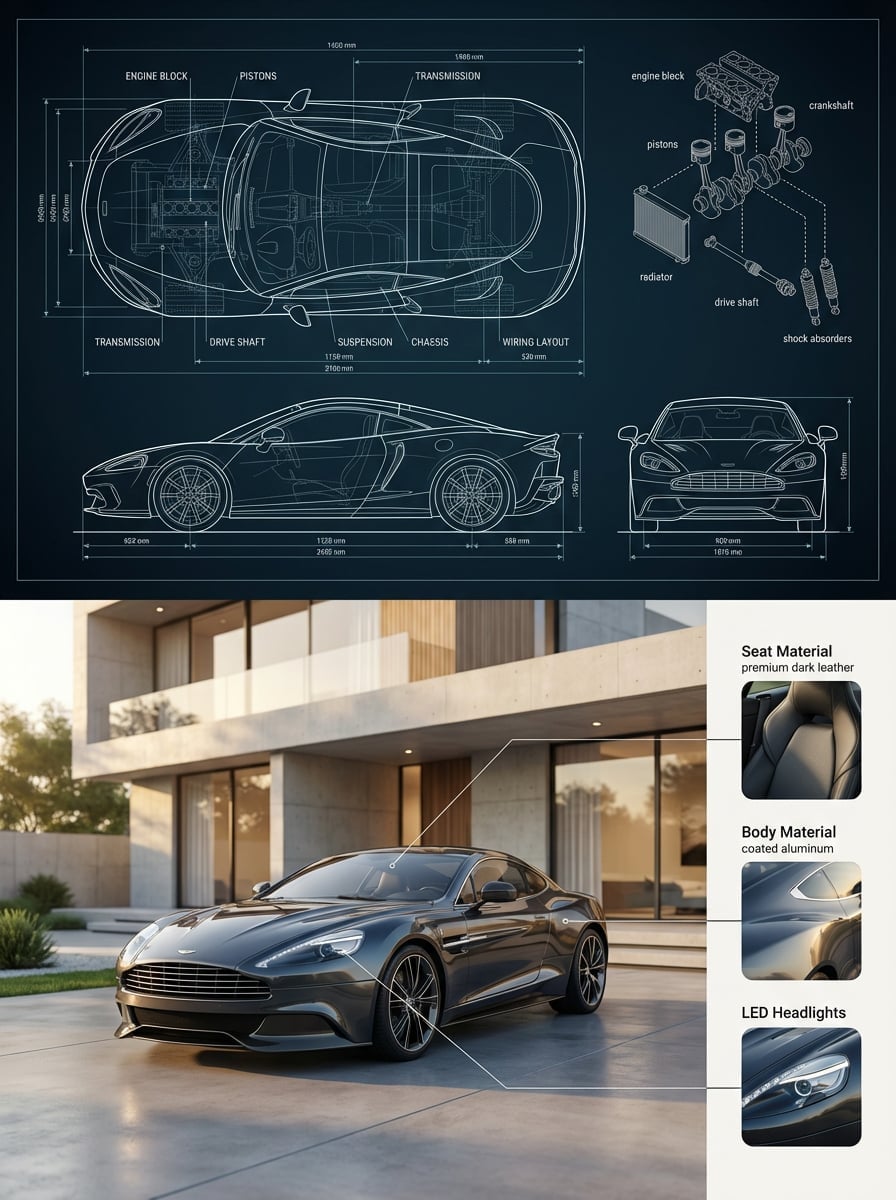
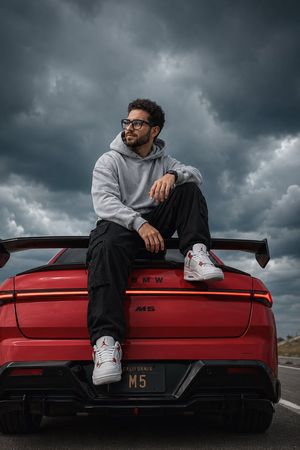
A professional 4K automotive photography prompt featuring a stylish man beside a luxury sports car at sunset, emphasizing reflections and urban textures.
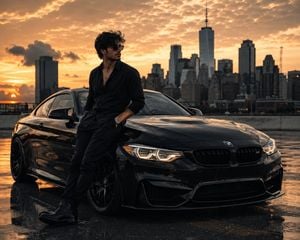
4K cinematic automotive fashion portrait: a {argument name="subject" default="stylish young man"} standing confidently beside a {argument name="vehicle" default="glossy black luxury sports coupe"}, relaxed pose with one hand in his pocket, dressed entirely in black with a {argument name="top" default="fitted shirt"}, tailored trousers, leather boots and sunglasses. Wet pavement creating realistic reflections, dramatic golden-hour sunset, glowing headlights, premium urban skyline in the background, subtle atmospheric haze, deep shadows, realistic skin and fabric texture, sophisticated masculine aesthetic, cinematic color grading, natural proportions, photorealistic, ultra-detailed, sharp focus on the man and car, shallow depth of field, professional automotive photography, 85mm lens, f/2.0, HDR, realistic reflections, high contrast, 4K UHD
Choose the primary action to open PicX Studio with the available template settings. Review the model and format, personalize the creative direction, and generate when ready.
Yes. You can change the subject, setting, lighting, mood, format, and available model controls before creating your image.
This template is free to open and customize. Generation usage is shown in PicX Studio before you create.
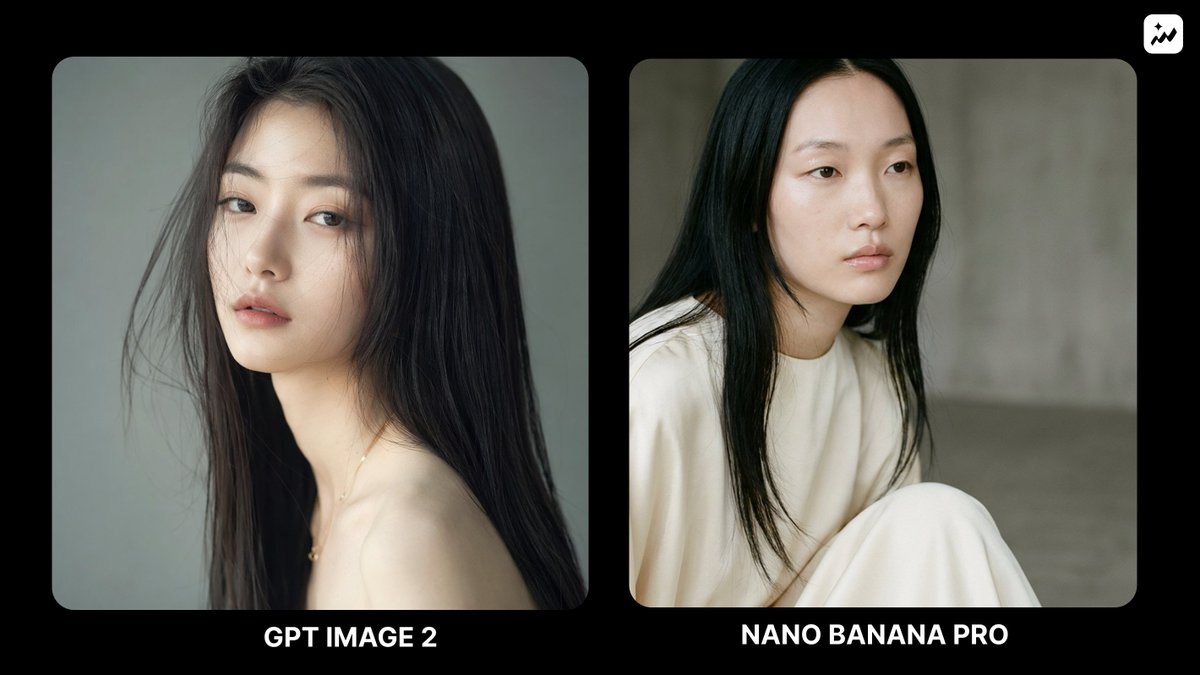
Start with GPT Image 2, which is the model associated with this template. You can compare another compatible model for a different finish.
Follow a topic to a crawlable collection of related PicX Studio templates.