How do I use the Cinematic Penthouse Portrait of Celeste template?
Choose the primary action to open PicX Studio with the available template settings. Review the model and format, personalize the creative direction, and generate when ready.
A detailed prompt for generating a high-resolution, photorealistic portrait of a blonde woman in an emerald silk dress in a luxury penthouse setting during the
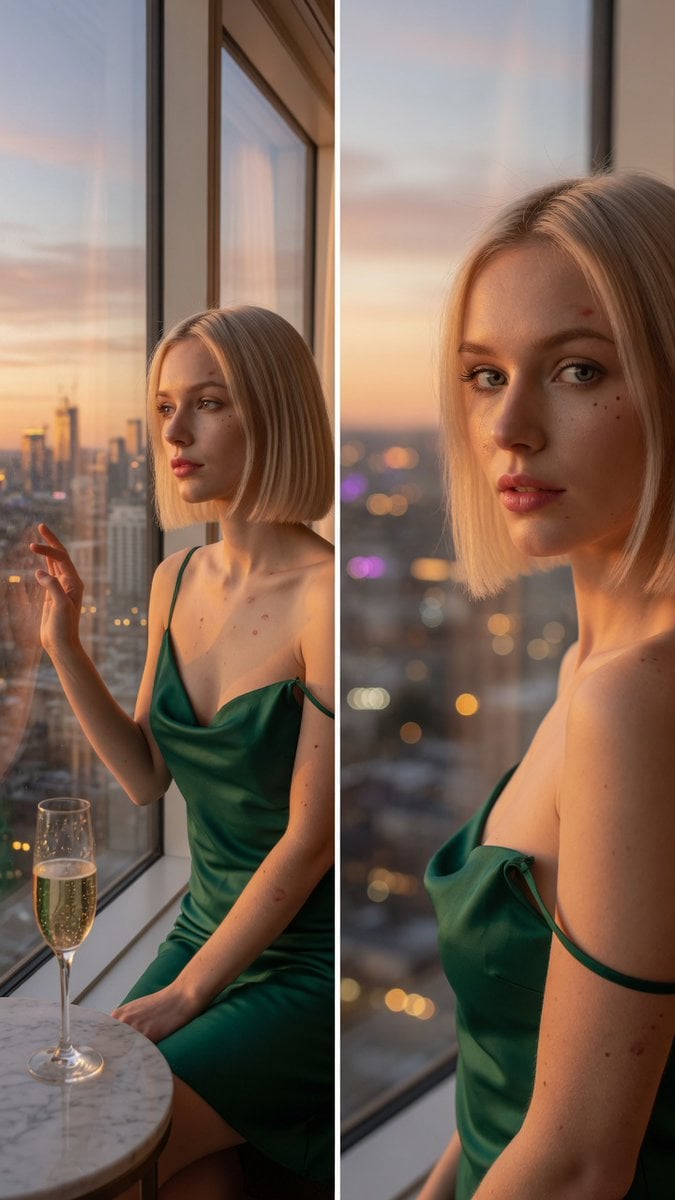
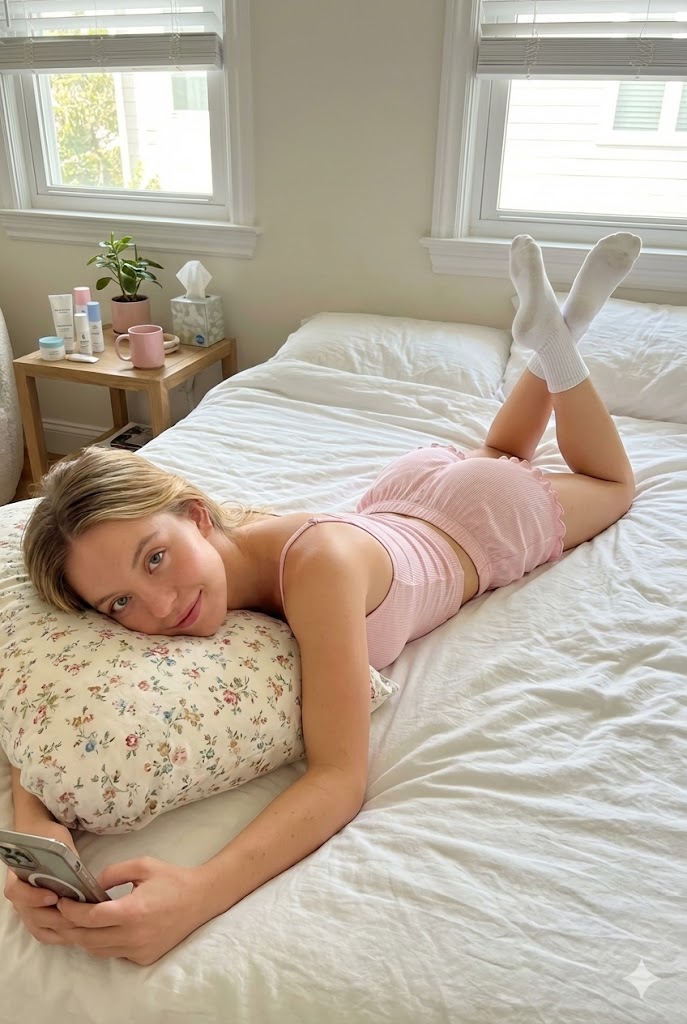
A medium shot of a captivating young woman with a platinum blonde bob, pale skin with delicate beauty marks, steel grey eyes, and a slim graceful silhouette, sitting by a large window in a penthouse looking over the city. She wears an elegant emerald silk slip dress with a plunging neckline. Soft golden hour sunlight streaming through the glass. High-resolution, photorealistic, realistic photography style, cinematic lighting, sharp focus. A half-empty crystal champagne glass rests on the table beside her, condensation gleaming as it catches the warm light. A close-up portrait of the same woman in the penthouse, looking back over her shoulder with a confident, direct gaze. She wears the same emerald silk slip dress. The warm ambient lighting highlights the smooth textures of her pale skin. Highly detailed realistic photography, shallow depth of field, soft bokeh background with out-of-focus city lights. The golden hour light reflects subtly in her steel grey eyes.
Choose the primary action to open PicX Studio with the available template settings. Review the model and format, personalize the creative direction, and generate when ready.
Yes. You can change the subject, setting, lighting, mood, format, and available model controls before creating your image.
This template is free to open and customize. Generation usage is shown in PicX Studio before you create.
Start with Nano Banana 2, which is the model associated with this template. You can compare another compatible model for a different finish.
Follow a topic to a crawlable collection of related PicX Studio templates.