
Chibi Haaland Kimchi Making Animation
A cinematic Pixar-style animation prompt featuring a cute chibi version of Erling Haaland making traditional Korean kimchi in an authentic hanok courtyard.

- Prompt included
- Model and format preset
- Free template
The prompt behind this video
Copy the exact prompt behind Chibi Haaland Kimchi Making Animation, or open it in the studio and make it yours.
Ultra-cinematic Pixar-style 3D animation, adorable chibi version of Erling Haaland with long blond ponytail, fair skin, rosy cheeks, expressive blue eyes, wearing a red long-sleeve shirt, navy apron, pink rubber gloves, and a white hairnet, traditional Korean hanok courtyard, warm autumn afternoon sunlight, authentic kimchi-making station, ultra-detailed vegetables, realistic food textures, cozy atmosphere, shallow depth of field, HDR, 8K, one continuous sequence. The scene opens with the adorable chibi football star standing behind a large wooden bowl filled with freshly seasoned napa cabbage. Around him are baskets of fresh napa cabbage, green onions, garlic, ginger, red chili flakes, and traditional Korean earthenware jars. He enthusiastically mixes the kimchi seasoning by hand, folding every cabbage leaf carefully with exaggerated cute movements while smiling. The camera slowly circles around him as he continues preparing the kimchi with genuine curiosity. His ponytail gently sways in the breeze while sunlight creates soft highlights across the courtyard. Every ingredient appears vibrant and highly detailed with realistic textures. Curious about the flavor, he picks up a freshly seasoned piece of kimchi and carefully brings it toward his mouth. The camera cuts to an intimate close-up as he takes his first bite. His eyes widen in surprise from the spicy kick, cheeks puff slightly, eyebrows lift, and he freezes for a brief moment while processing the intense flavor. A second later, his expression transforms into pure delight. He smiles broadly, his eyes sparkle with excitement, and he happily nods in approval. He laughs warmly while pointing at the kimchi as if telling everyone how delicious it is. The camera pulls back to reveal the beautiful traditional courtyard filled with earthenware jars and colorful ingredients. He proudly places both hands on his hips, then raises one gloved hand with a cheerful thumbs-up toward the camera, beaming with satisfaction. Style: Pixar-quality 3D animation, ultra-realistic food rendering, cinematic storytelling, wholesome, cozy Korean cultural atmosphere, expressive facial animation, physically accurate lighting, smooth camera movement, premium animated commercial, masterpiece, vibrant colors, ultra-detailed textures, 8K HDR.
How to use Chibi Haaland Kimchi Making Animation in 3 steps
- 1
Open
The prompt is already in the box next to the preview, with the template's model and format selected.
- 2…a portrait of your subject in softgolden-hour light, 85mm…
Personalize
Edit the subject and creative details for your destination.
- 3Generate
Generate
Press Generate — your video is created in PicX Studio, so you can compare it with the original and refine one variable at a time.
More like this
Templates with the same subject, style or setup. Open one to see its prompt.
Dim Sum Chase — Shrimp Dumpling Monster

3D Glossy Fairy Animation - Seedance 2.5

Silk Road Pomegranate Folk Animation

Multilingual Creative Typography Loop

Walking Factory with Rebel on Hoverbike - Wasteland
Cartoon Bullfight Arena — Girl vs Bull (Seedance)
Chibi Cave Adventure — He Doesn't Know What's Coming
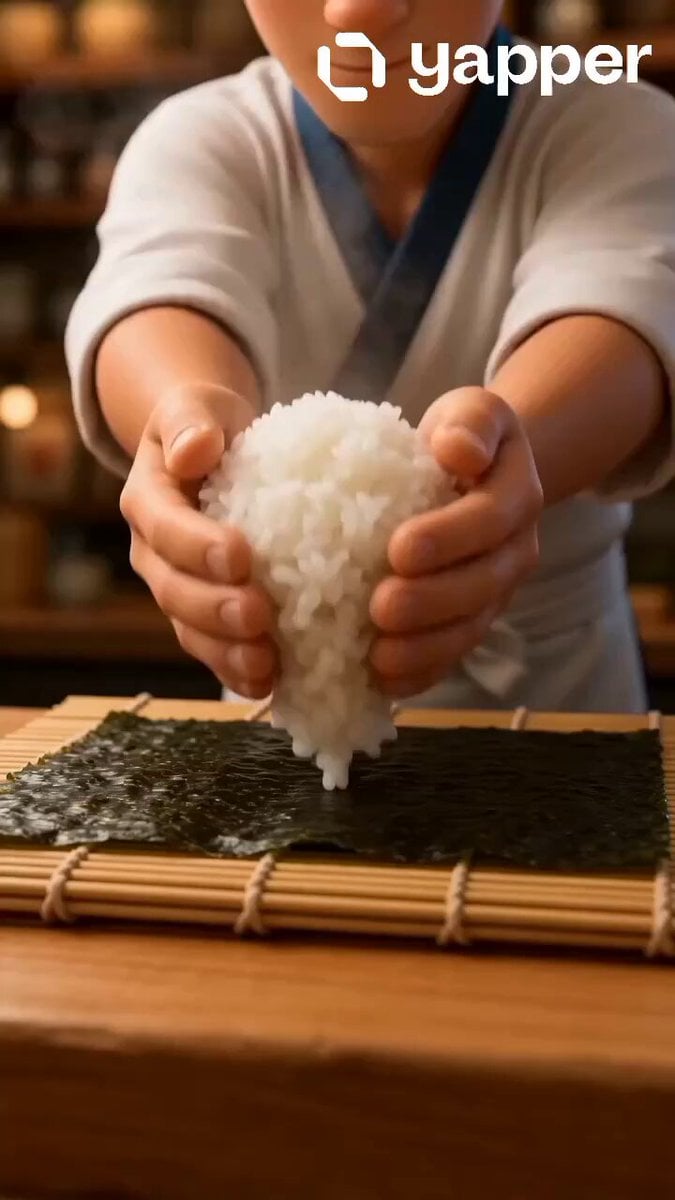
Pixar Style Sushi Making Animation
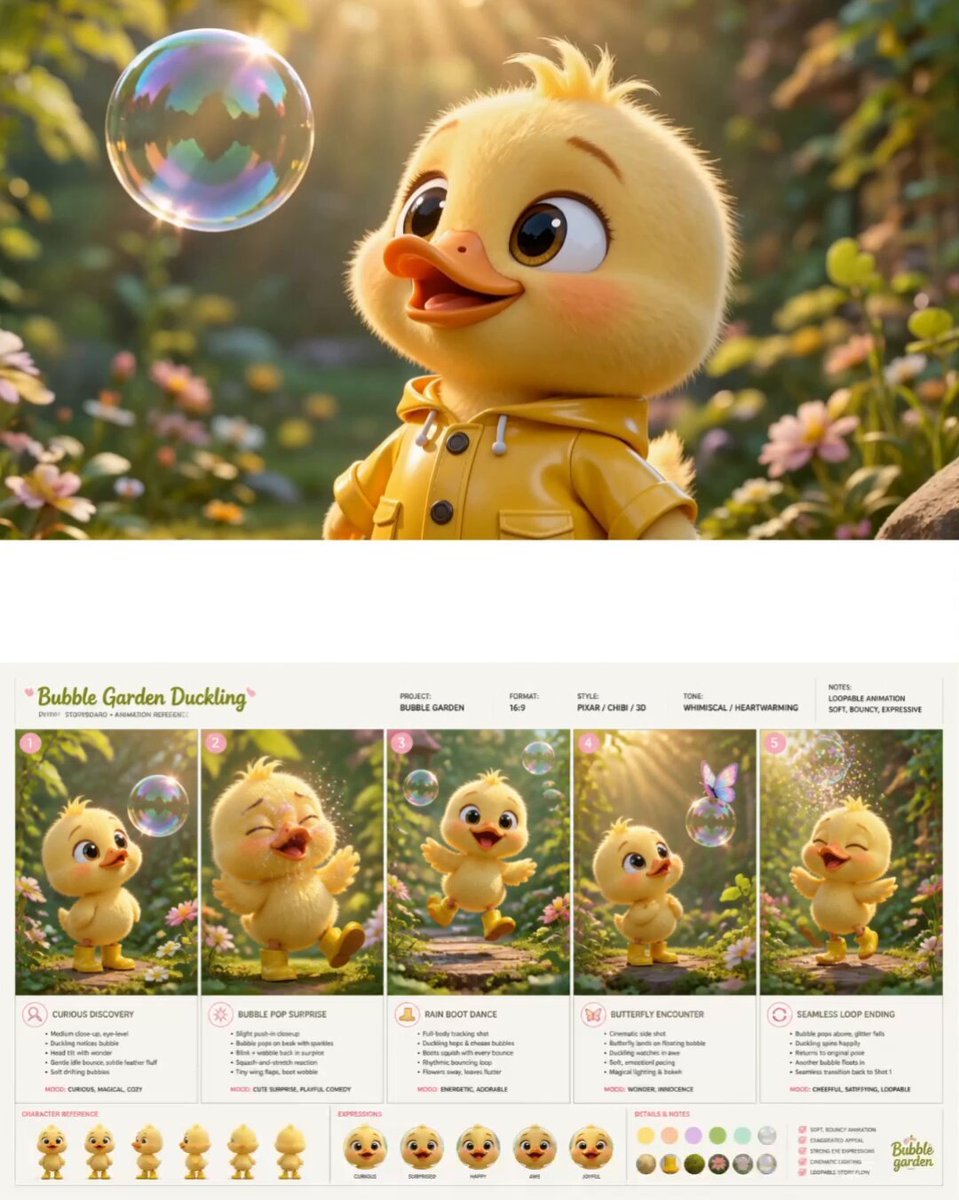
Pixar Style Chibi Duckling Garden Animation
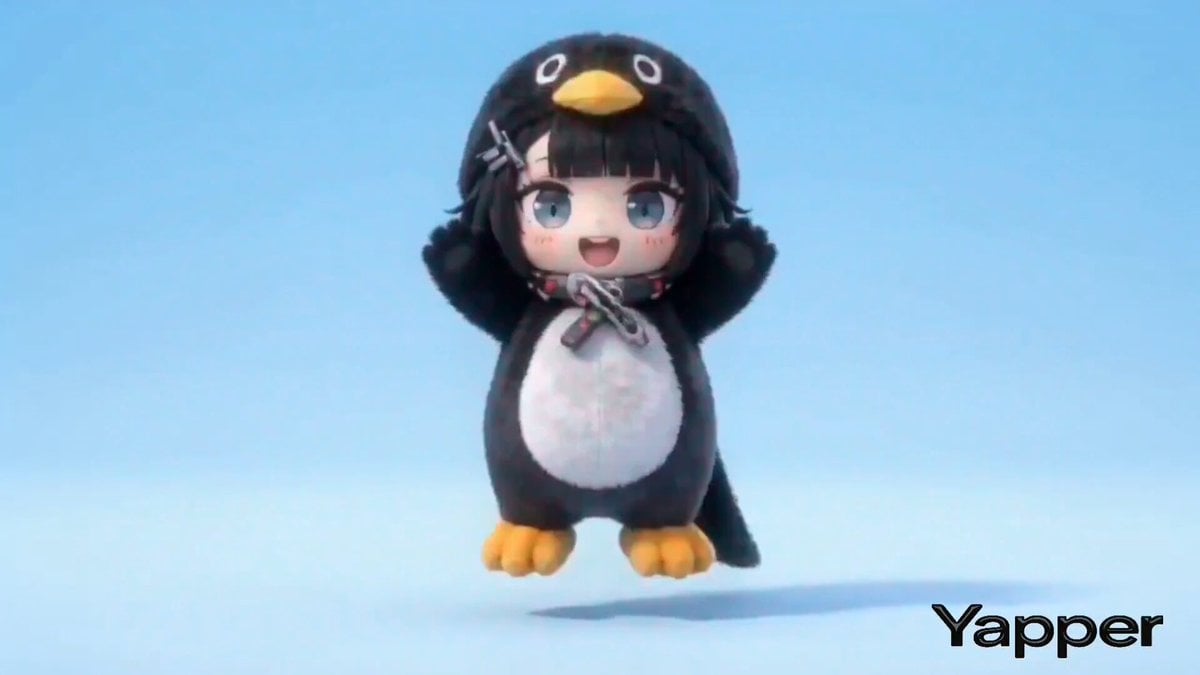
Structured Chibi Character Animation Prompt

Gugu Gaga Chibi Animation by the Lake

Kawaii Chibi Animation of Gugugaga and Doro
Make it yours
Chibi Haaland Kimchi Making Animation works as-is. These are the safest ways to change it without losing the look.
Change one field
Copy a single group, rewrite it, and generate again so you can see what that field is doing.
Keep the frame, change the subject
Hold the composition and light of Chibi Haaland Kimchi Making Animation, then swap wardrobe, props or the person for a new take.
| If the result… | Why | Fix |
|---|---|---|
| The result drifts from the preview | Too many fields changed at once. | Reuse Chibi Haaland Kimchi Making Animation as-is first, then change one group — subject, light, or setting. |
| The model over-stylizes the scene | The prose prompt leaves finish and camera underspecified. | Add one camera or lighting sentence and stay on Seedance 2.0. |
More Seedance 2.0 templates
Other prompts made for Seedance 2.0.

Comical Martial Arts Punch Scene

Maglev Train Action Sequence

Martial Arts Fight Sequence

Wuxia Protection and Trust Script

Vintage Korean Arcade MiniDV Vlog

Mercedes 190 SL Luxury Ad

Rainy Night Supernatural Reverse Comedy Video Script

Amazon Civilization Discovery

Futuristic South Asian City Transformation

Cozy Luxury Cafe Commercial
More video prompts
Fresh picks from across the catalog.

Photorealistic Cinematic Portrait of a Bonsai Master

Dystopian city glowing eye

Extended Multi-Shot Xianxia Battle Sequence

Happy Easter Sunrise Scene
Dark Fantasy Epic Warrior Battle
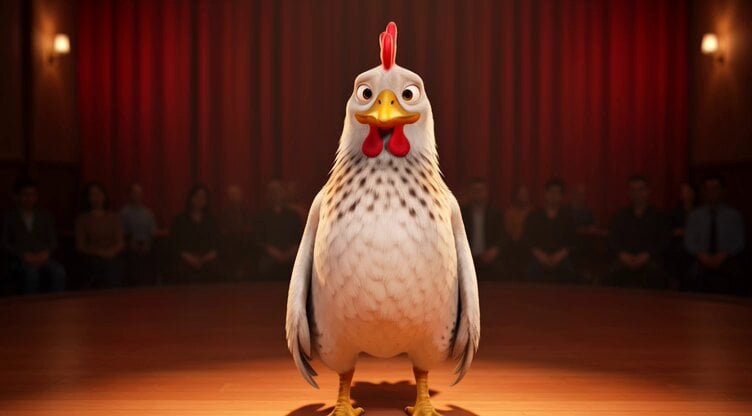
Chicken Stand-Up Comedy

Atlas Holding the World in Deep Reflection

Transforming Jet Continuous Take Sequence
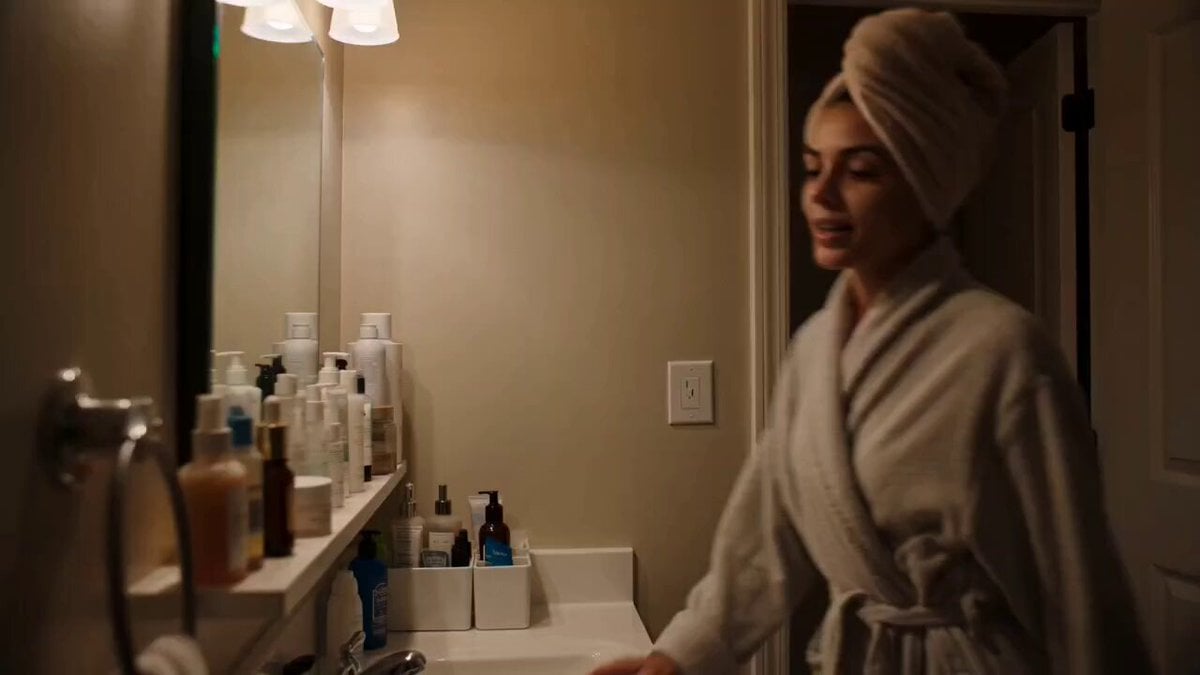
Handheld Skincare Vlog Camcorder Aesthetic

Cyberpunk Simulation Senses and Lollipop
Browse template categories
Chibi Haaland Kimchi Making Animation questions
How do I use the Chibi Haaland Kimchi Making Animation template?
Add your photo if the template asks for one, edit the prompt if you like — the template's model and format are already selected — and press Generate. Your version opens in PicX Studio.
Can I customize the Chibi Haaland Kimchi Making Animation template?
Yes. You can change the subject, setting, lighting, mood, format, and available model controls before creating your video.
Is the Chibi Haaland Kimchi Making Animation template free?
Opening and editing this template is free. Generating uses credits, shown on the Generate button when you are signed in.
Which AI model should I use?
Start with Seedance 2.0, which is the model associated with this template. You can compare another compatible model for a different finish.
Looking for something else? Browse all templates.

Your photo, any look
Thousands of ready templates for every top image and video model, from one credit balance.