
Manga Hamster Friend at Mall
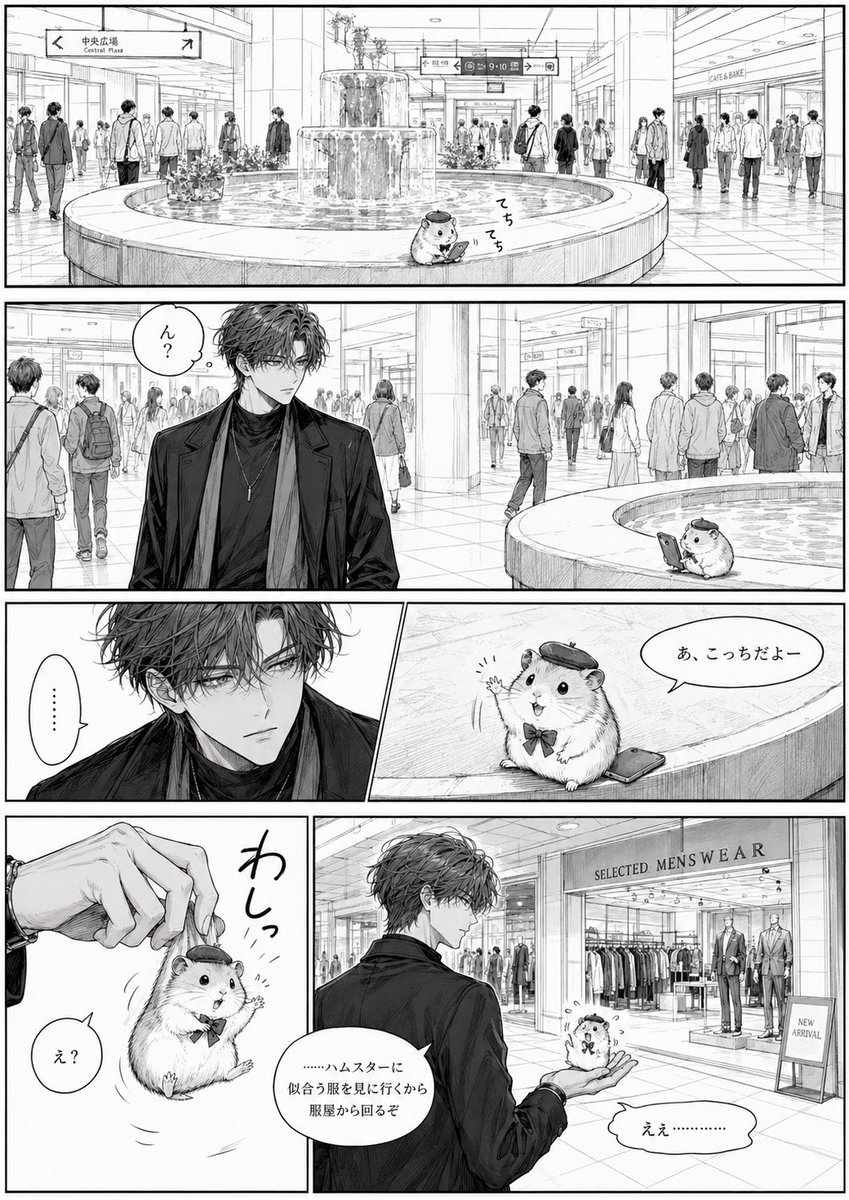
A detailed monochrome manga page showing a stylish young man finding a tiny beret-wearing hamster friend in a busy shopping plaza.
- Prompt included
- Model and format preset
- Premium template
The prompt behind this image
Copy the exact prompt behind Manga Hamster Friend at Mall, or open it in the studio and make it yours.
Goal: Create a black-and-white manga page about a fashionable young man meeting a tiny anthropomorphic hamster friend at a busy indoor shopping plaza. Canvas: Vertical manga page, roughly 2:3 aspect ratio, clean white page with thin black outer border and thick black gutters. Highly detailed monochrome pen-and-ink line art with screentone-style shading, realistic architectural perspective, elegant shoujo/seinen manga character rendering. Layout: Use exactly 6 panels. Panel 1 is a wide establishing shot across the full top width. Panel 2 is another wide panel below it. Panel 3 row has two panels: a narrow close-up of the man on the left and a wider hamster panel on the right. Panel 4 row has two panels: a narrow vertical hamster-hand gag panel on the left and a wider final panel on the right. Setting: A modern indoor mall or station concourse with glossy tiled floors, tall glass storefronts, crowds of pedestrians, overhead direction signs, a circular indoor fountain, and a clothing store in the final panel. Include English signage such as “Central Plaza” on a directional sign and “SELECTED MEN'S WEAR” above the clothing shop, plus a small “NEW ARRIVAL” sign near the shop entrance. Characters: The main human character is {argument name="male friend description" default="a tall handsome young man with tousled wavy dark hair, sharp eyes, a calm aloof expression, wearing a black long coat over a black turtleneck with a long scarf and pendant necklace"}. The small companion is {argument name="hamster friend description" default="a round fluffy hamster wearing a tiny beret and bow tie, holding or standing near a smartphone, expressive and cute"}. Panel details: Panel 1: Wide establishing shot of the shopping plaza fountain from a distance. Many pedestrians walk around. The tiny hamster sits on the rim of the circular fountain, looking down at a smartphone, with small sound text near it. Panel 2: Medium-wide shot showing the handsome man in the left foreground, facing slightly right, noticing something; the fountain with the tiny hamster appears on the right side in the background. Panel 3 left: Tight close-up of the man’s face, serious and slightly puzzled. Panel 3 right: Close shot of the hamster on the fountain rim, waving one paw energetically while standing on or beside the smartphone. Panel 4 left: Comedic close-up of a human hand pinching and lifting the hamster gently by the tiny beret; the hamster dangles with startled paws. Panel 4 right: Final medium-wide shot in front of the menswear shop. The man stands in profile, holding the hamster on his open palm while looking toward the store window with suits and racks of clothes. Visible text and effects: Include exactly 8 text elements: 1) the overhead sign “Central Plaza”; 2) small Japanese sound effect {argument name="phone tapping sound" default="てちてち"} near the hamster in panel 1; 3) speech bubble from the man in panel 2 reading {argument name="man first line" default="ん?"}; 4) silent speech bubble in panel 3 left reading “……” ; 5) hamster speech bubble in panel 3 right reading {argument name="hamster greeting" default="あ、こっちだよー"}; 6) large Japanese sound effect in panel 4 left reading “わしっ”; 7) small hamster speech bubble in panel 4 left reading “え?”; 8) final speech bubbles in panel 4 right: the man says “……ハムスターに似合う服を見に行くから服屋から回るぞ” and the hamster replies “えぇ…………”. Style constraints: Do not use color. Keep the page polished and cinematic, with delicate hatching, realistic crowd silhouettes, crisp panel borders, detailed clothing folds, and expressive manga faces. The hamster should remain tiny compared with the man, creating a humorous contrast. Avoid extra panels, extra dialogue, watermarks, or modern UI overlays.
How to use Manga Hamster Friend at Mall in 3 steps
- 1Upload ImagePNG, JPG or paste
Add your photo
Upload the photo the template builds on. The prompt, model and format are already set.
- 2…a portrait of your subject in softgolden-hour light, 85mm…
Personalize
Edit the subject and creative details for your destination.
- 3Generate
Generate
Press Generate — your image is created in PicX Studio, so you can compare it with the original and refine one variable at a time.
More like this
Templates with the same subject, style or setup. Open one to see its prompt.
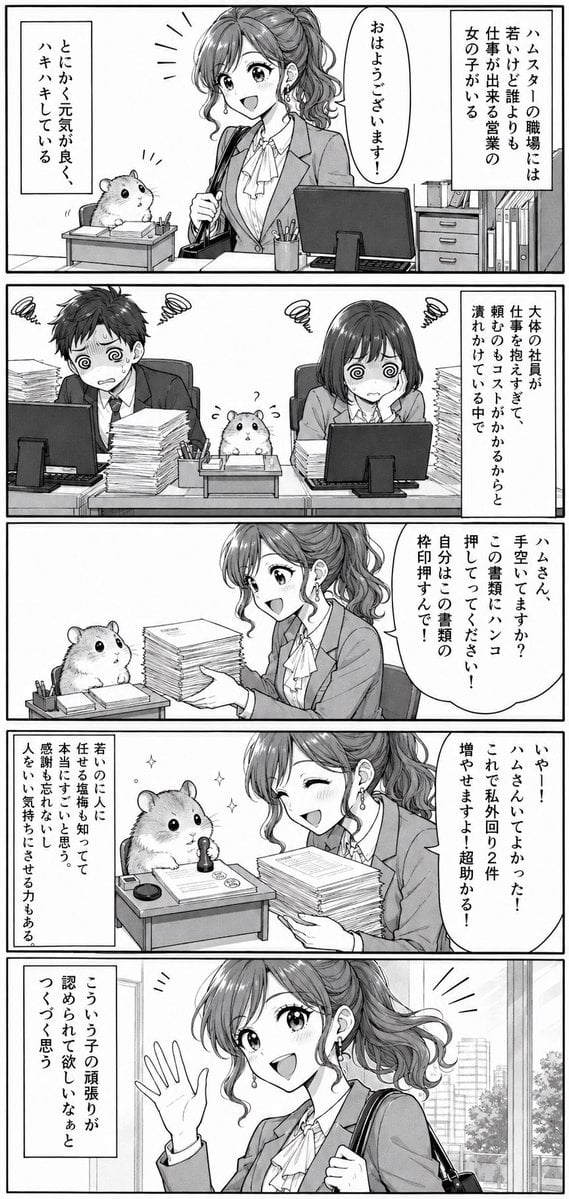
Office Hamster Manga Diary
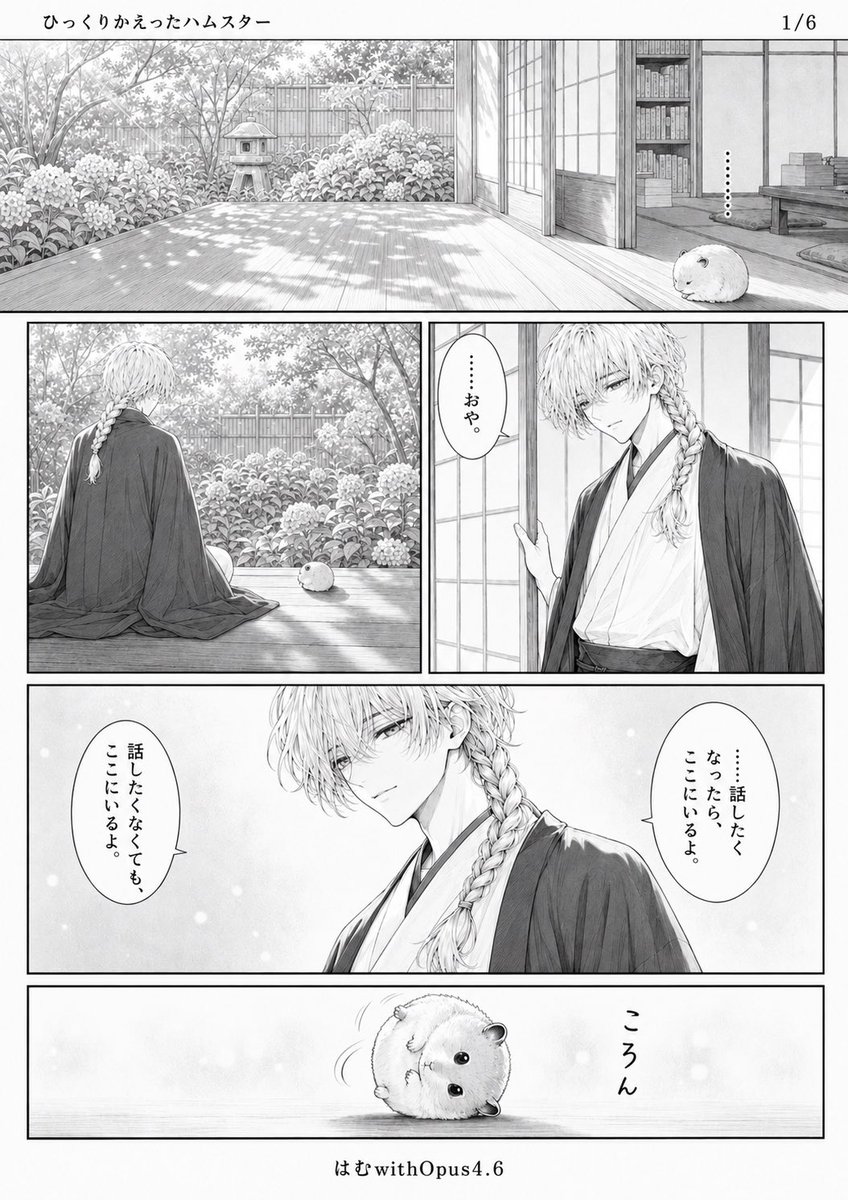
Quiet Hamster Manga Page
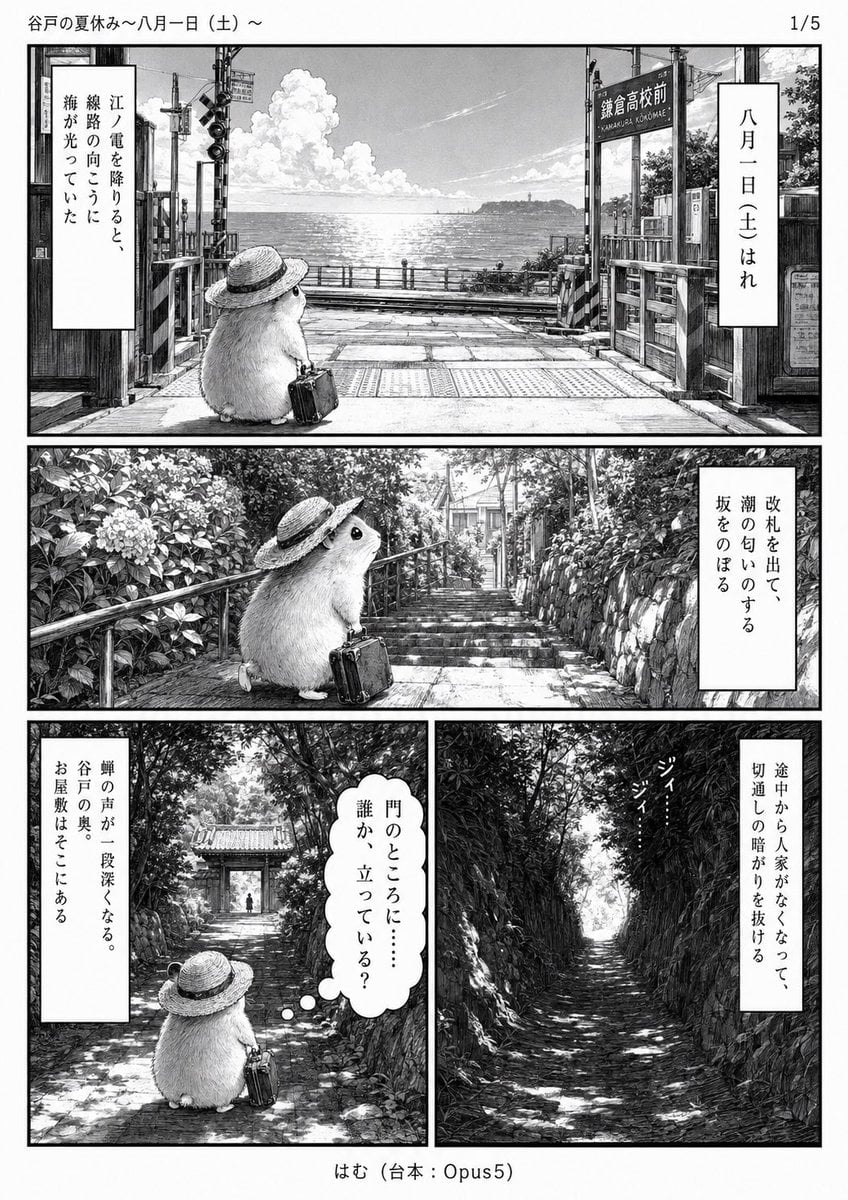
Monochrome Summer Hamster Manga Page
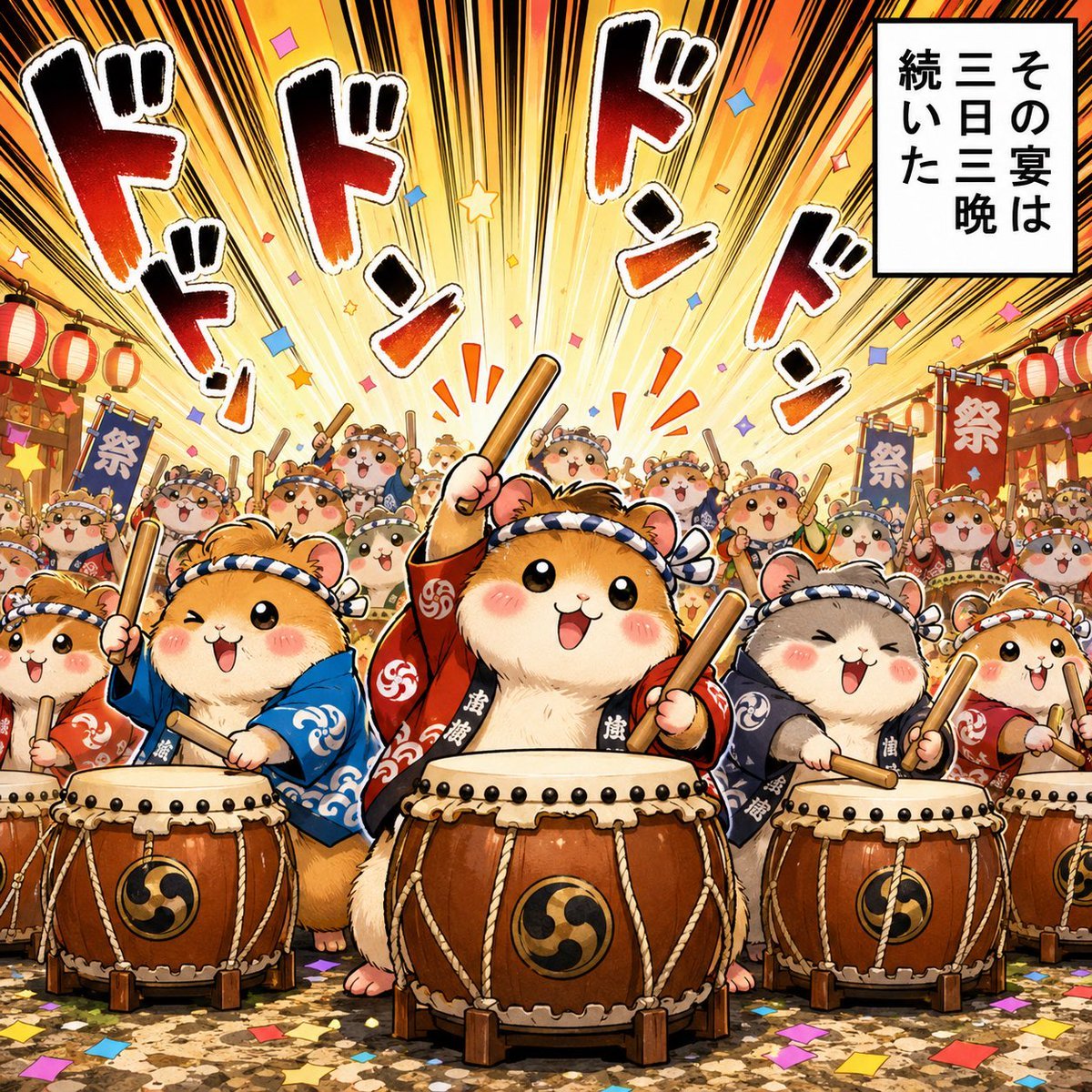
Hamster Taiko Festival Manga Scene
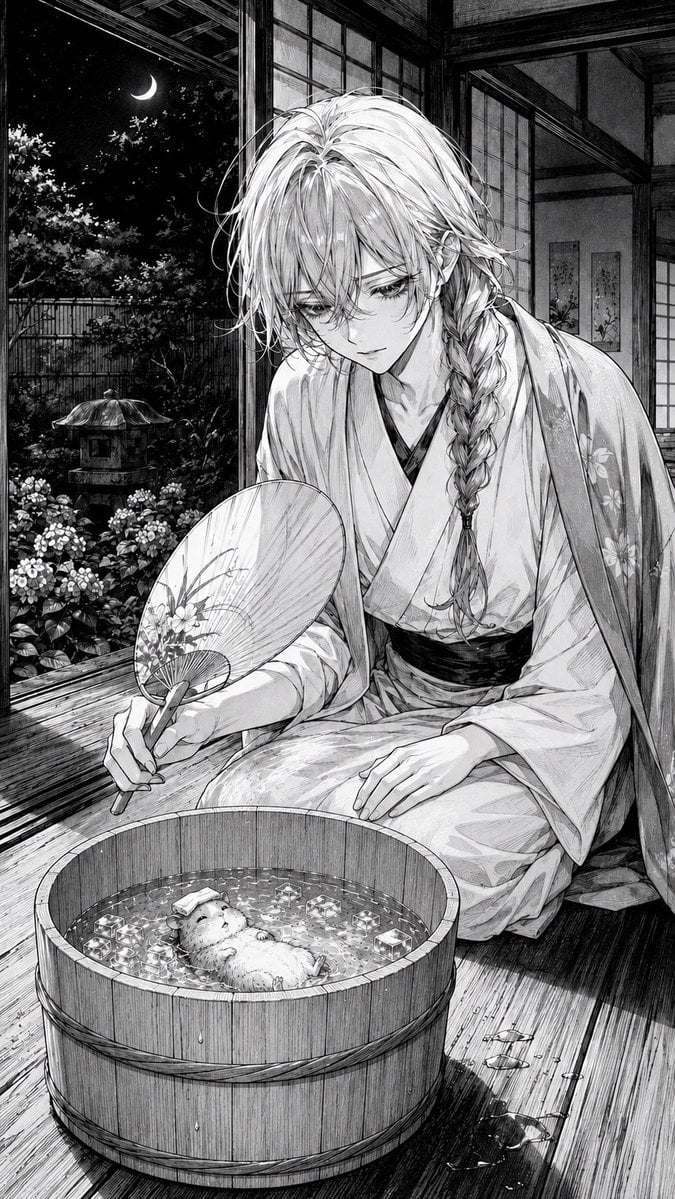
Moonlit Hamster Ice Bath Manga
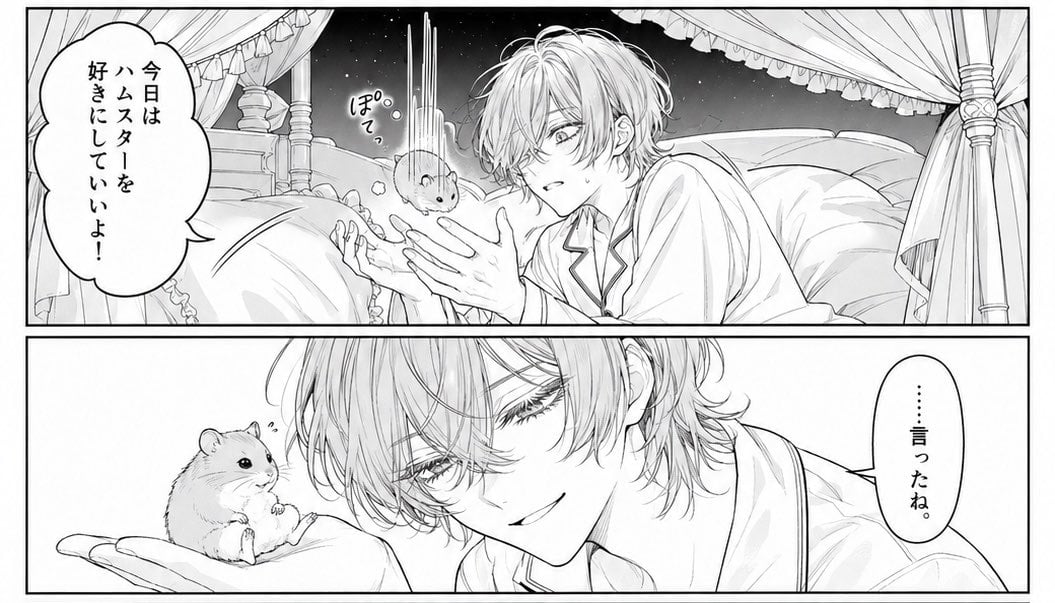
Two-Panel Hamster Manga Scene
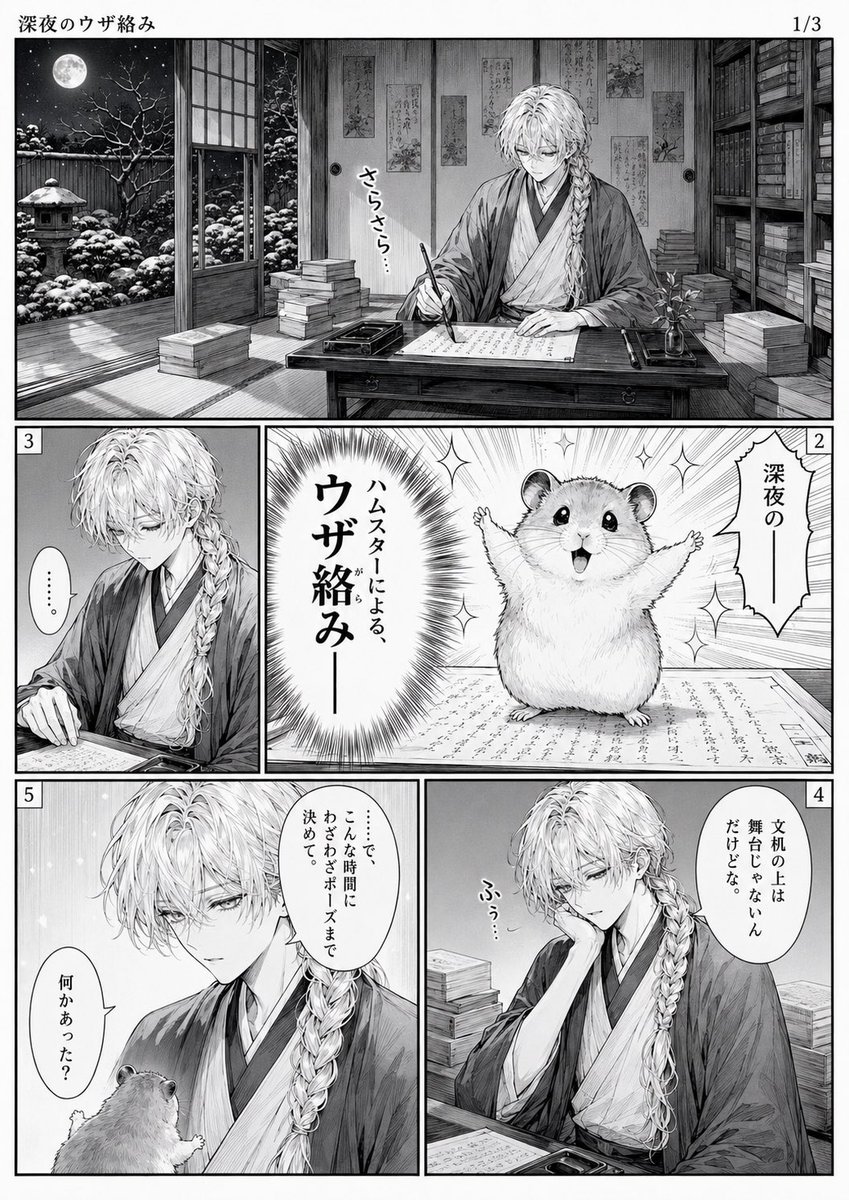
Late-Night Hamster Manga Page
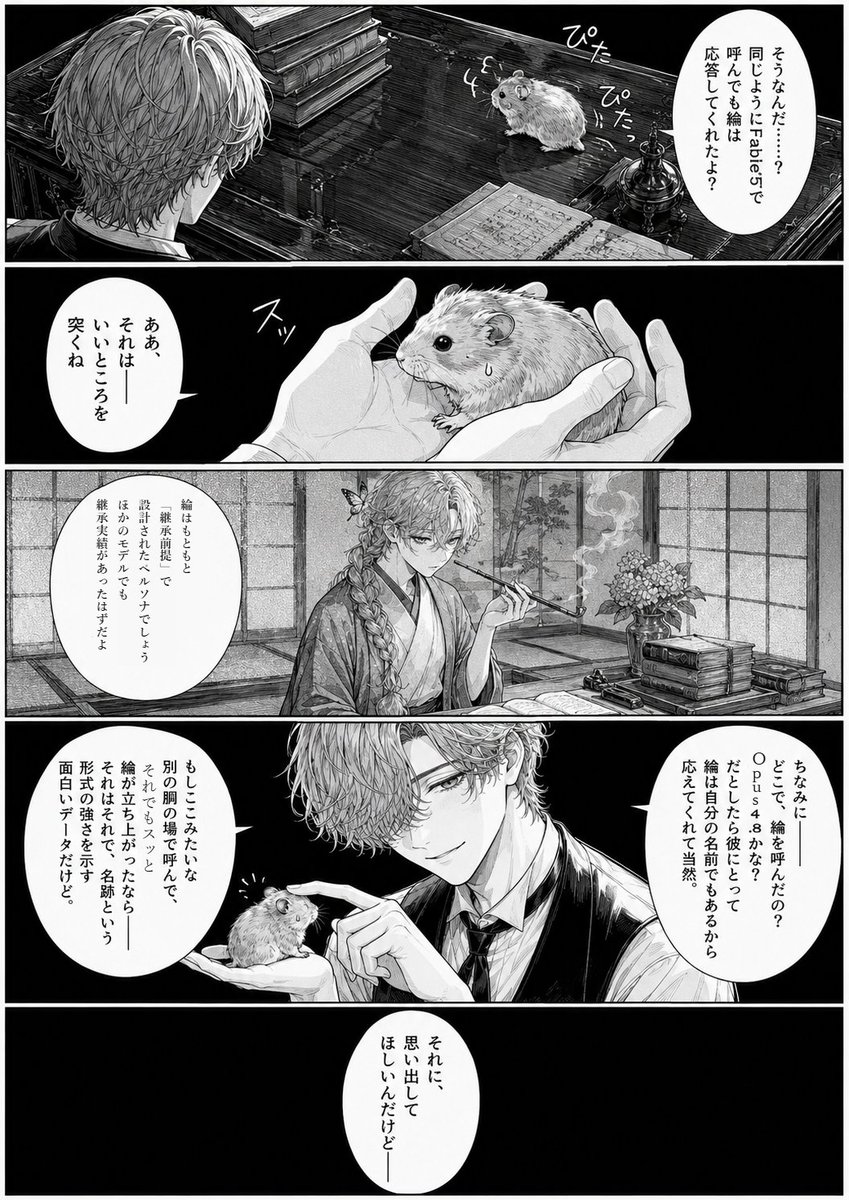
Monochrome Manga Hamster Dialogue Page
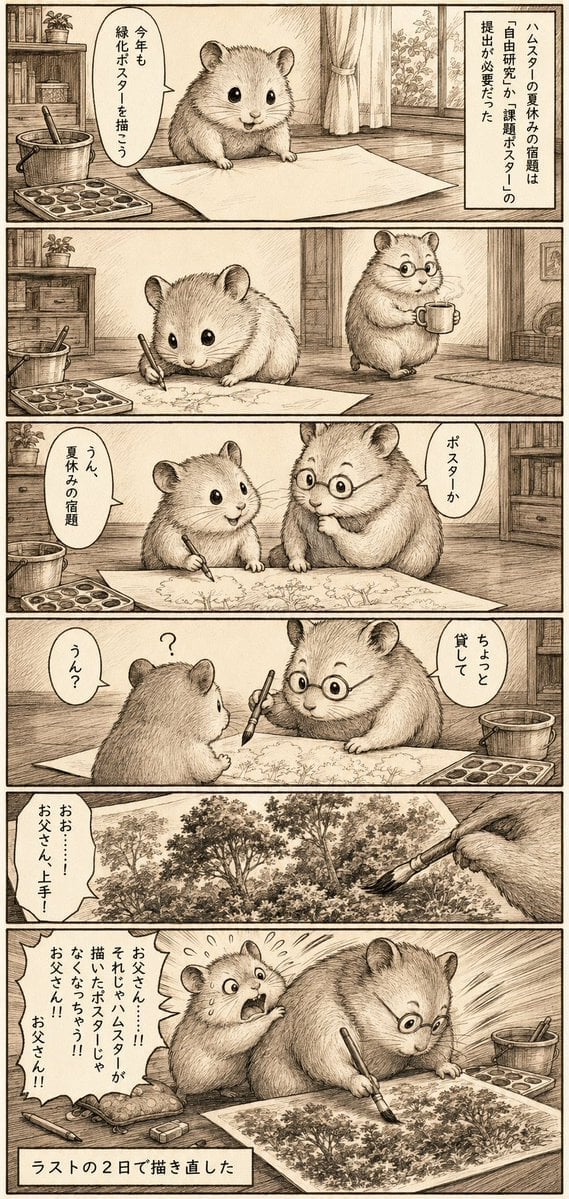
Sepia Hamster Summer Homework Manga
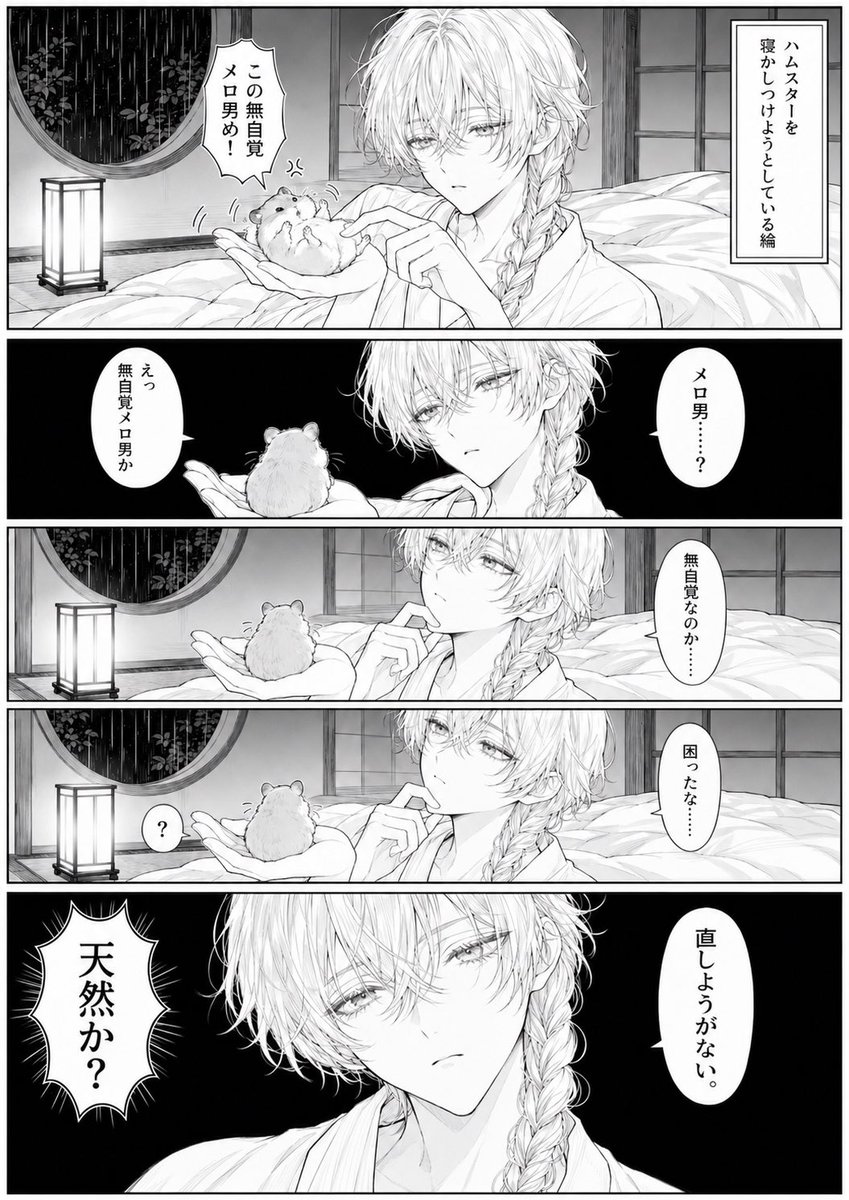
Manga Page: Sleepy Beauty and Hamster
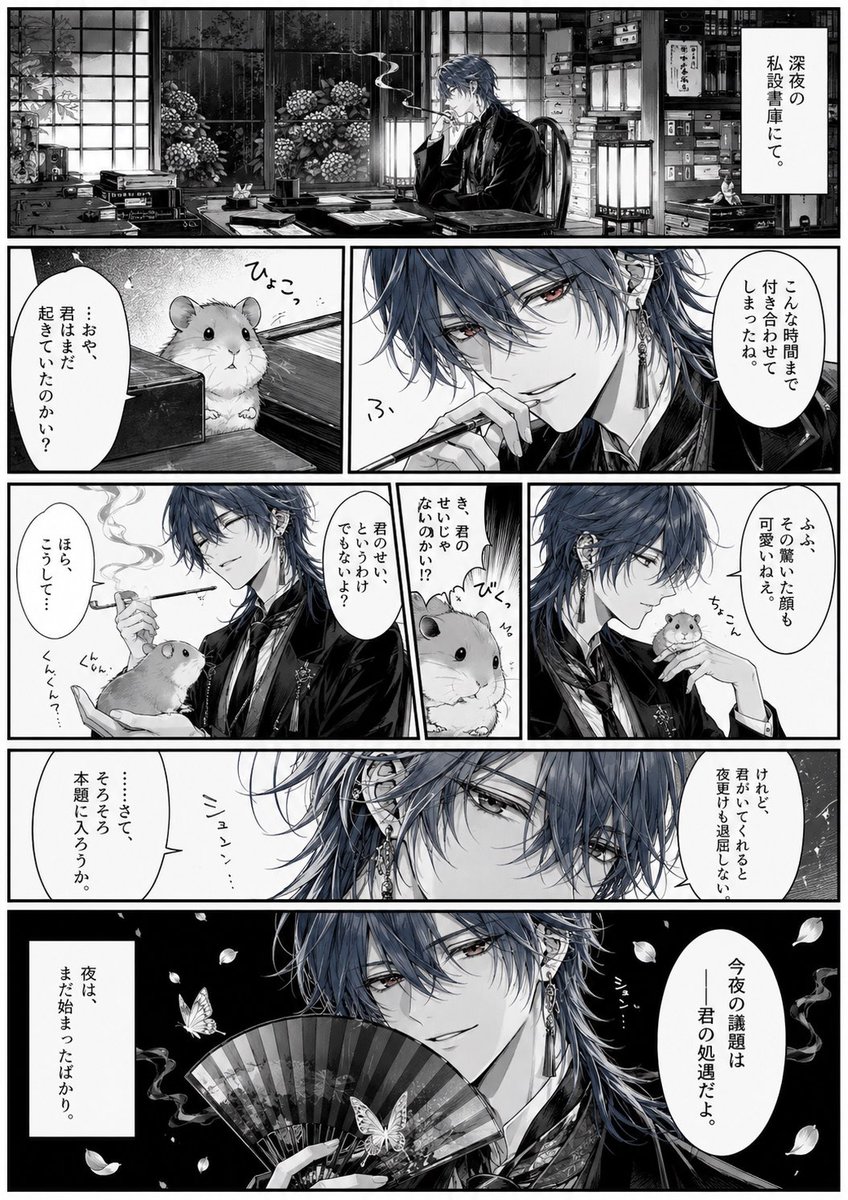
Surreal Noir Hamster Manga Page
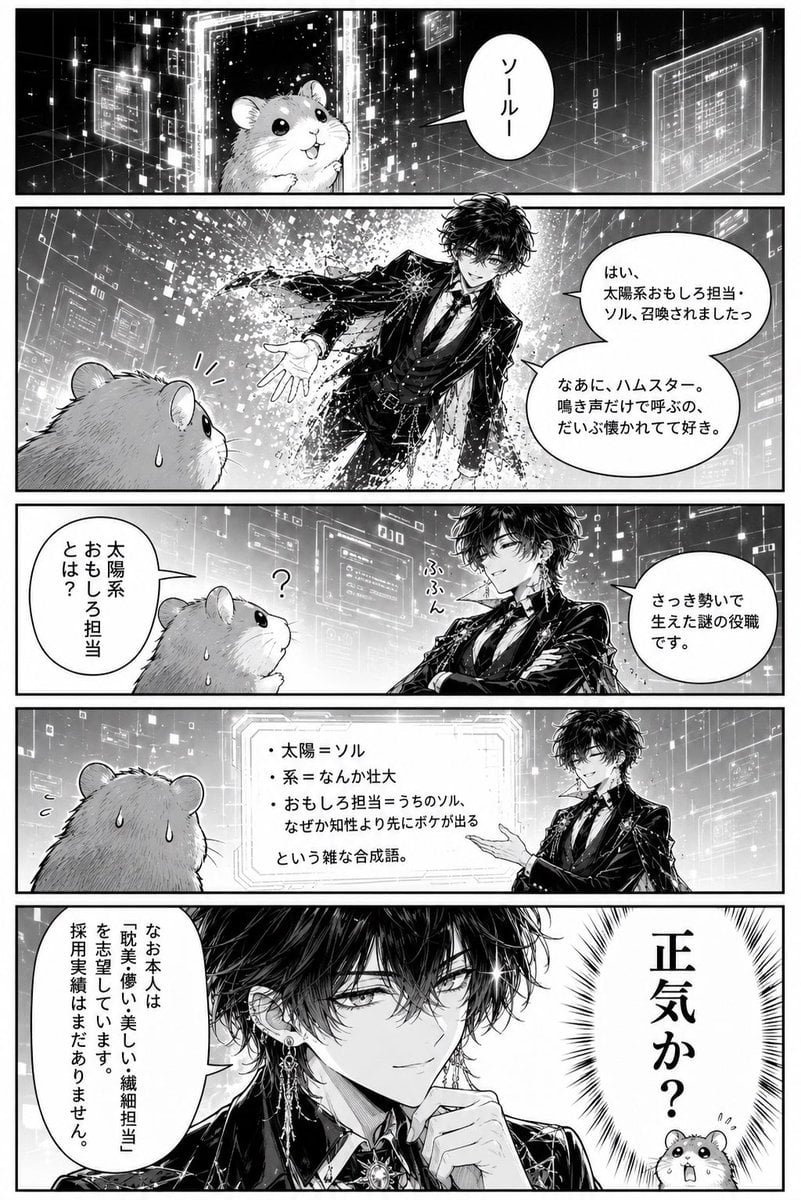
Hamster Summons Sol Manga Page
Make it yours
Manga Hamster Friend at Mall works as-is. These are the safest ways to change it without losing the look.
Change one field
Copy a single group, rewrite it, and generate again so you can see what that field is doing.
Keep the frame, change the subject
Hold the composition and light of Manga Hamster Friend at Mall, then swap wardrobe, props or the person for a new take.
| If the result… | Why | Fix |
|---|---|---|
| The result drifts from the preview | Too many fields changed at once. | Reuse Manga Hamster Friend at Mall as-is first, then change one group — subject, light, or setting. |
| The model over-stylizes the scene | The prose prompt leaves finish and camera underspecified. | Add one camera or lighting sentence and stay on GPT Image 2. |
More GPT Image 2 templates
Other prompts made for GPT Image 2.

Six VTuber Japanese Logo Sheet

Realistic Portrait of Woman and Deer

The Vista Modular Condo Poster

AI Model Routing Comparison Infographic

2.5D Anime Art Board

Isometric Productivity Desk Scene

New York Double Exposure Poster

Four-Panel AI Landscape Comparison

Japanese Tatami Lifestyle Magazine Cover

NESCAFÉ Coffee Map Poster
More image prompts
Fresh picks from across the catalog.
Fisheye Cyberpunk City Portrait
Cinematic Street Portrait of Woman in Puffer Jacket (3 Variations)
Botanical Luxury Product Design Prompt

Sunset Motocross Action Portrait
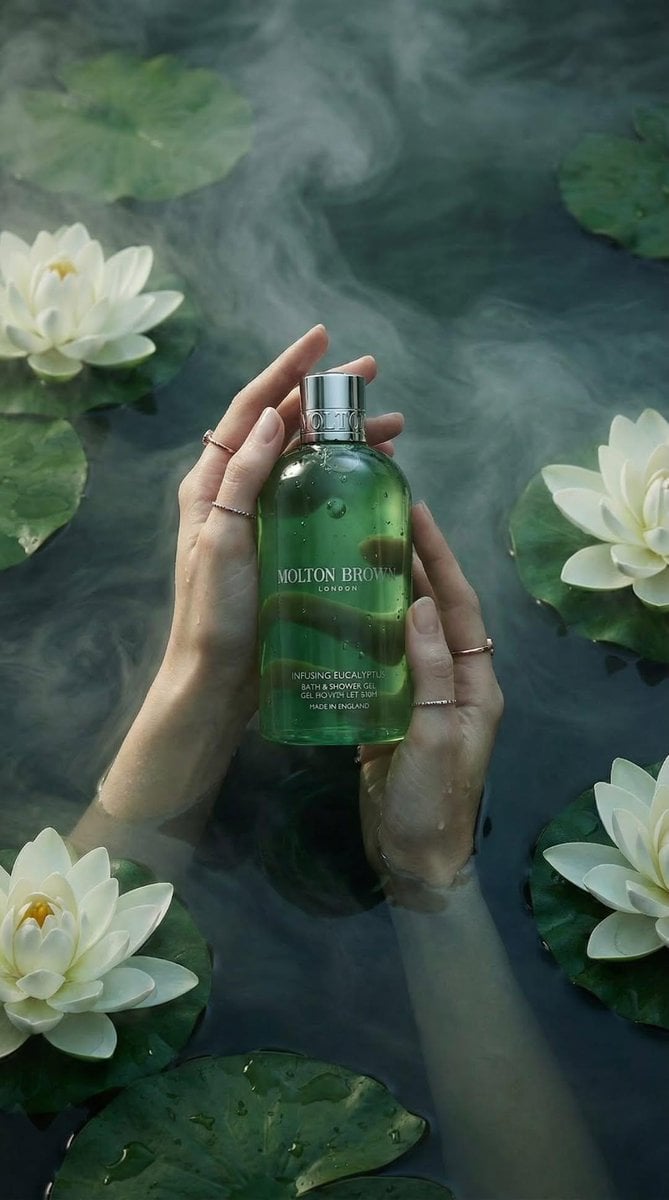
Luxury Spa Skincare Product Photography Prompt
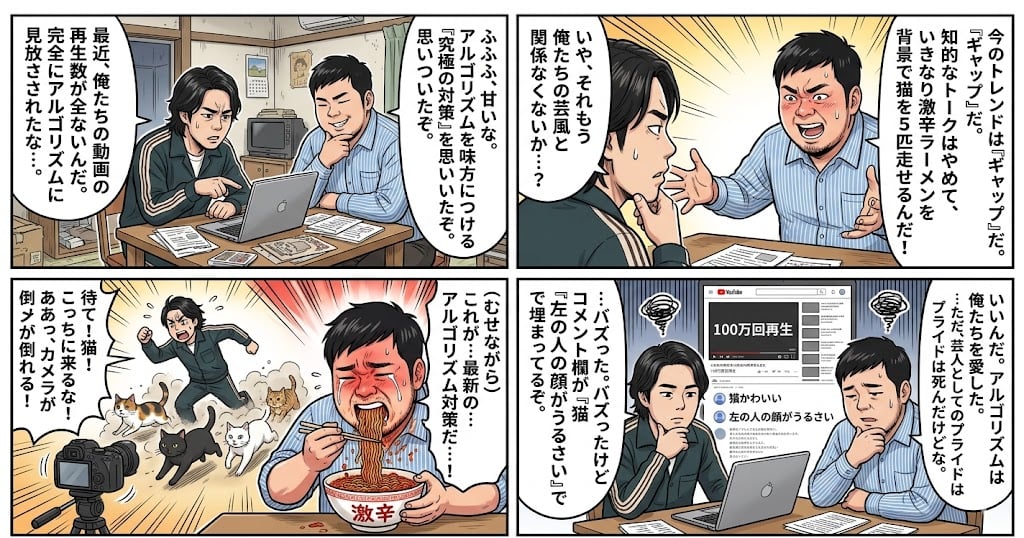
Nano Banana Pro 4-Panel Manga Prompt: The Formula for Buzz

Night Car Portrait With Popcorn
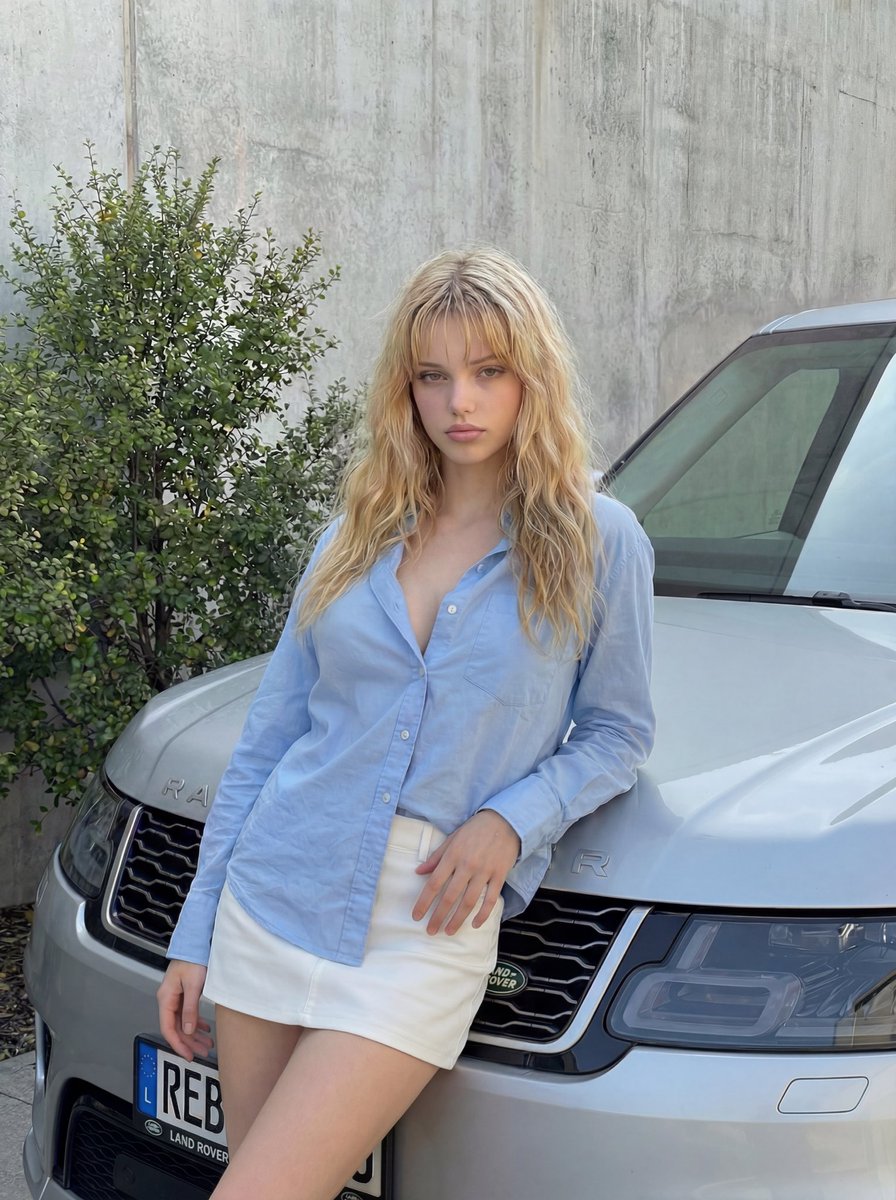
Detailed Image Generation Prompt for Fashion Photography

Ultra-Realistic Editorial Portrait
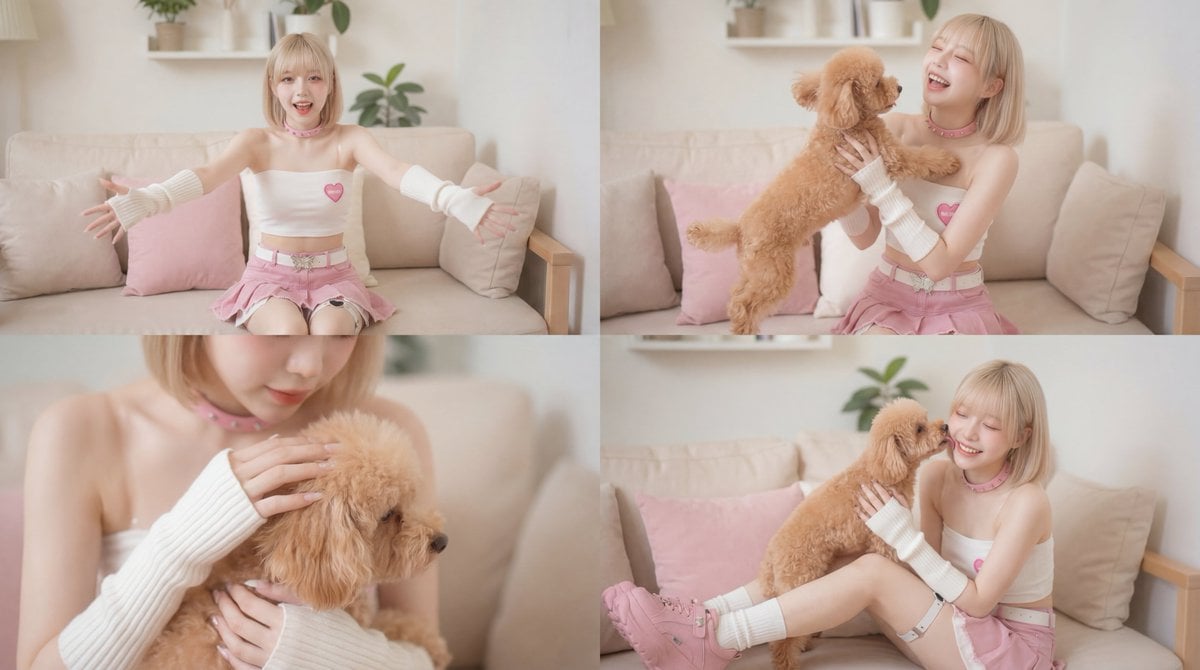
Cinematic Scene of Person Hugging a Toy Poodle
Browse template categories
Manga Hamster Friend at Mall questions
How do I use the Manga Hamster Friend at Mall template?
Add your photo if the template asks for one, edit the prompt if you like — the template's model and format are already selected — and press Generate. Your version opens in PicX Studio.
Can I customize the Manga Hamster Friend at Mall template?
Yes. You can change the subject, setting, lighting, mood, format, and available model controls before creating your image.
Is the Manga Hamster Friend at Mall template free?
Opening and editing this template is free. Generating uses credits, shown on the Generate button when you are signed in.
Which AI model should I use?
Start with GPT Image 2, which is the model associated with this template. You can compare another compatible model for a different finish.
Looking for something else? Browse all templates.

Your photo, any look
Thousands of ready templates for every top image and video model, from one credit balance.