
Japanese Travel App Poster
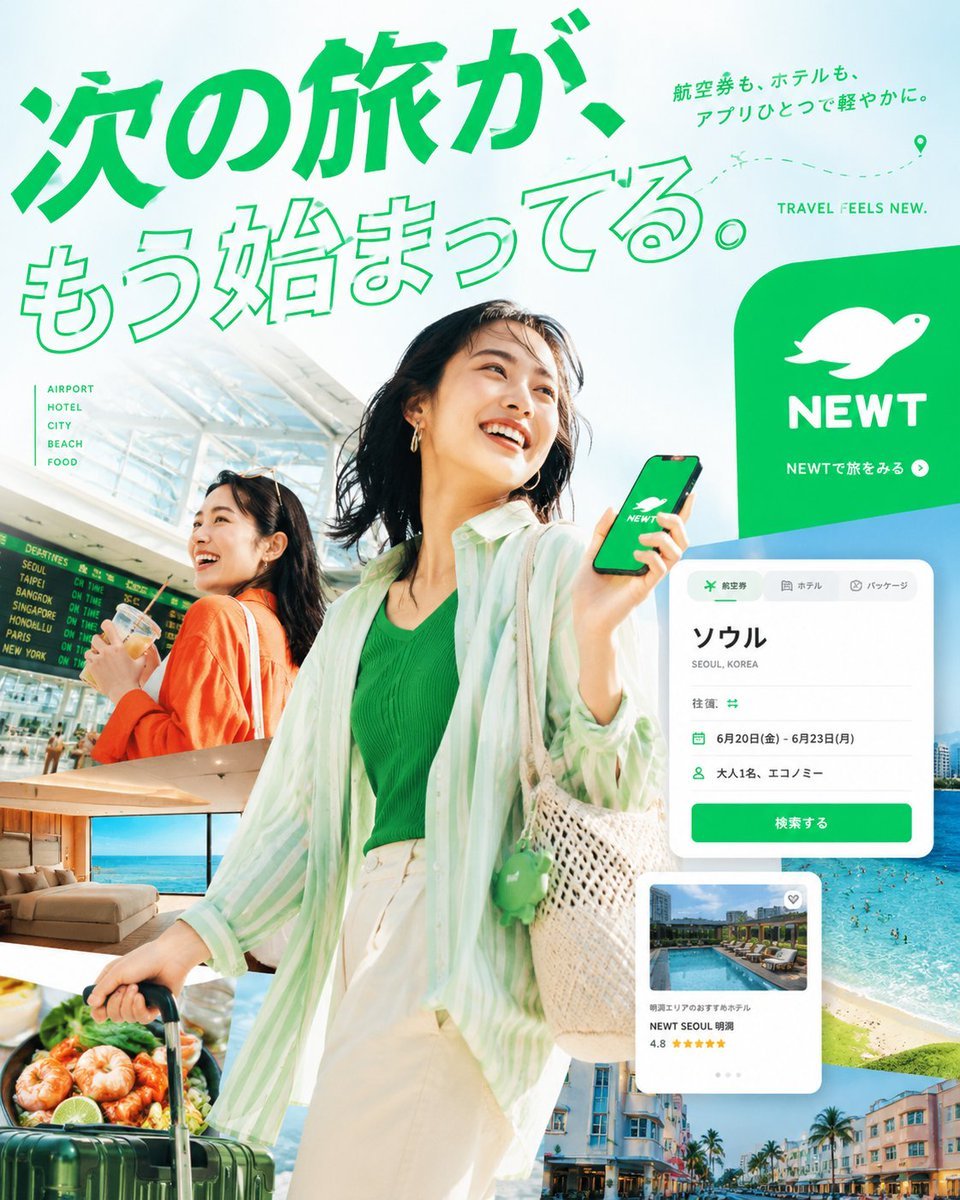
A polished square advertising poster for a Japanese travel app using bold typography, traveler photography, travel collage cutouts, and app UI cards.
- Prompt included
- Model and format preset
- Premium template
The prompt behind this image
Copy the exact prompt behind Japanese Travel App Poster, or open it in the studio and make it yours.
Goal: Create a vibrant Japanese travel-app advertising poster for {argument name="brand name" default="NEWT"}, combining editorial travel photography, clean app UI mockups, and bold Japanese typography to promote the feeling that the next trip is already beginning. Canvas: Square 1:1 promotional graphic, bright white and mint-green background, high-key summer lighting, energetic composition, polished commercial ad quality. Layout: A large diagonal Japanese headline dominates the top-left and upper center. The main traveler stands large in the center foreground, smiling and looking up to the right while holding a smartphone showing the green brand screen. A second traveler appears behind her on the left inside an airport scene. Layer multiple travel photo cutouts around the lower half and right side, with floating app interface cards over them. Place a large green rounded brand block on the upper-right. Text content: Use exactly 5 main text groups: 1) huge headline text {argument name="headline text" default="次の旅が、もう始まってる。"} in vivid green, with the first line filled and the second line outlined; 2) small upper-right Japanese copy {argument name="subheadline text" default="航空券も、ホテルも、アプリひとつで軽やかに。"}; 3) English tagline “TRAVEL FEELS NEW.” near the top-right; 4) left-side vertical category list with exactly 5 items: “AIRPORT”, “HOTEL”, “CITY”, “BEACH”, “FOOD”; 5) brand block text with a white animal-like logo, the word “NEWT”, and the small Japanese call-to-action “NEWTで旅をみる” with a circular arrow icon. Subject details: Main subject is a cheerful young East Asian woman traveler, mid-20s, short dark bob hair moving naturally, gold hoop earrings, green ribbed top, loose translucent mint-and-white striped overshirt, cream high-waisted pants, woven straw shoulder bag with a small green charm, pulling a dark green rolling suitcase. She holds a phone with a green screen, white brand logo, and “NEWT” text. Secondary subject is a smiling young East Asian woman in an orange cardigan at an airport, holding a drink, with a departures board behind her. Travel image collage: Include exactly 5 travel photo cutouts: 1) bright airport terminal with departures board behind the secondary woman, 2) luxury hotel room with ocean view, 3) close-up seafood dish with shrimp and greens near the suitcase, 4) turquoise beach and ocean with swimmers on the right, 5) colorful resort city street with palm trees along the bottom-right. App UI cards: Include exactly 2 floating white app interface cards with rounded corners and soft shadows. Card 1 is a booking search card at mid-right with tabs for flight, hotel, and package; large destination text “ソウル”, small text “SEOUL, KOREA”, rows showing round trip, dates “6月20日(金) - 6月23日(月)”, passengers “大人1名、エコノミー”, and a green button labeled “検索する”. Card 2 is a hotel recommendation card lower-right with a pool thumbnail, small heart icon, hotel name “NEWT SEOUL 明洞”, rating “4.8”, and five yellow stars. Visual style: Premium Japanese startup travel campaign, fresh mint green brand color, crisp cutout collage, clean sans-serif typography, dynamic diagonal composition, airy negative space, glossy magazine-ad finish, realistic photography mixed with minimal vector UI. Add a dotted flight path with a location pin near the top-right. Constraints: Use no extra logos or watermarks beyond the specified brand. Keep all Japanese text legible and accurately placed. Maintain the strong green-and-white identity, optimistic summer travel mood, and layered depth.
How to use Japanese Travel App Poster in 3 steps
- 1Upload ImagePNG, JPG or paste
Add your photo
Upload the photo the template builds on. The prompt, model and format are already set.
- 2…a portrait of your subject in softgolden-hour light, 85mm…
Personalize
Edit the subject and creative details for your destination.
- 3Generate
Generate
Press Generate — your image is created in PicX Studio, so you can compare it with the original and refine one variable at a time.
More like this
Templates with the same subject, style or setup. Open one to see its prompt.

Japan Travel Brochure Poster
Clay Miniature Landmark Travel Diorama
Japanese NEWT Travel App Poster
Japanese AI Keyboard App Poster
City Posters by Nano Banana Pro
Minecraft Japanese Research Lab Exploration

Cartoon TV Show Poster Pack

Trendy Cafe Drink Promo Poster

Urban Fashion Editorial Collage Streetwear Poster
Japanese Architectural Concrete Studio Fashion Campaign

Premium Fashion Editorial Cover Layout System

Polo Ralph Lauren Luxury American Heritage Fashion Campaign
Make it yours
Japanese Travel App Poster works as-is. These are the safest ways to change it without losing the look.
Change one field
Copy a single group, rewrite it, and generate again so you can see what that field is doing.
Keep the frame, change the subject
Hold the composition and light of Japanese Travel App Poster, then swap wardrobe, props or the person for a new take.
| If the result… | Why | Fix |
|---|---|---|
| The result drifts from the preview | Too many fields changed at once. | Reuse Japanese Travel App Poster as-is first, then change one group — subject, light, or setting. |
| The model over-stylizes the scene | The prose prompt leaves finish and camera underspecified. | Add one camera or lighting sentence and stay on GPT Image 2. |
More GPT Image 2 templates
Other prompts made for GPT Image 2.

Six VTuber Japanese Logo Sheet

Realistic Portrait of Woman and Deer

The Vista Modular Condo Poster

AI Model Routing Comparison Infographic

2.5D Anime Art Board

Isometric Productivity Desk Scene

New York Double Exposure Poster

Four-Panel AI Landscape Comparison

Japanese Tatami Lifestyle Magazine Cover

NESCAFÉ Coffee Map Poster
More image prompts
Fresh picks from across the catalog.

Cinematic Mirror Selfie in Dark Modern Bathroom
Élara Magazine Luxury Fragrance Cover
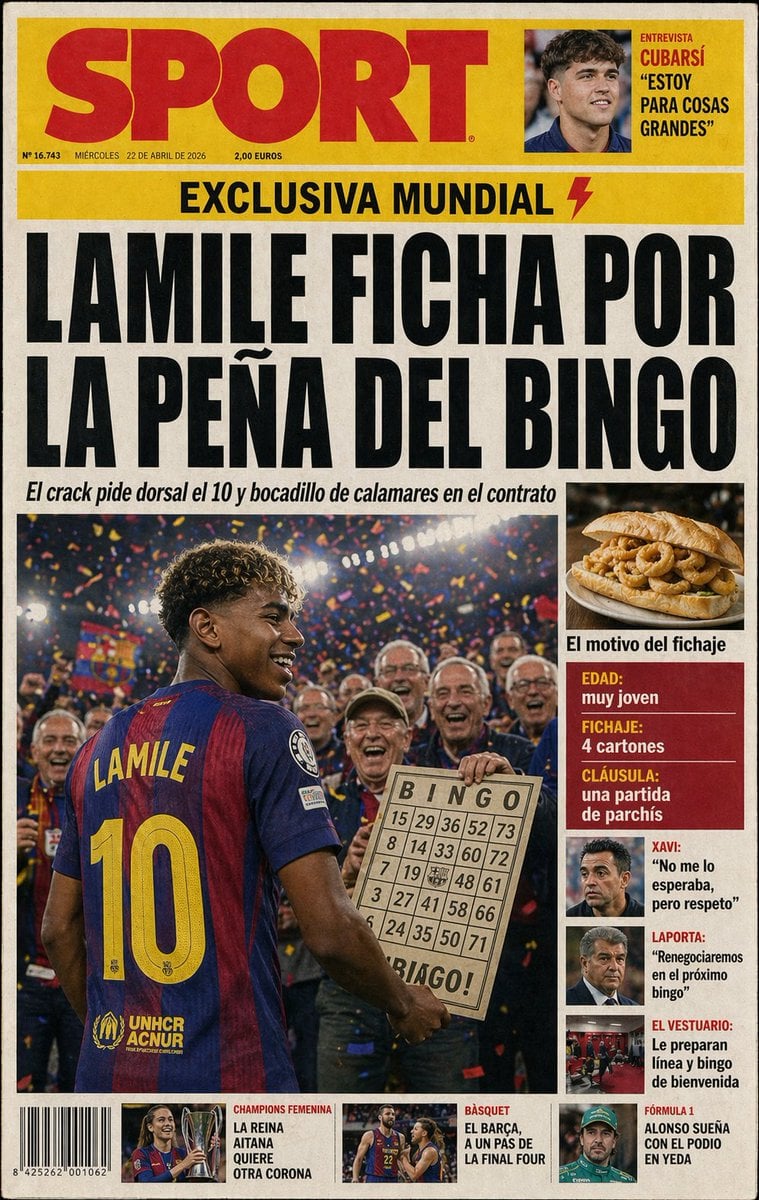
Satirical Spanish Sports Front Page
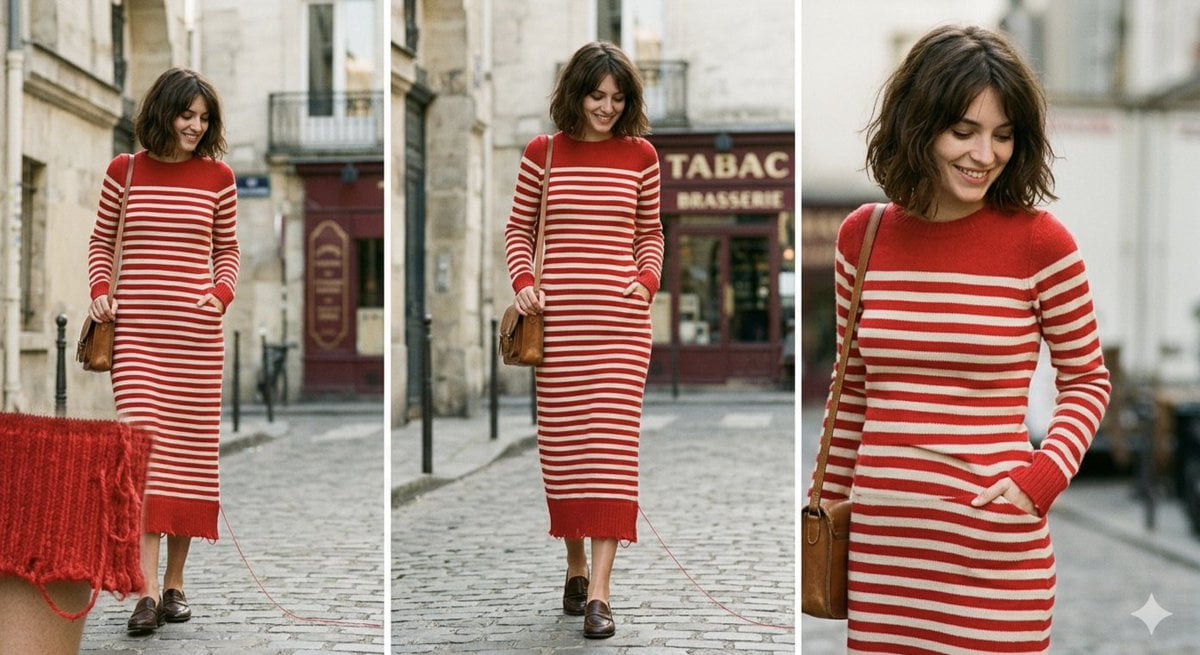
Parisian High-Fashion Editorial Triptych Prompt for Nano Banana Pro

High-Fashion Urban Editorial Portrait with Grillz
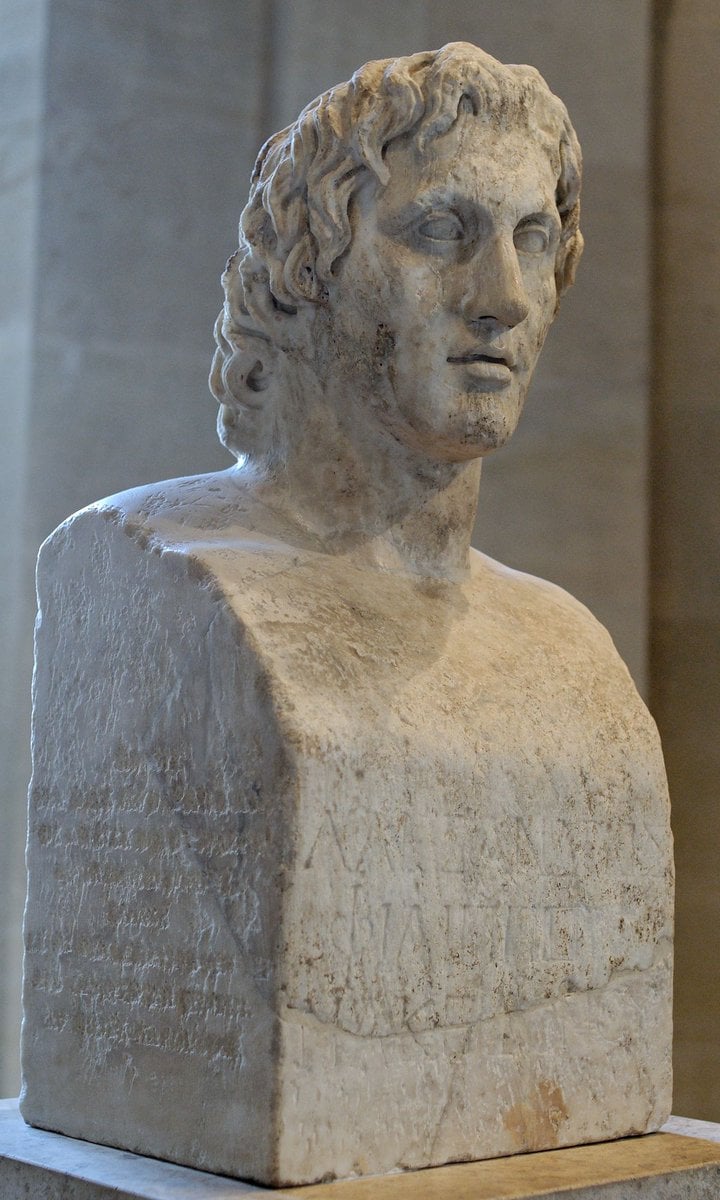
Request for Realistic Face Generation from Sculpture
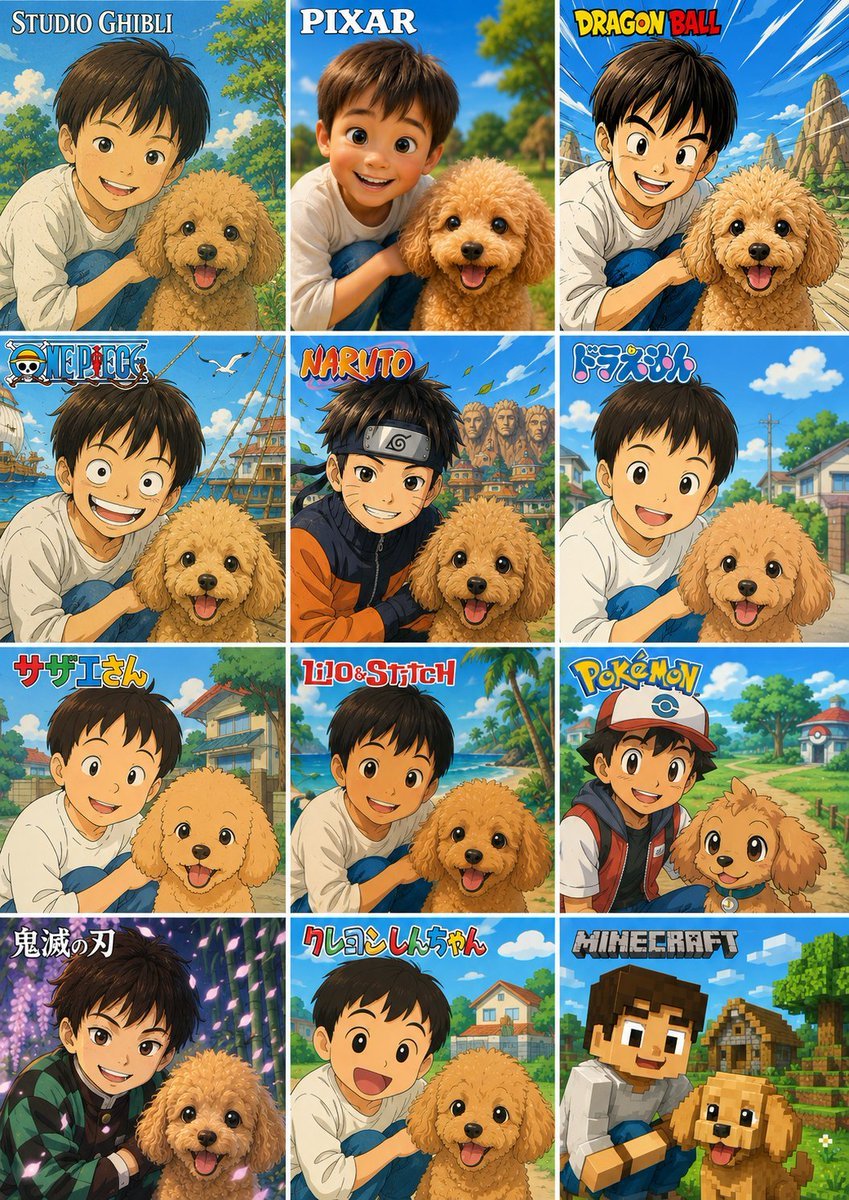
Style Anime Photo Transformation Grid
Dramatic Character Transformation Prompt
Batik Style Image Generation Prompt

Nano Banana Pro Prompt: 8-bit Chicken in T-Rex Costume
Browse template categories
Japanese Travel App Poster questions
How do I use the Japanese Travel App Poster template?
Add your photo if the template asks for one, edit the prompt if you like — the template's model and format are already selected — and press Generate. Your version opens in PicX Studio.
Can I customize the Japanese Travel App Poster template?
Yes. You can change the subject, setting, lighting, mood, format, and available model controls before creating your image.
Is the Japanese Travel App Poster template free?
Opening and editing this template is free. Generating uses credits, shown on the Generate button when you are signed in.
Which AI model should I use?
Start with GPT Image 2, which is the model associated with this template. You can compare another compatible model for a different finish.
Looking for something else? Browse all templates.

Your photo, any look
Thousands of ready templates for every top image and video model, from one credit balance.