
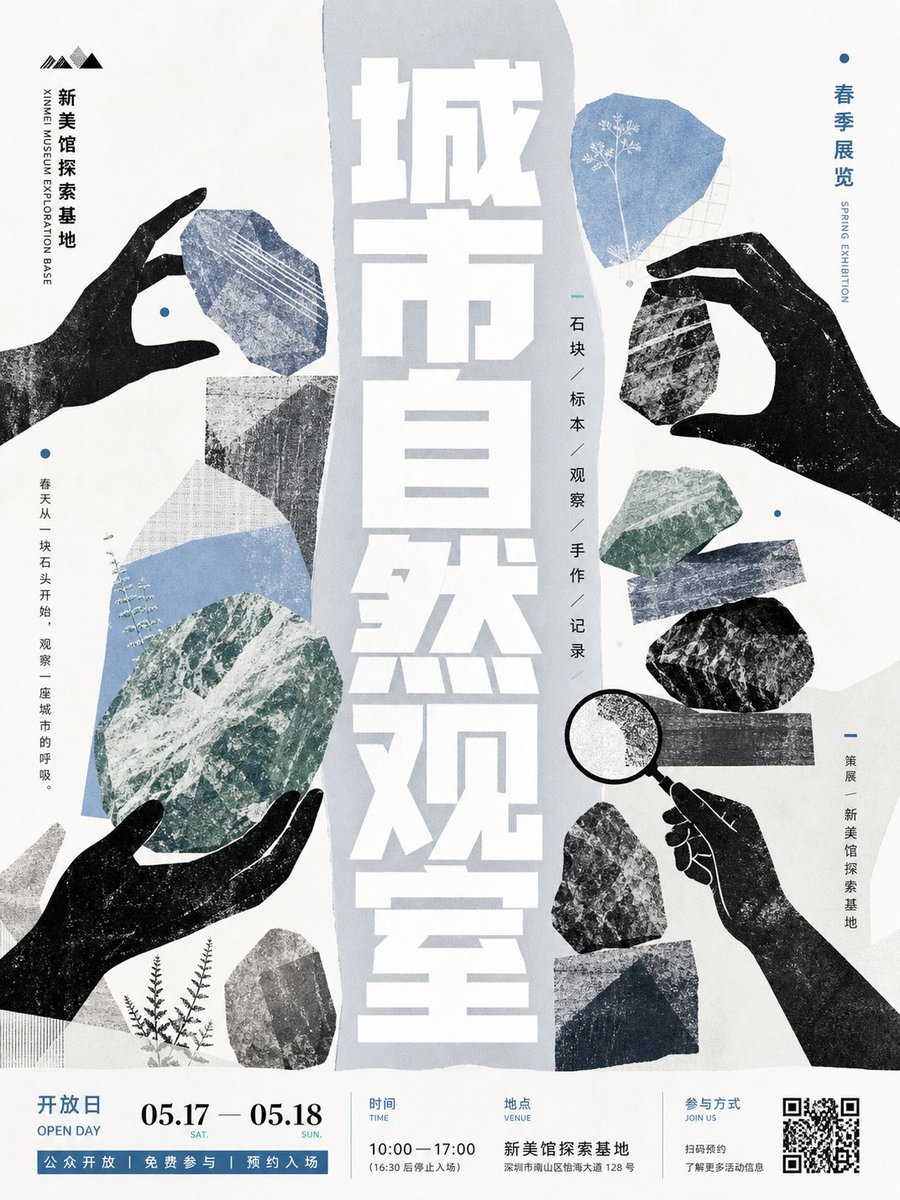
City Nature Observation Exhibition Poster
A structured prompt for generating a handmade collage-style museum exhibition poster with stone specimens, silhouetted hands, and an orderly event footer.
- Prompt included
- Model and format preset
- Premium template
The prompt behind this image
Copy the exact prompt behind City Nature Observation Exhibition Poster, or open it in the studio and make it yours.
Goal: Create a vertical exhibition poster with a handmade silhouette-collage aesthetic for {argument name="exhibition title" default="城市自然观察室"}, combining rock specimen textures, black cut-paper hands, botanical details, and an orderly museum information system. Canvas: Portrait poster, 3:4 ratio, off-white paper background with subtle grain, screen-print texture, slightly imperfect ink registration, muted blue-gray, slate, moss green, charcoal black, and white. Layout: A tall irregular pale blue-gray vertical torn-paper shape runs down the center. Place the main title as huge stacked white Chinese block characters inside this central strip, reading from top to bottom, with a bold condensed geometric style. Around it, arrange specimens and hands in a balanced collage, leaving generous negative space. Main visual elements: Use exactly 4 black silhouette hands: 1 left upper hand pinching a small blue stone, 1 left lower hand cupping a large green stone, 1 right upper hand pinching a dark stone, and 1 right lower hand holding a magnifying glass. Use exactly 14 visible stone/collage pieces: 1 blue textured stone near the upper left hand, 1 pale gray triangular paper-stone under it, 1 blue curved strip on the left middle, 1 large green oval stone in the lower left center, 1 light gray torn fragment at the lower left edge, 1 small dark gray stone near the bottom left, 1 blue polygon stone with a tiny white plant silhouette at upper right, 1 dark hanging stone below the upper right hand, 1 green stone at right middle, 1 narrow blue-gray strip to its lower right, 1 black oval stone at right middle, 1 horizontal dark gray rectangular specimen bar, 1 gray rock near the lower right, and 1 dark blue torn block at the bottom right. Add exactly 3 delicate botanical accents: a small white plant silhouette inside the upper-right blue stone, a fine white/blue plant sprig beside the large green stone, and small black fern stems near the bottom left. Typography and text: Add small vertical side branding on the upper left with a simple mountain-like logo and the Chinese name {argument name="venue name" default="新美馆探索基地"}, plus tiny English text "XINMEI MUSEUM EXPLORATION BASE". On the upper right, add vertical blue text "春季展览" with small English "SPRING EXHIBITION". Near the center-right, add a thin vertical list: "石块 / 标本 / 观察 / 手作 / 记录". Add a short vertical poetic line on the left: "春天从一块石头开始,观察一座城市的呼吸。" Add a small right-side label: "策展 / 新美馆探索基地". Bottom information band: Create a clean white footer separated by thin pale blue divider lines. Include an open day label on the left, the date {argument name="event date" default="05.17 — 05.18"} in large serif numerals with small SAT. and SUN. labels, the time {argument name="event time" default="10:00 — 17:00"}, the venue address {argument name="venue address" default="新美馆探索基地 深圳市南山区怡海大道128号"}, a participation note, and a QR code on the far right. Add a blue strip at the very bottom with small white Chinese text indicating public opening, free participation, and reservation entry. Visual style: Contemporary art museum poster, tactile handmade paper collage, silhouette cutouts, stone-rubbing textures, specimen observation theme, disciplined information hierarchy, elegant but not abstract. Avoid photorealism, gradients, glossy effects, or extra decorative clutter.
How to use City Nature Observation Exhibition Poster in 3 steps
- 1Upload ImagePNG, JPG or paste
Add your photo
Upload the photo the template builds on. The prompt, model and format are already set.
- 2…a portrait of your subject in softgolden-hour light, 85mm…
Personalize
Edit the subject and creative details for your destination.
- 3Generate
Generate
Press Generate — your image is created in PicX Studio, so you can compare it with the original and refine one variable at a time.
More like this
Templates with the same subject, style or setup. Open one to see its prompt.

Japan Neon Speed City Racing Poster
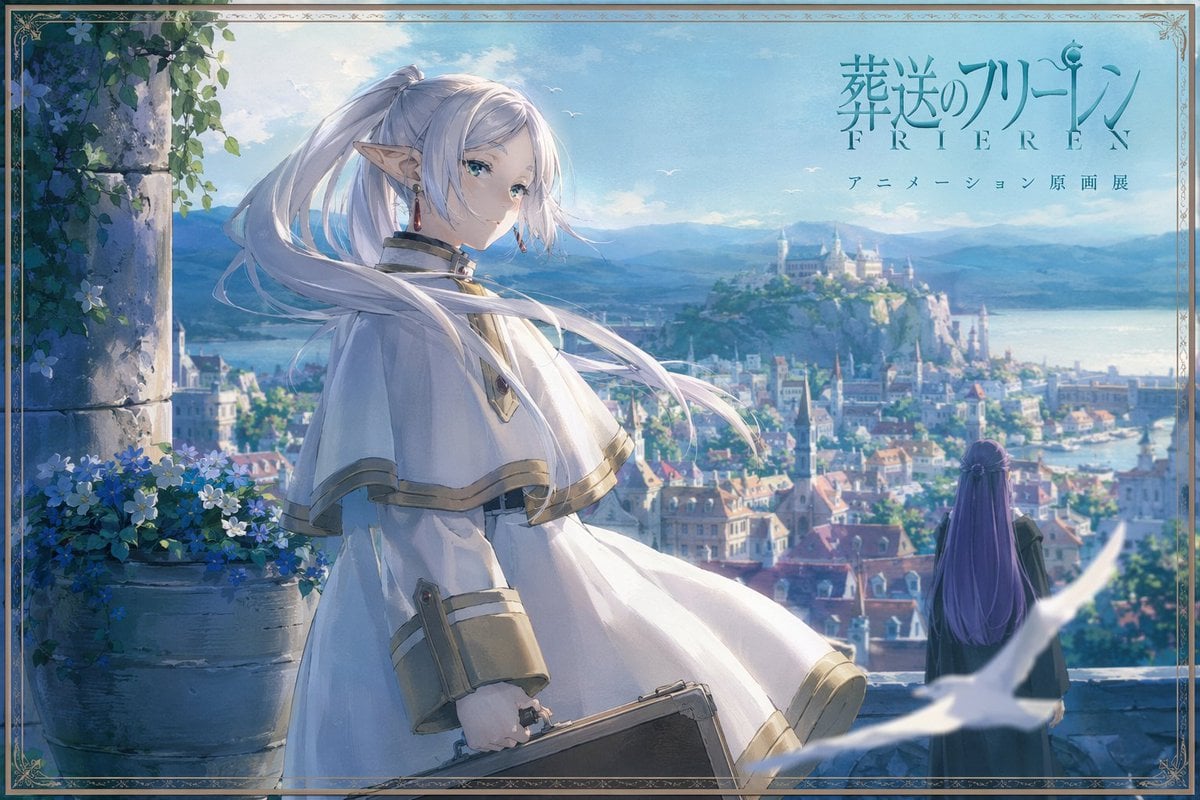
Anime Fantasy Cityscape Exhibition Poster

Japan Travel Brochure Poster

Teen Girl Alpine Lake Mountain View

Cartoon TV Show Poster Pack

Trendy Cafe Drink Promo Poster

Urban Fashion Editorial Collage Streetwear Poster

Premium Fashion Editorial Cover Layout System

Polo Ralph Lauren Luxury American Heritage Fashion Campaign

Monochrome Halftone Editorial Fashion Poster

Retro Mirror Luxury Fashion Campaign Poster

Luxury Fashion Campaign Typography Poster System
Make it yours
City Nature Observation Exhibition Poster works as-is. These are the safest ways to change it without losing the look.
Change one field
Copy a single group, rewrite it, and generate again so you can see what that field is doing.
Keep the frame, change the subject
Hold the composition and light of City Nature Observation Exhibition Poster, then swap wardrobe, props or the person for a new take.
| If the result… | Why | Fix |
|---|---|---|
| The result drifts from the preview | Too many fields changed at once. | Reuse City Nature Observation Exhibition Poster as-is first, then change one group — subject, light, or setting. |
| The model over-stylizes the scene | The prose prompt leaves finish and camera underspecified. | Add one camera or lighting sentence and stay on GPT Image 2. |
More GPT Image 2 templates
Other prompts made for GPT Image 2.

Six VTuber Japanese Logo Sheet

Realistic Portrait of Woman and Deer

The Vista Modular Condo Poster

AI Model Routing Comparison Infographic

2.5D Anime Art Board

Isometric Productivity Desk Scene

New York Double Exposure Poster

Four-Panel AI Landscape Comparison

Japanese Tatami Lifestyle Magazine Cover

NESCAFÉ Coffee Map Poster
More image prompts
Fresh picks from across the catalog.

Mixed-Reality Comic Transformation

Golden Hour Fashion Portrait of a South Asian Man

16K Cinematic Night Portrait with Strict Identity Lock
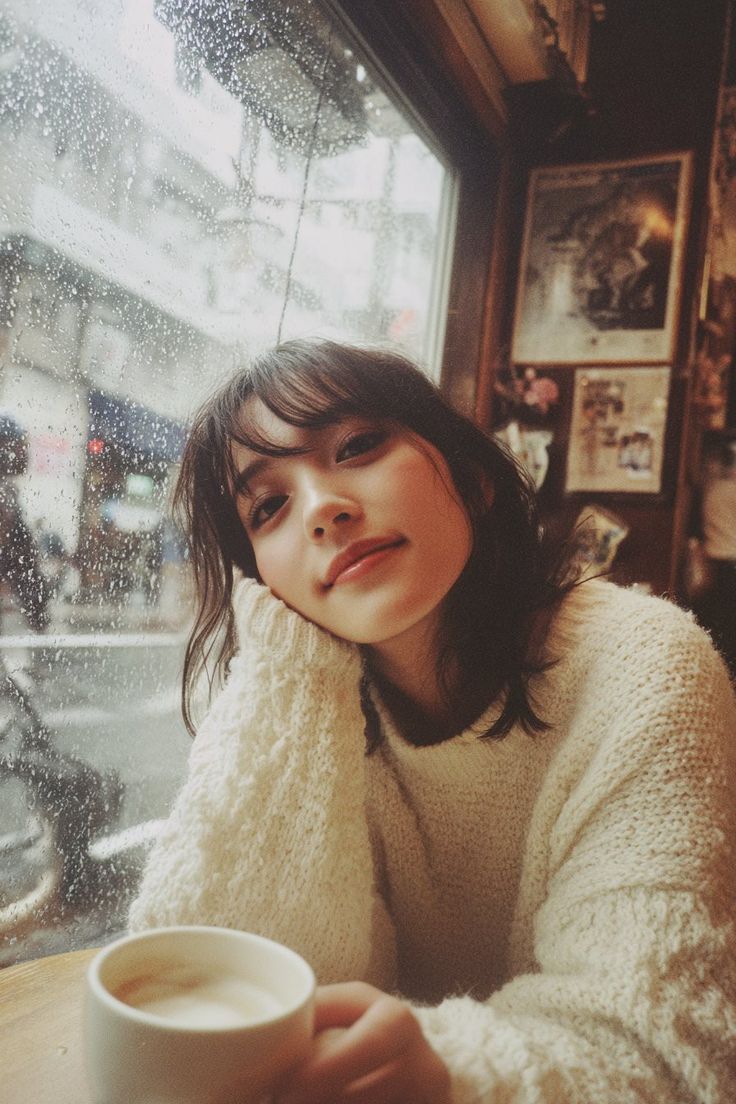
Cozy Rainy Day Café Portrait (Film Aesthetic)

Kawaii Japanese Anime-Style POP Typography Sticker
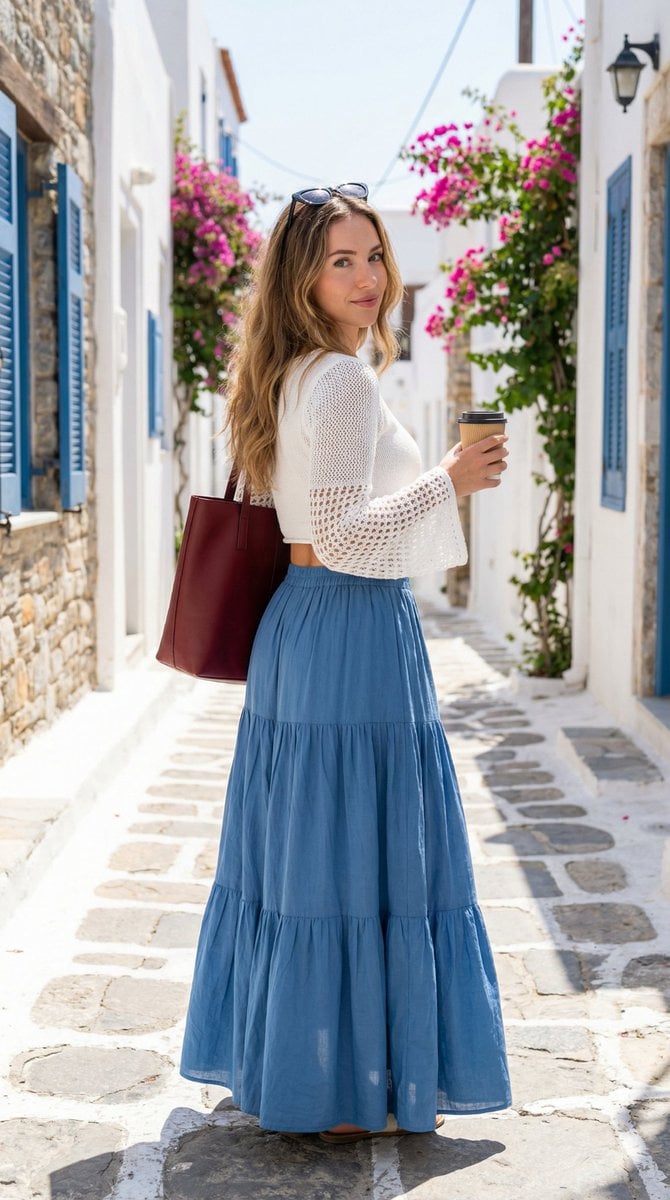
Mediterranean Fashion Lifestyle Portrait Prompt
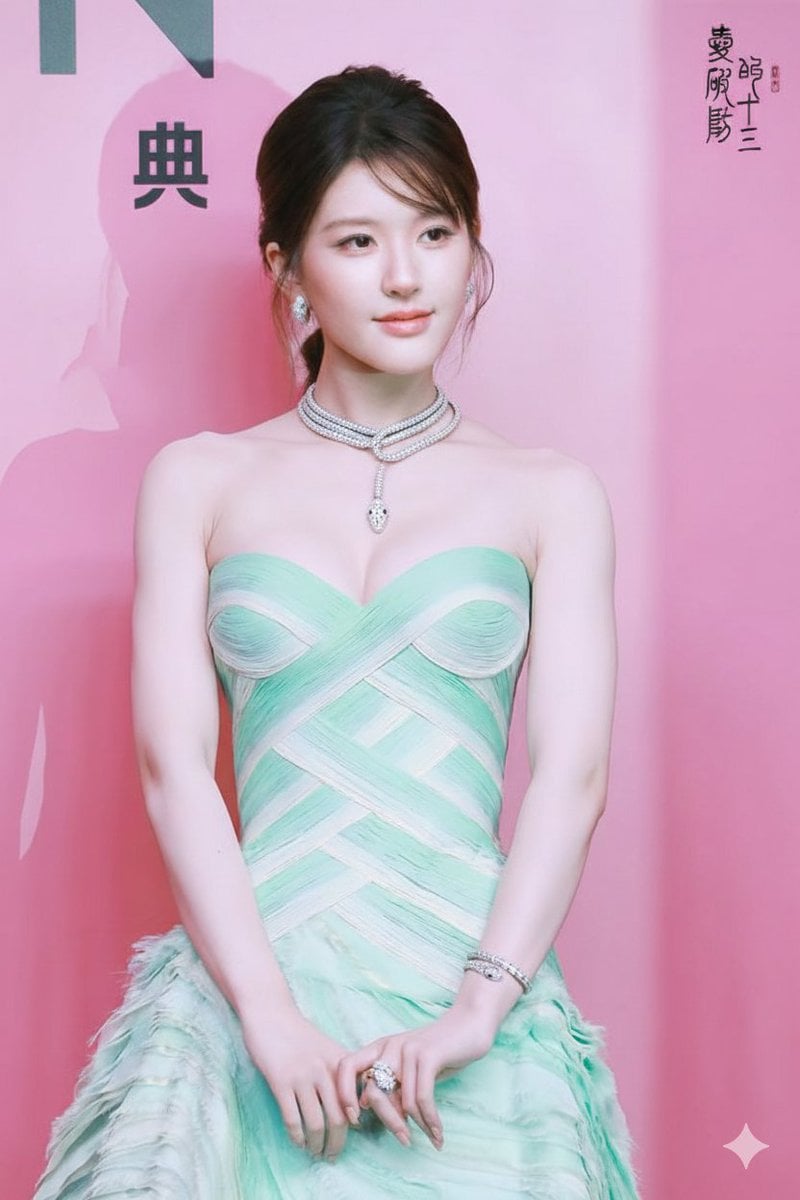
Zhao Lusi Gala Portrait with Bulgari Jewelry
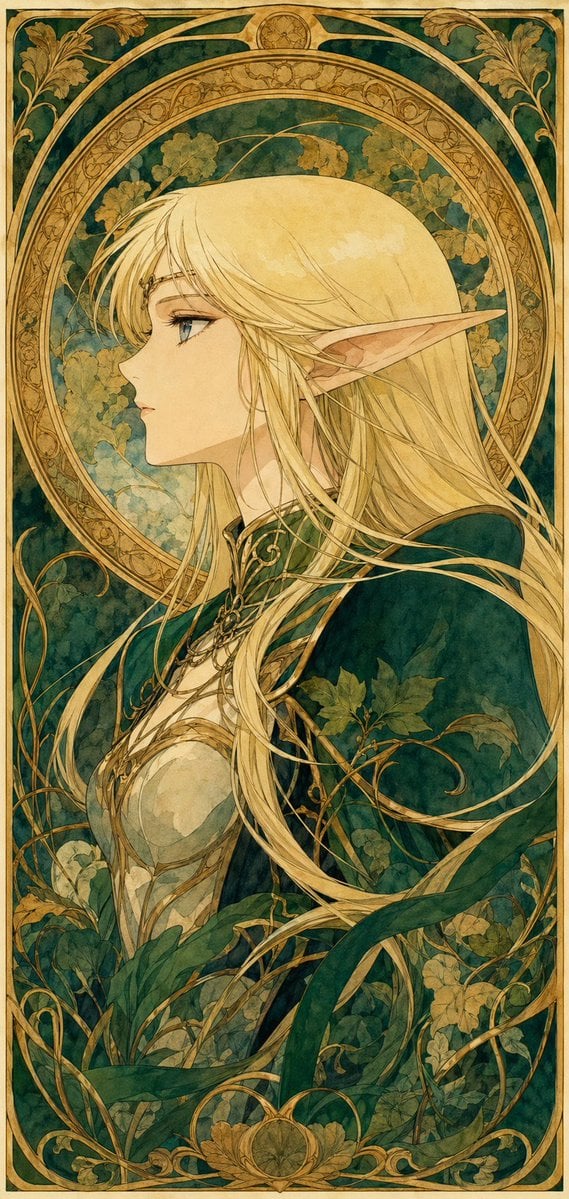
90s Anime Style Elf Warrior
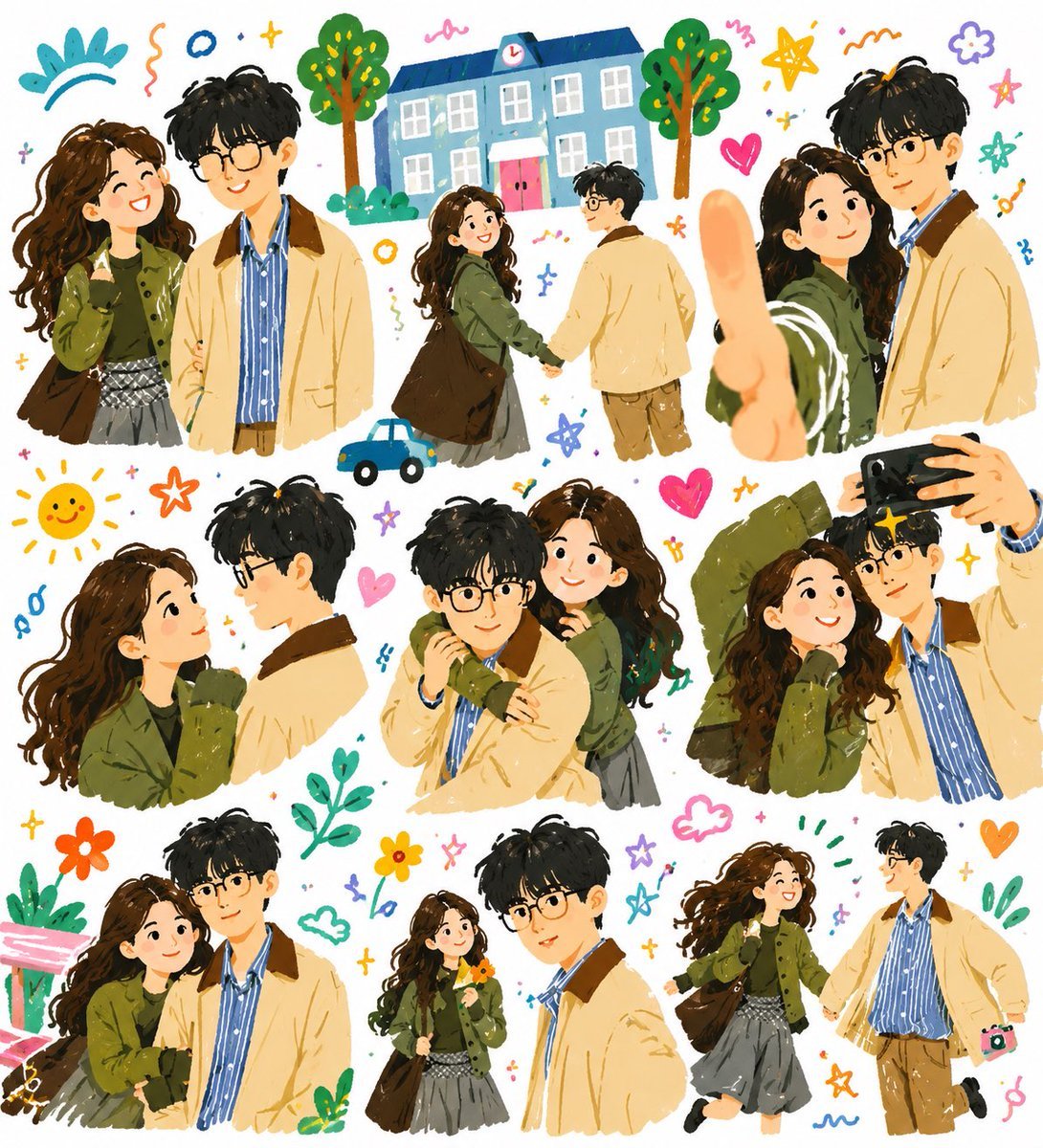
Whimsical Couple Diary Collage
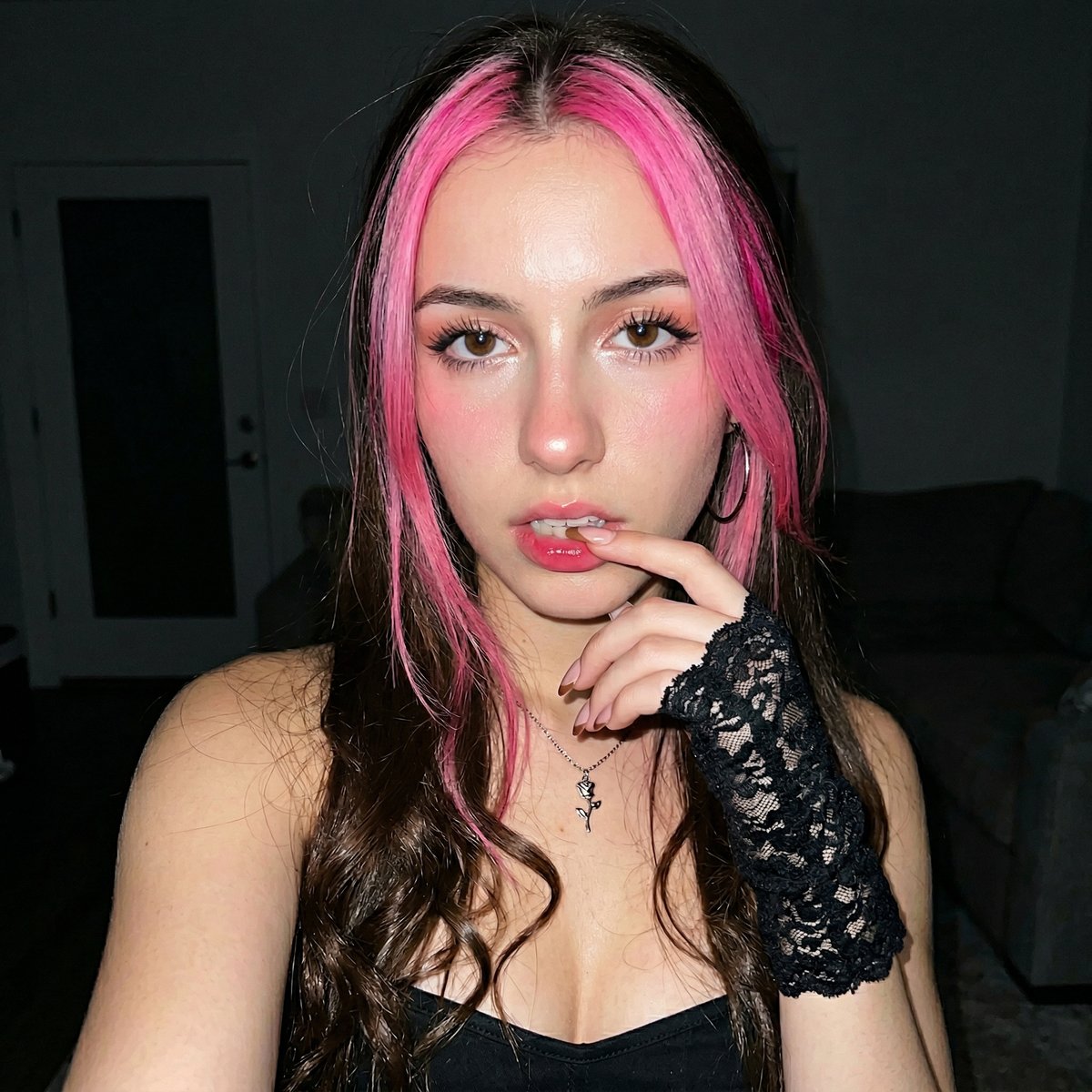
Korean Ulzzang Style Selfie Prompt
Browse template categories
City Nature Observation Exhibition Poster questions
How do I use the City Nature Observation Exhibition Poster template?
Add your photo if the template asks for one, edit the prompt if you like — the template's model and format are already selected — and press Generate. Your version opens in PicX Studio.
Can I customize the City Nature Observation Exhibition Poster template?
Yes. You can change the subject, setting, lighting, mood, format, and available model controls before creating your image.
Is the City Nature Observation Exhibition Poster template free?
Opening and editing this template is free. Generating uses credits, shown on the Generate button when you are signed in.
Which AI model should I use?
Start with GPT Image 2, which is the model associated with this template. You can compare another compatible model for a different finish.
Looking for something else? Browse all templates.

Your photo, any look
Thousands of ready templates for every top image and video model, from one credit balance.