
Dreamy Pastel Mirror Selfie Collage
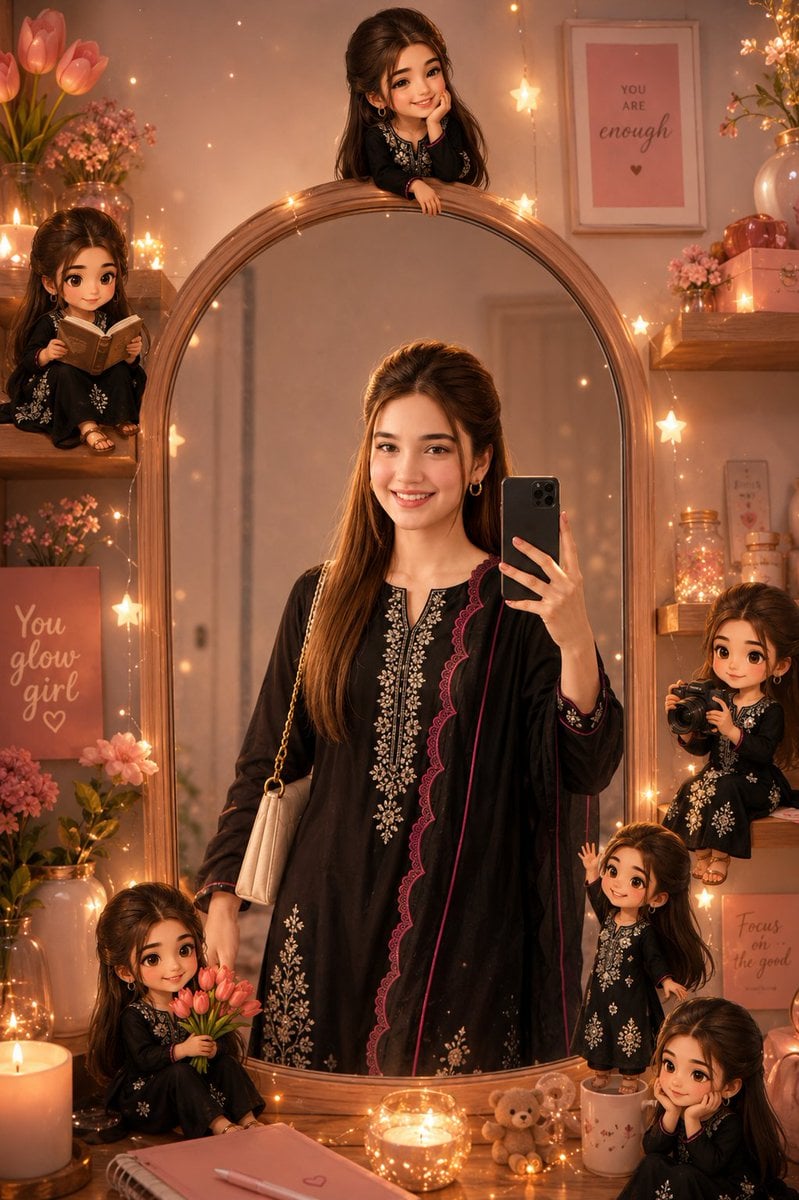
Creates a warm magical bedroom mirror-selfie scene with one central subject and six miniature chibi versions arranged around an oval mirror.
- Prompt included
- Model and format preset
- Premium template
The prompt behind this image
Copy the exact prompt behind Dreamy Pastel Mirror Selfie Collage, or open it in the studio and make it yours.
Goal: Create a dreamy pastel mirror-selfie collage scene featuring {argument name="main subject" default="a young woman with long dark brown half-up hair and warm medium skin tone"} in a cozy bedroom, with the person’s face anonymized by a smooth soft beige blur rectangle on every visible face. Canvas: Vertical 2:3 composition, warm cinematic lighting, soft focus, magical glow, high-detail digital photo-real illustration with a whimsical aesthetic. Main scene: A large elegant oval wooden mirror dominates the center. In the mirror reflection, the main subject stands taking a mirror selfie with a black smartphone held in her right hand. She wears {argument name="outfit" default="a black embroidered kurta with white floral detailing, burgundy scalloped trim, and a matching black dupatta with pink piping"}. Her long hair is styled half-up with volume at the crown, falling over one shoulder. Add a small cream shoulder bag with a gold chain strap on her left shoulder. The face is covered by a plain soft-edged beige blur block, while the hairstyle, pose, outfit, and body remain visible. Mini character details: Include exactly 6 small chibi-like versions of the same girl around the mirror, all wearing the same black embroidered outfit and all with the same anonymized beige blurred face: 1. Top center: a tiny girl leaning over the top edge of the oval mirror, hands resting on the frame. 2. Upper left: a tiny girl sitting on a wooden shelf, reading an open book. 3. Bottom left: a tiny girl sitting near the mirror base, holding a bouquet of pink tulips. 4. Mid right: a tiny girl holding a small black camera as if taking a photo. 5. Lower right: a tiny girl standing on a white mug, waving one hand. 6. Bottom right corner: a tiny girl sitting with her hands near her face in a shy or thoughtful pose. Room and decor: Surround the mirror with warm star-shaped fairy lights, glowing bokeh specks, candles, and cozy pastel bedroom decorations. Add wooden floating shelves on both sides with vases, pink flowers, jars of lights, and small decorative objects. On the left, place pink tulips in a vase and a framed or canvas sign reading {argument name="left poster text" default="You glow girl"}. On the right wall, include a framed pink poster reading {argument name="right poster text" default="YOU ARE enough"} with a small heart beneath it, and a smaller sign reading {argument name="small sign text" default="Focus on the good"}. At the bottom foreground, include a lit candle, a glowing glass candle holder, a small teddy bear, a pink notebook with a heart, and a pen on a wooden vanity surface. Visual style: Warm peach, blush pink, rose gold, and amber palette; cozy feminine bedroom aesthetic; magical fairy-light atmosphere; soft lens glow; gentle shadows; realistic mirror reflections blended with cute miniature fantasy characters. Keep the large oval mirror frame prominent and symmetrical, with the main figure centered in the reflection. Constraints: Use exactly 1 central adult mirror-selfie figure and exactly 6 miniature chibi figures. Keep all faces anonymized with smooth beige blur blocks. Do not add extra characters, extra text, watermarks, logos, or harsh lighting.
How to use Dreamy Pastel Mirror Selfie Collage in 3 steps
- 1Upload ImagePNG, JPG or paste
Add your photo
Upload the photo the template builds on. The prompt, model and format are already set.
- 2…a portrait of your subject in softgolden-hour light, 85mm…
Personalize
Edit the subject and creative details for your destination.
- 3Generate
Generate
Press Generate — your image is created in PicX Studio, so you can compare it with the original and refine one variable at a time.
More like this
Templates with the same subject, style or setup. Open one to see its prompt.

Rooftop Fisheye — Cat-Ear Balaclava at Golden Hour

Felt & Knit 3D Character — Photo-Exact Face, Pixar-Quality Plush Figurine

Surreal Cat Astronaut — Humanoid Face Freefall
Korean Cafe Courtyard Gold Frame Mirror Selfie
Dreamy Y2K Digital Camera Mirror Selfie
Panel Mirror Selfie Collage
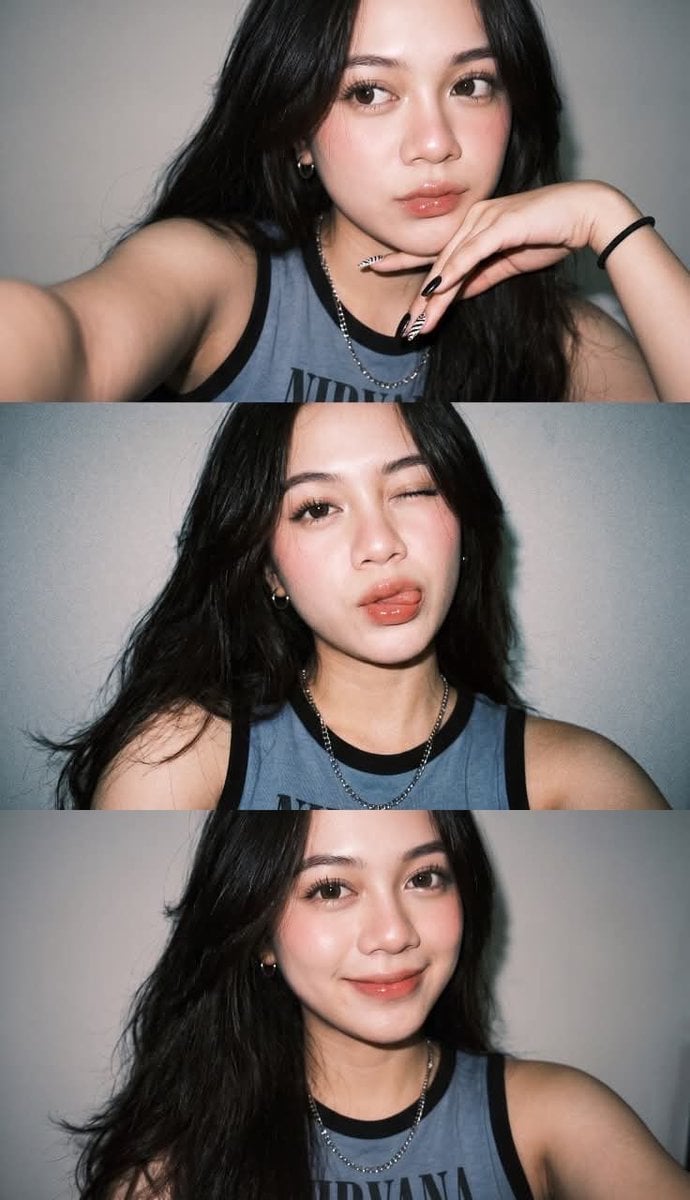
Gen Z Flash Selfie Triple Collage
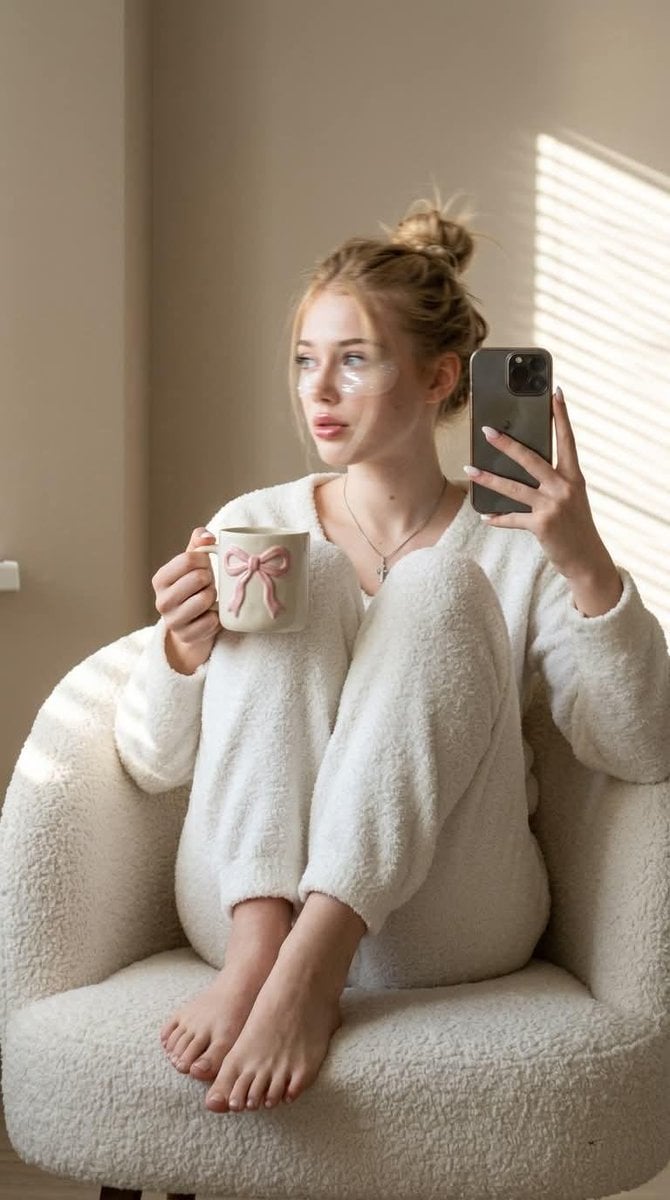
Morning Mirror Selfie Candid
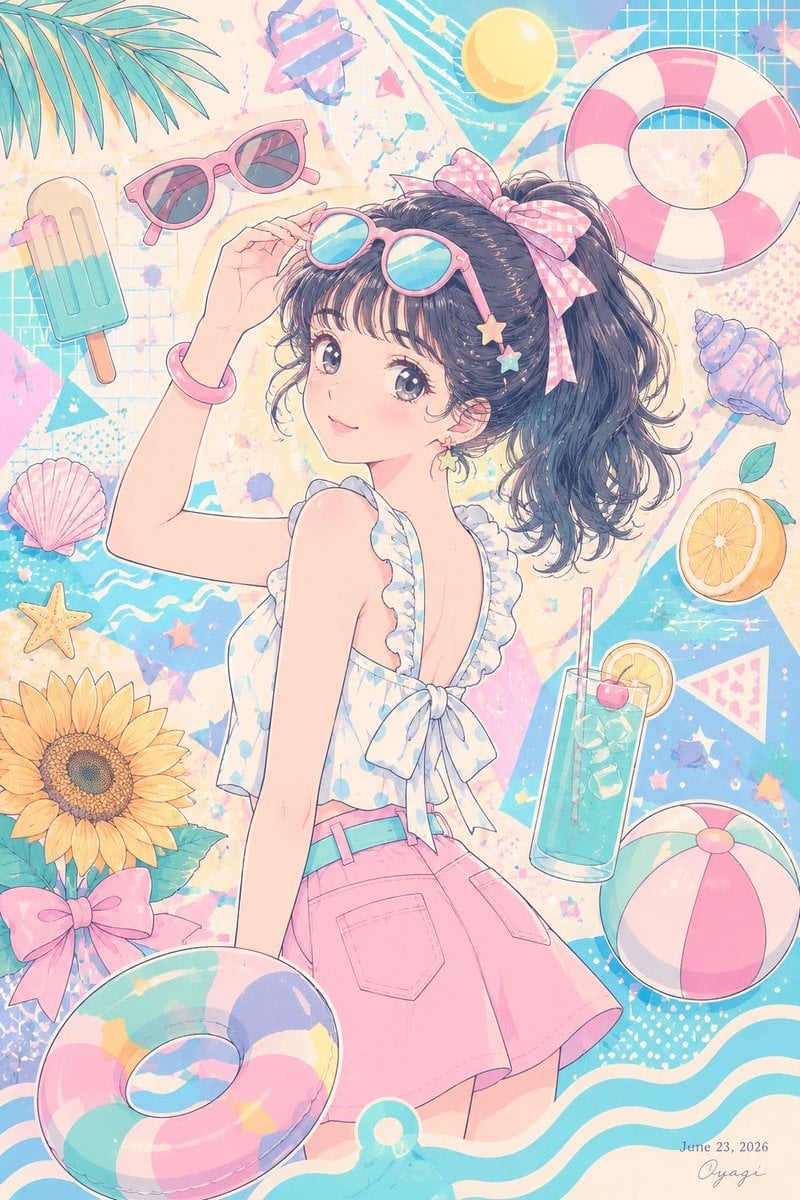
Pastel Anime Summer Beach Collage
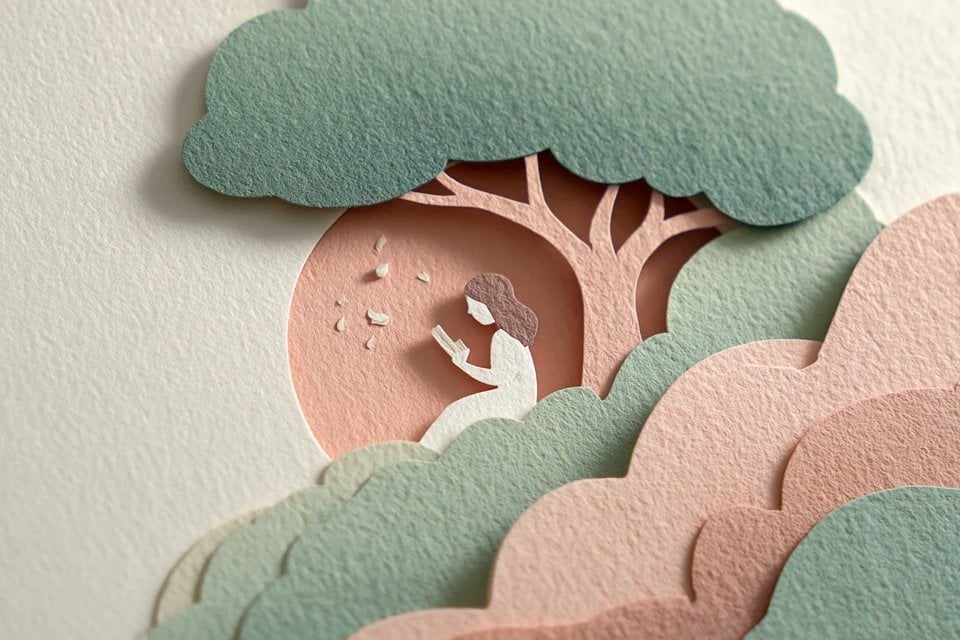
Layered Paper Cut Illustration Template
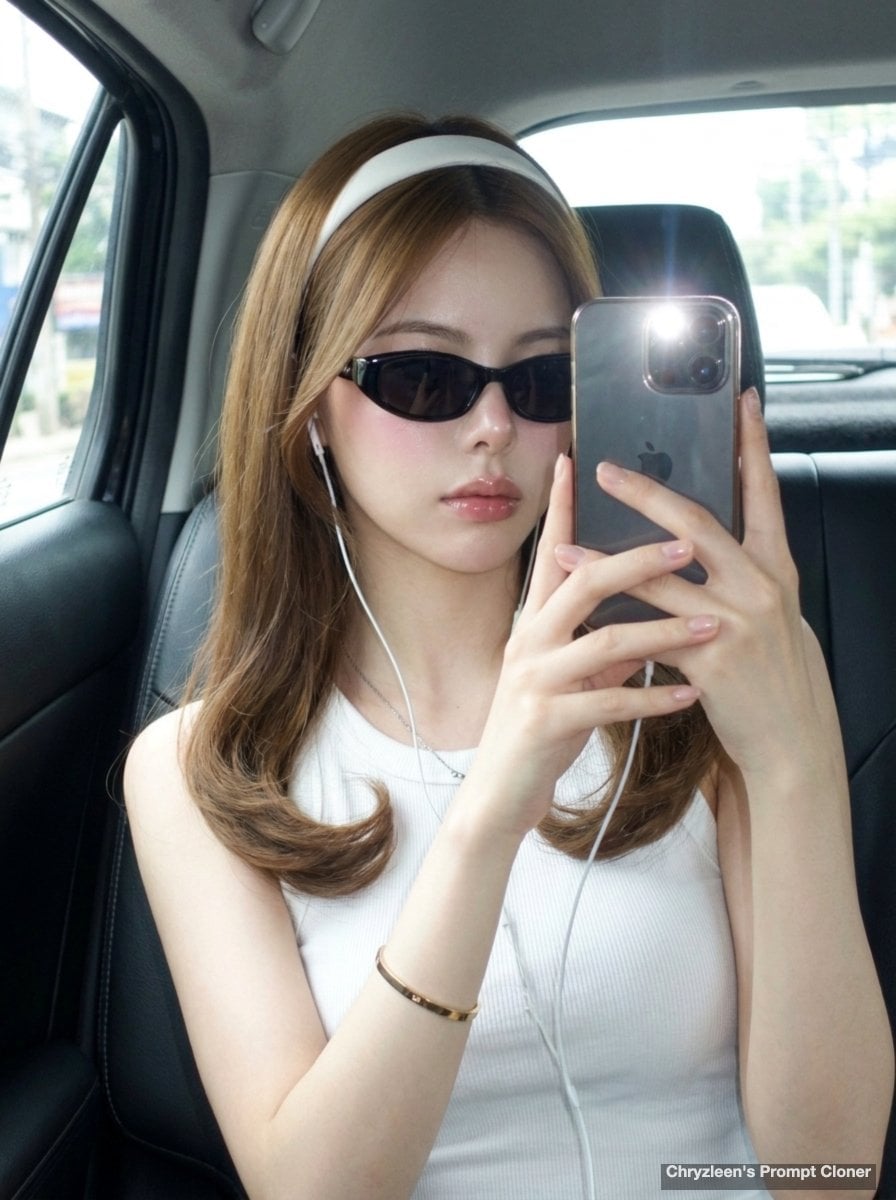
Backseat Mirror Selfie
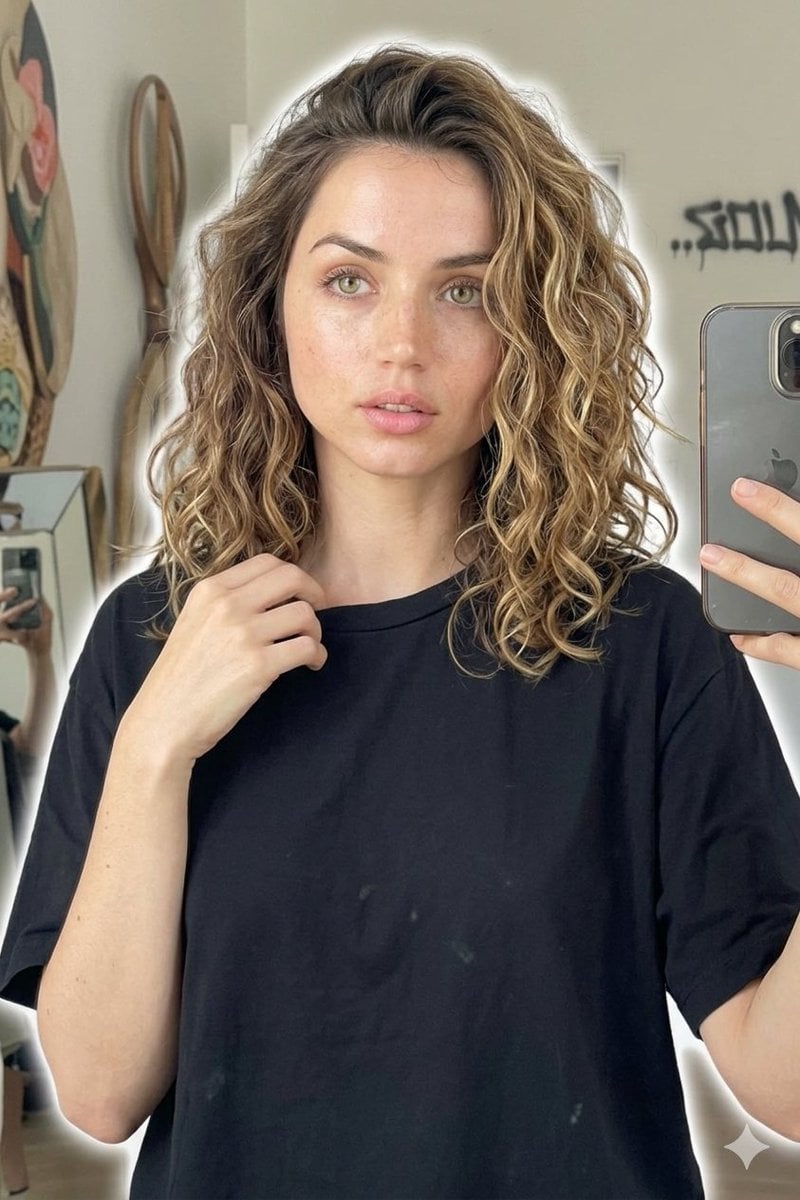
Candid Mirror Selfie Beauty Portrait
Make it yours
Dreamy Pastel Mirror Selfie Collage works as-is. These are the safest ways to change it without losing the look.
Change one field
Copy a single group, rewrite it, and generate again so you can see what that field is doing.
Keep the frame, change the subject
Hold the composition and light of Dreamy Pastel Mirror Selfie Collage, then swap wardrobe, props or the person for a new take.
| If the result… | Why | Fix |
|---|---|---|
| The result drifts from the preview | Too many fields changed at once. | Reuse Dreamy Pastel Mirror Selfie Collage as-is first, then change one group — subject, light, or setting. |
| The model over-stylizes the scene | The prose prompt leaves finish and camera underspecified. | Add one camera or lighting sentence and stay on GPT Image 2. |
More GPT Image 2 templates
Other prompts made for GPT Image 2.

Six VTuber Japanese Logo Sheet

Realistic Portrait of Woman and Deer

The Vista Modular Condo Poster

AI Model Routing Comparison Infographic

2.5D Anime Art Board

Isometric Productivity Desk Scene

New York Double Exposure Poster

Four-Panel AI Landscape Comparison

Japanese Tatami Lifestyle Magazine Cover

NESCAFÉ Coffee Map Poster
More image prompts
Fresh picks from across the catalog.
Dafne Keen Candid Outdoor Drink Shot
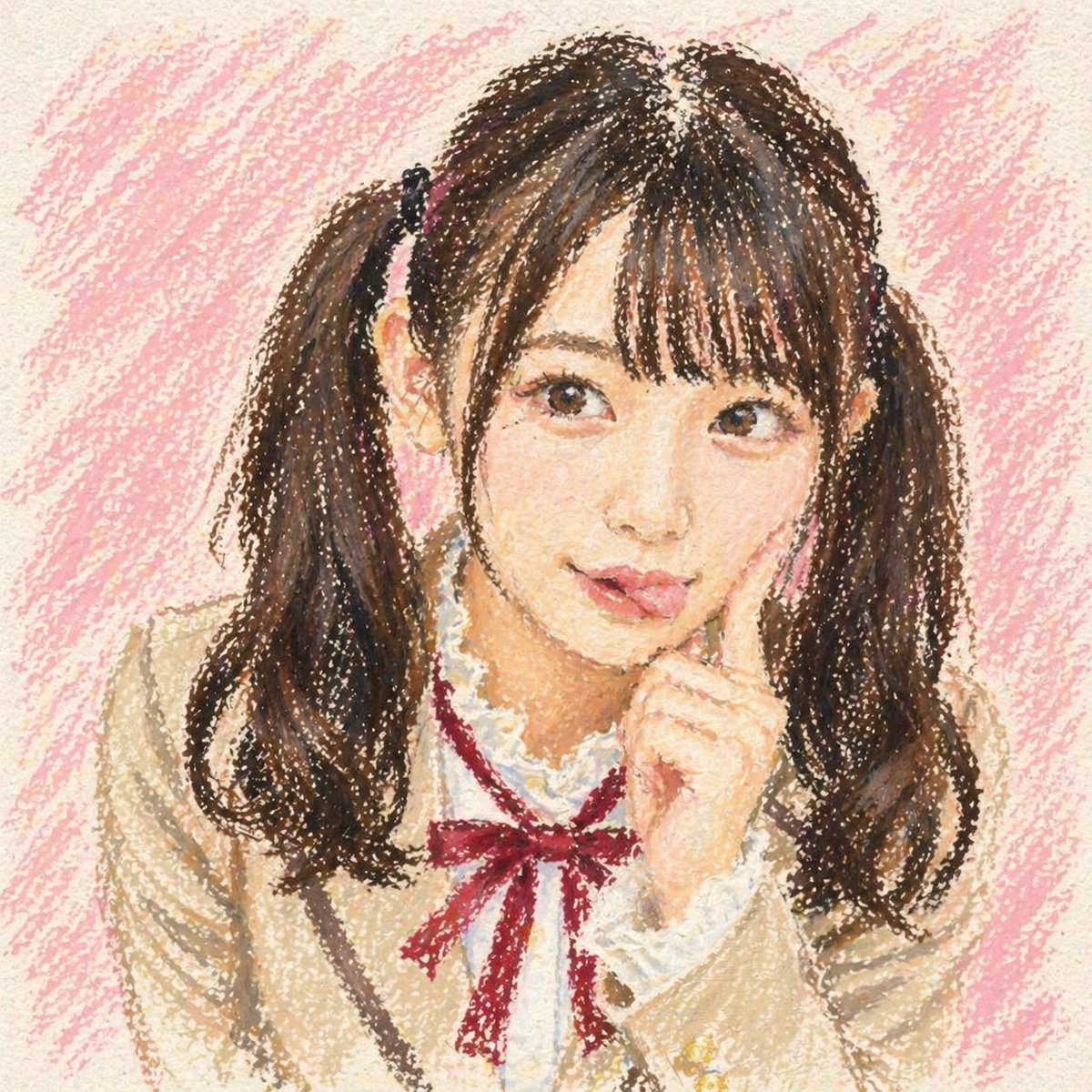
Cute Oil Pastel Schoolgirl Portrait
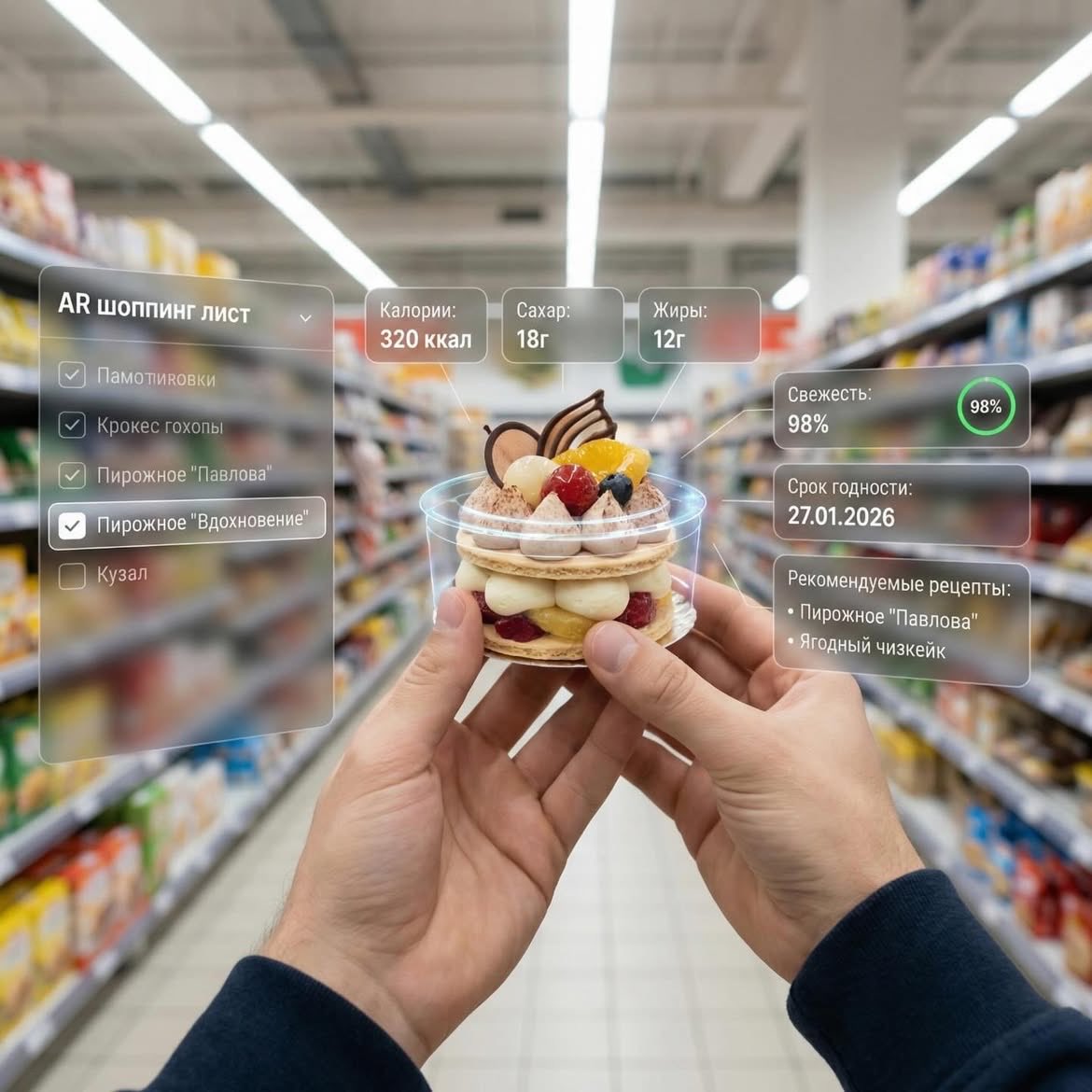
Augmented Reality UI Overlays on Food Items
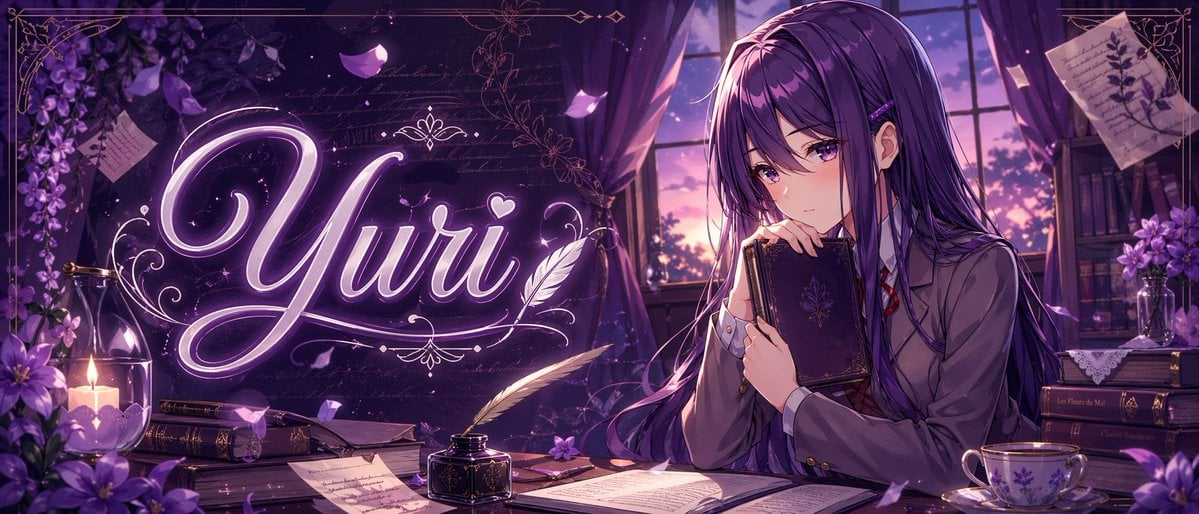
Gpt2 Youtube Thumbnail Purple Anime Yuri Banner
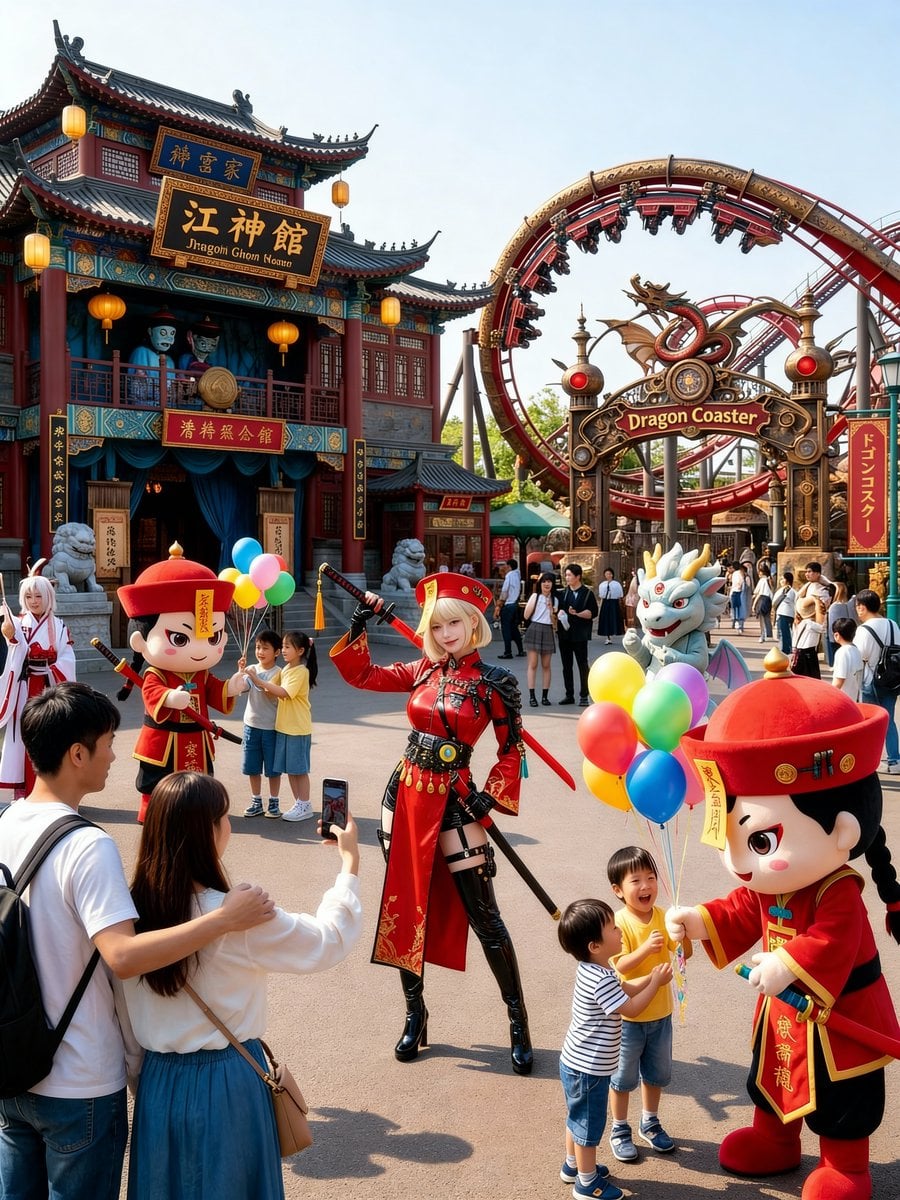
Amusement Park Prompt Template for Character Placement

Photorealistic Female Pilot Selfie Prompt

Tech Product Announcement Infographic
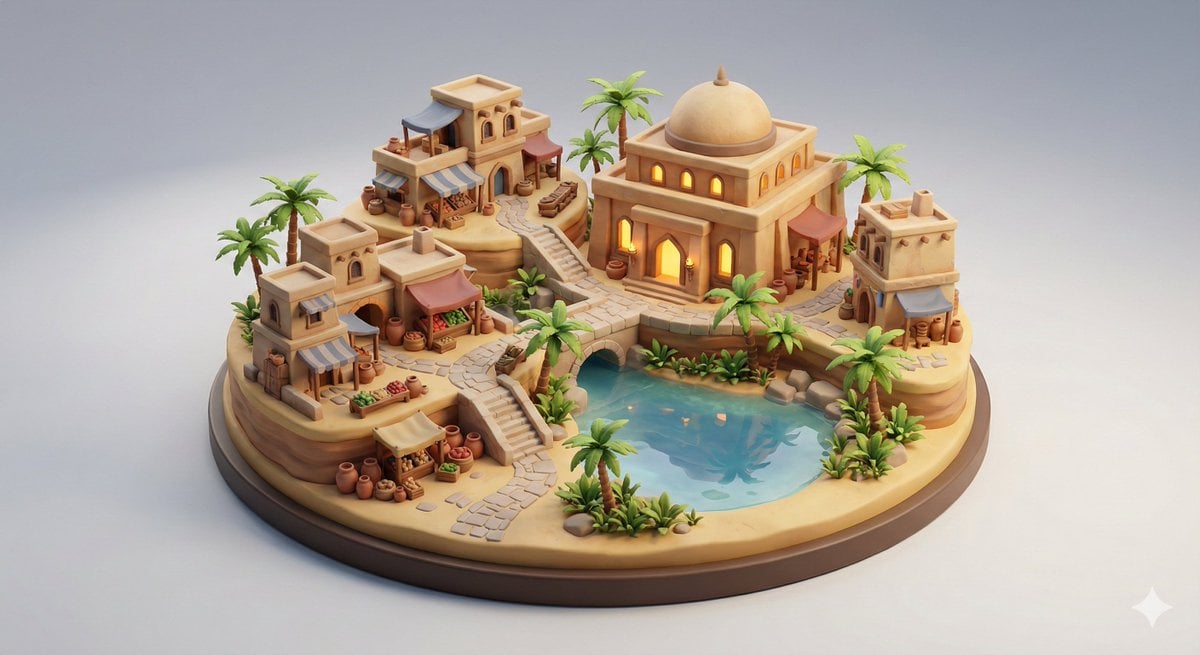
Collectible Miniature Diorama of a Developed Desert Oasis Settlement
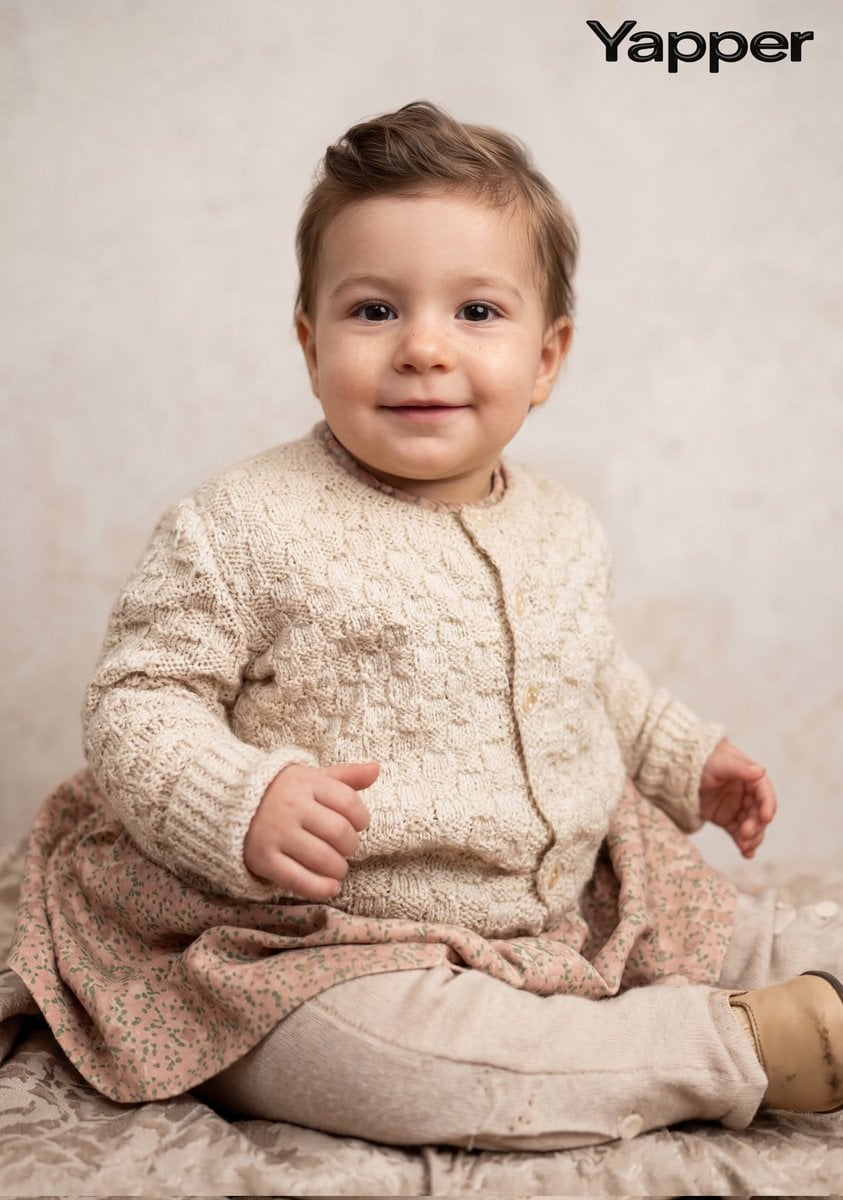
Cinematic Portrait Restoration Prompt
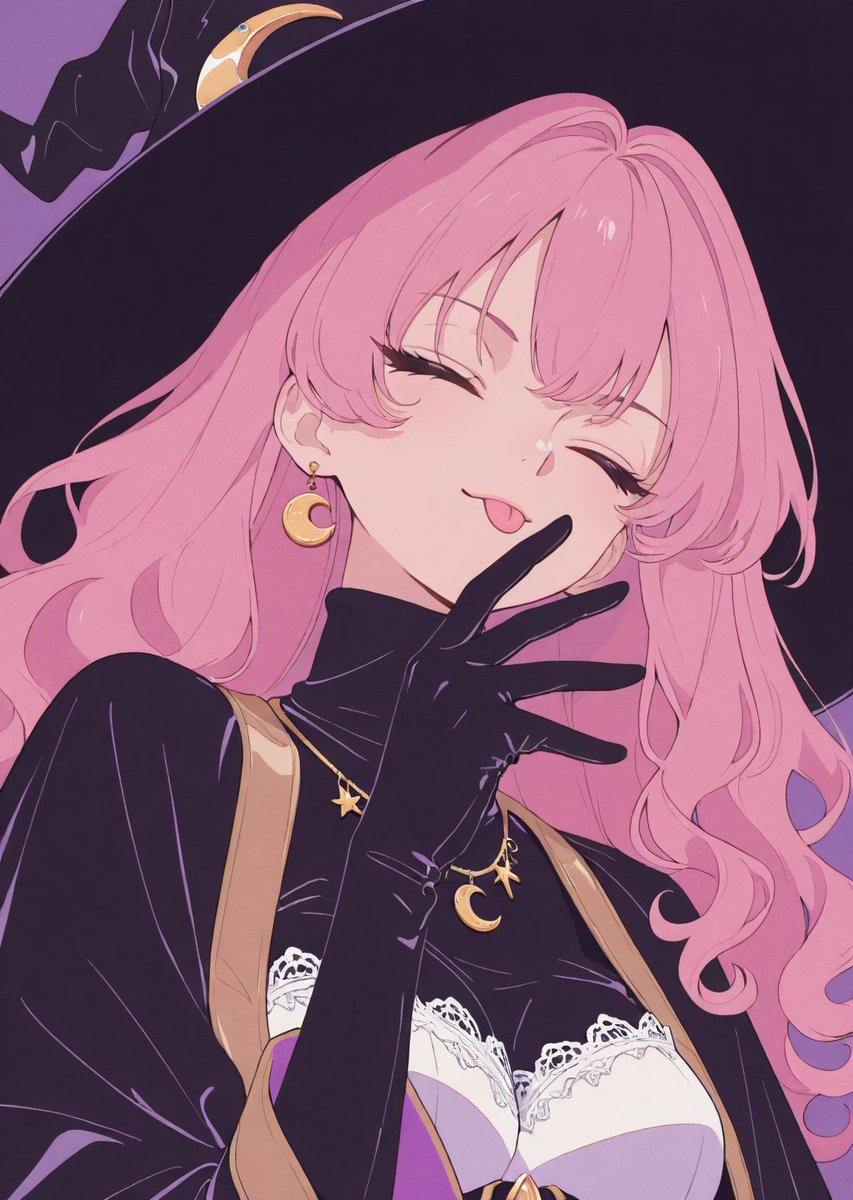
Adding Fabric Texture to Clothing
Browse template categories
Dreamy Pastel Mirror Selfie Collage questions
How do I use the Dreamy Pastel Mirror Selfie Collage template?
Add your photo if the template asks for one, edit the prompt if you like — the template's model and format are already selected — and press Generate. Your version opens in PicX Studio.
Can I customize the Dreamy Pastel Mirror Selfie Collage template?
Yes. You can change the subject, setting, lighting, mood, format, and available model controls before creating your image.
Is the Dreamy Pastel Mirror Selfie Collage template free?
Opening and editing this template is free. Generating uses credits, shown on the Generate button when you are signed in.
Which AI model should I use?
Start with GPT Image 2, which is the model associated with this template. You can compare another compatible model for a different finish.
Looking for something else? Browse all templates.

Your photo, any look
Thousands of ready templates for every top image and video model, from one credit balance.