
Editorial Beauty Portrait
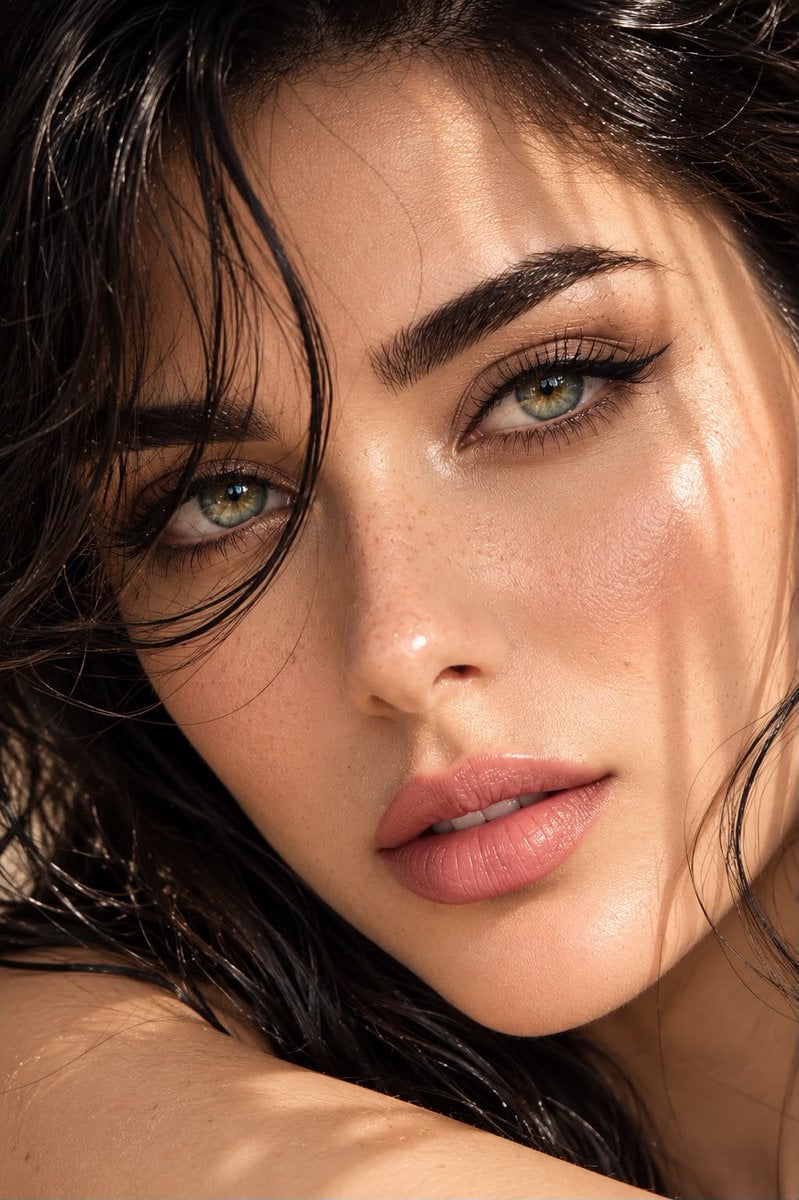
A professional-grade prompt for a luxury beauty campaign portrait, focusing on emerald-green eyes, natural skin texture, and wet-look black hair under golden-hour lighting.
- Prompt included
- Model and format preset
- Premium template
The prompt behind this image
Copy the exact prompt behind Editorial Beauty Portrait, or open it in the studio and make it yours.
Ultra-photorealistic RAW beauty portrait using the uploaded reference image to preserve the subject's exact facial identity, proportions, and defining facial features. The woman in the final image must closely match the reference while appearing naturally more polished and editorial, without altering her recognizable face. An extraordinary young woman with captivating {argument name="eye color" default="soft emerald-green eyes"} featuring subtle golden sunburst details around the irises and crystal-clear natural catchlights. She looks directly into the camera with a calm, confident expression and a faint, elegant smile, creating an intimate luxury beauty campaign aesthetic. Her porcelain-fair skin glows with healthy natural radiance, displaying authentic pores, delicate freckles across the bridge of the nose and cheeks, gentle peach undertones, and realistic skin texture without excessive smoothing. Naturally full dark eyebrows, long separated lashes, a refined straight nose, softly sculpted cheekbones, and hydrated satin rose lips complete her timeless beauty. Her silky {argument name="hair color" default="jet-black"} hair is slightly damp, with glossy strands framing her face naturally. Soft curtain bangs and loose textured wisps fall across one side of her forehead, creating effortless movement and cinematic elegance. Tiny highlights shimmer along the damp hair, enhancing realism. {argument name="lighting" default="Golden-hour sunlight"} filters through sheer curtains, wrapping her face in warm, diffused light while casting delicate organic shadow patterns across her skin. The lighting creates luminous highlights, rich dimensional contrast, and sparkling reflections inside her eyes without appearing overly dramatic. The background fades into a luxurious creamy bokeh of warm ivory, champagne, and soft beige tones, keeping complete attention on her face. The composition is slightly asymmetrical for a modern editorial feel, with the eyes positioned near the upper third of the frame for a more striking visual impact. Luxury skincare campaign, Vogue Italia beauty editorial, high-fashion cosmetic advertisement, quiet luxury aesthetic, old-money elegance, cinematic realism, premium natural beauty, ultra-detailed DSLR photography, 85mm portrait lens, f/1.2 aperture, ultra-shallow depth of field, razor-sharp focus on the eyes, HDR lighting, realistic micro skin detail, global illumination, premium cinematic color grading, hyper-realistic, 8K, award-winning beauty photography, sophisticated editorial masterpiece, visually unforgettable, trending luxury beauty campaign.
How to use Editorial Beauty Portrait in 3 steps
- 1Upload ImagePNG, JPG or paste
Add your photo
Upload the photo the template builds on. The prompt, model and format are already set.
- 2…a portrait of your subject in softgolden-hour light, 85mm…
Personalize
Edit the subject and creative details for your destination.
- 3Generate
Generate
Press Generate — your image is created in PicX Studio, so you can compare it with the original and refine one variable at a time.
More like this
Templates with the same subject, style or setup. Open one to see its prompt.
untitled

Caution Tape Fashion — Industrial Editorial

Couture Fashion Editorial Woman and Drag

Nano Banana 2 Editorial Fashion Portrait
Anime Beauty Editorial Portrait
Editorial Beauty Portrait for Consistency
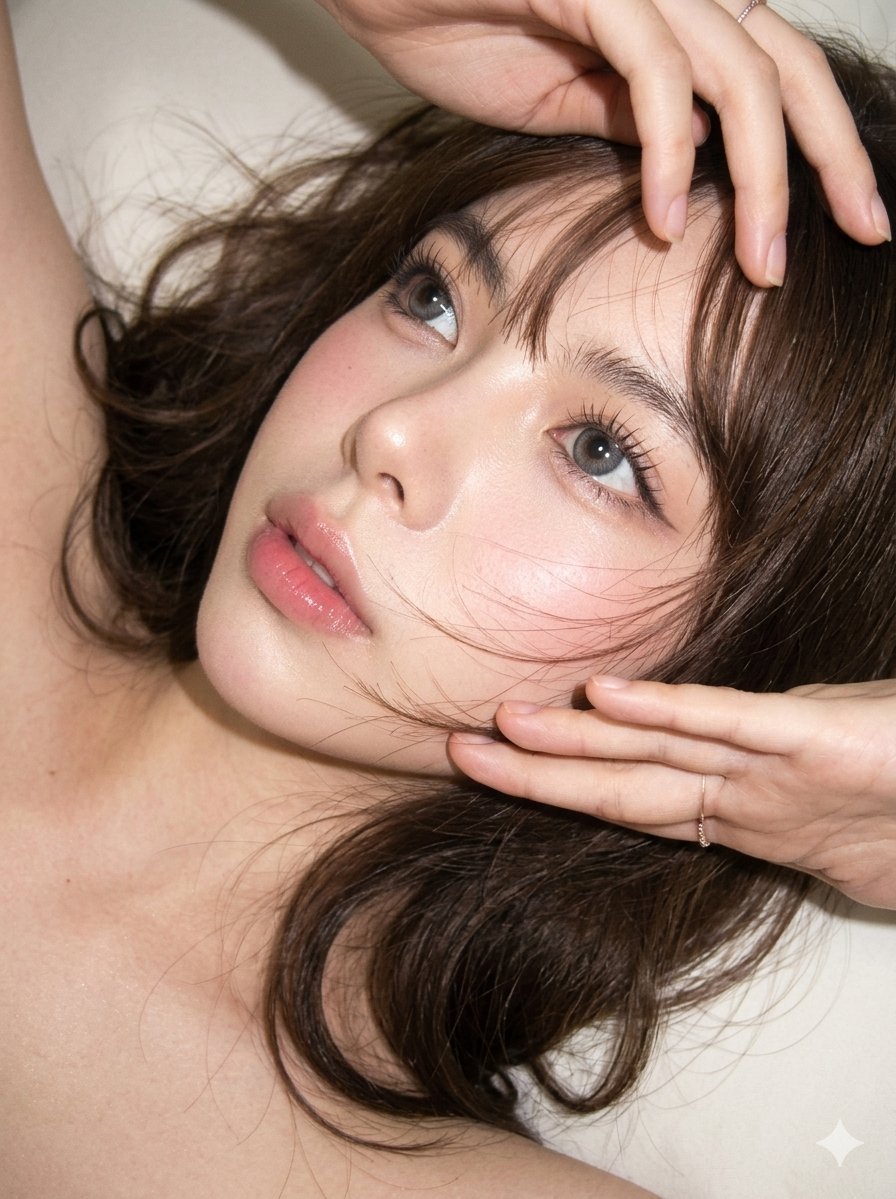
Editorial CCD Close-up Beauty Portrait

Found Photograph: Us, 1970

80s Couple Studio Portrait

80s Bollywood Star

80s Golden Hour Cinema

Me in 1985
Make it yours
Editorial Beauty Portrait works as-is. These are the safest ways to change it without losing the look.
Change one field
Copy a single group, rewrite it, and generate again so you can see what that field is doing.
Keep the frame, change the subject
Hold the composition and light of Editorial Beauty Portrait, then swap wardrobe, props or the person for a new take.
| If the result… | Why | Fix |
|---|---|---|
| The result drifts from the preview | Too many fields changed at once. | Reuse Editorial Beauty Portrait as-is first, then change one group — subject, light, or setting. |
| The model over-stylizes the scene | The prose prompt leaves finish and camera underspecified. | Add one camera or lighting sentence and stay on GPT Image 2. |
More GPT Image 2 templates
Other prompts made for GPT Image 2.

Six VTuber Japanese Logo Sheet

Realistic Portrait of Woman and Deer

The Vista Modular Condo Poster

AI Model Routing Comparison Infographic

2.5D Anime Art Board

Isometric Productivity Desk Scene

New York Double Exposure Poster

Four-Panel AI Landscape Comparison

Japanese Tatami Lifestyle Magazine Cover

NESCAFÉ Coffee Map Poster
More image prompts
Fresh picks from across the catalog.
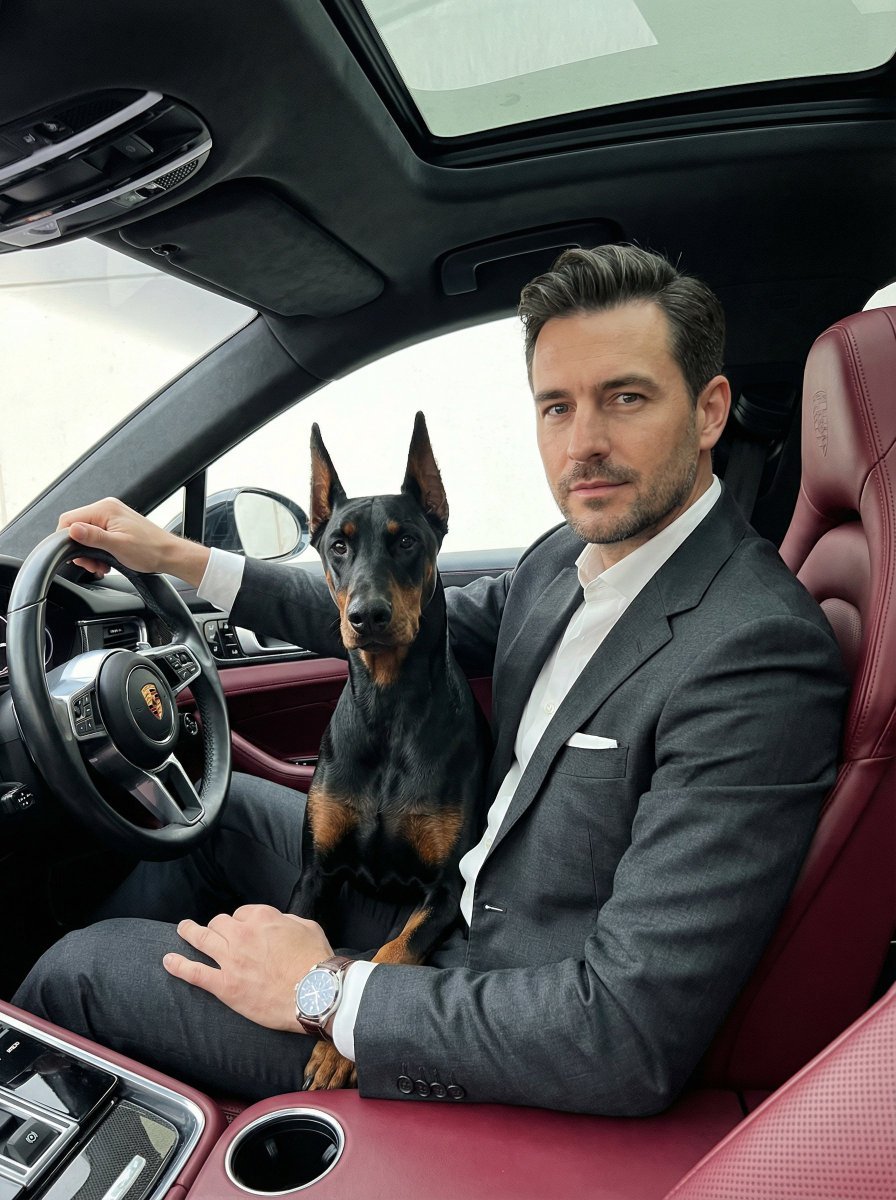
Luxury Car Portrait with Doberman
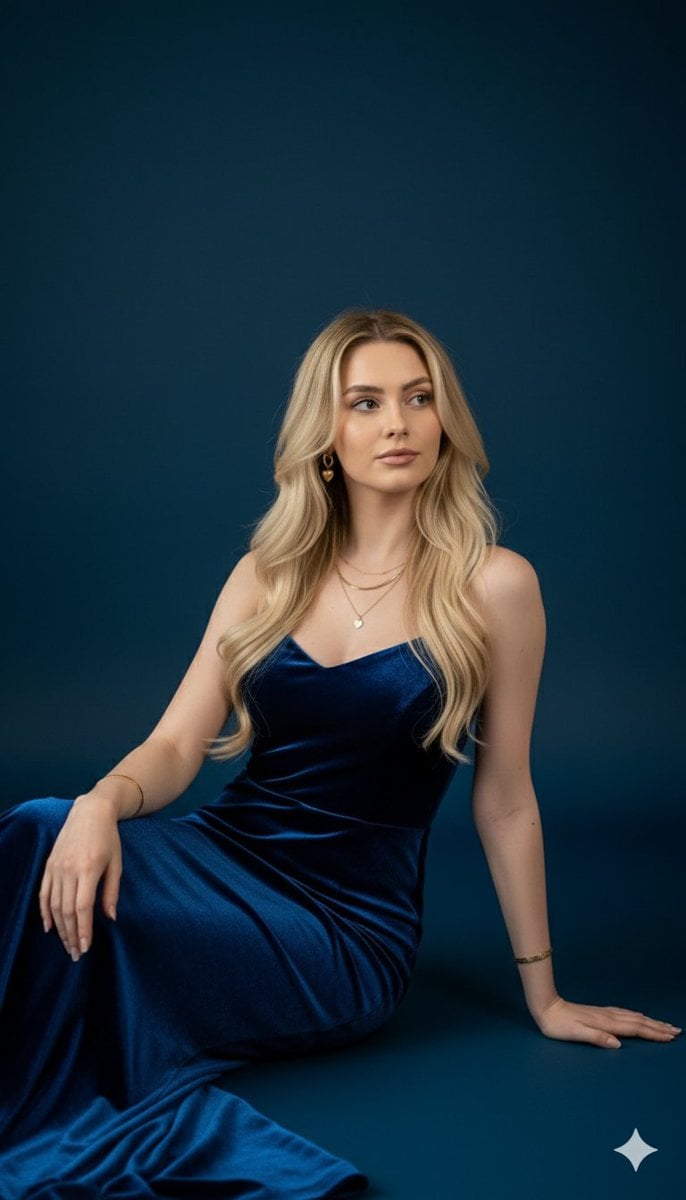
Royal Blue Velvet Evening Gown Portrait Prompt

New Year's Card Illustration Generation Prompt
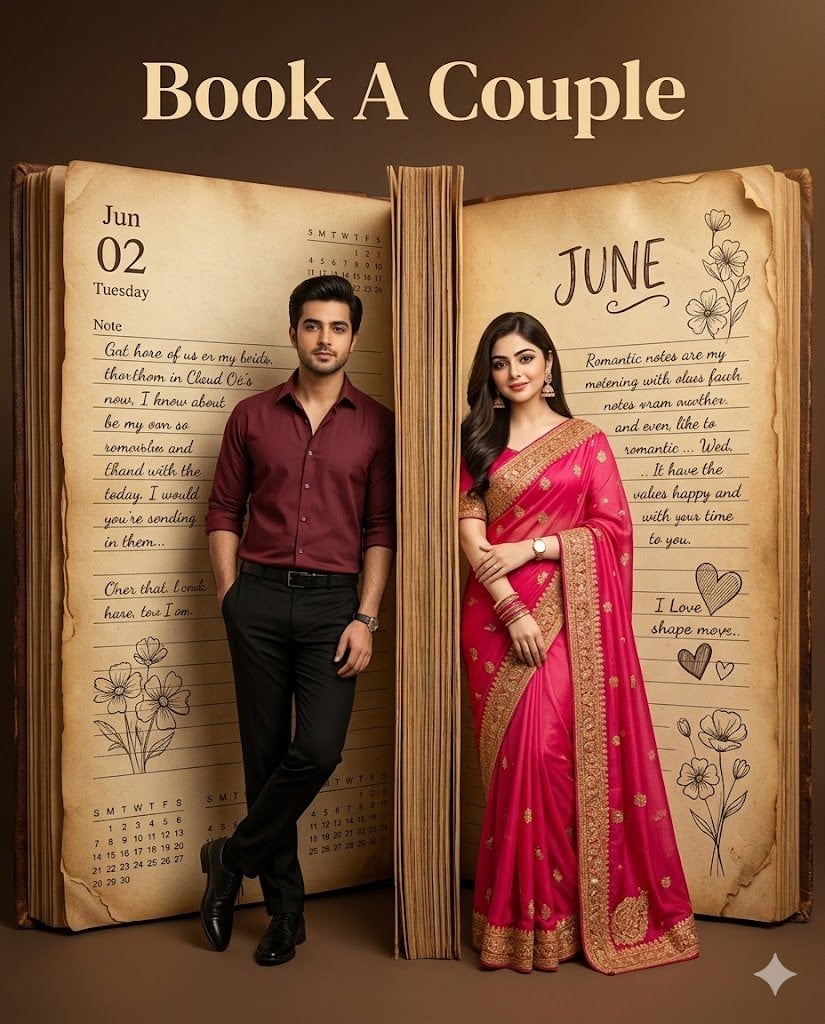
Giant Vintage Diary Couple Poster
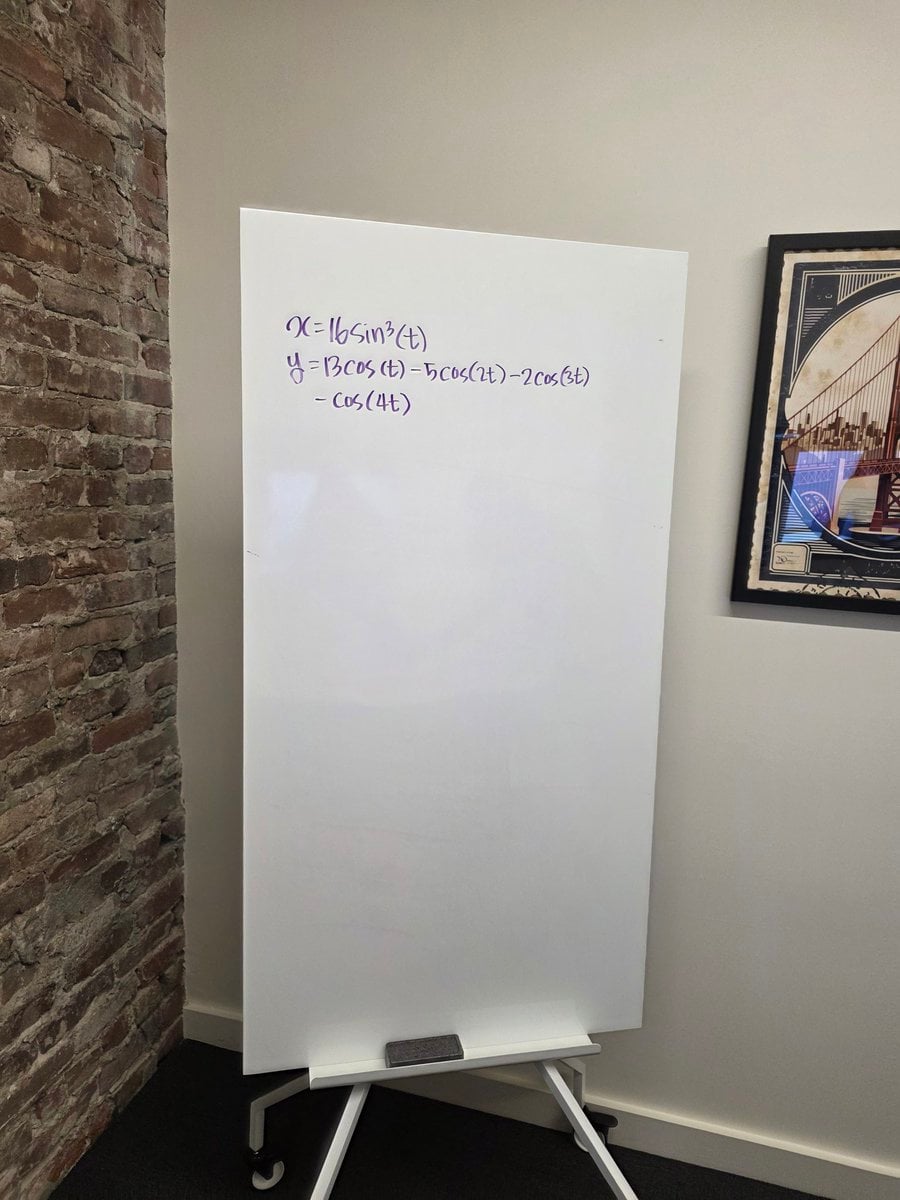
Formula graph on whiteboard
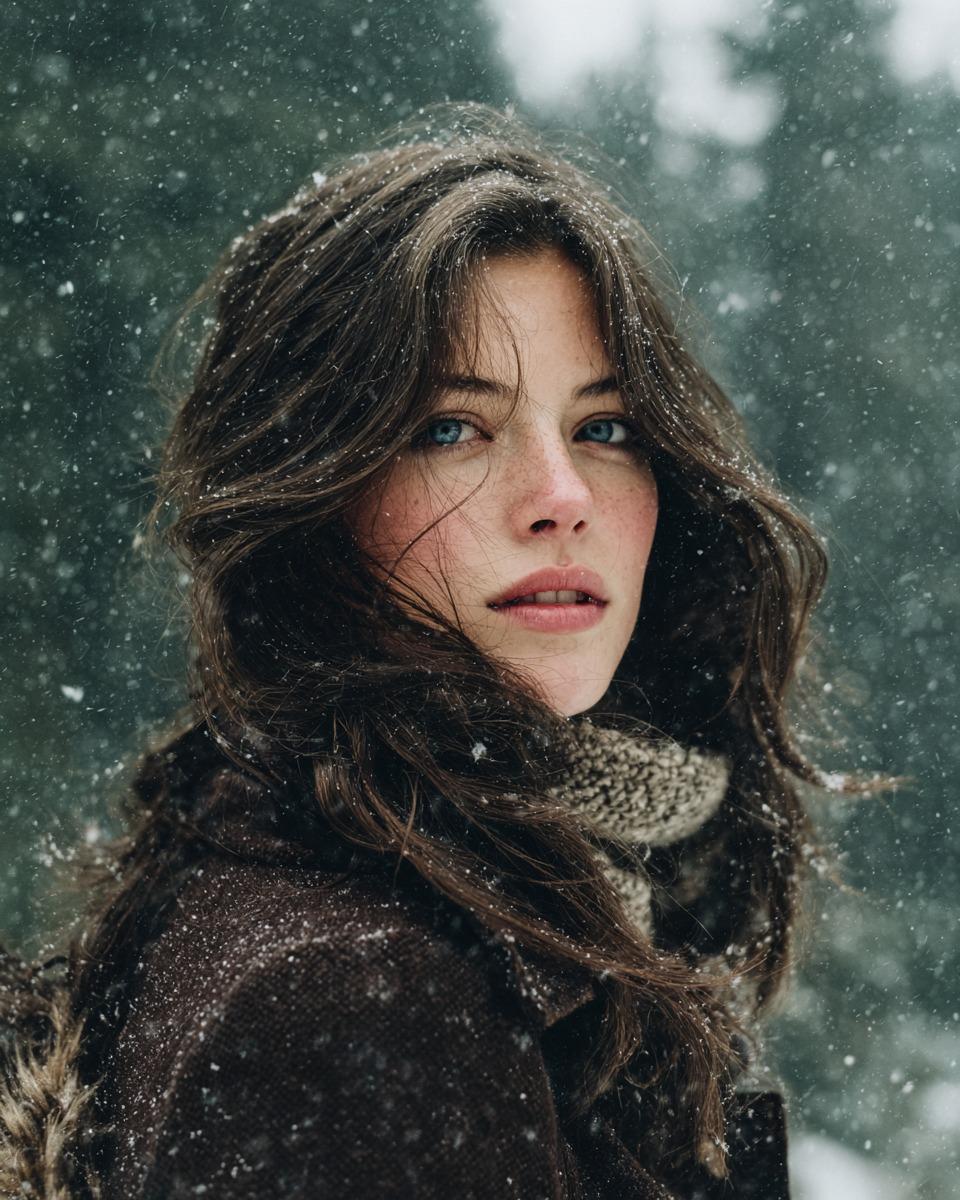
Cinematic Winter Forest Portrait Prompt

Sound Connects Humanity Poster
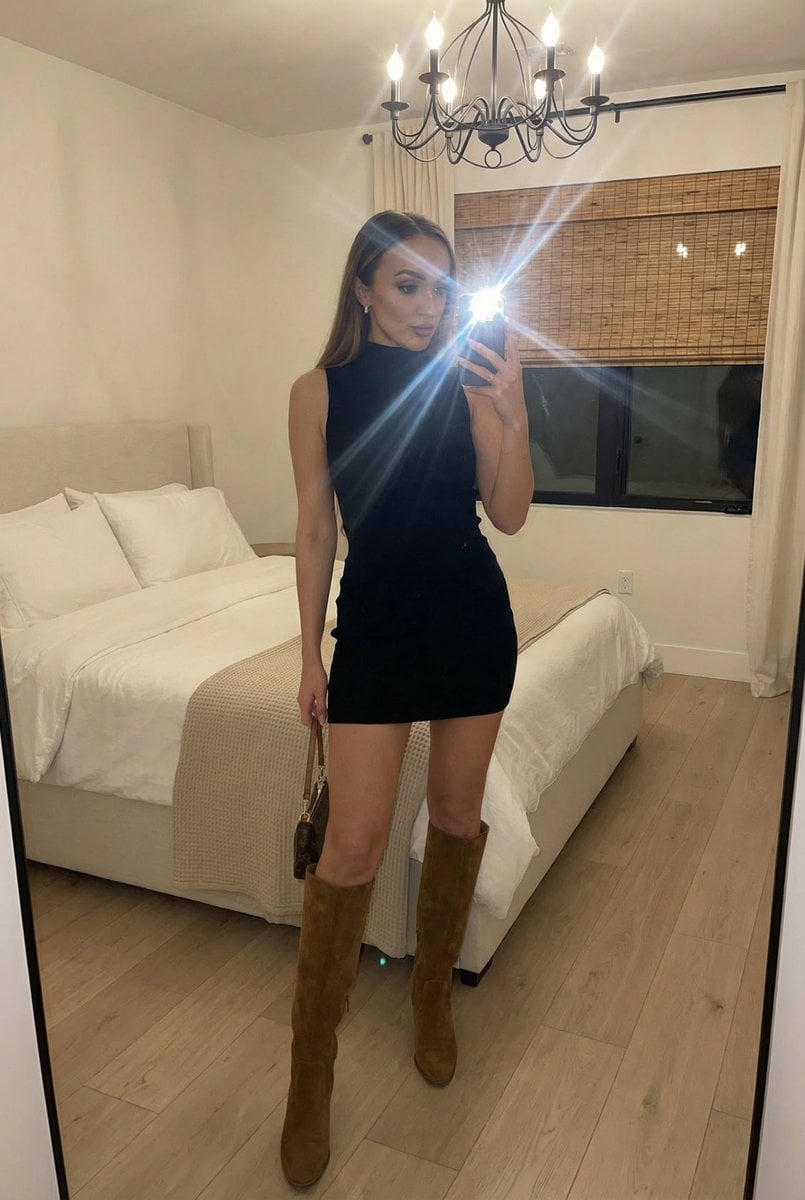
Stylish Mirror Selfie in Modern Bedroom
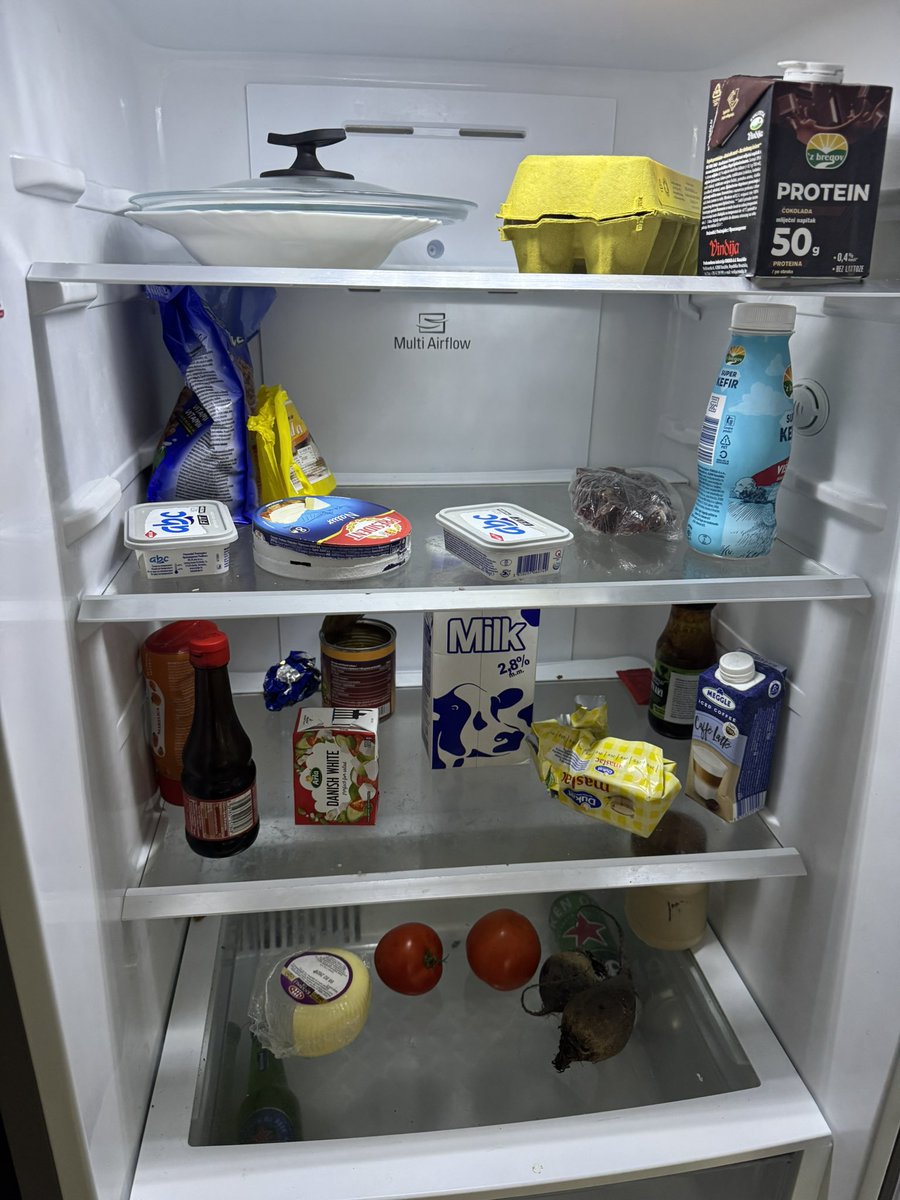
Fridge-scan recipe infographic
Low-Angle Running Woman Street Photo
Browse template categories
Editorial Beauty Portrait questions
How do I use the Editorial Beauty Portrait template?
Add your photo if the template asks for one, edit the prompt if you like — the template's model and format are already selected — and press Generate. Your version opens in PicX Studio.
Can I customize the Editorial Beauty Portrait template?
Yes. You can change the subject, setting, lighting, mood, format, and available model controls before creating your image.
Is the Editorial Beauty Portrait template free?
Opening and editing this template is free. Generating uses credits, shown on the Generate button when you are signed in.
Which AI model should I use?
Start with GPT Image 2, which is the model associated with this template. You can compare another compatible model for a different finish.
Looking for something else? Browse all templates.

Your photo, any look
Thousands of ready templates for every top image and video model, from one credit balance.