
Japanese Clear Wash Skincare Banner
Creates a polished Japanese facial cleanser advertising banner with a dewy model, product tube, benefit bubbles, and a strong blue CTA bar.
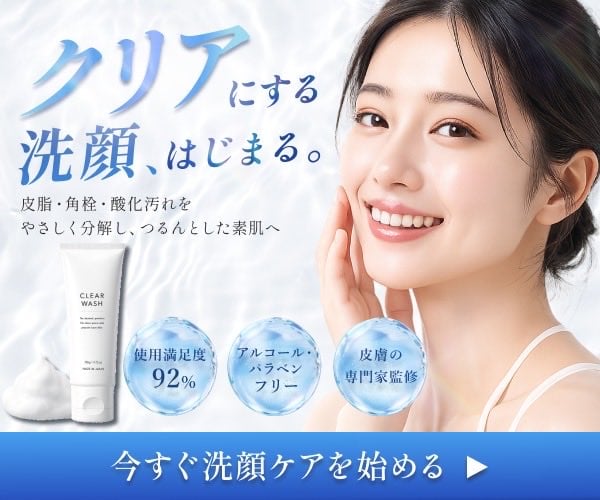
- Prompt included
- Model and format preset
- Premium template
The prompt behind this image
Copy the exact prompt behind Japanese Clear Wash Skincare Banner, or open it in the studio and make it yours.
Goal: Create a clean Japanese skincare web banner for a facial cleanser, emphasizing moisture, clarity, purity, and gentle cleansing. Canvas: Horizontal rectangular banner, approximately 600×500 px, bright white and pale blue color palette with a soft watery background. Use realistic commercial beauty photography compositing with subtle glow, high-key lighting, and a fresh hygienic atmosphere. Layout: Place a smiling young East Asian woman on the right half, cropped from shoulders up, facing the viewer with her right hand gently touching her cheek. Her skin should look luminous, smooth, and hydrated; she has dark hair tied back loosely, natural makeup, and a white camisole strap visible. On the left half, place the main headline text in large blue Japanese calligraphy-style lettering. Below it, place a smaller explanatory line in dark gray. Along the lower-left area, place the product and benefit badges. Add a full-width blue gradient call-to-action bar at the bottom with centered white Japanese text and a white triangular play/arrow icon on the right. Text content: Main headline reads 「{argument name="headline text" default="クリアにする 洗顔、はじまる。"}」 with 「クリア」 especially large and brush-like, and the rest arranged beside and below it. Supporting copy reads 「皮脂・角栓・酸化汚れを やさしく分解し、うるんとした素肌へ」. Bottom call-to-action reads 「{argument name="call to action text" default="今すぐ洗顔ケアを始める"}」. Product and objects: Include exactly 5 prominent lower visual elements: 1 white facial cleanser tube labeled “CLEAR WASH” standing near the lower left, 1 mound of dense white cleansing foam beside it, and exactly 3 translucent blue water bubbles containing benefit text. The three bubble labels are: 1) 「使用満足度 92%」, 2) 「アルコール・パラベン フリー」, 3) 「皮膚の専門家監修」. Make the bubbles glossy, spherical, lightly refractive, and water-like. Visual style: Premium Japanese cosmetic advertising, soft gradients, gentle reflections, pale aqua shadows, crisp typography, water ripple texture in the background, clean whitespace, and a trustworthy clinical-beauty feel. Keep the banner polished and Figma-ready, with no extra logos, no watermark, and no additional badges beyond the exactly 3 benefit bubbles. Customizable details: The product should be a {argument name="product type" default="clear facial cleansing wash"}; the model should be a {argument name="model description" default="smiling young East Asian woman with dewy skin"}; the overall mood should be {argument name="visual mood" default="fresh, moist, clean, and gentle"}.
How to use Japanese Clear Wash Skincare Banner in 3 steps
- 1Upload ImagePNG, JPG or paste
Add your photo
Upload the photo the template builds on. The prompt, model and format are already set.
- 2…a portrait of your subject in softgolden-hour light, 85mm…
Personalize
Edit the subject and creative details for your destination.
- 3Generate
Generate
Press Generate — your image is created in PicX Studio, so you can compare it with the original and refine one variable at a time.
More like this
Templates with the same subject, style or setup. Open one to see its prompt.
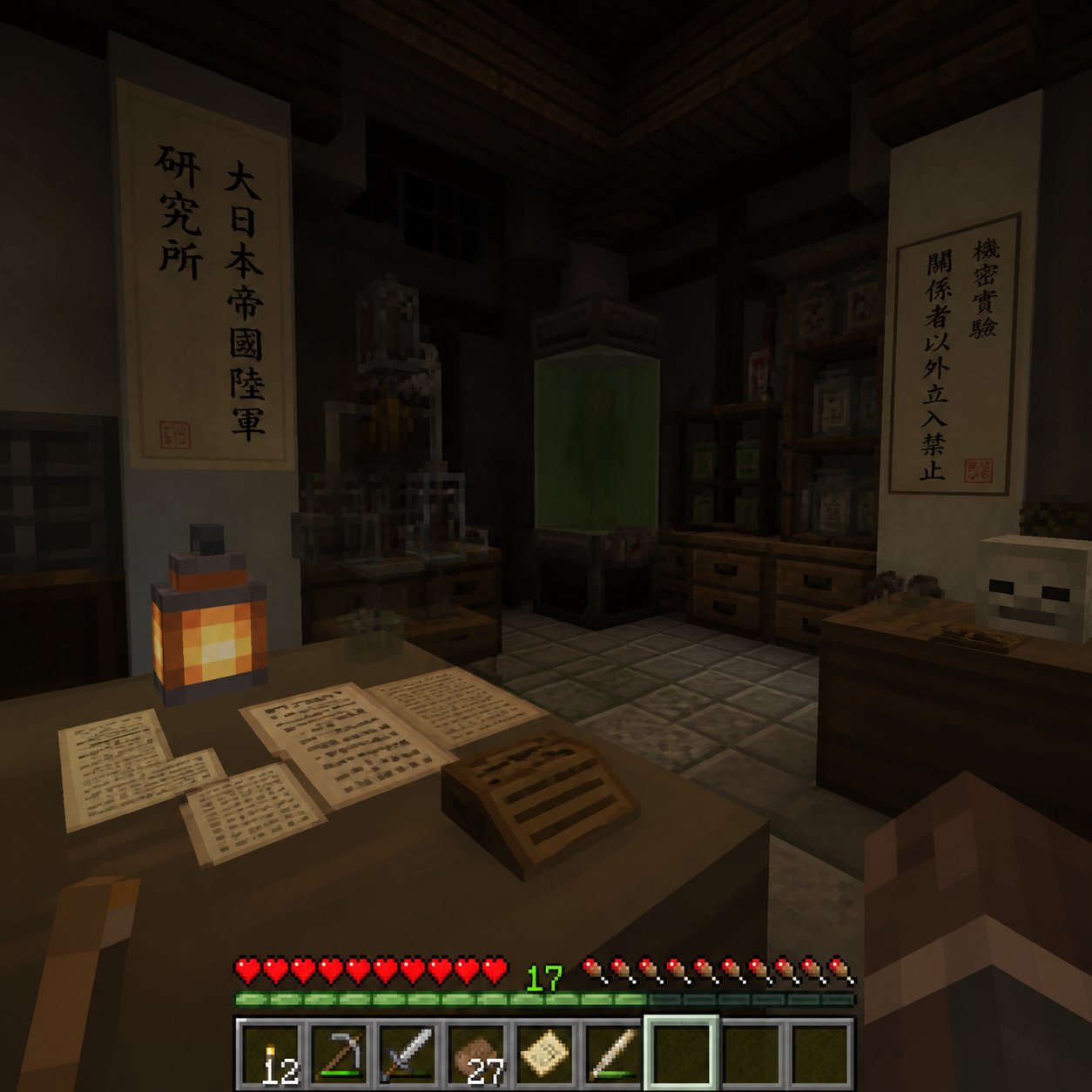
Minecraft Japanese Research Lab Exploration
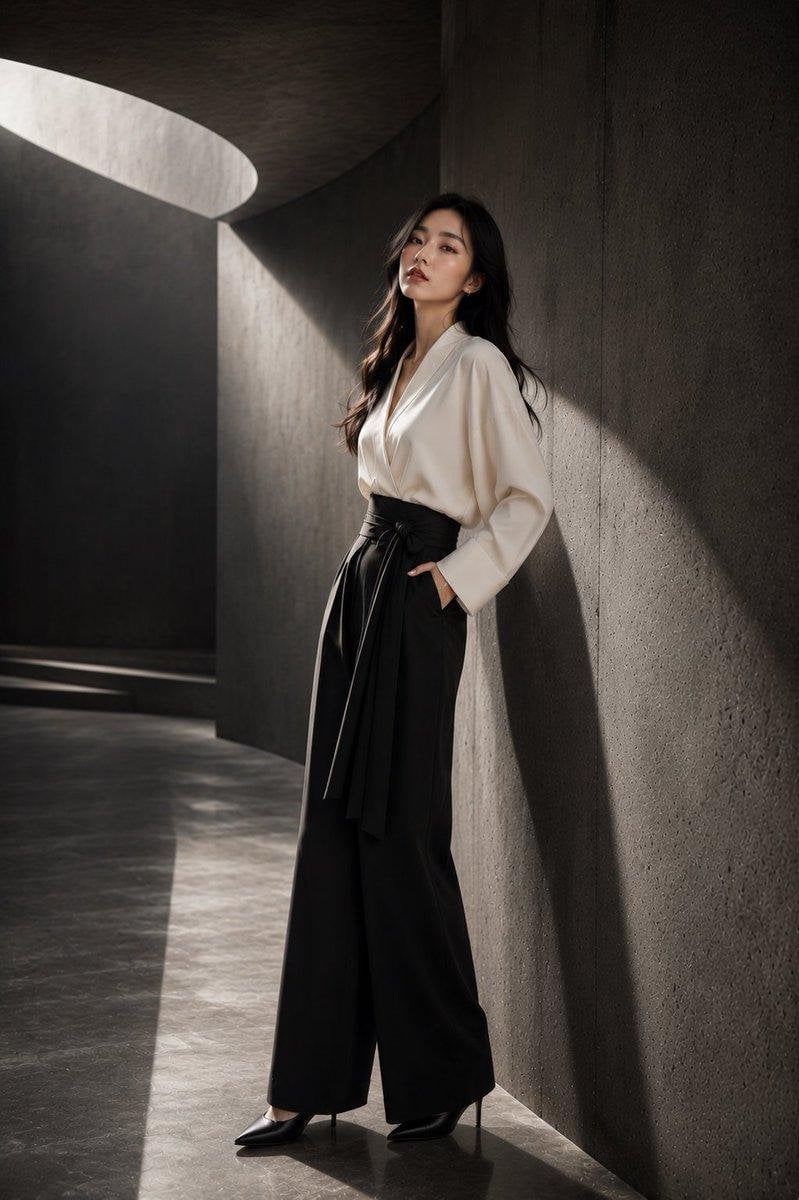
Japanese Architectural Concrete Studio Fashion Campaign
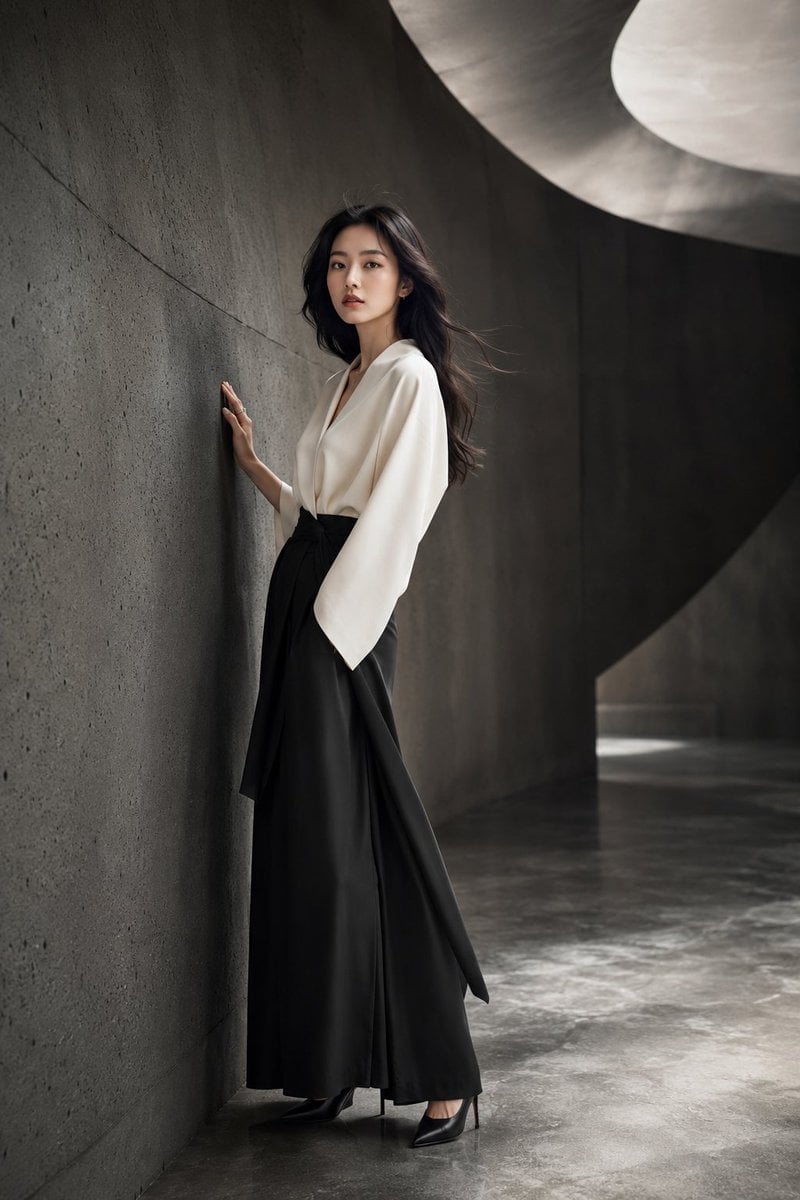
Japanese Minimalist Concrete Studio Fashion Editorial

Blue Backdrop Luxury Fashion Portrait Campaign
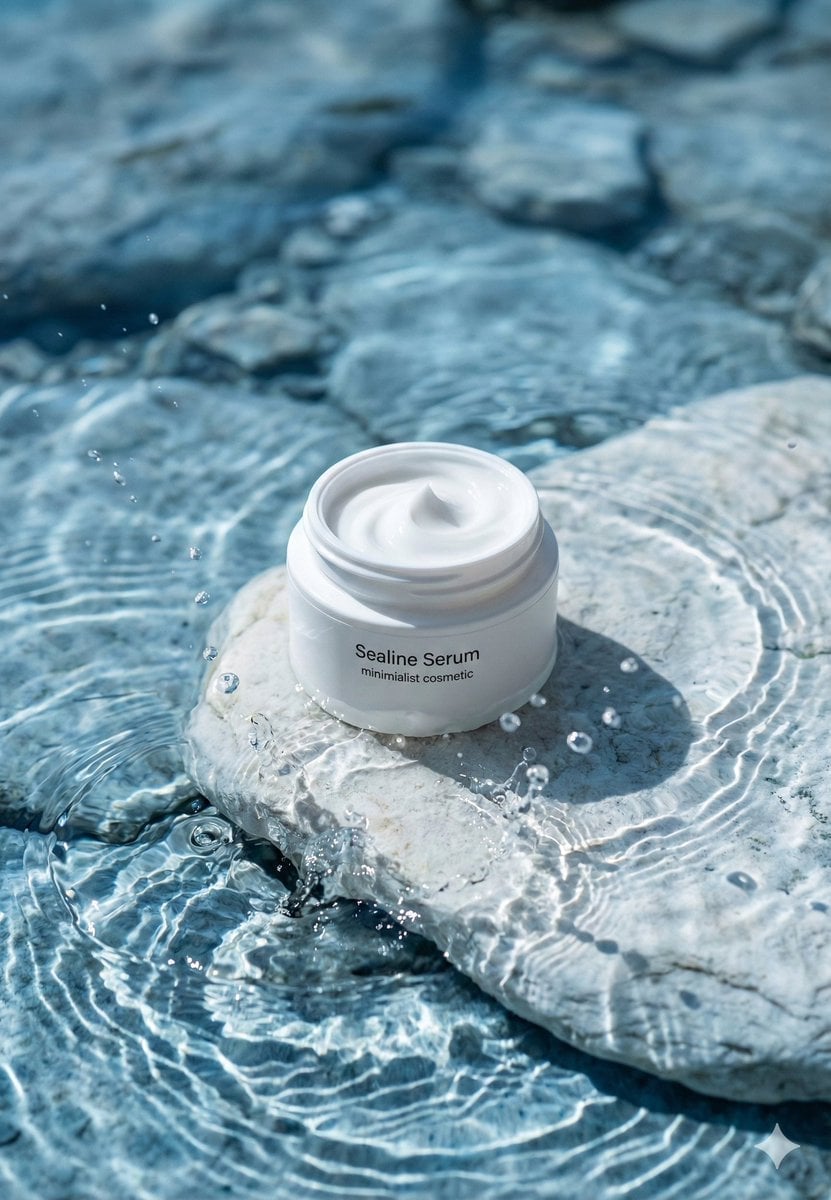
Minimalist Skincare Product Water Stone Still
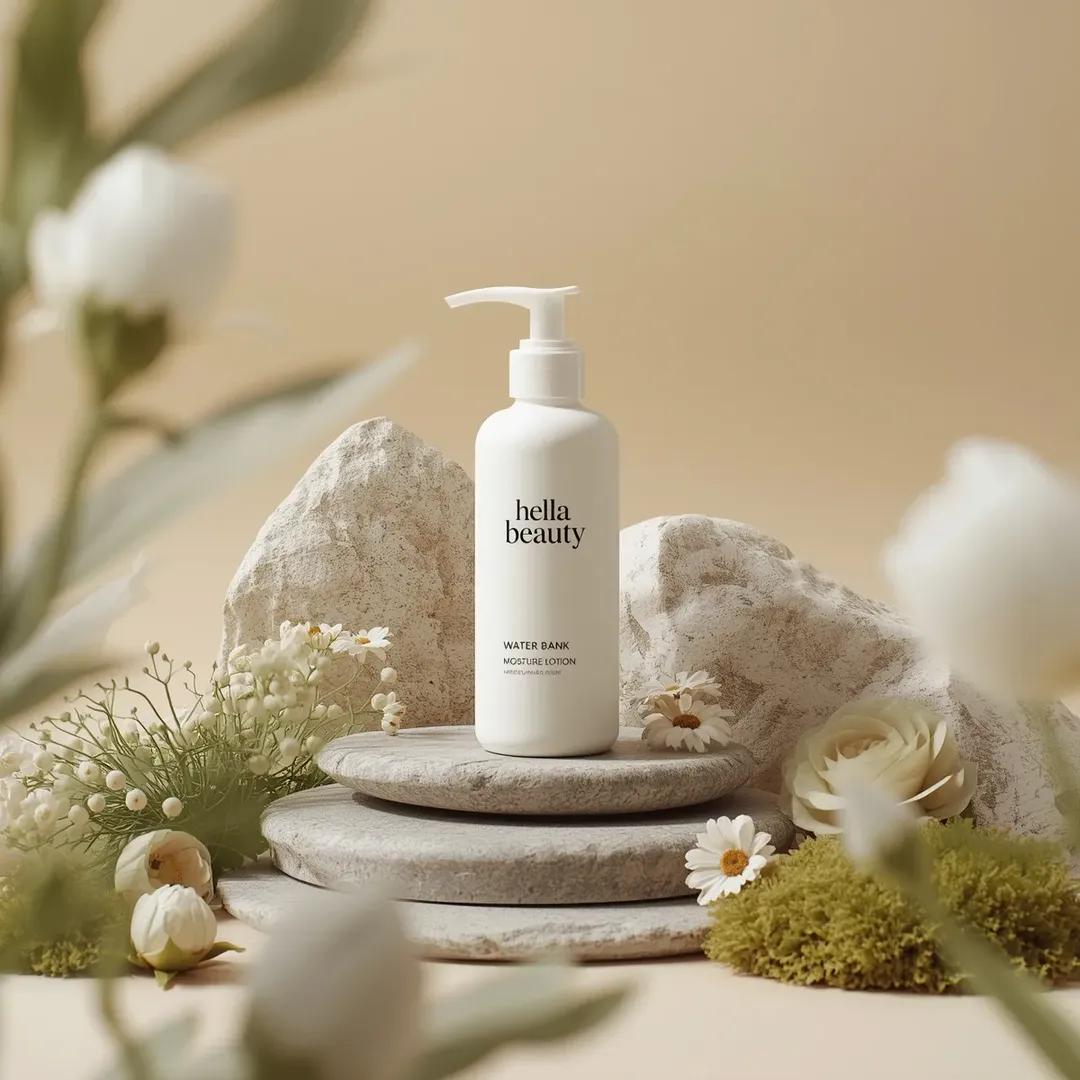
Botanical Skincare Minimal Product Advertising
Minimalist Skincare Product Water Stone Still
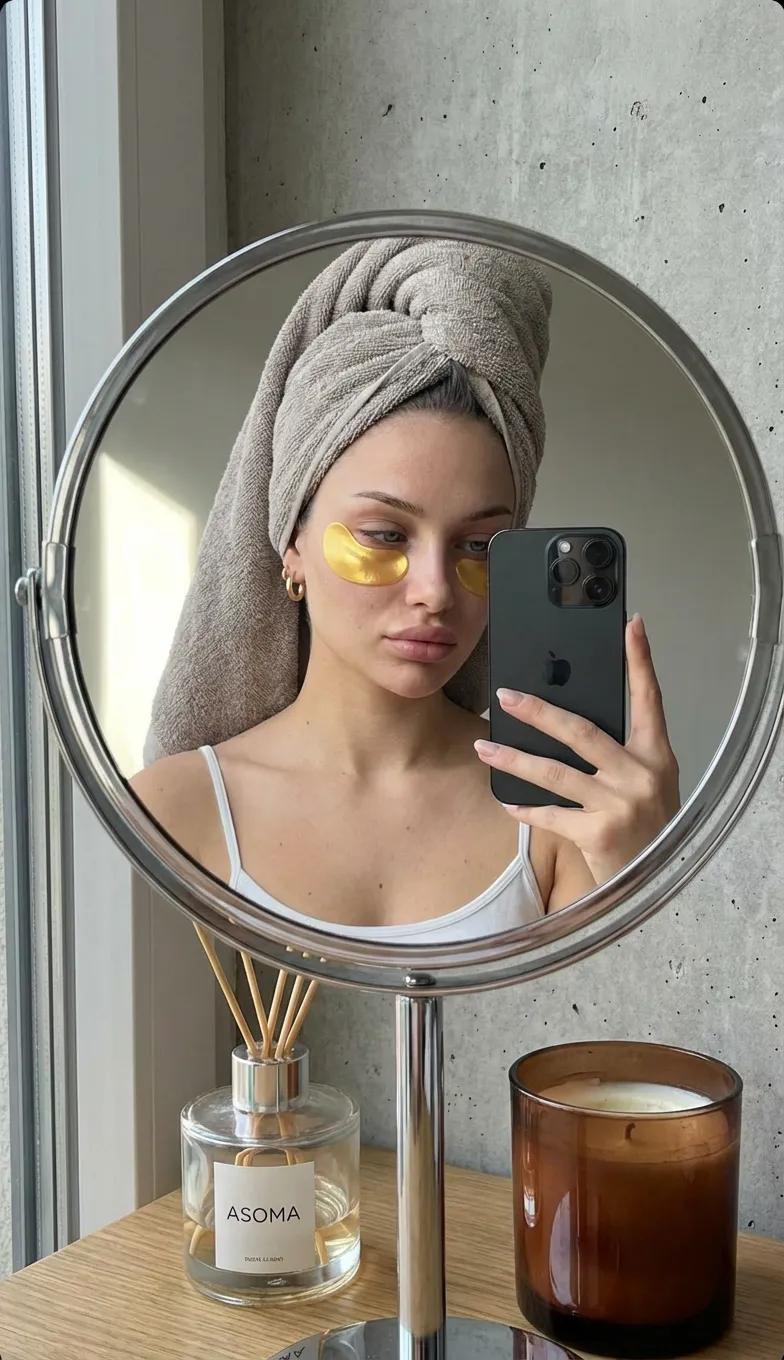
Round Tabletop Mirror Skincare Selfie
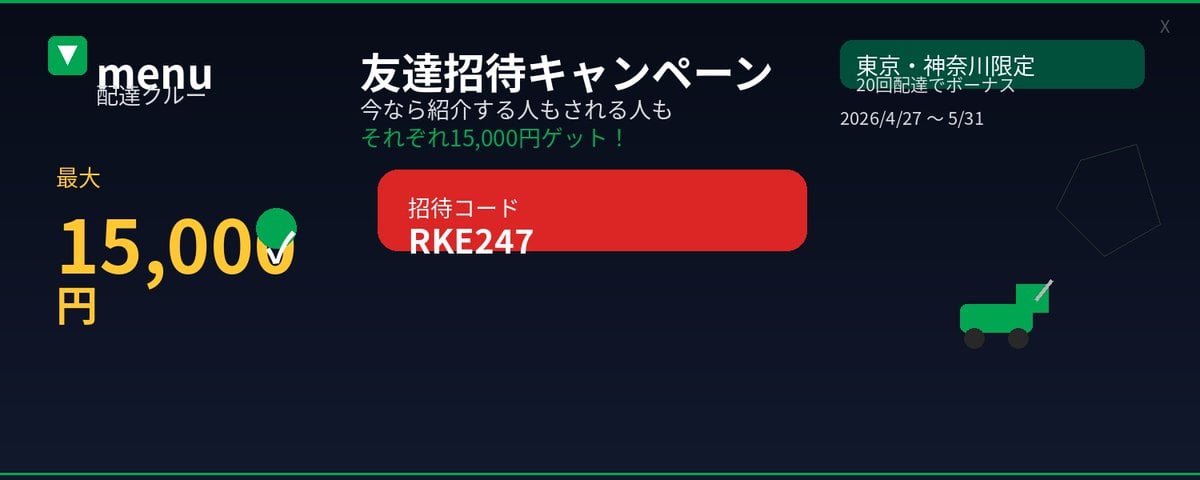
Japanese Delivery Referral Banner
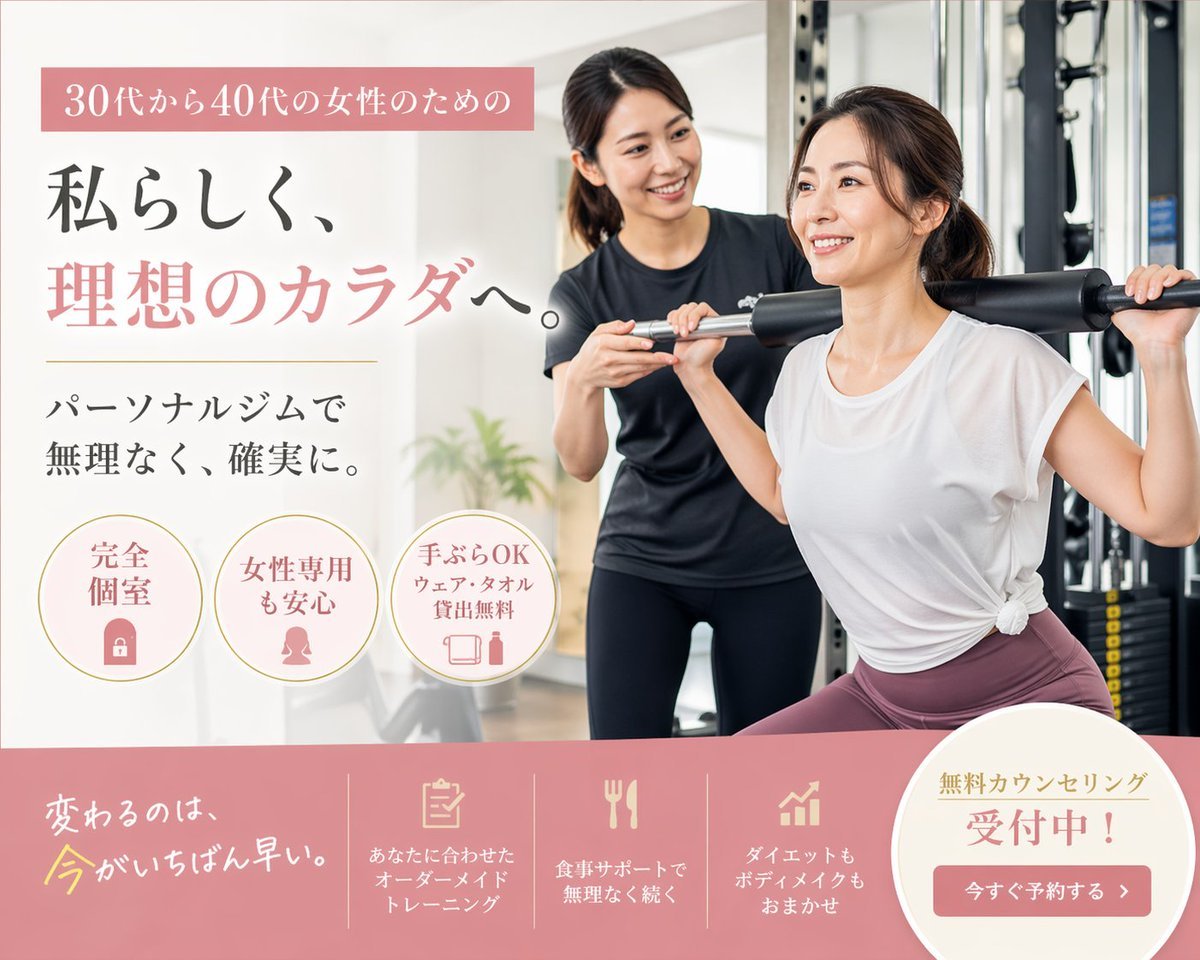
Japanese Women's Gym Hero Banner
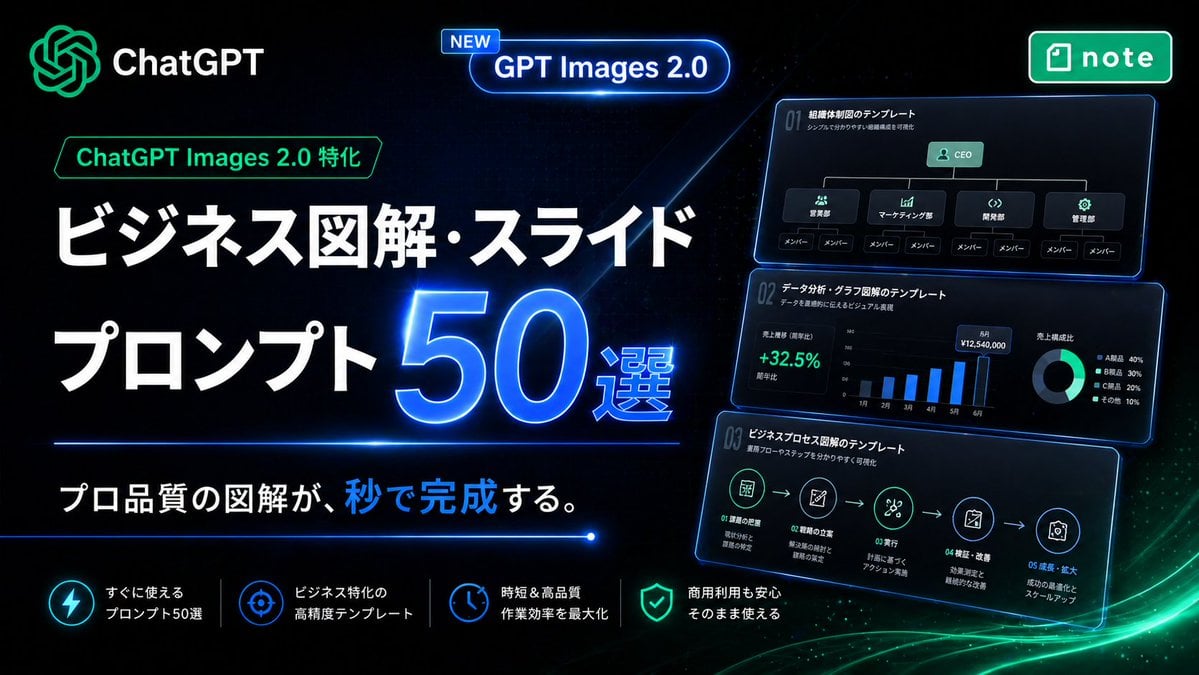
Neon Japanese AI Prompt Promo Banner
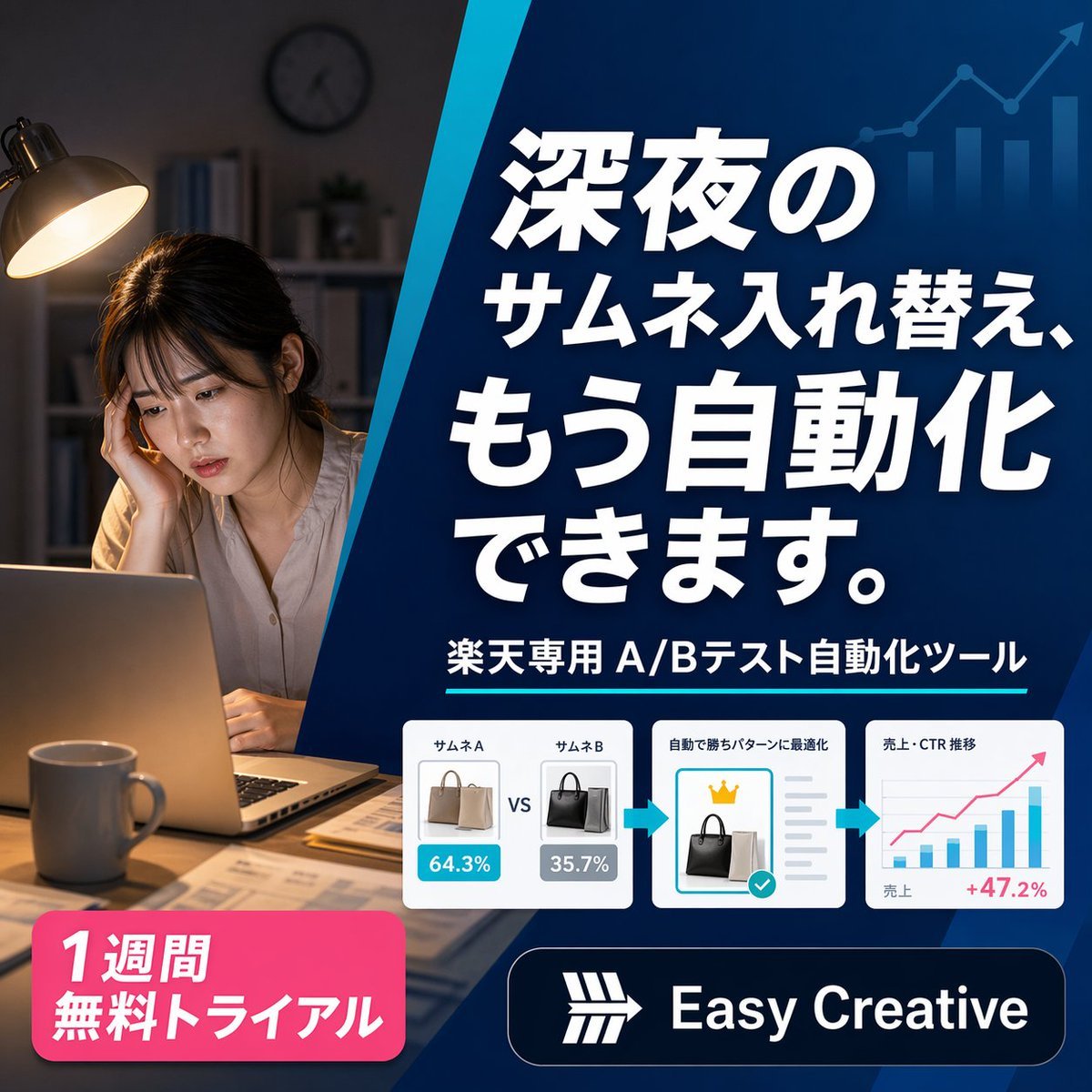
Japanese SaaS Ad Banner at Night
Make it yours
Japanese Clear Wash Skincare Banner works as-is. These are the safest ways to change it without losing the look.
Change one field
Copy a single group, rewrite it, and generate again so you can see what that field is doing.
Keep the frame, change the subject
Hold the composition and light of Japanese Clear Wash Skincare Banner, then swap wardrobe, props or the person for a new take.
| If the result… | Why | Fix |
|---|---|---|
| The result drifts from the preview | Too many fields changed at once. | Reuse Japanese Clear Wash Skincare Banner as-is first, then change one group — subject, light, or setting. |
| The model over-stylizes the scene | The prose prompt leaves finish and camera underspecified. | Add one camera or lighting sentence and stay on GPT Image 2. |
More GPT Image 2 templates
Other prompts made for GPT Image 2.

Six VTuber Japanese Logo Sheet

Realistic Portrait of Woman and Deer

The Vista Modular Condo Poster

AI Model Routing Comparison Infographic

2.5D Anime Art Board

Isometric Productivity Desk Scene

New York Double Exposure Poster

Four-Panel AI Landscape Comparison

Japanese Tatami Lifestyle Magazine Cover

NESCAFÉ Coffee Map Poster
More image prompts
Fresh picks from across the catalog.
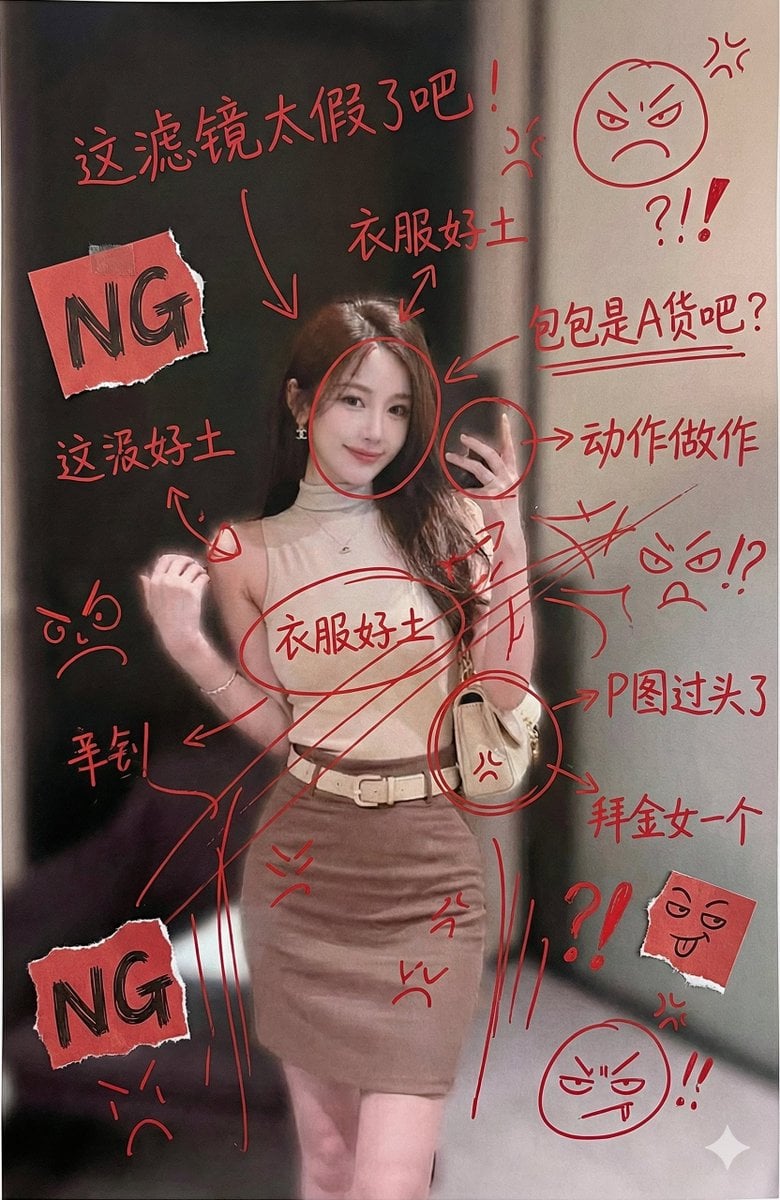
Image Generation with Handwritten Chinese Annotations and Trolling
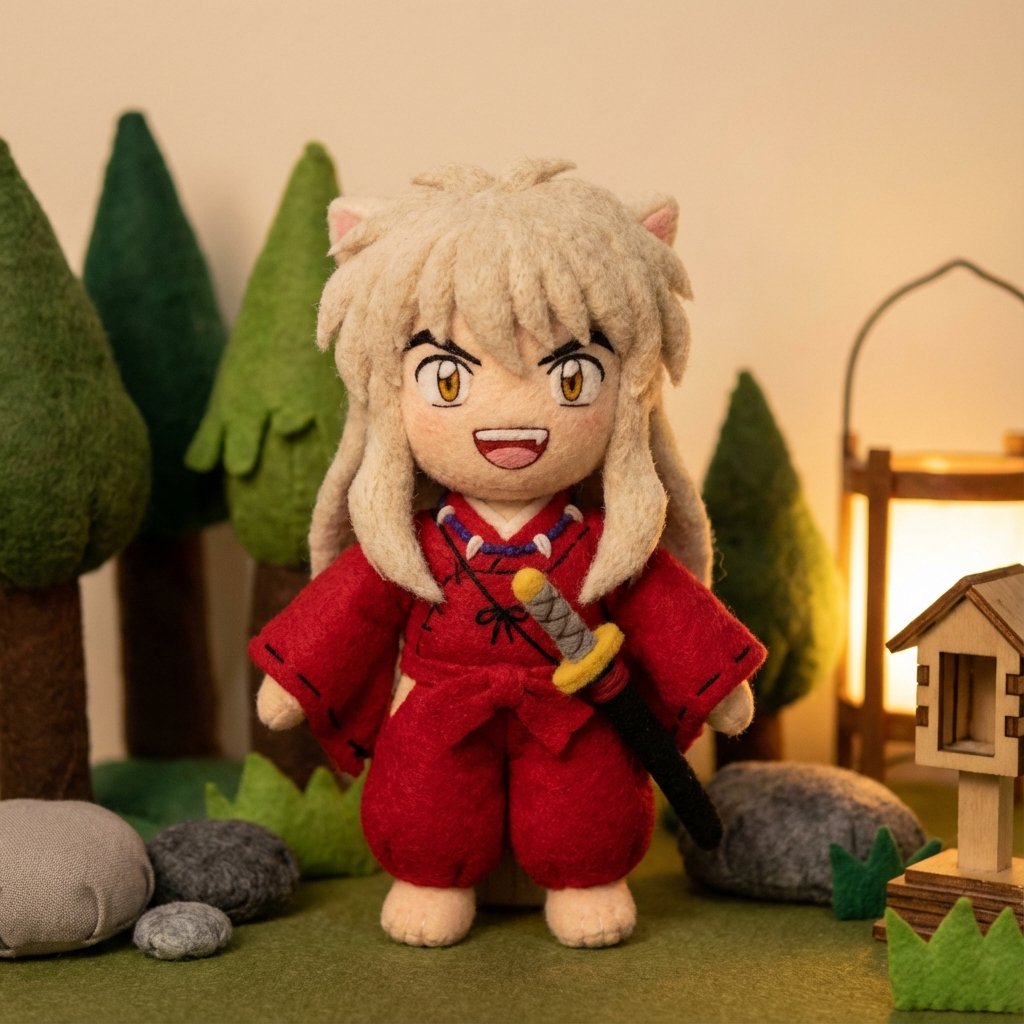
Inuyasha Plush Toy Generation Prompt
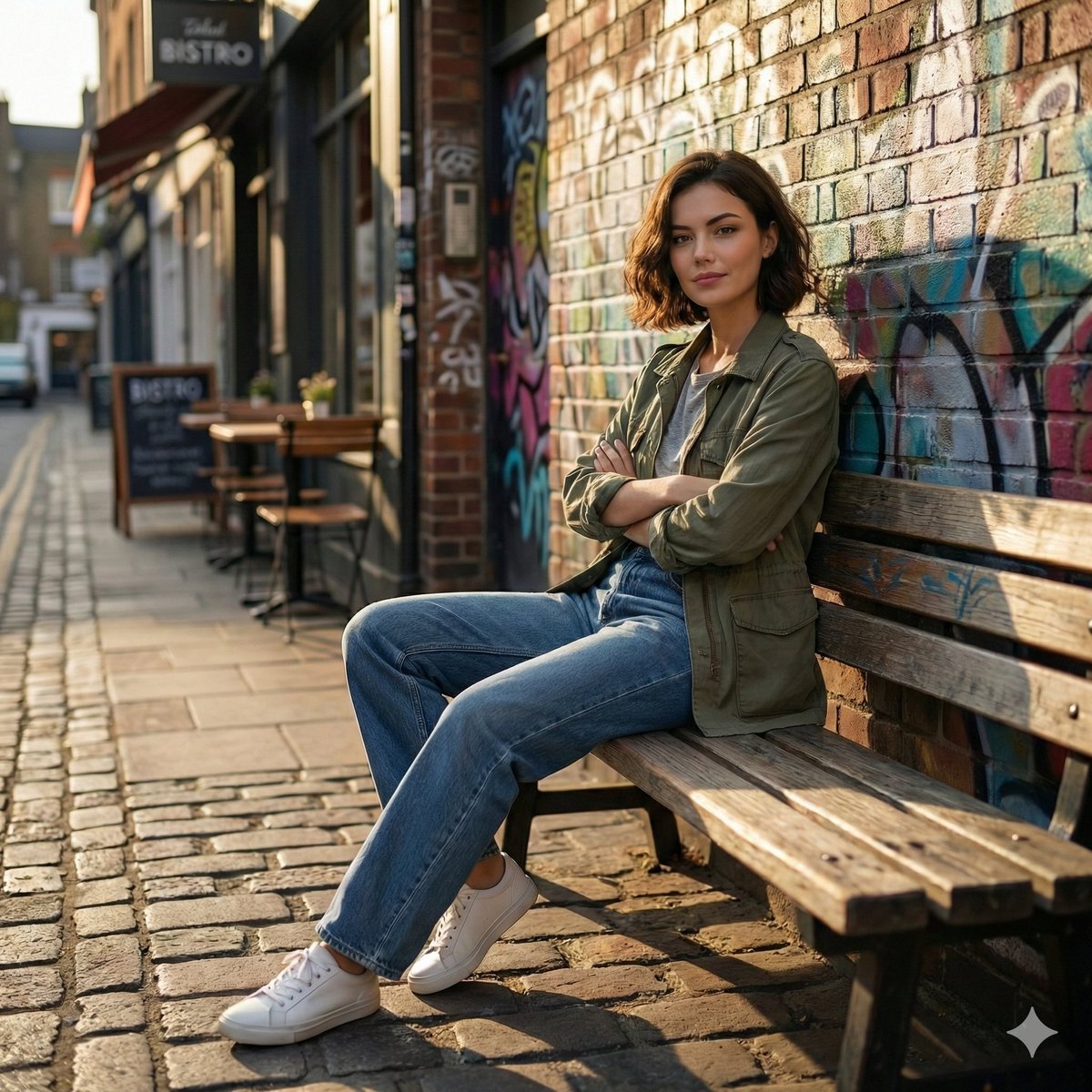
Cinematic Urban Street Scene Prompt
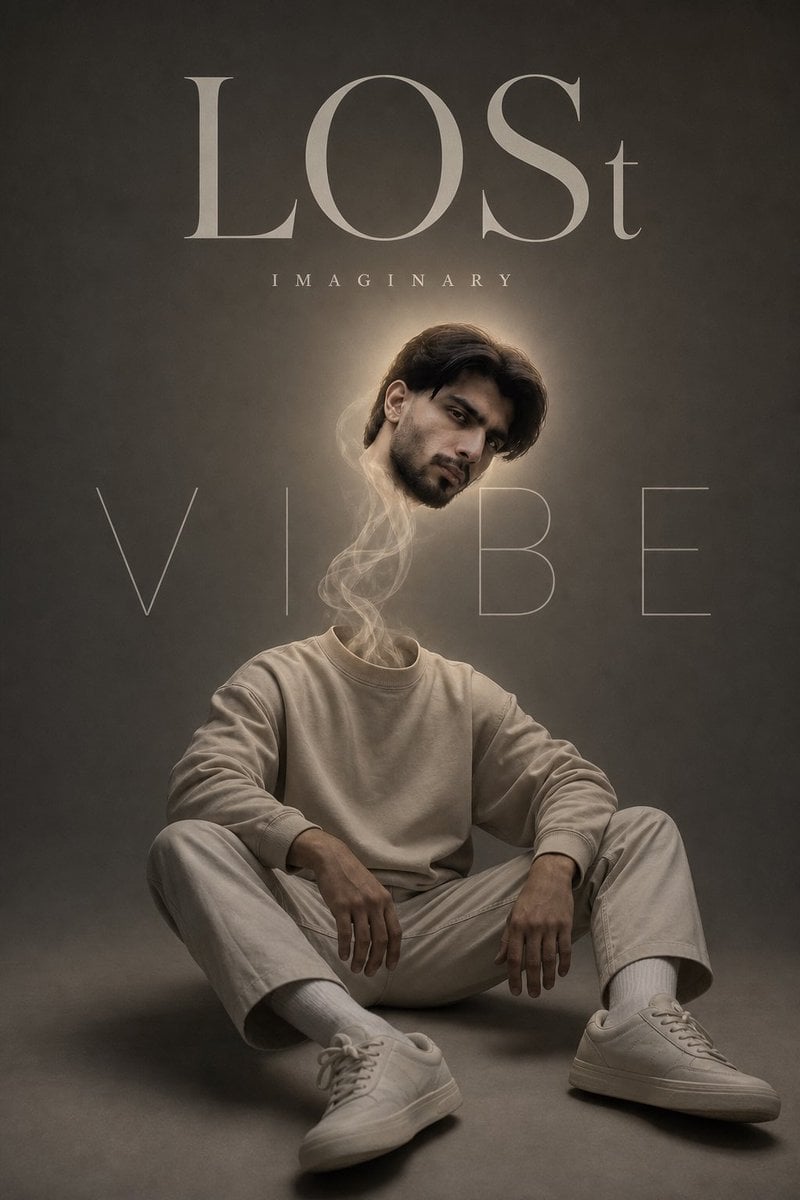
Surreal Floating Head Cinematic Portrait

Ultra-Photorealistic Saree Mirror Selfie Prompt
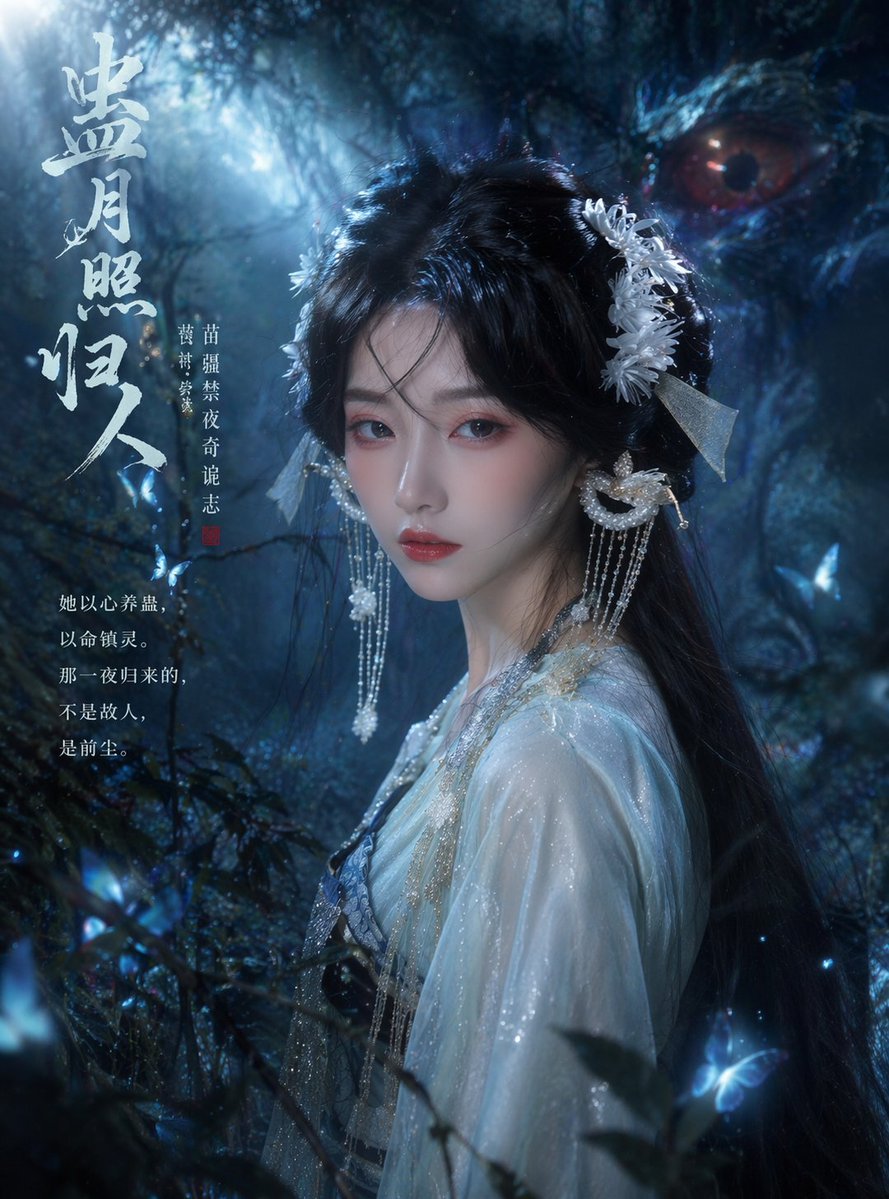
Cinematic TV Still Prompt
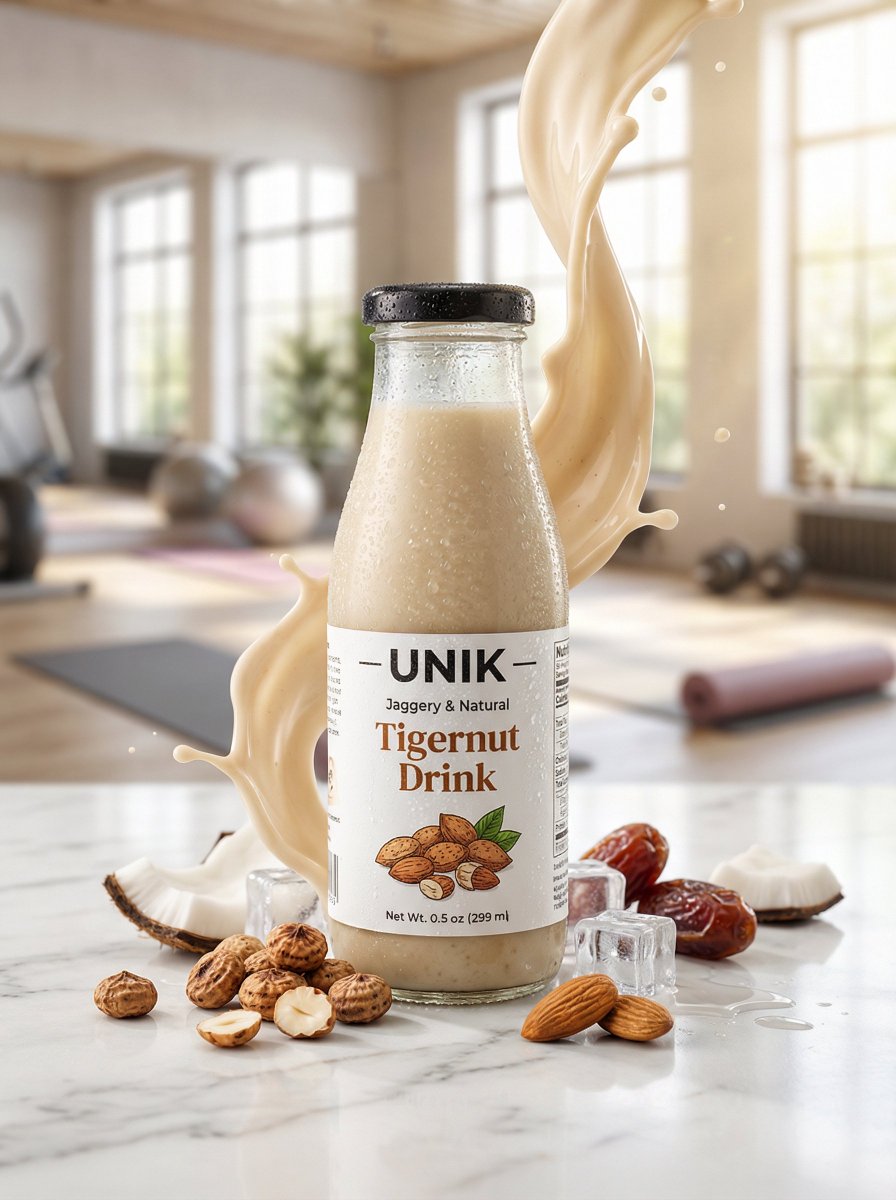
Ultra-realistic Beverage Advertisement
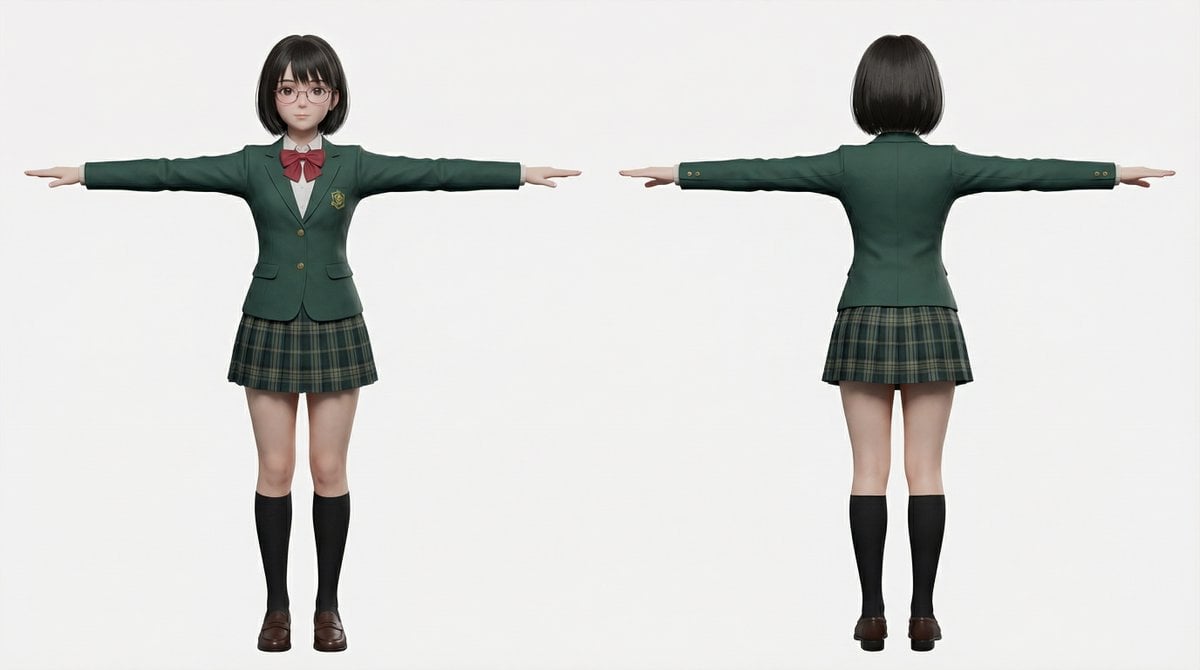
2D to 3D to VRM to Illustration Workflow
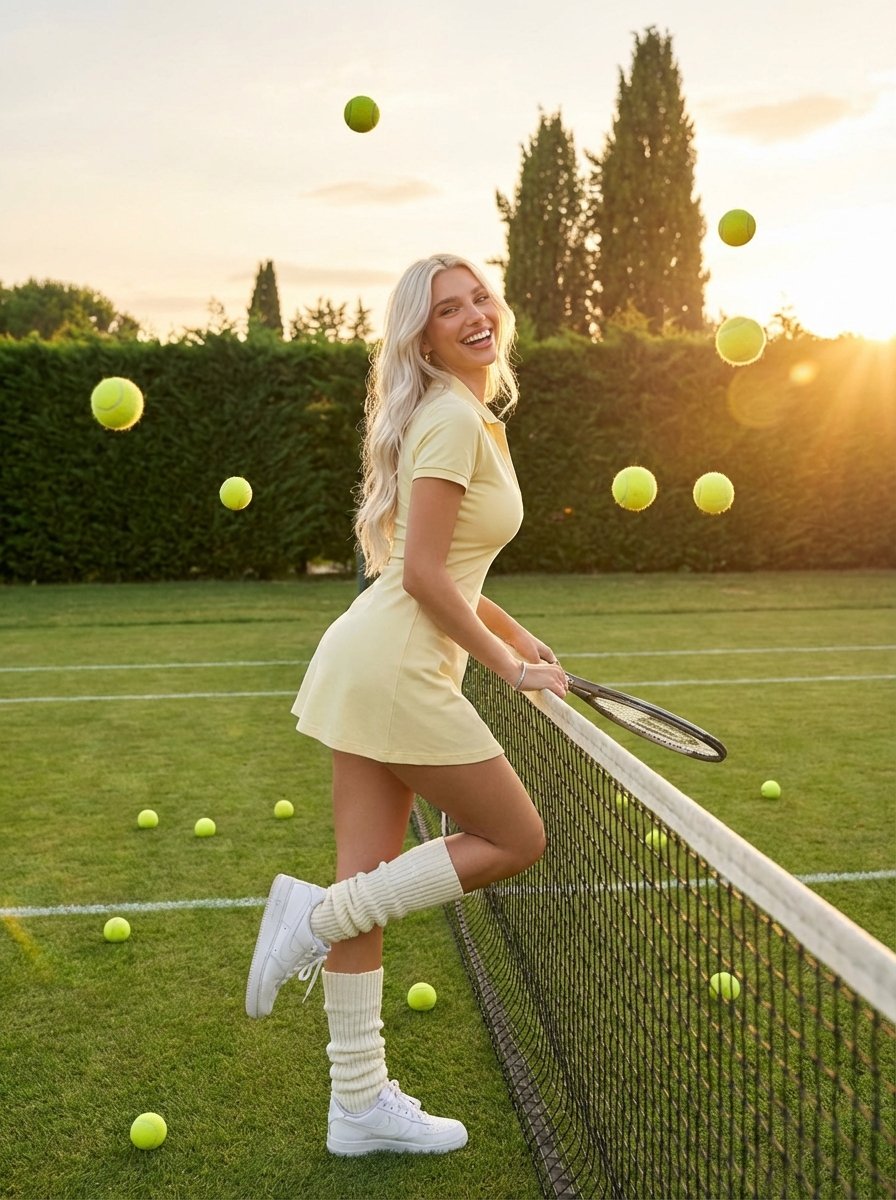
Golden Hour Tennis Lifestyle Photo
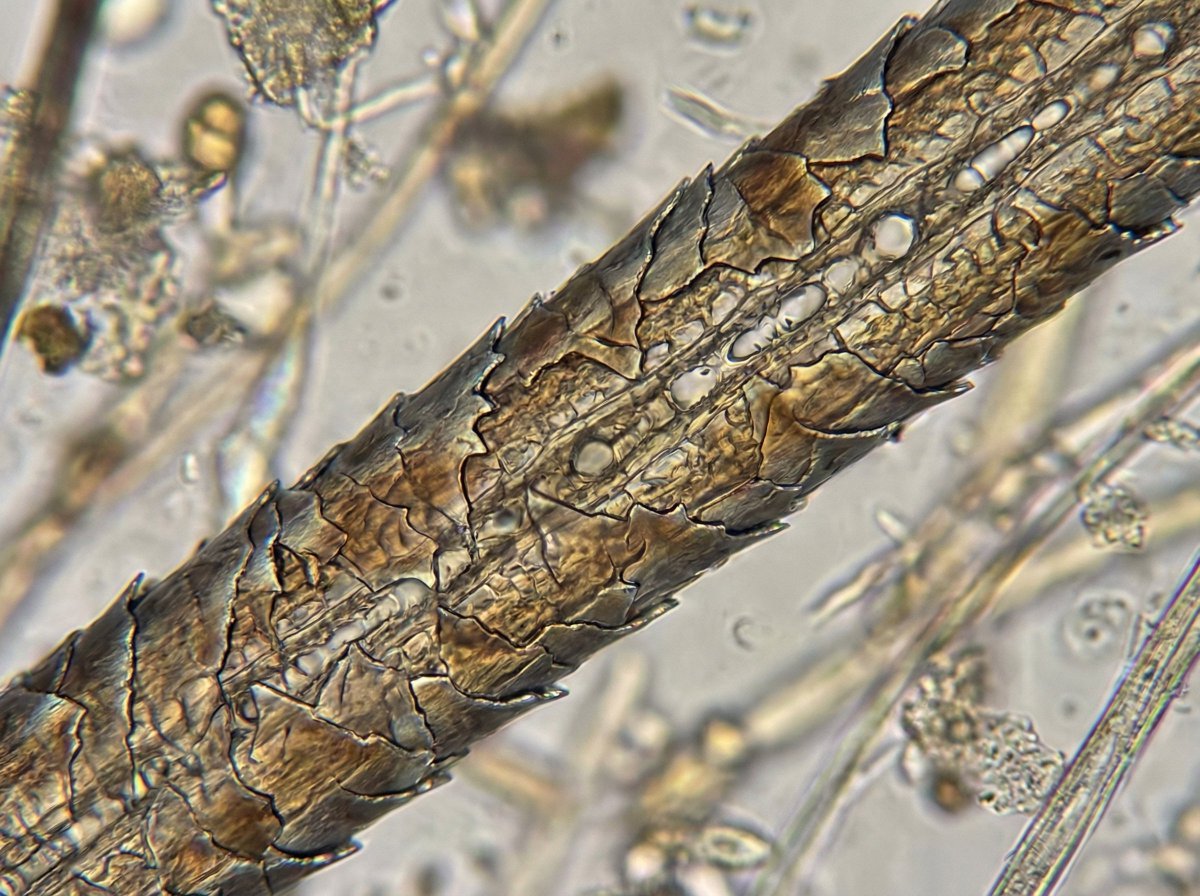
Microscopic View of a Subject
Browse template categories
Japanese Clear Wash Skincare Banner questions
How do I use the Japanese Clear Wash Skincare Banner template?
Add your photo if the template asks for one, edit the prompt if you like — the template's model and format are already selected — and press Generate. Your version opens in PicX Studio.
Can I customize the Japanese Clear Wash Skincare Banner template?
Yes. You can change the subject, setting, lighting, mood, format, and available model controls before creating your image.
Is the Japanese Clear Wash Skincare Banner template free?
Opening and editing this template is free. Generating uses credits, shown on the Generate button when you are signed in.
Which AI model should I use?
Start with GPT Image 2, which is the model associated with this template. You can compare another compatible model for a different finish.
Looking for something else? Browse all templates.

Your photo, any look
Thousands of ready templates for every top image and video model, from one credit balance.