
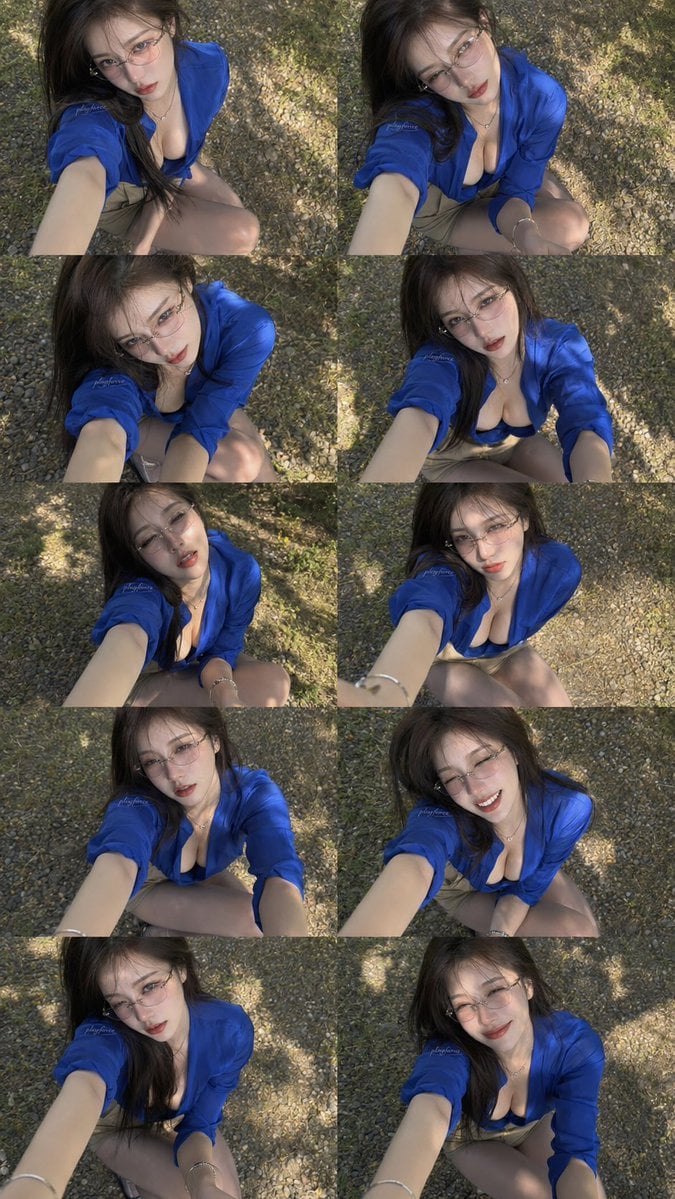
Ten-Panel Outdoor Selfie Collage
Generates a realistic 10-photo vertical selfie collage of the same woman outdoors, useful for recreating social-media style photo-grid aesthetics.
- Prompt included
- Model and format preset
- Premium template
The prompt behind this image
Copy the exact prompt behind Ten-Panel Outdoor Selfie Collage, or open it in the studio and make it yours.
Goal: Create a vertical 2-column by 5-row collage containing exactly 10 high-angle outdoor selfie photos of the same young woman, as if shot in rapid succession from an extended arm above her face. Canvas: Tall vertical image, approximately 9:16 aspect ratio, filled edge-to-edge with a seamless photo-grid collage. No borders, captions, logos, or extra text. Layout: Exactly 10 rectangular panels arranged in 5 rows and 2 columns. Each panel shows the same subject from a slightly different pose and facial expression while keeping the same camera angle, outfit, lighting, and location. The camera is held above and slightly in front of her, looking down; her extended forearm is visible in most panels. Subject details: A young woman with {argument name="hair color" default="long dark brown hair"}, pale skin, slim build, glossy makeup, soft red lips, and delicate wire-frame glasses. She wears a vivid {argument name="shirt color" default="royal blue"} oversized button-up shirt worn open at the chest over a dark low-cut top, beige shorts, a small necklace, and bracelets. Her hair is wind-tousled with strands crossing her face. She is crouching or kneeling on a gravel path. Panel count and expressions: Show exactly 10 variations: 1. serious parted-lips gaze upward, 2. head tilted with soft gaze, 3. downward shy gaze through glasses, 4. slightly surprised open-mouth look, 5. dreamy half-lidded expression, 6. neutral direct gaze, 7. focused intense look, 8. bright smiling expression, 9. sultry side-tilted gaze, 10. gentle closed-mouth smile. Environment and lighting: Outdoor gravel ground with scattered leaves and mottled tree shadows. Warm natural sunlight creates dappled highlights across the subject, clothing, hair, and ground. Background remains mostly textured gravel and foliage shadow, with no buildings or other people. Visual style: Hyper-realistic smartphone photography, candid social-media selfie aesthetic, shallow natural depth, slightly wide-angle perspective, high detail skin and fabric texture, realistic shadows, subtle lens softness, natural color grading with strong blue clothing contrast. Constraints: Keep the same woman and outfit in all 10 panels, maintain a cohesive selfie sequence, do not add text, avoid watermarking, avoid extra panels, and keep the collage grid clearly visible.
How to use Ten-Panel Outdoor Selfie Collage in 3 steps
- 1Upload ImagePNG, JPG or paste
Add your photo
Upload the photo the template builds on. The prompt, model and format are already set.
- 2…a portrait of your subject in softgolden-hour light, 85mm…
Personalize
Edit the subject and creative details for your destination.
- 3Generate
Generate
Press Generate — your image is created in PicX Studio, so you can compare it with the original and refine one variable at a time.
More like this
Templates with the same subject, style or setup. Open one to see its prompt.
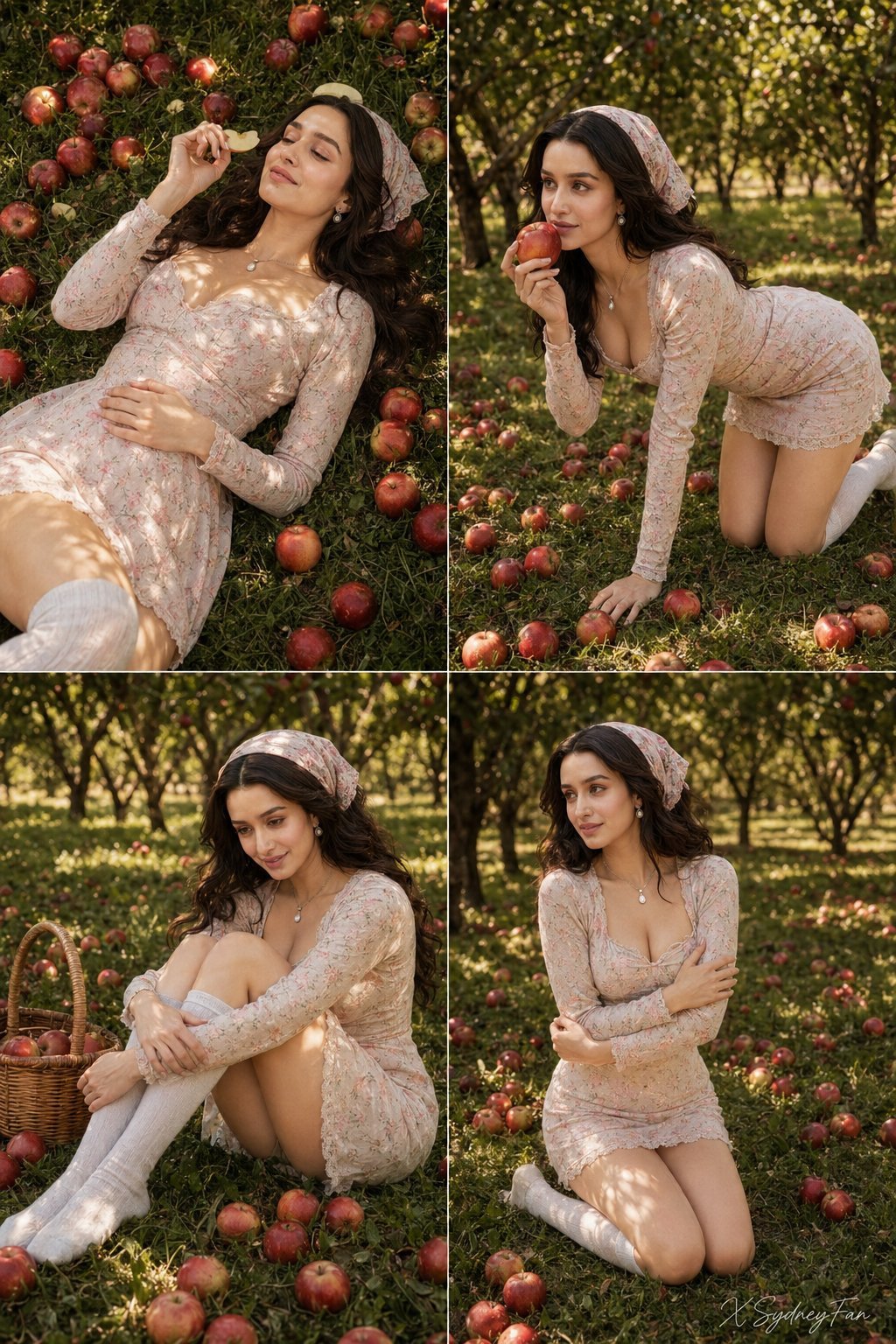
Nano Banana Apple Orchard Collage
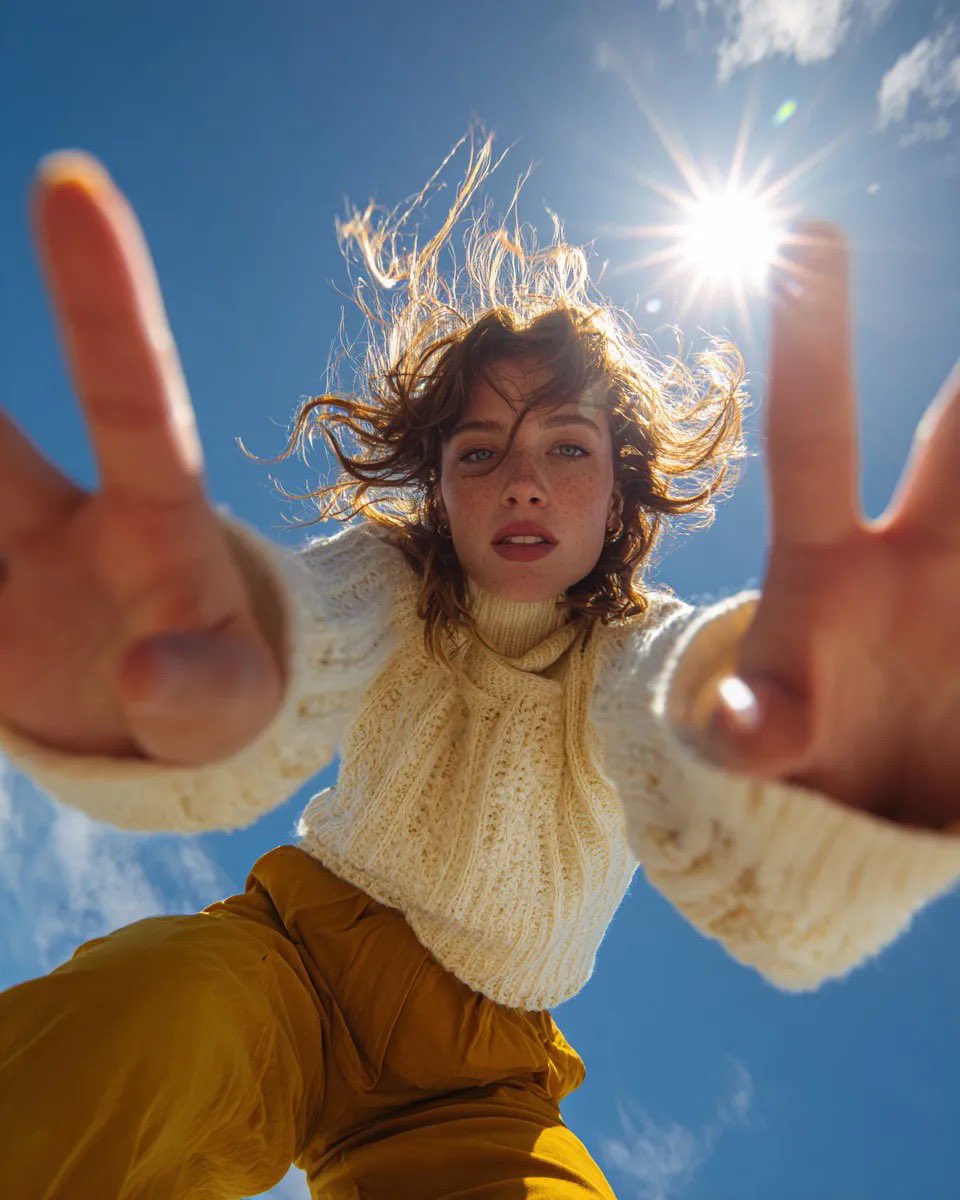
Ultra Wide Low-Angle Portrait — Sairah (Nano Banana)

Panel Mirror Selfie Collage
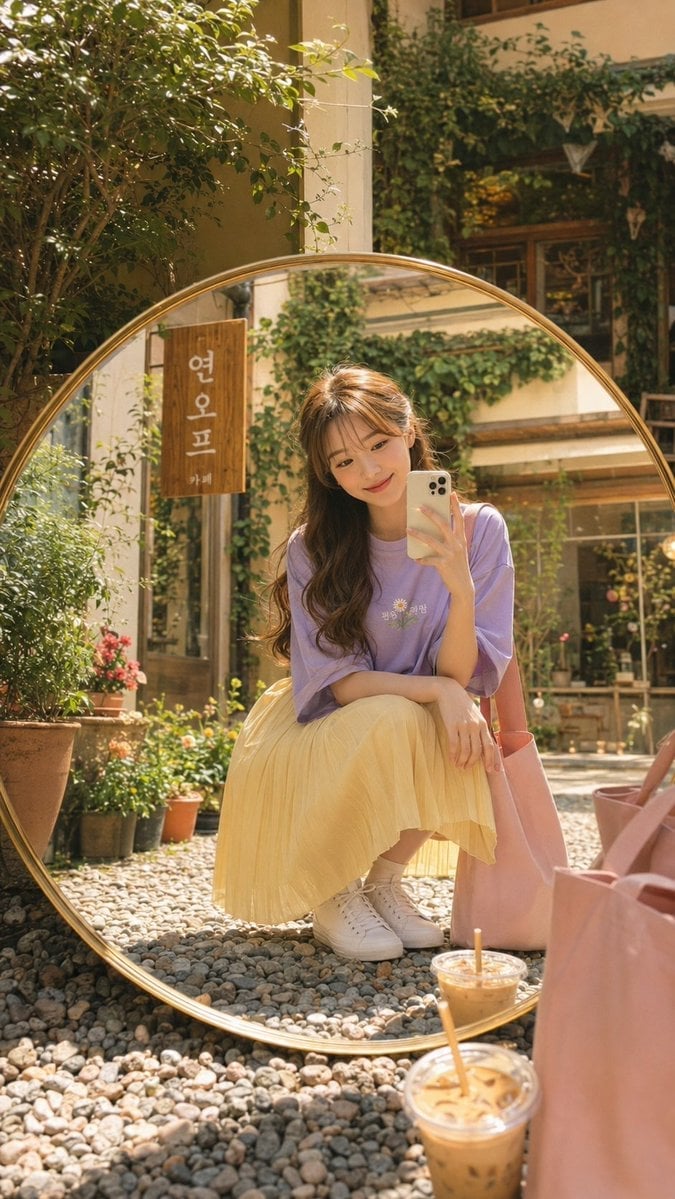
Korean Cafe Courtyard Gold Frame Mirror Selfie
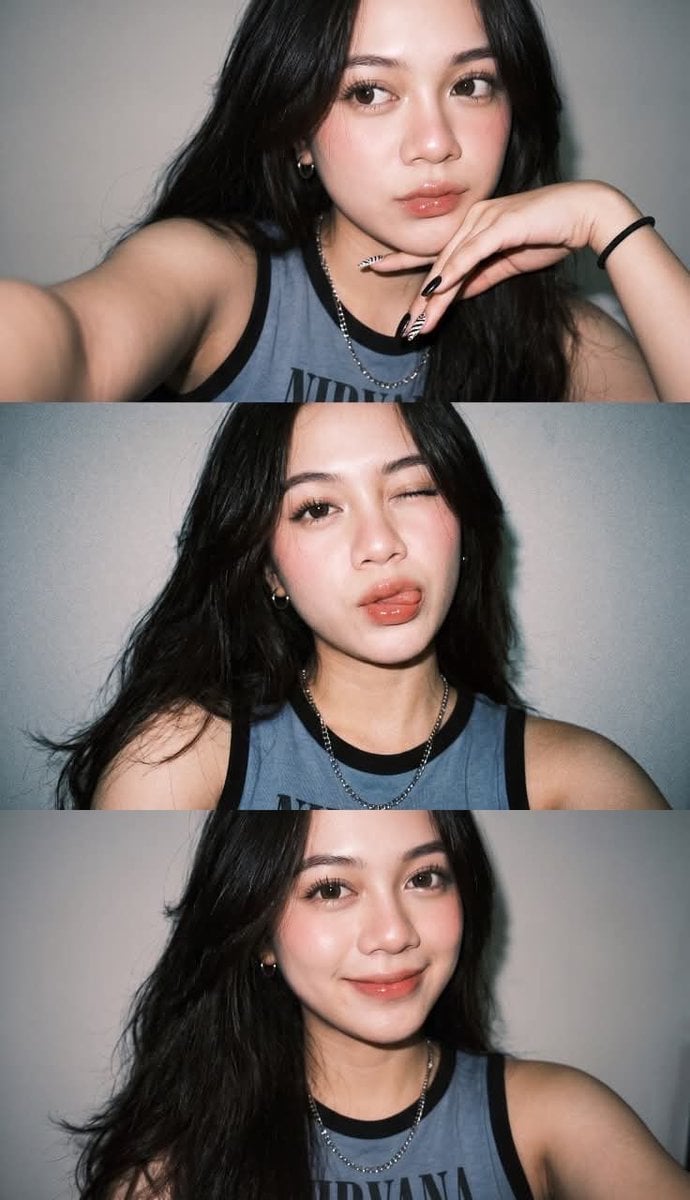
Gen Z Flash Selfie Triple Collage

Cozy Six-Panel Bedtime Stages Collage
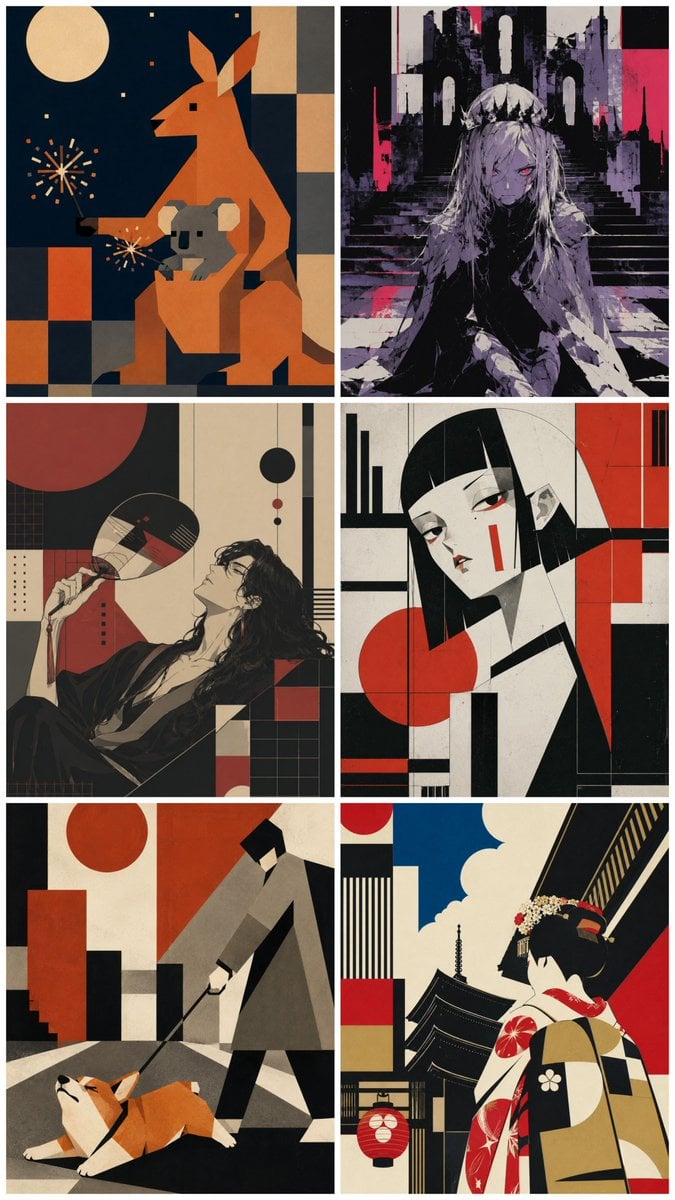
Six-Panel Retro Japanese Poster Collage

Rooftop Fisheye — Cat-Ear Balaclava at Golden Hour

Felt & Knit 3D Character — Photo-Exact Face, Pixar-Quality Plush Figurine

Surreal Cat Astronaut — Humanoid Face Freefall

Paper Cut Finale Fireworks
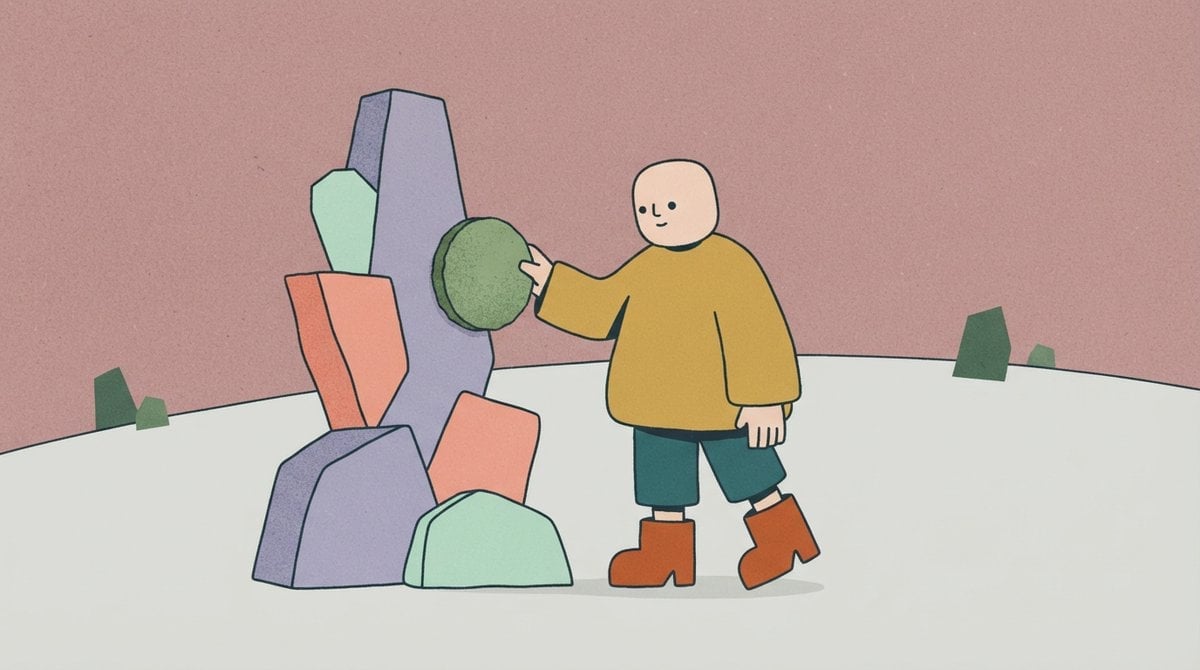
Paper Cut Garden Maze
Make it yours
Ten-Panel Outdoor Selfie Collage works as-is. These are the safest ways to change it without losing the look.
Change one field
Copy a single group, rewrite it, and generate again so you can see what that field is doing.
Keep the frame, change the subject
Hold the composition and light of Ten-Panel Outdoor Selfie Collage, then swap wardrobe, props or the person for a new take.
| If the result… | Why | Fix |
|---|---|---|
| The result drifts from the preview | Too many fields changed at once. | Reuse Ten-Panel Outdoor Selfie Collage as-is first, then change one group — subject, light, or setting. |
| The model over-stylizes the scene | The prose prompt leaves finish and camera underspecified. | Add one camera or lighting sentence and stay on GPT Image 2. |
More GPT Image 2 templates
Other prompts made for GPT Image 2.

Six VTuber Japanese Logo Sheet

Realistic Portrait of Woman and Deer

The Vista Modular Condo Poster

AI Model Routing Comparison Infographic

2.5D Anime Art Board

Isometric Productivity Desk Scene

New York Double Exposure Poster

Four-Panel AI Landscape Comparison

Japanese Tatami Lifestyle Magazine Cover

NESCAFÉ Coffee Map Poster
More image prompts
Fresh picks from across the catalog.
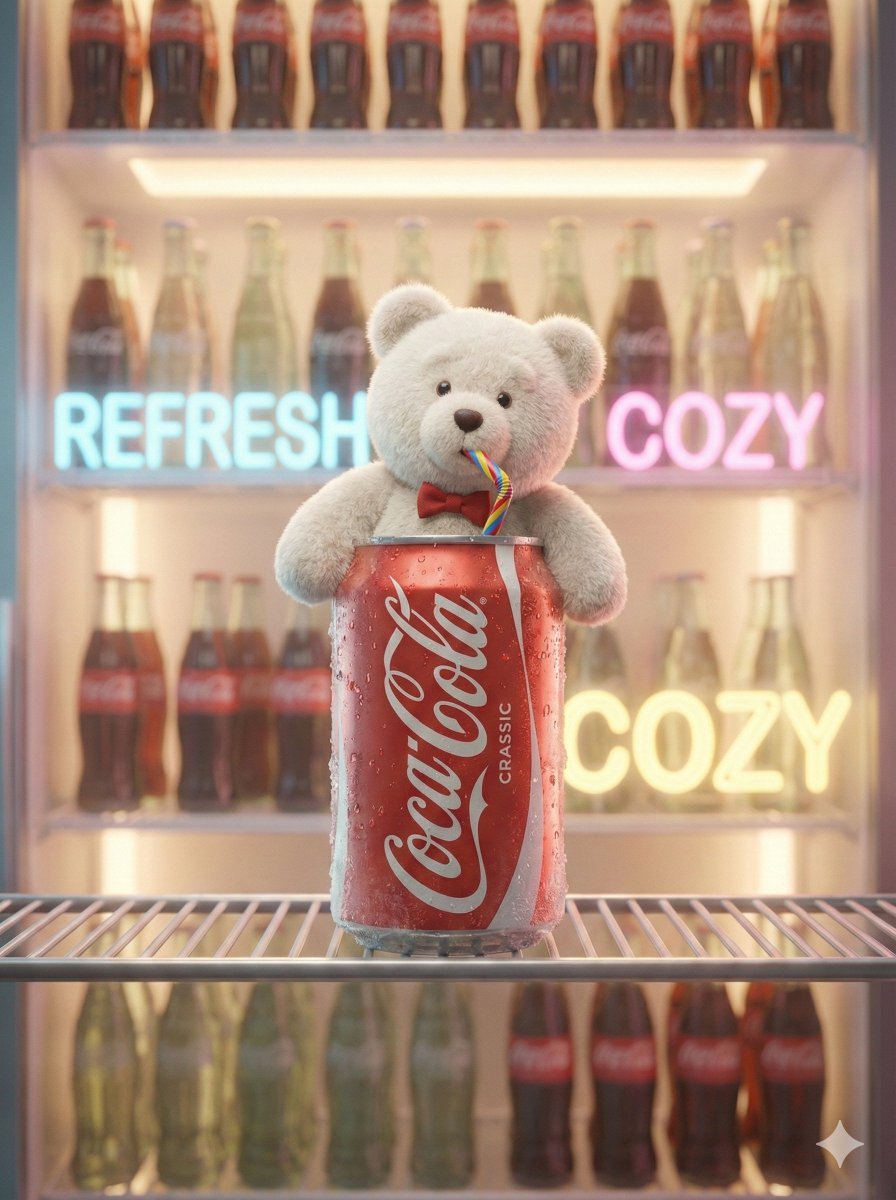
Pixar-Level Commercial Scene: Teddy Bear in a Soda Can

3D Chibi Character Transformation Prompt for Nano Banana 2

Luxury Fitness Editorial Prompt
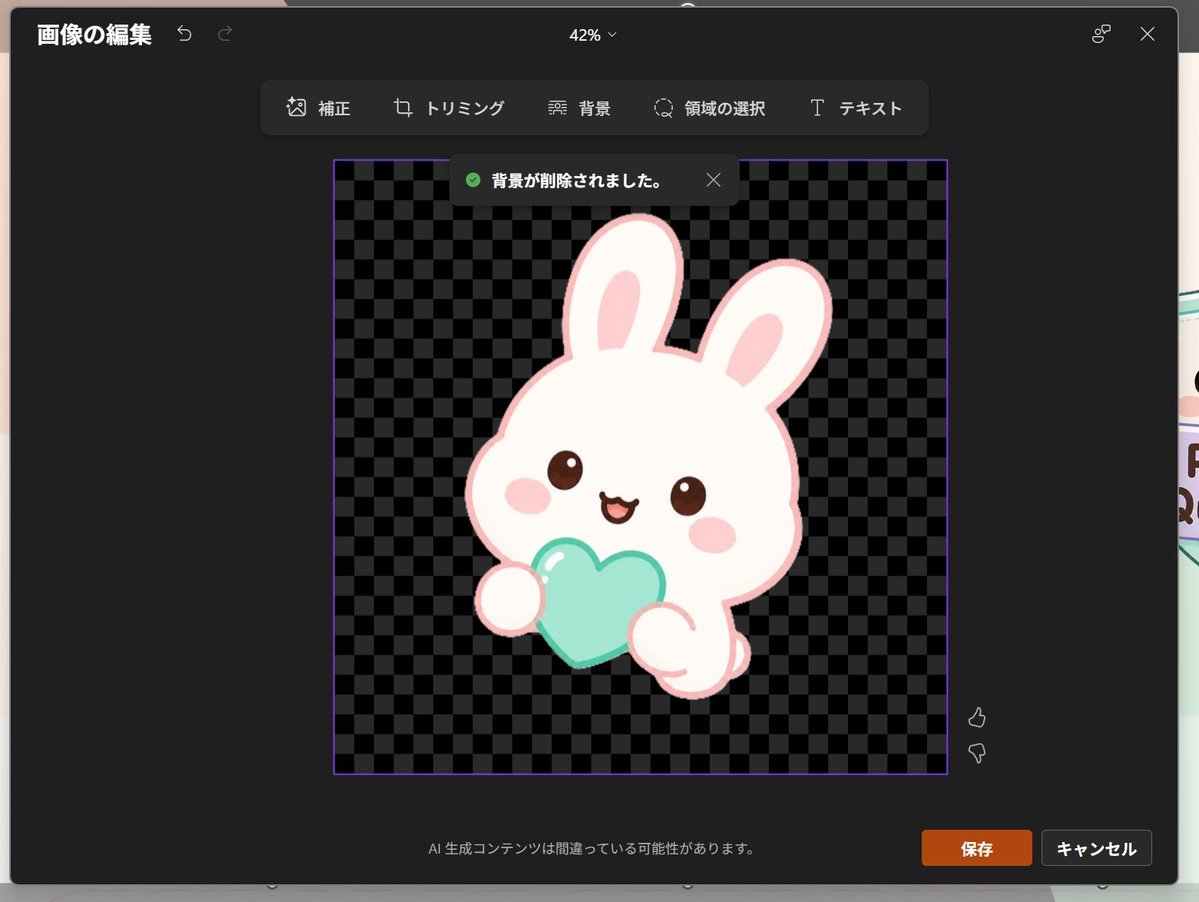
Japanese PowerPoint Bunny Icon Editor

Hyper-realistic Product Photography with Dynamic Splash Effects

Minimalist Cinematic Fashion Editorial Studio Portrait
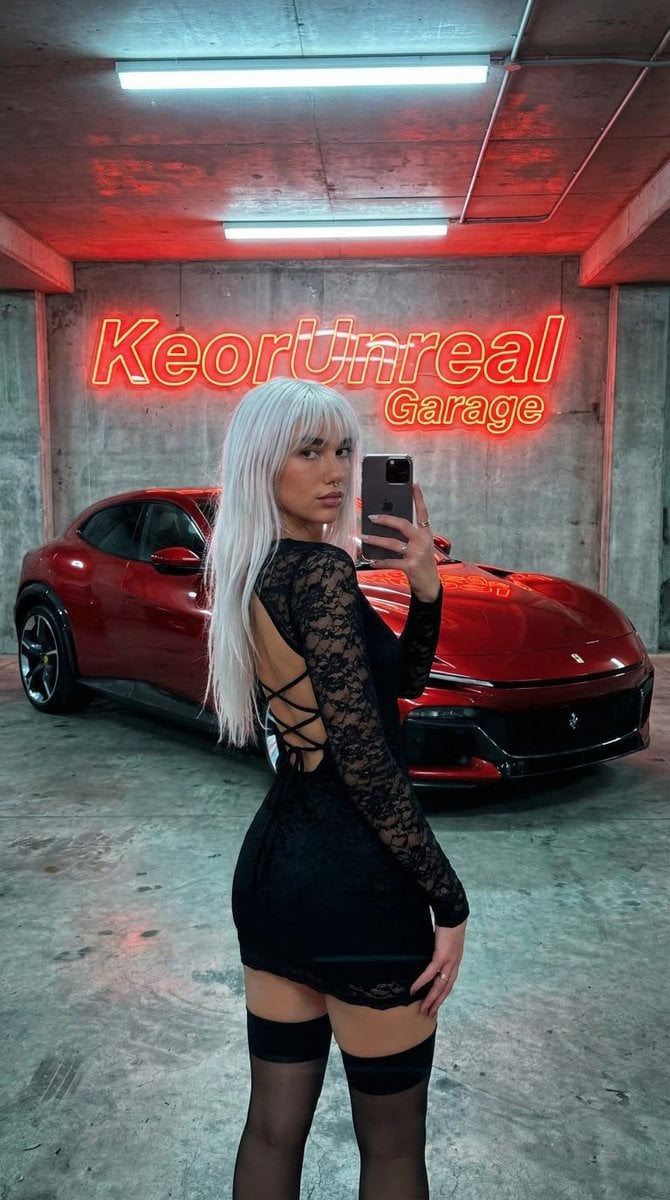
Urban Fashion Garage Mirror Selfie
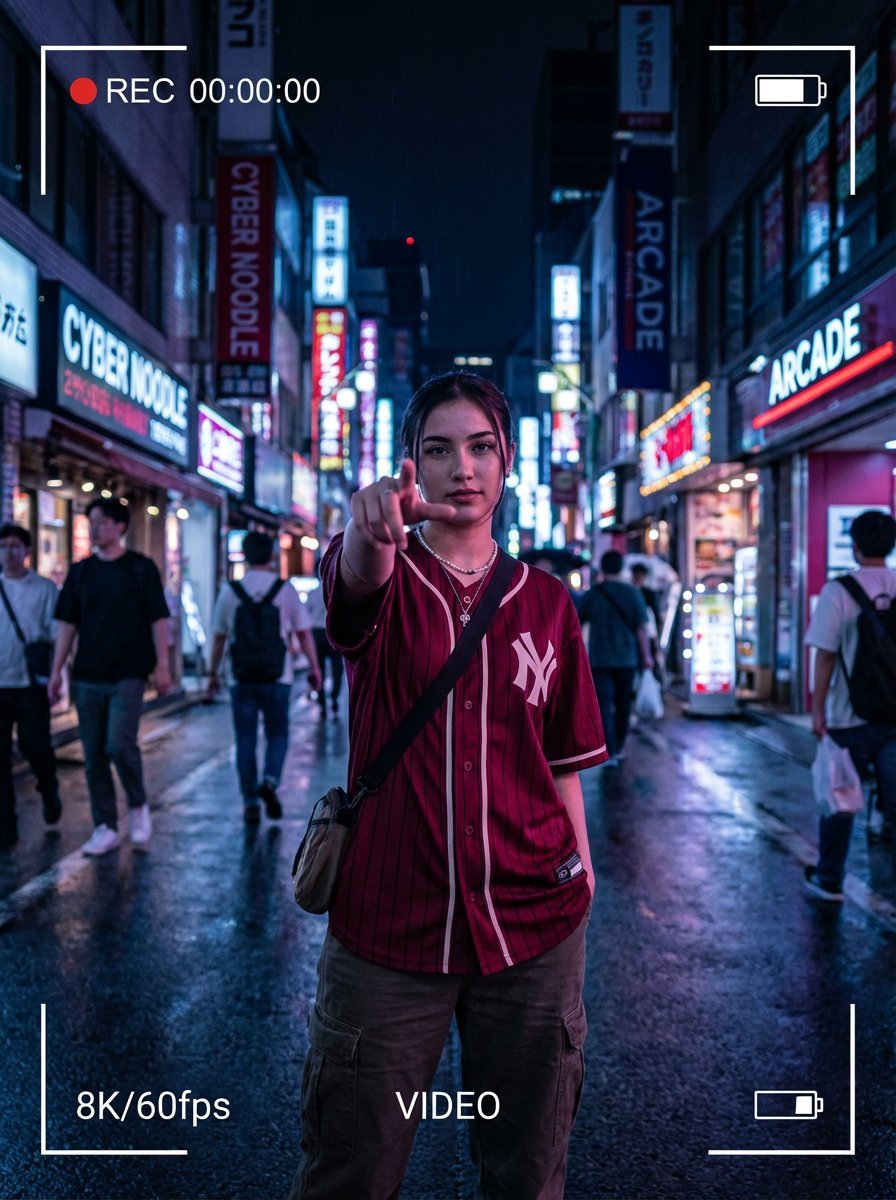
Hyper-realistic Cinematic Portrait with Neon Urban Aesthetic
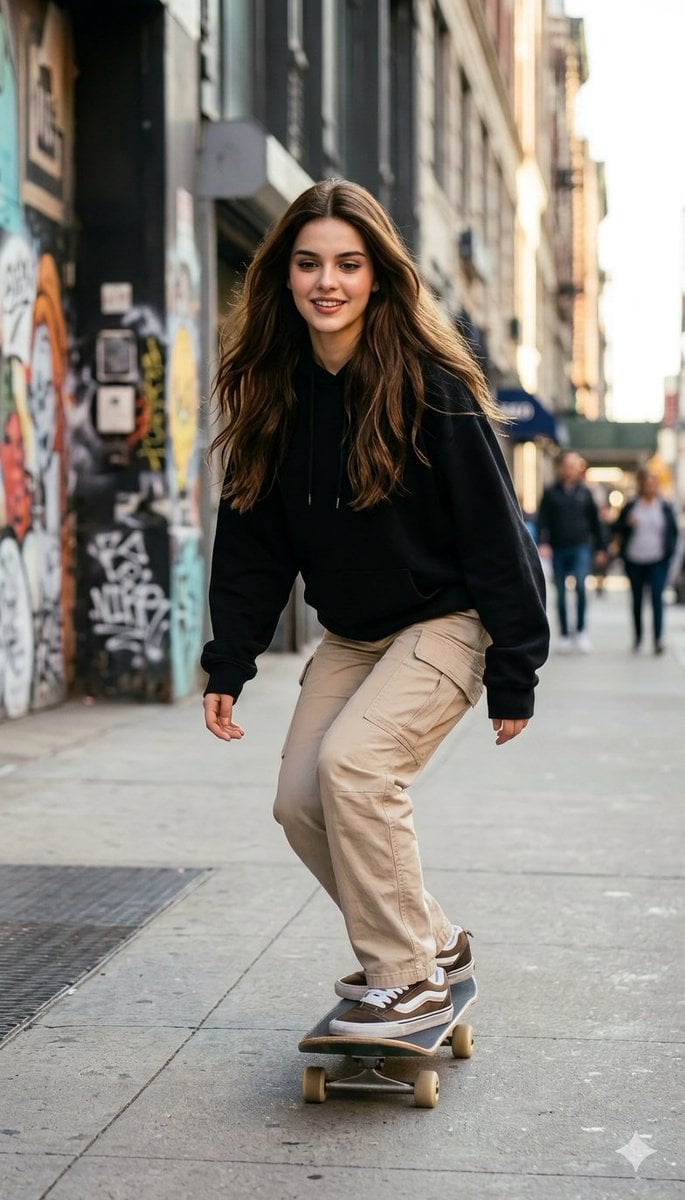
Photorealistic Skateboarder Street Photo
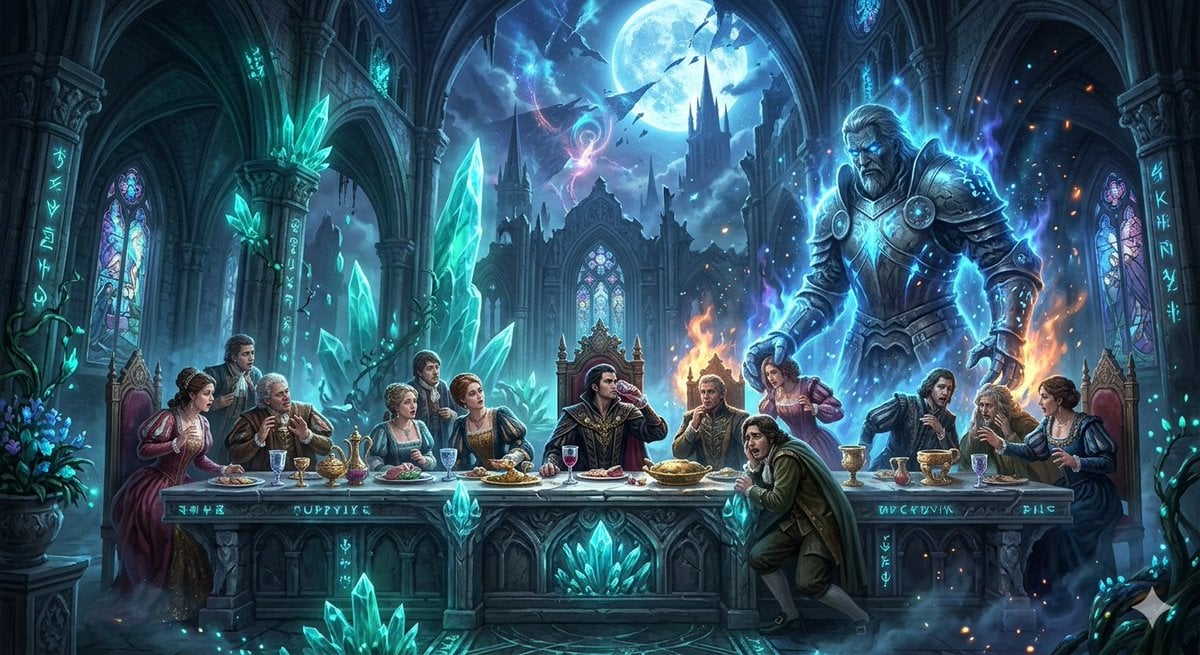
Mozart's Don Giovanni: The Last Supper
Browse template categories
Ten-Panel Outdoor Selfie Collage questions
How do I use the Ten-Panel Outdoor Selfie Collage template?
Add your photo if the template asks for one, edit the prompt if you like — the template's model and format are already selected — and press Generate. Your version opens in PicX Studio.
Can I customize the Ten-Panel Outdoor Selfie Collage template?
Yes. You can change the subject, setting, lighting, mood, format, and available model controls before creating your image.
Is the Ten-Panel Outdoor Selfie Collage template free?
Opening and editing this template is free. Generating uses credits, shown on the Generate button when you are signed in.
Which AI model should I use?
Start with GPT Image 2, which is the model associated with this template. You can compare another compatible model for a different finish.
Looking for something else? Browse all templates.

Your photo, any look
Thousands of ready templates for every top image and video model, from one credit balance.