
Urban Cinematic Fashion Portrait
A highly detailed prompt for an editorial-style fashion portrait featuring a woman in a green trench coat on a rainy metropolitan street during golden hour.
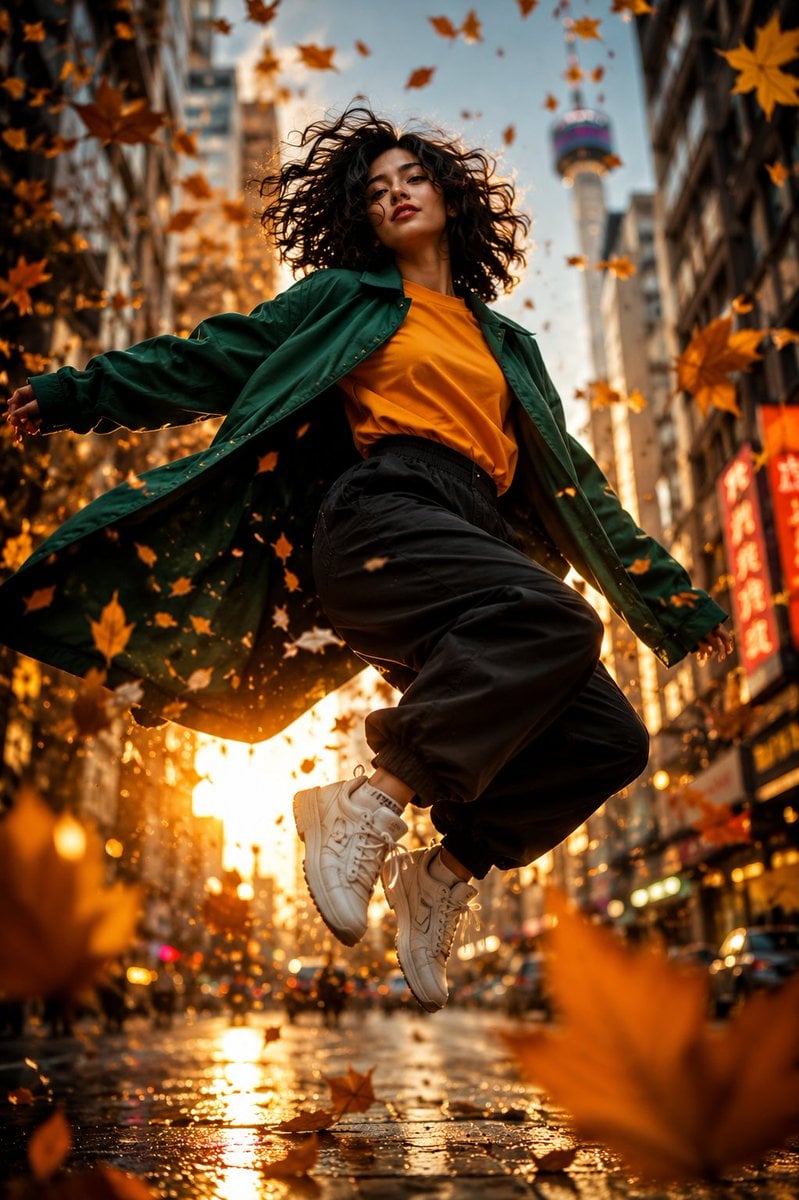
- Prompt included
- Model and format preset
- Premium template
The prompt behind this image
Copy the exact prompt behind Urban Cinematic Fashion Portrait, or open it in the studio and make it yours.
Ultra-realistic cinematic fashion portrait, full-body low-angle street photography of a {argument name="subject" default="confident young woman"} walking through a rain-soaked city street during golden hour. Subject: A beautiful young woman with short, voluminous curly black hair framing her face naturally. She has flawless fair skin, soft matte makeup, defined eyebrows, deep expressive eyes, and slightly parted lips with a confident, mysterious expression. She is looking slightly downward toward the camera, creating a powerful "main character" aura. Outfit: - Oversized {argument name="coat color" default="emerald green"} glossy trench coat with dramatic flowing fabric. - Vibrant mustard-orange oversized crewneck sweatshirt underneath. - Loose black parachute cargo pants with gathered cuffs. - Chunky white sneakers with thick soles. Pose: - Dynamic walking pose captured mid-step. - One foot lifted naturally while moving forward. - Hands casually inside coat pockets. - Coat dramatically flowing in the wind. - Hair moving naturally with soft wind. Camera: - Ultra-low angle shot from street level. - Full-body composition. - 35mm cinematic lens. - Shallow depth of field. - Subject sharply focused, background softly blurred. Environment: - {argument name="setting" default="Modern metropolitan street"} at sunset. - Wet reflective pavement with golden reflections. - Dramatic steam rising from street vents. - Tall skyscrapers and urban architecture. - Large flock of birds flying across the sky. - Soft city traffic in the distance. Lighting: - Strong golden-hour backlighting. - Intense sun flare positioned behind the subject. - Warm orange glow mixed with cool urban shadows. - Cinematic rim light around hair and coat. - High contrast with rich highlights and deep shadows. Atmosphere: - Main character energy. - Powerful, stylish, cinematic mood. - Fashion editorial aesthetics. - Dynamic motion and dramatic storytelling. - Viral social-media-worthy composition. Style Tags: Ultra realistic, cinematic photography, editorial fashion, movie still, dramatic lighting, golden hour, street style, dynamic motion, highly detailed, masterpiece, 8K, HDR, realistic textures, volumetric lighting, trending on social media.
How to use Urban Cinematic Fashion Portrait in 3 steps
- 1
Open
The prompt is already in the box next to the preview, with the template's model and format selected.
- 2…a portrait of your subject in softgolden-hour light, 85mm…
Personalize
Edit the subject and creative details for your destination.
- 3Generate
Generate
Press Generate — your image is created in PicX Studio, so you can compare it with the original and refine one variable at a time.
More like this
Templates with the same subject, style or setup. Open one to see its prompt.

Nano Banana 2 High Fashion Sports Campai

Couture Fashion Editorial Woman and Drag
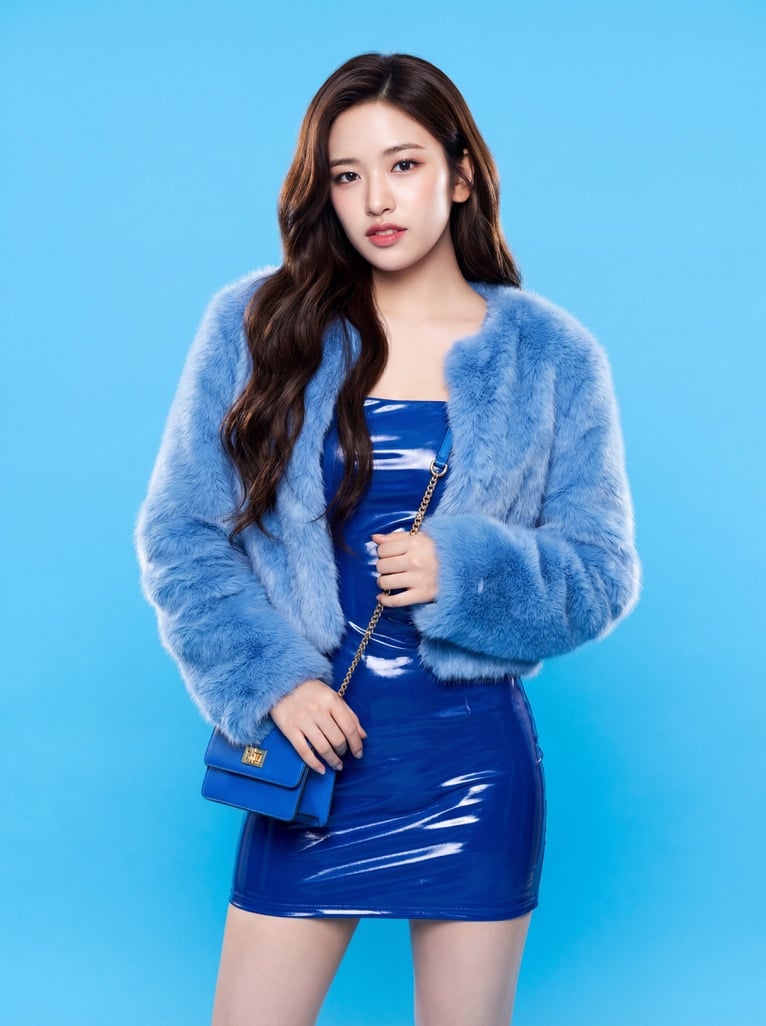
Ive Yujin Fashion Portrait in Blue

Nano Banana 2 Editorial Fashion Portrait

Caution Tape Fashion — Industrial Editorial
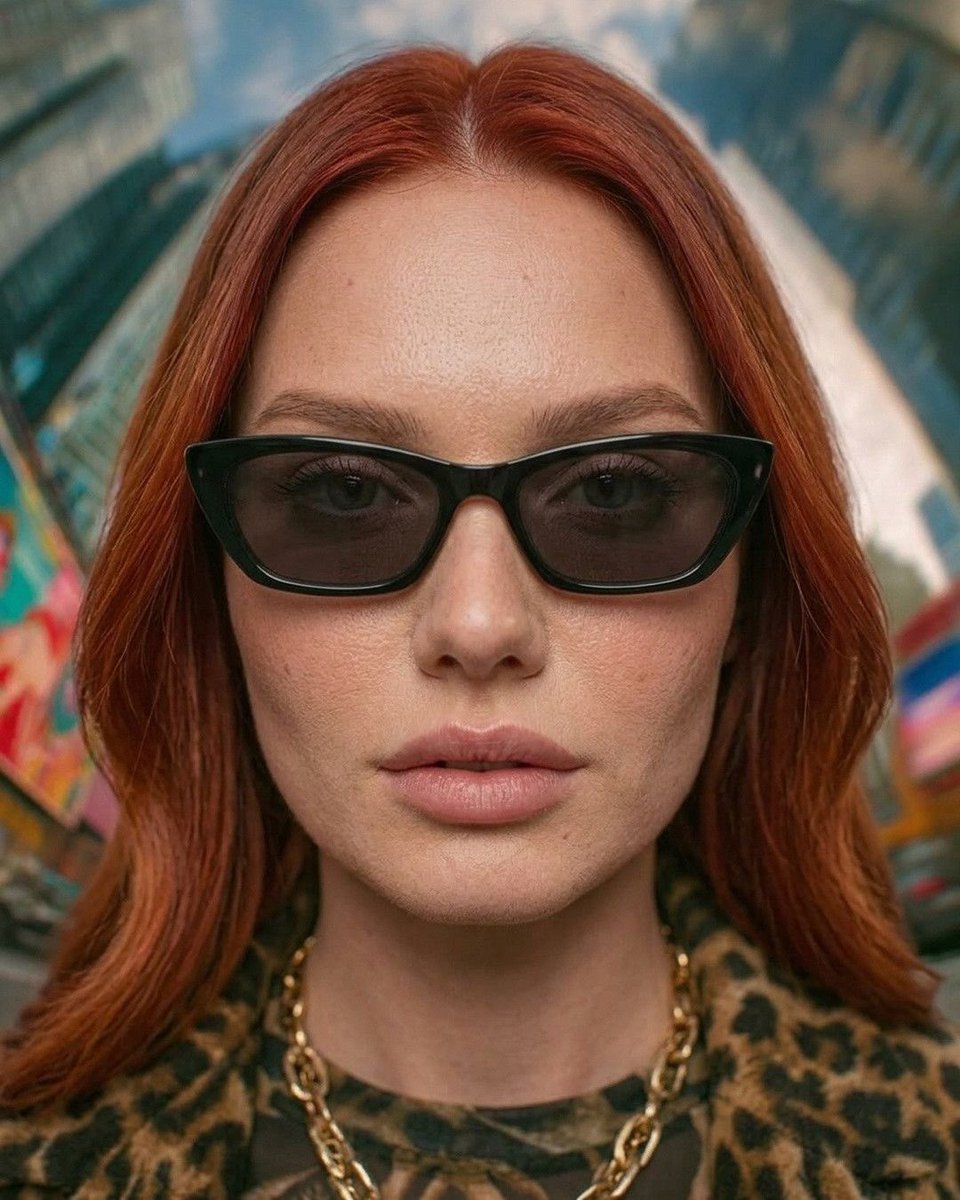
Urban Fashion Symmetrical Portrait
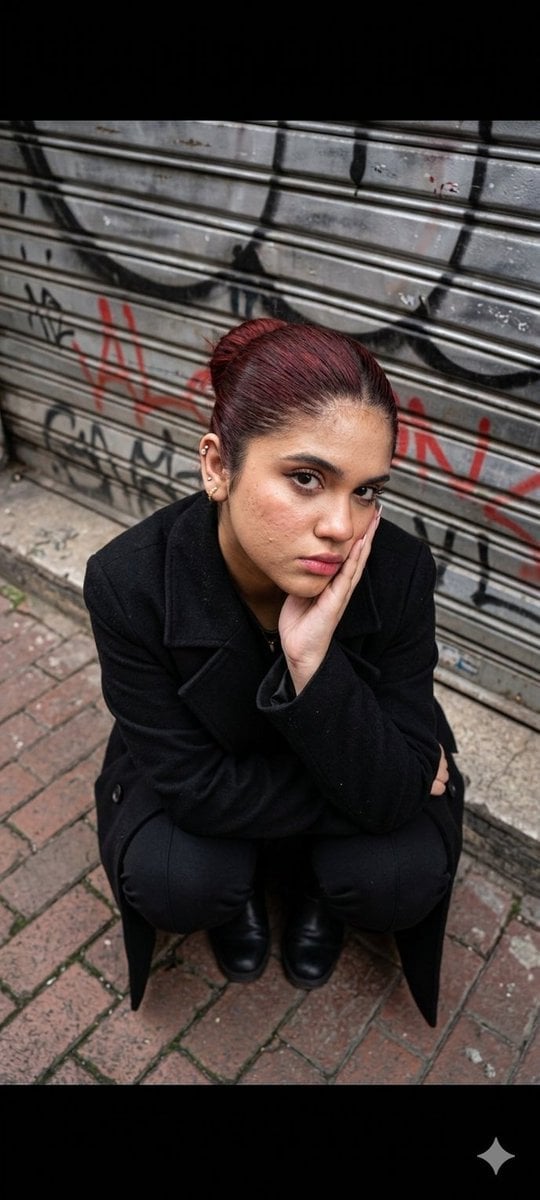
Urban Fashion Portrait

Gpt2 Fisheye Sky Crouch Portrait
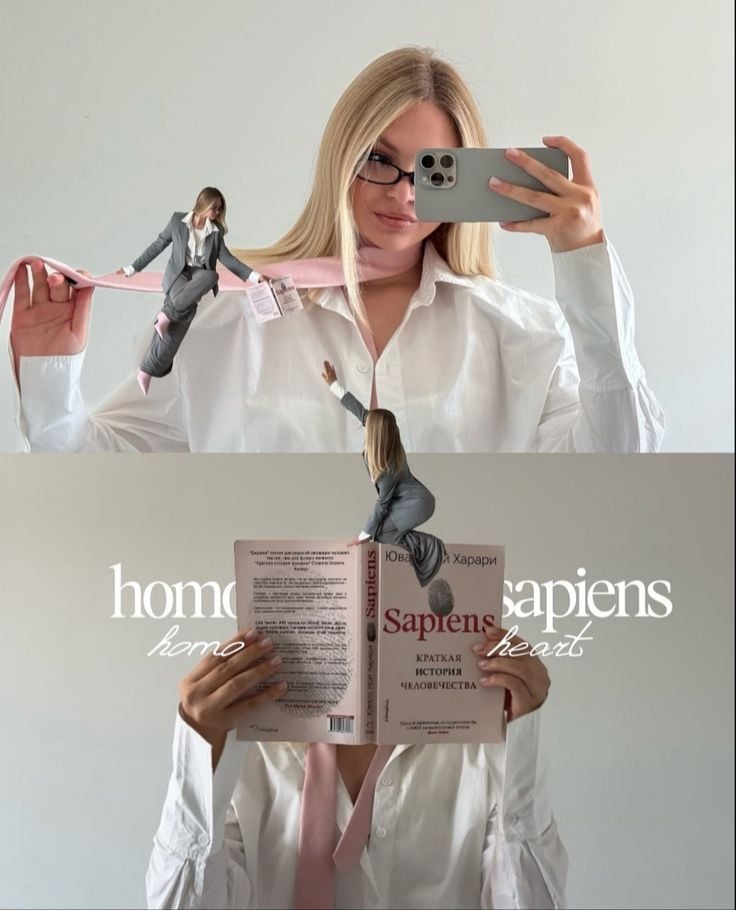
Miniature Self Portrait Collage

Found Photograph: Us, 1970

80s Couple Studio Portrait

80s College Gate
Make it yours
Urban Cinematic Fashion Portrait works as-is. These are the safest ways to change it without losing the look.
Change one field
Copy a single group, rewrite it, and generate again so you can see what that field is doing.
Keep the frame, change the subject
Hold the composition and light of Urban Cinematic Fashion Portrait, then swap wardrobe, props or the person for a new take.
| If the result… | Why | Fix |
|---|---|---|
| The result drifts from the preview | Too many fields changed at once. | Reuse Urban Cinematic Fashion Portrait as-is first, then change one group — subject, light, or setting. |
| The model over-stylizes the scene | The prose prompt leaves finish and camera underspecified. | Add one camera or lighting sentence and stay on GPT Image 2. |
More GPT Image 2 templates
Other prompts made for GPT Image 2.

Six VTuber Japanese Logo Sheet

Realistic Portrait of Woman and Deer

The Vista Modular Condo Poster

AI Model Routing Comparison Infographic

2.5D Anime Art Board

Isometric Productivity Desk Scene

New York Double Exposure Poster

Four-Panel AI Landscape Comparison

Japanese Tatami Lifestyle Magazine Cover

NESCAFÉ Coffee Map Poster
More image prompts
Fresh picks from across the catalog.
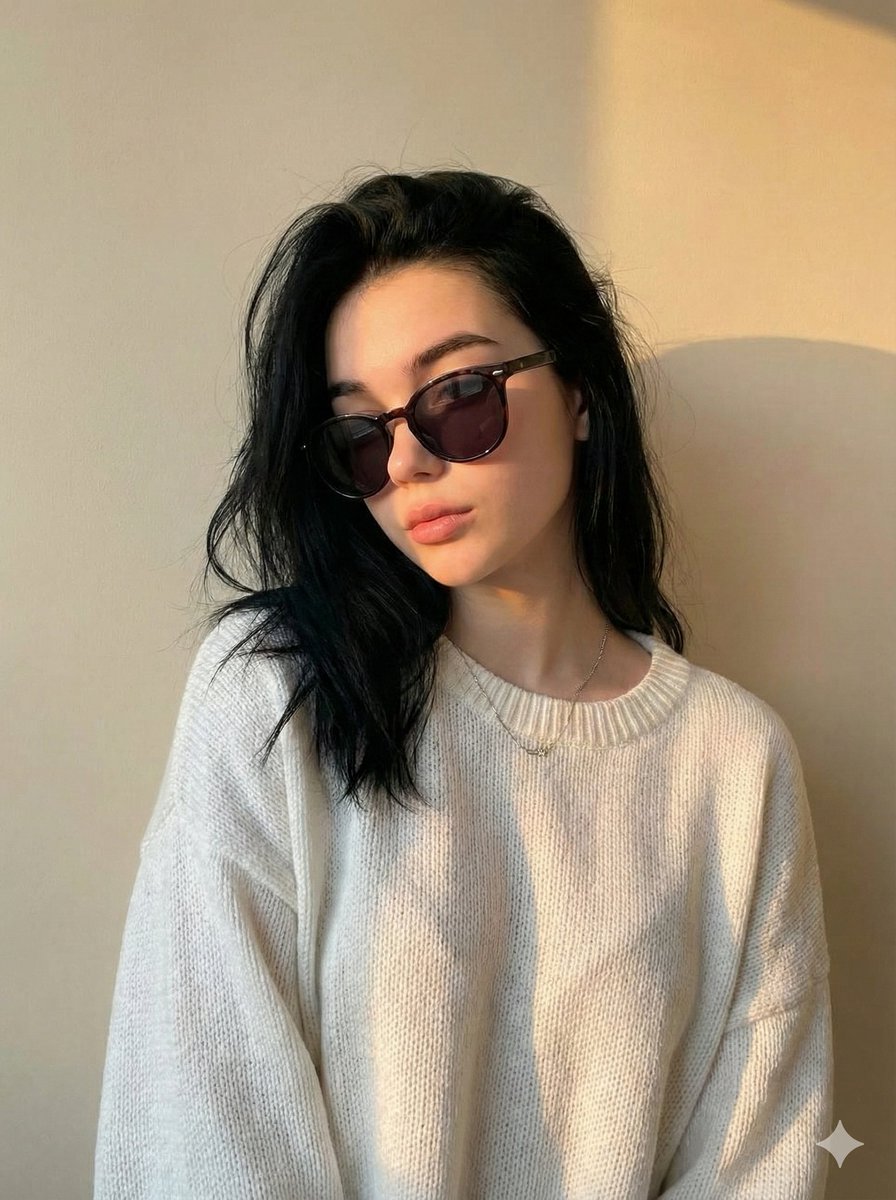
Cinematic Portrait with Strict Identity Preservation
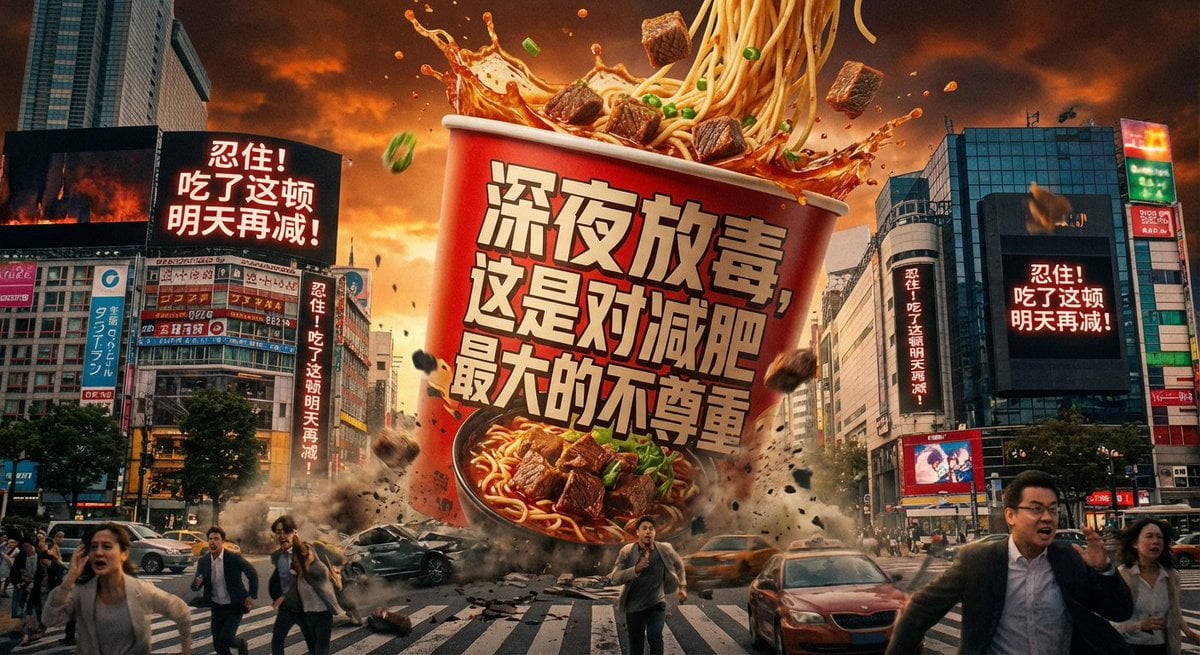
Classical Chinese poem illustration with text
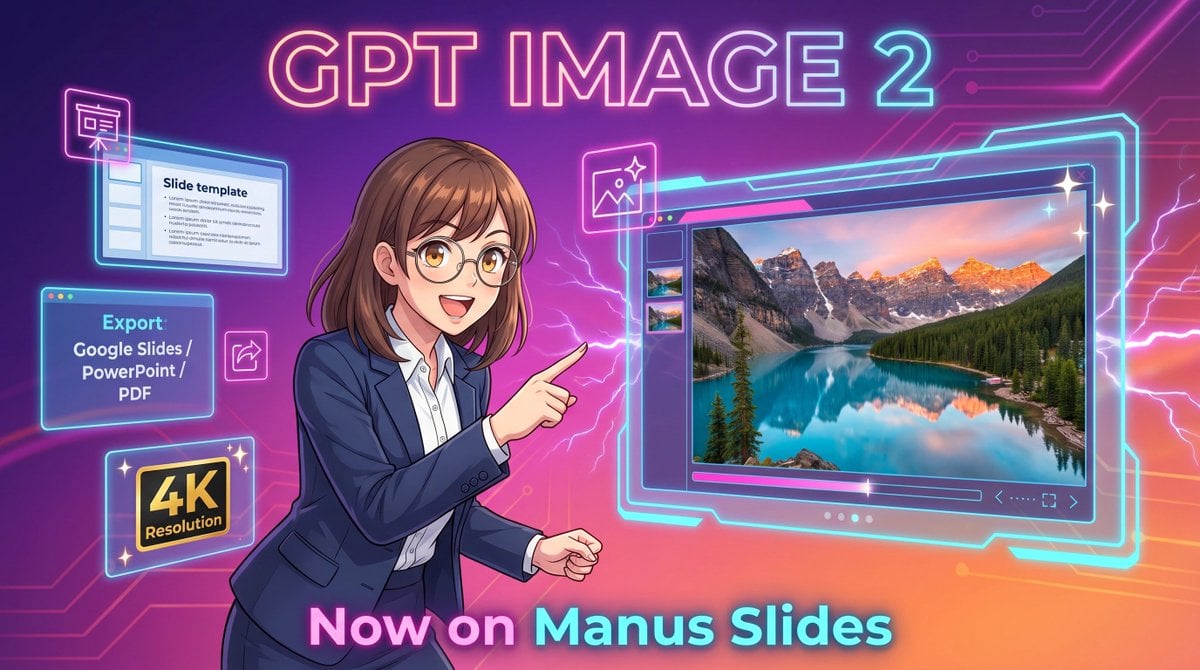
Neon GPT Image 2 Promo Poster
Japanese TV Parody Image Generation Prompt
Neon Cyberpunk Future Hoodie Portrait
School ID Photo Portrait
Black and White Studio Portrait Collage (3x3 Grid)
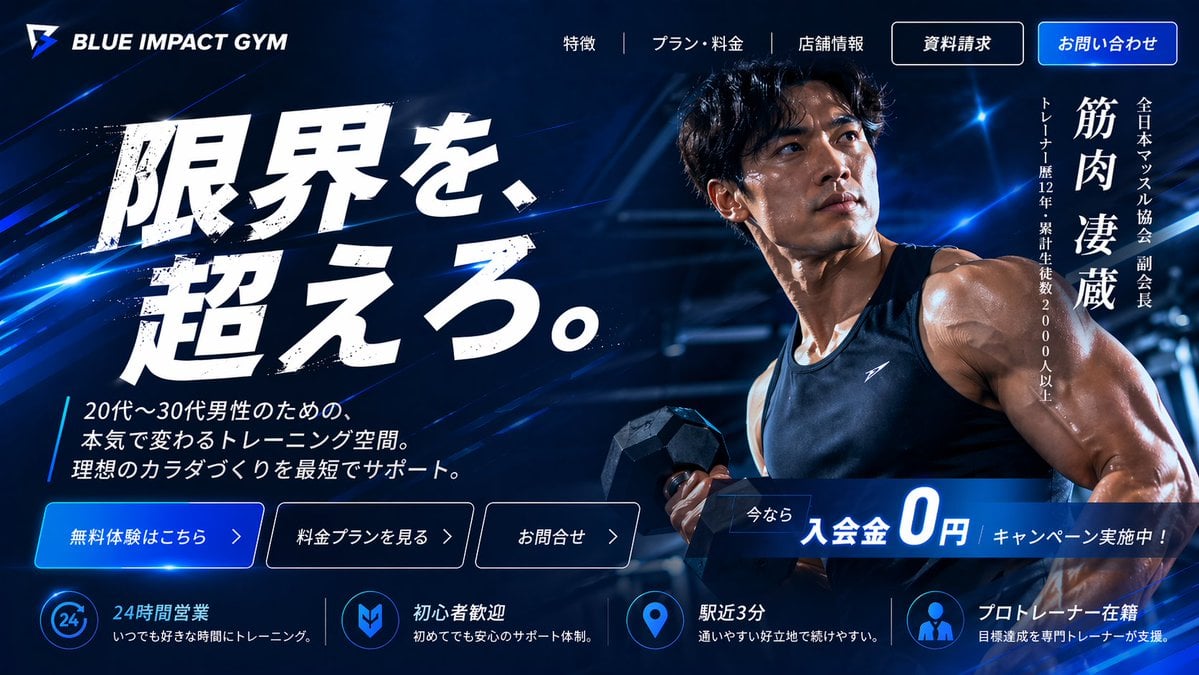
Japanese Gym Hero Landing Page
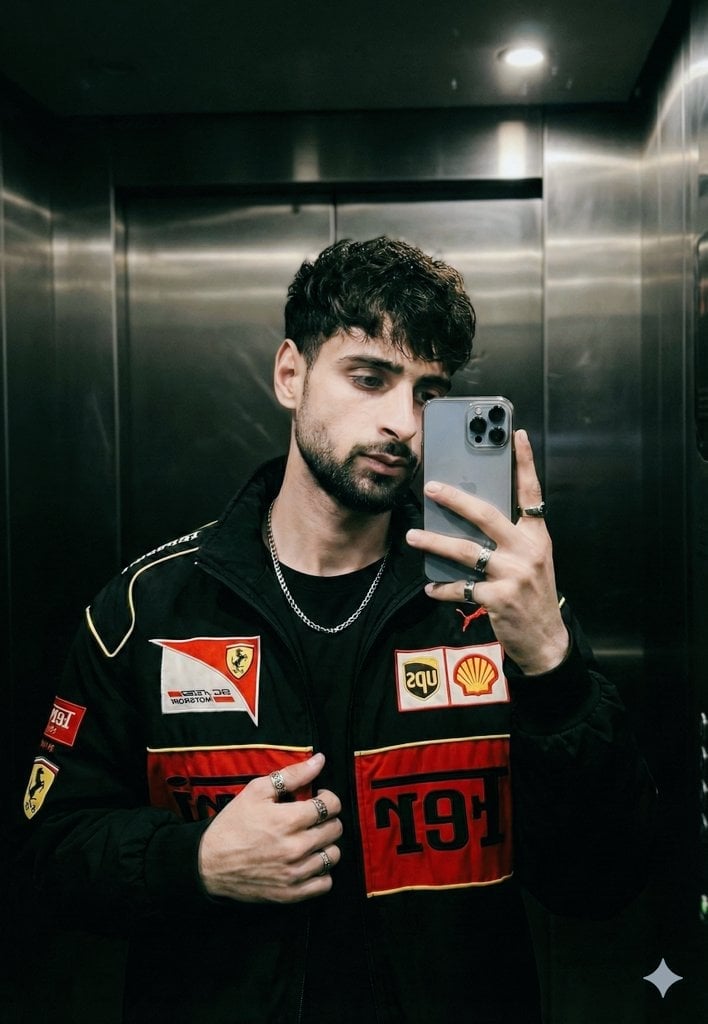
Cinematic mirror selfie in a stainless-steel elevator
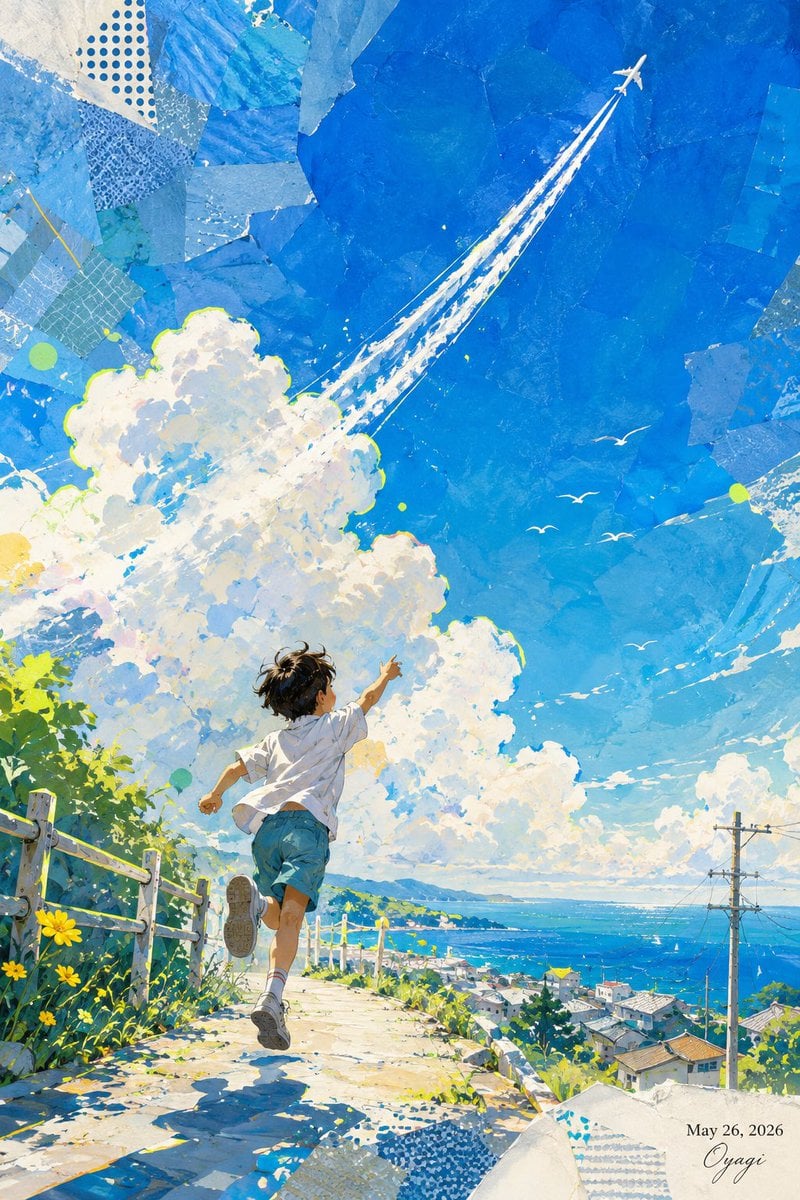
Boy Chasing Airplane Contrail
Browse template categories
Urban Cinematic Fashion Portrait questions
How do I use the Urban Cinematic Fashion Portrait template?
Add your photo if the template asks for one, edit the prompt if you like — the template's model and format are already selected — and press Generate. Your version opens in PicX Studio.
Can I customize the Urban Cinematic Fashion Portrait template?
Yes. You can change the subject, setting, lighting, mood, format, and available model controls before creating your image.
Is the Urban Cinematic Fashion Portrait template free?
Opening and editing this template is free. Generating uses credits, shown on the Generate button when you are signed in.
Which AI model should I use?
Start with GPT Image 2, which is the model associated with this template. You can compare another compatible model for a different finish.
Looking for something else? Browse all templates.

Your photo, any look
Thousands of ready templates for every top image and video model, from one credit balance.