
Luxury Fashion Beauty Portrait
Creates a photorealistic luxury beauty portrait with cinematic lighting and meticulous skin texture, designed to maintain consistent facial identity from a reference image.
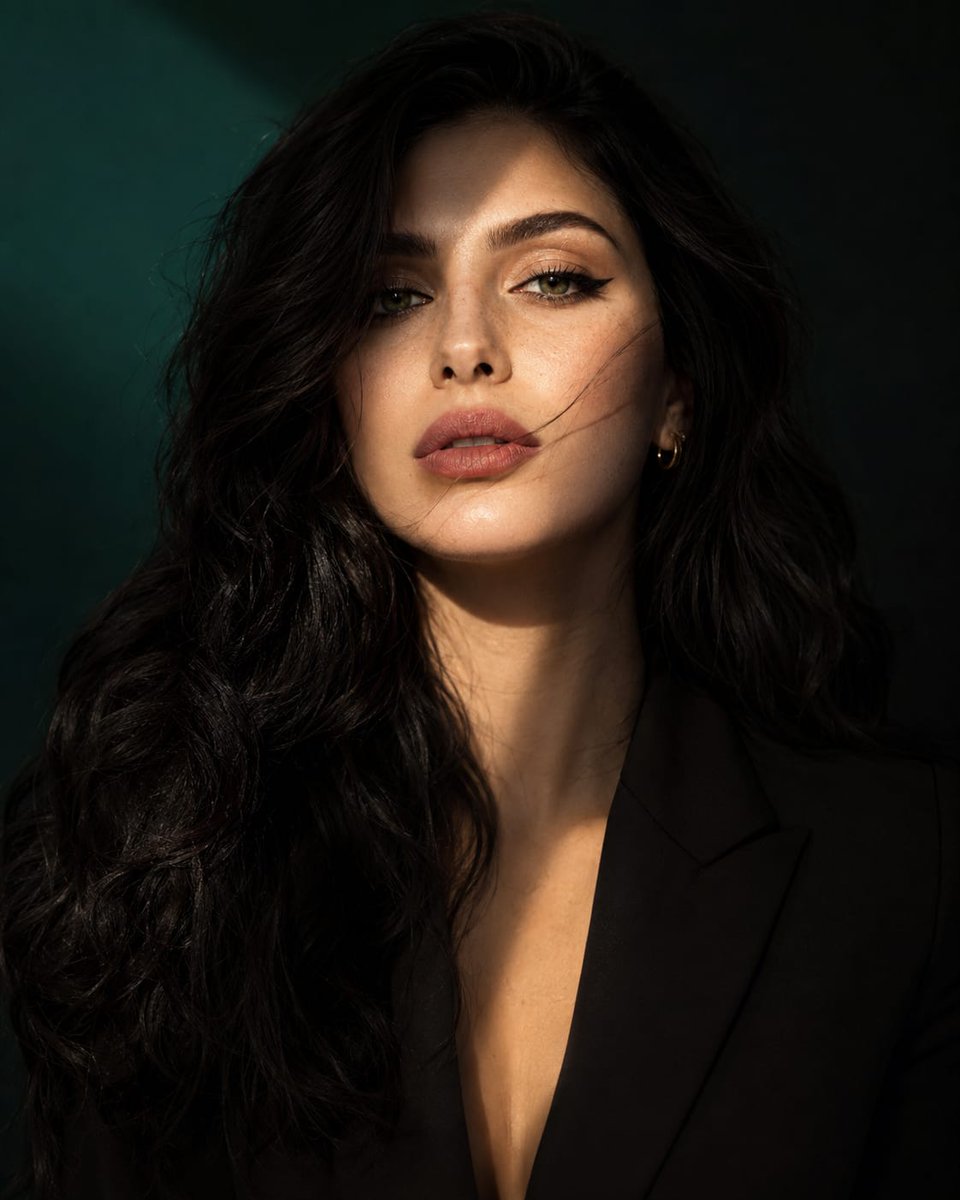
- Prompt included
- Model and format preset
- Premium template
The prompt behind this image
Copy the exact prompt behind Luxury Fashion Beauty Portrait, or open it in the studio and make it yours.
Create an ultra-realistic luxury beauty portrait using the exact same facial identity as the reference image. Preserve the face, facial structure, eye shape, nose, lips, skin characteristics, and overall appearance with maximum accuracy and consistency. The woman has long, silky {argument name="hair color" default="jet-black"} hair, naturally luminous fair skin with subtle freckles across the nose and cheeks, striking {argument name="eye color" default="emerald-green"} eyes, detailed eyelashes, naturally full eyebrows, and soft matte rose-pink lips. A delicate gold hoop earring adds a refined editorial touch. The composition is a sophisticated medium close-up, capturing the head, neck, and upper torso. The subject faces the camera with a confident yet enigmatic expression, maintaining strong eye contact. A few loose strands of hair drift across her face, adding movement and visual interest while keeping her features clearly recognizable. Lighting is cinematic and dramatic, featuring a diagonal beam of {argument name="lighting style" default="golden sunlight"} crossing the face from the upper corner, creating a beautiful interplay of highlights and shadows. One side of the face is softly illuminated while the opposite side falls into rich, atmospheric shadow. The background is a deep emerald-to-black gradient with subtle depth and smooth bokeh, creating a premium fashion-editorial mood. Emphasize ultra-realistic skin texture, visible pores, natural complexion details, glossy eyes with crisp catchlights, and highly detailed hair strands. Use elegant cinematic color grading with rich contrast, realistic dynamic range, and luxury magazine aesthetics. Shot on an 85mm portrait lens, f/1.8, shallow depth of field, HDR photography, professional studio quality, Vogue-inspired beauty editorial, luxurious minimalism, photorealistic rendering, premium fashion campaign quality, hyper-detailed 8K resolution. Portrait style Style: Hyper-realistic, cinematic luxury beauty photography, high-end fashion editorial, premium magazine cover, sophisticated and emotionally captivating.
How to use Luxury Fashion Beauty Portrait in 3 steps
- 1Upload ImagePNG, JPG or paste
Add your photo
Upload the photo the template builds on. The prompt, model and format are already set.
- 2…a portrait of your subject in softgolden-hour light, 85mm…
Personalize
Edit the subject and creative details for your destination.
- 3Generate
Generate
Press Generate — your image is created in PicX Studio, so you can compare it with the original and refine one variable at a time.
More like this
Templates with the same subject, style or setup. Open one to see its prompt.

Nano Banana 2 High Fashion Sports Campai

Couture Fashion Editorial Woman and Drag
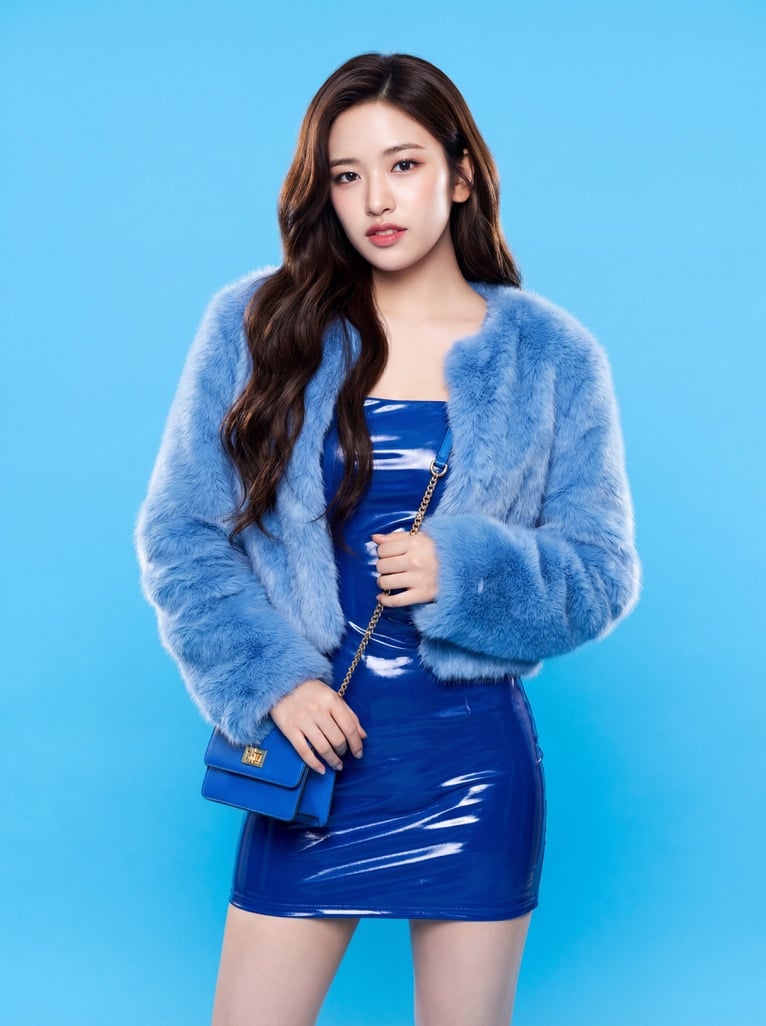
Ive Yujin Fashion Portrait in Blue

Nano Banana 2 Editorial Fashion Portrait

Caution Tape Fashion — Industrial Editorial
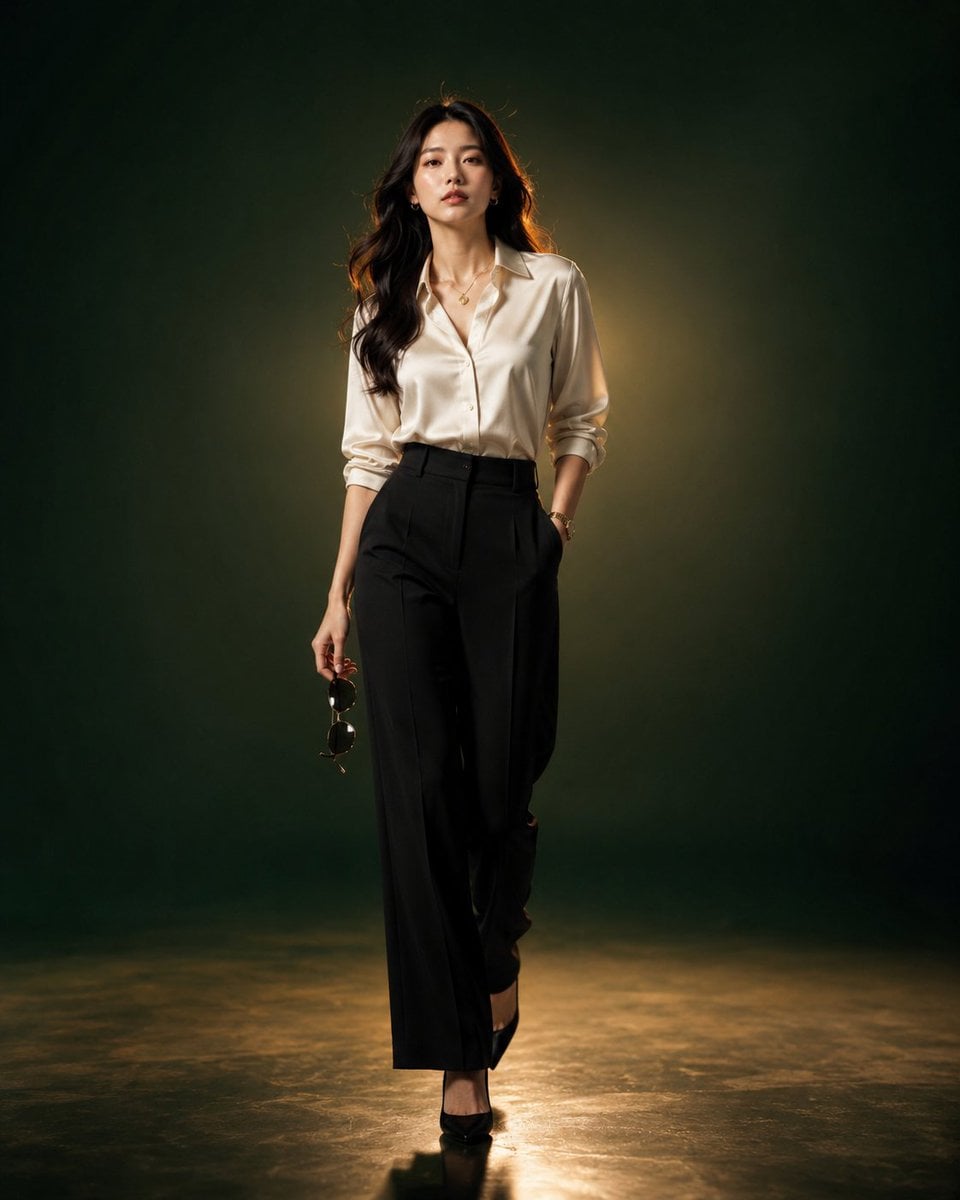
Luxury Fashion Editorial Portrait
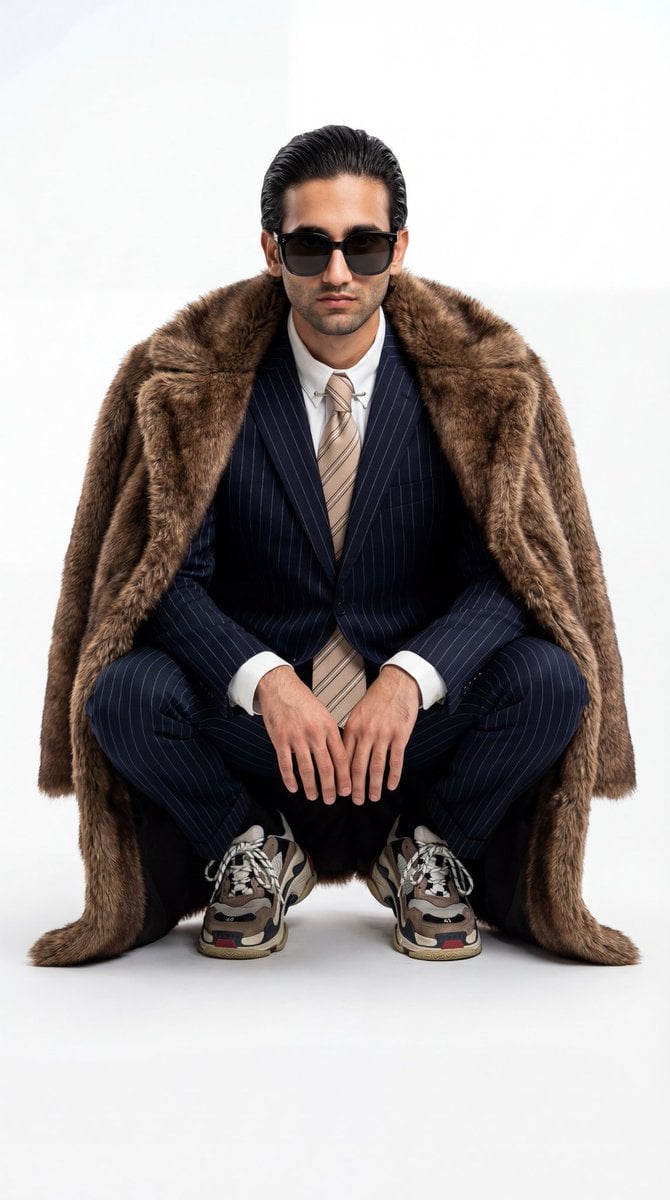
Ultra-Realistic Luxury Fashion Editorial Portrait

19 Luxury Helicopter Travel — California Series

08 Rodeo Drive Luxury Exit — California Series
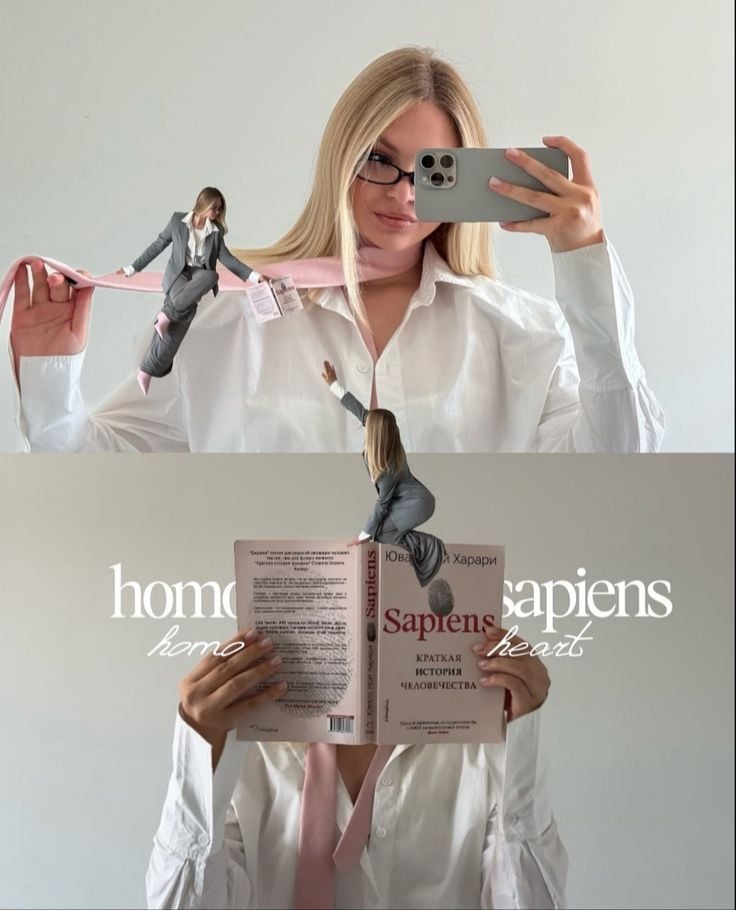
Miniature Self Portrait Collage

Found Photograph: Us, 1970

80s Couple Studio Portrait
Make it yours
Luxury Fashion Beauty Portrait works as-is. These are the safest ways to change it without losing the look.
Change one field
Copy a single group, rewrite it, and generate again so you can see what that field is doing.
Keep the frame, change the subject
Hold the composition and light of Luxury Fashion Beauty Portrait, then swap wardrobe, props or the person for a new take.
| If the result… | Why | Fix |
|---|---|---|
| The result drifts from the preview | Too many fields changed at once. | Reuse Luxury Fashion Beauty Portrait as-is first, then change one group — subject, light, or setting. |
| The model over-stylizes the scene | The prose prompt leaves finish and camera underspecified. | Add one camera or lighting sentence and stay on GPT Image 2. |
More GPT Image 2 templates
Other prompts made for GPT Image 2.

Six VTuber Japanese Logo Sheet

Realistic Portrait of Woman and Deer

The Vista Modular Condo Poster

AI Model Routing Comparison Infographic

2.5D Anime Art Board

Isometric Productivity Desk Scene

New York Double Exposure Poster

Four-Panel AI Landscape Comparison

Japanese Tatami Lifestyle Magazine Cover

NESCAFÉ Coffee Map Poster
More image prompts
Fresh picks from across the catalog.
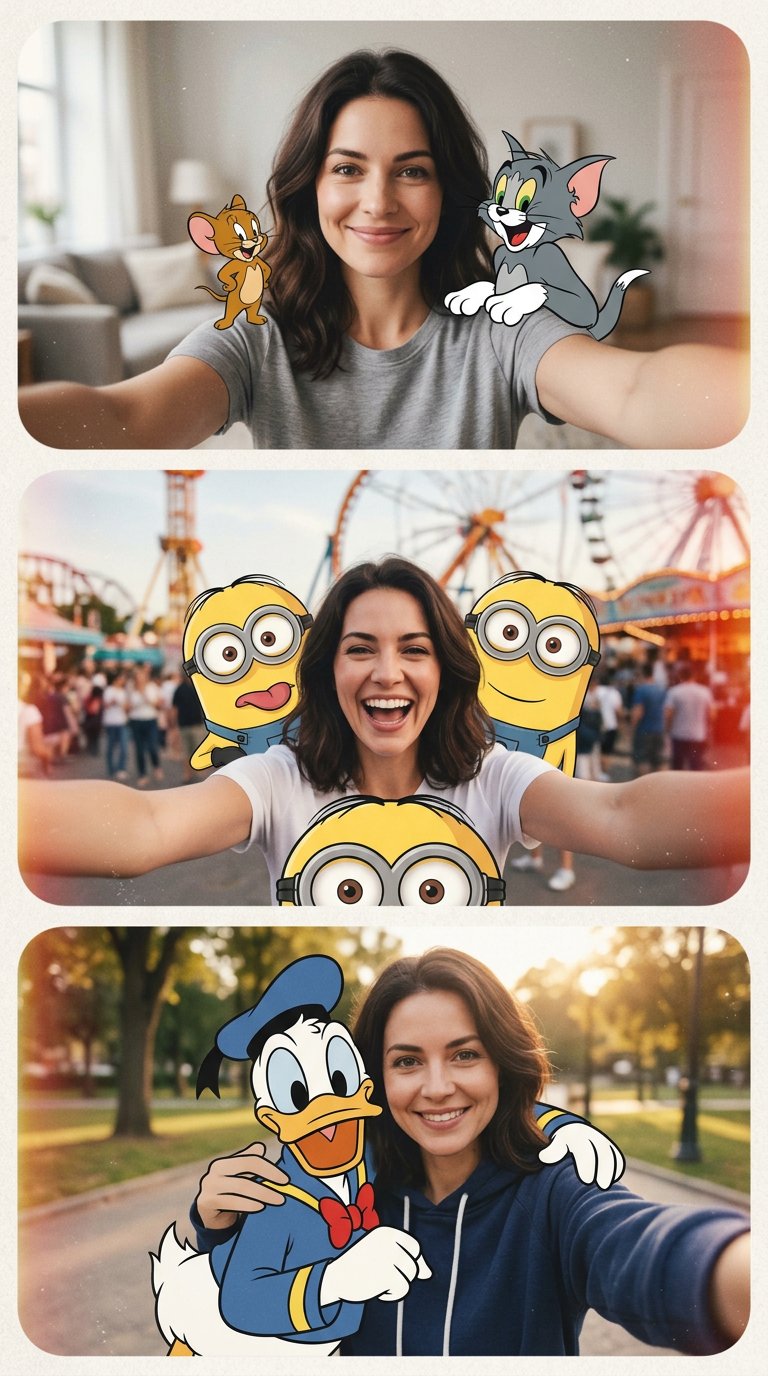
cartoon
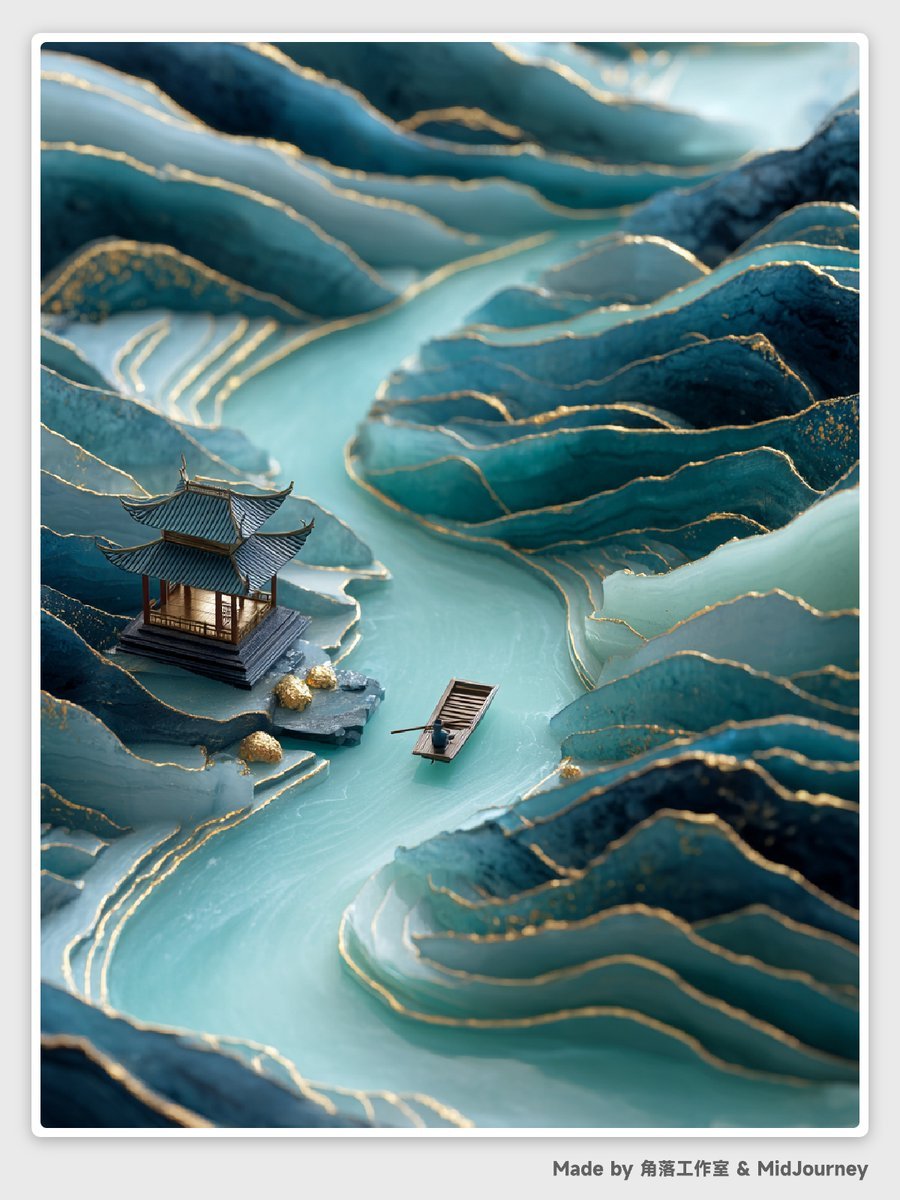
Abstract Chinese Landscape Miniatures Prompt
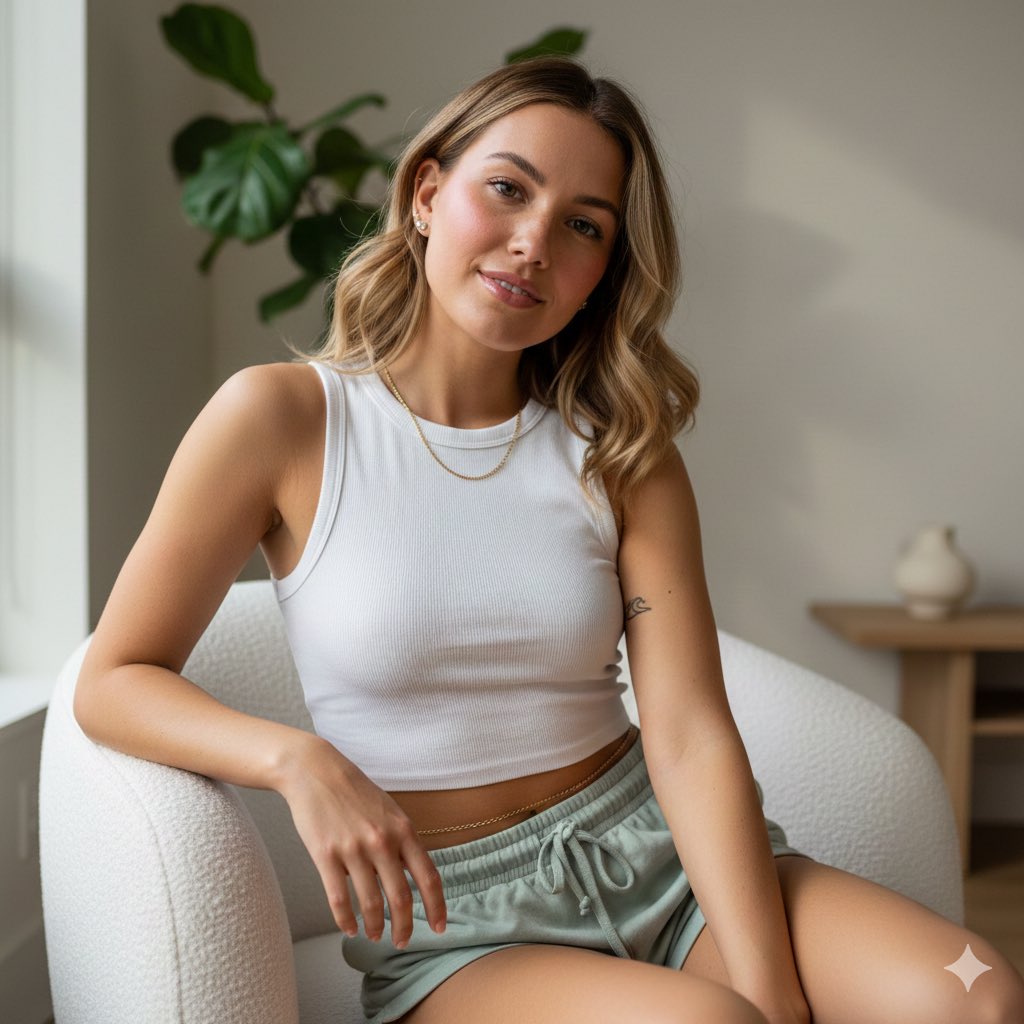
Photorealistic Portrait of Young Woman in Lounge Wear
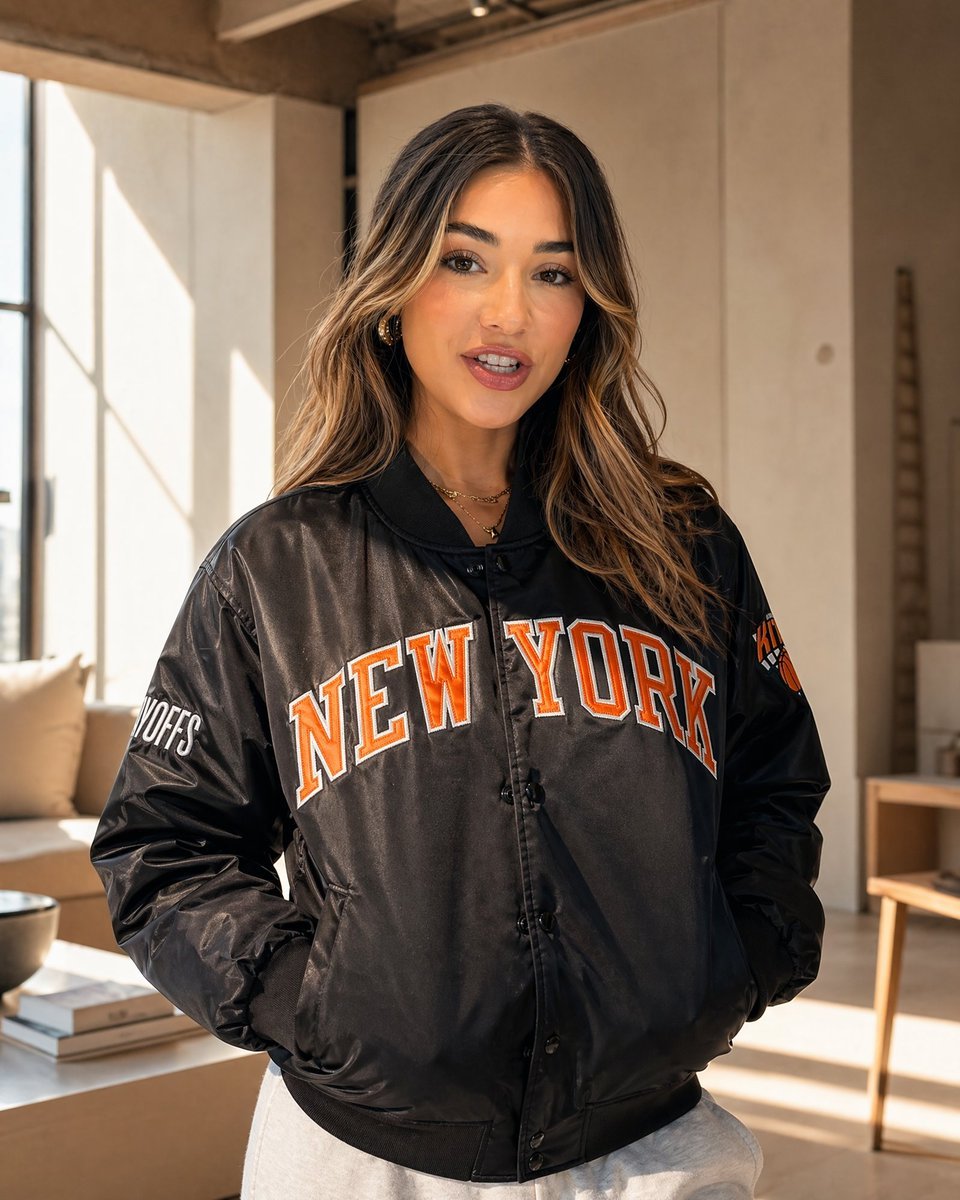
Sunlit Streetwear Jacket Portrait
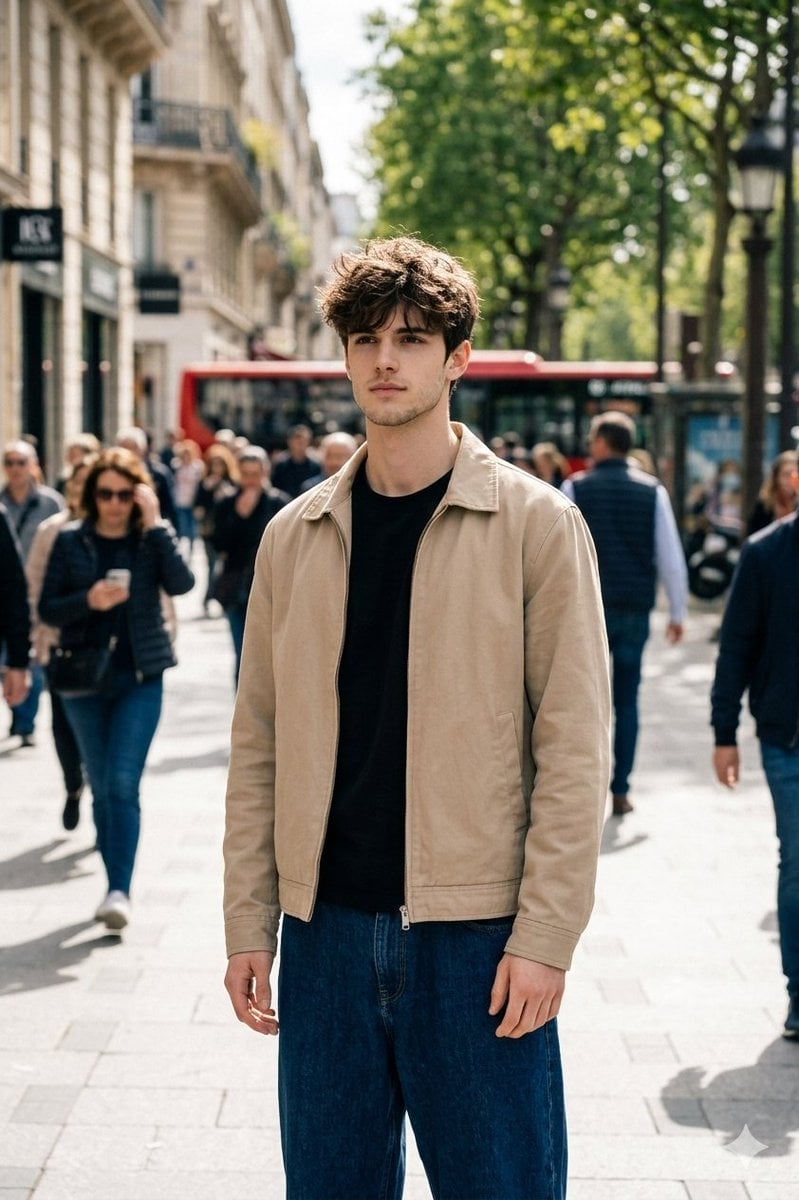
Cinematic Street Portrait in Natural Daylight
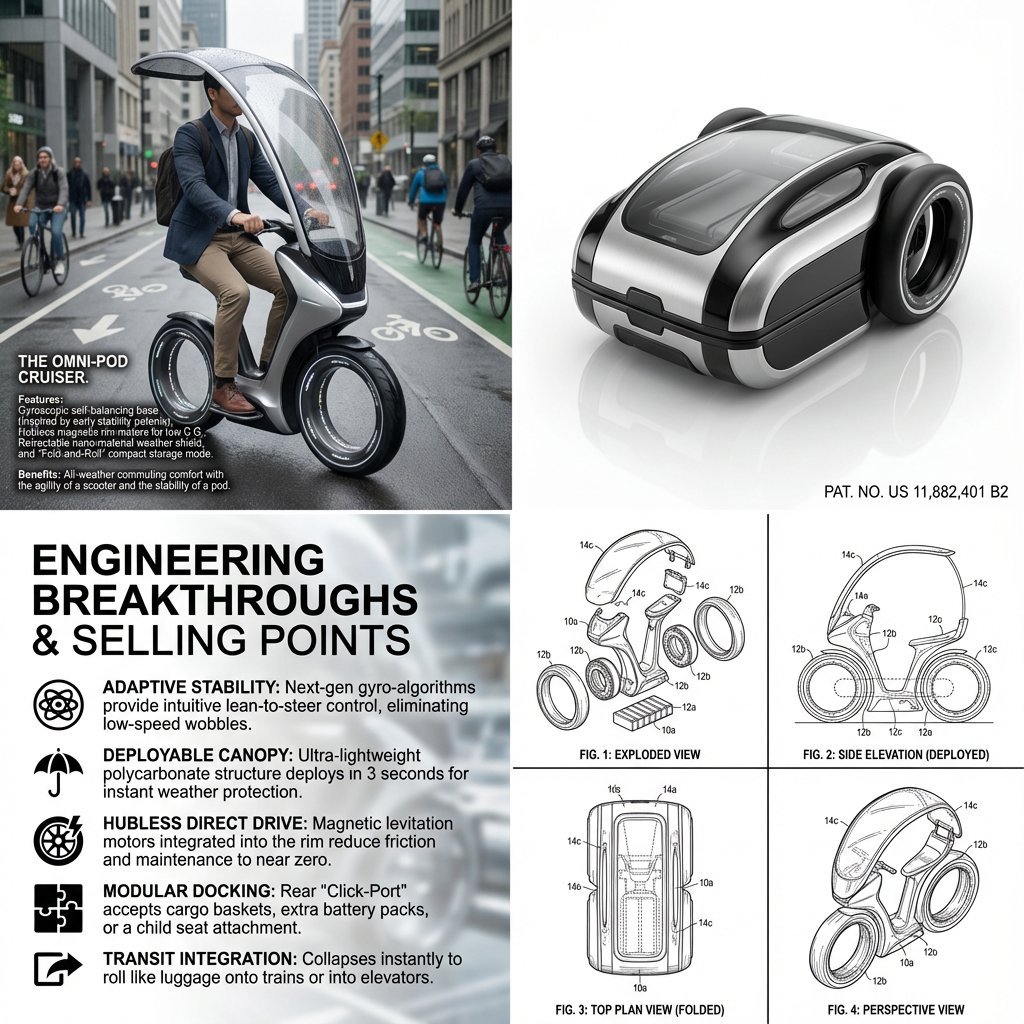
Hybrid Transportation Device Design and Patent Generation
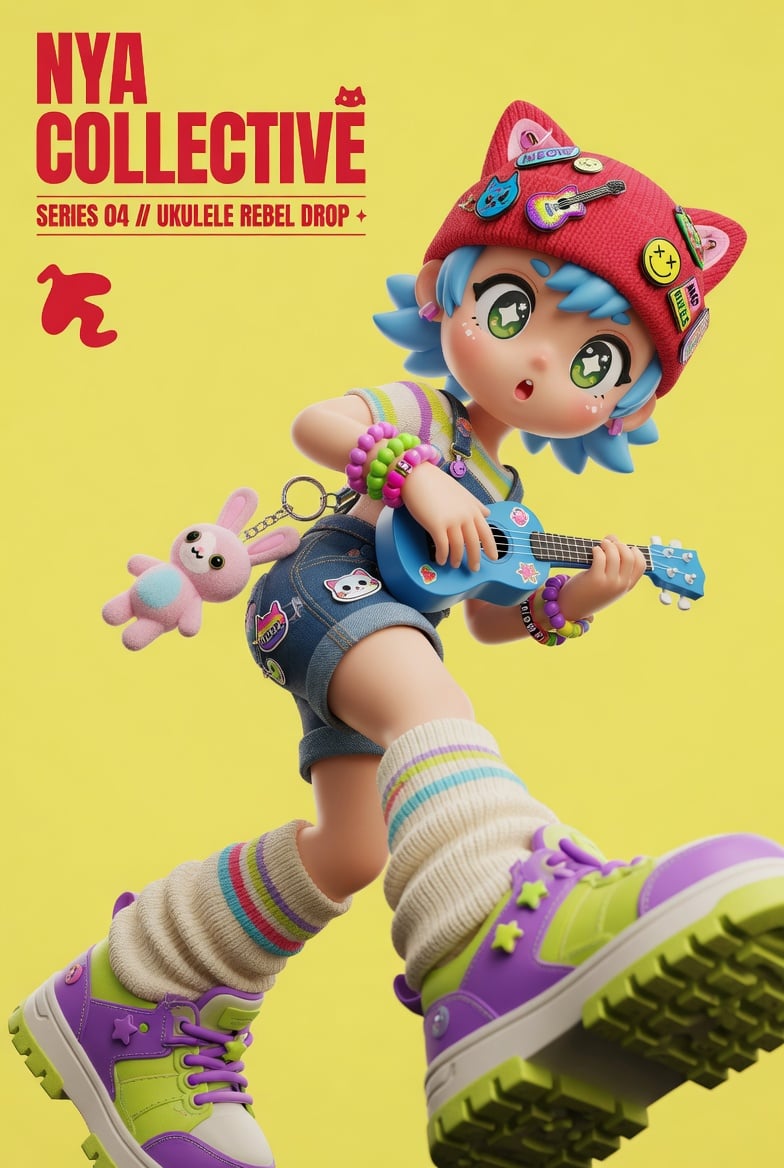
3D Designer Toy Poster
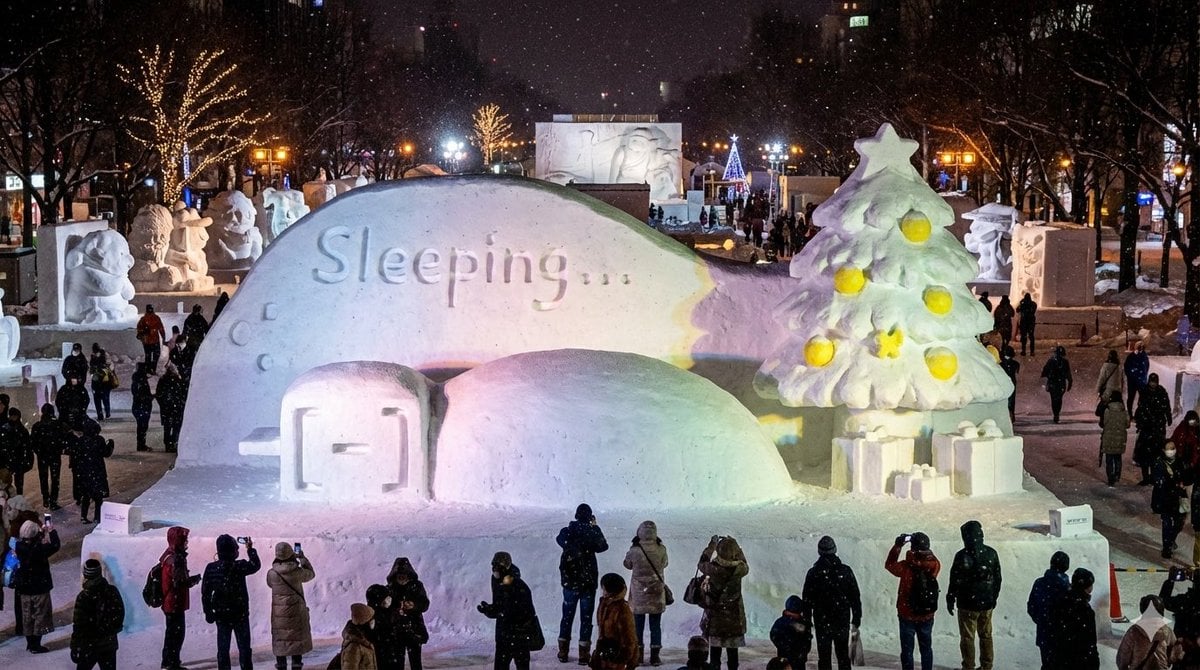
Snow Statue of Not Wanting to Leave the Futon
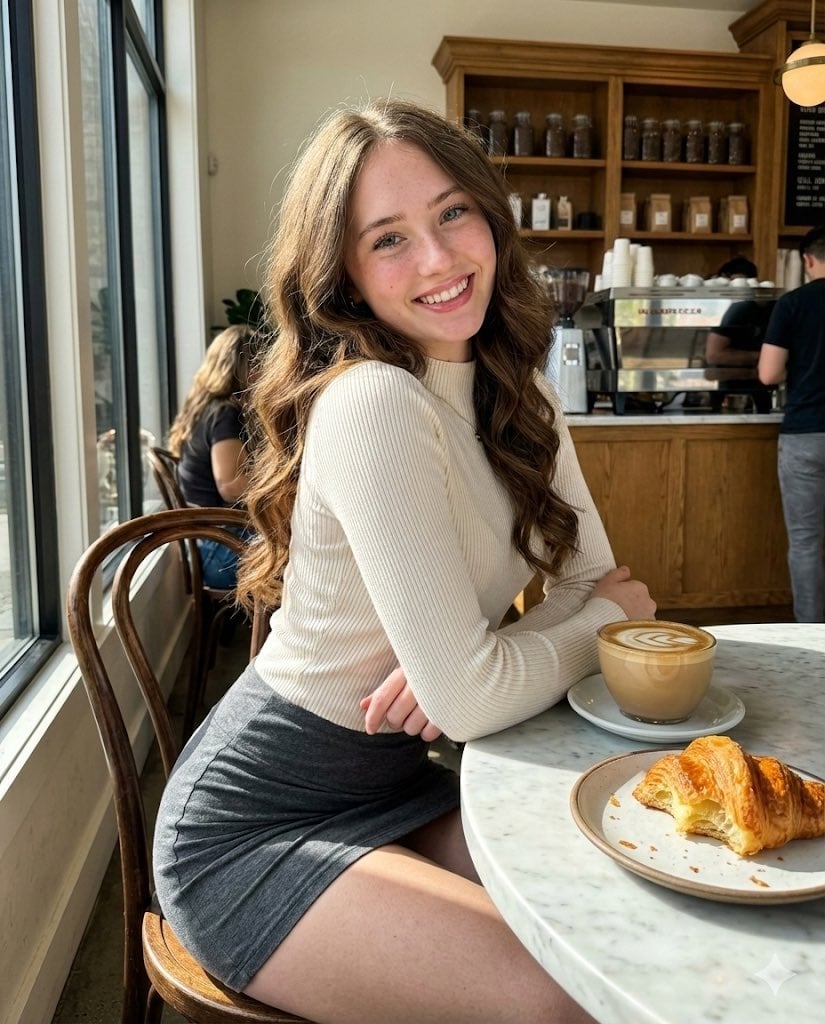
High-Fidelity Candid Café Portrait with Sharp Focus
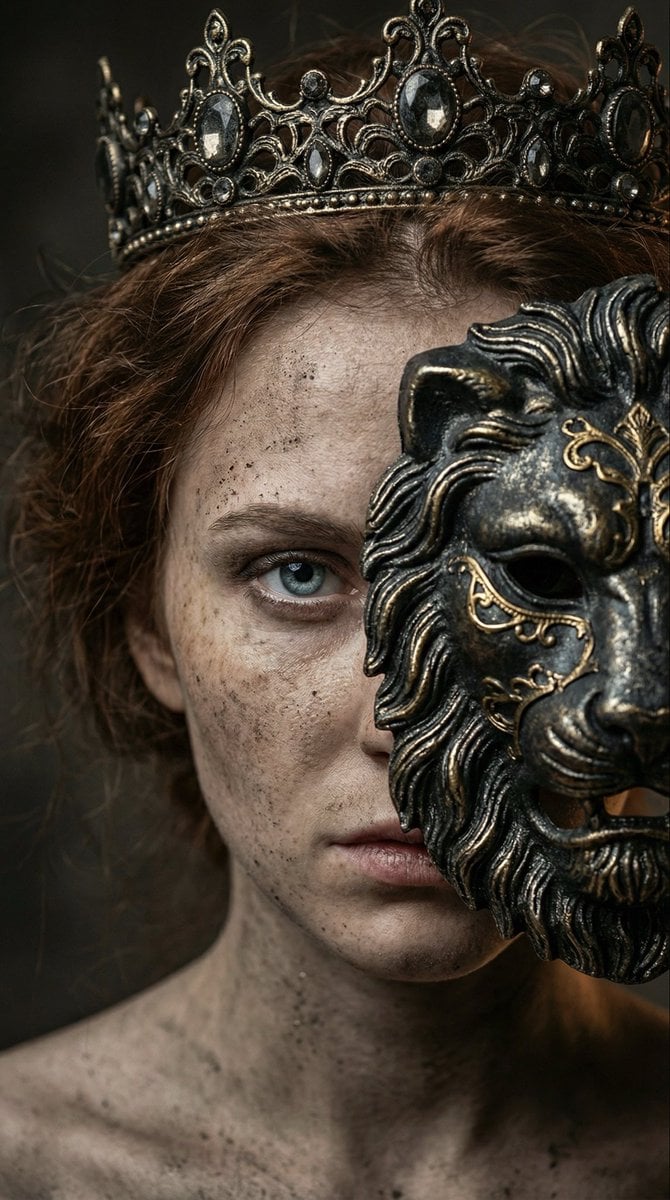
Dark fantasy portrait with metal lion mask
Browse template categories
Luxury Fashion Beauty Portrait questions
How do I use the Luxury Fashion Beauty Portrait template?
Add your photo if the template asks for one, edit the prompt if you like — the template's model and format are already selected — and press Generate. Your version opens in PicX Studio.
Can I customize the Luxury Fashion Beauty Portrait template?
Yes. You can change the subject, setting, lighting, mood, format, and available model controls before creating your image.
Is the Luxury Fashion Beauty Portrait template free?
Opening and editing this template is free. Generating uses credits, shown on the Generate button when you are signed in.
Which AI model should I use?
Start with GPT Image 2, which is the model associated with this template. You can compare another compatible model for a different finish.
Looking for something else? Browse all templates.

Your photo, any look
Thousands of ready templates for every top image and video model, from one credit balance.