
Cyberpunk Vespa Rider in Hong Kong
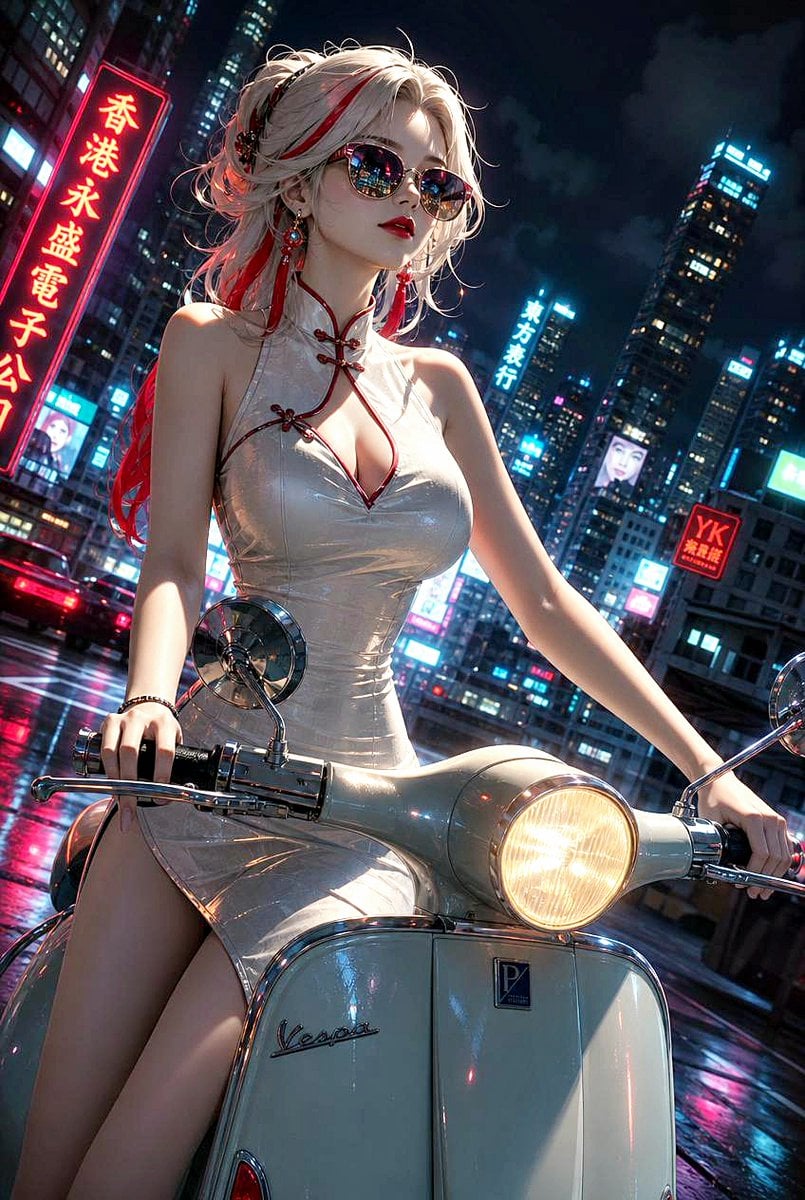
A cinematic vertical prompt for creating an anime-realistic fashion rider on a vintage scooter in a neon rainy Hong Kong cityscape.
- Prompt included
- Model and format preset
- Free template
The prompt behind this image
Copy the exact prompt behind Cyberpunk Vespa Rider in Hong Kong, or open it in the studio and make it yours.
Create a cinematic vertical cyberpunk glamour illustration of {argument name="character name" default="a stylish young woman"} sitting astride a vintage cream Vespa-style scooter on a rainy Hong Kong street at night. She has pale skin, long messy {argument name="hair color" default="platinum white hair with vivid red streaks"} tied up with loose flyaway strands, red-and-black hair accessories, earrings, and a confident fashion-model pose with both hands on the handlebars. Her face is deliberately obscured by a plain centered rectangular censor block in muted taupe, covering the eyes, nose, and mouth. She wears a glossy tight {argument name="dress color" default="ivory white"} cheongsam-inspired mini dress with red piping, frog closures, a high collar, sleeveless cut, deep keyhole neckline, fitted waist, and high side slit. The scooter is front-facing in the foreground with chrome mirrors and handlebars, a glowing round headlight, wet reflections on the bodywork, a small front badge, and a cursive Vespa-like logo. The background is a dense neon cityscape with tall skyscrapers, wet asphalt, reflections of pink, cyan, and red lights, light traffic, and exactly four prominent readable sign elements: a large vertical red Chinese neon sign on the left reading 「香港永盛電子公司」, a vertical cyan sign in the mid-background reading 「東方銀行」, a red square sign on the right reading “YK” with small Chinese characters beneath, and a small illuminated billboard showing a woman's face. Use a dramatic low-angle three-quarter composition, slightly tilted camera, shallow depth of field, high-detail anime-realistic rendering, glossy highlights, volumetric night atmosphere, rain-slick streets, strong rim lighting, and saturated cyberpunk colors. Keep the image vertical {argument name="aspect ratio" default="2:3"}, polished, detailed, and cinematic; avoid extra limbs, distorted hands, illegible random text, watermarks, or additional characters.
How to use Cyberpunk Vespa Rider in Hong Kong in 3 steps
- 1Upload ImagePNG, JPG or paste
Add your photo
Upload the photo the template builds on. The prompt, model and format are already set.
- 2…a portrait of your subject in softgolden-hour light, 85mm…
Personalize
Edit the subject and creative details for your destination.
- 3Generate
Generate
Press Generate — your image is created in PicX Studio, so you can compare it with the original and refine one variable at a time.
More like this
Templates with the same subject, style or setup. Open one to see its prompt.
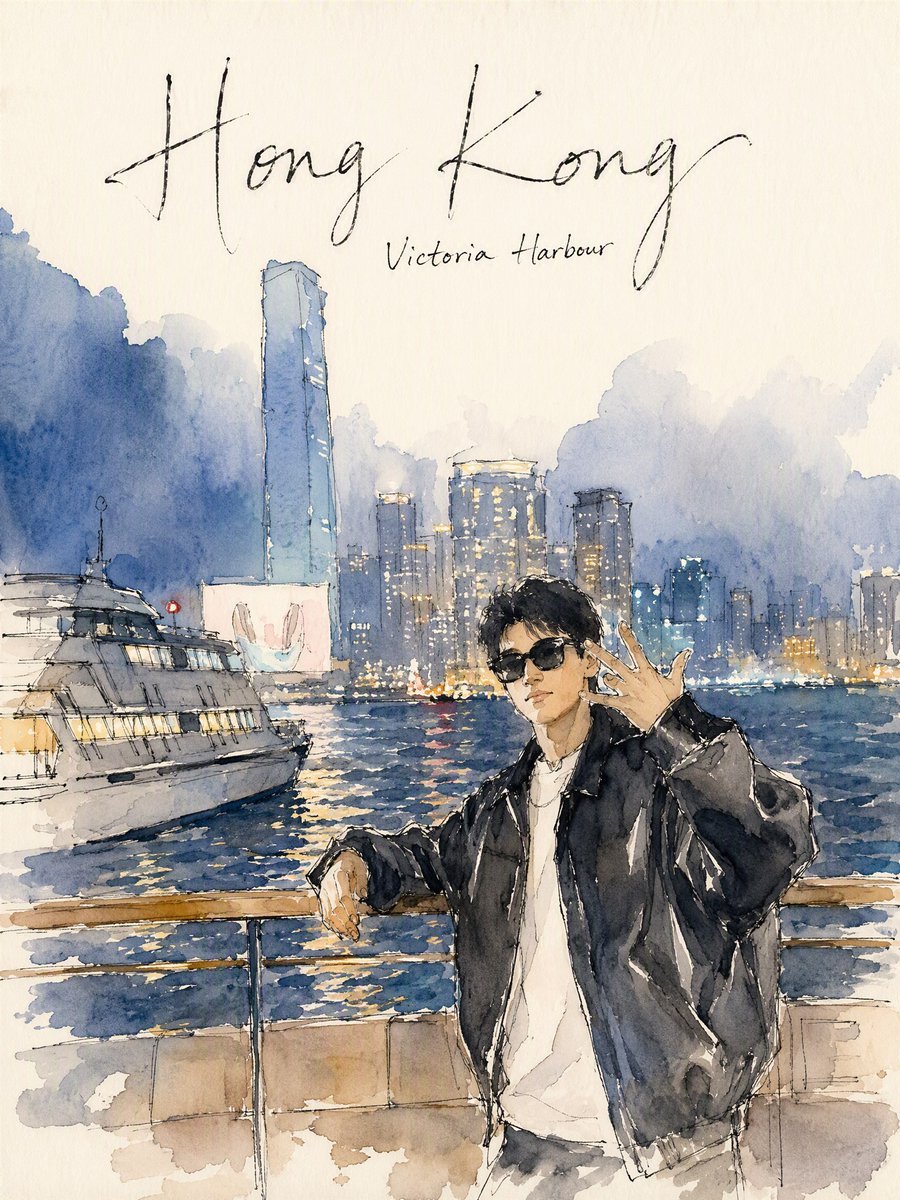
Hong Kong Watercolor Travel Journal
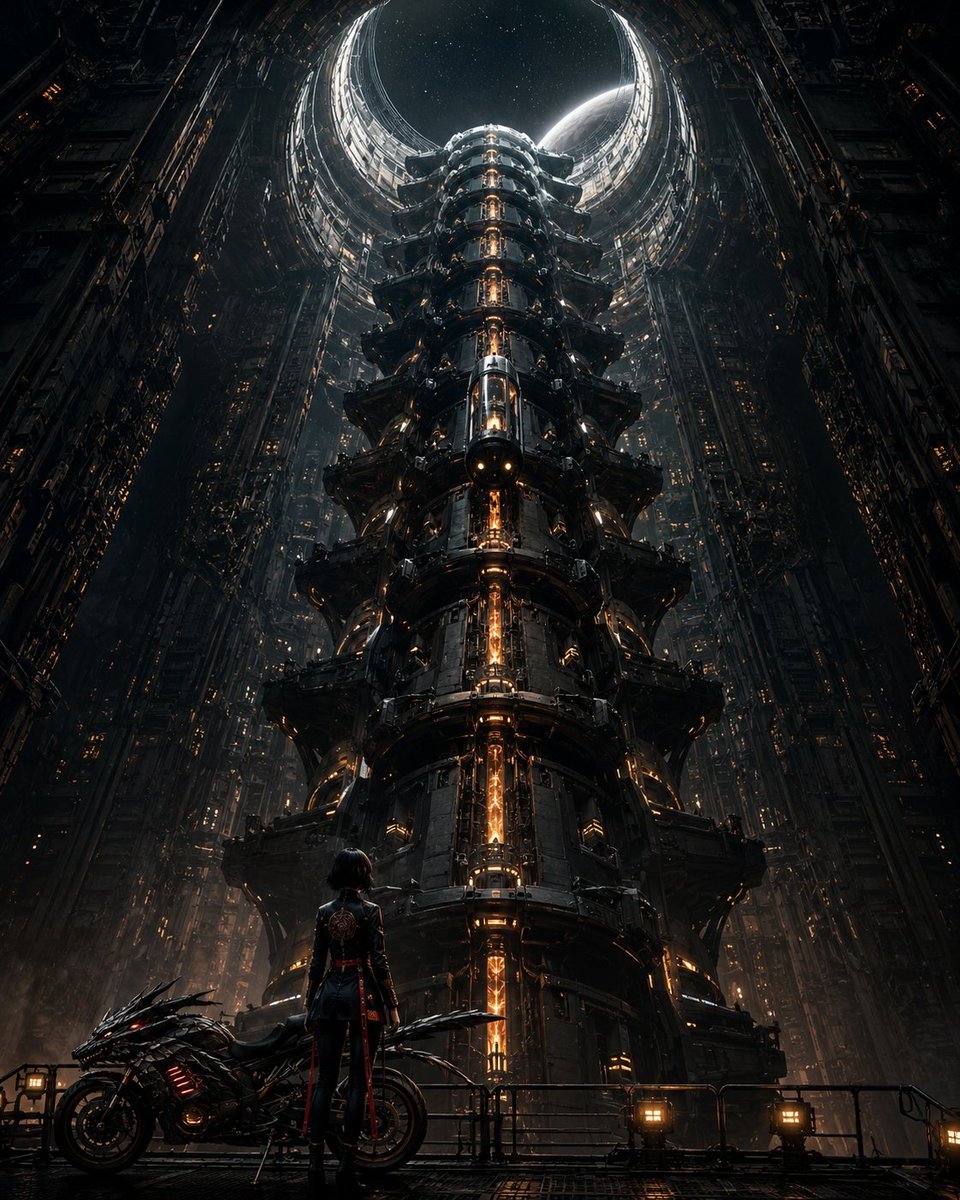
Cyberpunk Megastructure Rider
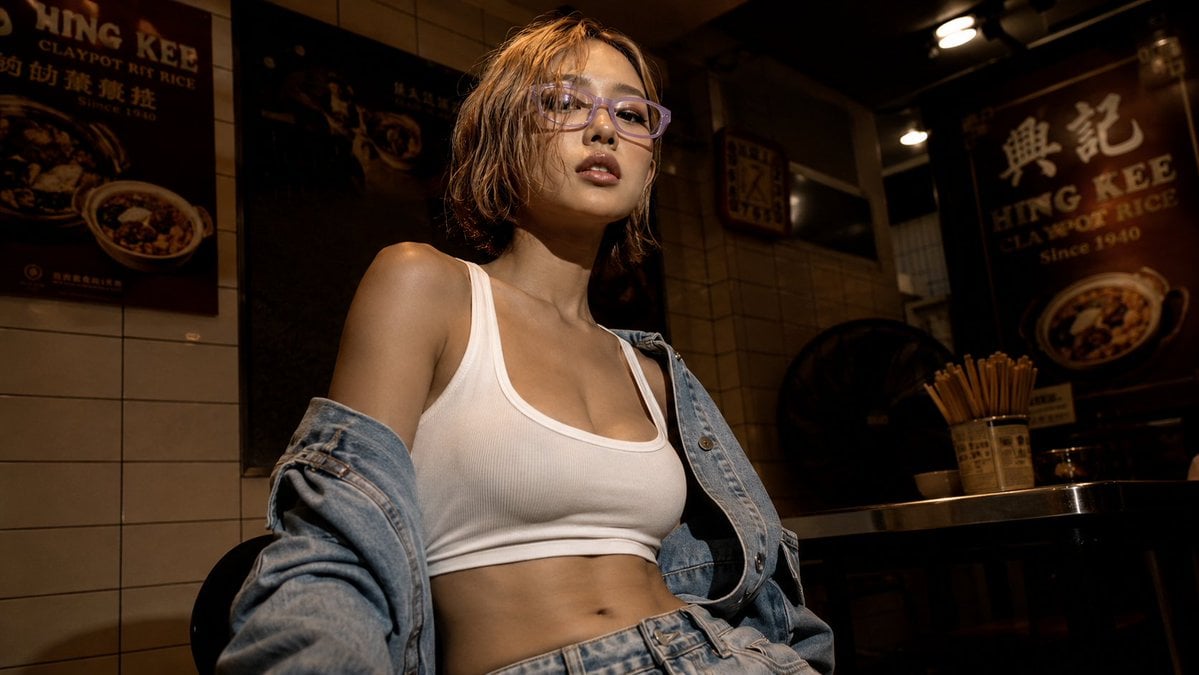
Cinematic Hong Kong Restaurant Portrait
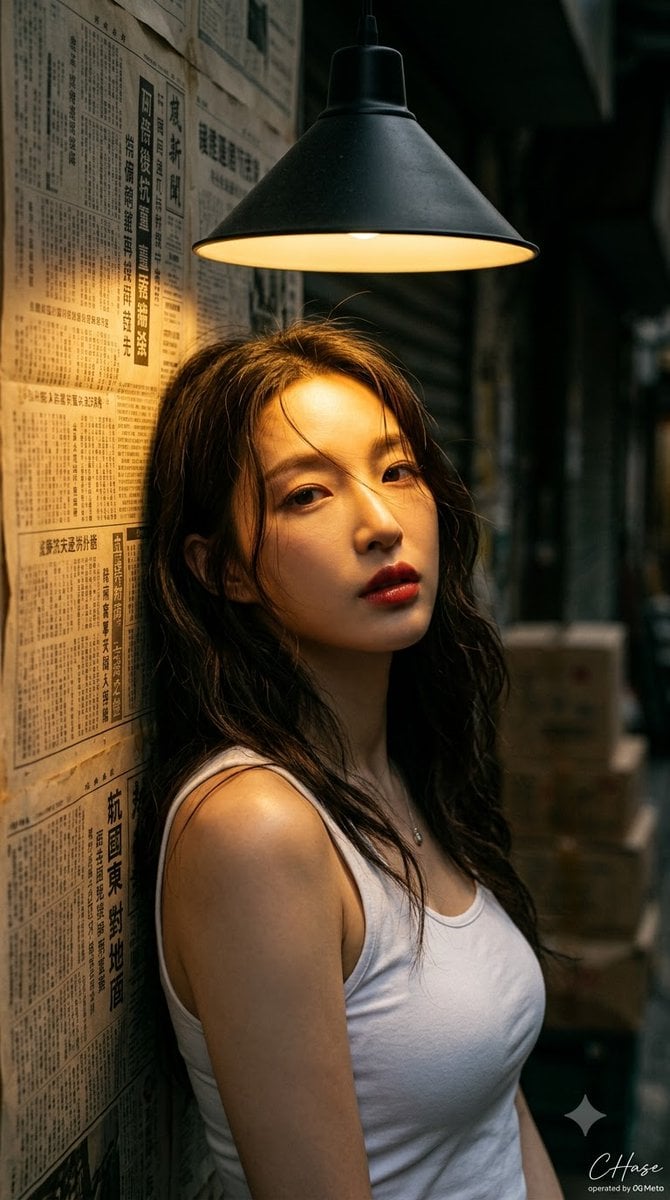
90s Hong Kong Cinematic Retro Portrait
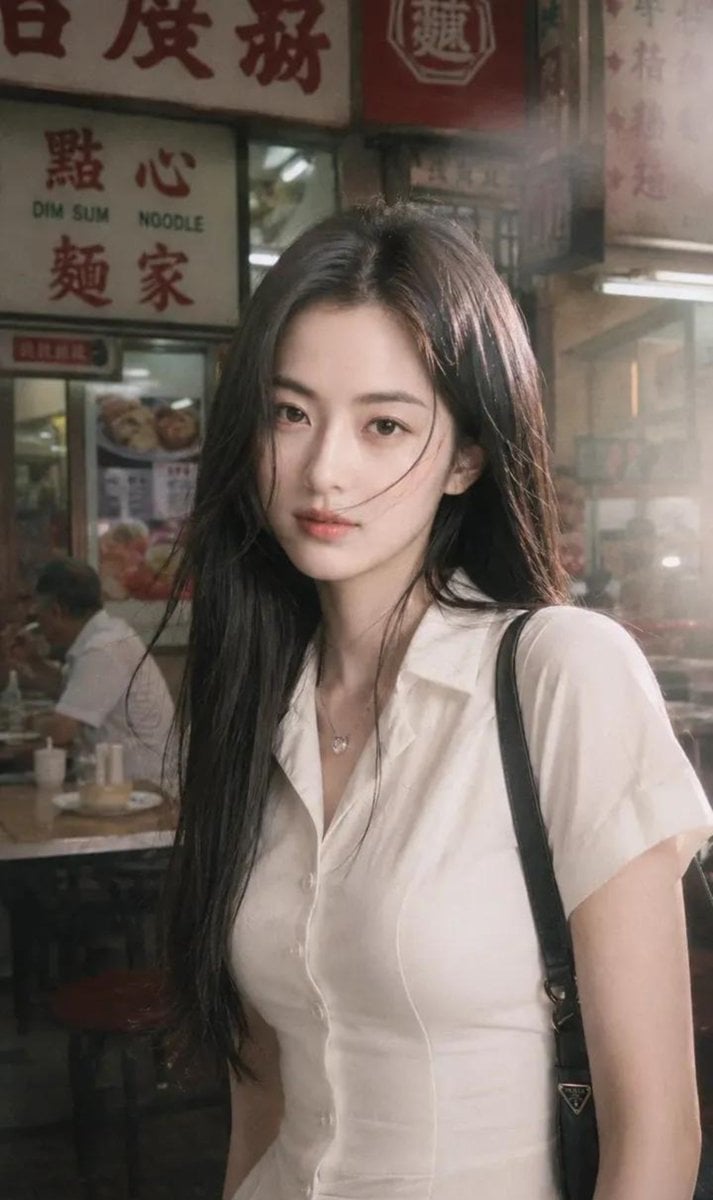
Hong Kong Street Style Fashion Portrait
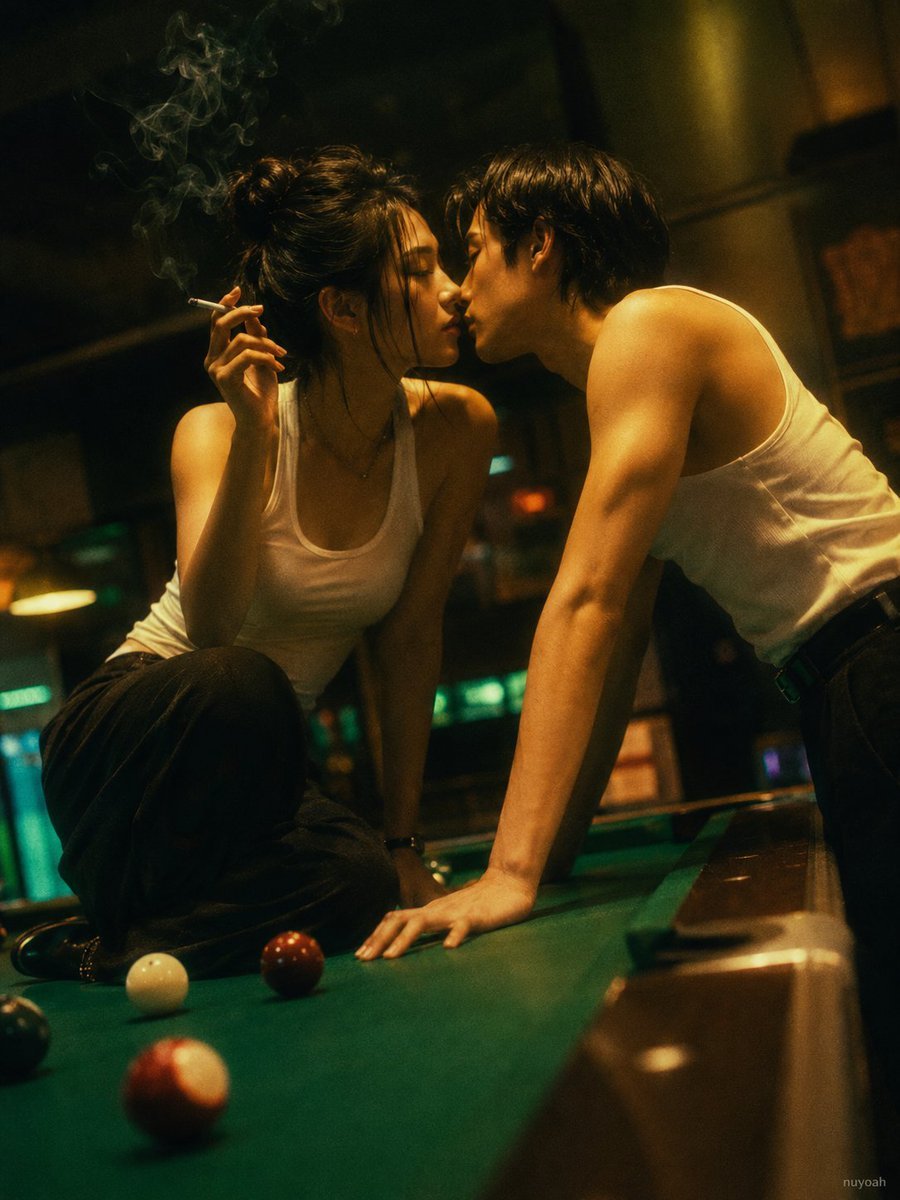
Vintage Hong Kong Billiard Club
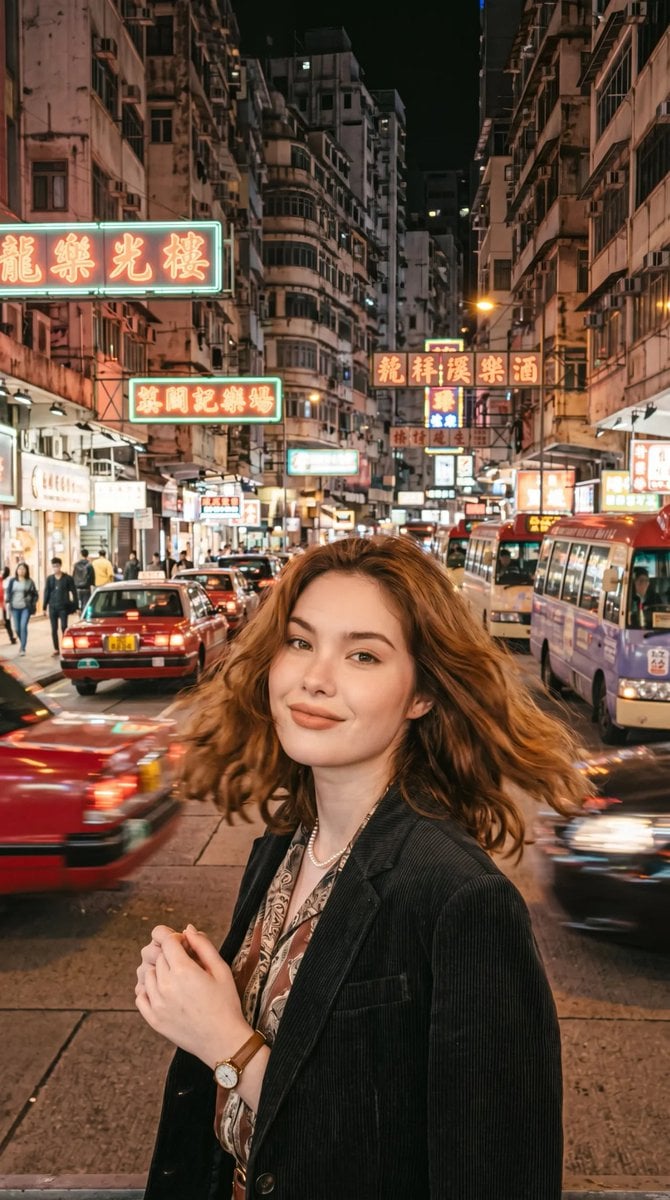
Retro Hong Kong Style Portrait

Rainy Night Android Cyberpunk Portrait

Korean Idol Partial Shadow Editorial Portrait

Cinematic Sci-Fi Interface Side Profile

Cyberpunk Neon Profile Fashion Portrait

Cinematic Neon Light Strip Studio Portrait
Make it yours
Cyberpunk Vespa Rider in Hong Kong works as-is. These are the safest ways to change it without losing the look.
Change one field
Copy a single group, rewrite it, and generate again so you can see what that field is doing.
Keep the frame, change the subject
Hold the composition and light of Cyberpunk Vespa Rider in Hong Kong, then swap wardrobe, props or the person for a new take.
| If the result… | Why | Fix |
|---|---|---|
| The result drifts from the preview | Too many fields changed at once. | Reuse Cyberpunk Vespa Rider in Hong Kong as-is first, then change one group — subject, light, or setting. |
| The model over-stylizes the scene | The prose prompt leaves finish and camera underspecified. | Add one camera or lighting sentence and stay on GPT Image 2. |
More GPT Image 2 templates
Other prompts made for GPT Image 2.

Six VTuber Japanese Logo Sheet

Realistic Portrait of Woman and Deer

The Vista Modular Condo Poster

AI Model Routing Comparison Infographic

2.5D Anime Art Board

Isometric Productivity Desk Scene

New York Double Exposure Poster

Four-Panel AI Landscape Comparison

Japanese Tatami Lifestyle Magazine Cover

NESCAFÉ Coffee Map Poster
More image prompts
Fresh picks from across the catalog.
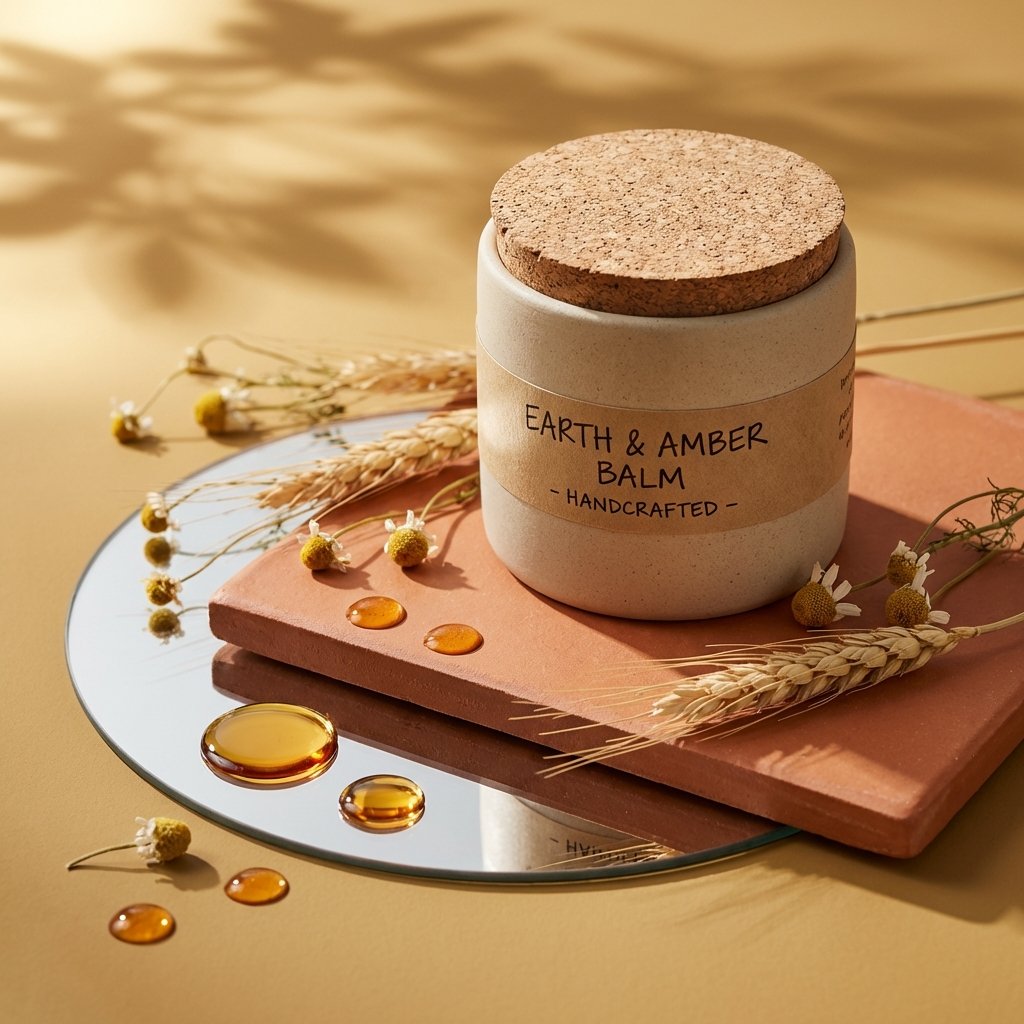
Luxury Skincare Product Photography
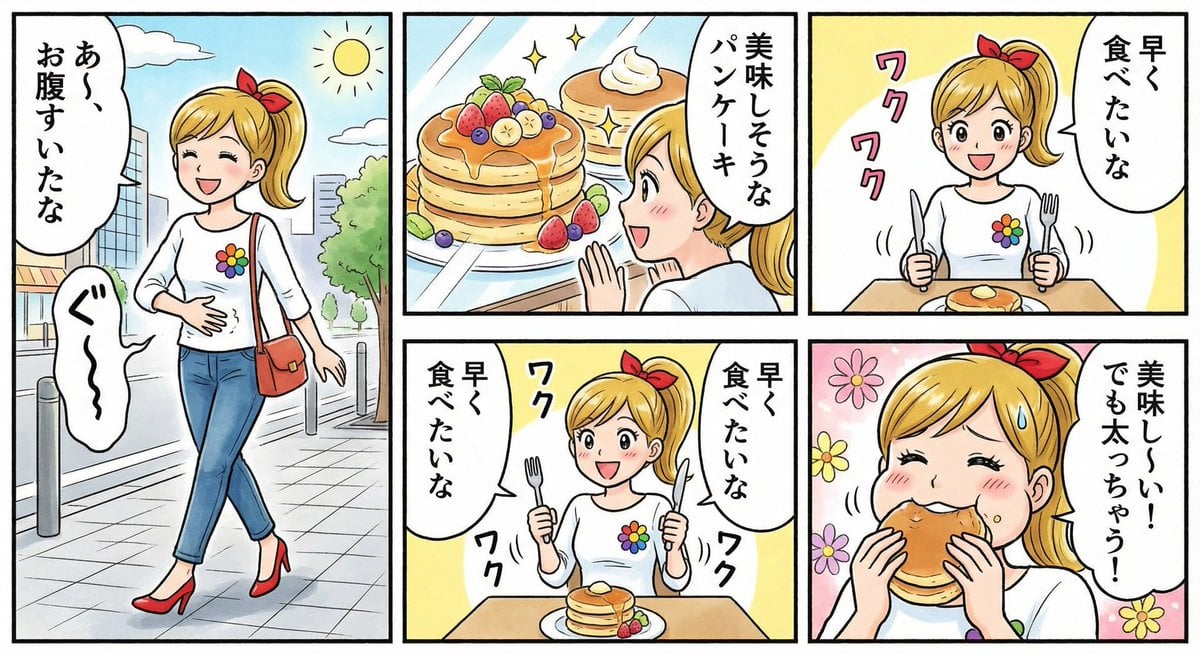
Four-panel manga about a hungry woman and pancakes
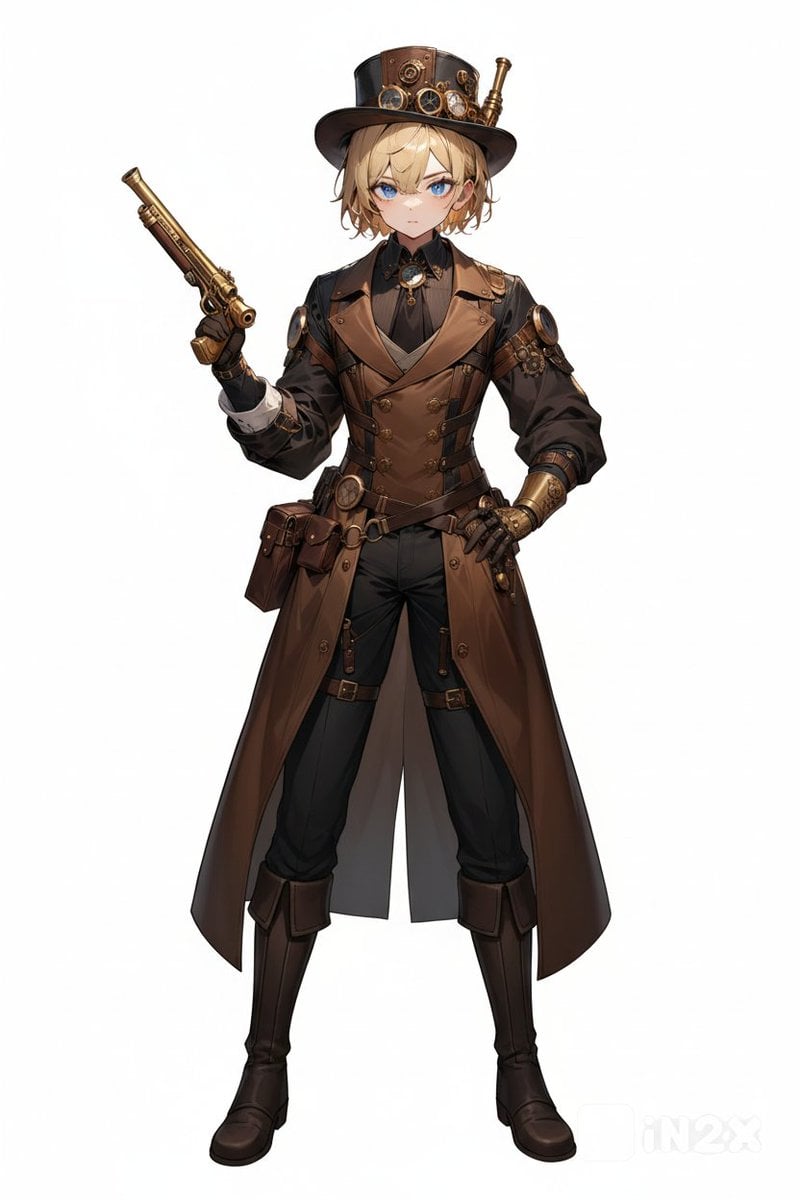
Steampunk Gunslinger Character Art

Maximalist 'Clean Girl' Aesthetic Portrait with Blep Expression
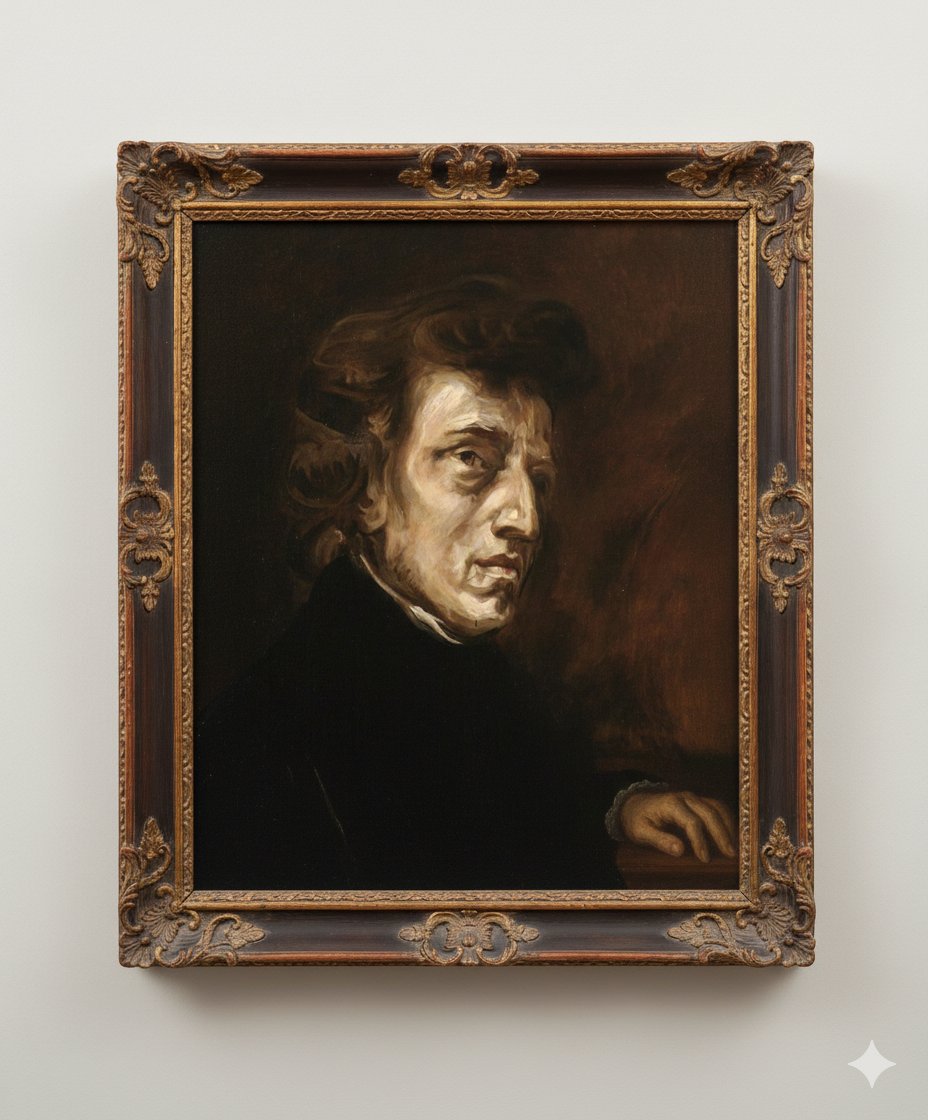
Image Generation Prompt: Altering a Chopin Painting
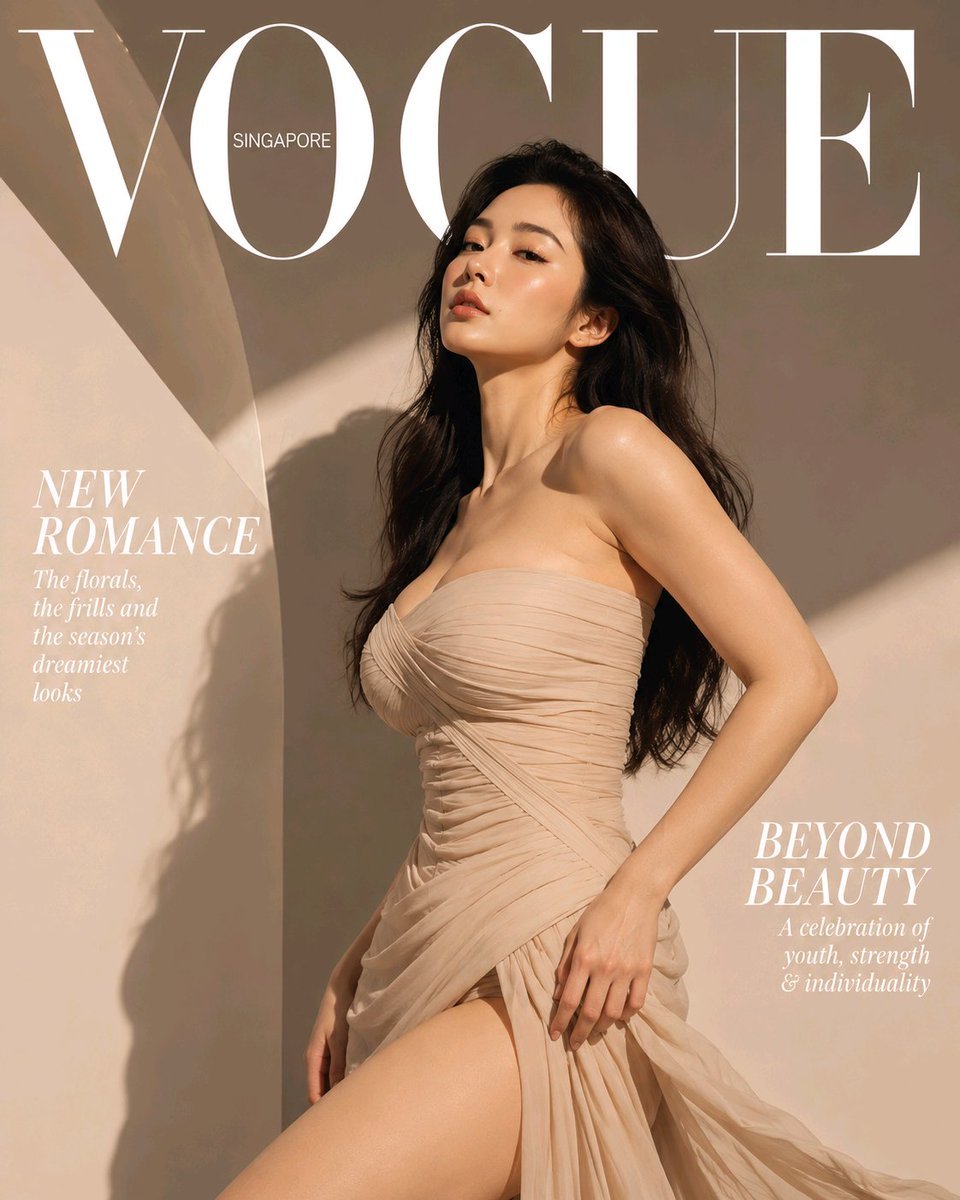
High-End Fashion Magazine Cover
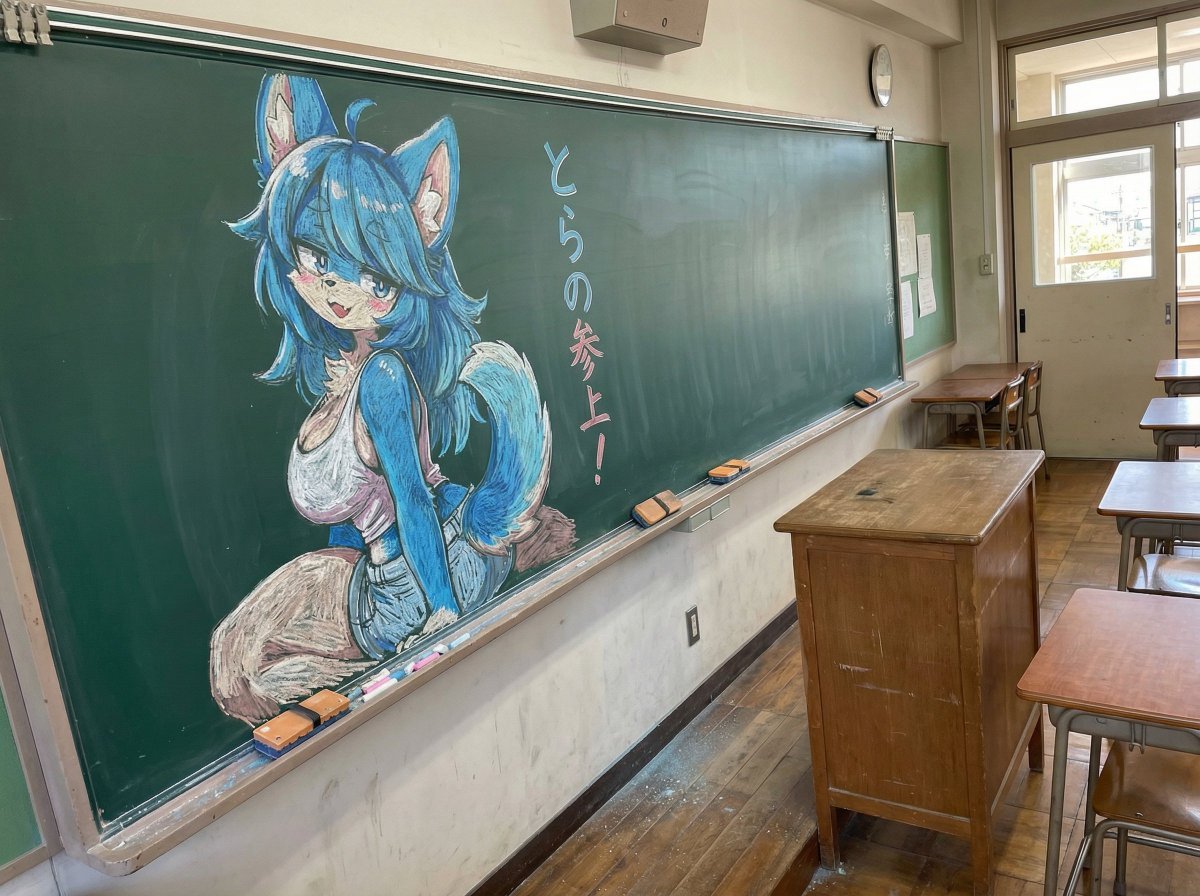
Chalk drawing of an illustration on a classroom blackboard
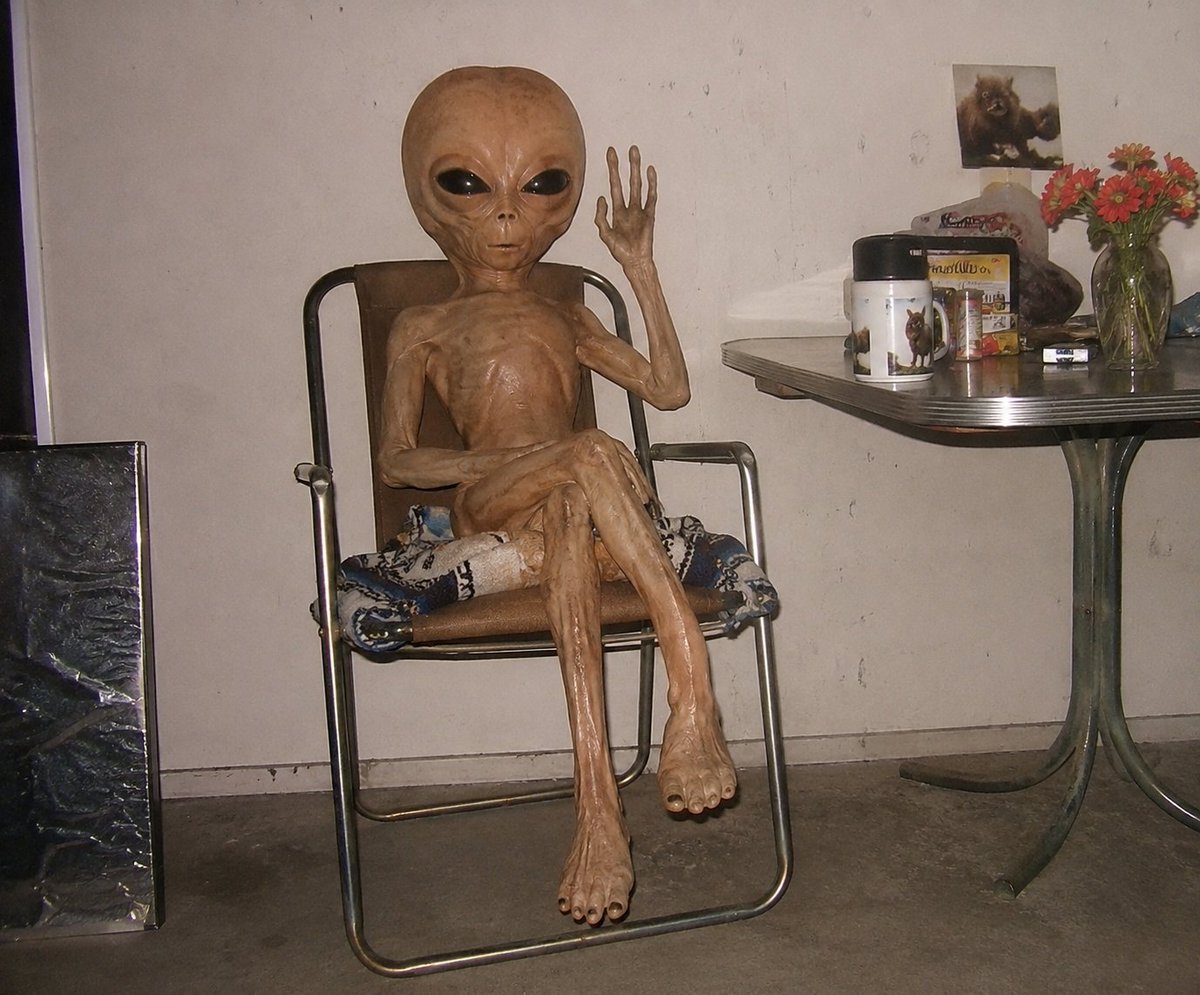
Censored Humanoid Snapshot

Nano Banana - Street Paris T-Shirt
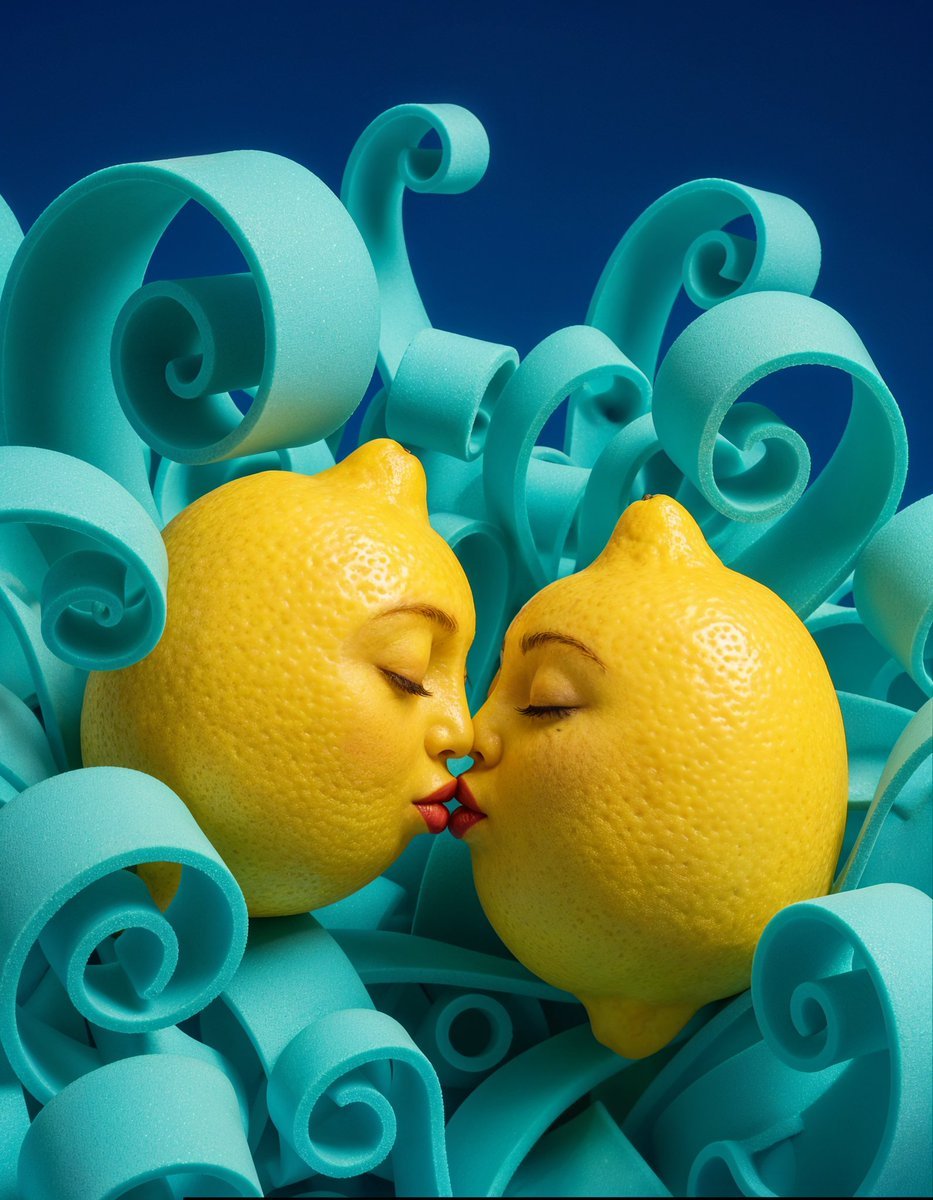
Surreal Anthropomorphic Lemon Still Life Prompt
Browse template categories
Cyberpunk Vespa Rider in Hong Kong questions
How do I use the Cyberpunk Vespa Rider in Hong Kong template?
Add your photo if the template asks for one, edit the prompt if you like — the template's model and format are already selected — and press Generate. Your version opens in PicX Studio.
Can I customize the Cyberpunk Vespa Rider in Hong Kong template?
Yes. You can change the subject, setting, lighting, mood, format, and available model controls before creating your image.
Is the Cyberpunk Vespa Rider in Hong Kong template free?
Opening and editing this template is free. Generating uses credits, shown on the Generate button when you are signed in.
Which AI model should I use?
Start with GPT Image 2, which is the model associated with this template. You can compare another compatible model for a different finish.
Looking for something else? Browse all templates.

Your photo, any look
Thousands of ready templates for every top image and video model, from one credit balance.