
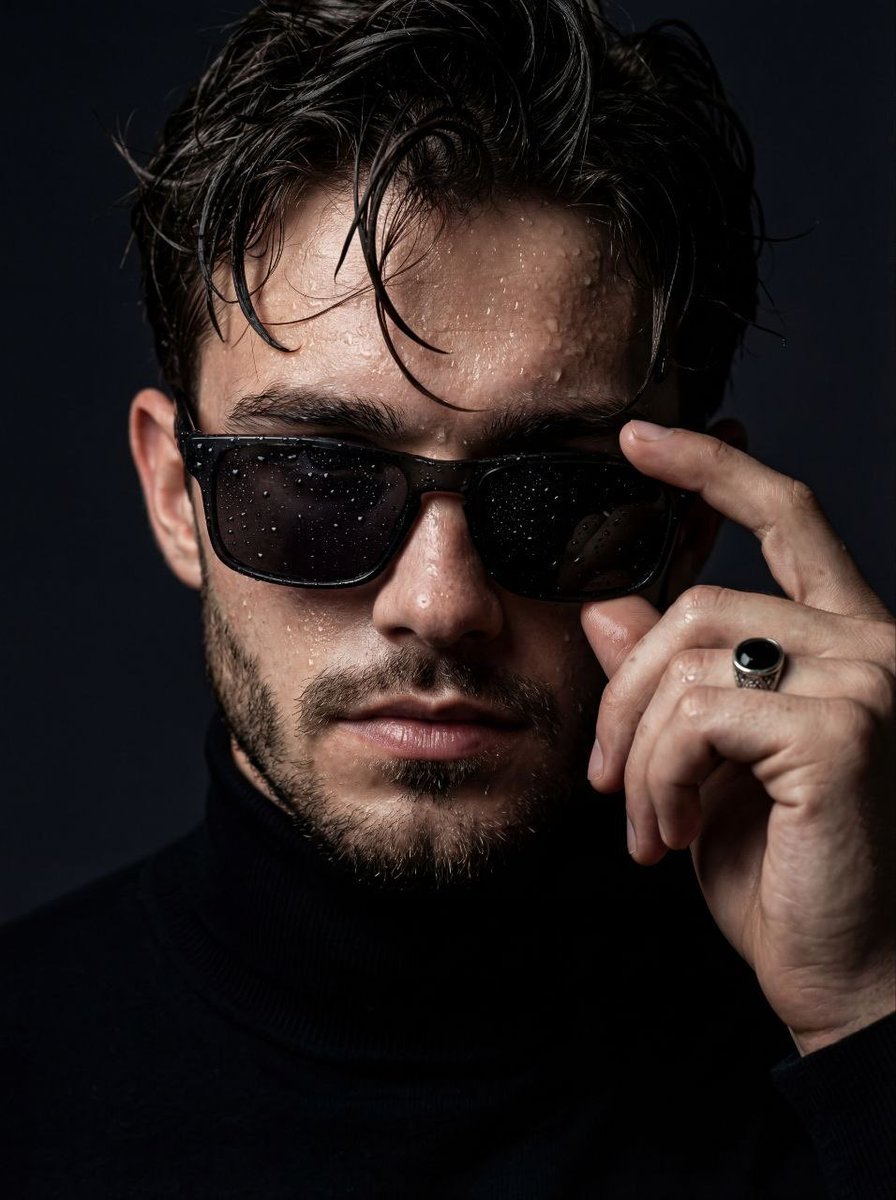
Cinematic Wet Skin Male Portrait
A high-end editorial prompt for creating ultra-realistic cinematic portraits of a man with wet skin textures, luxury sunglasses, and dramatic lighting.
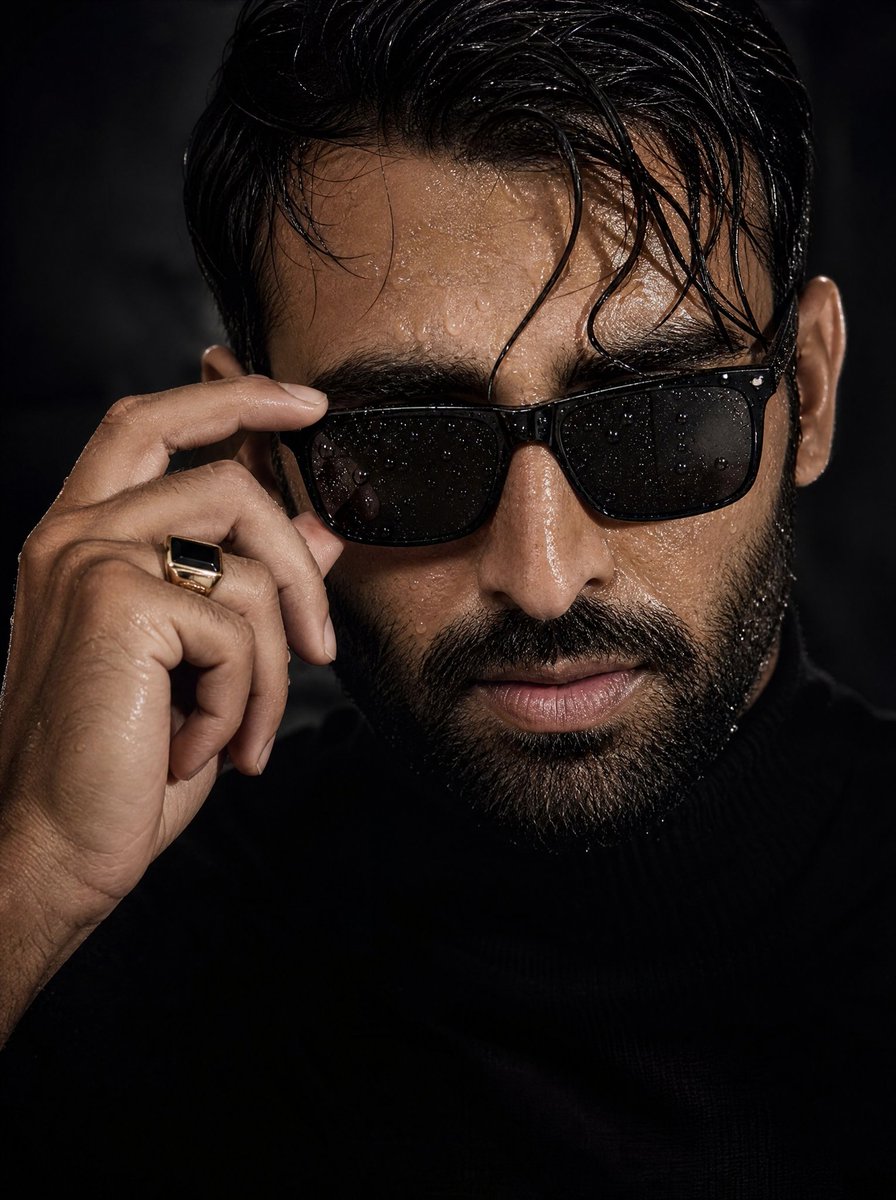
- Prompt included
- Model and format preset
- Free template
The prompt behind this image
Copy the exact prompt behind Cinematic Wet Skin Male Portrait, or open it in the studio and make it yours.
Use the first image as the strict reference for the subject's face and identity. Accurately preserve the male facial structure, proportions, jawline, skin tone, hairstyle, facial hair (if present), and overall appearance with no stylization, beautification, or deformation. Create an ultra-realistic cinematic close-up portrait of a {argument name="subject" default="confident young man"}. His skin is wet with realistic water droplets, and his slightly messy wet hair naturally falls across his forehead. He is wearing {argument name="accessory" default="premium black rectangular sunglasses"}, with one hand gently adjusting the frame. Water droplets are visible on both the lenses and the sunglasses frame. Dress him in a {argument name="outfit" default="fitted black turtleneck sweater"} that blends seamlessly into a dark minimalist background. Use dramatic low-key lighting with deep shadows and strong directional highlights to emphasize masculine facial contours, defined cheekbones, jawline, wet skin, visible pores, beard texture (if applicable), and fine natural skin details. Pay special attention to the hand details: realistically render the knuckles, masculine fingers, subtle veins, tendons, natural skin folds, and fingernails. Add a premium black-and-gold stone ring for a luxurious editorial appearance. Capture the image using an 85mm lens at f/1.4 aperture, creating a shallow depth of field with razor-sharp focus on the face and microscopic skin detail while maintaining a beautifully blurred background. The final result should resemble a high-end luxury fashion magazine editorial combined with cinematic photorealism, featuring dramatic contrast, rich textures, premium styling, an intense masculine presence, and completely natural skin without smoothing, AI beauty filters, or excessive retouching. 8K ultra-high resolution, IMAX-quality, HDR, hyper-realistic, masterpiece.
How to use Cinematic Wet Skin Male Portrait in 3 steps
- 1Upload ImagePNG, JPG or paste
Add your photo
Upload the photo the template builds on. The prompt, model and format are already set.
- 2…a portrait of your subject in softgolden-hour light, 85mm…
Personalize
Edit the subject and creative details for your destination.
- 3Generate
Generate
Press Generate — your image is created in PicX Studio, so you can compare it with the original and refine one variable at a time.
More like this
Templates with the same subject, style or setup. Open one to see its prompt.

Ultra Realistic Commercial Skincare Prod
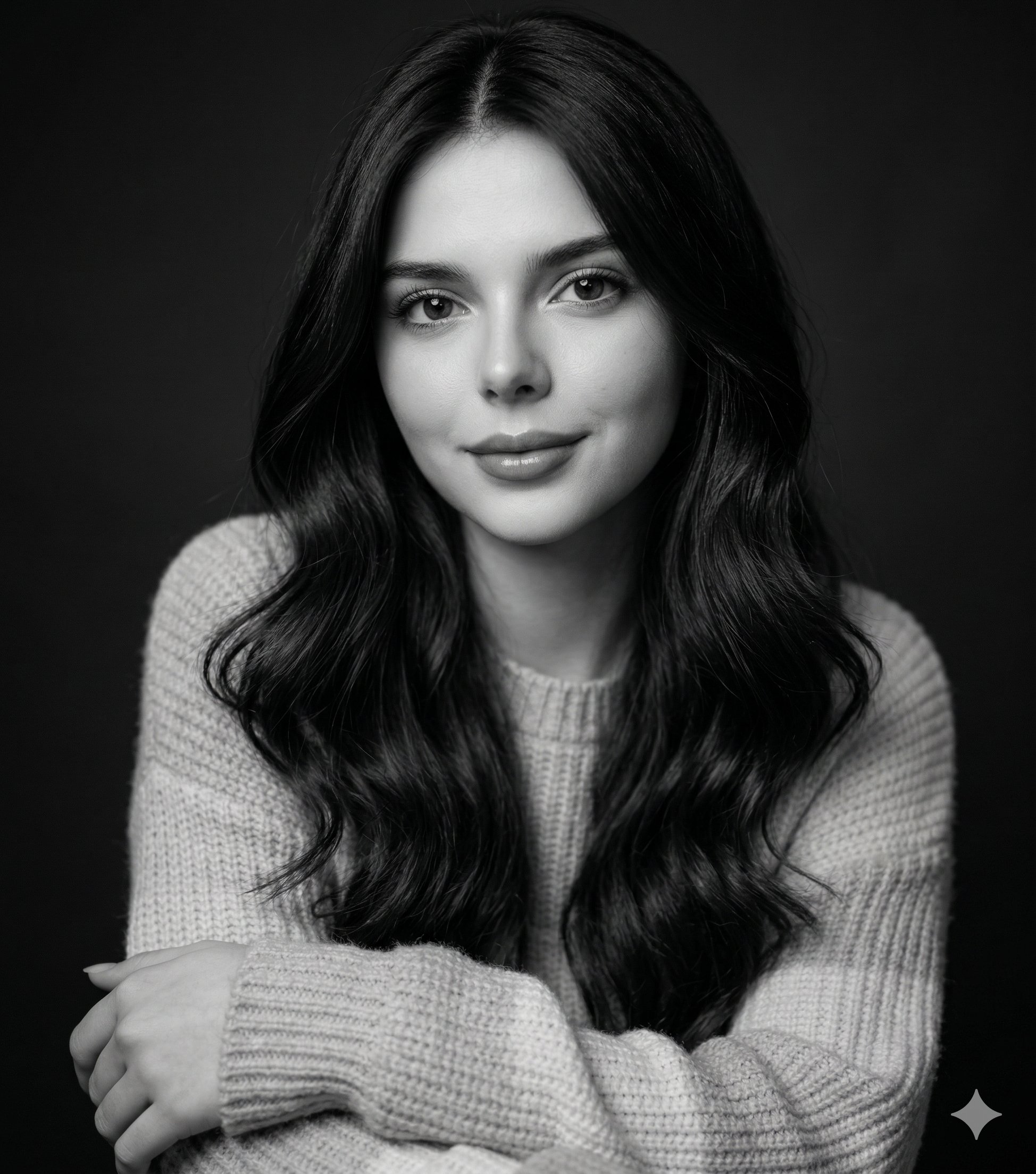
Gemini Nano Banana 2 Logo in Wet Sand Be
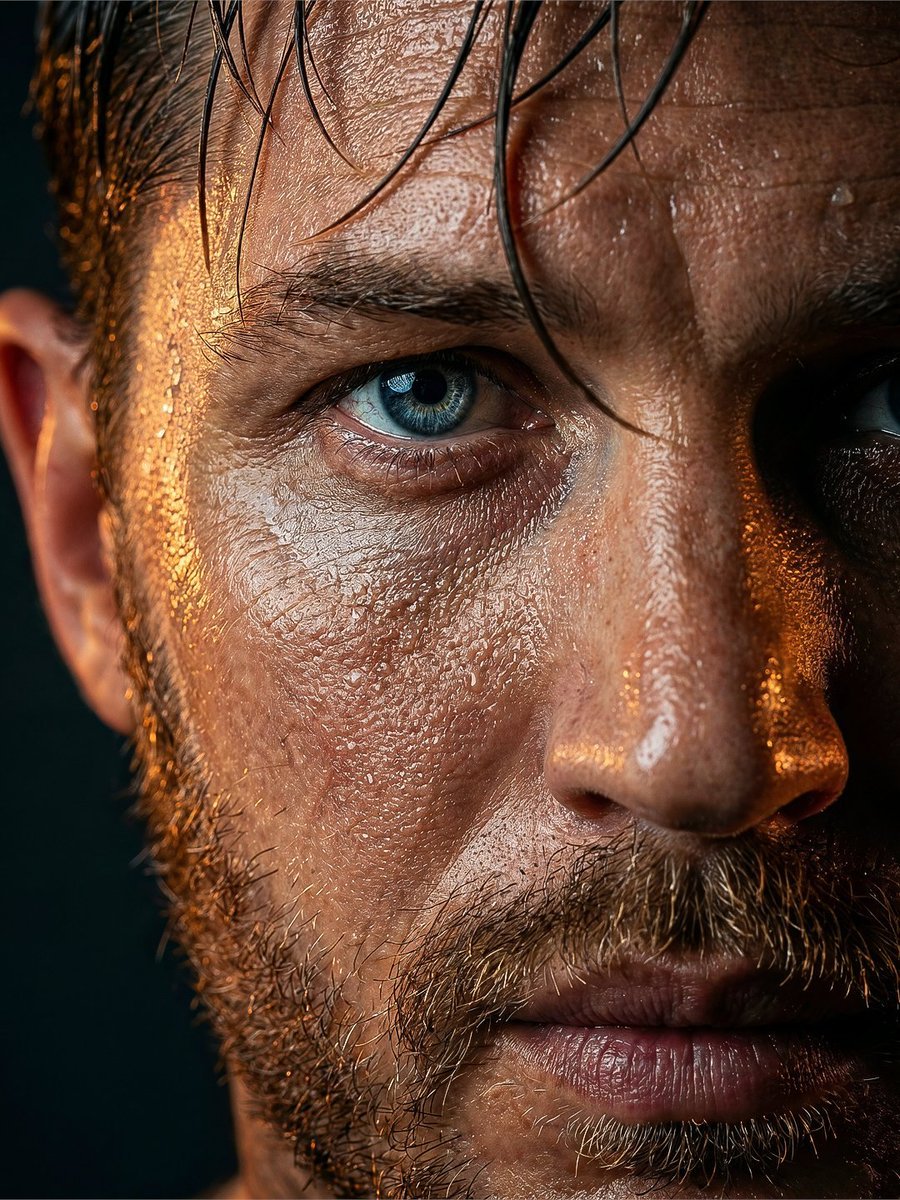
Rugged Man Wet Skin Portrait
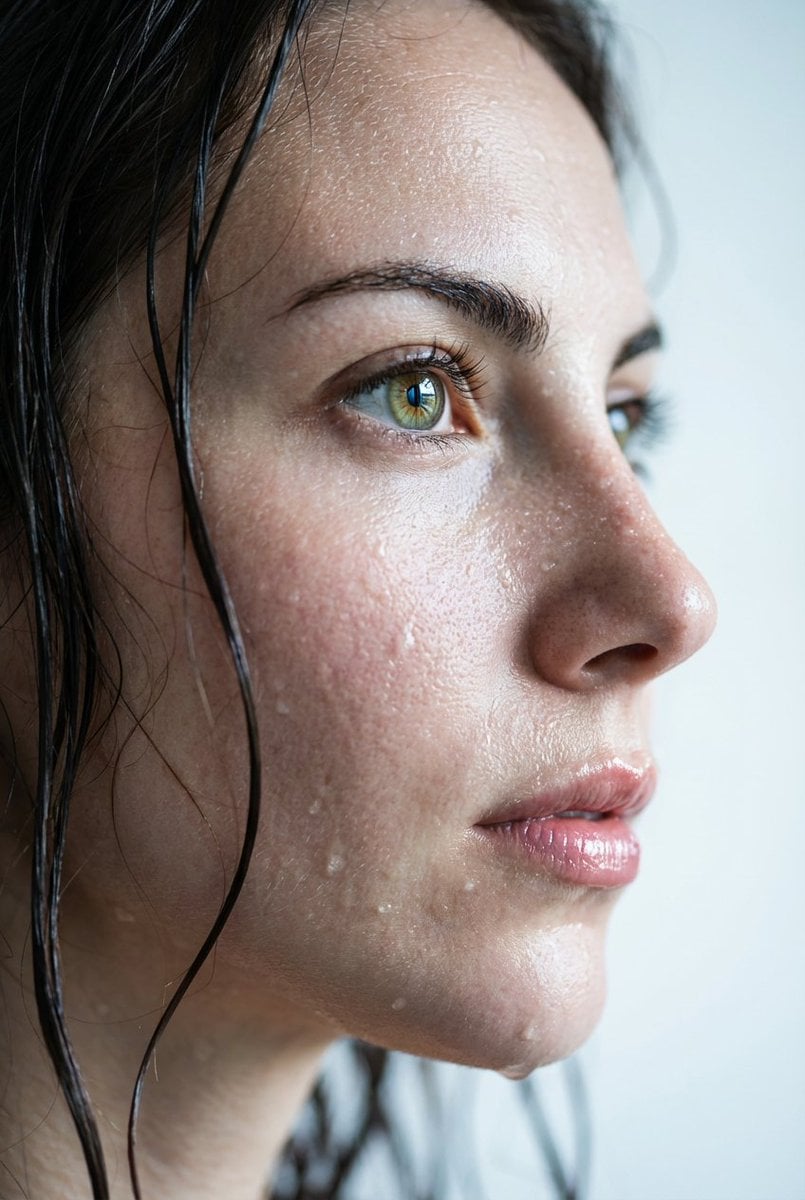
Hyper-Realistic Wet Skin Portrait
Moody Cinematic Close-Up Portrait with Wet Skin
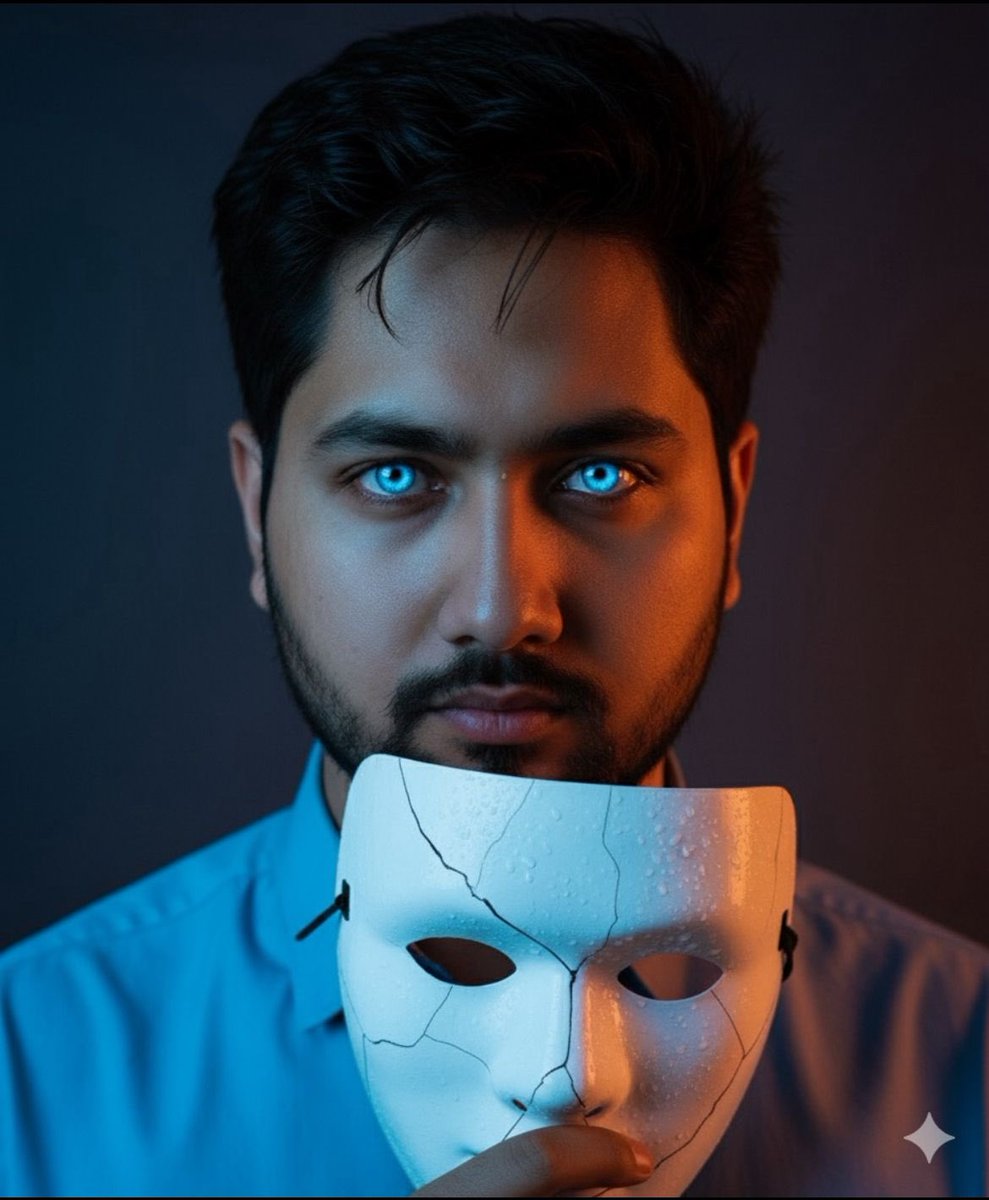
Dramatic Close-Up Portrait with Wet Skin and Cracked Mask

Found Photograph: Us, 1970

80s Couple Studio Portrait

80s Bollywood Star

80s Golden Hour Cinema

Me in 1985

1985 Studio Portrait
Make it yours
Cinematic Wet Skin Male Portrait works as-is. These are the safest ways to change it without losing the look.
Change one field
Copy a single group, rewrite it, and generate again so you can see what that field is doing.
Keep the frame, change the subject
Hold the composition and light of Cinematic Wet Skin Male Portrait, then swap wardrobe, props or the person for a new take.
| If the result… | Why | Fix |
|---|---|---|
| The result drifts from the preview | Too many fields changed at once. | Reuse Cinematic Wet Skin Male Portrait as-is first, then change one group — subject, light, or setting. |
| The model over-stylizes the scene | The prose prompt leaves finish and camera underspecified. | Add one camera or lighting sentence and stay on GPT Image 2. |
More GPT Image 2 templates
Other prompts made for GPT Image 2.

Six VTuber Japanese Logo Sheet

Realistic Portrait of Woman and Deer

The Vista Modular Condo Poster

AI Model Routing Comparison Infographic

2.5D Anime Art Board

Isometric Productivity Desk Scene

New York Double Exposure Poster

Four-Panel AI Landscape Comparison

Japanese Tatami Lifestyle Magazine Cover

NESCAFÉ Coffee Map Poster
More image prompts
Fresh picks from across the catalog.
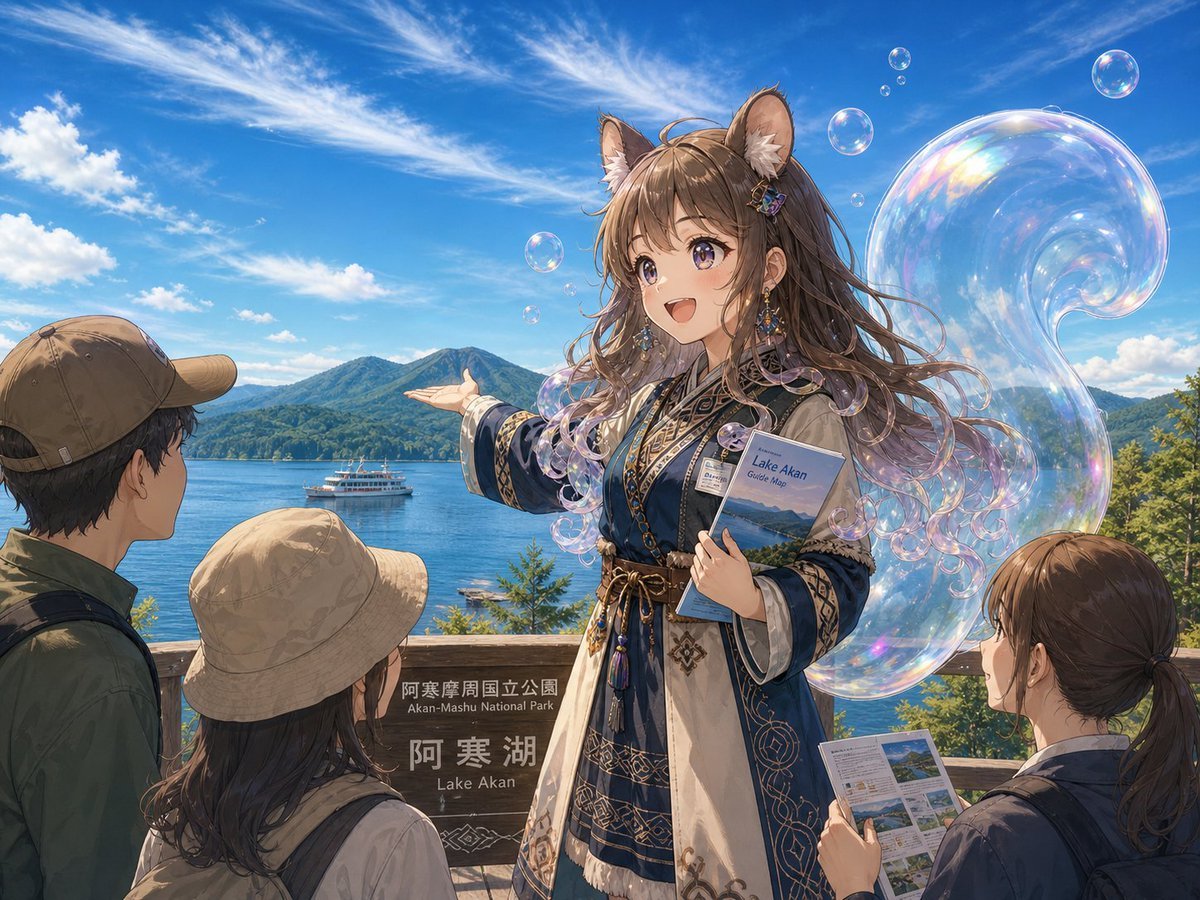
Lake Akan Squirrel Guide

Cinematic Golden Hour Sunset Hangout on a Pier
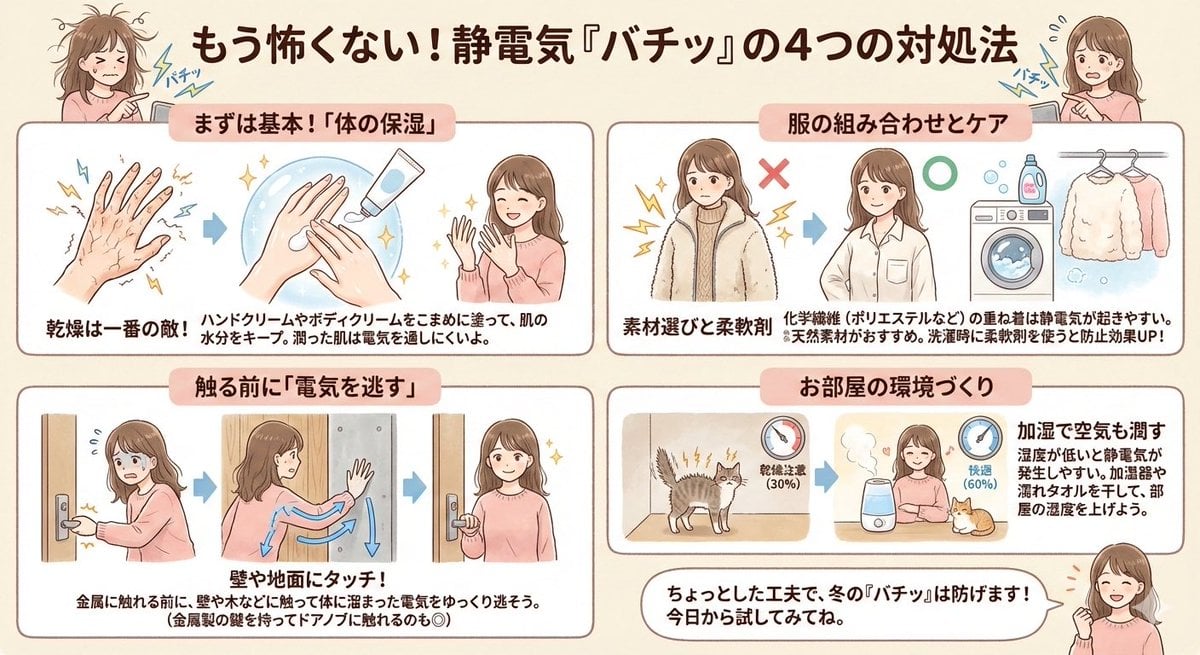
Static Electricity Diagram Generation
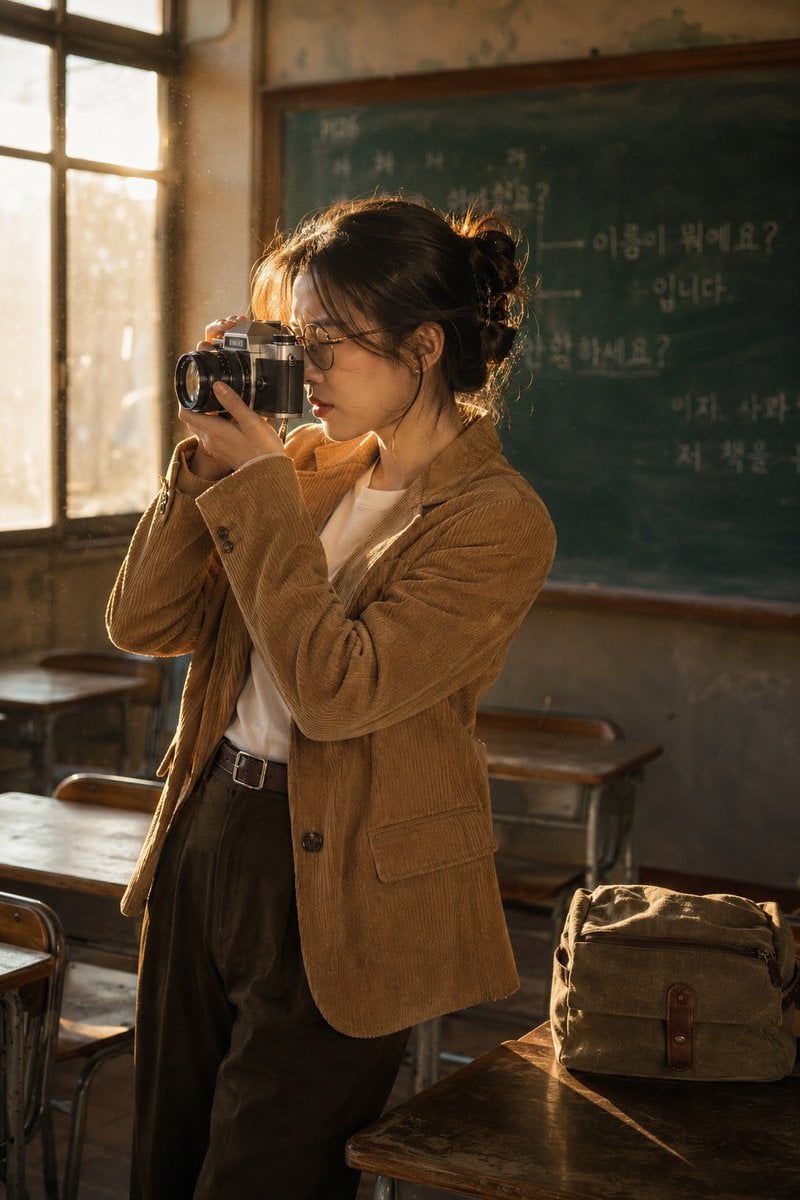
Vintage Film Camera Portrait
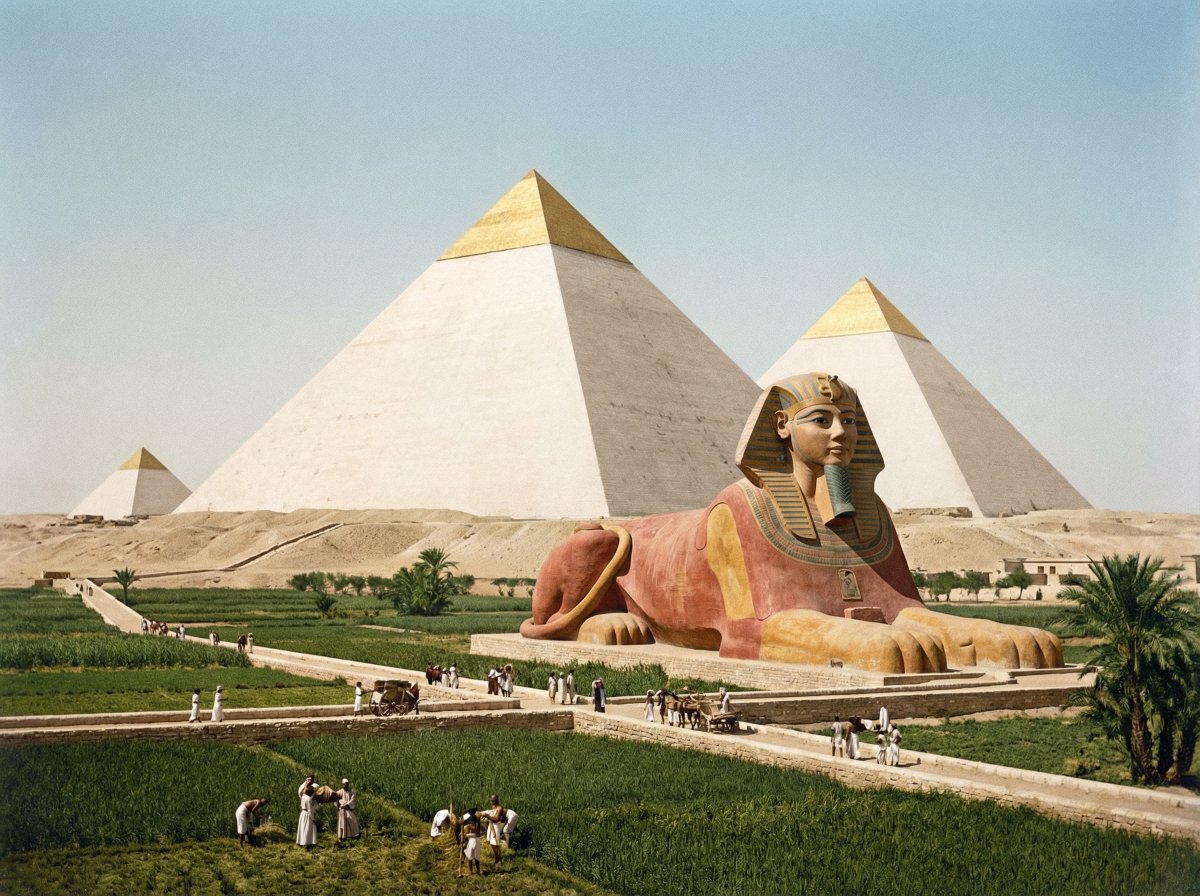
Restored pyramids and Sphinx
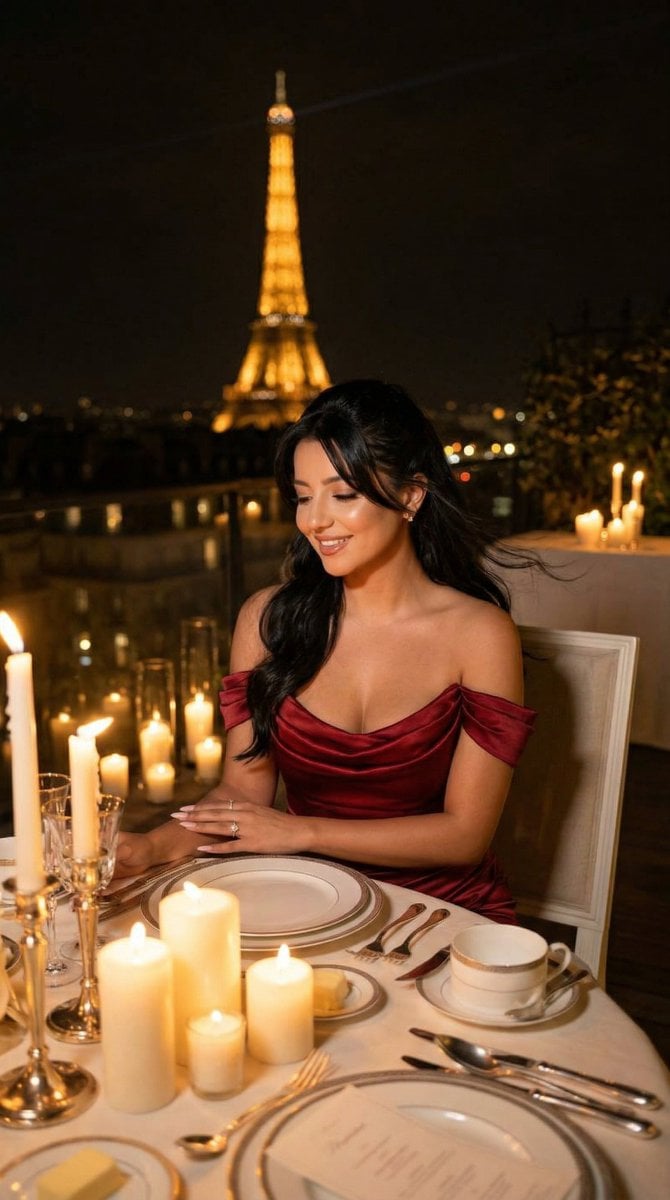
Nano Banana - Opera Red Gown Couture

Soccer Event Poster Redesign
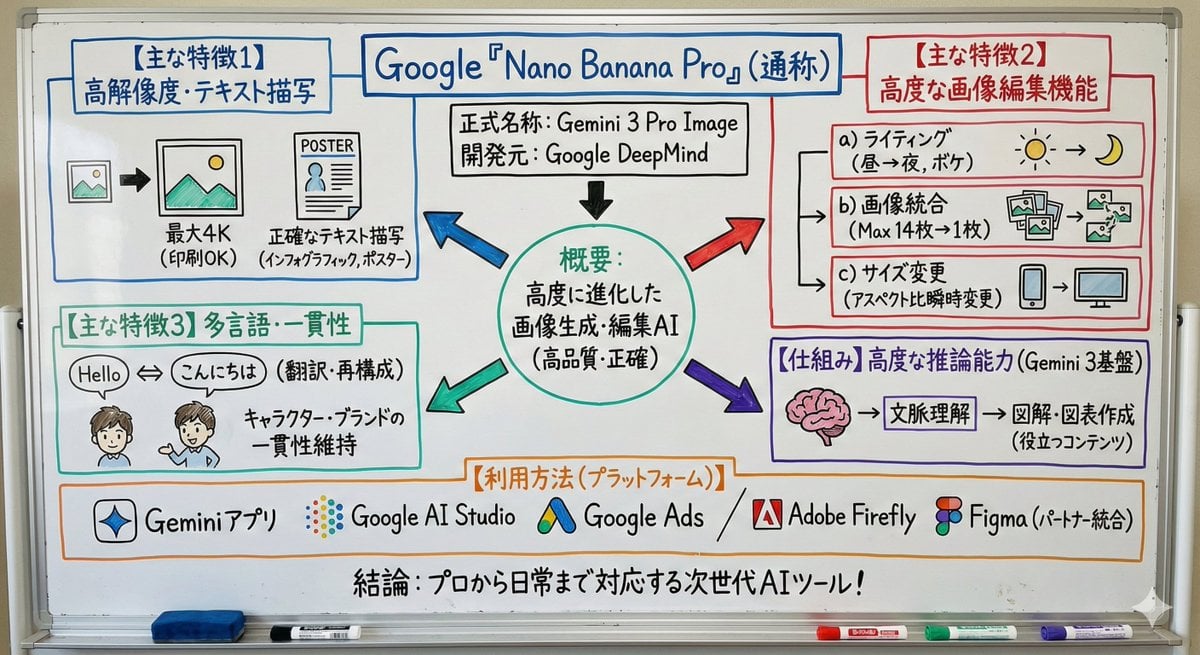
Whiteboard-style simple diagram from text
Structured Bedroom Selfie Prompt
Celtics Fan Cheering in NBA Arena
Browse template categories
Cinematic Wet Skin Male Portrait questions
How do I use the Cinematic Wet Skin Male Portrait template?
Add your photo if the template asks for one, edit the prompt if you like — the template's model and format are already selected — and press Generate. Your version opens in PicX Studio.
Can I customize the Cinematic Wet Skin Male Portrait template?
Yes. You can change the subject, setting, lighting, mood, format, and available model controls before creating your image.
Is the Cinematic Wet Skin Male Portrait template free?
Opening and editing this template is free. Generating uses credits, shown on the Generate button when you are signed in.
Which AI model should I use?
Start with GPT Image 2, which is the model associated with this template. You can compare another compatible model for a different finish.
Looking for something else? Browse all templates.

Your photo, any look
Thousands of ready templates for every top image and video model, from one credit balance.