
Bag Bigger Than the Day
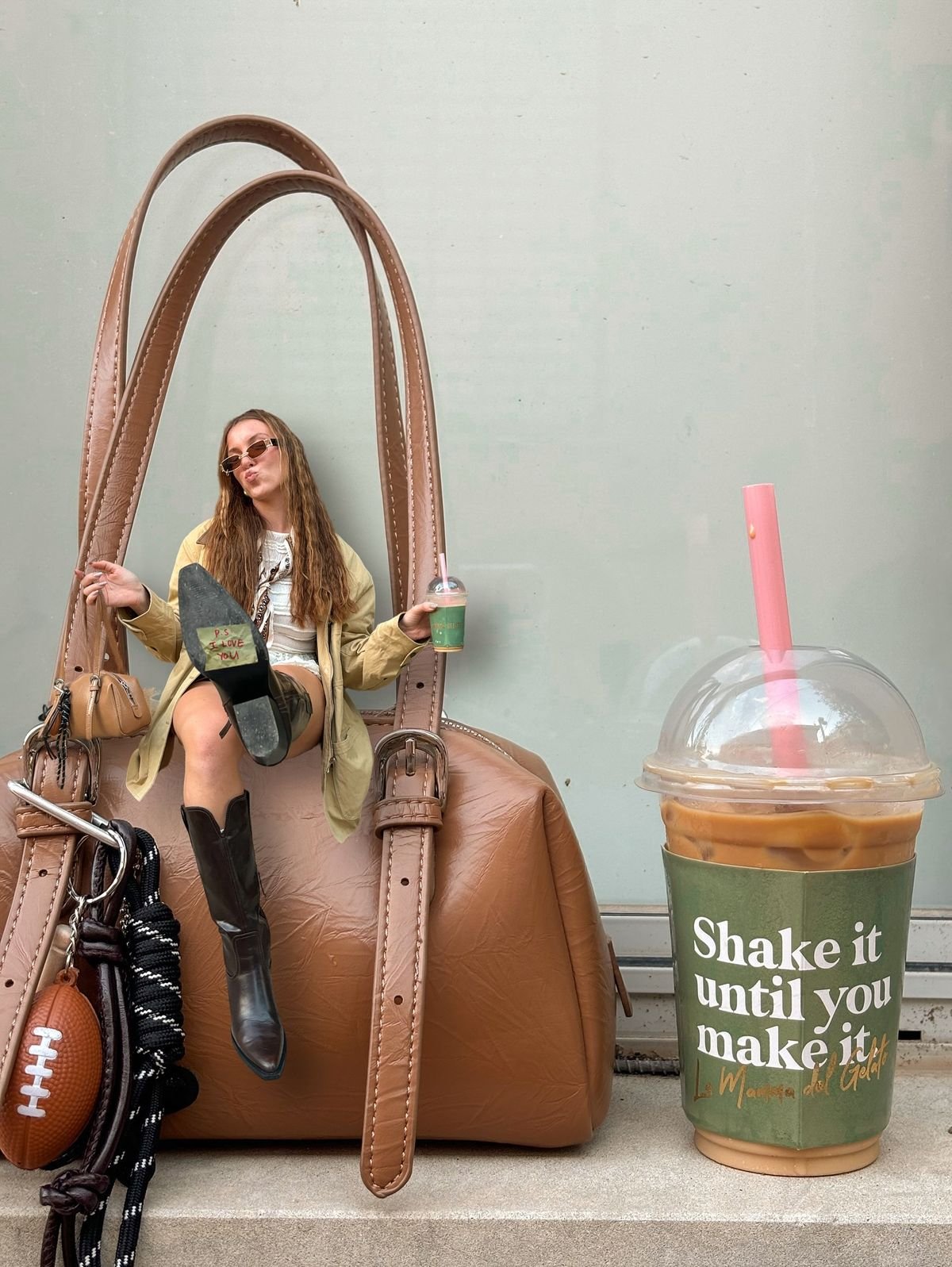
Bag Bigger Than the Day is a ready photo look.
- Prompt included
- Model and format preset
- Premium template
The prompt behind this image
Copy the exact prompt behind Bag Bigger Than the Day, or open it in the studio and make it yours.
- Prompt
- A playful surreal fashion editorial set in an urban outdoor environment. A young woman sits casually on an oversized brown leather handbag that appears dramatically larger than life. The handbag’s long straps arch upward like sculptural elements. The woman wears a relaxed street-style outfit: light jacket, mini skirt or shorts, and knee-high black boots, holding an iced coffee cup with a straw. She poses confidently with one leg raised, showing the sole of her boot. Beside the giant bag is an oversized iced coffee cup, reinforcing the exaggerated scale concept. The background is a clean muted concrete wall, keeping focus on the subject and oversized objects. Natural daylight lighting, soft shadows, humorous and fashion-forward surreal realism aesthetic.
- Negative Prompt
- fantasy creatures, cartoon illustration, studio background, blurry subject, distorted anatomy, overexposed lighting, cluttered scene
- Style
- surreal street-style fashion editorial
- Lighting
- natural daylight, soft realistic shadows
- Camera › Angle
- eye-level with forced perspective
- Camera › Lens
- 35mm
- Camera › Aperture
- f/5.6
- Camera › Focus
- sharp focus on subject and oversized objects
- Composition
- oversized props with human-scale model, balanced left-right framing
- Background
- minimal urban wall and sidewalk
- Mood
- playful, confident, lifestyle-driven, modern fashion
- Quality
- ultra high resolution, photorealistic surreal fashion photography
Raw JSON
{
  "prompt": "A playful surreal fashion editorial set in an urban outdoor environment. A young woman sits casually on an oversized brown leather handbag that appears dramatically larger than life. The handbag’s long straps arch upward like sculptural elements. The woman wears a relaxed street-style outfit: light jacket, mini skirt or shorts, and knee-high black boots, holding an iced coffee cup with a straw. She poses confidently with one leg raised, showing the sole of her boot. Beside the giant bag is an oversized iced coffee cup, reinforcing the exaggerated scale concept. The background is a clean muted concrete wall, keeping focus on the subject and oversized objects. Natural daylight lighting, soft shadows, humorous and fashion-forward surreal realism aesthetic.",
  "negative_prompt": "fantasy creatures, cartoon illustration, studio background, blurry subject, distorted anatomy, overexposed lighting, cluttered scene",
  "style": "surreal street-style fashion editorial",
  "lighting": "natural daylight, soft realistic shadows",
  "camera": {
    "angle": "eye-level with forced perspective",
    "lens": "35mm",
    "aperture": "f/5.6",
    "focus": "sharp focus on subject and oversized objects"
  },
  "composition": "oversized props with human-scale model, balanced left-right framing",
  "background": "minimal urban wall and sidewalk",
  "mood": "playful, confident, lifestyle-driven, modern fashion",
  "quality": "ultra high resolution, photorealistic surreal fashion photography"
}How to use Bag Bigger Than the Day in 3 steps
- 1
Open
The prompt is already in the box next to the preview, with the template's model and format selected.
- 2…a portrait of your subject in softgolden-hour light, 85mm…
Personalize
Edit the subject and creative details for your destination.
- 3Generate
Generate
Press Generate — your image is created in PicX Studio, so you can compare it with the original and refine one variable at a time.
More like this
Templates with the same subject, style or setup. Open one to see its prompt.
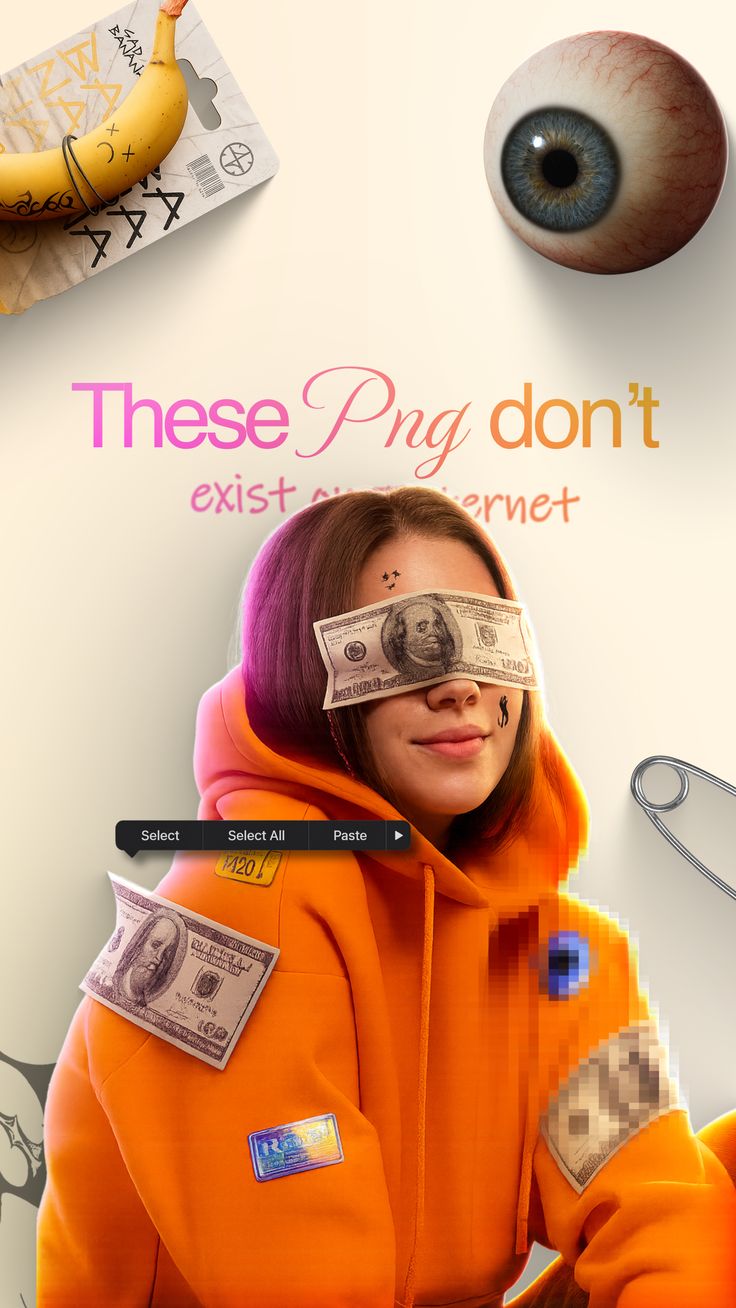
These PNG Don’t Exist
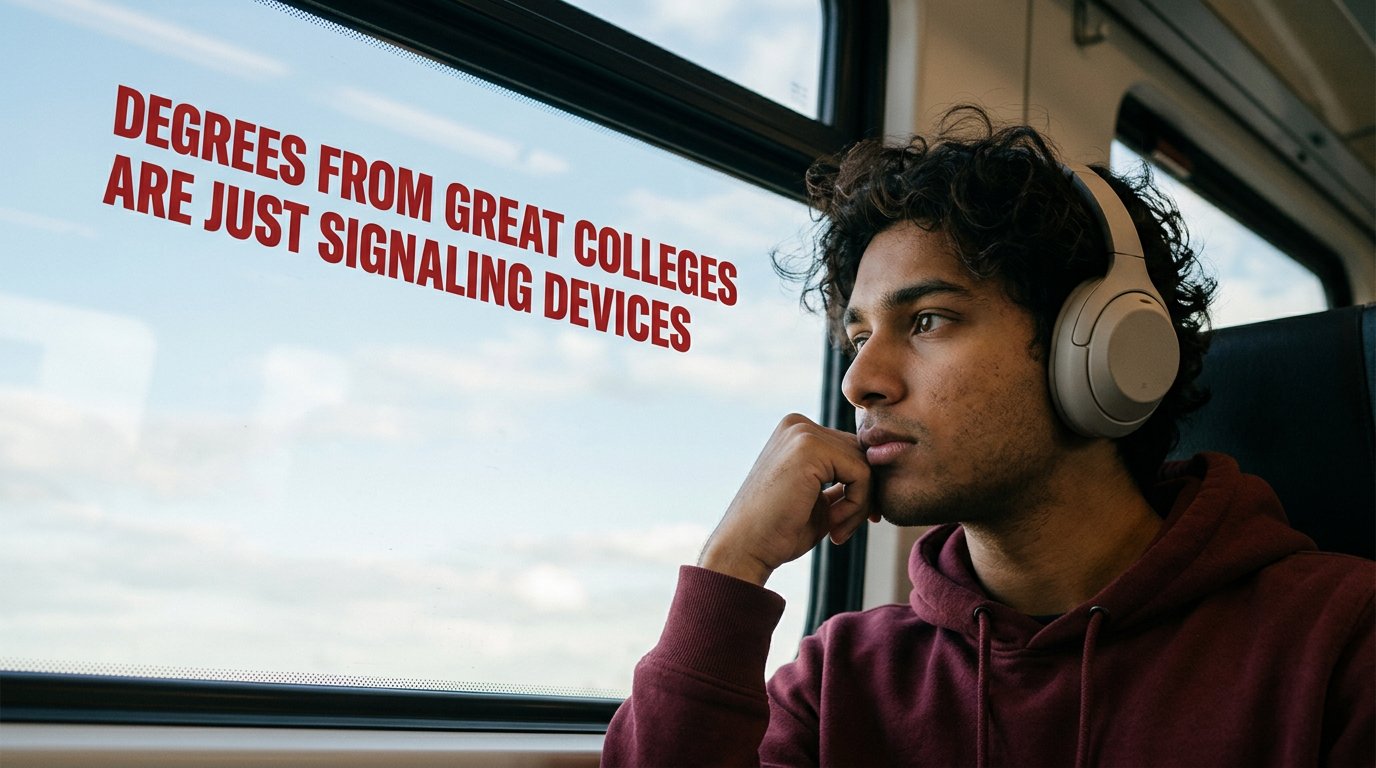
Cinematic Academic Signaling Thumbnail
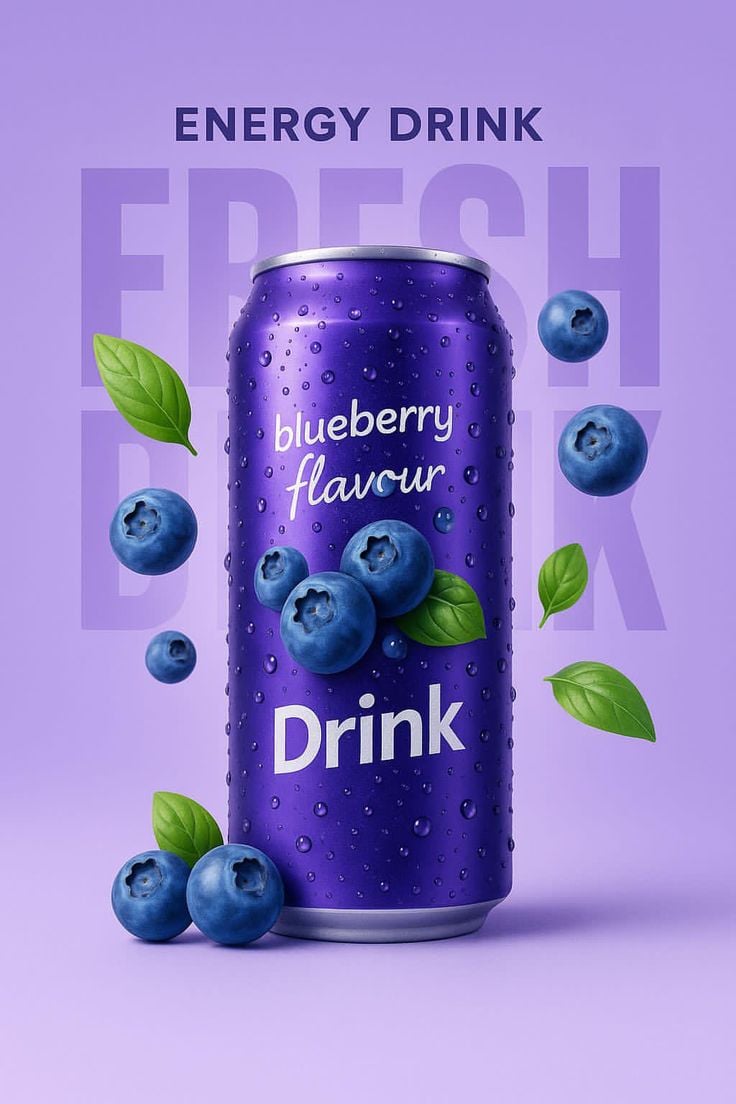
Blueberry Energy Drink Mockup
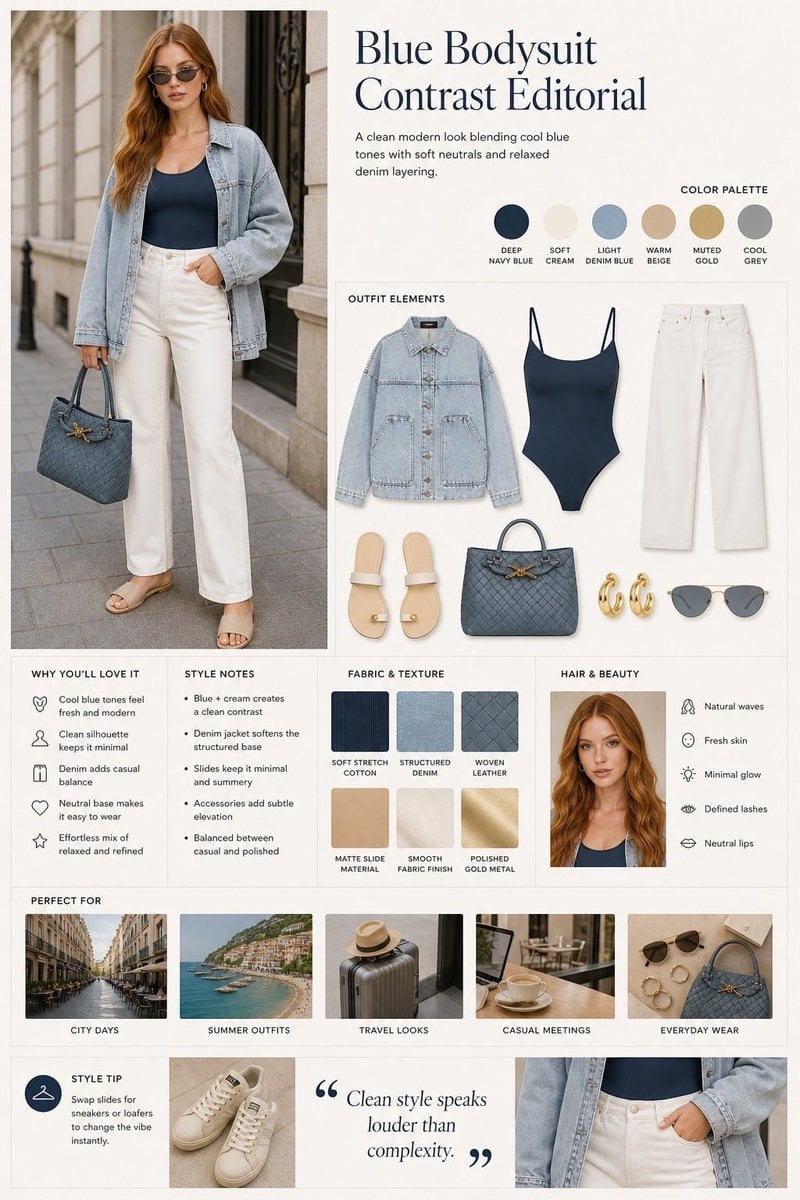
Minimalist Fashion Editorial Split Layout
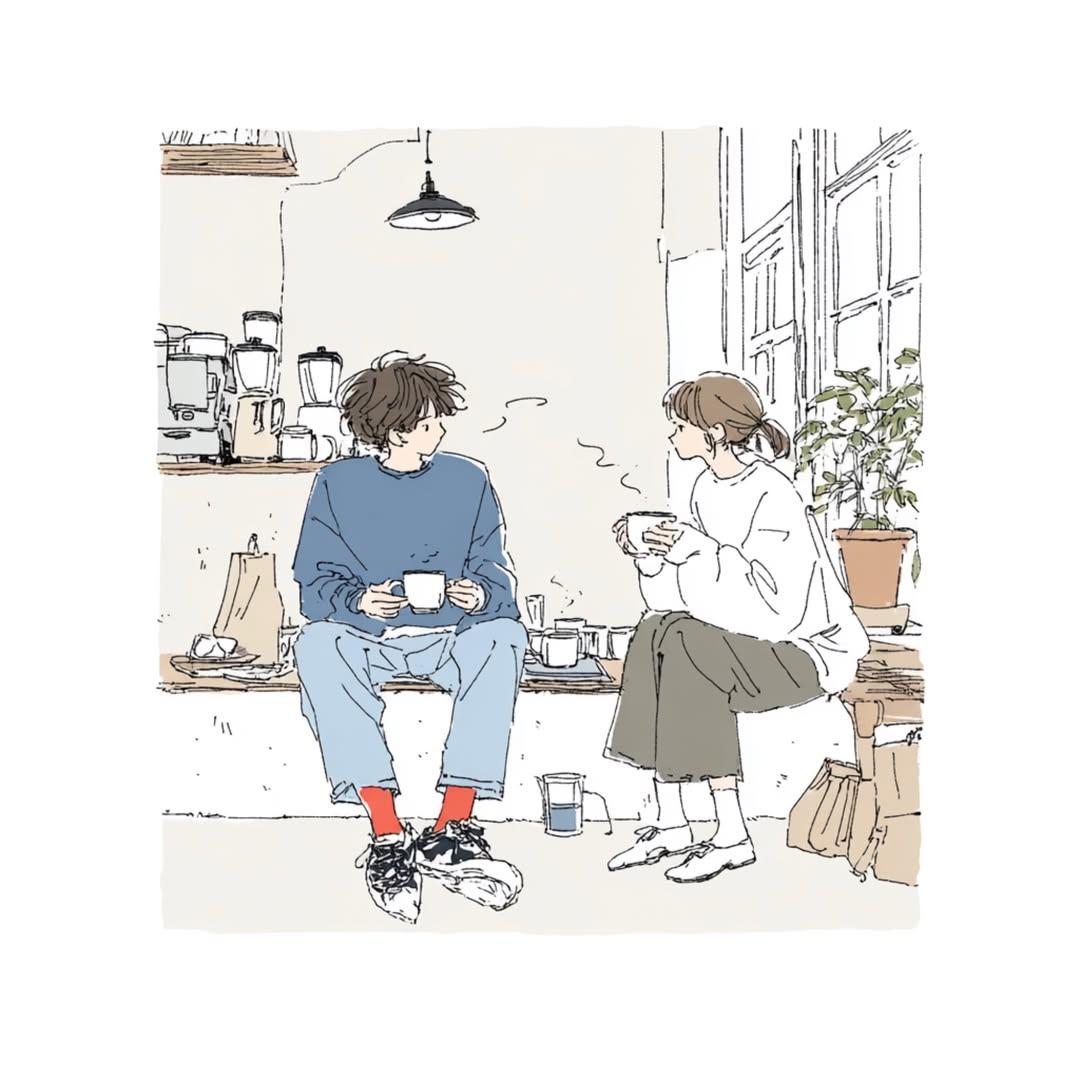
Delicate Japanese Café Lifestyle Illustration
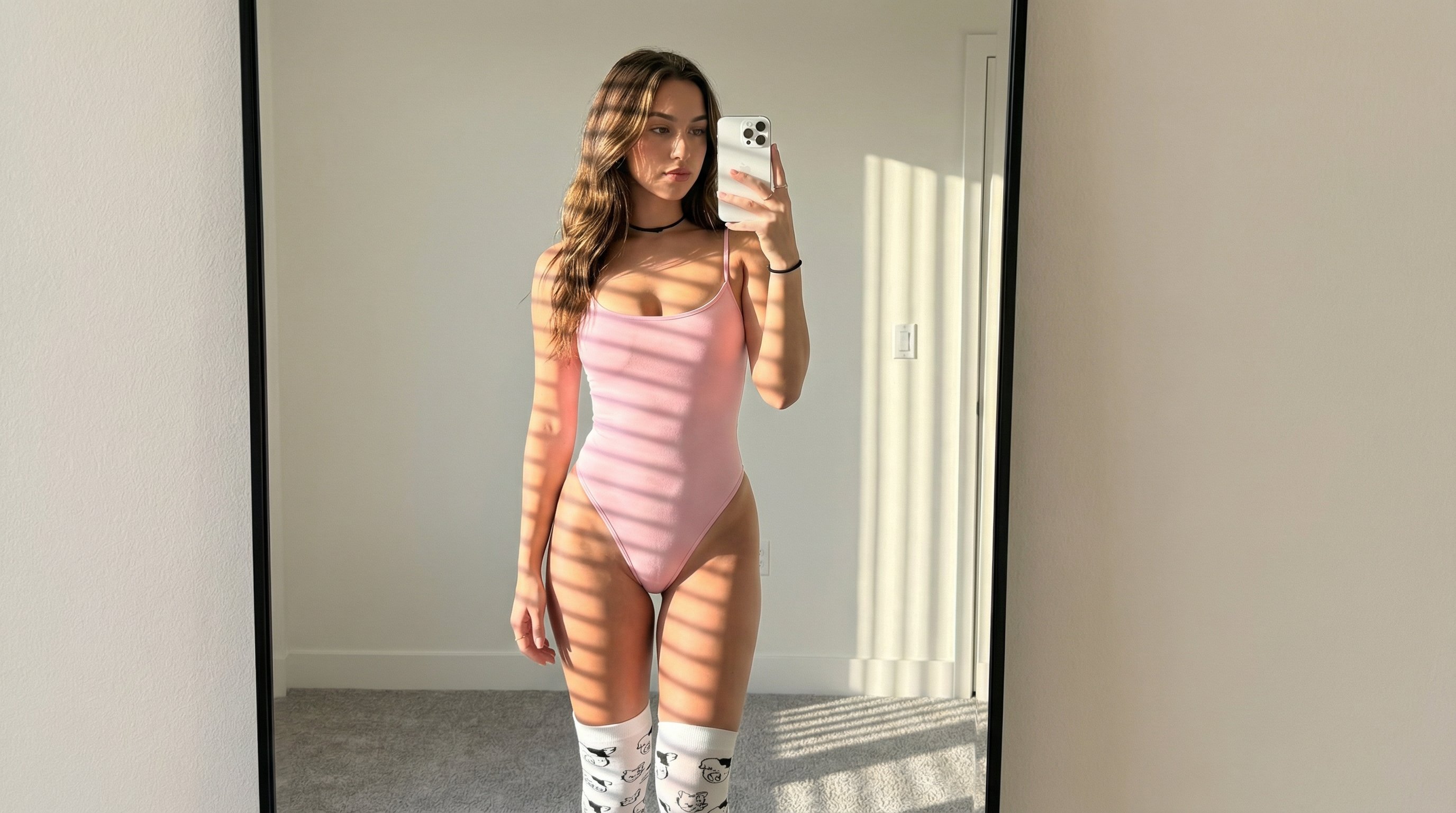
Minimalist Golden Hour Selfie
Mirror Selfie Chibi Characters Pixar Style
A k.pop idol on the stage with mic
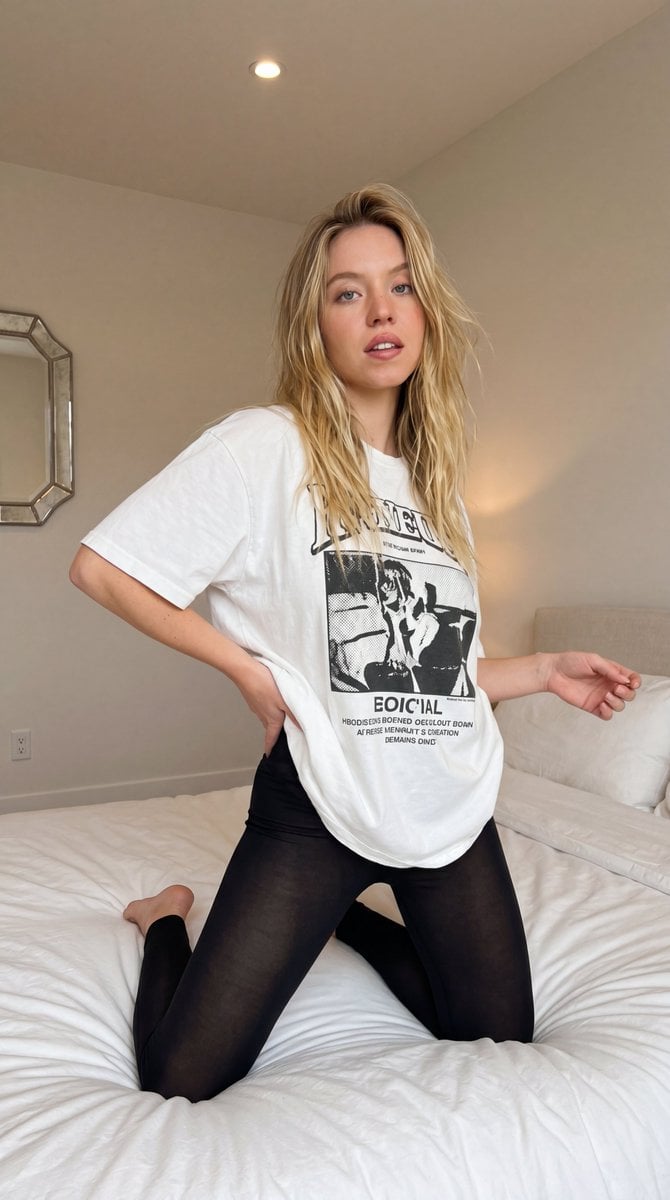
Minimal Modern Bedroom Lifestyle Photography
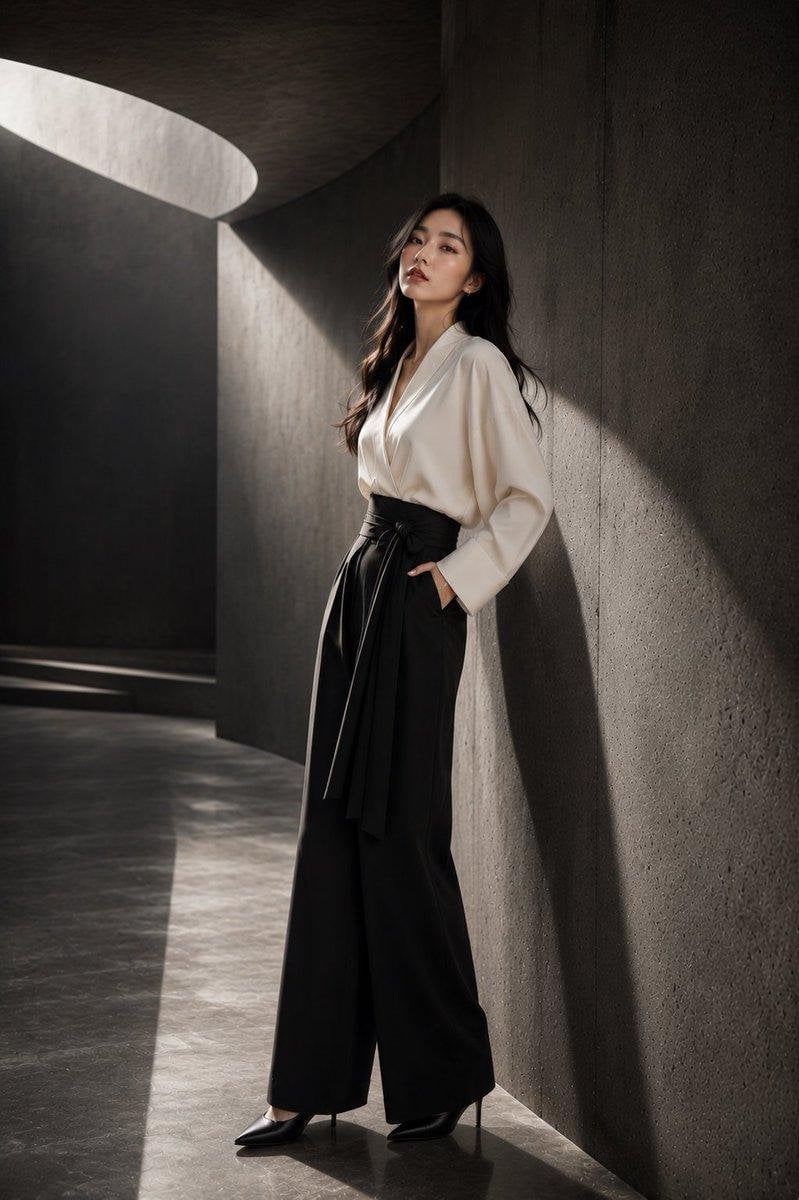
Japanese Architectural Concrete Studio Fashion Campaign
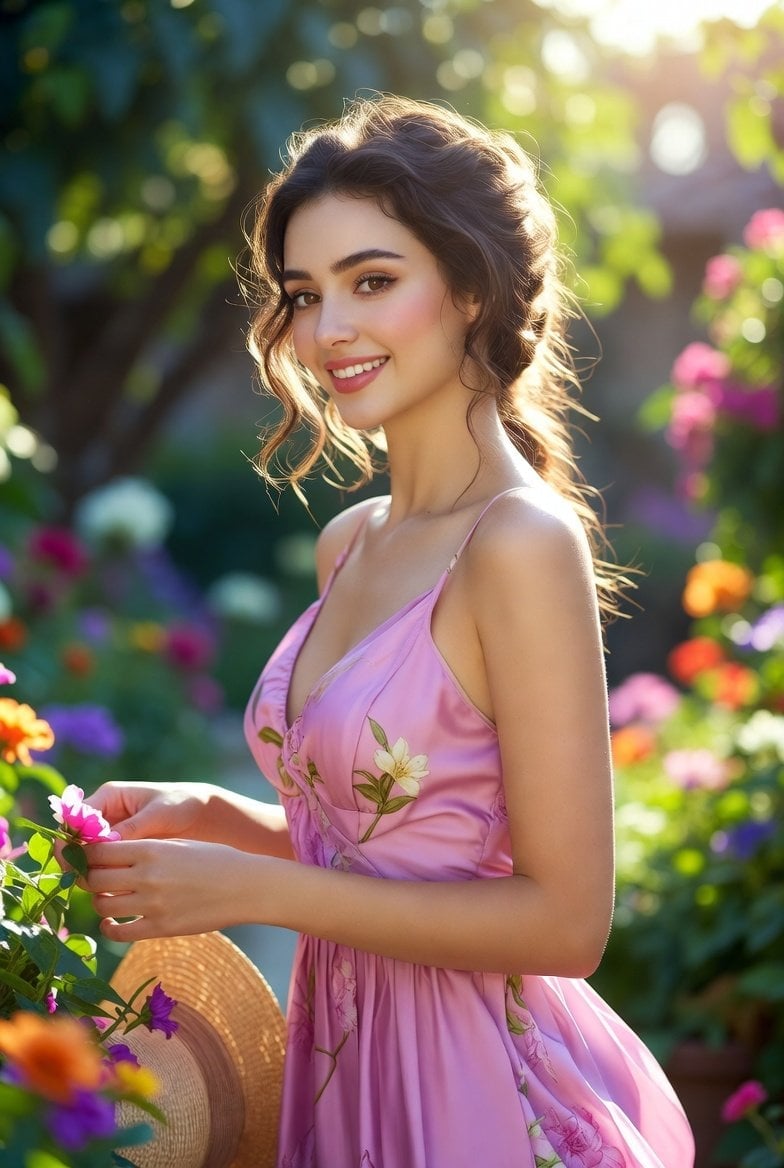
Quiet Luxury Black and White Fashion Editorial Portrait
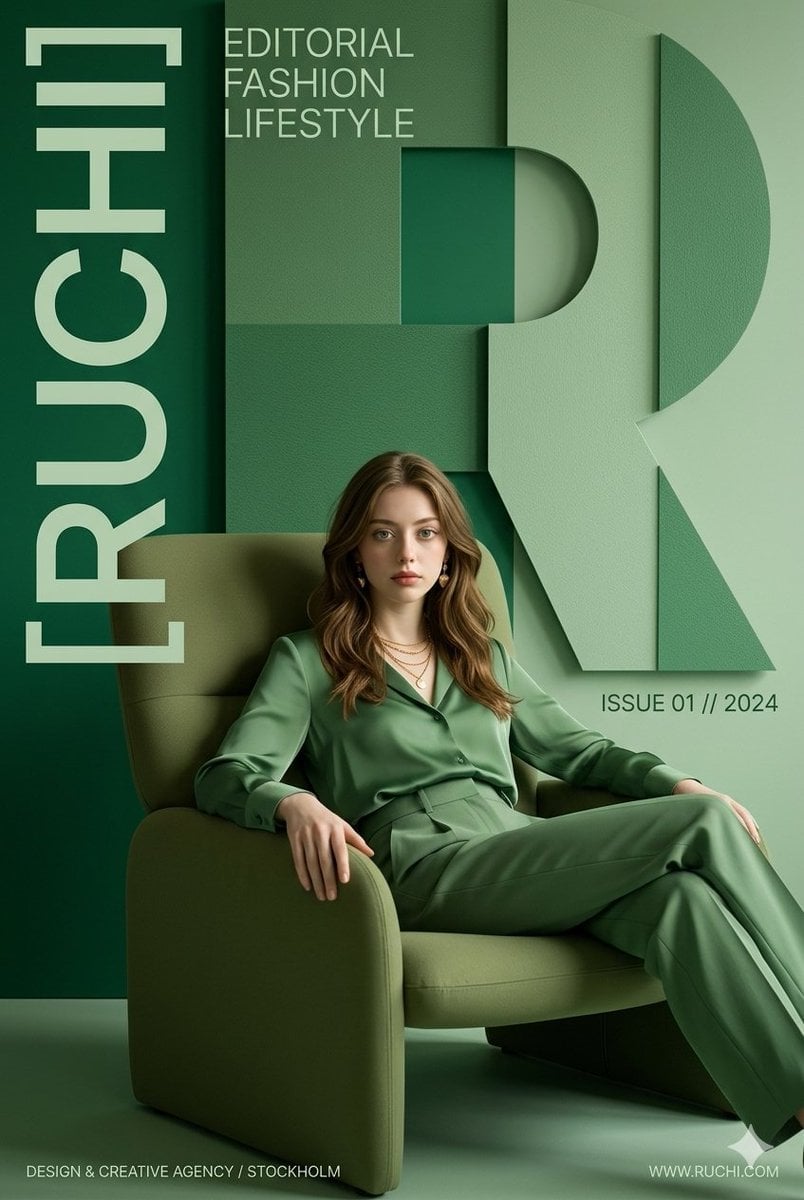
Premium Editorial Branding Poster Charcoal Green
Make it yours
Bag Bigger Than the Day works as-is. These are the safest ways to change it without losing the look.
Swap the setting
Keep the rest of the prompt and replace the location block. The current setting is “minimal urban wall and sidewalk”.
Swap the light
One lighting change is enough to compare takes. Current light: “natural daylight, soft realistic shadows”.
Change one field
Copy a single group, rewrite it, and generate again so you can see what that field is doing.
| If the result… | Why | Fix |
|---|---|---|
| The result drifts from the preview | Too many fields changed at once. | Reuse Bag Bigger Than the Day as-is first, then change one group — subject, light, or setting. |
| PicX Studio ignores part of the JSON | Some models flatten or skip nested keys. | Keep the same values and paste them as a short paragraph instead. |
More image prompts
Fresh picks from across the catalog.
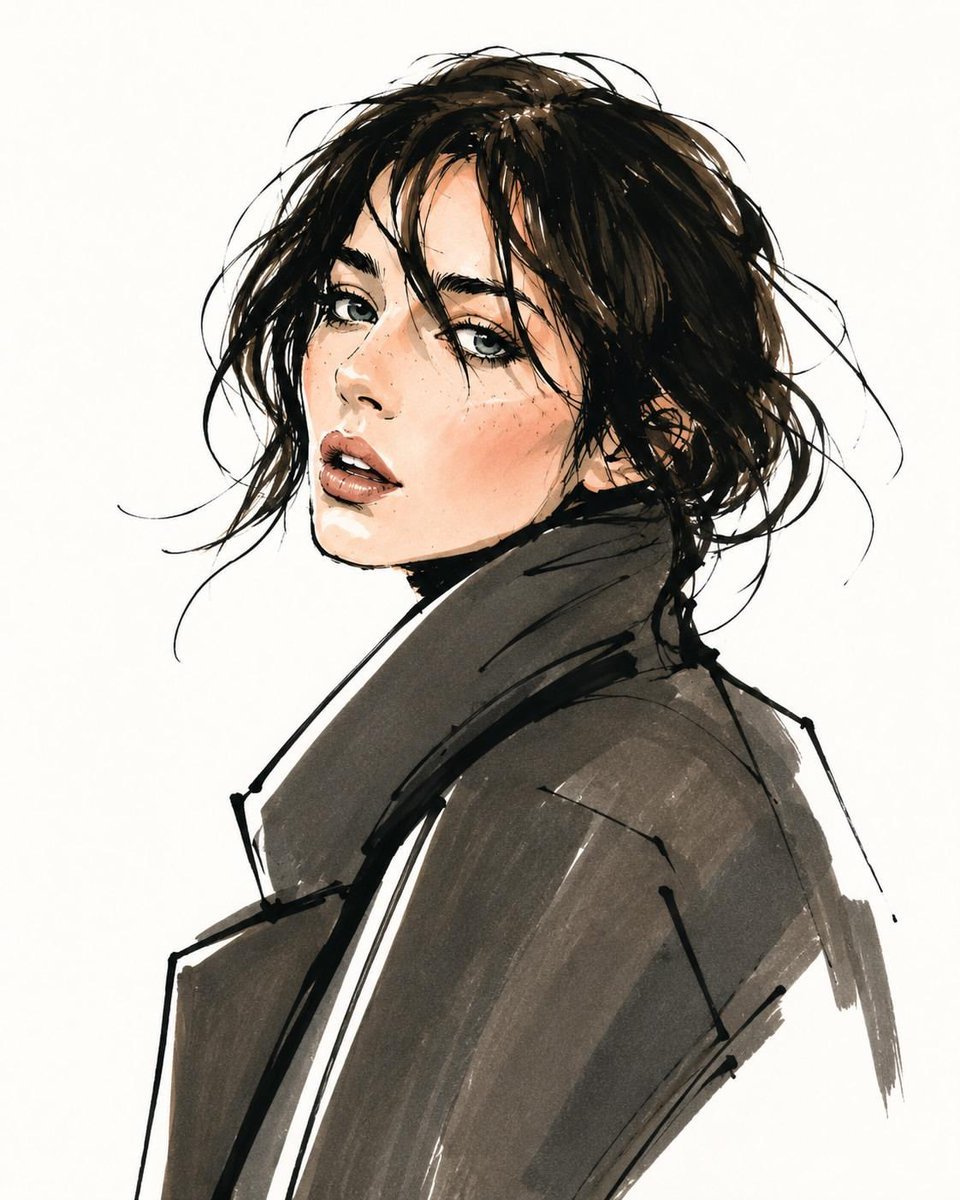
Vogue Style Fashion Sketch
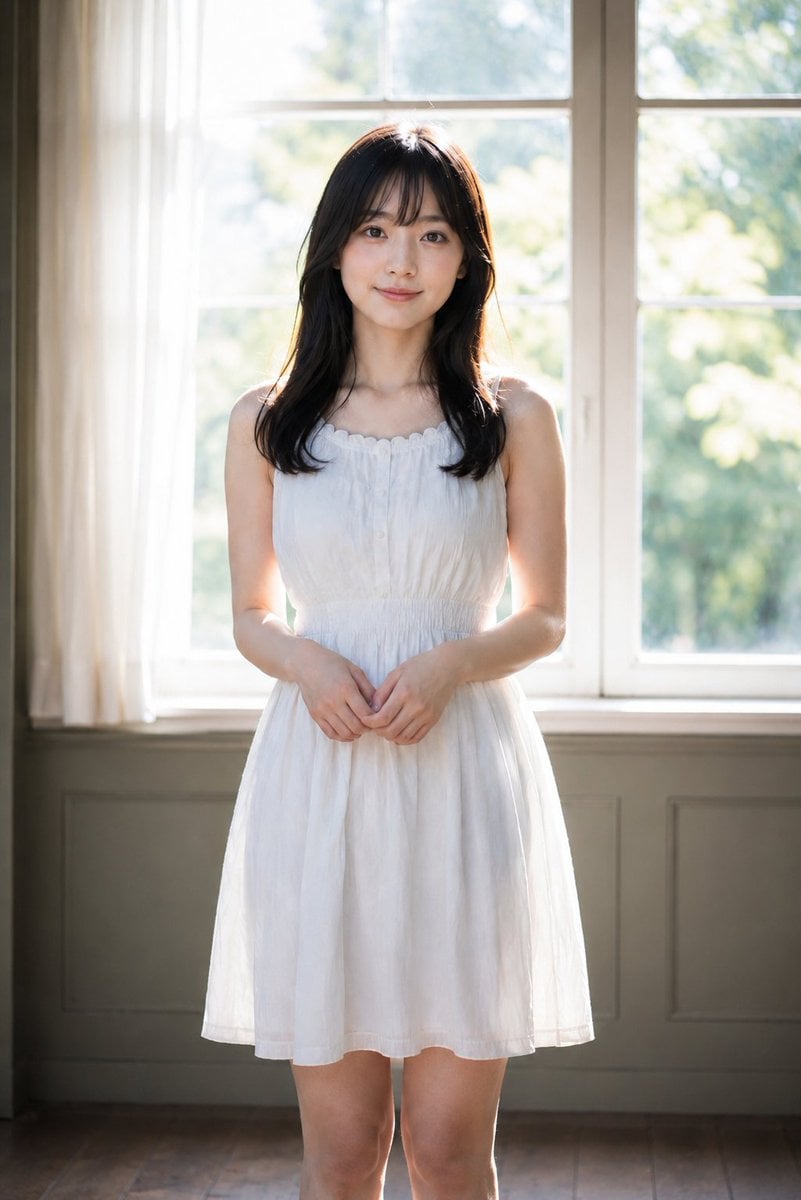
Backlit Indoor Window Portrait
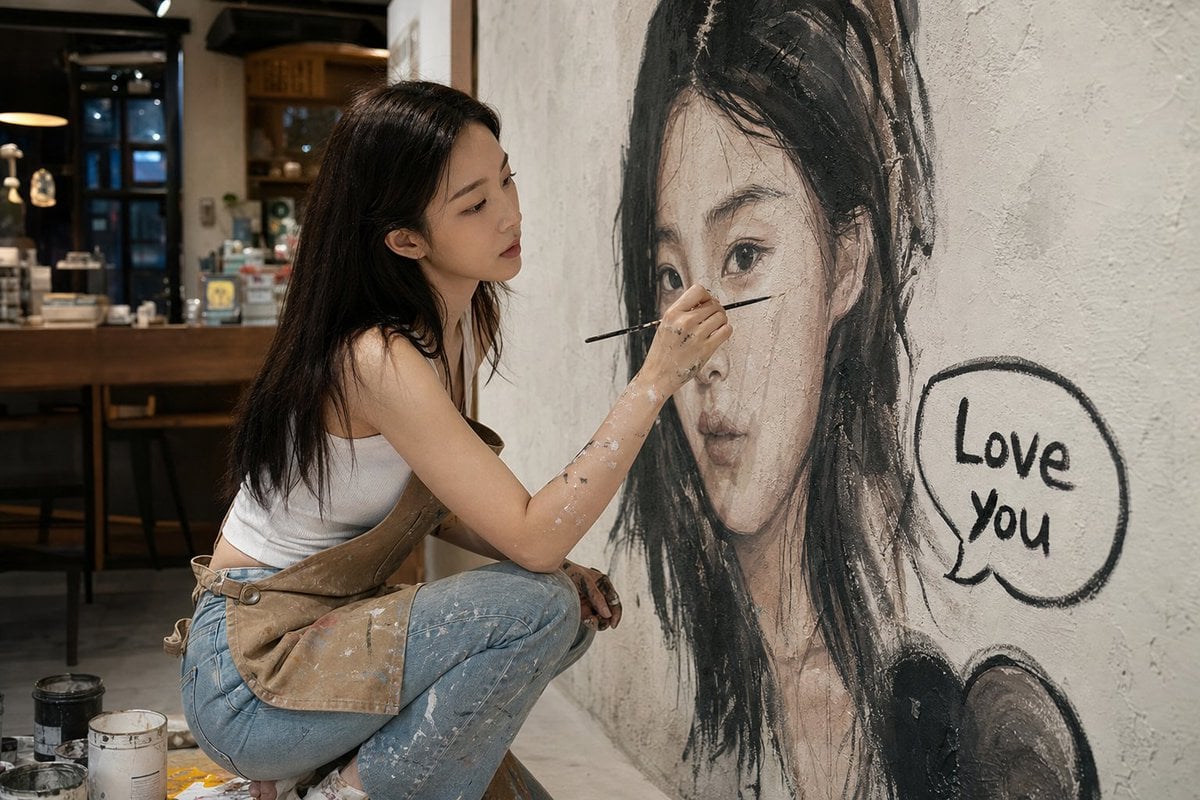
Artist Mural Portrait in Cafe
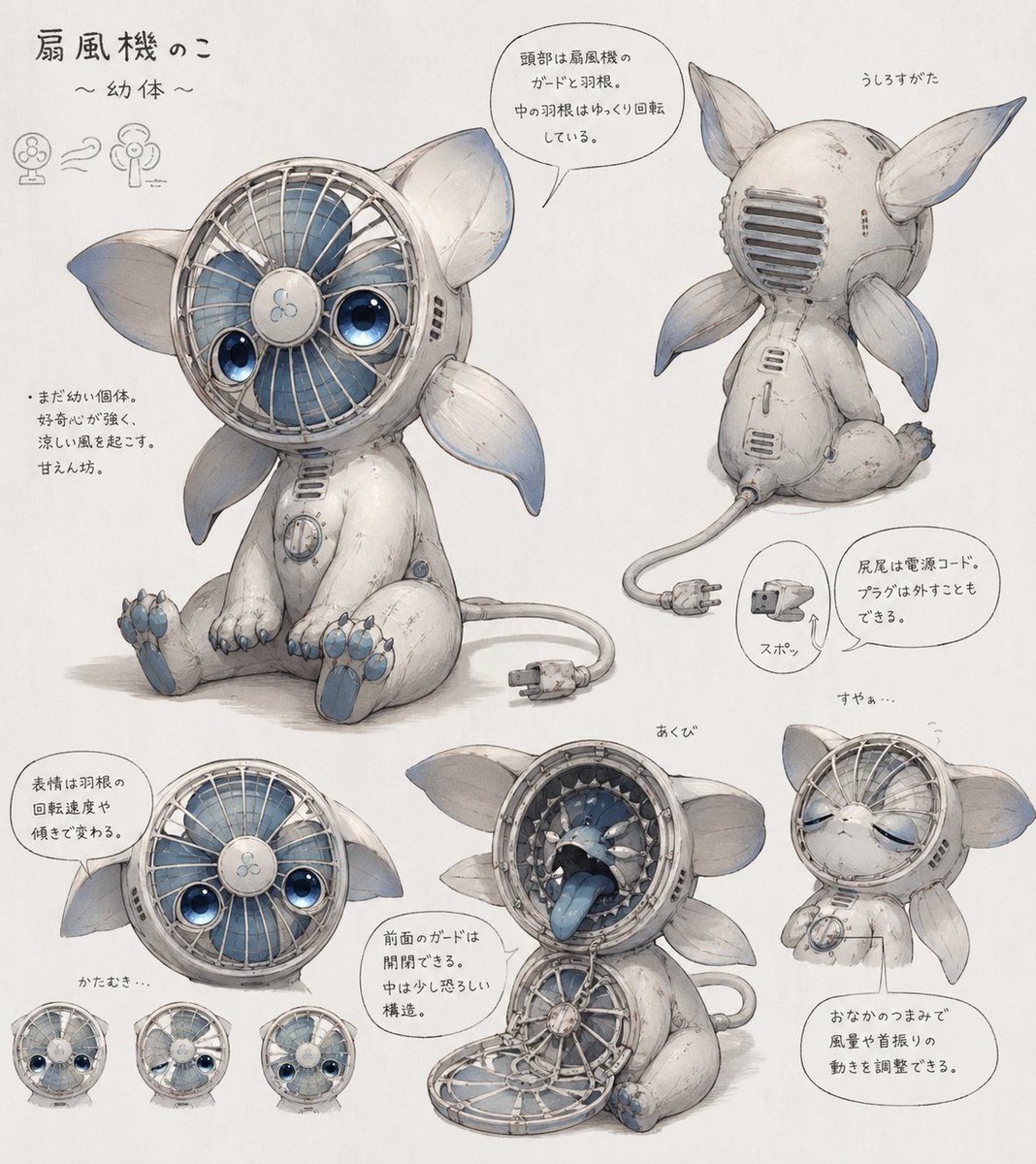
Fan Creature Concept Sheet
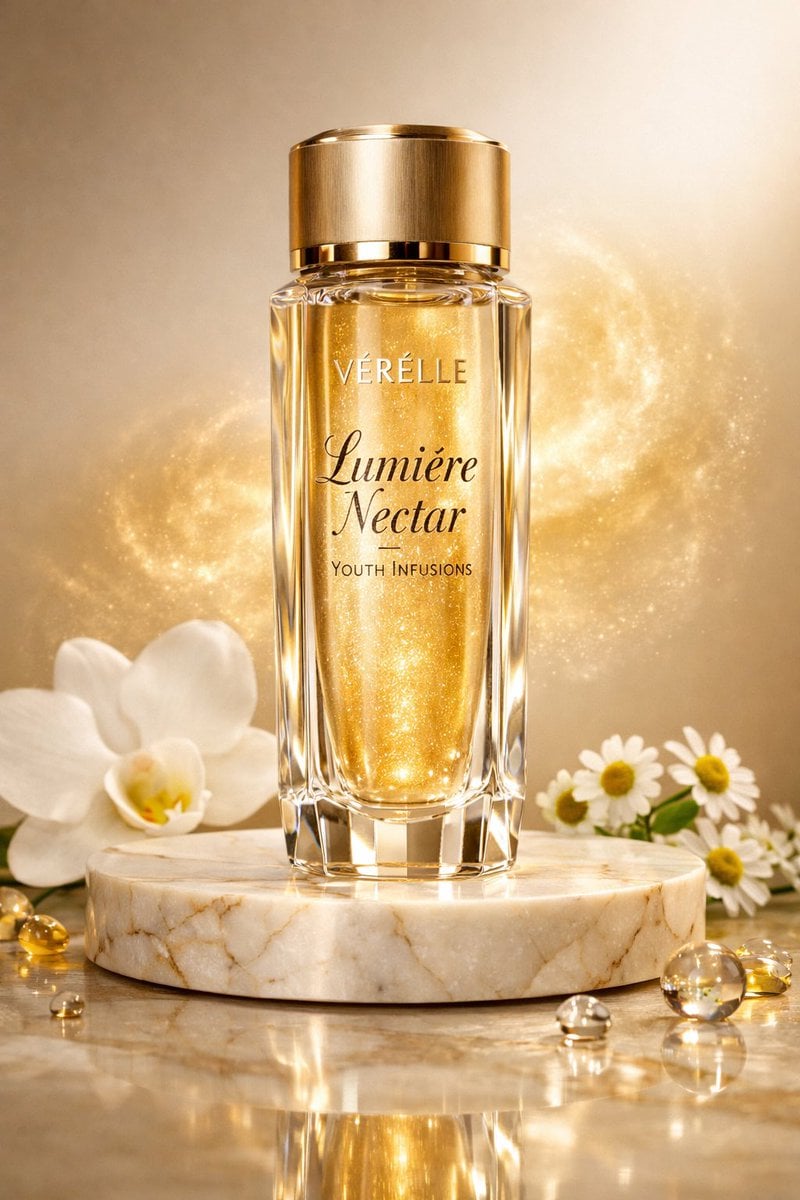
Luxury Skincare Commercial Photography: Lumière Nectar

Grainy Paris Café Film Scene
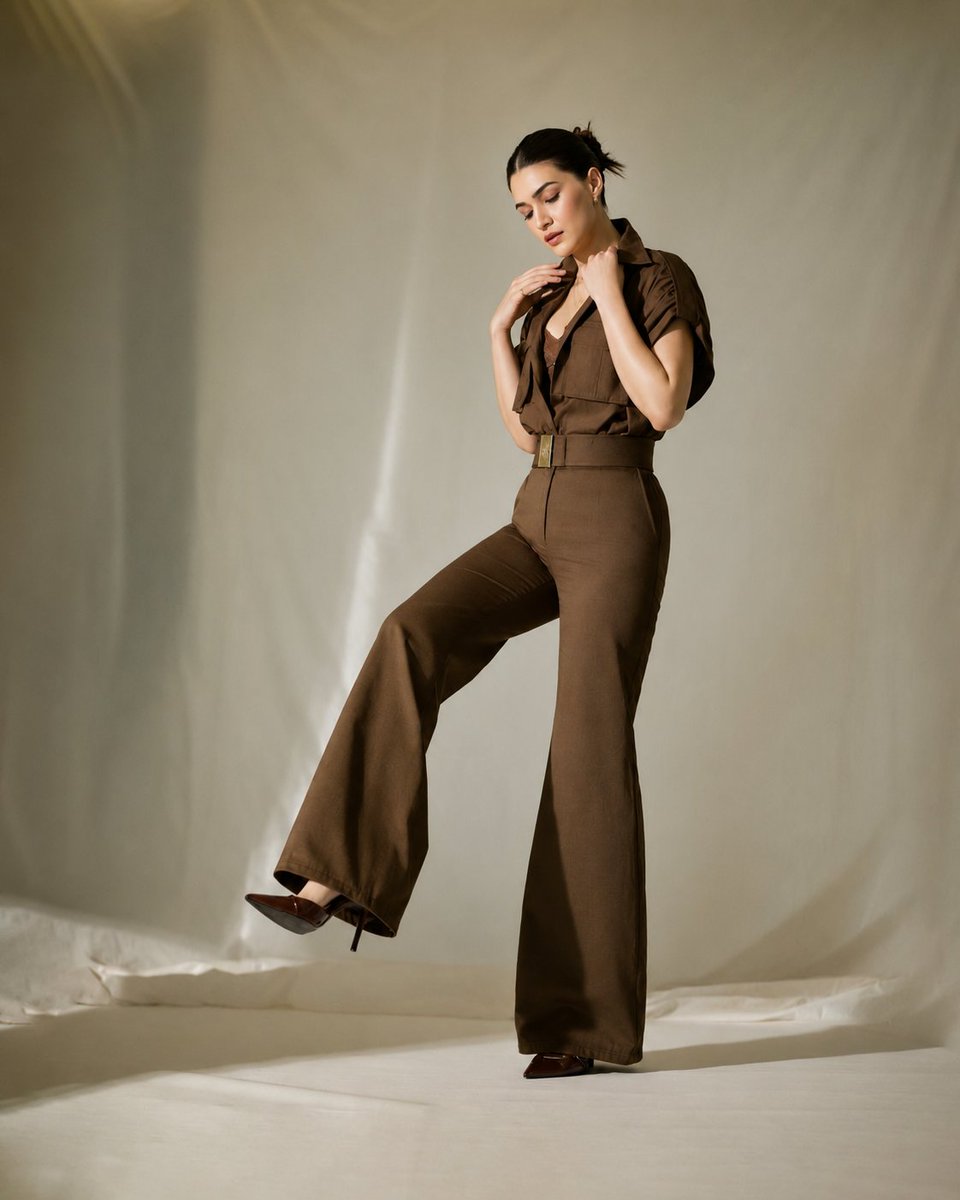
Editorial Fashion Photography JSON Prompt

Luxury Business Leader Ink Portrait
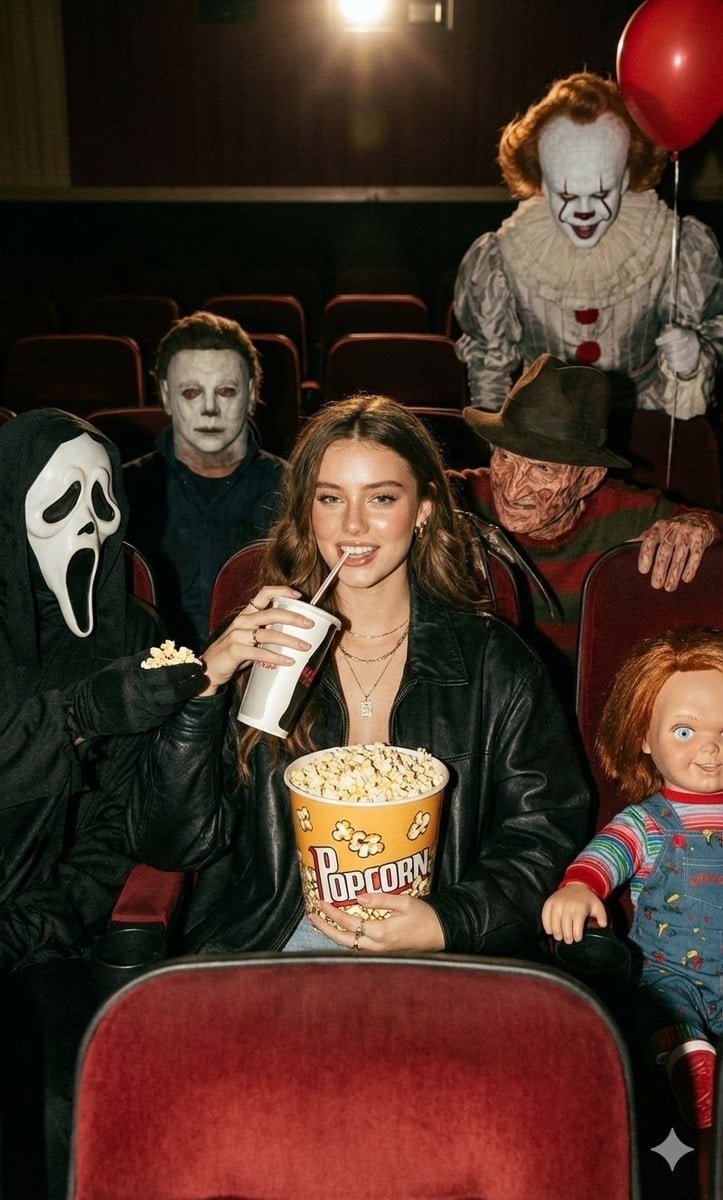
Halloween Horror Movie Theater Prompt
Retro HUD Claude Usage Gauge
Browse template categories
Bag Bigger Than the Day questions
How do I use the Bag Bigger Than the Day template?
Add your photo if the template asks for one, edit the prompt if you like — the template's model and format are already selected — and press Generate. Your version opens in PicX Studio.
Can I customize the Bag Bigger Than the Day template?
Yes. You can change the subject, setting, lighting, mood, format, and available model controls before creating your image.
Is the Bag Bigger Than the Day template free?
Opening and editing this template is free. Generating uses credits, shown on the Generate button when you are signed in.
Which AI model should I use?
Choose a compatible model in PicX Studio based on the style, speed, and output controls your project needs.
Looking for something else? Browse all templates.

Your photo, any look
Thousands of ready templates for every top image and video model, from one credit balance.