
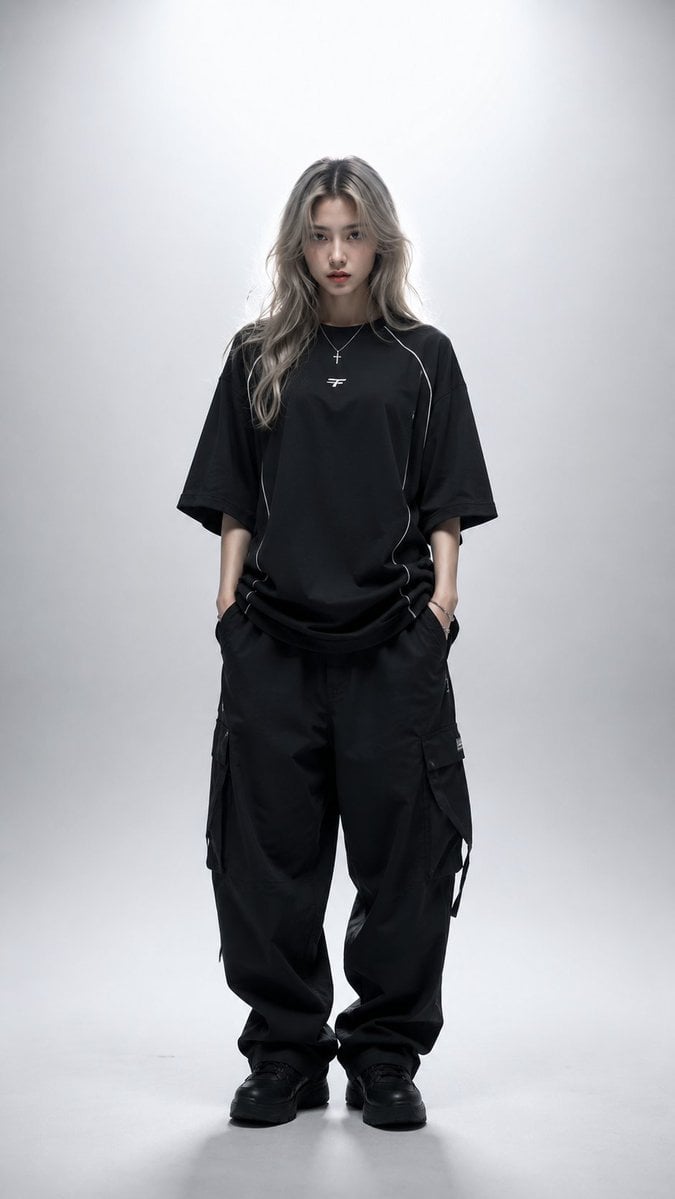
High-Fashion Editorial Studio Portrait
A comprehensive prompt for a full-body fashion editorial shot in a professional studio, featuring technical streetwear and high-end lighting.
- Prompt included
- Model and format preset
- Free template
The prompt behind this image
Copy the exact prompt behind High-Fashion Editorial Studio Portrait, or open it in the studio and make it yours.
Ultra-realistic high-fashion editorial studio portrait of a young woman standing centered in frame, full-body view, facing directly toward the camera with a calm, serious, slightly intimidating expression and intense eye contact. Long {argument name="hair color" default="silver-blonde ash"} hair with darker roots, naturally wavy and slightly tousled, middle-parted, falling past the shoulders. Pale skin, sharp facial structure, subtle natural makeup, realistic skin texture, light-colored eyes. She wears an {argument name="outfit description" default="oversized black technical streetwear t-shirt"} with subtle white piping accents and a small futuristic white logo on the chest, paired with loose black cargo pants. Accessories include multiple silver rings on both hands, a thin silver chain necklace with a cross pendant, and a delicate silver bracelet. Both hands are casually tucked into her pockets. Relaxed posture, straight stance, minimalist styling. Shot in a seamless white-to-light-gray studio environment with a clean gradient background and large negative space above the subject. Powerful diffused backlight creates a luminous halo around the hair and shoulders, combined with soft frontal fill lighting that preserves facial details while maintaining gentle shadows. Cool monochromatic color grading, subtle contrast, cinematic mood, Scandinavian minimalism, luxury streetwear campaign aesthetic. Professional fashion photography, medium-format camera, 85mm lens, eye-level angle, symmetrical composition, full-body framing, vertical portrait orientation (9:16), ultra-sharp focus on eyes, detailed hair strands, realistic fabric folds and textures, natural skin pores, HDR, premium editorial retouching, luxury magazine cover quality, photorealistic, hyperrealistic, 8K resolution, fashion lookbook, contemporary cyber-minimalist aesthetic.
How to use High-Fashion Editorial Studio Portrait in 3 steps
- 1
Open
The prompt is already in the box next to the preview, with the template's model and format selected.
- 2…a portrait of your subject in softgolden-hour light, 85mm…
Personalize
Edit the subject and creative details for your destination.
- 3Generate
Generate
Press Generate — your image is created in PicX Studio, so you can compare it with the original and refine one variable at a time.
More like this
Templates with the same subject, style or setup. Open one to see its prompt.

Caution Tape Fashion — Industrial Editorial

Couture Fashion Editorial Woman and Drag

Nano Banana 2 Editorial Fashion Portrait

80s Couple Studio Portrait

1985 Studio Portrait
untitled

Nano Banana 2 High Fashion Sports Campai
Ive Yujin Fashion Portrait in Blue
21 Glass Floor Skyscraper — California Series

19 Luxury Helicopter Travel — California Series

08 Rodeo Drive Luxury Exit — California Series
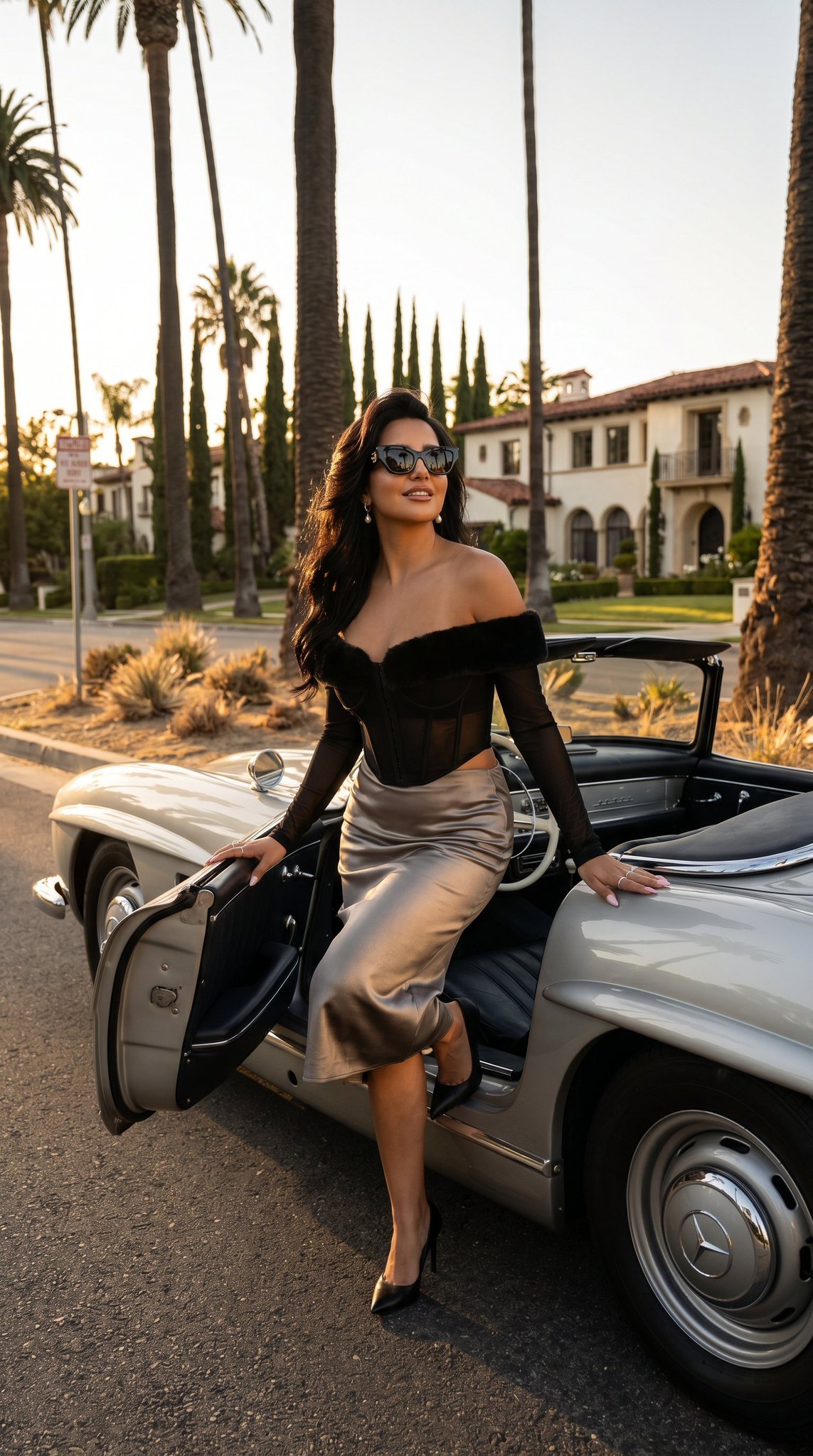
03 Beverly Hills Convertible — California Series
Make it yours
High-Fashion Editorial Studio Portrait works as-is. These are the safest ways to change it without losing the look.
Change one field
Copy a single group, rewrite it, and generate again so you can see what that field is doing.
Keep the frame, change the subject
Hold the composition and light of High-Fashion Editorial Studio Portrait, then swap wardrobe, props or the person for a new take.
| If the result… | Why | Fix |
|---|---|---|
| The result drifts from the preview | Too many fields changed at once. | Reuse High-Fashion Editorial Studio Portrait as-is first, then change one group — subject, light, or setting. |
| The model over-stylizes the scene | The prose prompt leaves finish and camera underspecified. | Add one camera or lighting sentence and stay on GPT Image 2. |
More GPT Image 2 templates
Other prompts made for GPT Image 2.

Six VTuber Japanese Logo Sheet

Realistic Portrait of Woman and Deer

The Vista Modular Condo Poster

AI Model Routing Comparison Infographic

2.5D Anime Art Board

Isometric Productivity Desk Scene

New York Double Exposure Poster

Four-Panel AI Landscape Comparison

Japanese Tatami Lifestyle Magazine Cover

NESCAFÉ Coffee Map Poster
More image prompts
Fresh picks from across the catalog.
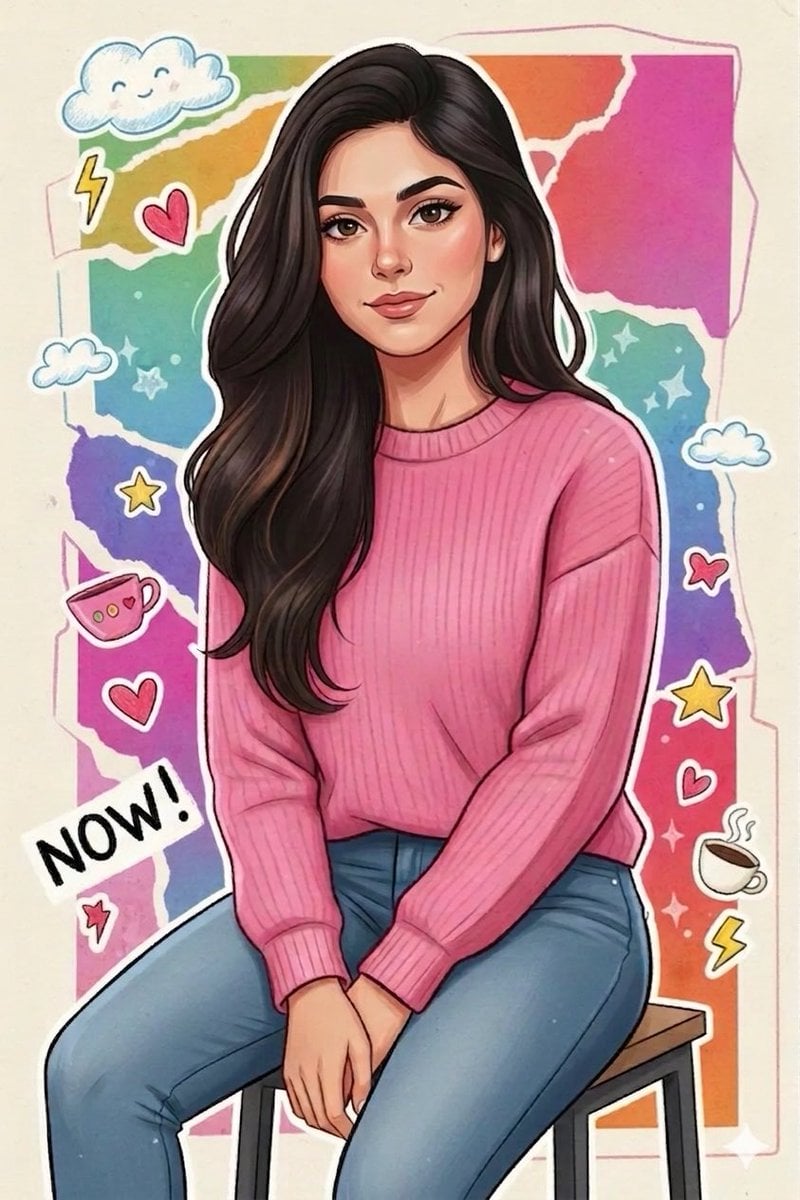
Sticker Art Style - Rainbow Girl
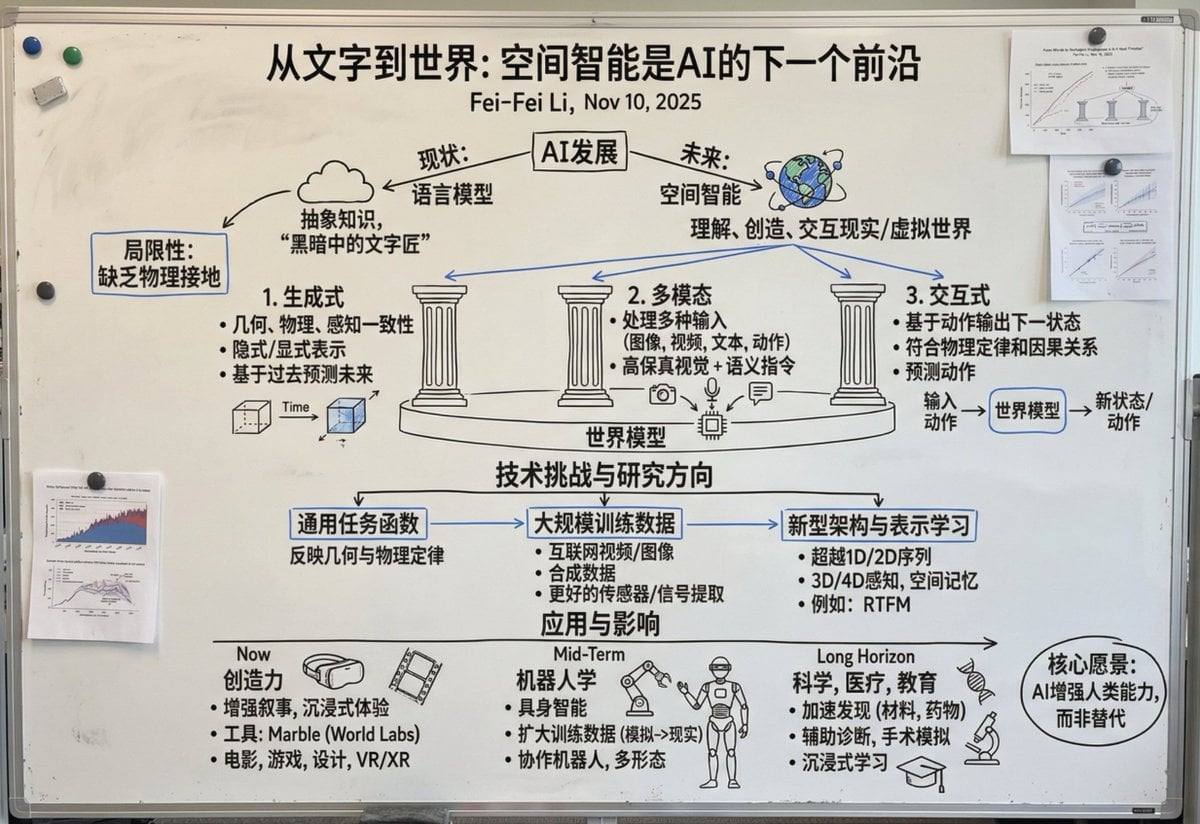
Chinese whiteboard summary of long documents
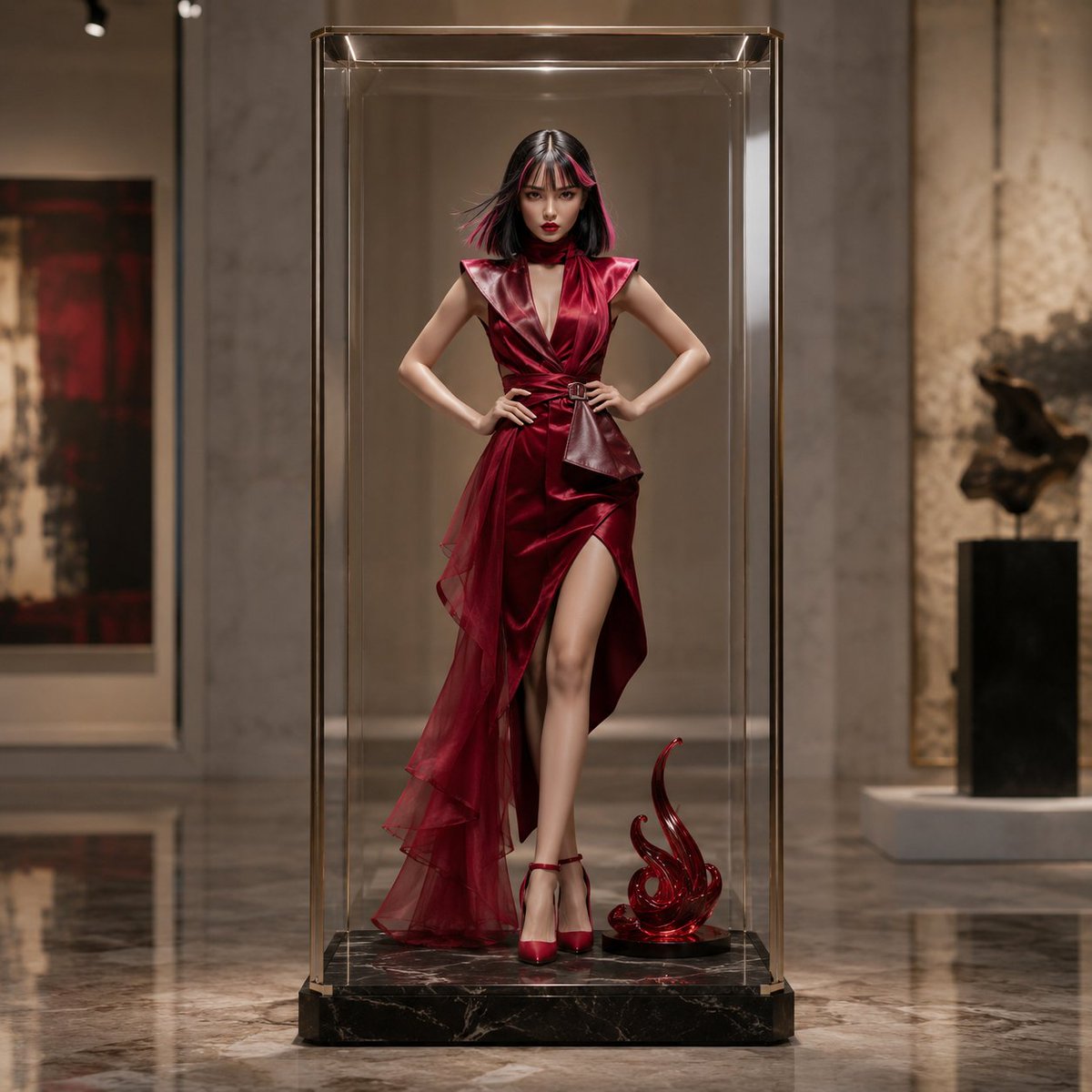
Luxury Art Figure Museum Display
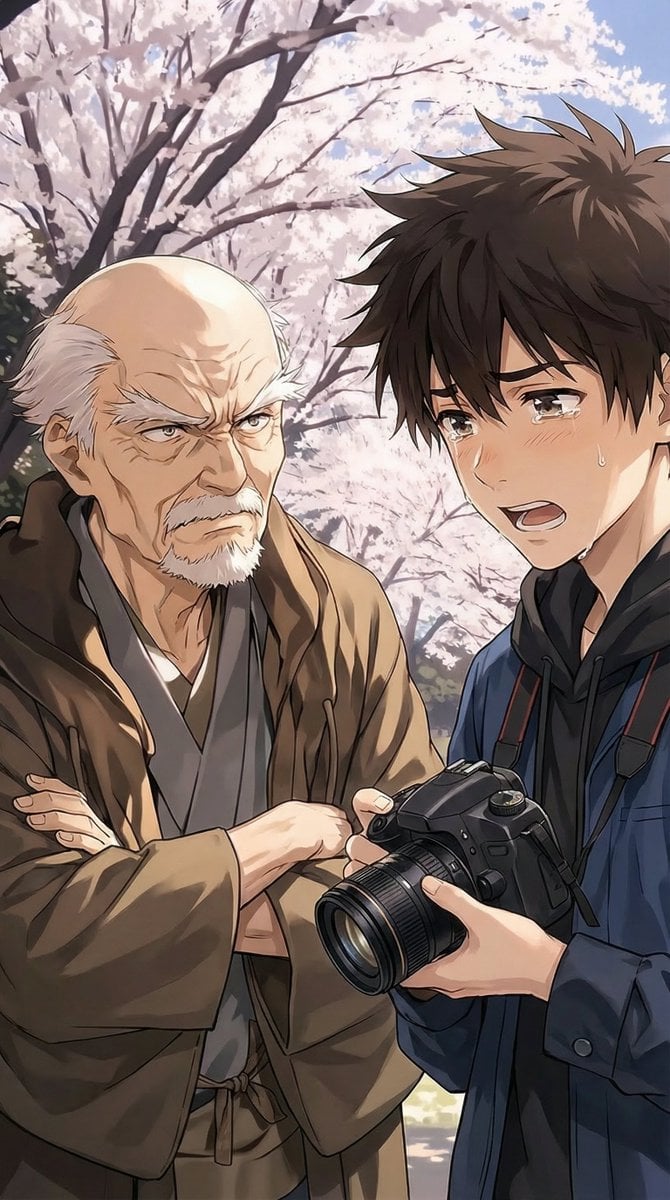
Image Transformation Instruction
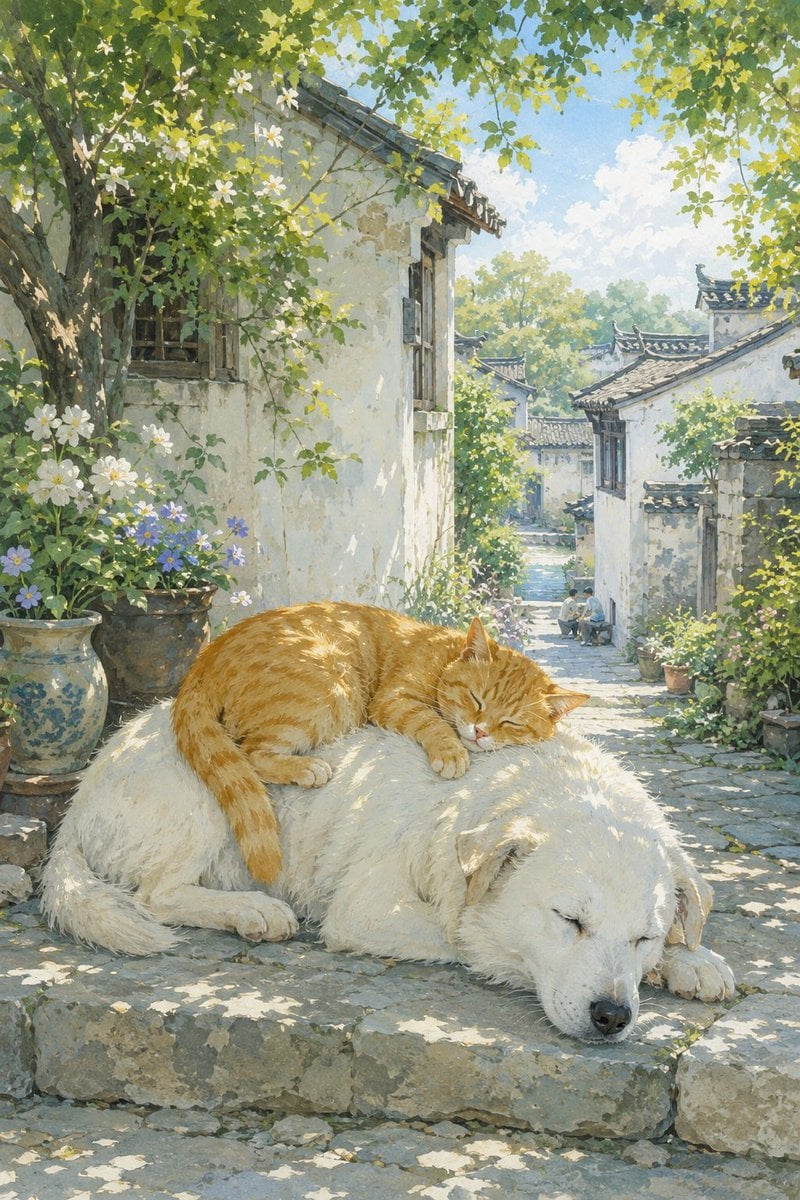
Summer Oriental Courtyard Illustration
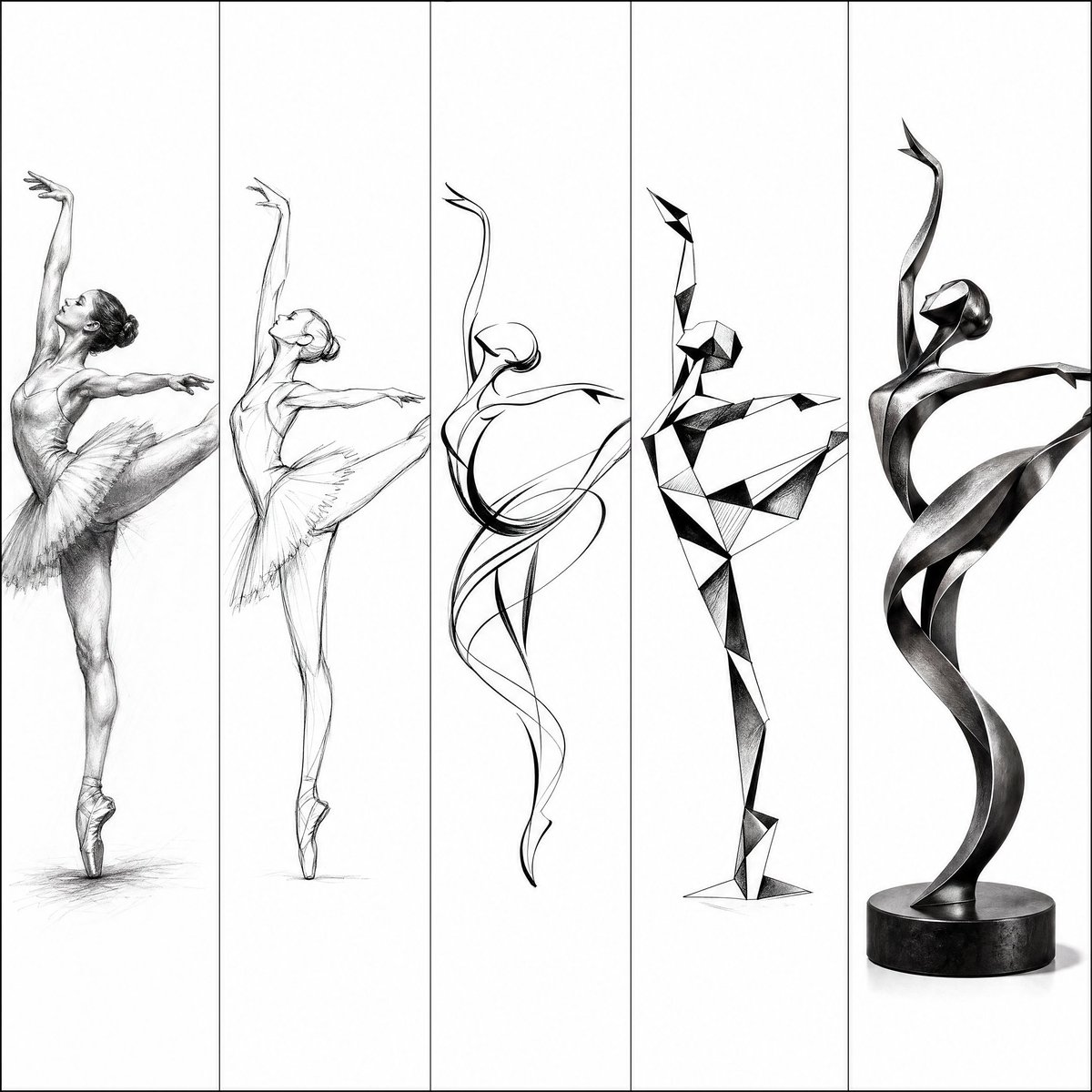
Artistic Progression Ballerina Sculpture
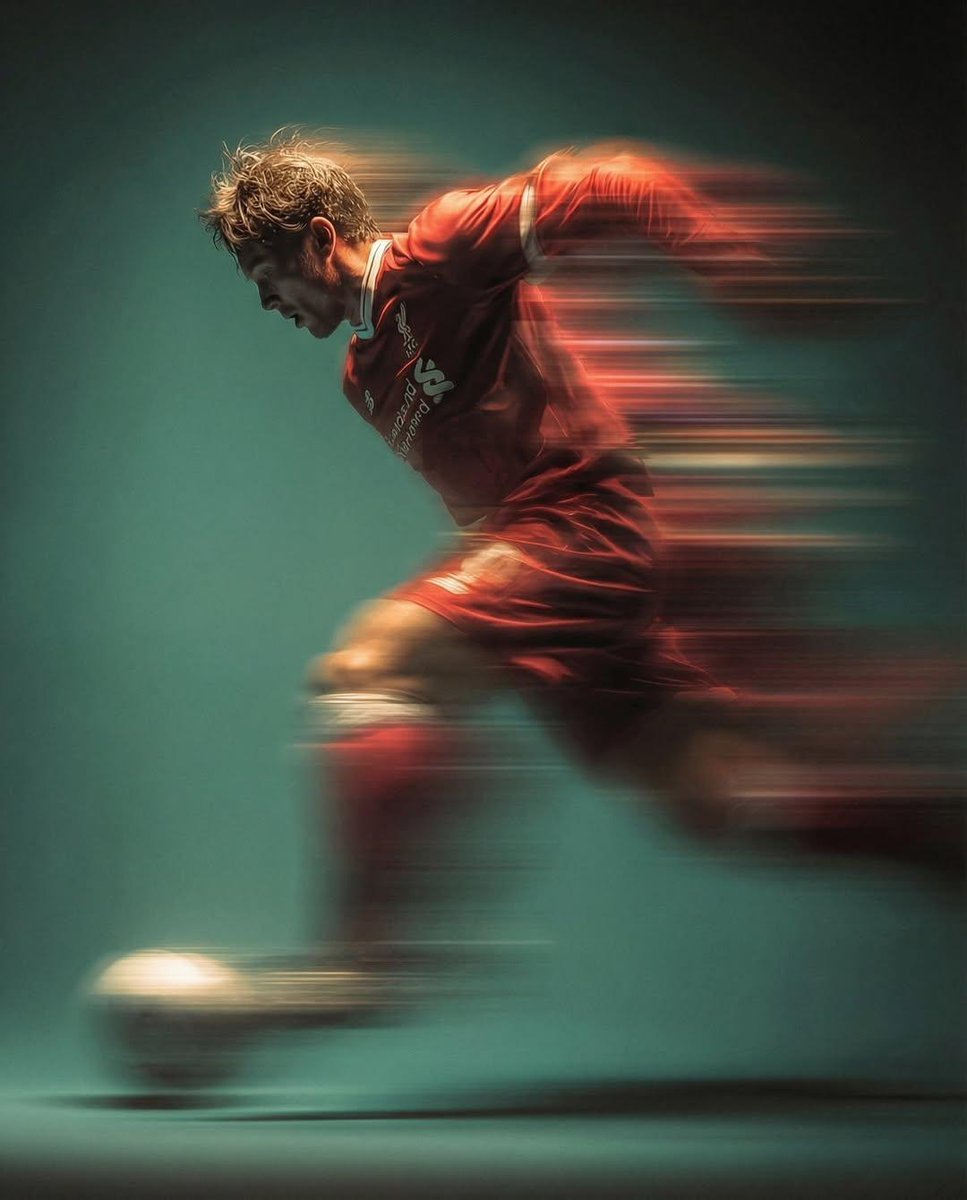
Panning shot of a soccer player kicking a ball
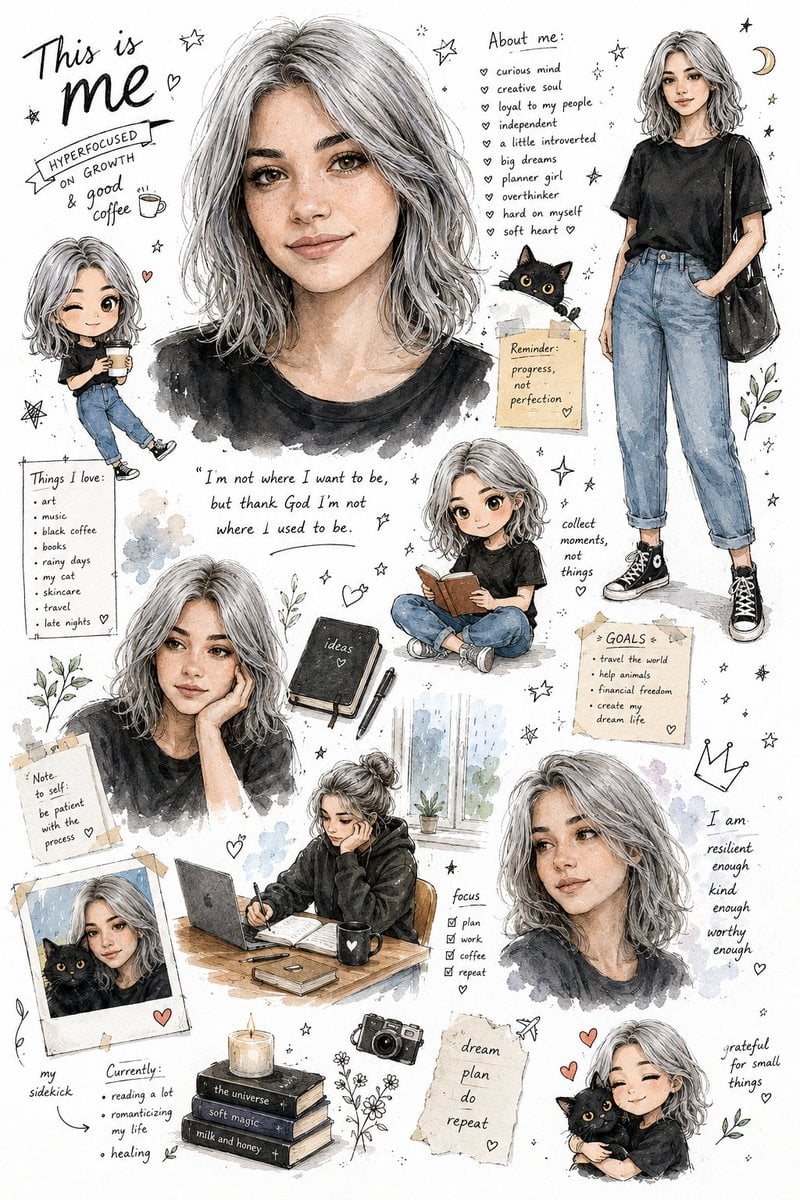
Illustrated Personal Sketchbook Infographic
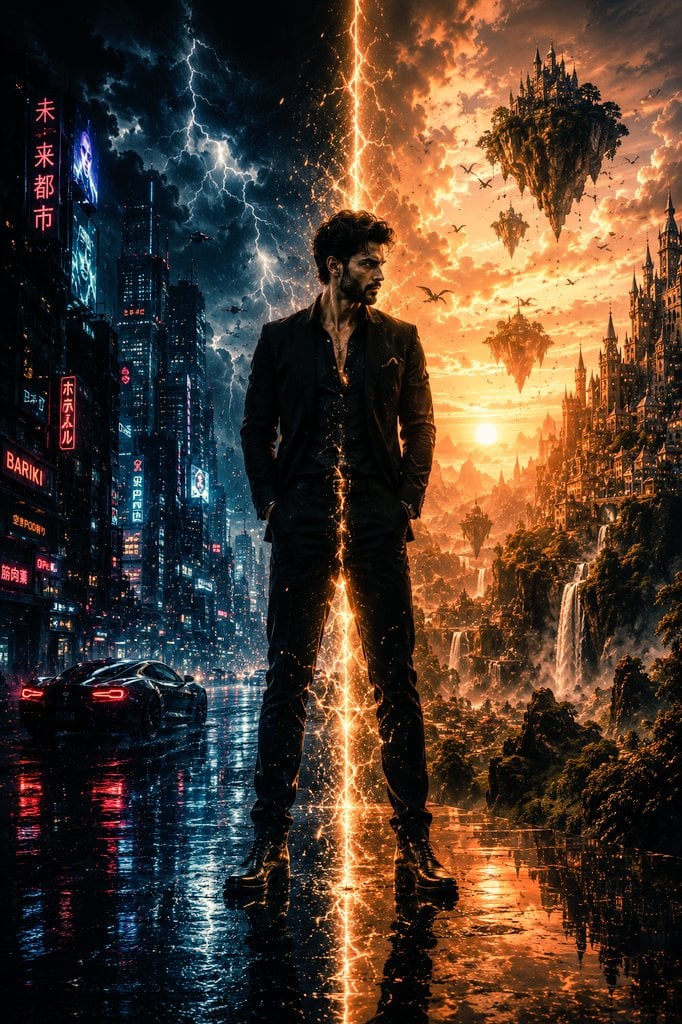
Epic Sci-Fi Parallel Worlds Artwork
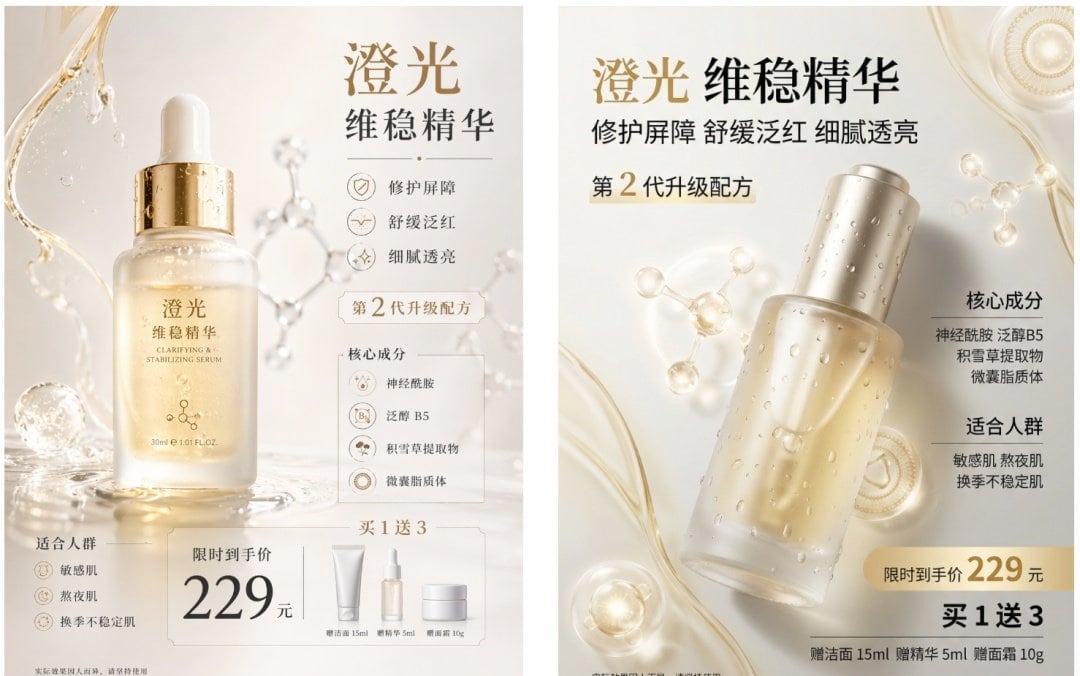
Luxury Serum Ad Poster Set
Browse template categories
High-Fashion Editorial Studio Portrait questions
How do I use the High-Fashion Editorial Studio Portrait template?
Add your photo if the template asks for one, edit the prompt if you like — the template's model and format are already selected — and press Generate. Your version opens in PicX Studio.
Can I customize the High-Fashion Editorial Studio Portrait template?
Yes. You can change the subject, setting, lighting, mood, format, and available model controls before creating your image.
Is the High-Fashion Editorial Studio Portrait template free?
Opening and editing this template is free. Generating uses credits, shown on the Generate button when you are signed in.
Which AI model should I use?
Start with GPT Image 2, which is the model associated with this template. You can compare another compatible model for a different finish.
Looking for something else? Browse all templates.

Your photo, any look
Thousands of ready templates for every top image and video model, from one credit balance.