
Matcha Meets Mirror
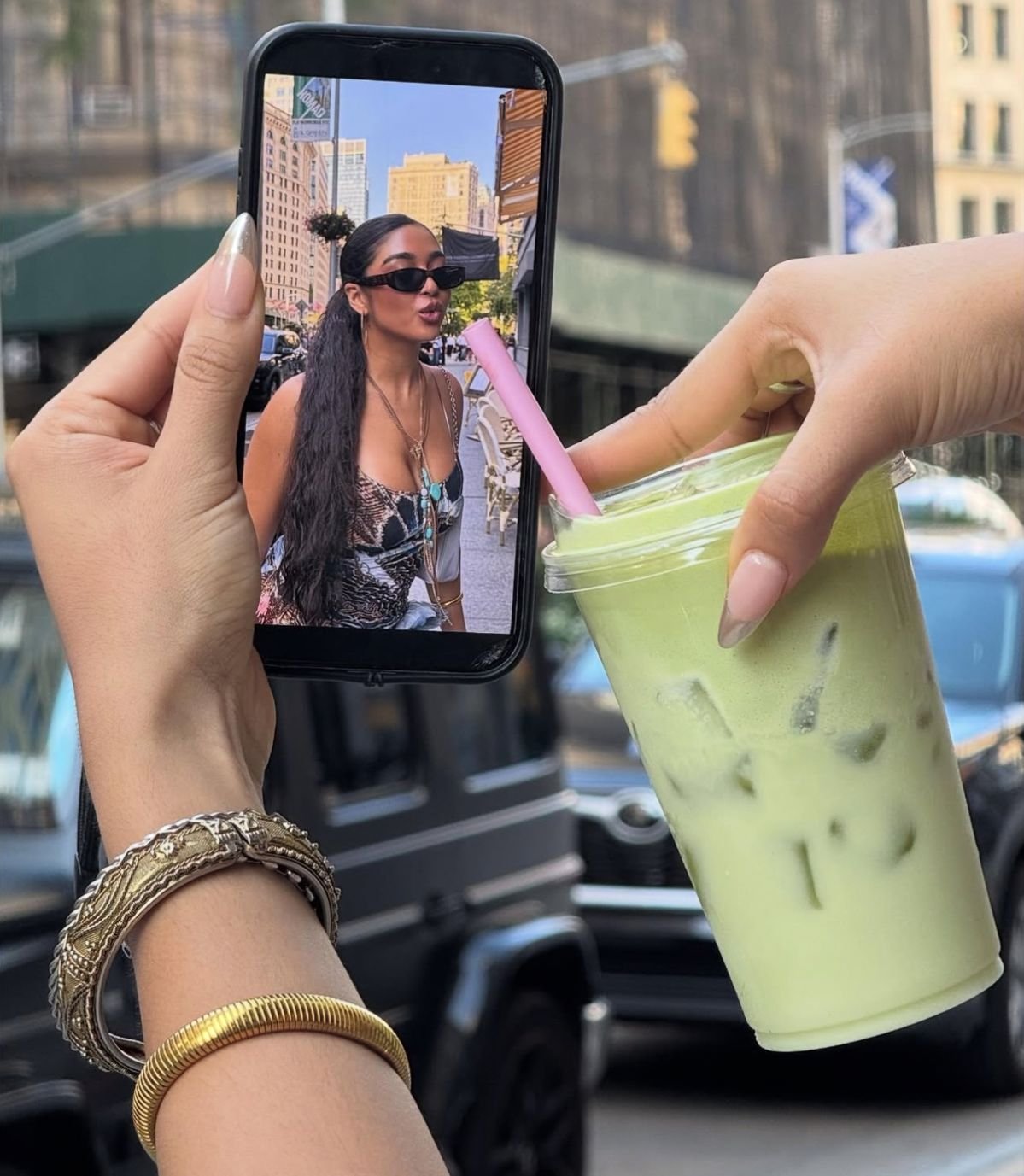
Matcha Meets Mirror is a ready photo look.
- Prompt included
- Model and format preset
- Premium template
The prompt behind this image
Copy the exact prompt behind Matcha Meets Mirror, or open it in the studio and make it yours.
- Prompt
- A modern surreal lifestyle photograph set on a city street. Two hands are visible in the foreground: one holding a smartphone, the other holding an iced matcha latte in a clear plastic cup with ice. The pink straw from the drink visually aligns with the mouth of a fashionable woman displayed on the phone screen, creating an illusion that she is sipping the drink through the screen. On the phone, the woman wears dark sunglasses, layered necklaces, and a stylish top, standing in an urban environment with buildings and traffic behind her. The real-world background is softly blurred, emphasizing the phone and drink interaction. Natural daylight, realistic textures, playful forced perspective, fashion-forward and social-media aesthetic.
- Negative Prompt
- cartoon style, illustration, distorted hands, unrealistic anatomy, oversaturated colors, low resolution, blurry subject
- Style
- surreal lifestyle photography
- Lighting
- natural daylight, soft highlights, realistic shadows
- Camera › Angle
- close-up forced perspective
- Camera › Lens
- 35mm
- Camera › Focus
- sharp foreground, slightly blurred background
- Composition
- hands framing the phone and drink, visual alignment illusion
- Background
- urban street with buildings and parked vehicles, bokeh effect
- Mood
- playful, modern, stylish, social-media driven
- Quality
- ultra high resolution, photorealistic, editorial fashion aesthetic
Raw JSON
{
  "prompt": "A modern surreal lifestyle photograph set on a city street. Two hands are visible in the foreground: one holding a smartphone, the other holding an iced matcha latte in a clear plastic cup with ice. The pink straw from the drink visually aligns with the mouth of a fashionable woman displayed on the phone screen, creating an illusion that she is sipping the drink through the screen. On the phone, the woman wears dark sunglasses, layered necklaces, and a stylish top, standing in an urban environment with buildings and traffic behind her. The real-world background is softly blurred, emphasizing the phone and drink interaction. Natural daylight, realistic textures, playful forced perspective, fashion-forward and social-media aesthetic.",
  "negative_prompt": "cartoon style, illustration, distorted hands, unrealistic anatomy, oversaturated colors, low resolution, blurry subject",
  "style": "surreal lifestyle photography",
  "lighting": "natural daylight, soft highlights, realistic shadows",
  "camera": {
    "angle": "close-up forced perspective",
    "lens": "35mm",
    "focus": "sharp foreground, slightly blurred background"
  },
  "composition": "hands framing the phone and drink, visual alignment illusion",
  "background": "urban street with buildings and parked vehicles, bokeh effect",
  "mood": "playful, modern, stylish, social-media driven",
  "quality": "ultra high resolution, photorealistic, editorial fashion aesthetic"
}How to use Matcha Meets Mirror in 3 steps
- 1
Open
The prompt is already in the box next to the preview, with the template's model and format selected.
- 2…a portrait of your subject in softgolden-hour light, 85mm…
Personalize
Edit the subject and creative details for your destination.
- 3Generate
Generate
Press Generate — your image is created in PicX Studio, so you can compare it with the original and refine one variable at a time.
More like this
Templates with the same subject, style or setup. Open one to see its prompt.

These PNG Don’t Exist
Mirror Matcha Moment
Cinematic Academic Signaling Thumbnail
Blueberry Energy Drink Mockup

Minimalist Fashion Editorial Split Layout

Delicate Japanese Café Lifestyle Illustration

Minimalist Golden Hour Selfie
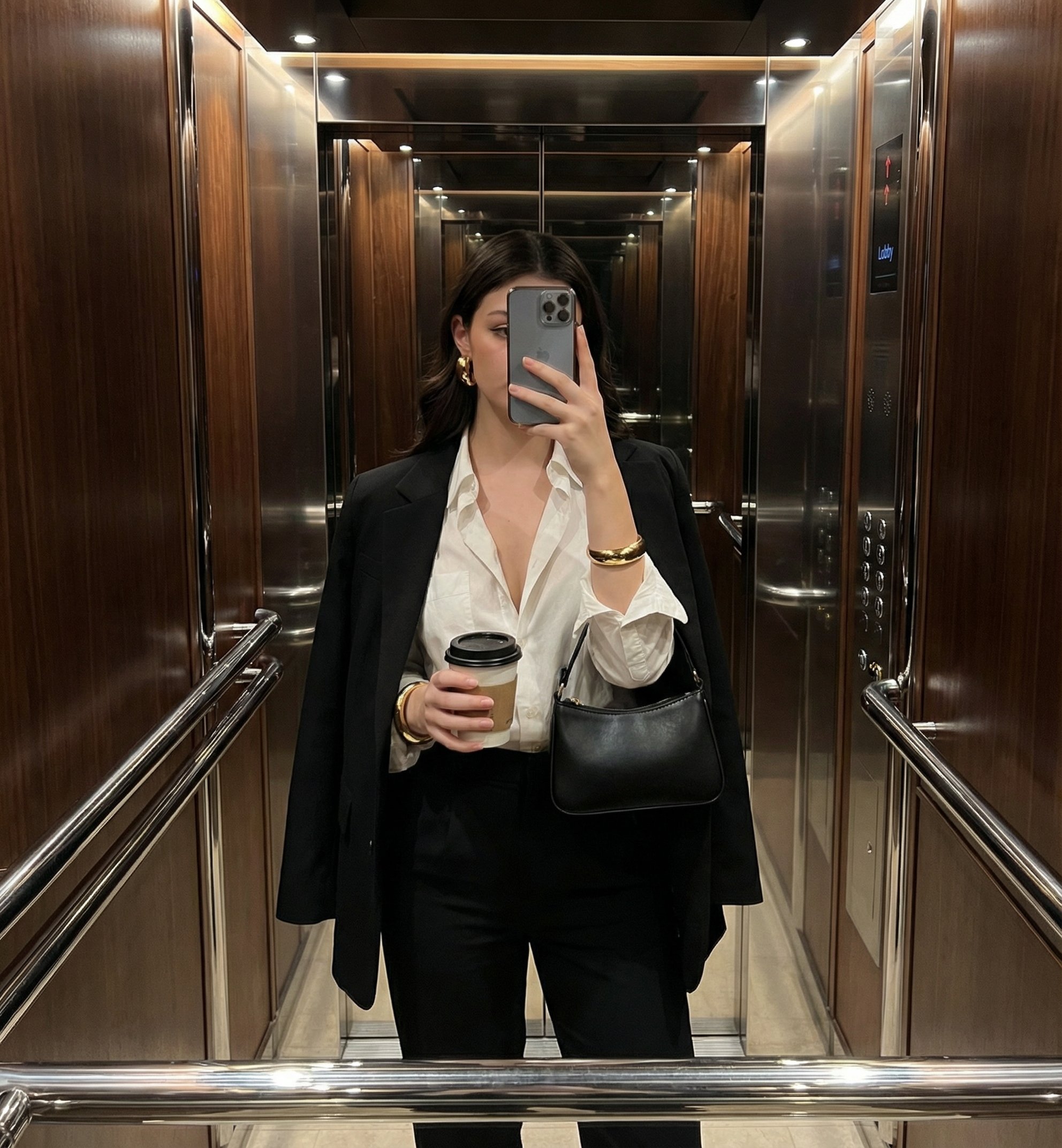
Mirror Selfie
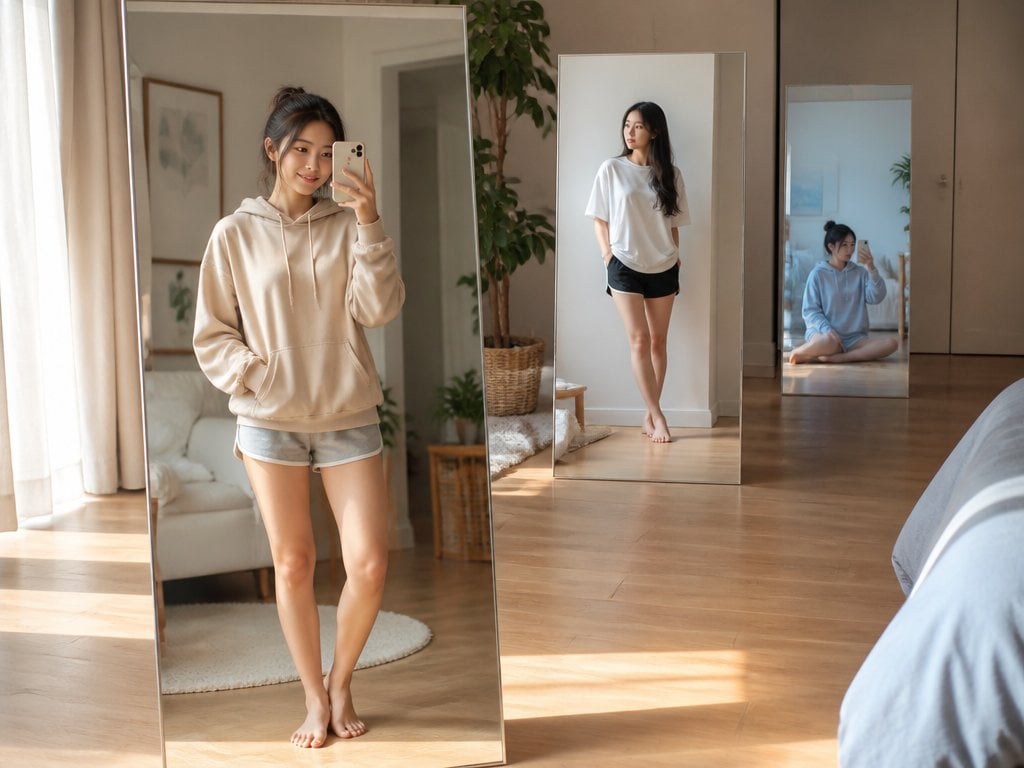
Floating Mirror Korean Apartment Lifestyle Photo

Rooftop Fisheye — Cat-Ear Balaclava at Golden Hour

Felt & Knit 3D Character — Photo-Exact Face, Pixar-Quality Plush Figurine

Surreal Cat Astronaut — Humanoid Face Freefall
Make it yours
Matcha Meets Mirror works as-is. These are the safest ways to change it without losing the look.
Swap the setting
Keep the rest of the prompt and replace the location block. The current setting is “urban street with buildings and parked vehicles, bokeh effect”.
Swap the light
One lighting change is enough to compare takes. Current light: “natural daylight, soft highlights, realistic shadows”.
Change one field
Copy a single group, rewrite it, and generate again so you can see what that field is doing.
| If the result… | Why | Fix |
|---|---|---|
| The result drifts from the preview | Too many fields changed at once. | Reuse Matcha Meets Mirror as-is first, then change one group — subject, light, or setting. |
| PicX Studio ignores part of the JSON | Some models flatten or skip nested keys. | Keep the same values and paste them as a short paragraph instead. |
More image prompts
Fresh picks from across the catalog.
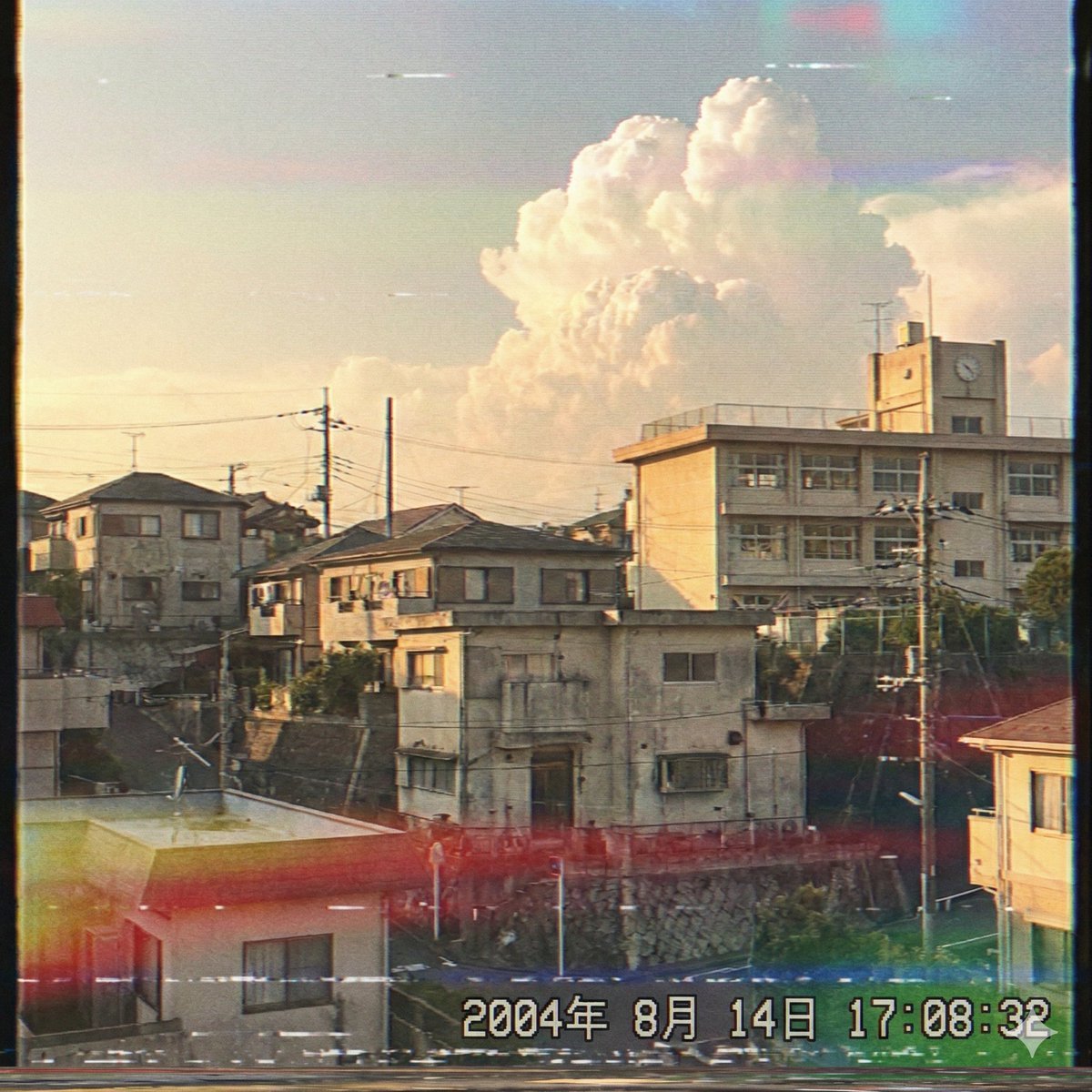
Japanese Suburb in 2000s Atmosphere
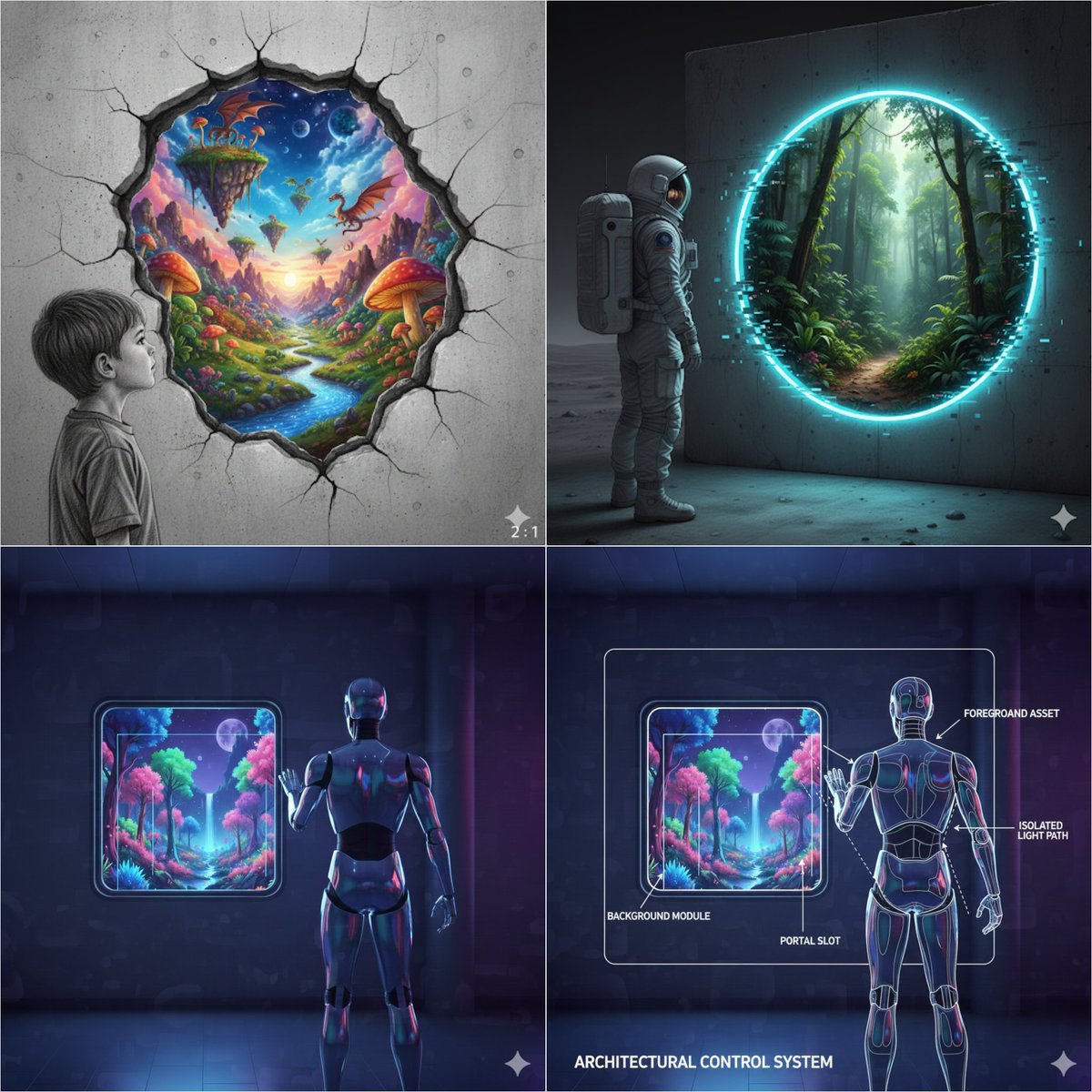
Object-Oriented prompt for controlling foreground and background

Anonymized Swimmer in Teal Pool

Encyclopedia Style Infographic Generator
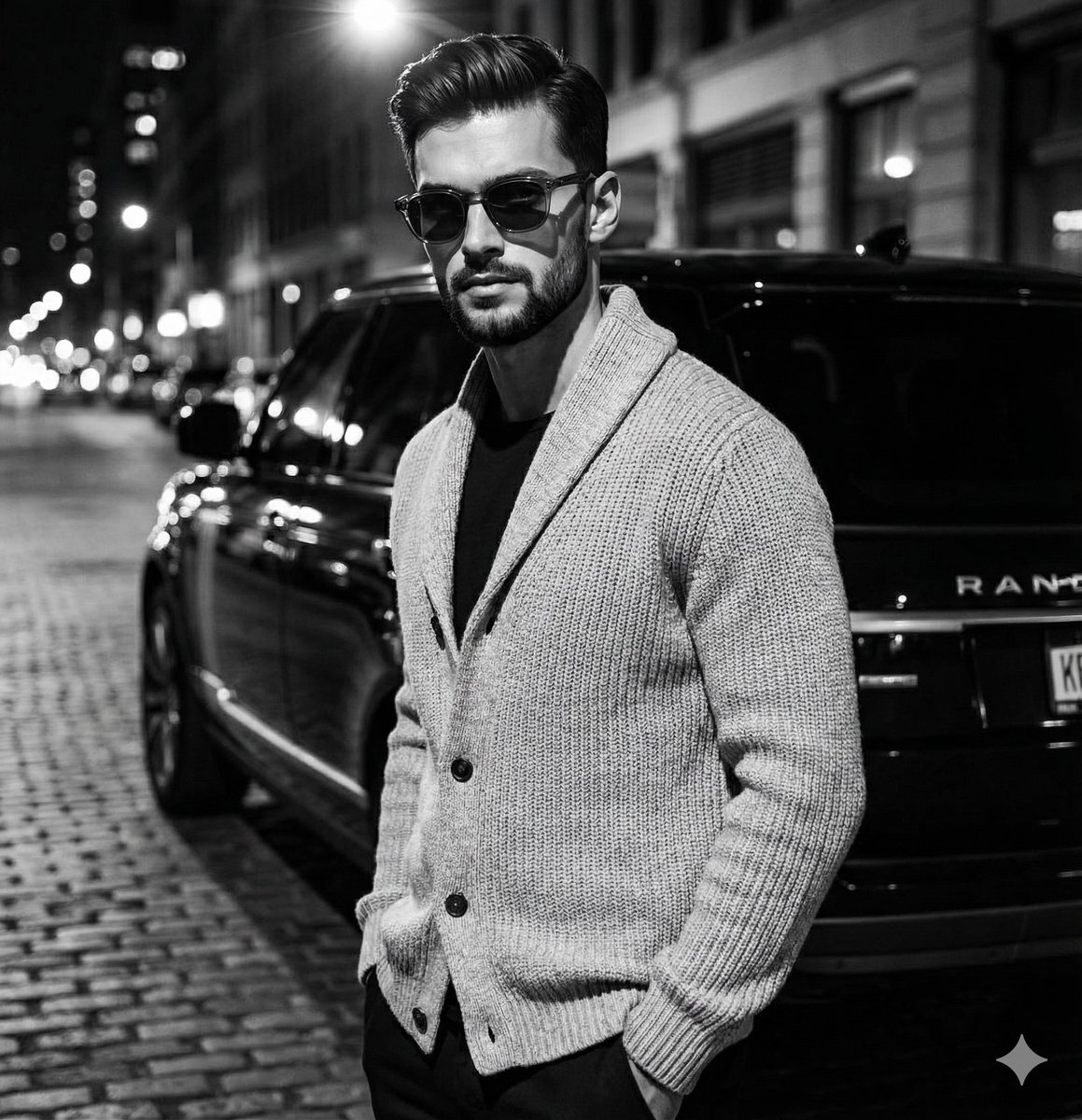
High-Contrast Black and White Fashion Editorial
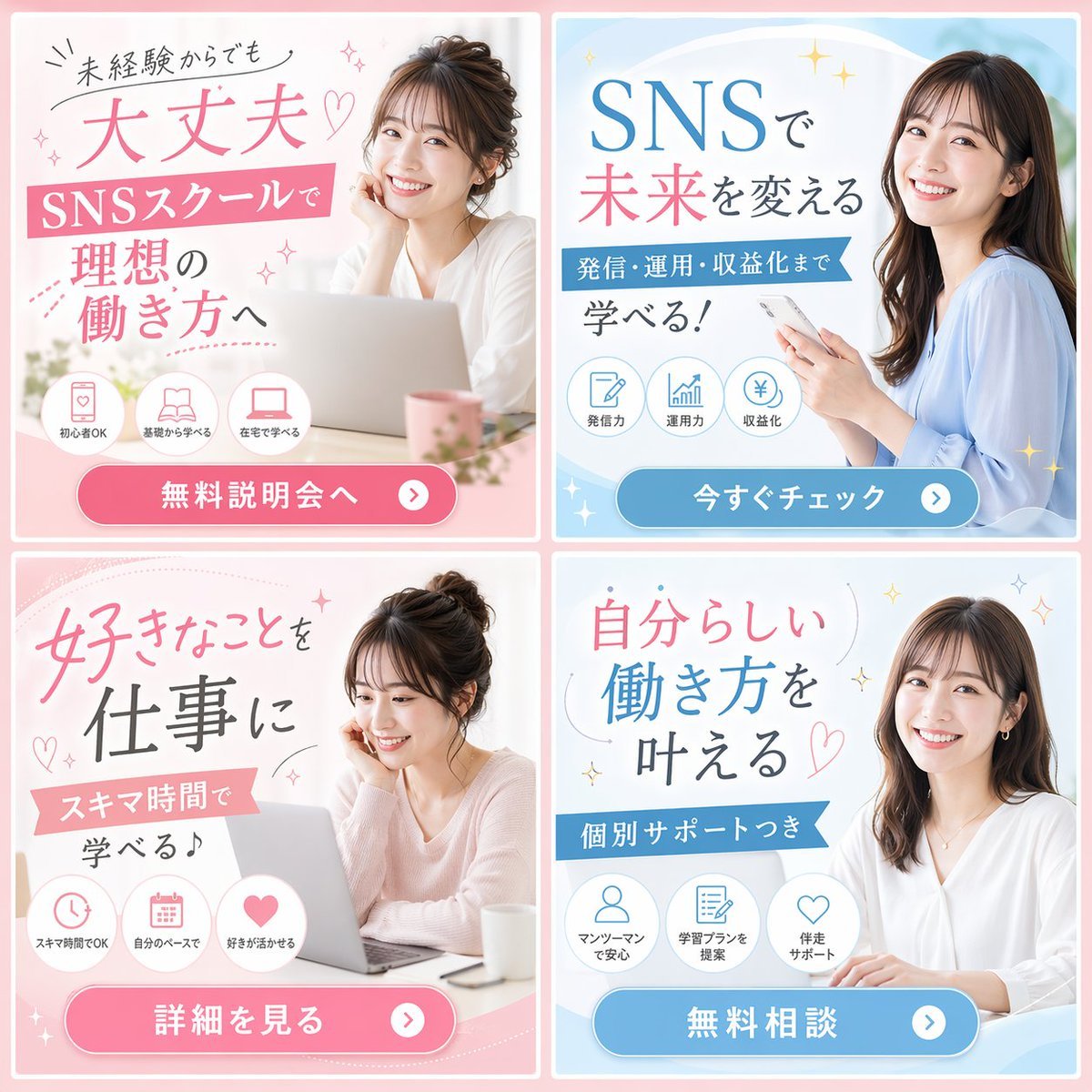
2x2 Social Media School Banner Ad Grid
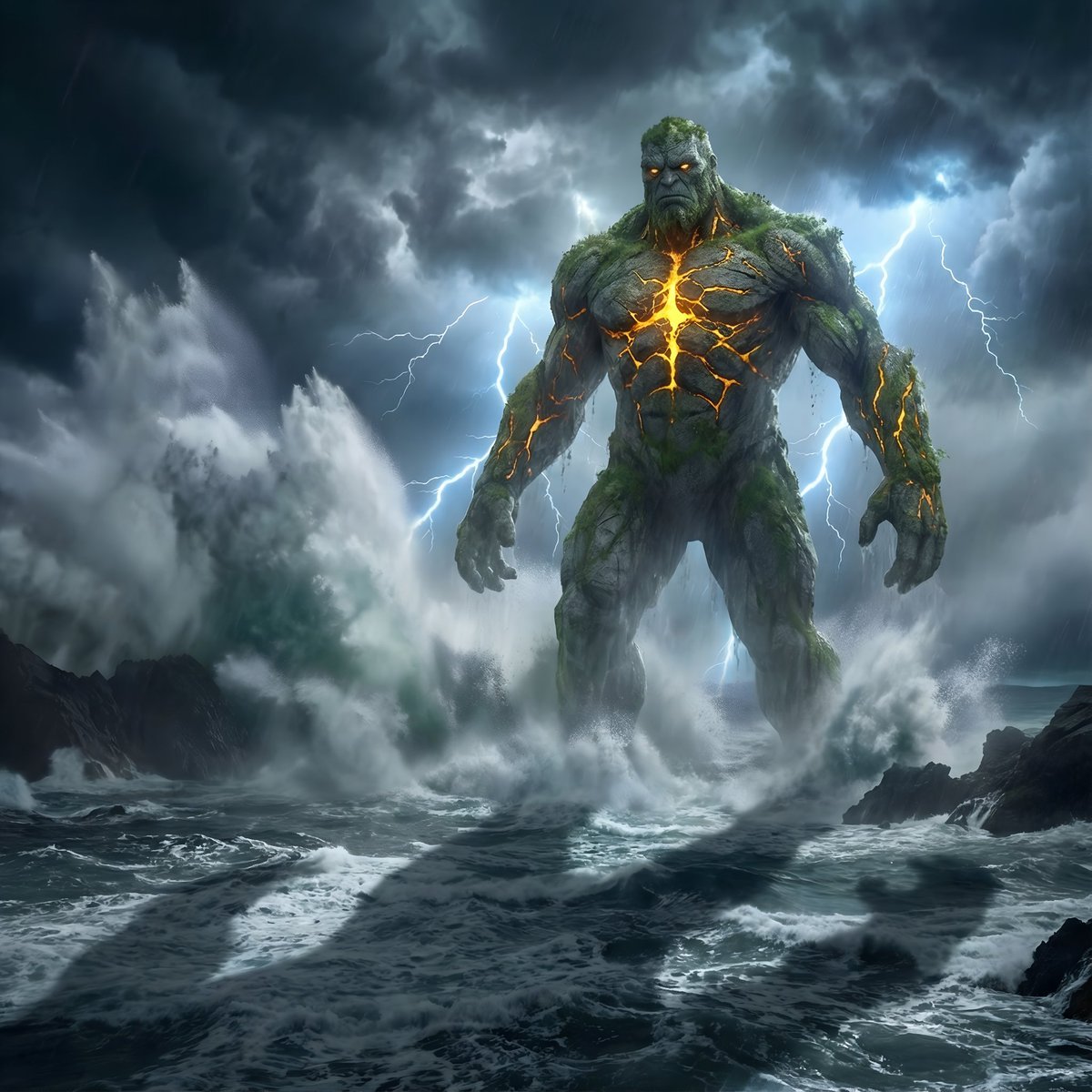
Colossal Stone Titan Rising from Ocean
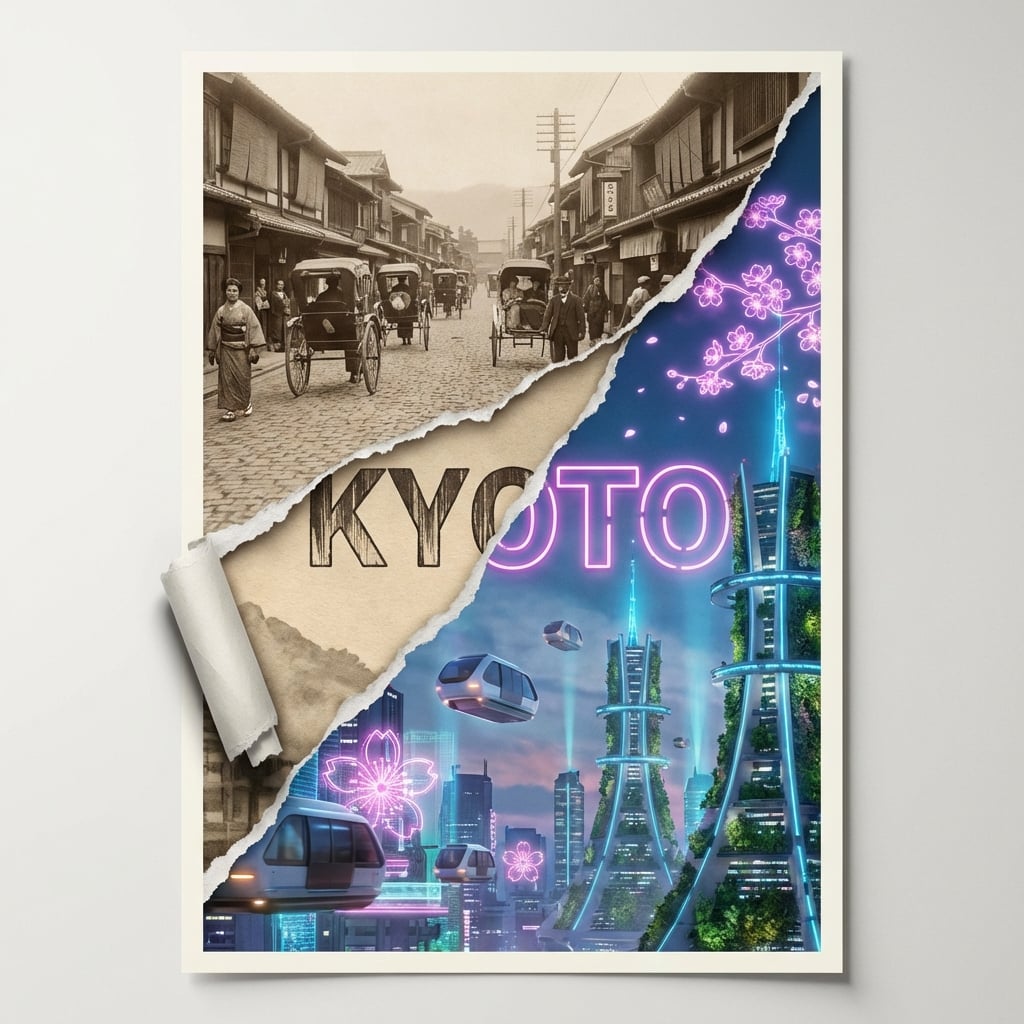
Torn Poster of Contrasting Kyoto Eras
Isometric Presenter Pose Sheet
Prismatic Ocean Teacup Fantasy
Browse template categories
Matcha Meets Mirror questions
How do I use the Matcha Meets Mirror template?
Add your photo if the template asks for one, edit the prompt if you like — the template's model and format are already selected — and press Generate. Your version opens in PicX Studio.
Can I customize the Matcha Meets Mirror template?
Yes. You can change the subject, setting, lighting, mood, format, and available model controls before creating your image.
Is the Matcha Meets Mirror template free?
Opening and editing this template is free. Generating uses credits, shown on the Generate button when you are signed in.
Which AI model should I use?
Choose a compatible model in PicX Studio based on the style, speed, and output controls your project needs.
Looking for something else? Browse all templates.

Your photo, any look
Thousands of ready templates for every top image and video model, from one credit balance.