How do I use the Ruby Sunset Rose Garden Portrait template?
Edit the prompt in the box under the preview — the template's model and format are already selected — and press Generate. Your version appears right on this page.
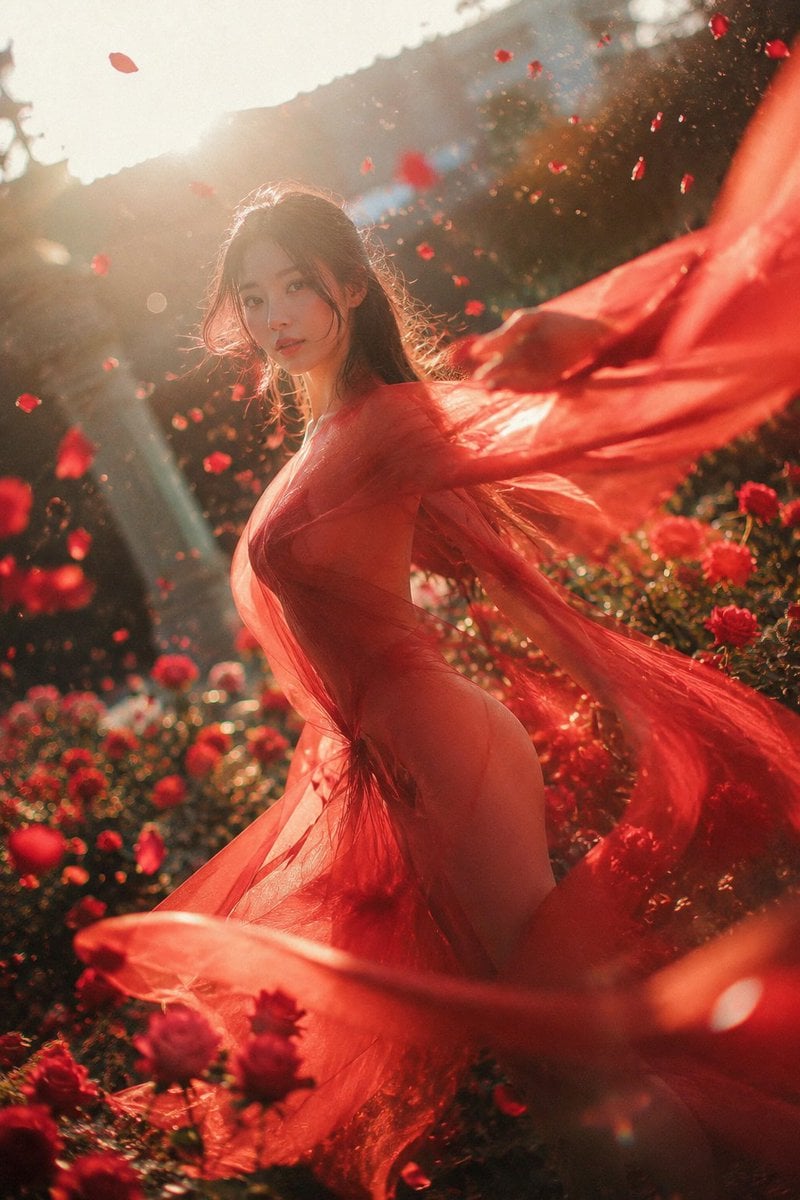
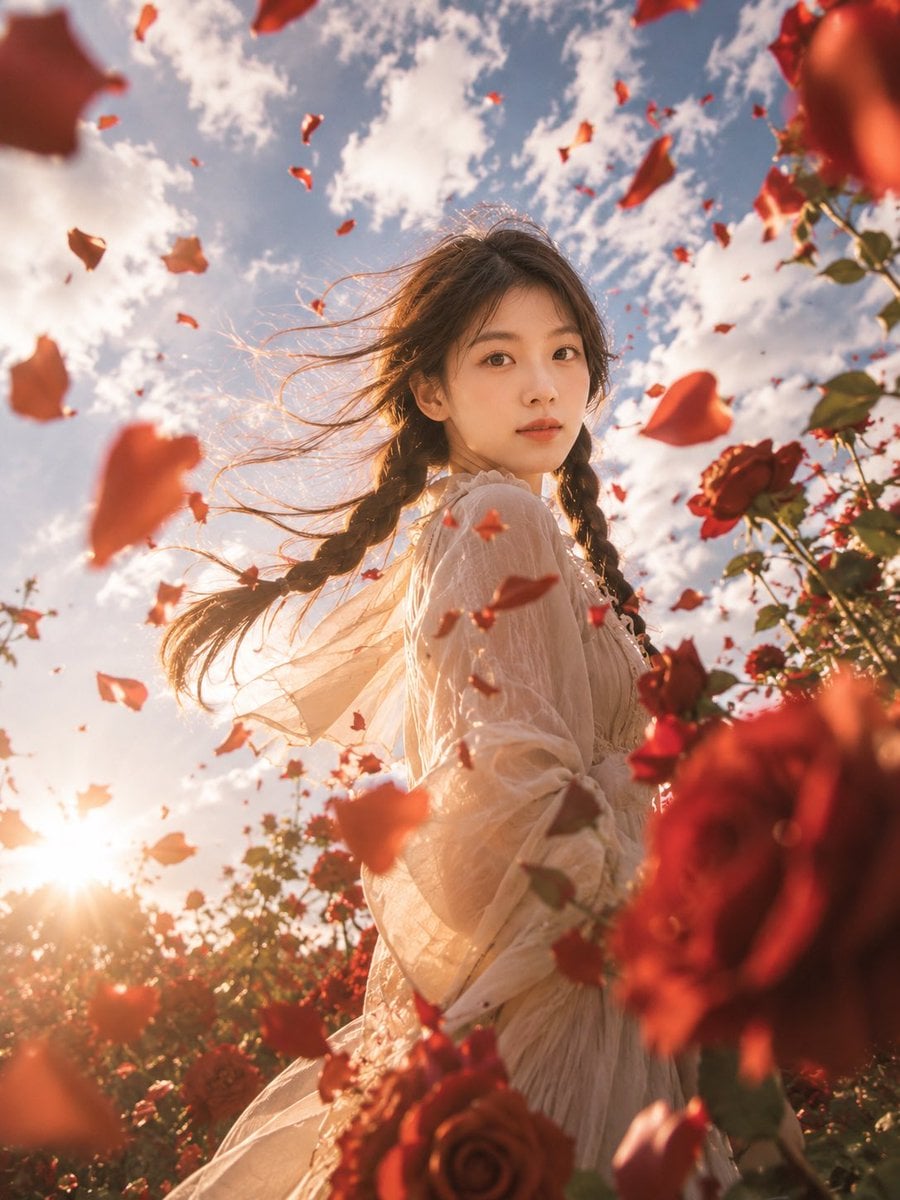
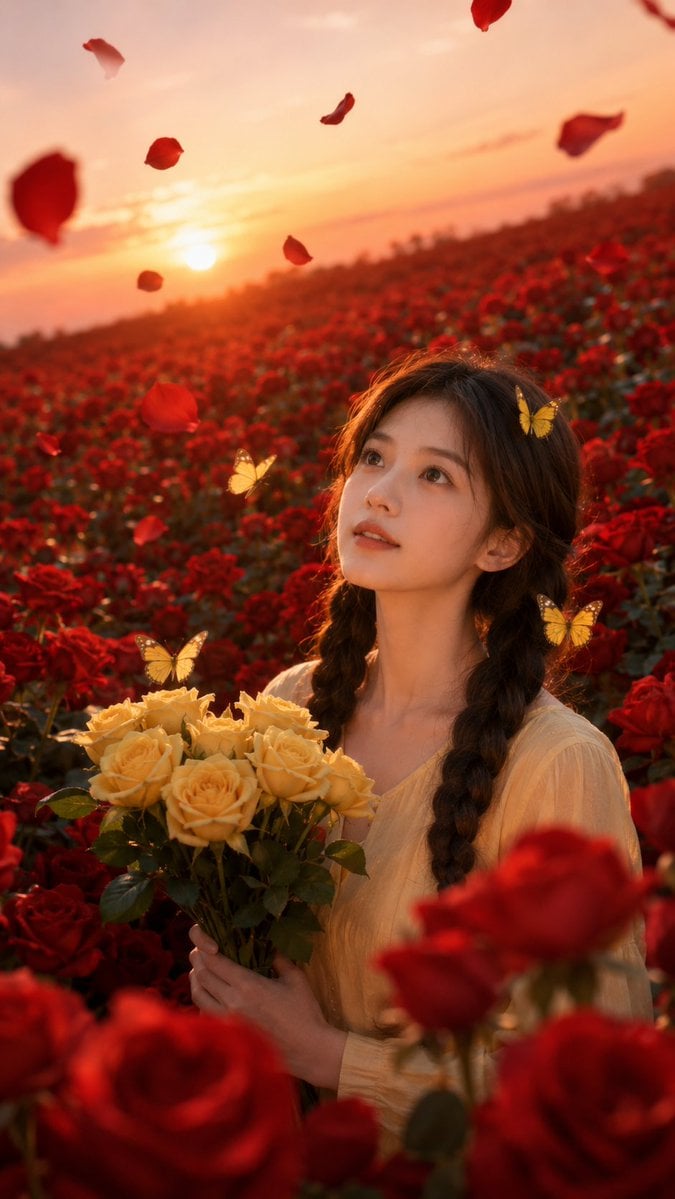
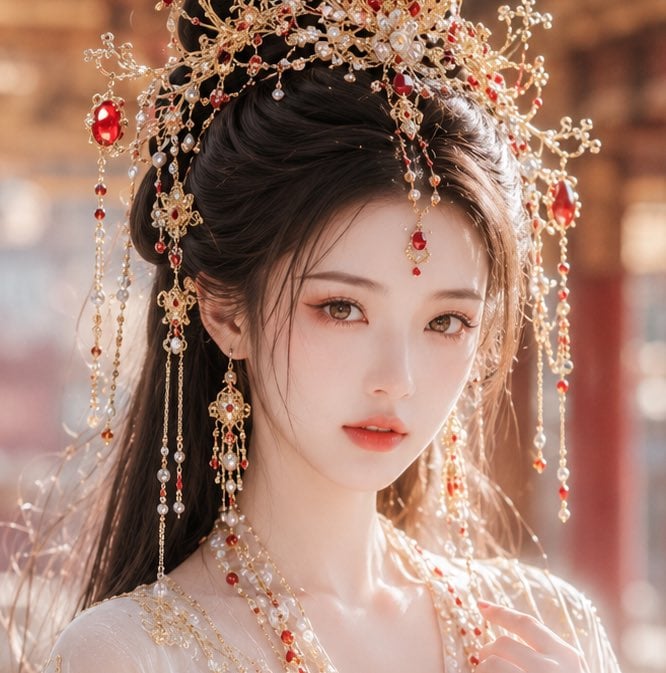
A romantic anime fantasy portrait of a woman holding a ruby among roses and crystal facets at a glowing sunset.

This template uses your photo — add one with the + button.
Create a highly detailed romantic anime-style fantasy illustration of {argument name="character name" default="a beautiful young woman"} in a rose garden at blazing sunset, inspired by the gemstone meaning “deep affection.” The woman is shown from the waist up in a dramatic three-quarter view, looking upward with parted lips and luminous ruby-red eyes. She has long windblown {argument name="hair color" default="auburn-brown hair"} with glowing orange rim light, delicate facial features, and a graceful, emotional expression. Her left arm is raised high, holding exactly one large round faceted ruby between her fingers; the ruby catches a brilliant star-shaped highlight. Her right hand lightly touches her hair near her shoulder. She wears an elegant sheer black-and-deep-crimson lace dress with translucent sleeves, ornate floral embroidery, a fitted waist, and gothic romantic details, plus ruby earrings and a ruby necklace. Surround her with exactly nine prominent deep red roses around the left and right edges, and place exactly seven large sharp faceted ruby crystal points in the lower-right foreground. The background is a vivid orange-red sunset sky filled with glowing clouds, with the low sun behind her shoulder creating intense backlight, warm lens flare, and golden highlights through her hair and lace. Use a rich palette of {argument name="gemstone color" default="deep ruby red"}, crimson, black lace, and bright sunset orange. Make the composition vertical, cinematic, ornate, highly polished, painterly anime illustration, with intricate gemstone facets, sparkling highlights, dramatic contrast, soft atmospheric glow, and no text or watermark.
Create a highly detailed romantic anime-style fantasy illustration of {argument name="character name" default="a beautiful young woman"} in a rose garden at blazing sunset, inspired by the gemstone meaning “deep affection.” The woman is shown from the waist up in a dramatic three-quarter view, looking upward with parted lips and luminous ruby-red eyes. She has long windblown {argument name="hair color" default="auburn-brown hair"} with glowing orange rim light, delicate facial features, and a graceful, emotional expression. Her left arm is raised high, holding exactly one large round faceted ruby between her fingers; the ruby catches a brilliant star-shaped highlight. Her right hand lightly touches her hair near her shoulder. She wears an elegant sheer black-and-deep-crimson lace dress with translucent sleeves, ornate floral embroidery, a fitted waist, and gothic romantic details, plus ruby earrings and a ruby necklace. Surround her with exactly nine prominent deep red roses around the left and right edges, and place exactly seven large sharp faceted ruby crystal points in the lower-right foreground. The background is a vivid orange-red sunset sky filled with glowing clouds, with the low sun behind her shoulder creating intense backlight, warm lens flare, and golden highlights through her hair and lace. Use a rich palette of {argument name="gemstone color" default="deep ruby red"}, crimson, black lace, and bright sunset orange. Make the composition vertical, cinematic, ornate, highly polished, painterly anime illustration, with intricate gemstone facets, sparkling highlights, dramatic contrast, soft atmospheric glow, and no text or watermark.
Edit the prompt in the box under the preview — the template's model and format are already selected — and press Generate. Your version appears right on this page.
Yes. You can change the subject, setting, lighting, mood, format, and available model controls before creating your image.
Opening and editing this template is free. Generating uses credits, shown on the Generate button when you are signed in.
Start with GPT Image 2, which is the model associated with this template. You can compare another compatible model for a different finish.
Follow a topic to a crawlable collection of related PicX Studio templates.