
Mythic Baroque Storm Collage
A cinematic mythological music-poster scene of a mother protecting her child amid divine jealousy, storm waves, and Baroque instruments.
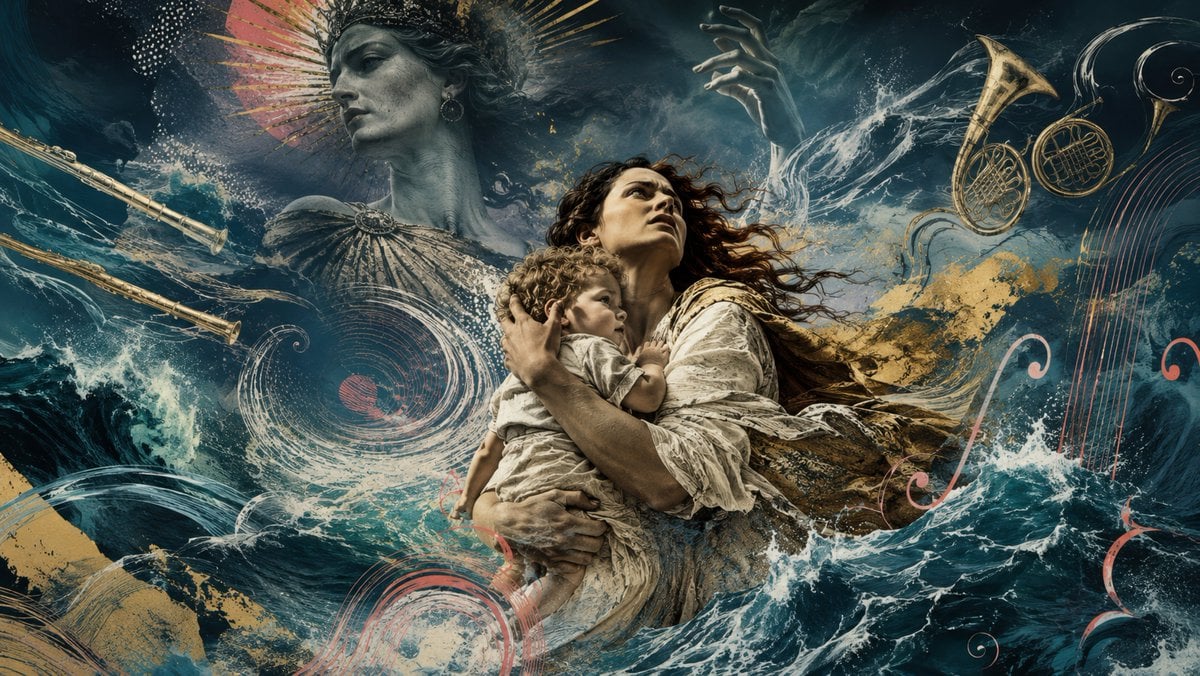
- Prompt included
- Model and format preset
- Free template
The prompt behind this image
Copy the exact prompt behind Mythic Baroque Storm Collage, or open it in the studio and make it yours.
Create a dramatic wide cinematic digital collage inspired by Baroque opera and classical mythology: in the center, a terrified {argument name="mother figure" default="young mother in a torn cream linen dress"} rises from a violent dark teal ocean while clutching her {argument name="child" default="small curly-haired child"} protectively against her chest, both lit with painterly golden highlights and looking upward in fear and defiance. Behind them, looming in the upper left, place a monumental stone-gray goddess bust representing {argument name="mythological antagonist" default="Juno"}, wearing an ornate crown and radiant fan-like halo, with one huge raised hand emerging from storm clouds as if controlling the tempest. Surround the scene with crashing waves, sea foam, wind streaks, splashes of gold paint, and swirling engraved music-staff lines, creating the feeling that the ocean, wind, gods, and music are all fused together. Include exactly five visible musical elements: two long Baroque flutes crossing diagonally from the left edge, two golden natural horns floating in the upper right, and one abstract vertical lyre/string motif along the right edge. Add decorative red and pale pink treble-clef-like curls and circular staff spirals woven into the waves. Use a dark palette of deep navy, teal, black, antique gold, ivory, coral red, and weathered stone gray. Style: ultra-detailed cinematic mythological poster, mixed-media oil painting plus etched musical notation, turbulent water realism, dramatic chiaroscuro, high contrast, epic album-cover composition, no readable text, no modern clothing, no watermark. Aspect ratio 16:9.
How to use Mythic Baroque Storm Collage in 3 steps
- 1Upload ImagePNG, JPG or paste
Add your photo
Upload the photo the template builds on. The prompt, model and format are already set.
- 2…a portrait of your subject in softgolden-hour light, 85mm…
Personalize
Edit the subject and creative details for your destination.
- 3Generate
Generate
Press Generate — your image is created in PicX Studio, so you can compare it with the original and refine one variable at a time.
More like this
Templates with the same subject, style or setup. Open one to see its prompt.












Make it yours
Mythic Baroque Storm Collage works as-is. These are the safest ways to change it without losing the look.
Change one field
Copy a single group, rewrite it, and generate again so you can see what that field is doing.
Keep the frame, change the subject
Hold the composition and light of Mythic Baroque Storm Collage, then swap wardrobe, props or the person for a new take.
| If the result… | Why | Fix |
|---|---|---|
| The result drifts from the preview | Too many fields changed at once. | Reuse Mythic Baroque Storm Collage as-is first, then change one group — subject, light, or setting. |
| The model over-stylizes the scene | The prose prompt leaves finish and camera underspecified. | Add one camera or lighting sentence and stay on GPT Image 2. |
More GPT Image 2 templates
Other prompts made for GPT Image 2.

Six VTuber Japanese Logo Sheet

Realistic Portrait of Woman and Deer

The Vista Modular Condo Poster

AI Model Routing Comparison Infographic

2.5D Anime Art Board

Isometric Productivity Desk Scene

New York Double Exposure Poster

Four-Panel AI Landscape Comparison

Japanese Tatami Lifestyle Magazine Cover

NESCAFÉ Coffee Map Poster
More image prompts
Fresh picks from across the catalog.

FIFA World Cup Sports Poster
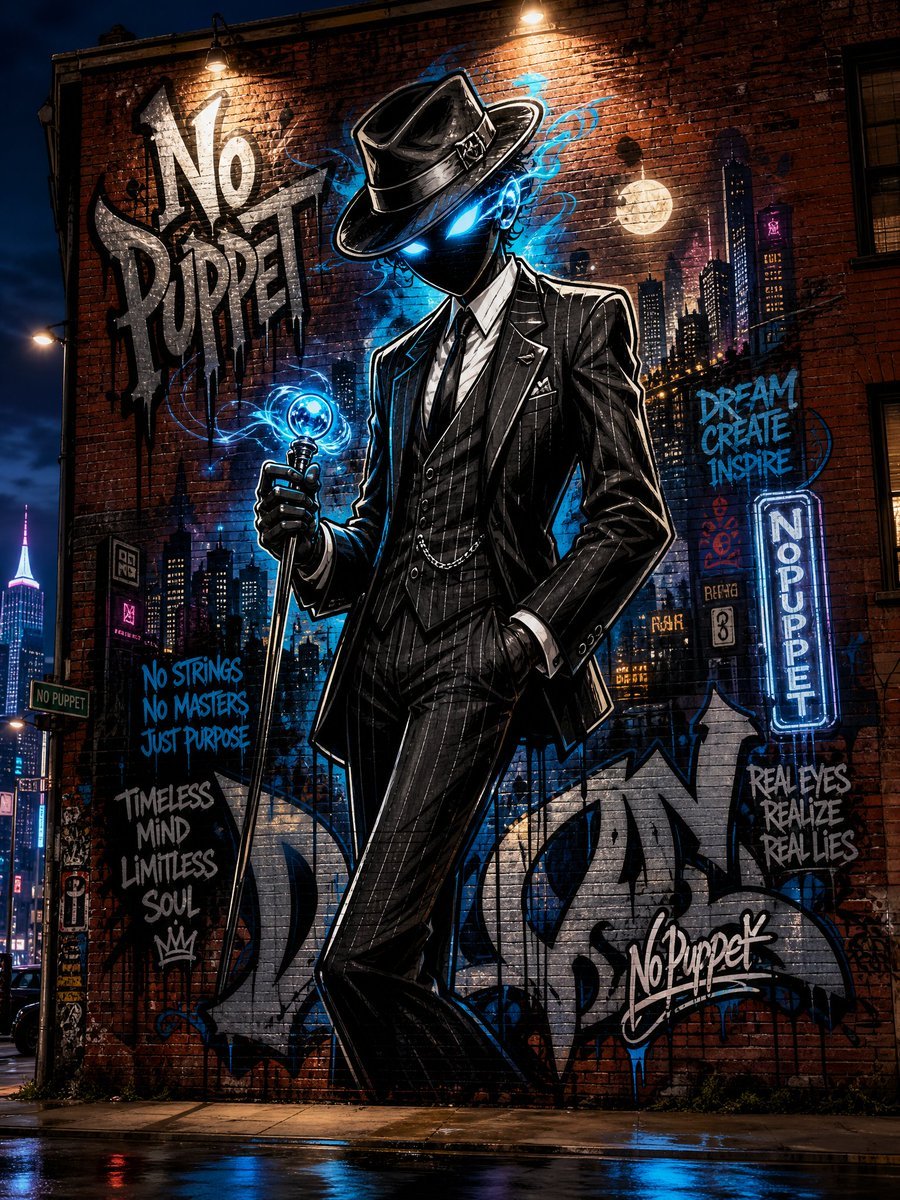
No Puppet Noir Graffiti Mural
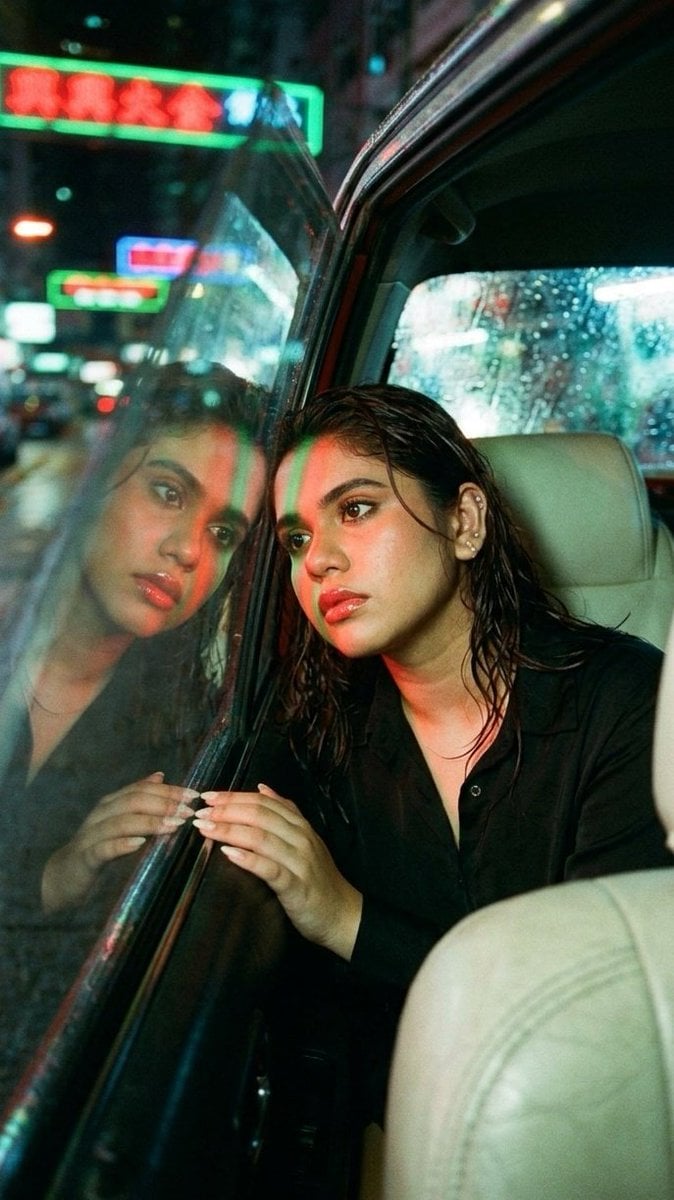
Wong Kar-wai Style Portrait in Taxi
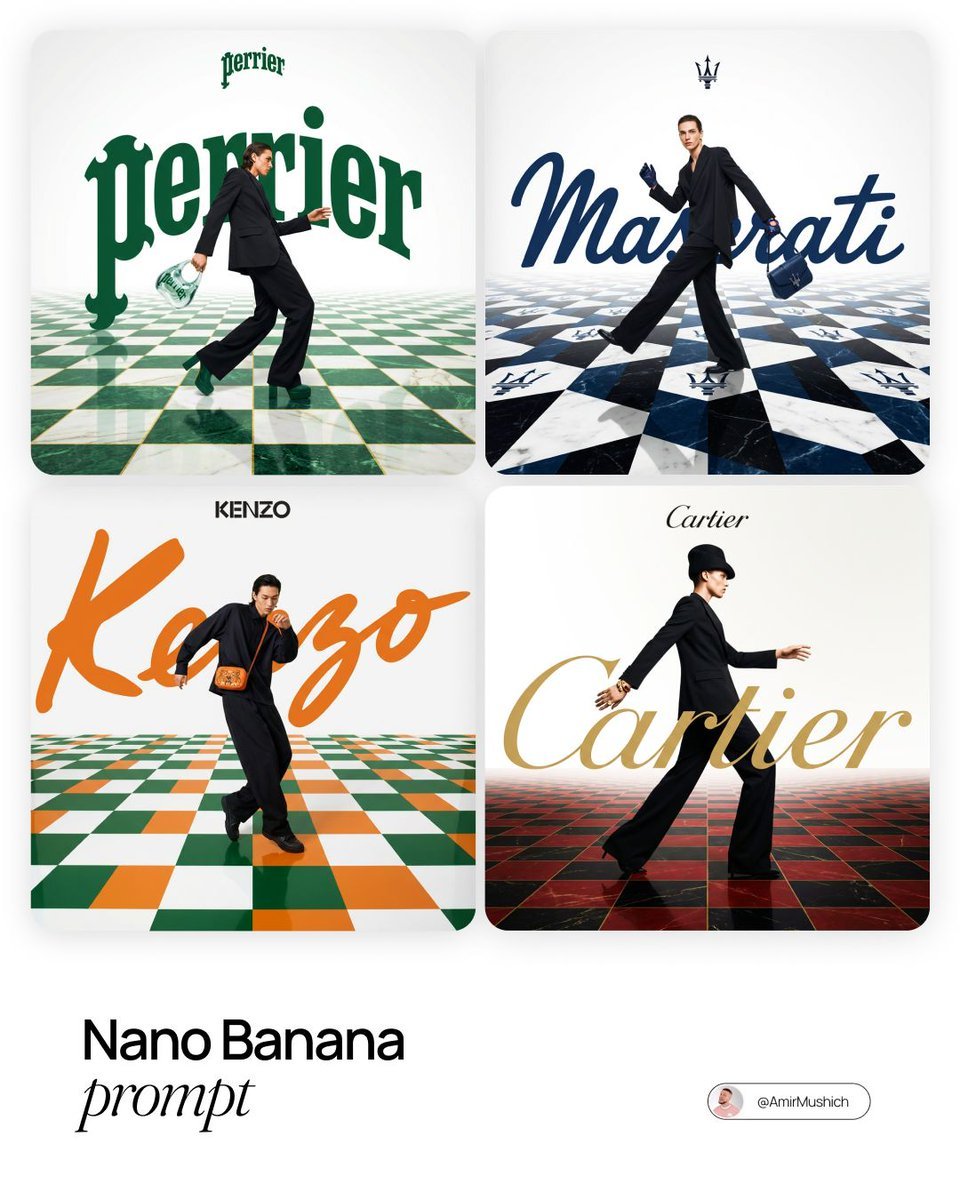
Editorial Fashion Campaign Prompt
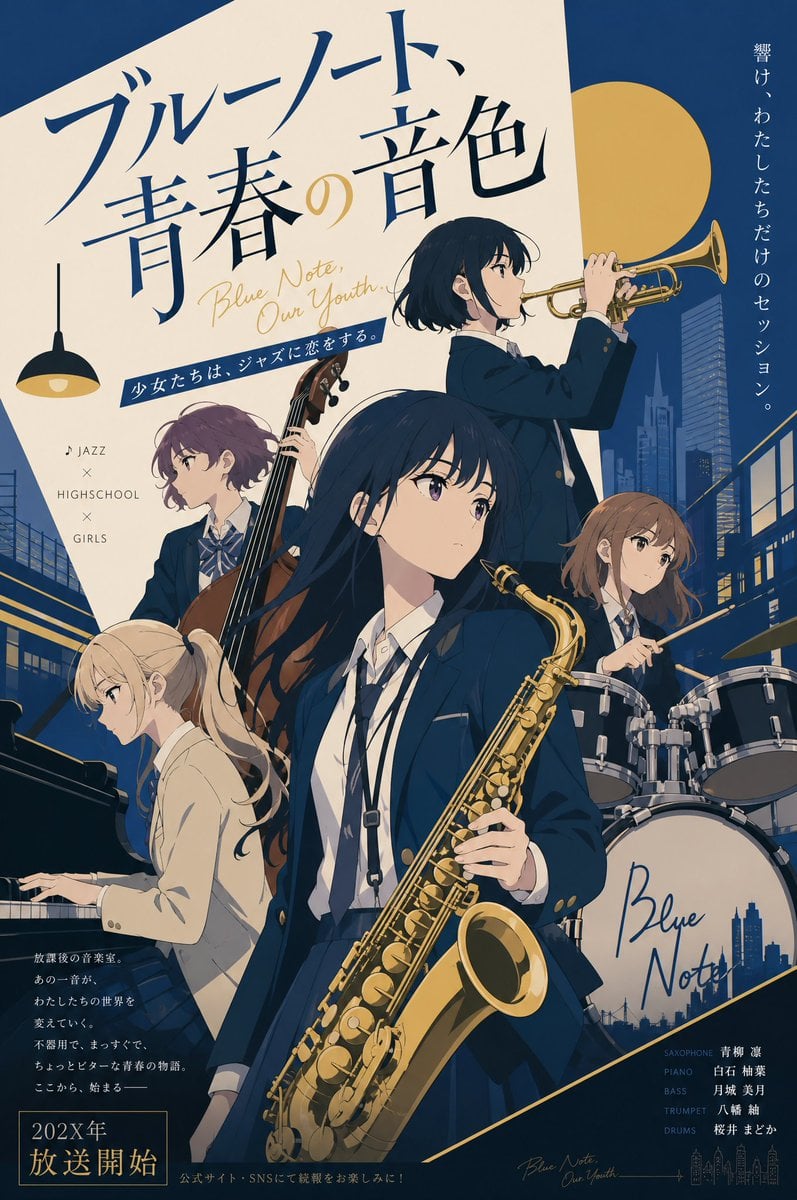
Jazz Theme Anime Key Visual

Gpt2 Infographic Edu Visual Vintage Claude Shannon Infographic Poster
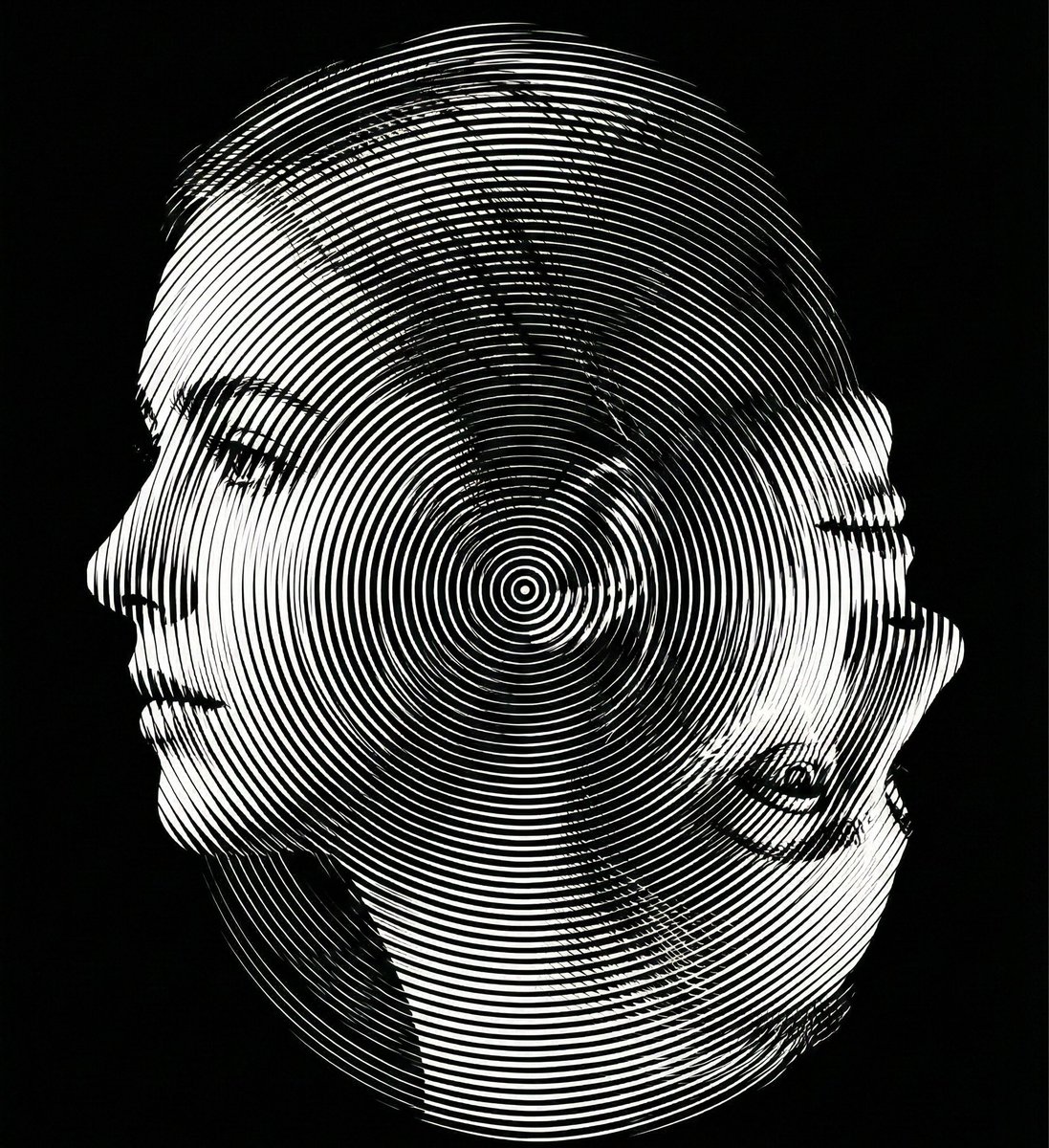
Dual-Orientation Optical Illusion Portrait
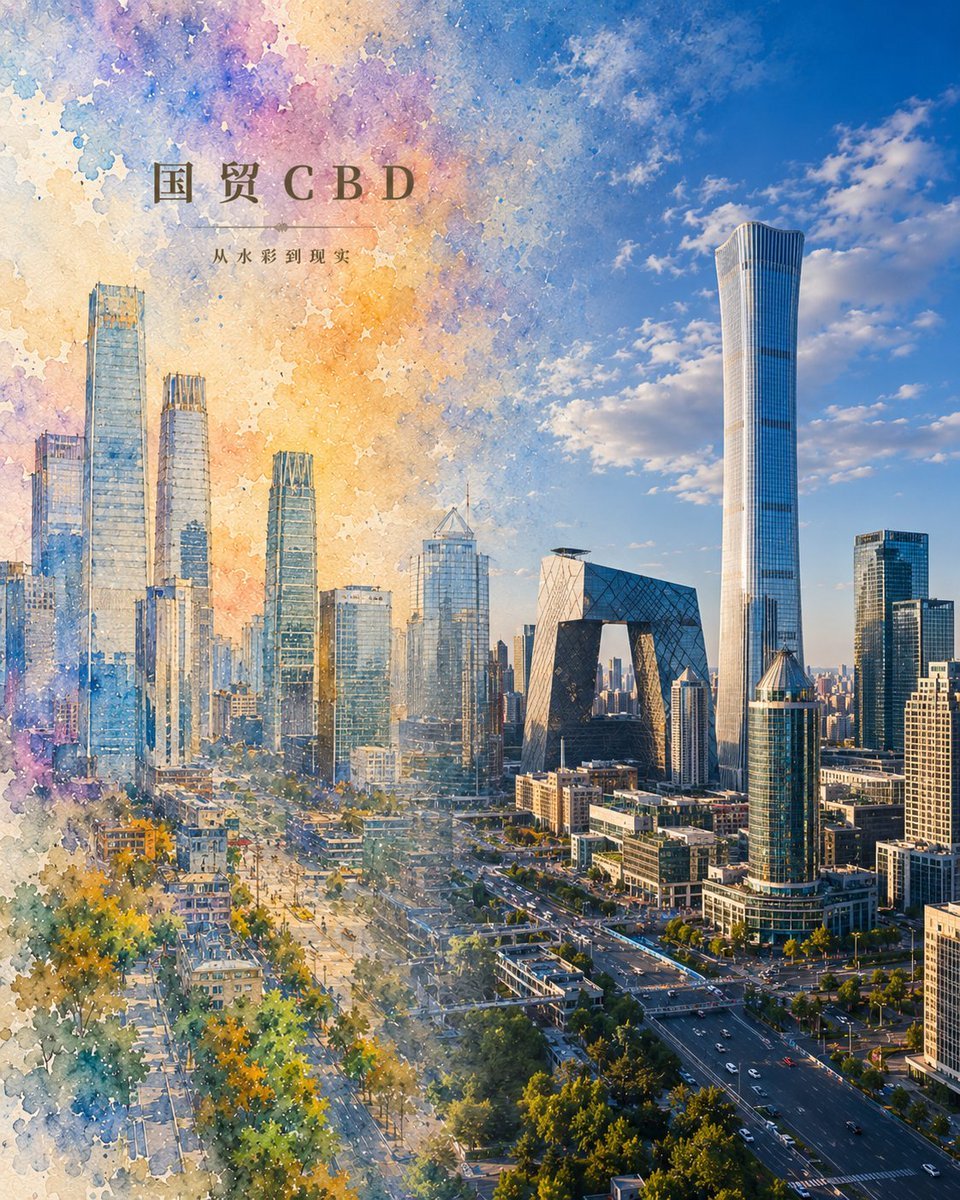
Watercolor to Reality Beijing CBD Poster

Bad MS Paint Redraw
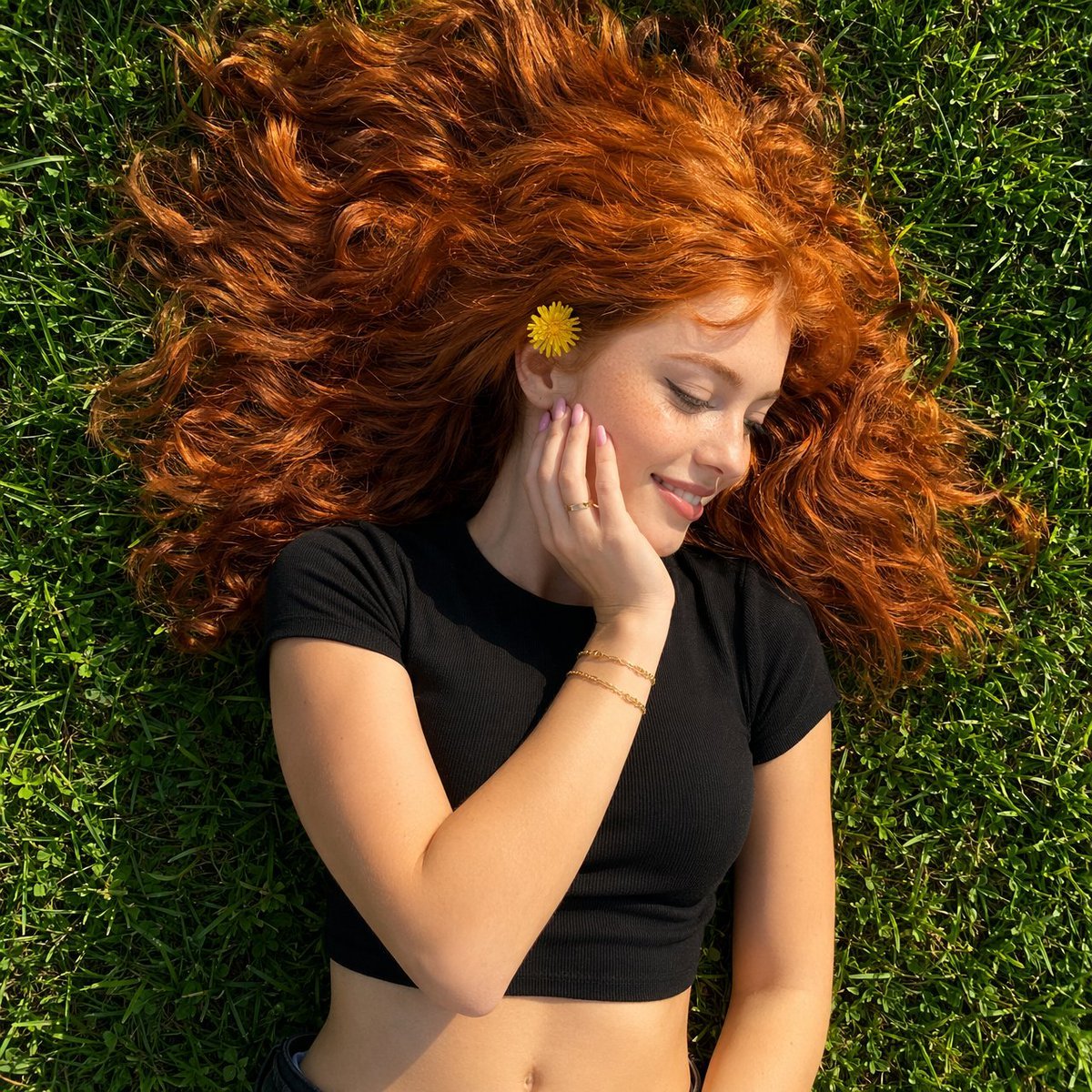
Top-Down Red Hair Woman Portrait
Browse template categories
Mythic Baroque Storm Collage questions
How do I use the Mythic Baroque Storm Collage template?
Add your photo if the template asks for one, edit the prompt if you like — the template's model and format are already selected — and press Generate. Your version opens in PicX Studio.
Can I customize the Mythic Baroque Storm Collage template?
Yes. You can change the subject, setting, lighting, mood, format, and available model controls before creating your image.
Is the Mythic Baroque Storm Collage template free?
Opening and editing this template is free. Generating uses credits, shown on the Generate button when you are signed in.
Which AI model should I use?
Start with GPT Image 2, which is the model associated with this template. You can compare another compatible model for a different finish.
Looking for something else? Browse all templates.

Your photo, any look
Thousands of ready templates for every top image and video model, from one credit balance.