How do I use the Cinematic Golden Hour Female Portrait template?
Choose the primary action to open PicX Studio with the available template settings. Review the model and format, personalize the creative direction, and generate when ready.
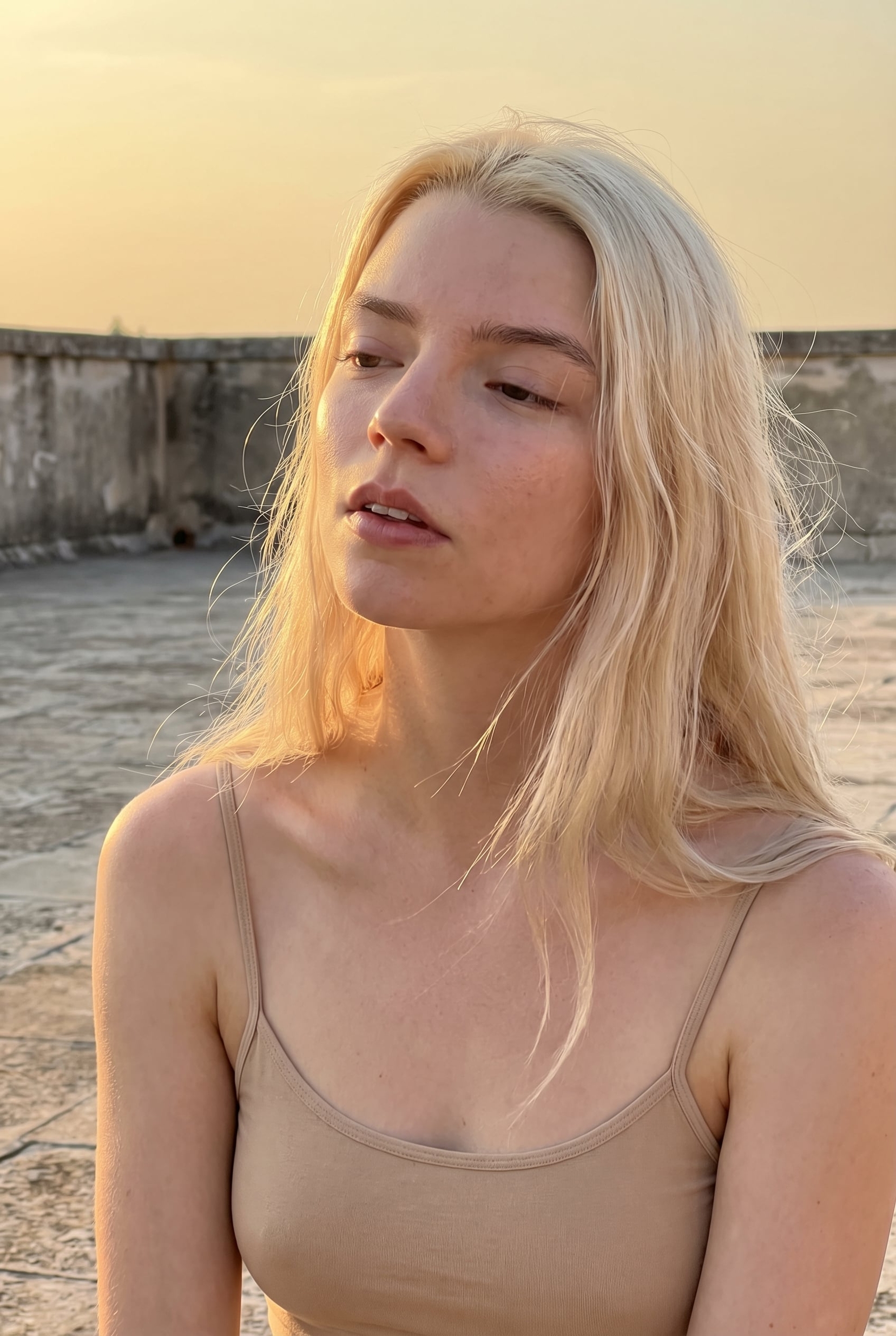
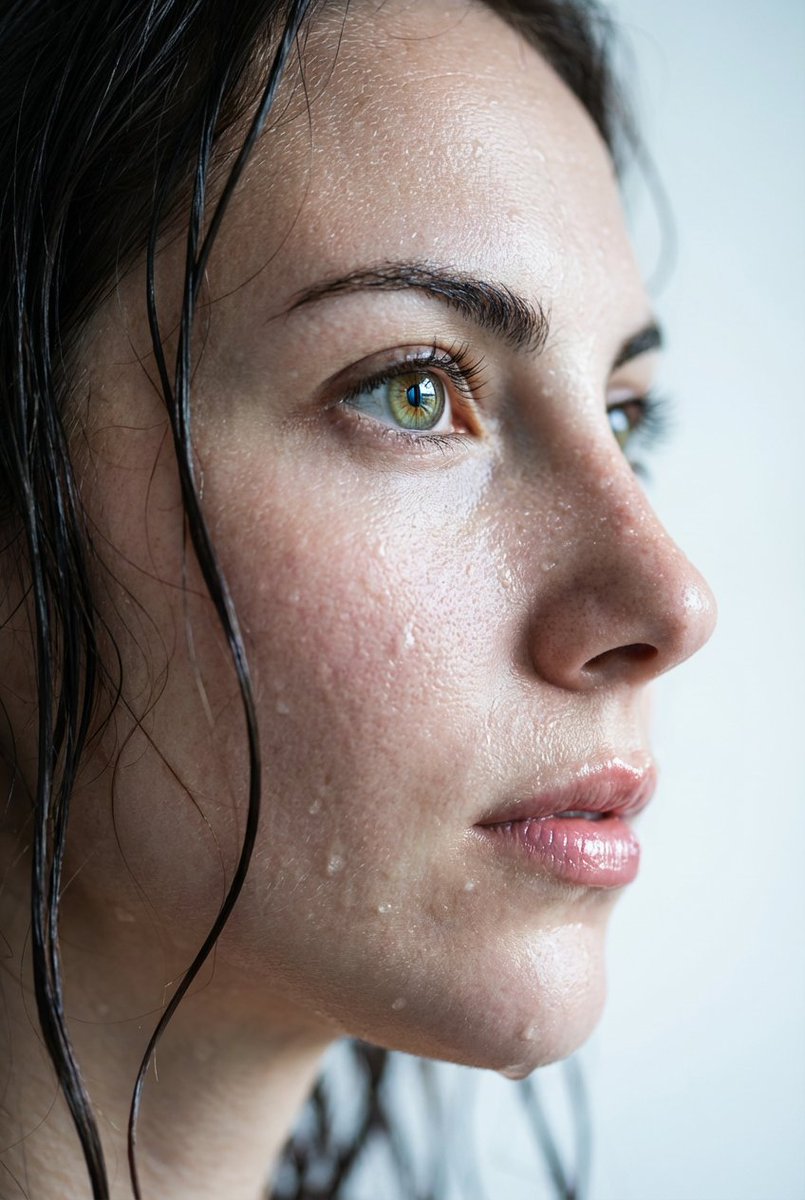
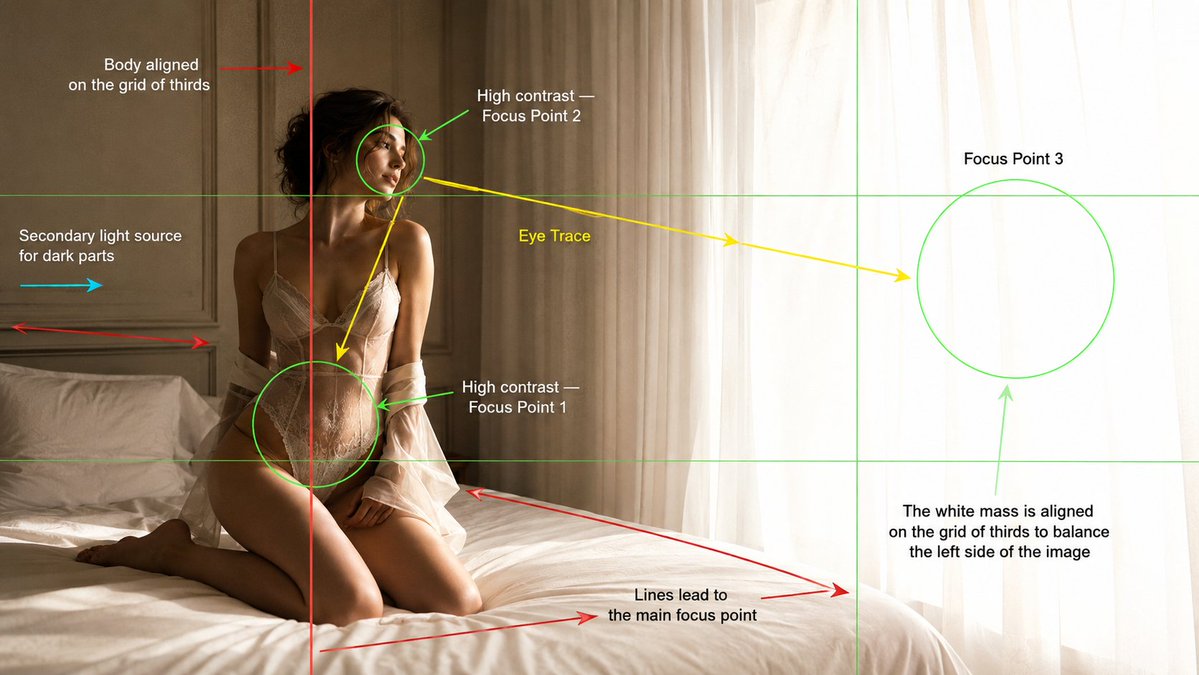
A highly detailed, cinematic three-quarter profile portrait of a woman bathed in warm golden-hour window light with a professional DSLR look.
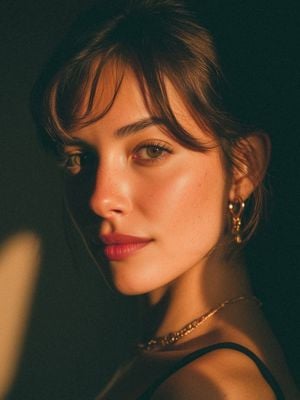
An ultra-realistic cinematic close-up portrait of a {argument name="subject" default="beautiful young woman"}, photographed from a three-quarter profile while gently looking back toward the camera. She has fair porcelain skin with a natural satin glow, subtle freckles across the nose, soft rosy cheeks, full natural pink lips, hazel-green almond-shaped eyes with long eyelashes, and thick, well-groomed dark eyebrows. Her {argument name="hair style" default="dark brown hair tied into a low bun"} with soft wispy curtain bangs framing her face. She wears delicate gold hoop earrings with small heart charms, a thin layered gold necklace, and a {argument name="clothing" default="minimalist black spaghetti-strap top"}. The scene is illuminated by warm golden-hour sunlight streaming through a window, creating dramatic bands of light and shadow across her face and shoulder. Rich amber tones, soft falloff, and moody low-key lighting produce an intimate editorial atmosphere. The background is dark, clean, and out of focus with creamy bokeh, emphasizing the subject’s facial features. Shot on a full-frame DSLR with an 85mm f/1.4 portrait lens, shallow depth of field, razor-sharp focus on the eyes, creamy background separation, cinematic color grading, natural skin texture, subtle film grain, premium fashion editorial style, luxury beauty campaign, photorealistic, ultra-detailed, 8K resolution, HDR, soft contrast, elegant composition, high dynamic range, masterpiece quality.
Choose the primary action to open PicX Studio with the available template settings. Review the model and format, personalize the creative direction, and generate when ready.
Yes. You can change the subject, setting, lighting, mood, format, and available model controls before creating your image.
This template is free to open and customize. Generation usage is shown in PicX Studio before you create.
Start with GPT Image 2, which is the model associated with this template. You can compare another compatible model for a different finish.
Follow a topic to a crawlable collection of related PicX Studio templates.